 MetaTrader 5
 Experts
 Indicators
 Scripts
 Libraries
 Storage
Join our fan page

Clean Market Watch - Removes All Symbols In the Market Watch Windows In One Go - script for MetaTrader 5

- Views:
- 3473
- Rating:
- Published:
- Updated:
-
 You are missing trading opportunities:
- Free trading apps
- Over 8,000 signals for copying
- Economic news for exploring financial markets
Registration Log inYou agree to website policy and terms of use
If you do not have an account, please register -
 Need a robot or indicator based on this code? Order it on Freelance
Go to Freelance
Need a robot or indicator based on this code? Order it on Freelance
Go to Freelance
Clean Market Watch Script
BEFORE : SECONDS After :
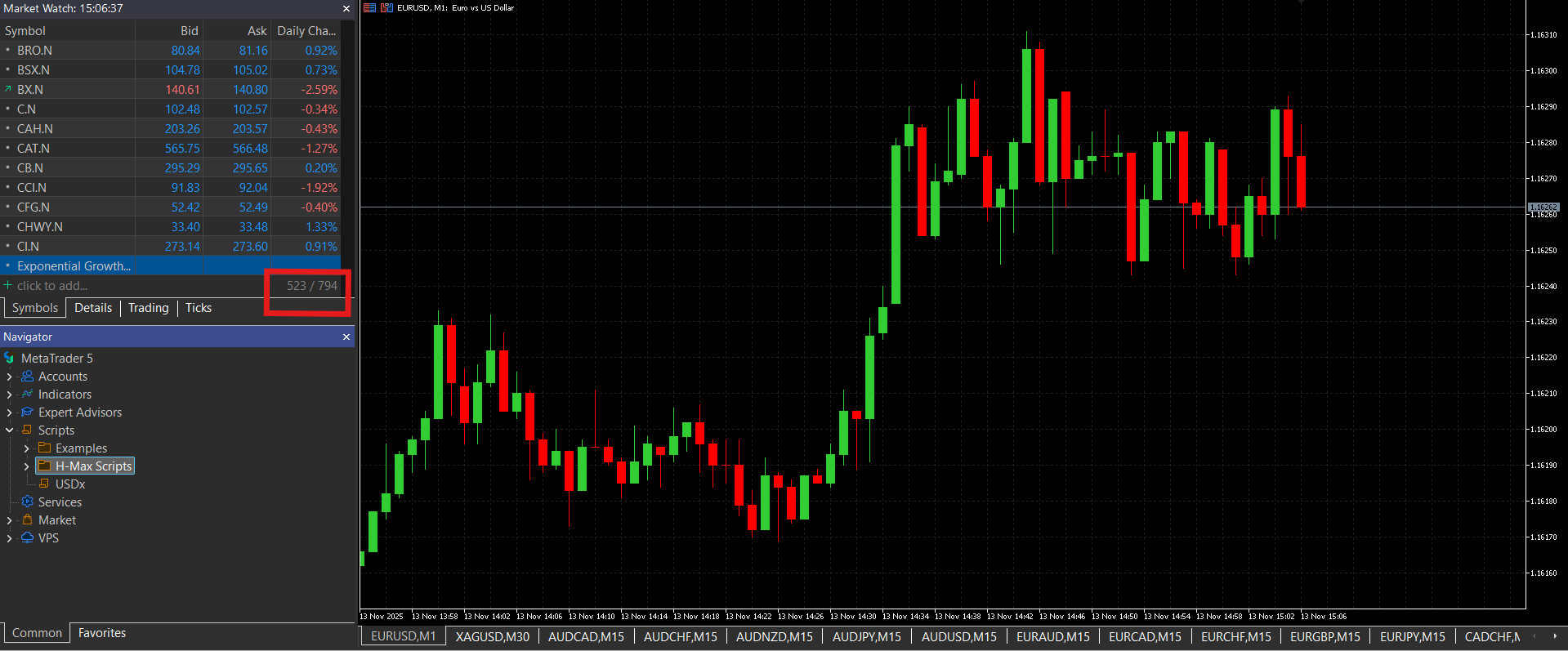
The Clean Market Watch script is a simple utility tool designed to quickly remove all symbols from your MetaTrader 5 Market Watch window with a single click. This is particularly useful when you want to start fresh with a clean workspace or when your Market Watch has become cluttered with too many symbols.
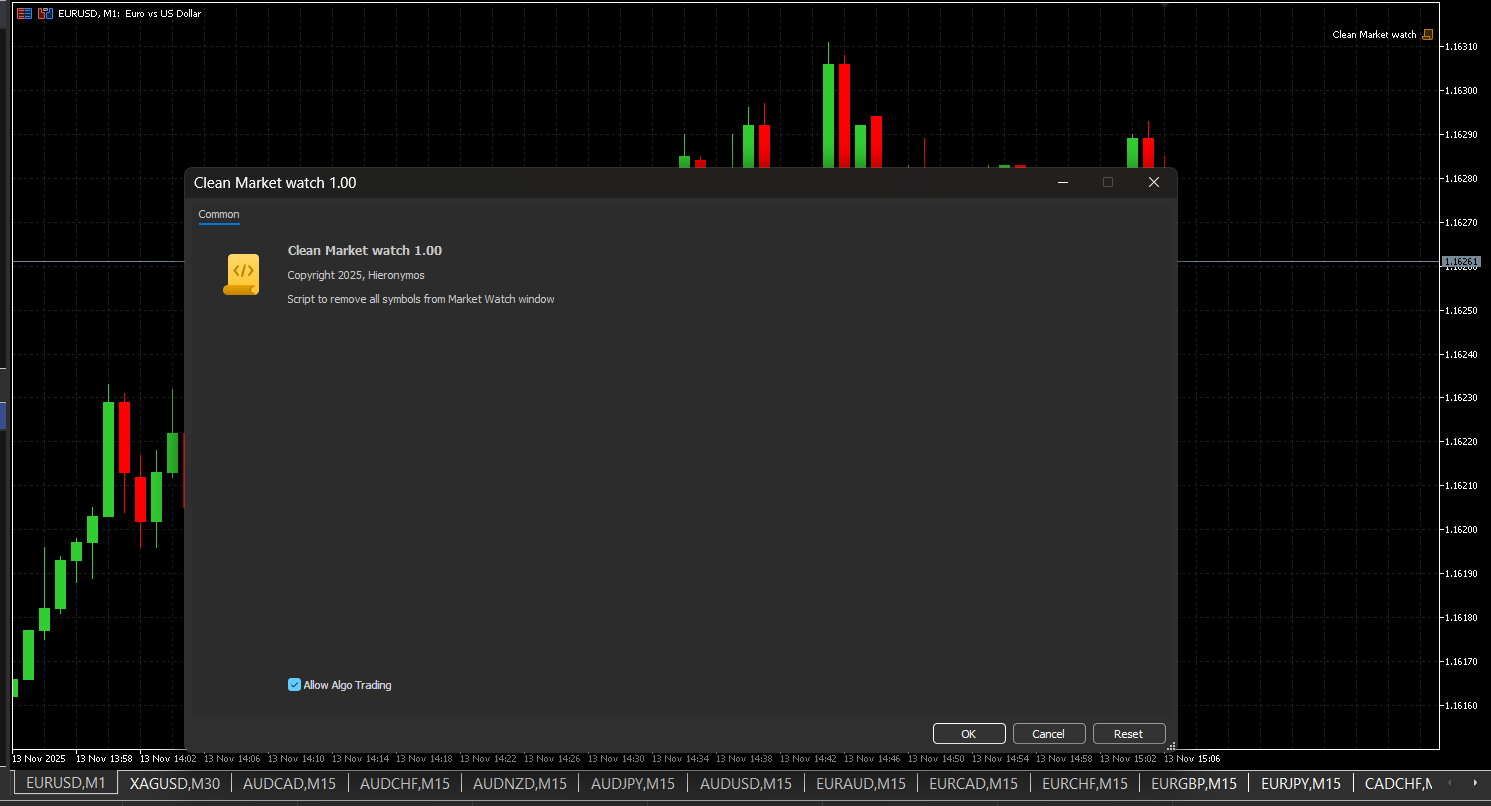
Purpose
Over time, traders often accumulate numerous symbols in their Market Watch window, making it difficult to focus on the instruments they actively trade. Manually removing symbols one by one can be tedious and time-consuming. This script automates the entire process, clearing all symbols in seconds. It's also useful for removing persistent symbols that refuse to be deleted from the market watch window due to being programmatically added.
How It Works
The script operates using a simple but effective algorithm:
- Iterative removal process - The script loops through all symbols currently displayed in Market Watch and removes them systematically
- Reverse order processing - Symbols are removed from bottom to top to avoid index shifting issues that could cause symbols to be skipped
- Safety mechanism - A built-in iteration limit prevents infinite loops in case of unexpected errors
- Real-time feedback - Each removed symbol is logged to the Experts journal, allowing you to track the cleaning process
- Completion notification - A message box displays the total number of symbols removed upon completion
Key Features
- One-click operation - Simply attach the script to any chart and it executes immediately
- Safe execution - Built-in safeguards prevent system issues
- Detailed logging - All operations are logged for transparency
- No configuration needed - Works out of the box with no input parameters required
Usage Instructions
- Open MetaTrader 5 terminal
- Navigate to the Navigator window
- Locate the CleanMarketWatch script under the Scripts folder
- Drag and drop the script onto any chart, or double-click to execute
- Wait for the completion message confirming all symbols have been removed
Technical Details
The script uses the SymbolSelect() function with a false parameter to remove symbols from Market Watch. It processes symbols in reverse order starting from the highest index, ensuring stable array indexing throughout the removal process. Multiple iterations handle any symbols that may not be removed on the first pass.
Recommended Use Cases
- Cleaning up before starting a new trading session
- Removing demo or test symbols after Back-testing
- Preparing a clean workspace for new trading strategies
- Resetting Market Watch after importing symbol lists
- Clearing Persistent Symbol List which cannot be manually deleted
Important Notes
After running this script, your Market Watch will be completely empty. You will need to manually add back any symbols you wish to monitor. The script does not affect your trading history, open positions, or pending orders—it only modifies the Market Watch display.
Version: 1.0
Platform: MetaTrader 5
Category: Utility Scripts
 Caculater Margin
EA Tools tính toán Margin theo lotsize, có thể tùy chỉnh đòn bẩy
 Open Range BreakOut
The Open Range Breakout (ORB) indicator is a powerful technical analysis tool that identifies and tracks price breakouts from the opening range of trading sessions. This indicator is based on the concept that the high and low prices established during the first minutes of a trading session often serve as significant support and resistance levels throughout the remainder of the day. The indicator automatically calculates the opening range based on user-defined time periods, plots multiple price targets, and provides visual and audio alerts for potential trading opportunities. It is designed to help traders identify high-probability breakout trades and retest scenarios.
Candlestick Analysis Report
This script helps traders understand the distribution and breadth of candlesticks over a specific period, which can be useful in making trading decisions such as which Take Profit or Stop Loss to use based on historical values.
Report by Magic and currency MT5 script for account PNL, trading statistics filtered optionally by date range and exported to CSV
Exports comprehensive trading statistics to a CSV file with optional date filter.