VectorScalp Pro
- Göstergeler
- Sürüm: 1.1
- Etkinleştirmeler: 5

VectorScalp Pro brings closed-candle signals, configurable technical filters and reference price levels into one MetaTrader 5 chart. It is an analysis indicator for reviewing trend and momentum conditions. It does not open, modify or close orders.
Signals and filters
The engine combines a Supertrend regime with eight optional filters: fast/slow exponential moving averages, server-day tick-volume VWAP, RSI, ADX with directional movement, relative tick volume, Bollinger bands, MACD momentum and a confirmed-pivot divergence guard. The dashboard shows which filters pass, wait or are disabled. Confluence is the percentage of enabled filters that agree, not a win probability.
Choose first alignment per trend, trend-flip-only or re-alignment signals. The default takes the first qualifying alignment in each Supertrend regime and requires all enabled filters to agree. Spread-to-ATR, candle-size, cooldown and broker-server-hour settings provide additional controls.
Chart tools
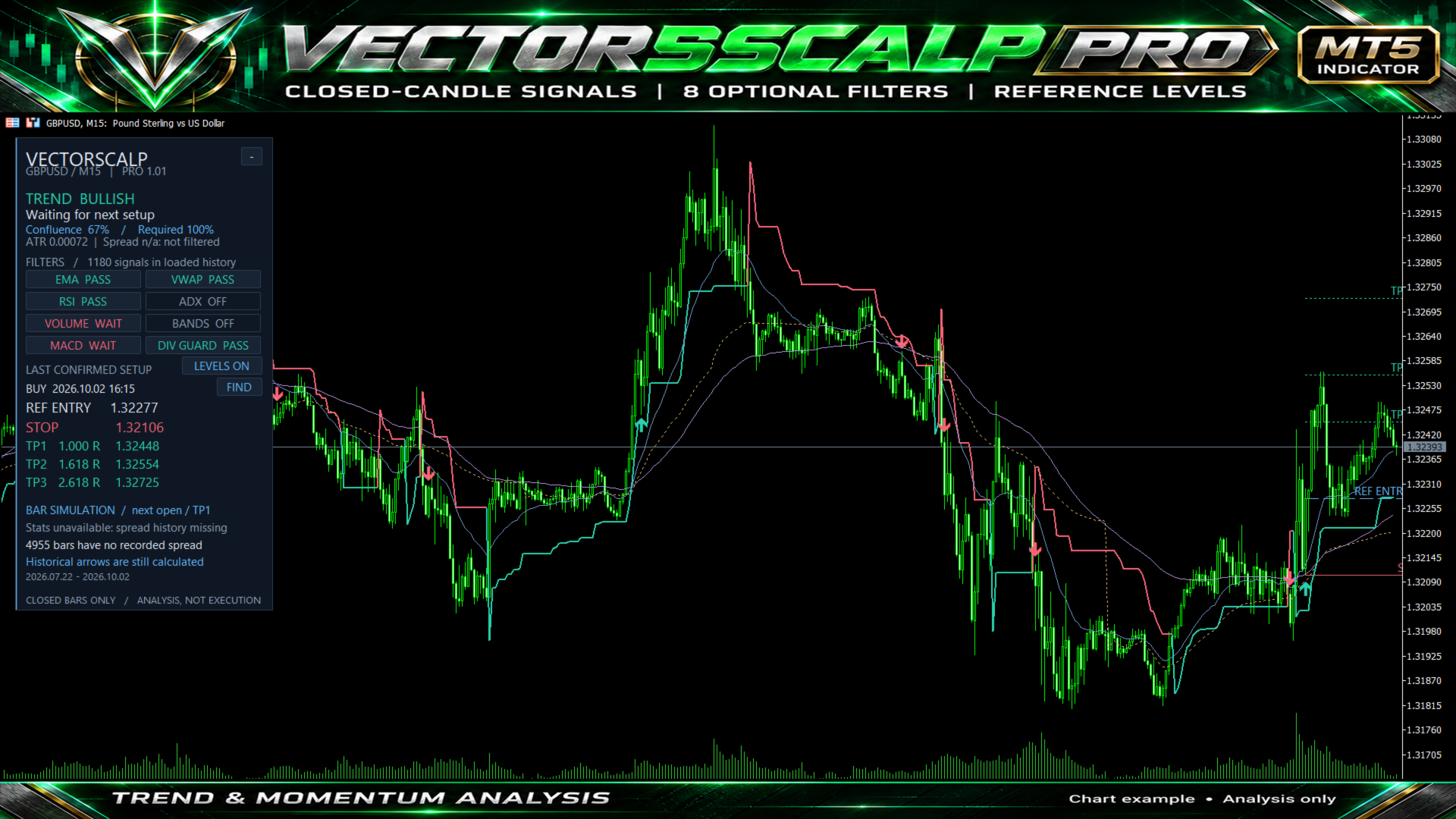
Buy and sell arrows are calculated on completed candles. The forming candle has no confirmed signal. A signal becomes available at the opening of the following candle. Historical arrows remain available, and the FIND button locates the latest one. FIND disables chart Auto Scroll; re-enable it in MT5 when you want the chart to follow current prices again.
The latest setup displays an indicative entry, an ATR-based stop and three reference targets. Defaults are a 1.5 ATR stop and targets at 1.000, 1.618 and 2.618 times that price-risk distance. These are analytical guides, not broker orders or a position-sizing calculation.
On-chart switches let you enable and disable filters and rebuild the history. You can also hide reference levels or collapse the panel. Button changes are temporary; save preferred settings through the indicator Inputs. Reattachment, timeframe/input changes and restarts restore the input settings.
Alerts and integration
Optional popup, sound, push and email alerts are available for fresh confirmed signals. All channels are off by default. Push and email require configuration in MT5. Historical signals are not replayed on attachment. Optional reference-level alerts check live quotes every two seconds and can miss touches between checks.
The indicator exposes signal and reference-level buffers for iCustom use. Buffer 0 is the buy arrow, 1 the sell arrow, 7 entry, 8 stop, 9-11 targets, 12 confluence, 13 trend direction, 14 signal direction and 16 ATR. Read completed bars at shift 1 and check for EMPTY_VALUE and duplicate processing.
Historical data and simulation
The dashboard includes an optional bar simulation with next-bar entry, recorded spread, one position at a time and TP1 exits. Bars touching both stop and target resolve stop-first unless the opening quote establishes the first event. Additional round-trip costs are configurable and default to zero. This is a simplified OHLC simulation, not a broker account or tick-level execution report; it does not independently model swap, commissions, slippage or changing intrabar spread.
Some brokers omit historical spread. By default, analytical signals can still appear on those bars, but simulation performance is withheld when its window contains missing spread. The panel explains this. InpRequireKnownSpread enables strict blocking of signals with unknown spread. Present-day spreads are never inserted into past bars. A buy reference with unknown spread uses the closing Bid as an indicative level.
Getting started
Attach the indicator to a MetaTrader 5 chart and load sufficient price history. The default settings require 268 completed bars for warm-up. It analyzes the attached symbol and timeframe. Defaults are a starting configuration, not optimized settings for a particular market. Review the demonstration and evaluate your broker's data and trading costs before making trading decisions. No DLL, external service, API key or Algo Trading permission is required.
With unchanged settings, enabled filters and loaded history, new candles do not rewrite earlier confirmed signals. Changing settings, the loaded-history starting point or historical prices can recalculate past signals. Divergence pivots are used only after confirmation and are not backdated.
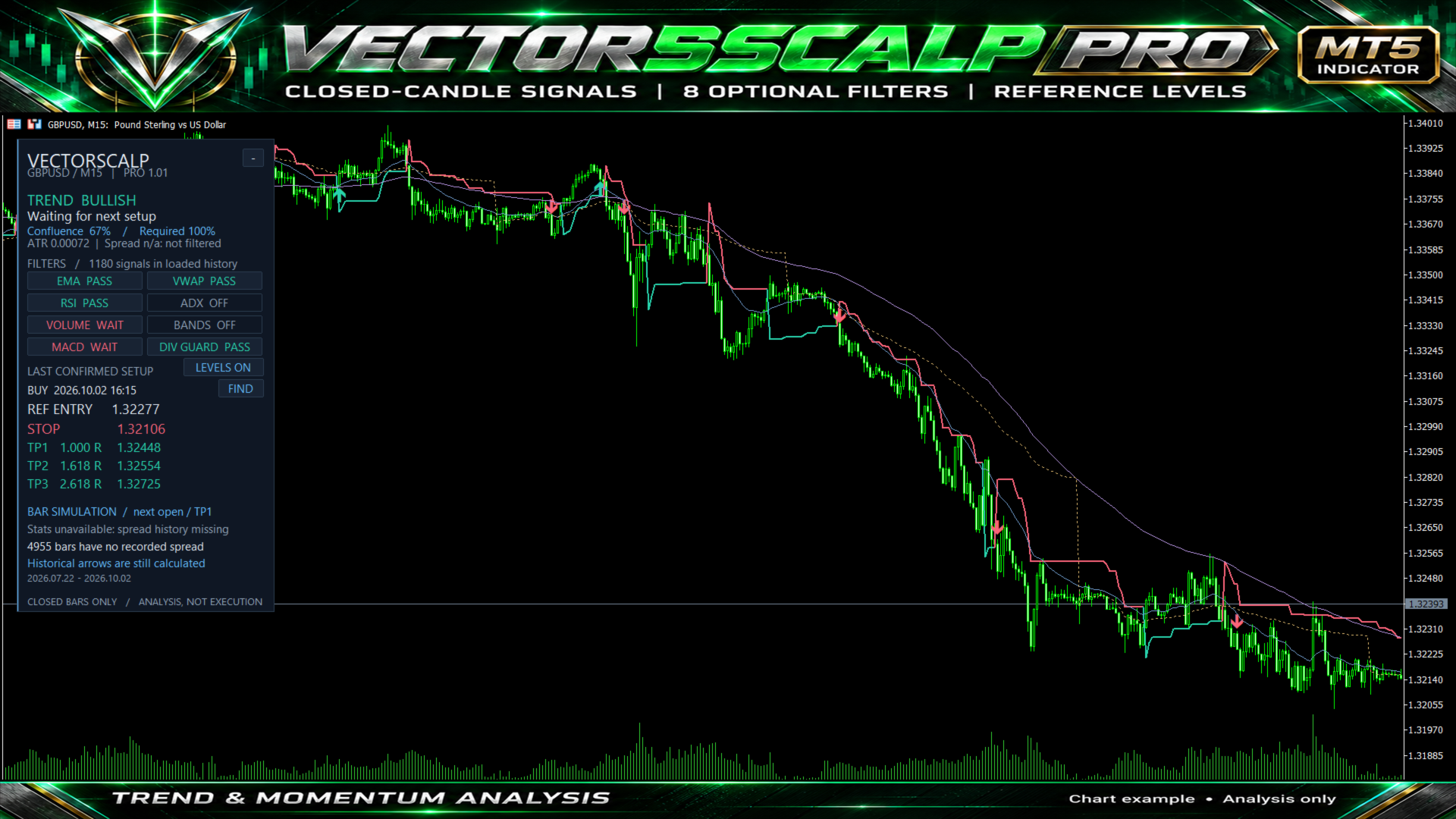
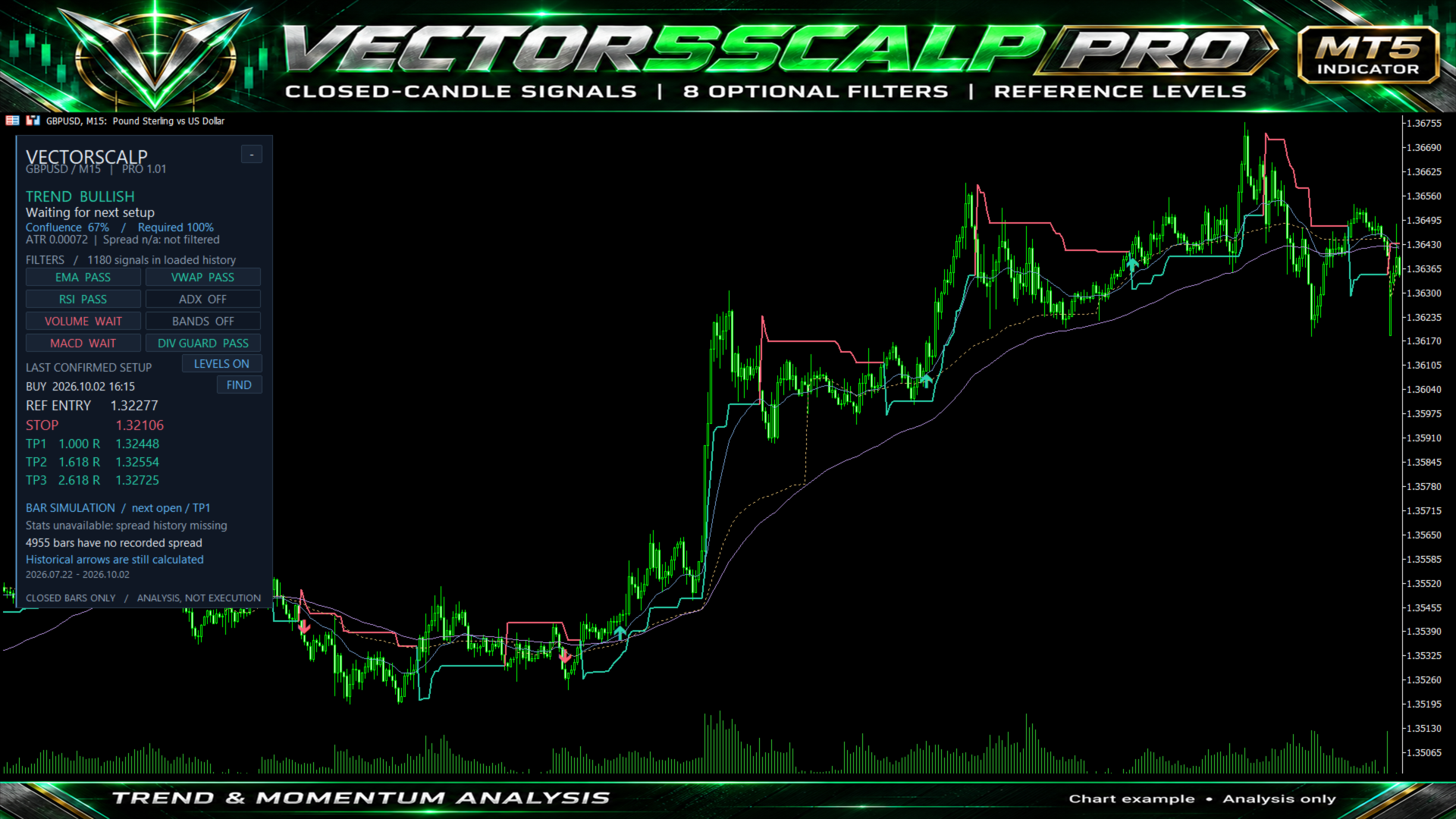
The demonstration screenshot uses clearly labeled synthetic data to show the interface and historical arrows. It is not trading-performance evidence. Support is available through the product comments or MQL5 messages.