QT Manager
- Утилиты
- Версия: 1.0
- Активации: 5

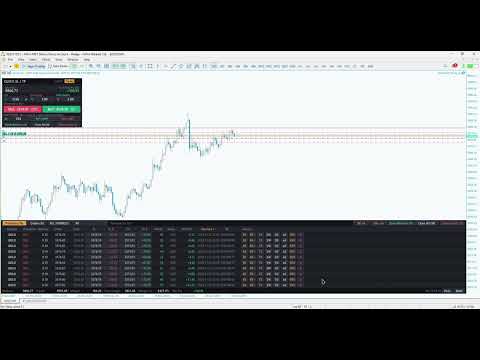
Quick Trade Panel is a panel that sits on the chart and is used to place and manage trades in MetaTrader 5.
Main panel
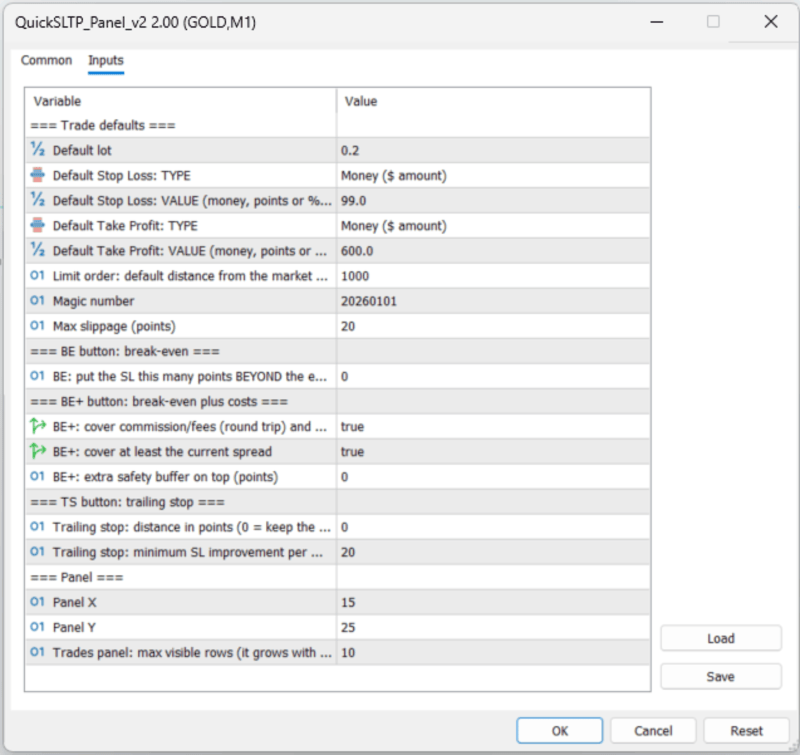
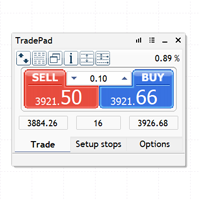
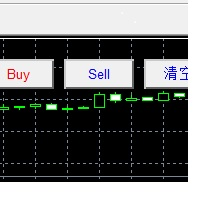
Choose the lot size with the plus and minus buttons. Holding a button changes the lot repeatedly. Set the Stop Loss and the Take Profit in money, in points, or as a percentage of the account balance. Open a market order with the Buy or Sell button. A Buy Limit or Sell Limit order can be placed by entering a price, or a distance in points from the market.
Trades table
Open positions and pending orders are listed in one table. The table can be filtered, sorted and searched. The Stop Loss and Take Profit can be edited by price or by money amount. For each trade there are buttons for break-even, break-even with costs covered, trailing stop, closing a quarter or a half of the volume, adding the same volume, reversing the position and closing it. Break-even buttons for all listed positions are also available. Positions can be closed all at once, or only the winning or only the losing ones.
Notes
The panel does not open trades on its own. Trading involves risk.