Stratix
- Experts
- 버전: 1.10
- 활성화: 20

Stratix – Manual Strategy Tester & Trading Utility for Historical Data in MT5
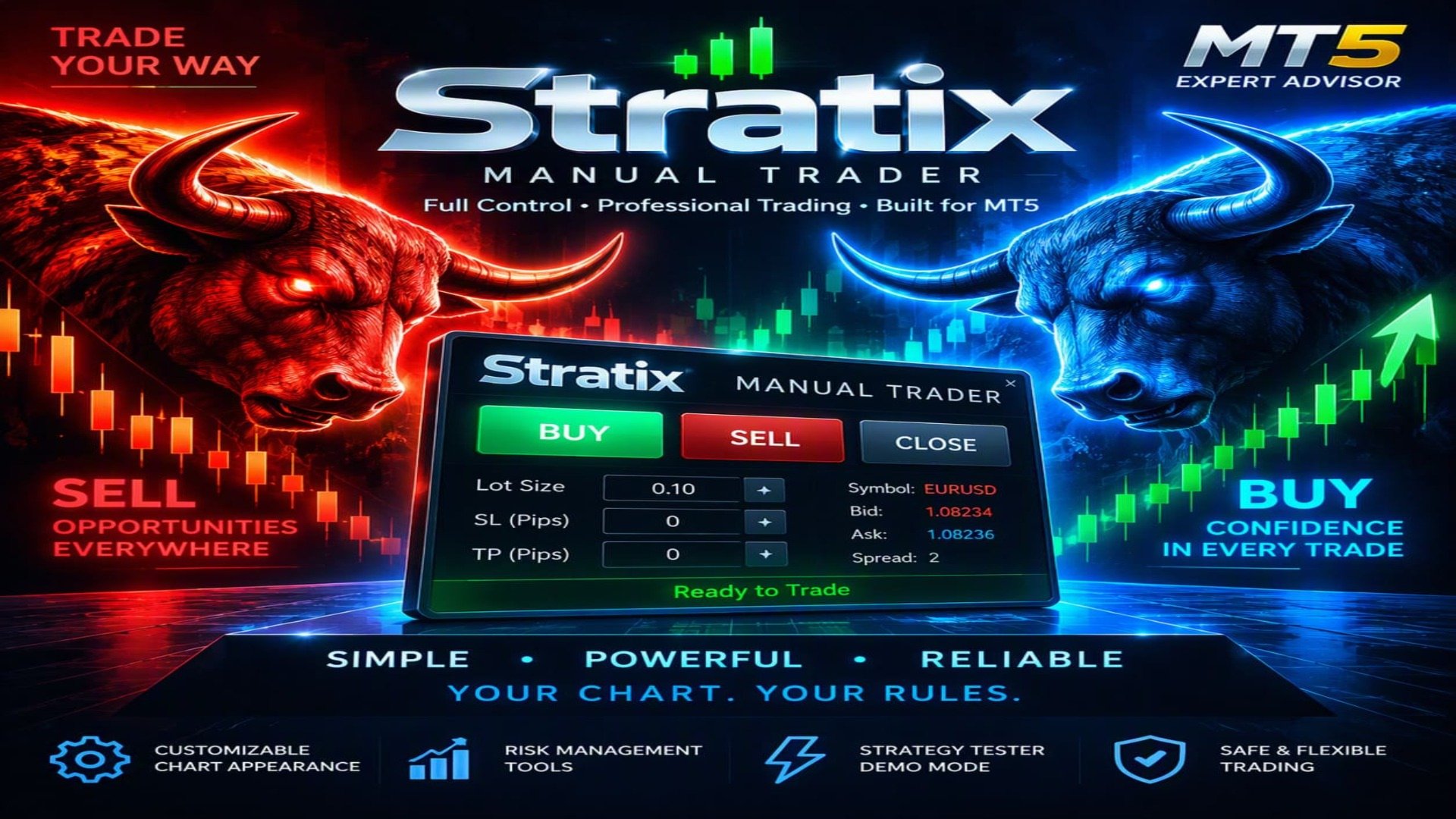
Stratix is a powerful manual strategy testing and trading utility designed for MetaTrader 5.** It does **not automatically open or close trades on a live chart**. Instead, the trader remains fully in control, manually opening BUY and SELL positions and closing them whenever desired. Stratix is designed to make historical chart analysis clearer, more comfortable, and more practical for manual strategy testing.
Clearer Charts. Better Pattern Recognition.
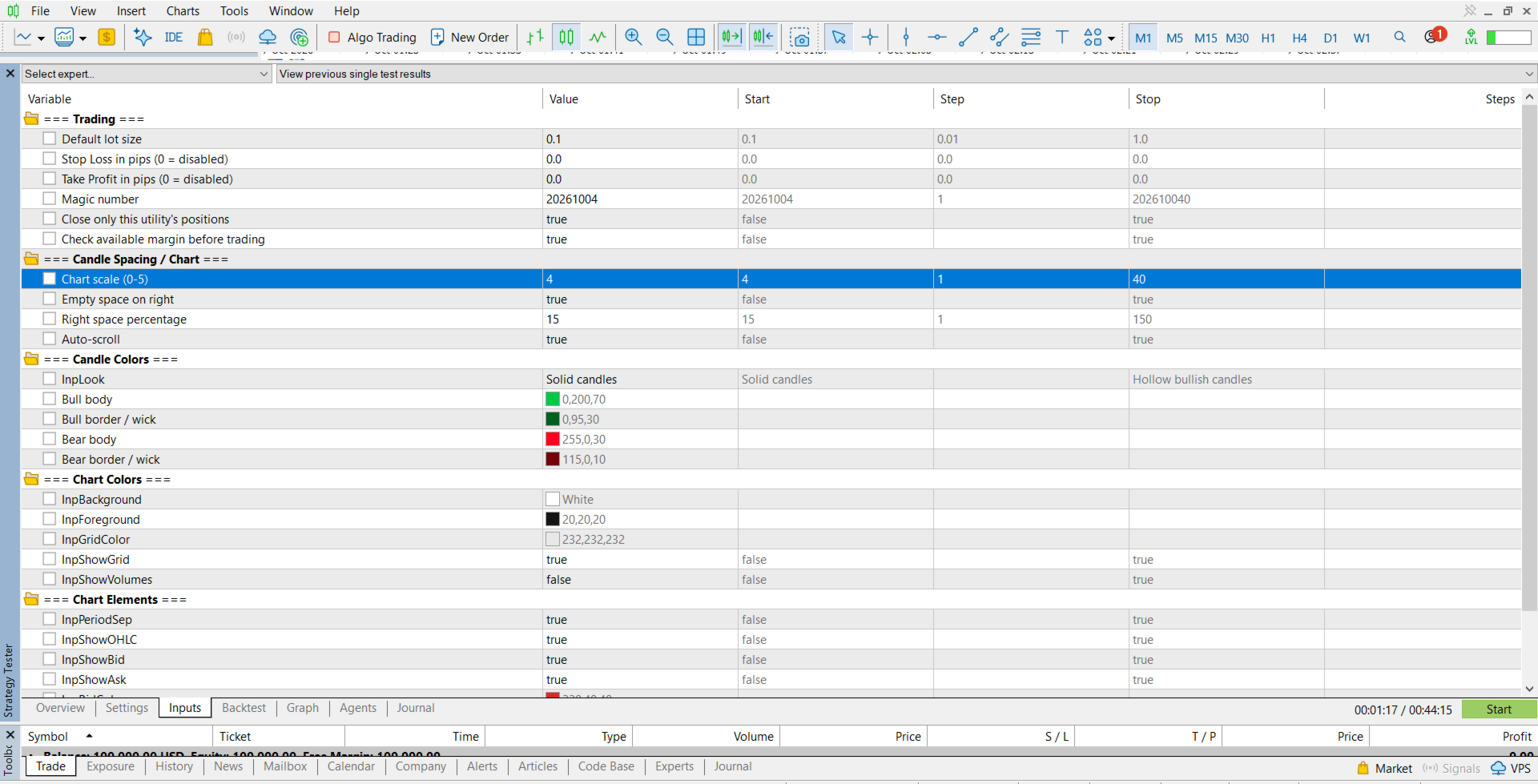
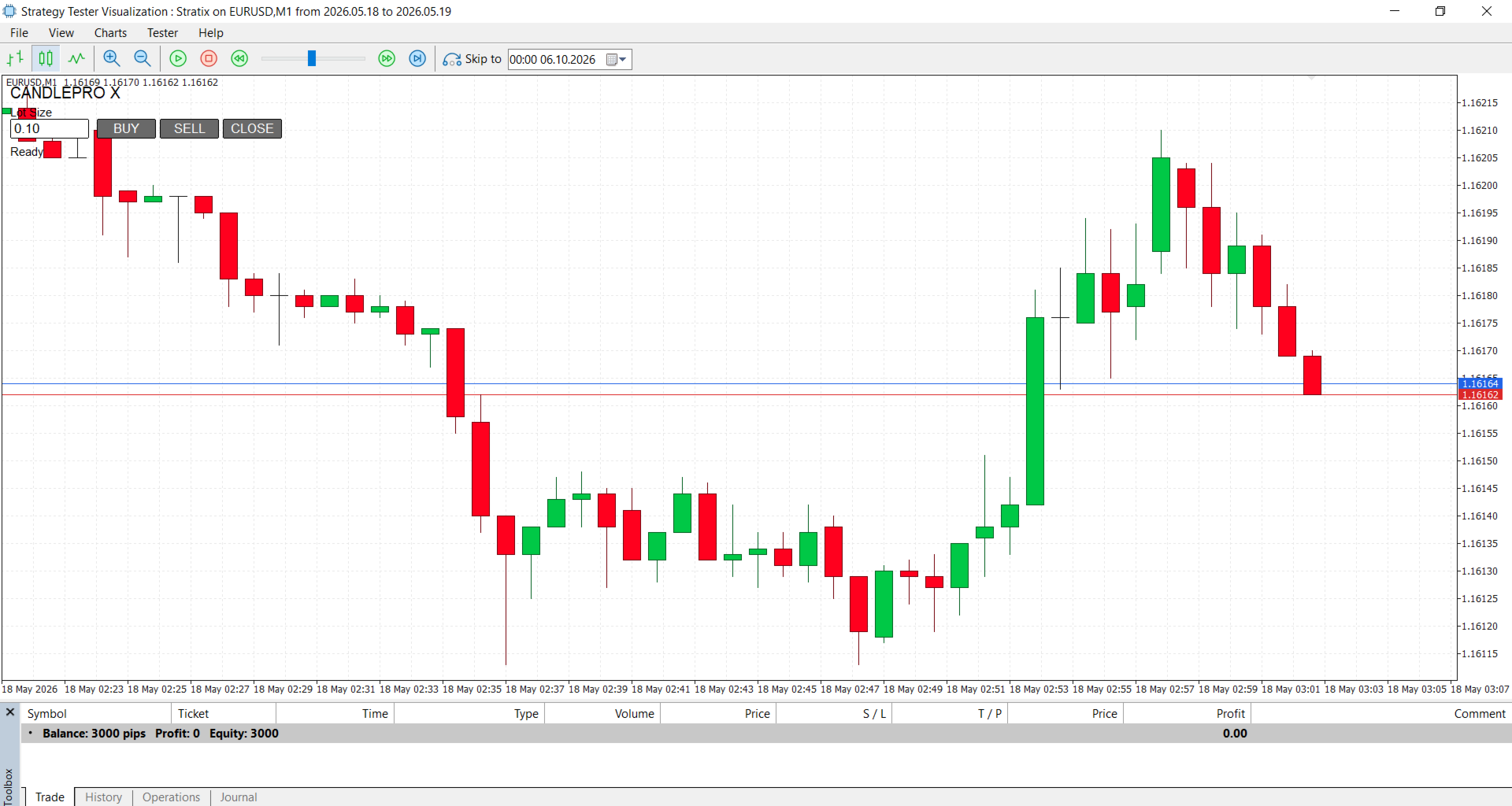
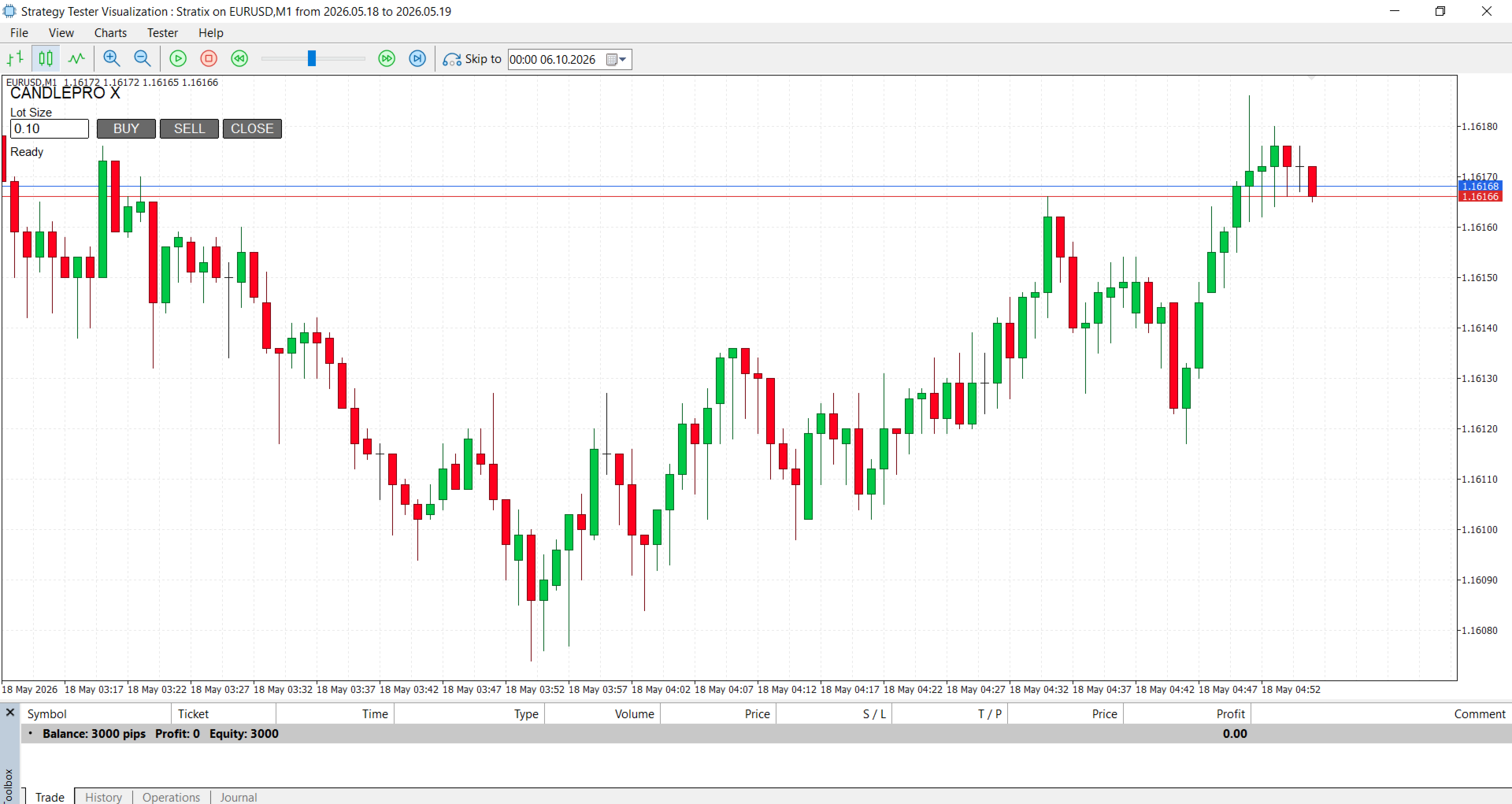
Stratix enhances the visual appearance of your MT5 chart by using **strong, saturated candle colors**, configurable backgrounds, candle styles, chart scaling, spacing, grid visibility, and other visual options. The goal is simple: make price action easier to read so traders can focus on candles, market structure, and historical patterns without unnecessary visual distractions.
Manual BUY & SELL Trading
The integrated trading panel gives you quick access to essential trading actions directly from the chart:
- BUY – manually open a Buy position.
- SELL – manually open a Sell position.
- CLOSE – manually close positions managed by Stratix.
- Adjustable Lot Size directly from the trading panel.
- Optional Stop Loss and Take Profit settings.
- Slippage control.
- Margin and volume validation.
- Magic number identification for position management.
Stratix can also be configured to close only positions belonging to the utility, helping keep your other trades separate.
Strategy Tester Support
Stratix is built with historical testing in mind. Use the MT5 Strategy Tester to replay historical market data and manually evaluate how your trading ideas would have performed under different market conditions.
During manual testing, you decide when to enter, whether to BUY or SELL, and when to exit. This makes Stratix useful for practicing discretionary strategies, studying historical price action, and evaluating trading decisions without relying on an automatic trading algorithm.
How It Works
1. Attach **Stratix** to your desired MT5 chart.
2. Configure the candle appearance and chart settings.
3. Set your preferred lot size.
4. Configure optional Stop Loss and Take Profit values.
5. Open the **Strategy Tester** and select the desired symbol, timeframe, and historical period.
6. Analyze the historical candles and market structure.
7. Use the **BUY** or **SELL** buttons to execute your manual trading decisions.
8. Use **CLOSE** when you decide to exit.
9. Repeat the process to test and refine your strategy.
Key Features
- Manual strategy testing
- Manual BUY and SELL execution
- Manual position closing
- Historical market analysis
- Highly visible, saturated candle colors
- Solid or hollow bullish candle style
- Configurable chart background and grid
- Adjustable chart scale and candle spacing
- Optional Bid/Ask lines
- Optional OHLC information
- Optional period separators
- Optional volume display
- Configurable Stop Loss and Take Profit
- Adjustable lot size
- Slippage control
- Margin and volume validation
- Position filtering using Magic Number
- Automatic restoration of original chart settings
Stratix puts the trader in control. Analyze the past, test your strategy manually, and make every trading decision yourself.