MSRLab Deriv Portfolio EA
- Experts
-
Adebayo Oluwaseun Ojo
 I’m Dr. Adebayo Ojo, a geophysicist and systematic trading researcher based in Canada with decades of experience.
 - 버전: 1.1
- 활성화: 5
https://www.mql5.com/en/signals/2390117?source=Site+Profile+Seller
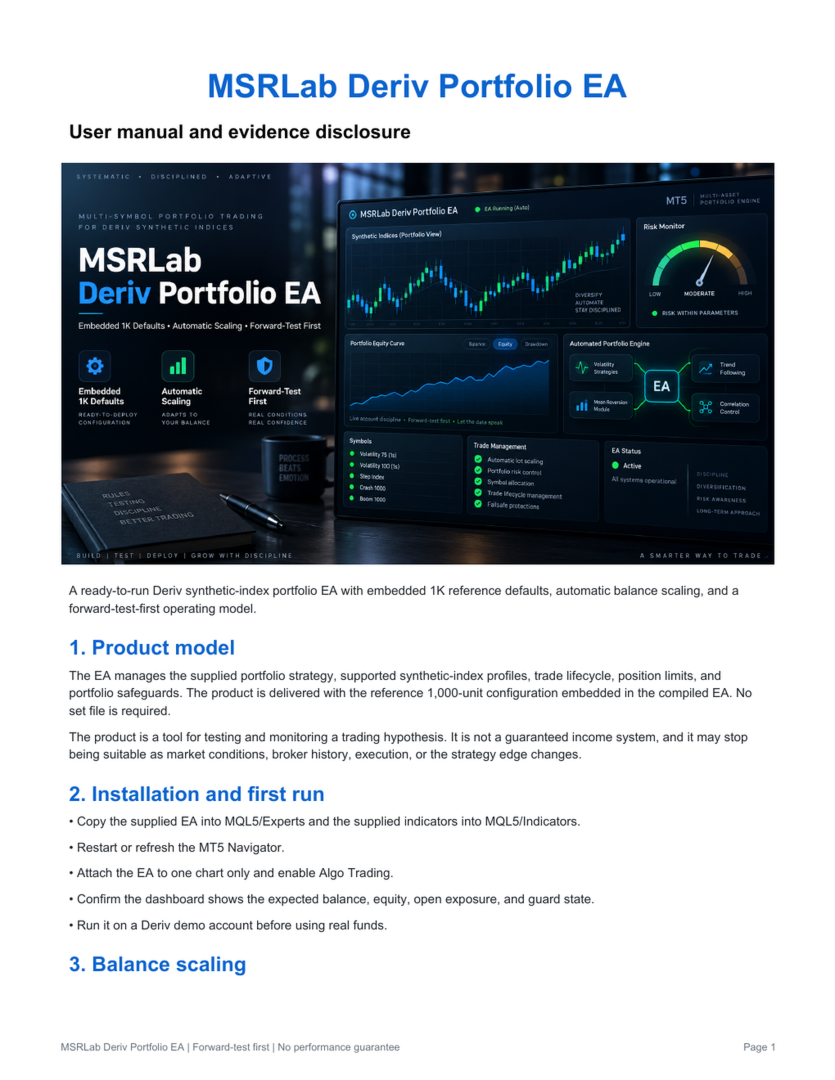
A compiled, one-chart MetaTrader 5 Expert Advisor for Deriv synthetic-index accounts.
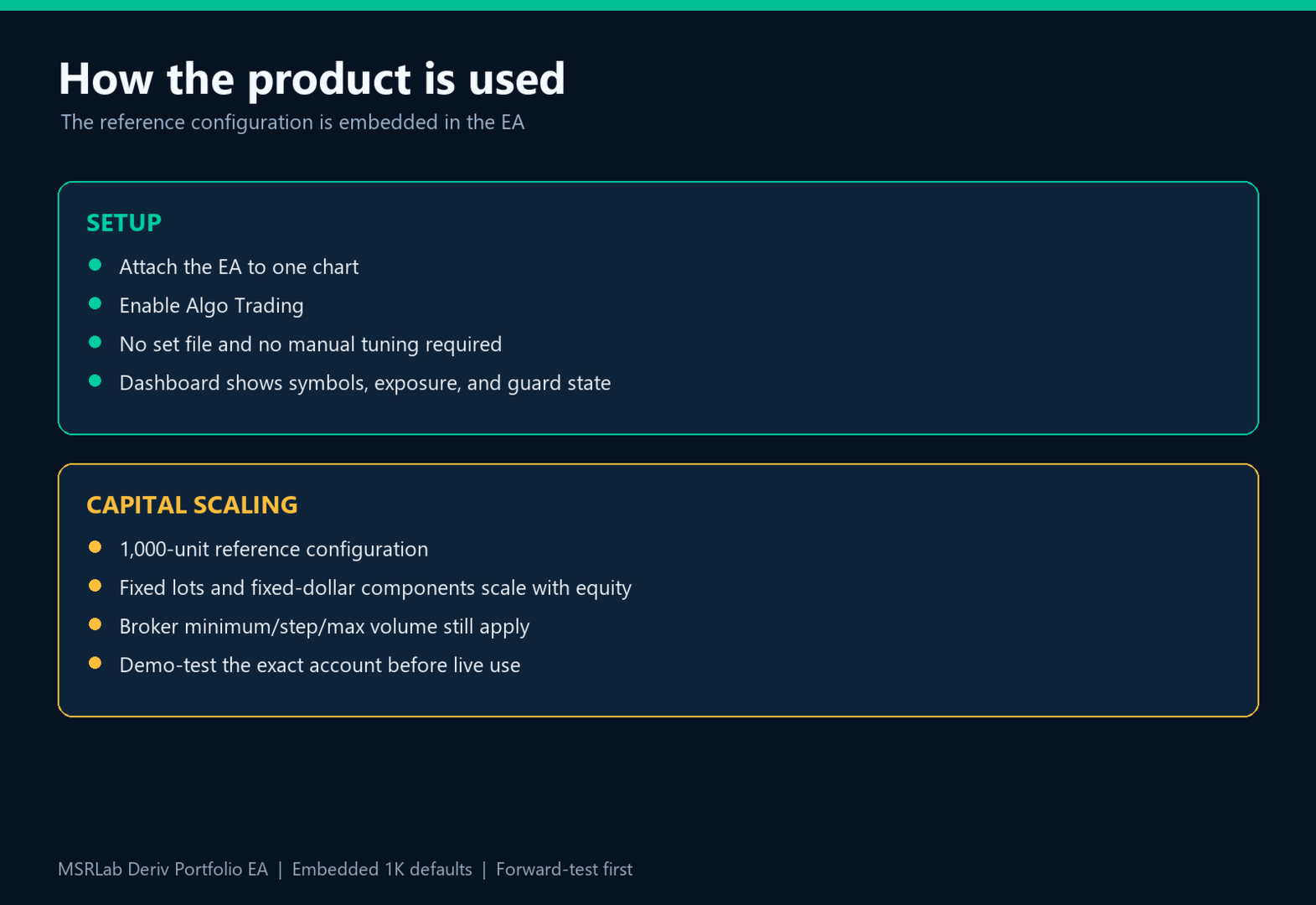
The MSRLab Deriv Portfolio EA is built around a curated multi-symbol portfolio with account configuration embedded directly in the compiled product. User just need to download the EA from MQL5, attach it to one chart, enable Algo Trading. The advise is to forward-test it on Demo before the intended Deriv live account.
What the EA trades
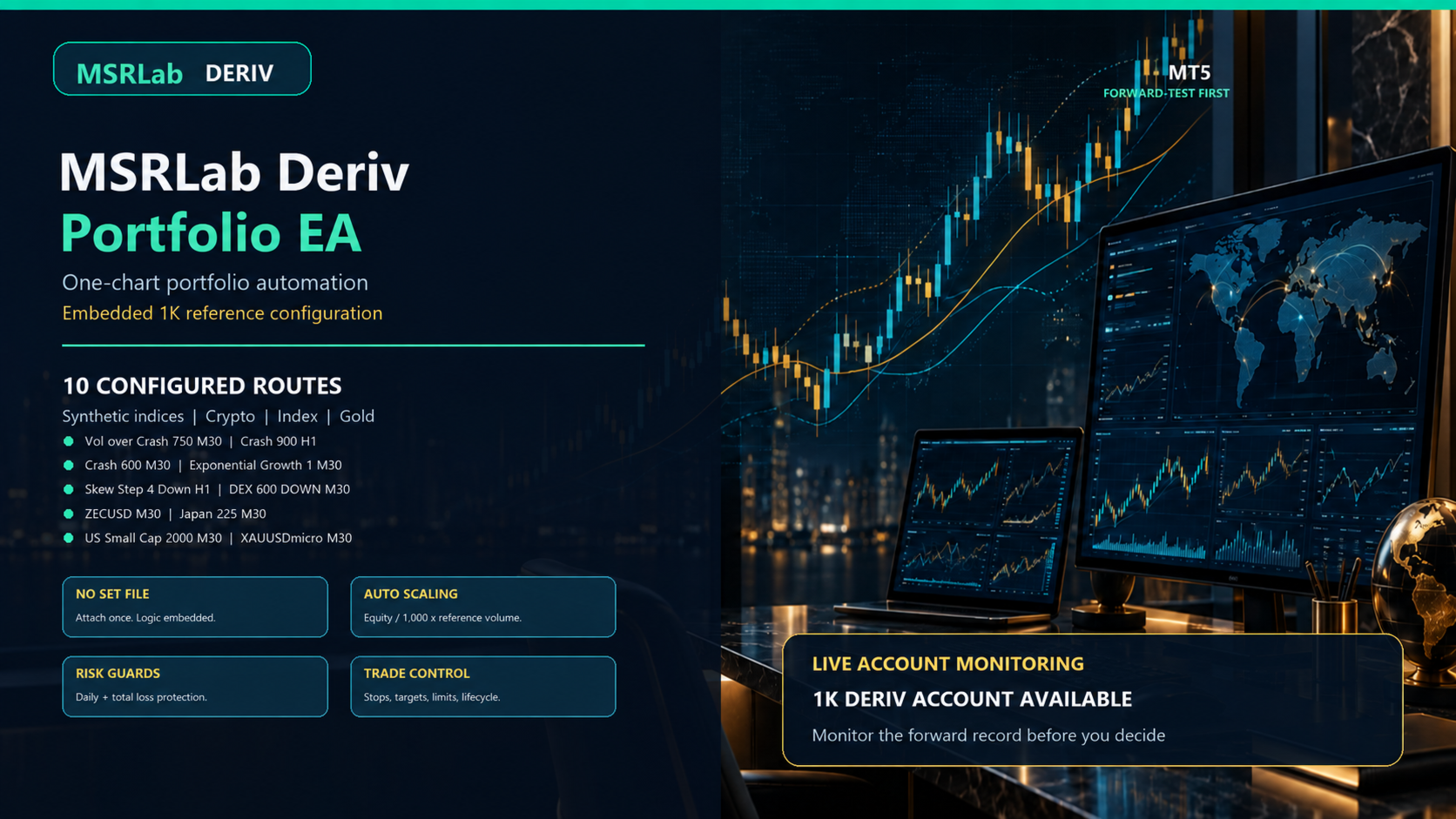
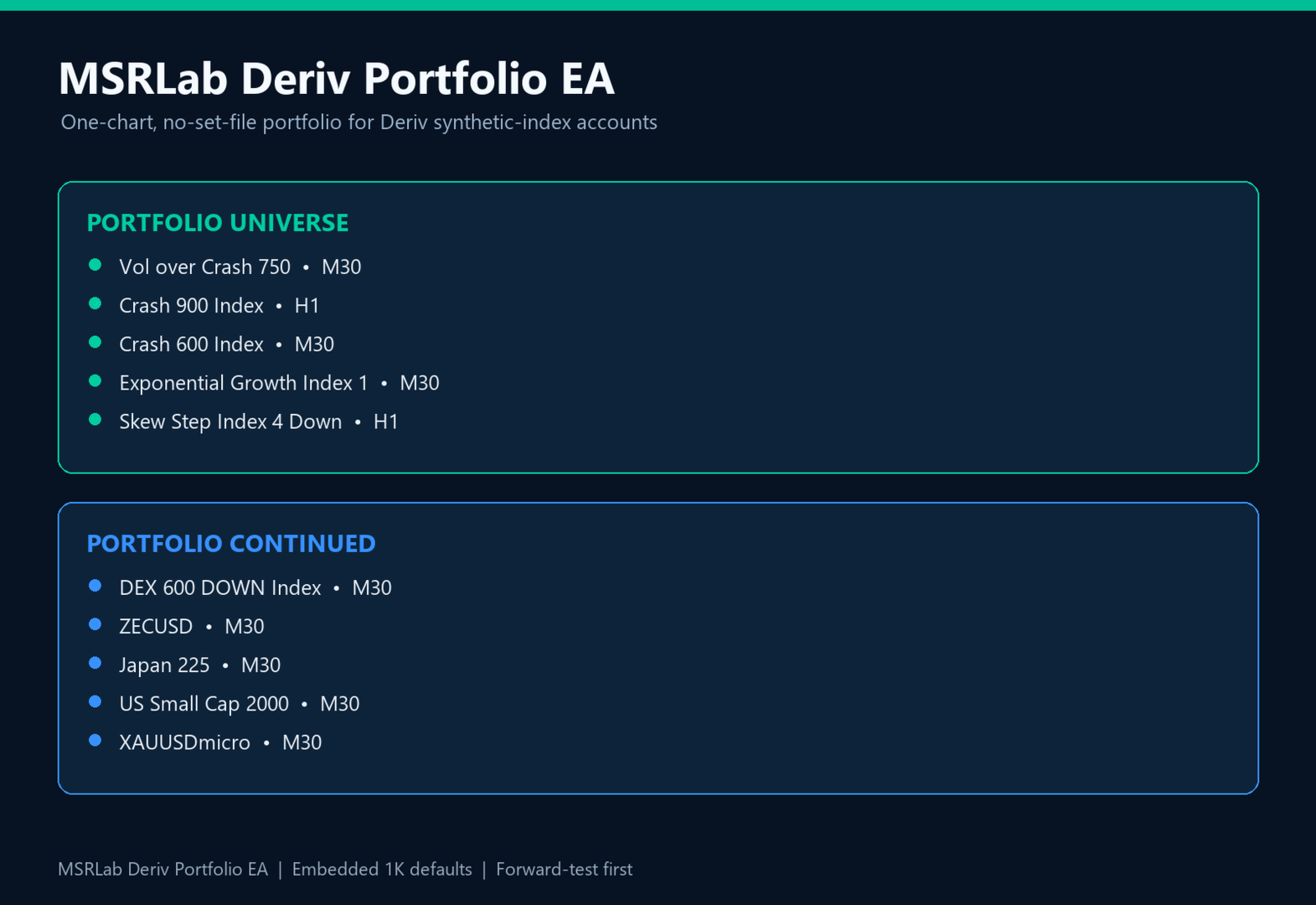
The reference portfolio includes the following configured routes:
| Instrument | Timeframe | Market |
|---|---|---|
| Vol over Crash 750 | M30 | Deriv synthetic index |
| Crash 900 Index | H1 | Deriv synthetic index |
| Crash 600 Index | M30 | Deriv synthetic index |
| Exponential Growth Index 1 | M30 | Deriv synthetic index |
| Skew Step Index 4 Down | H1 | Deriv synthetic index |
| DEX 600 DOWN Index | M30 | Deriv synthetic index |
| ZECUSD | M30 | Crypto |
| Japan 225 | M30 | Index |
| US Small Cap 2000 | M30 | Index |
| XAUUSDmicro | M30 | Gold |
Symbol availability, contract specifications, minimum volume, server time, spreads, execution rules and historical data can differ between Deriv accounts and servers.
General trading approach
The EA is a rule-based portfolio implementation built from individually researched and curated instrument/timeframe routes.
The internal portfolio combines several types of price behaviour:
- movement stretched away from a reference trend;
- continuation or pullback around an inflection area;
- candle-extreme continuation;
- oscillator-extension behaviour;
- instrument-specific stop and target structures;
- profile-level trade lifecycle management.
Each route is evaluated on its own timeframe. The EA manages entries, exits, stop-loss placement, take-profit placement, open positions, trade limits and portfolio state internally.
This is not a single-symbol robot and it is not a simple indicator alert system.
One-chart operation
The EA is designed to run from one chart.
The internal chart autoloader and portfolio manager monitor the configured routes. Users should not attach multiple copies of the EA to multiple charts unless they intentionally understand the consequences.
The dashboard displays:
- account balance and equity;
- floating exposure;
- current open positions;
- portfolio trading state;
- guard status;
- profile-level activity;
- current position and trade counts.
Automatic balance scaling
The embedded reference configuration is based on a 1,000-unit account balance.
When automatic balance scaling is enabled, the EA estimates target volume using:
Current account equity / 1,000 × reference volume
The resulting volume is then normalized to the broker's:
- minimum volume;
- volume step;
- maximum volume;
- margin requirements;
- symbol contract rules.
Illustrative examples:
- 500-unit account: approximately half the reference exposure where broker rules permit;
- 1,000-unit account: reference exposure;
- 2,000-unit account: approximately double the reference exposure where broker rules permit.
This is approximate scaling, not a guarantee of identical results.
A small account may be unable to trade the calculated fractional volume because the broker minimum lot is too large. The EA may then skip a trade or use the nearest permitted volume. This can make the proportional risk materially higher or lower than expected.
A balance of at least 1,000 units in the account currency is recommended.
Risk and trade management
The EA preserves the reference portfolio's trade and risk behaviour, including:
- profile-specific position limits;
- portfolio-level position accounting;
- automatic volume normalization;
- stop-loss and take-profit management;
- open-position management;
- daily equity-loss protection;
- total equity-loss protection;
- trading-state and guard checks;
- broker-symbol availability checks;
- account-balance scaling;
- one-chart multi-symbol management.
The risk controls are safety mechanisms, not guarantees of a fixed maximum loss. Synthetic markets can move rapidly, spreads can change, execution can differ and broker-side conditions can affect fills.
Users should evaluate:
- acceptable drawdown;
- minimum account balance;
- broker minimum volume;
- maximum concurrent exposure;
- margin requirements;
- leverage;
- symbol availability;
- whether the account is suitable for synthetic-index trading.
Live forward evidence
The EA is marketed alongside the MSRLab Deriv forward account:
The account history demonstrates how the reference implementation has behaved in one Deriv environment. It does not mean that another account will receive the same trades, timing, fills, profit or drawdown.
Differences can arise from:
- server-specific synthetic price paths;
- account history snapshots;
- symbol availability;
- contract specifications;
- minimum volume;
- spread;
- execution timing;
- leverage;
- margin;
- account state;
- terminal uptime;
- broker-side controls.
Why forward testing is essential
Deriv synthetic instruments are computer-generated markets rather than traditional exchange-traded markets. Their prices and trading conditions are controlled by the broker's infrastructure and can differ between servers, accounts and testing environments.
For this reason:
- backtests may not match demo results;
- demo results may not match live results;
- another user's account may not receive identical trades;
- minimum-lot constraints may change effective risk;
- historical data may not perfectly represent future broker conditions.
Users should forward-test the EA on their own Deriv demo account before using real funds.
Installation
- Purchase or rent the EA through MQL5.
- Open MetaTrader 5 on the intended Deriv account.
- Find the EA in the MQL5 Market section of the Navigator.
- Attach it to one chart.
- Enable Algo Trading.
- Confirm that the dashboard is active.
- Confirm that the required symbols are available.
- Run it on demo first.
- Review the trade history, exposure and drawdown before considering live deployment.
No manual indicator installation is required.
MSRLab operating philosophy
MSRLab does not present EAs as permanent income machines.
Trading edges are research hypotheses. They can decay, change regime, become crowded, or stop working when market and broker conditions change. A responsible product therefore requires:
- continuous monitoring;
- ongoing research;
- forward evidence;
- drawdown review;
- replacement of decaying components;
- transparent communication of negative results.
This is why MSRLab prefers affordable rental access rather than charging a large permanent purchase price for uncertain future performance.
The rental price is not a guarantee of performance and does not limit trading losses.
Risk disclosure
Automated trading involves substantial risk.
You may lose some or all of your deposited capital. Past performance, live-account results and backtests do not guarantee future results. Do not trade money you cannot afford to lose. Test the EA on demo, understand the broker's contract specifications and minimum-volume rules, and decide independently whether the expected drawdown is acceptable for your account.