The Cycle
- Experts
- 버전: 8.0
- 활성화: 5

The Cycle is an automated cycle-based trading system for MetaTrader 5. It uses Buy Stop and Sell Stop orders, directional basket take profit, configurable lot progression, and account drawdown protection.
How the strategy works
The Expert Advisor places an initial Buy Stop and Sell Stop at a configurable distance from the current market price.
If only one pending order is activated and the resulting position reaches its take profit, the remaining pending order is deleted. A new Buy Stop and Sell Stop cycle is then placed.
If both pending orders are activated, the Expert Advisor manages Buy and Sell positions as separate directional baskets. When either basket reaches its take-profit target, a new pending-order cycle is created. Positions from the opposite direction may remain open and continue to be managed as a basket.
Lot calculation
Buy and Sell positions are counted separately.
The lot level increases whenever the number of open positions in one direction reaches the value specified by InpOrdersPerCycle.
Two lot calculation modes are available:
Step
Lot size increases by InpCycleLotStep for each completed position-count level.
Formula:
Base Lot + (Level × Lot Step)
Exponential
Lot size is multiplied by InpCycleExponential for each completed position-count level.
Formula:
Base Lot × Exponential Factor^Level
Basket take profit
Buy and Sell baskets are calculated separately.
The Expert Advisor calculates the volume-weighted average entry price for each direction and applies a common take-profit target using InpCycleBasketTakeProfitPoints.
When a basket contains multiple positions, their take-profit levels are adjusted to the calculated basket target.
Account drawdown protection
Optional account drawdown protection is calculated using:
Drawdown % = (Balance − Equity) ÷ Balance × 100
This calculation includes the floating result of the entire trading account, including manual positions and positions opened by other Expert Advisors.
Two drawdown actions are available:
Close Alls
When account drawdown reaches InpMaxDrawdownPercent, the Expert Advisor deletes all pending orders and sends asynchronous close requests for all positions in the trading account.
This action affects every symbol, every Magic Number, manual trades, and trades opened by other Expert Advisors.
Pause EA
When account drawdown reaches the configured limit, pending orders belonging to The Cycle are deleted and the Expert Advisor stops creating new cycles.
Existing positions remain open and continue to be managed. The paused state remains active until the Expert Advisor is restarted.
Total profit close
When CloseByTotalProfit is enabled and managed Buy and Sell positions are open at the same time, the Expert Advisor can close its managed positions after their combined floating result reaches TargetClose.
Order identification
During normal operation, The Cycle manages positions using the chart symbol and InpMagicNumber.
A unique Magic Number should be used when running multiple instances or other Expert Advisors on the same account.
Main parameters
InpTradingEnabled — enables or disables trading operations.
InpMagicNumber — identifies orders managed by the Expert Advisor.
InpCycleLotMode — selects Step or Exponential lot calculation.
InpCycleBaseLot — starting lot size.
InpCycleLotStep — lot increment used in Step mode.
InpCycleExponential — multiplier used in Exponential mode.
InpOrdersPerCycle — number of open positions required to advance one lot level.
InpCycleEntryDistancePoints — distance between the market price and initial pending orders.
InpCycleBasketTakeProfitPoints — directional basket take-profit distance.
InpCycleCooldownMs — minimum interval between cycle actions.
InpEnableCutLoss — enables account drawdown protection.
InpCutLossMode — selects Close Alls or Pause EA.
InpMaxDrawdownPercent — maximum permitted account drawdown percentage.
CloseByTotalProfit — enables combined floating-profit closure when both directions are open.
TargetClose — combined floating-profit target in account currency.
InpMaxSpreadPoints — maximum spread permitted for new trading actions.
InpMaxDeviationPoints — maximum permitted execution deviation.
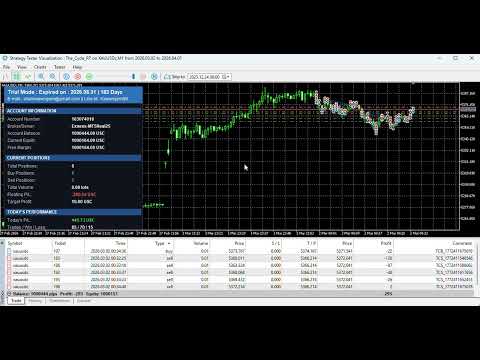
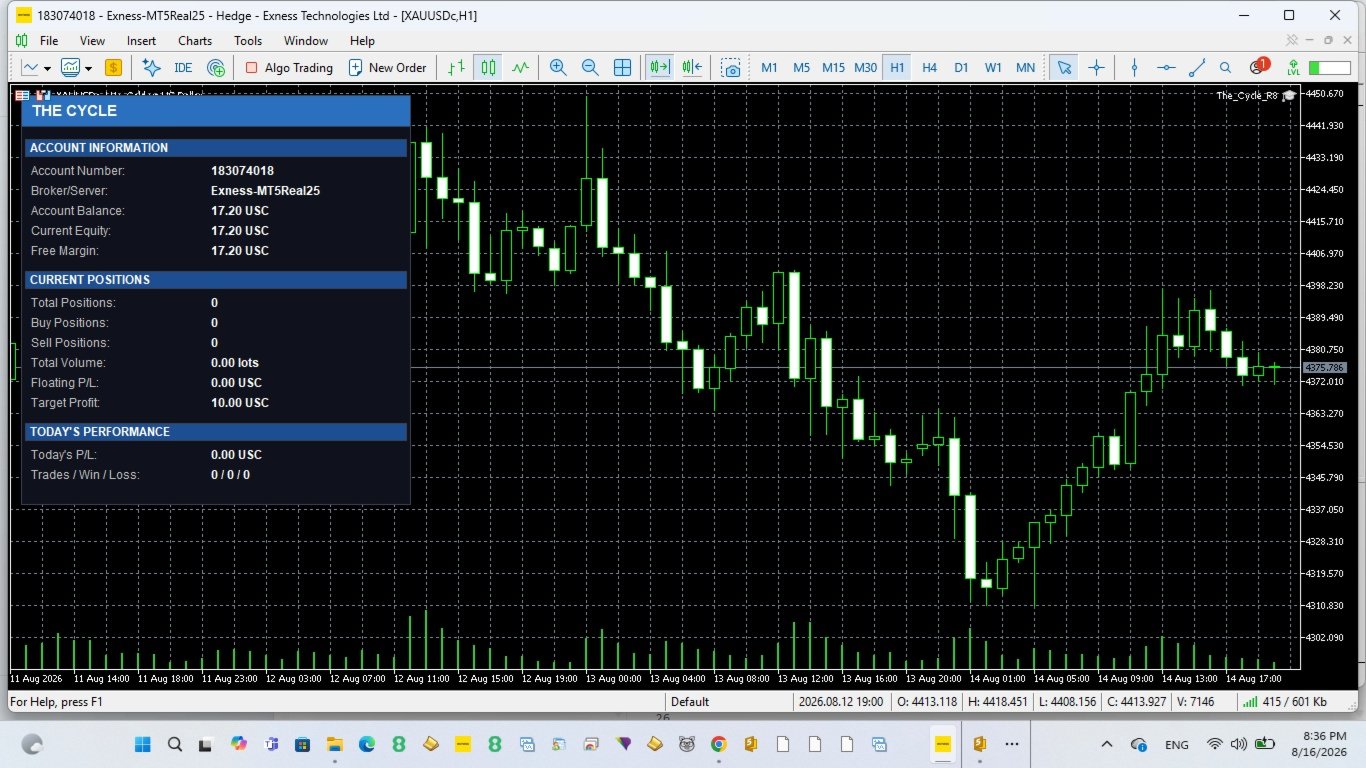
EnableDashboard — displays account and strategy information on the chart.
Trading requirements
The Expert Advisor is designed for MetaTrader 5 hedging accounts because the strategy may hold Buy and Sell positions simultaneously.
Attach one instance to the symbol intended for trading. Use a separate Magic Number for each independent setup.
Entry distance, basket take profit, spread limit, lot settings, and drawdown protection should be adjusted for the selected symbol and account conditions.
Testing
Test the Expert Advisor in the MetaTrader 5 Strategy Tester using real ticks before using it on a live account.
Backtest results depend on the selected symbol, testing period, spread, commissions, execution conditions, and parameter settings. Historical results do not guarantee future performance.
Risk warning
Trading involves risk and may result in substantial losses.
The strategy can accumulate positions in one direction during extended market movement. Step and Exponential lot modes can increase exposure as the number of open positions grows.
Use conservative lot settings and an appropriate drawdown limit.
The Close Alls drawdown mode closes every position and deletes every pending order in the trading account, including manual trades and orders belonging to other Expert Advisors.