God Matrix
- Experts
-
Cong Nghia Truong
 A Coder !
 - 버전: 1.20
- 업데이트됨: 9 5월 2026
- 활성화: 5
Here is the professional, long-form product description in English, optimized for the MQL5 Marketplace to attract serious traders.
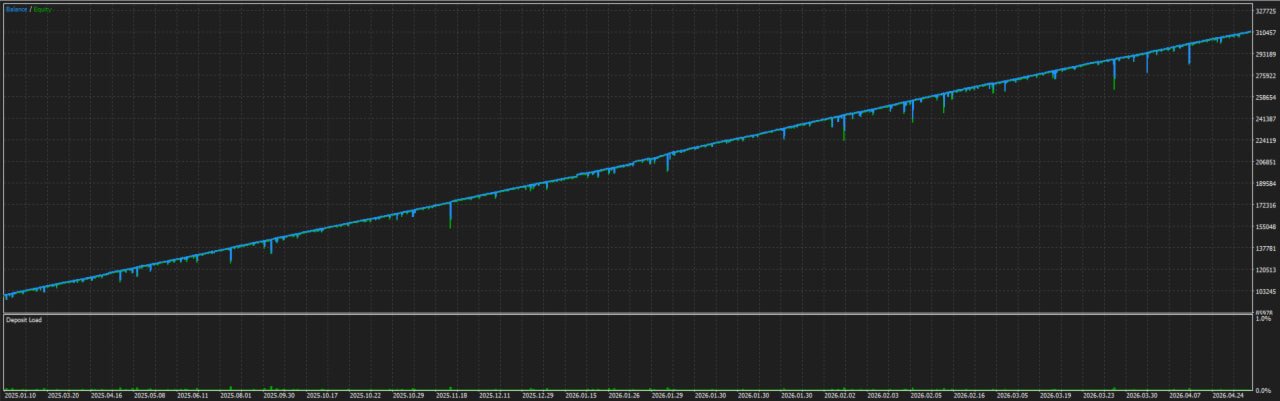
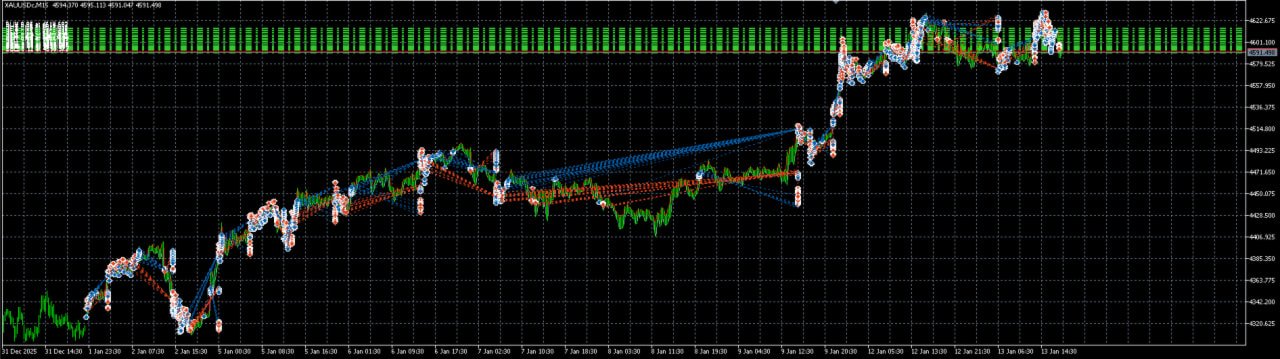
God Matrix Pro – High-Performance Dual-Side DCA Hedge MartingaleGod Matrix Pro is a sophisticated, non-directional Expert Advisor (EA) engineered for traders who demand a robust recovery system combined with intelligent entry logic. Unlike traditional grid bots that enter the market blindly, God Matrix utilizes a Dynamic Pending Stop-Order system. It "hunts" the trend by trailing Buy Stop and Sell Stop orders behind the price, ensuring that the EA only enters a position when the market shows actual momentum.
🚀 Core Trading Philosophy
The "God Matrix" logic is built on three pillars:
-
Momentum Entry: By using trailing pending orders, the EA avoids "falling knives" and sideways "choppiness."
-
Dual-Side Recovery: It manages Buy and Sell chains independently, allowing one side to profit from volatility while the other side manages its recovery via DCA.
-
Net Profit Exit: A global mathematical exit strategy that closes the entire portfolio once a total dollar profit is achieved, regardless of individual side performance.
🛠️ Detailed Input Parameters
1. Identification
-
MagicNumber: The unique ID for the EA. It allows you to run multiple instances of the EA on different pairs or timeframes without conflict.
-
OrderTagComment: A custom label for every trade, making it easy to identify God Matrix orders in your account history.
2. Lot Sizing (The Engine)
-
InitialLot: The starting volume for the first order in a chain (e.g., 0.01).
-
LotMultiplier: The geometric growth factor for DCA orders (e.g., 1.17). This helps the break-even point move closer to the current price.
-
PlusLot: An arithmetic addition to the lot size for each new level. Can be used instead of or alongside the multiplier.
-
MaxLot: A safety cap. The EA will never exceed this volume for a single trade, preventing over-exposure.
-
DcaStepMinLot001: If enabled, ensures every new DCA level is at least 0.01 lots larger than the previous one, even if the multiplier is low.
3. DCA Grid Spacing
-
FirstStepPoints: The distance (in points) from the current price to the first pending order.
-
DcaStepPoints: The minimum distance required between subsequent DCA orders in a chain.
-
TrailingStepPoints: How far the pending order "follows" the price before it is triggered.
-
LotImbalanceRatio: A proprietary safety filter. If the Buy-to-Sell lot ratio becomes too skewed (e.g., 1.5x), the EA will pause adding to the heavy side to prevent a margin call.
4. Take Profit Logic
-
SideTPPerOrder: The profit target (per 0.01 lot) for an individual side. If your Buy chain is in profit and reaches this threshold, it will close independently.
-
NetTPAmount: The "Global Close" target. When the sum of Buy PnL + Sell PnL reaches this dollar amount, everything is flattened.
-
MaxFloatingLossForSideTP: A threshold that tells the EA when to stop looking for individual side profits and focus solely on a collective "Net" exit to save the account.
5. Risk Management & Filters
-
MaxLossNoMartingale: If a side reaches this loss, the EA stops increasing lot sizes and maintains a steady volume to prevent exponential risk.
-
SideHardStopOut: A catastrophic insurance policy that closes a side if it hits a specific dollar loss.
-
MaxSpreadPoints: Prevents entries during news events or low liquidity when spreads are too wide.
-
TradeStart/EndHour: Defines the daily window for opening new cycles.
-
WeekdayCutoff: Prevents opening new orders late Friday to avoid weekend "Gaps."
💡 Pro Tips for Optimization
-
Account Requirement: A Hedging account is mandatory.
-
Leverage: 1:2000 is highly recommended to provide enough margin for the DCA chains.
-
Recommended Pairs: Gold (XAUUSD)
-
Minimum Balance: 30000 USC for 0.01 base lot is recommended for conservative settings.