Sugianto / プロファイル
- 情報
|
11+ 年
経験
|
29
製品
|
810
デモバージョン
|
|
0
ジョブ
|
5
シグナル
|
689
購読者
|
Thank you for being a loyal subscriber of SEA signal. SEA signal is experiencing a drawdown due to the extraordinary USD movement after the hawkish statement and Mr Jerome power., and I have anticipated this by limiting the max trade to only 15 and activating the Open Next Change Step Grid on Trend Direction feature when the lot has reached 0.04. max trade 15 means that only 15 positions can be opened, this is very helpful when trading against the trend so that the drawdown doesn't get bigger
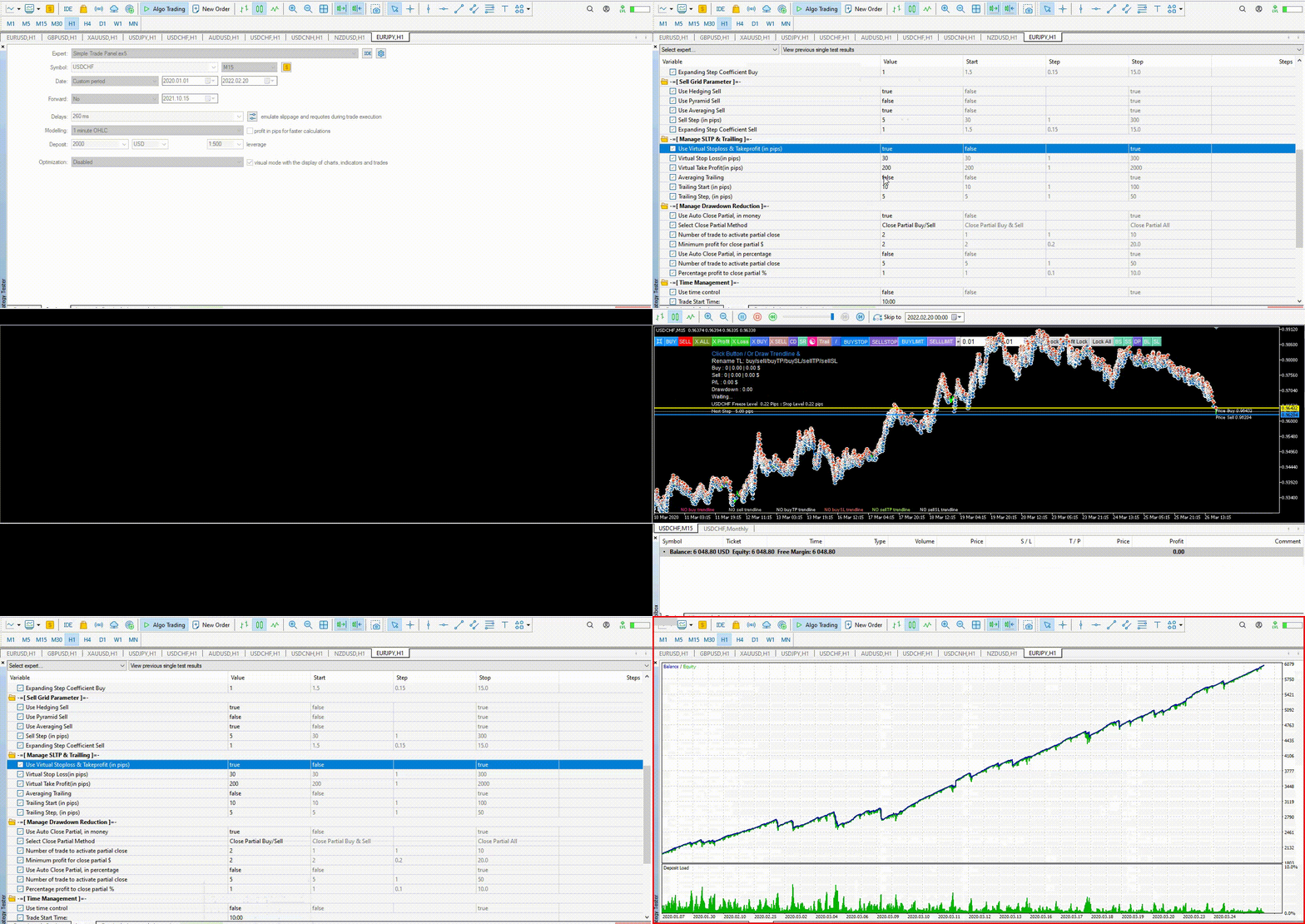
Hedging Pro Ultimate is an expert advisor designed to work fully automatically or semi-automatically. MT5 version | Product knowledge & Setfile | How to set up news filter | Input Parameters Guide Suggested pairs: EURUSD, GBPUSD, XAUUSD Expert parameters: 1. Manage Open Positions + Trade Buy: allow buy + Trade Sell: allow sell + Open Position Method: Select the open position method + Delete trendline after opening a position: set false for continuous
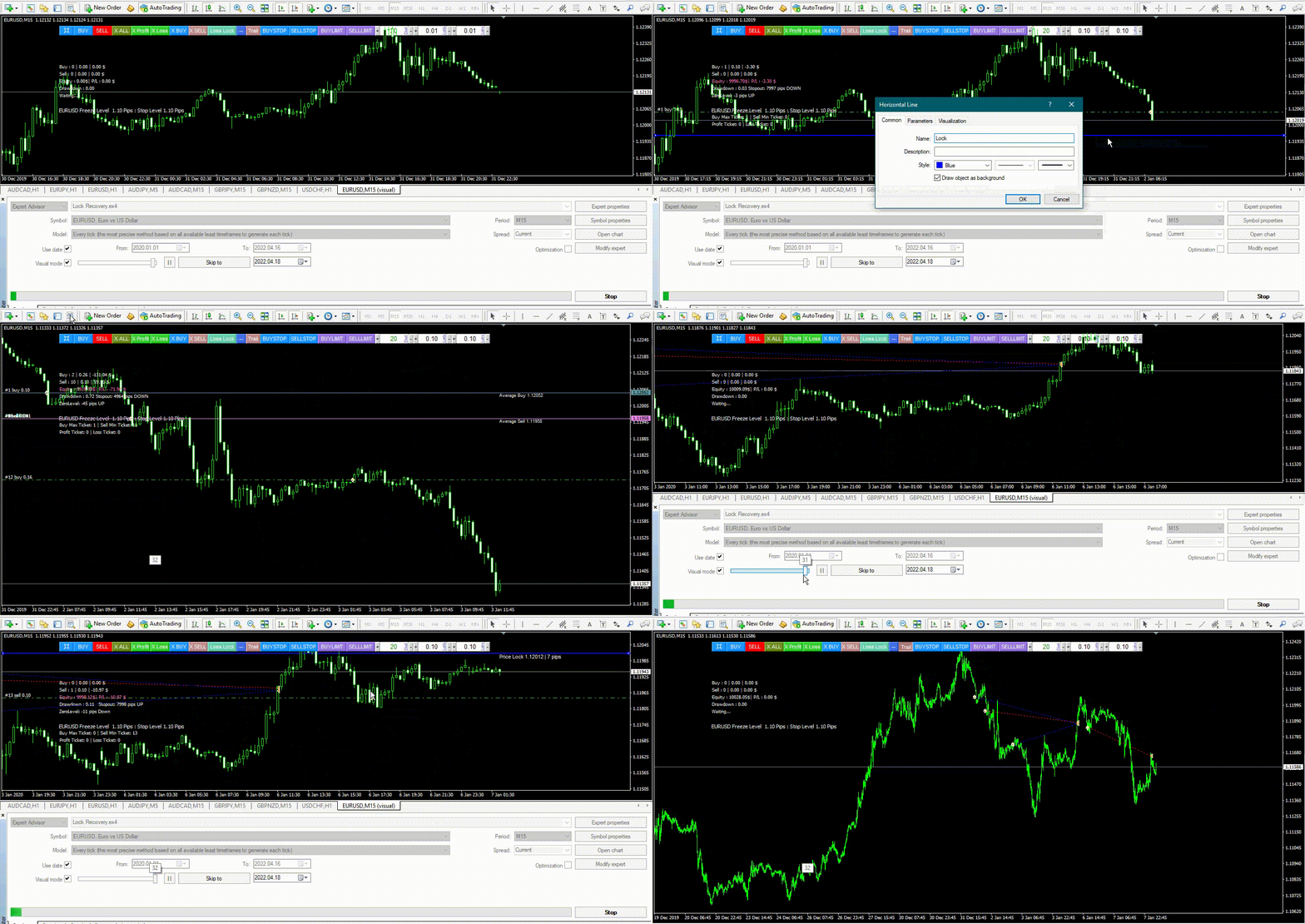
Added Horizontal line button, now the lock position can be determined by pressing the horizontal line button, drag the Horizontal line to the desired location and rename it.
MT5 : https://www.mql5.com/en/market/product/78205
MT4 : https://www.mql5.com/en/market/product/78206
For how to use it, you can read the following blog post: https://www.mql5.com/en/blogs/post/748046
Lock Recovery MT5 : https://www.mql5.com/en/market/product/78205
Lock Recovery MT4 : https://www.mql5.com/en/market/product/78206
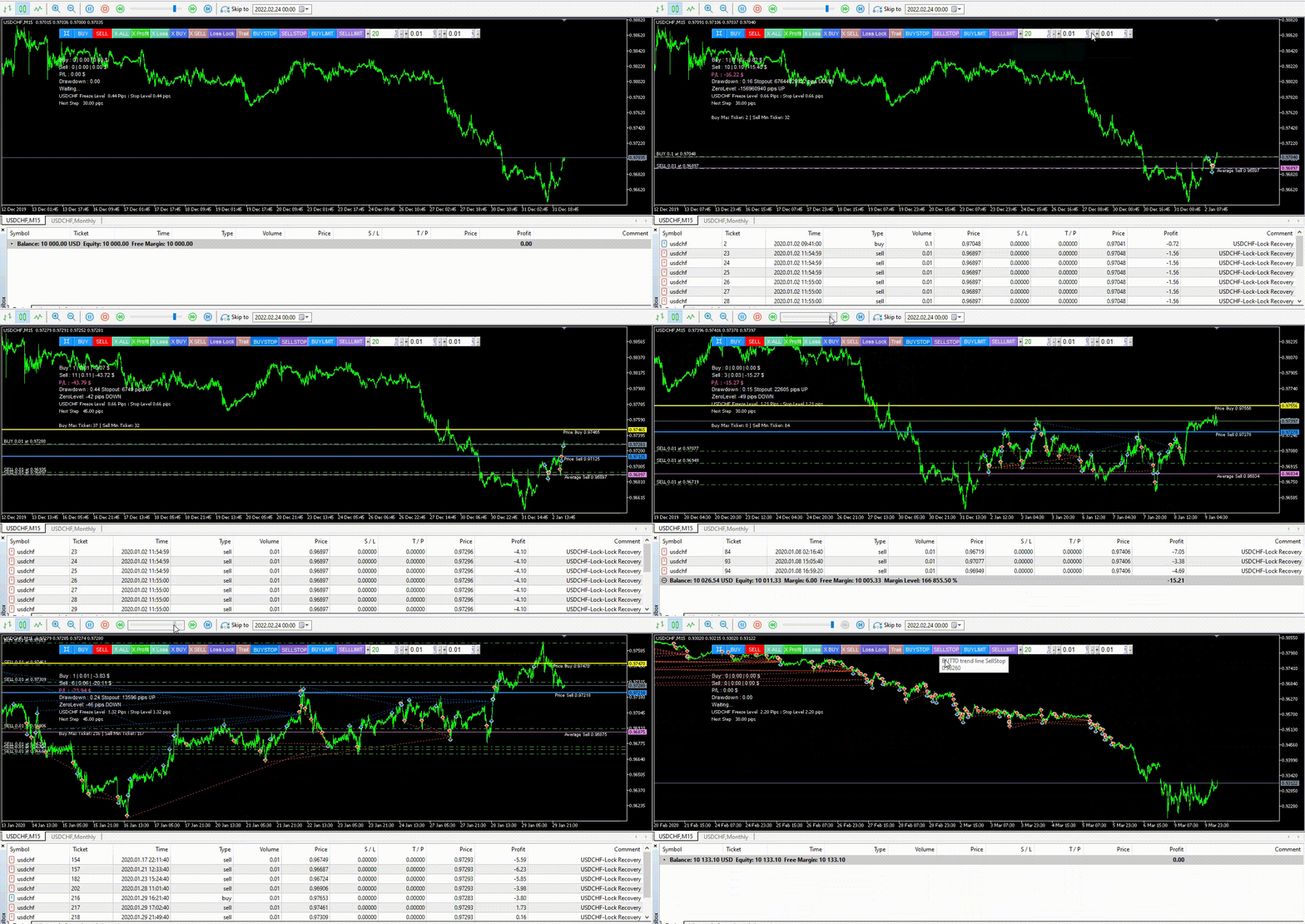
Lock Recovery is created with the aim of to recover a position that suffered a loss. Live Monitoring | Lock Recovery Complete Guide & setfile: Click here Input Settings: 1. Manage Open Positions + Trade Buy: allow buy + Trade Sell: allow sell + Smart Multi Symbol Control : Enable/disable maximum allow forex pair on risk + Maximum allowed number of fx pairs on risk: if Smart Multi Symbol Control = true, fill in max allow fx pairs on risk 2. Manage pending orders + Delete trendline
Lock Recovery is created with the aim of to recover a position that suffered a loss. Live Monitoring | Lock Recovery Complete Guide & Setfile: Click here | MT5 Version : Click here Input Settings: 1. Manage Open Positions + Trade Buy: allow buy + Trade Sell: allow sell + Smart Multi Symbol Control : Enable/disable maximum allow forex pair on risk + Maximum allowed number of fx pairs on risk: if Smart Multi Symbol Control = true, fill in max allow fx pairs on risk + Trade At New Bar :open
MT5: https://www.mql5.com/en/market/product/65309
MT4: https://www.mql5.com/en/market/product/65296
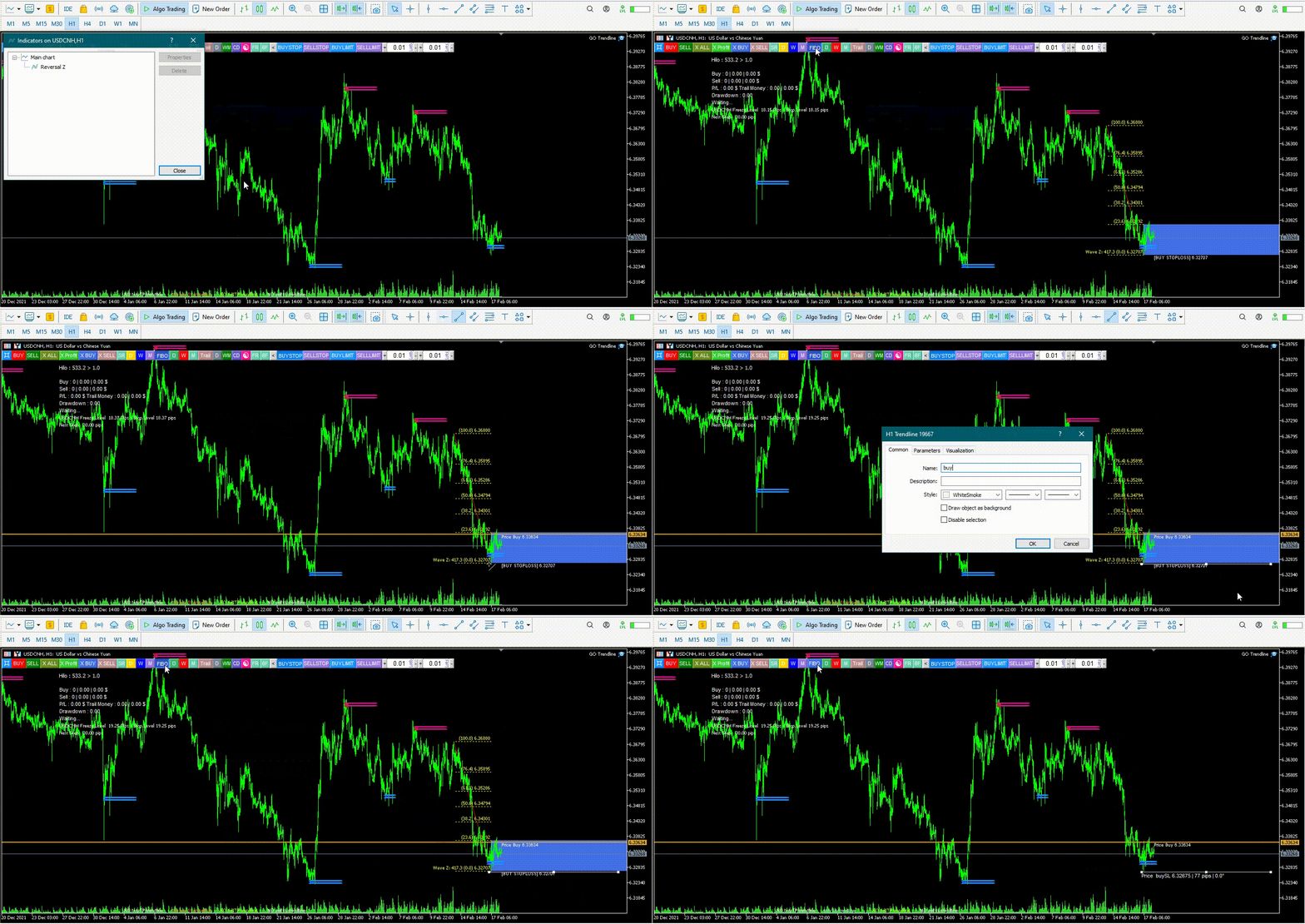
GO Trendline makes forex trading even easier with the click of a button.
GO Trendline MT5 : https://www.mql5.com/en/market/product/56308
GO Trendline MT4 : https://www.mql5.com/en/market/product/56171