MiniBull Risk Panel
- ユーティリティ
-
Yusuf Levent Aksun
 プラットフォームエンジニア & AWS認定プロフェッショナル。ソフトウェア開発、クラウドアーキテクチャ、
DevOpsトランスフォーメーションにおいて20年以上の経験を持つ。
現在、ロンドンのWorld Wide Technologyにてプラットフォームエンジニアリングを推進。
スケーラブルなインフラソリューションを構築し、開発チームがより迅速かつ確実に
デリバリーできる環境を実現。
🔹 AWS Certified Solutions Architect – Professional - バージョン: 1.44
- アクティベーション: 5
# MiniBull Risk Panel v1.43:
**MiniBull Risk Panel: your risk, calculated before you click.**
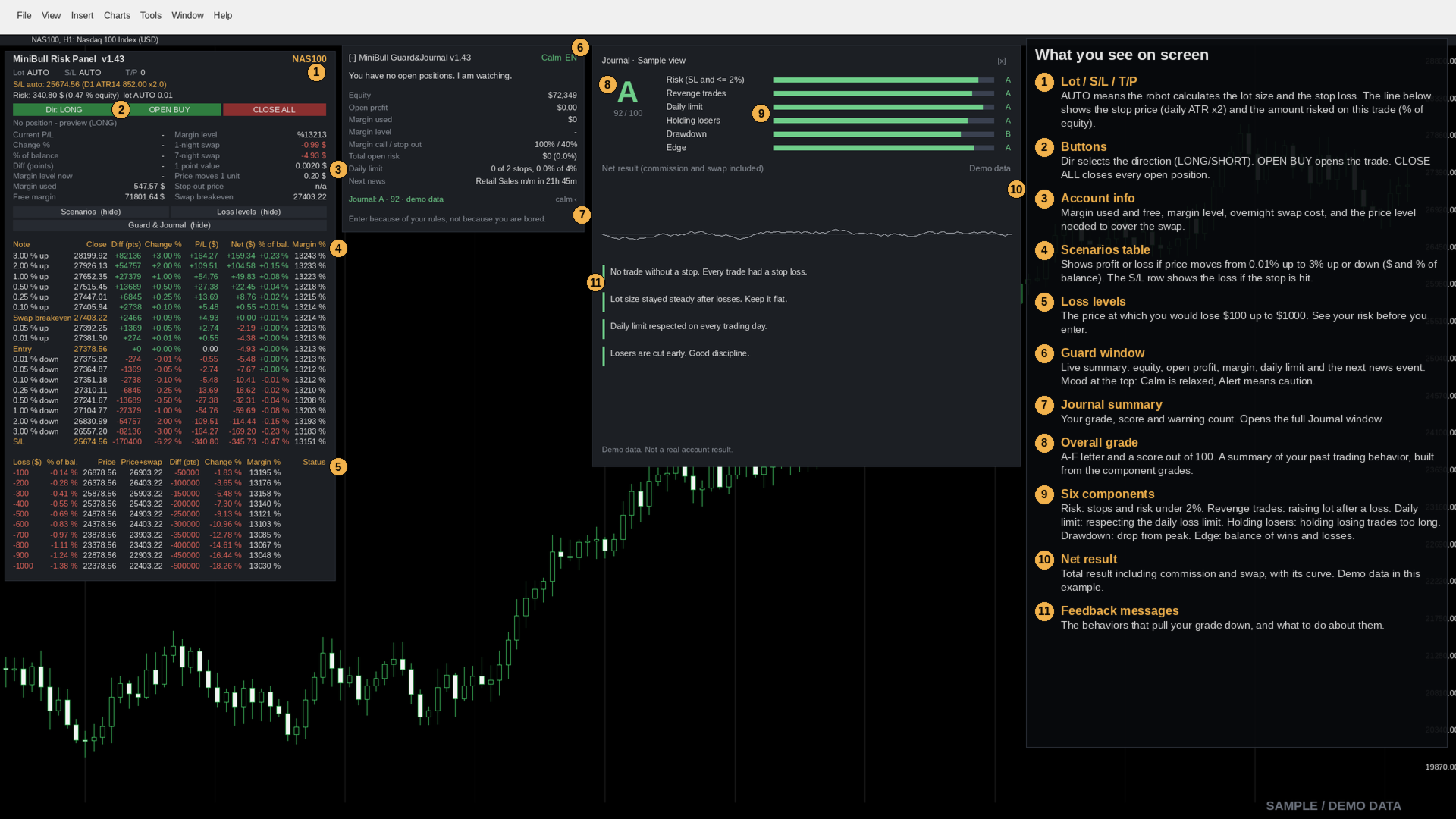
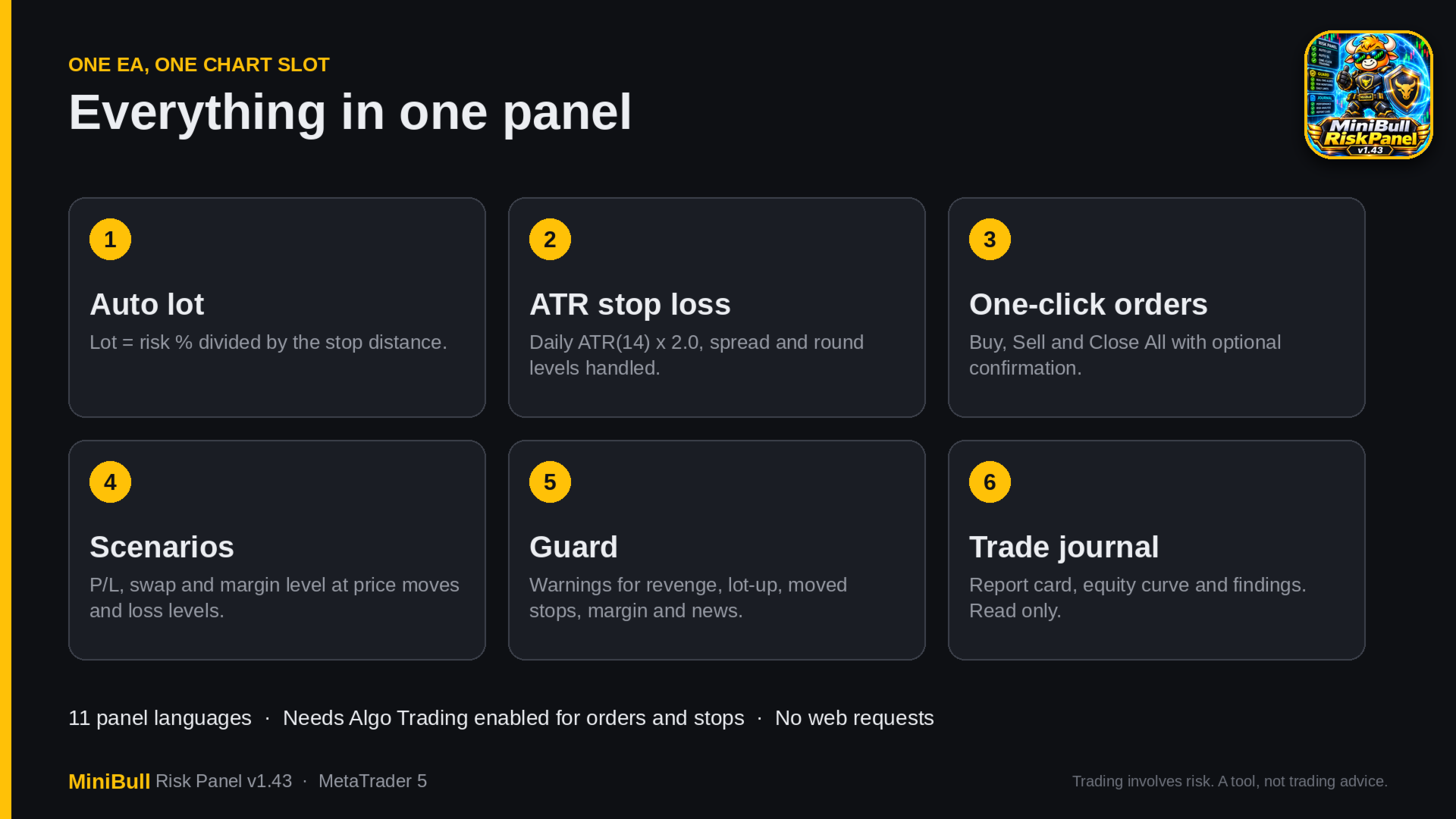
Revenge trader? Forgot your stop loss again? Can't size your risk before you click, or too late because you were doing the math? MiniBull Risk Panel puts lot size, stop loss, risk and scenarios on your chart, then adds a Guard that warns you in real time and a Journal that tells you the truth about your habits. Focus on the trade. Let the panel show your risk.
**Who it is for**
Discretionary traders of indices, commodities, forex and other CFDs who want fast, consistent risk sizing and an honest look at their own behavior. It does not trade for you: it has no signals and no automatic entries.
**Quick start**
1. Attach the EA to a chart and allow Algo Trading.
2. Leave Lot and S/L on AUTO.
3. Choose the direction (LONG or SHORT).
4. Check the risk line: stop price, lot and the amount at risk in $ and % of equity.
5. Click Open. Confirmation is on by default.
**Risk Panel**
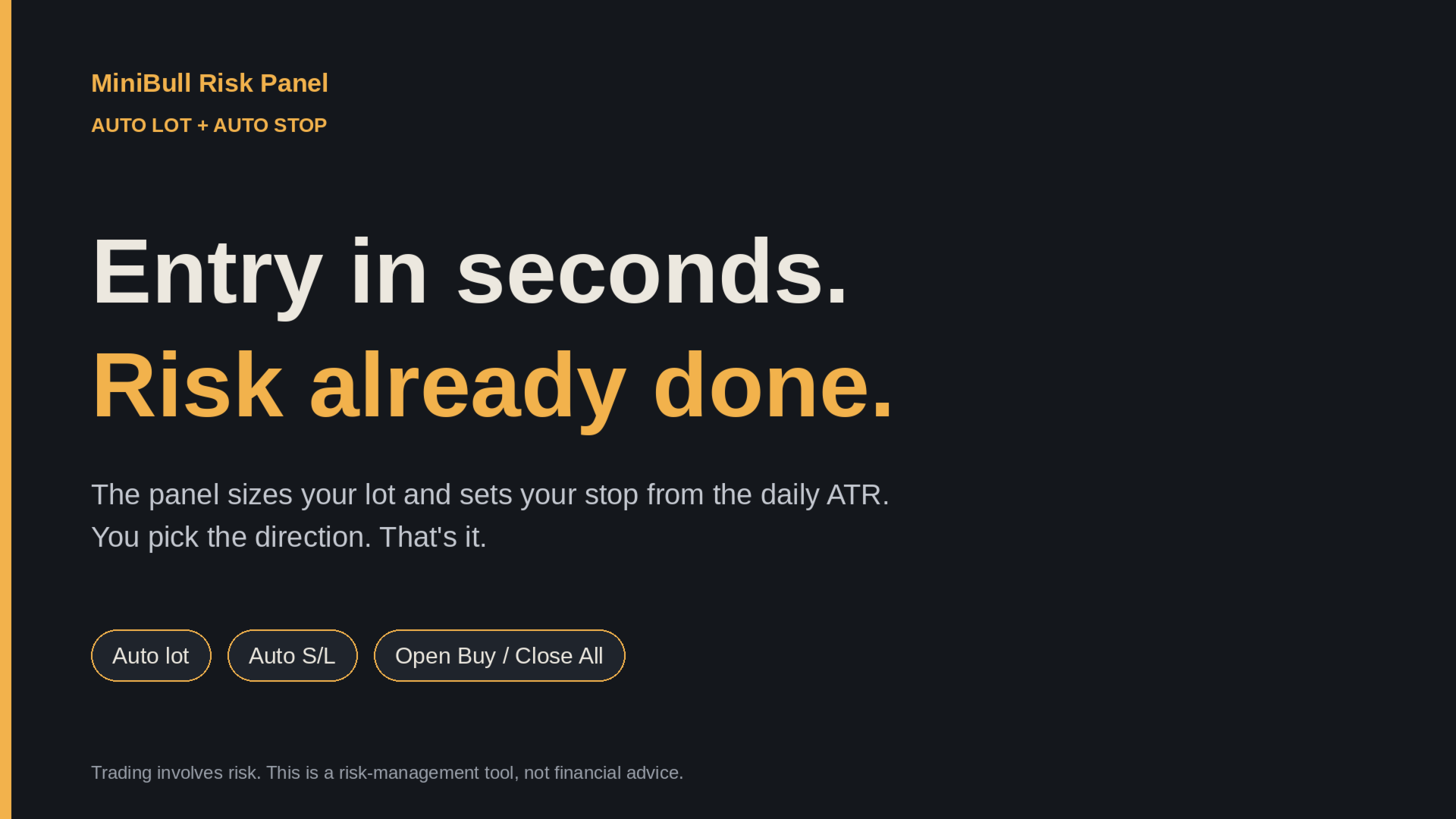
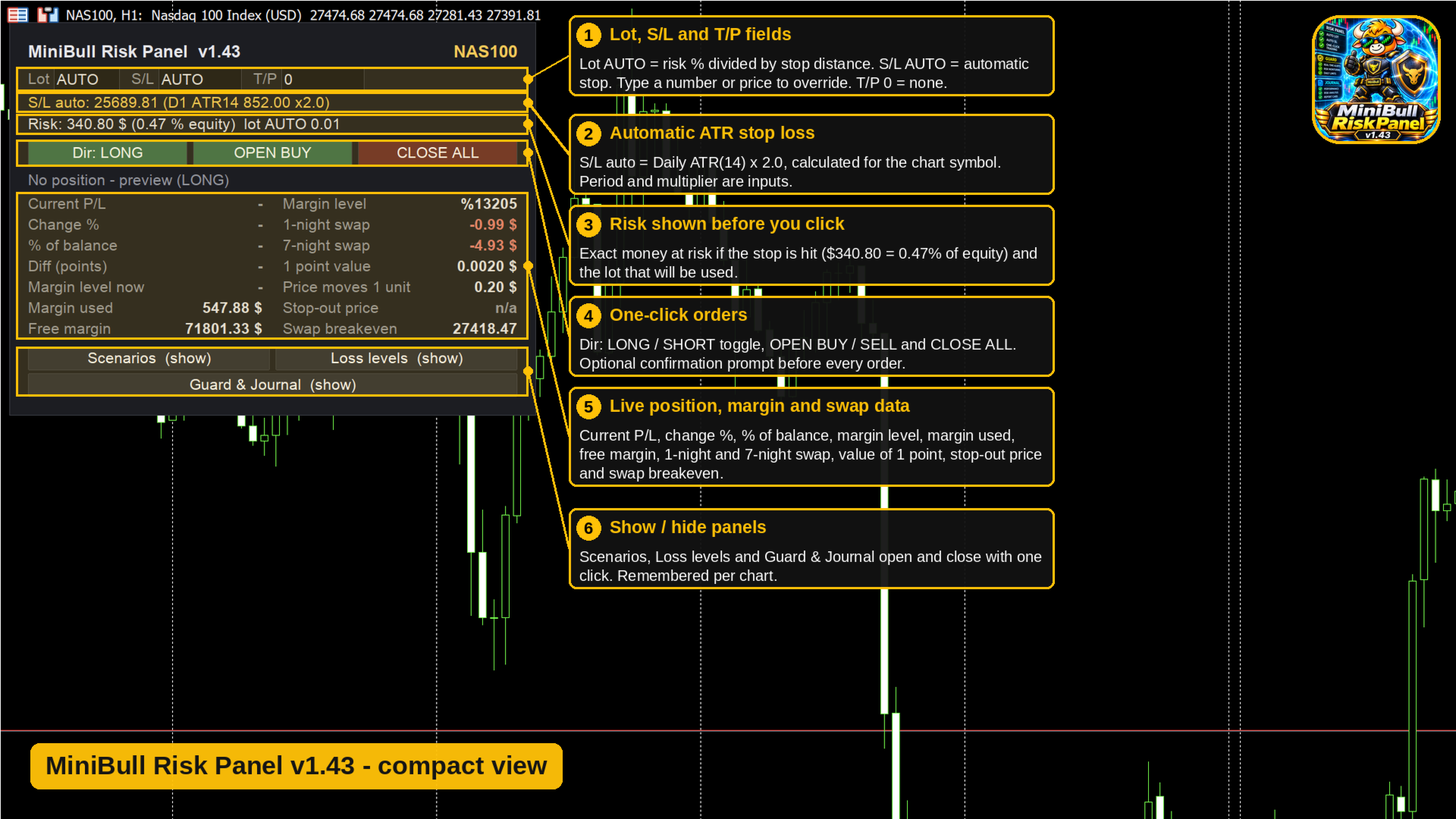
- **Auto lot.** Lot = risk per trade divided by the stop distance. Default risk is 0.5% of equity (equity or balance can be selected).
- **Auto stop loss.** Daily ATR (default 14 periods) x 2.0. Optional spread buffer, optional avoidance of round price levels, and a fixed distance mode (global or per symbol).
- **Manual override.** Type your own lot, S/L price or T/P in the fields at any time.
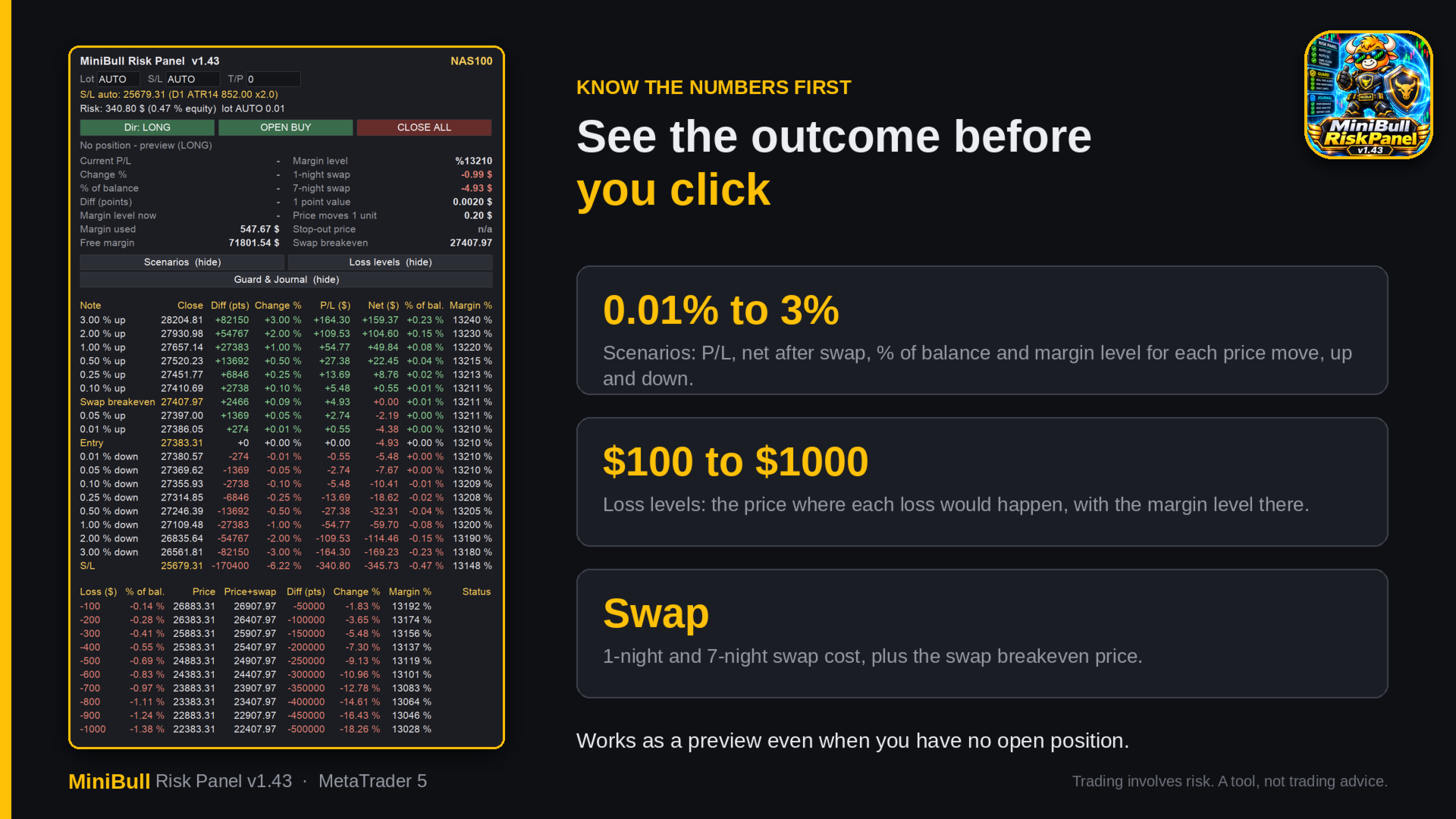
- **Risk before you enter.** Risk in $ and % of equity, margin used, free margin, margin level, stop-out price, point value, and the price move needed to cover the swap.
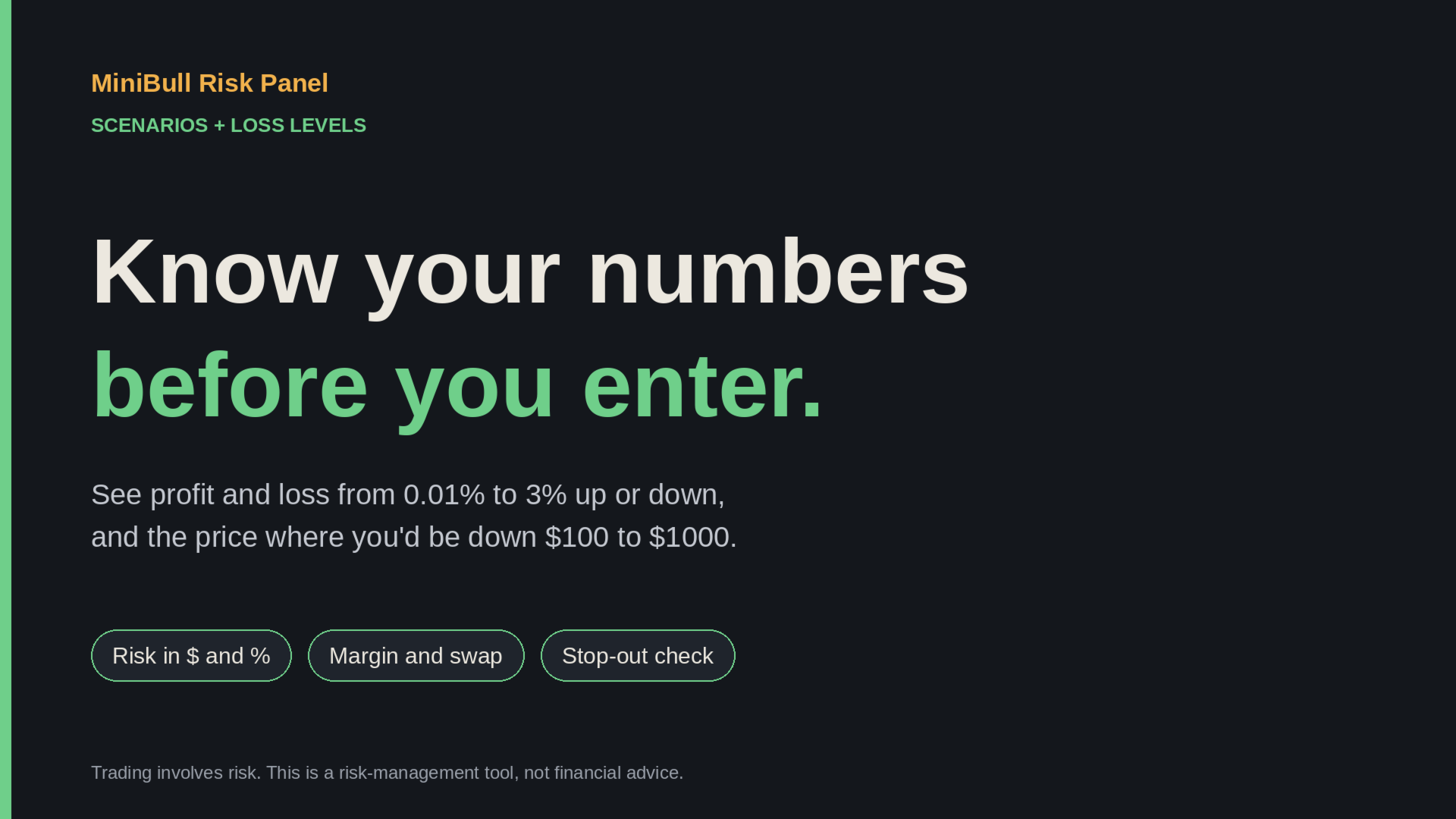
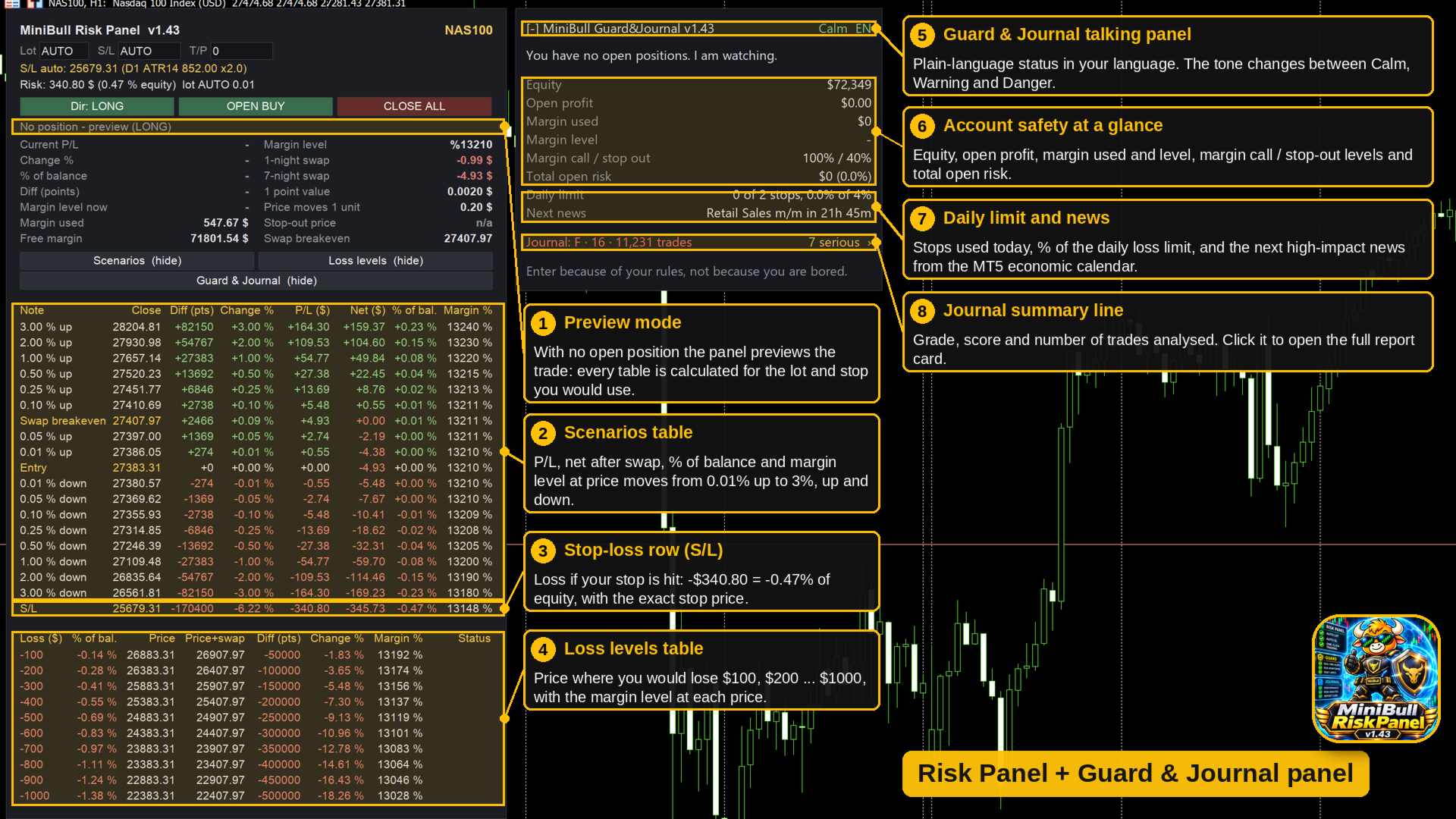
- **Scenarios.** Profit and loss, net of commission and swap, for price moves of 0.01%, 0.05%, 0.1%, 0.25%, 0.5%, 1%, 2% and 3% up and down, plus the loss if your stop is hit. Moves and swap nights (default 7) are configurable.
- **Loss levels.** The price where you would be down $100 to $1000 (configurable), with margin level at each level.
- **One-click orders.** Open and Close All from the chart, with optional confirmation, slippage setting and magic number. Close All closes the positions of the chart symbol by default. The fill mode is read from the symbol and retried with the others if needed.
- **Clean on your chart.** Scenarios, loss levels, direction and collapsed state are remembered per chart. Self-healing panel objects and automatic shifting when another indicator panel sits in the same place.
**Guard**
- **Automatic stop on new positions.** If a new position has no stop loss, the Guard adds an ATR-based stop. It never changes a stop you set yourself and never touches positions that were open before it started. The scope can be all symbols or the chart symbol only.
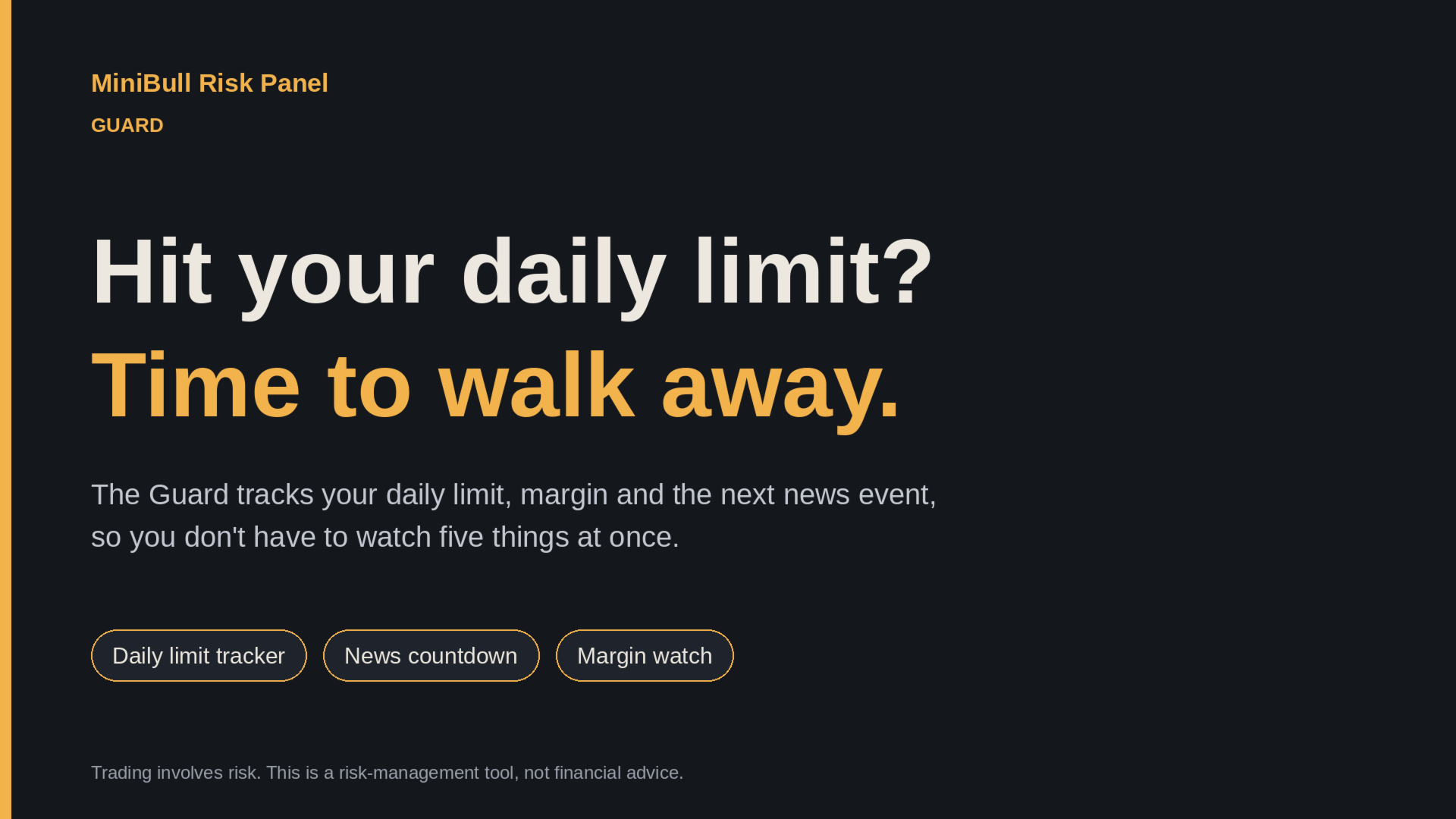
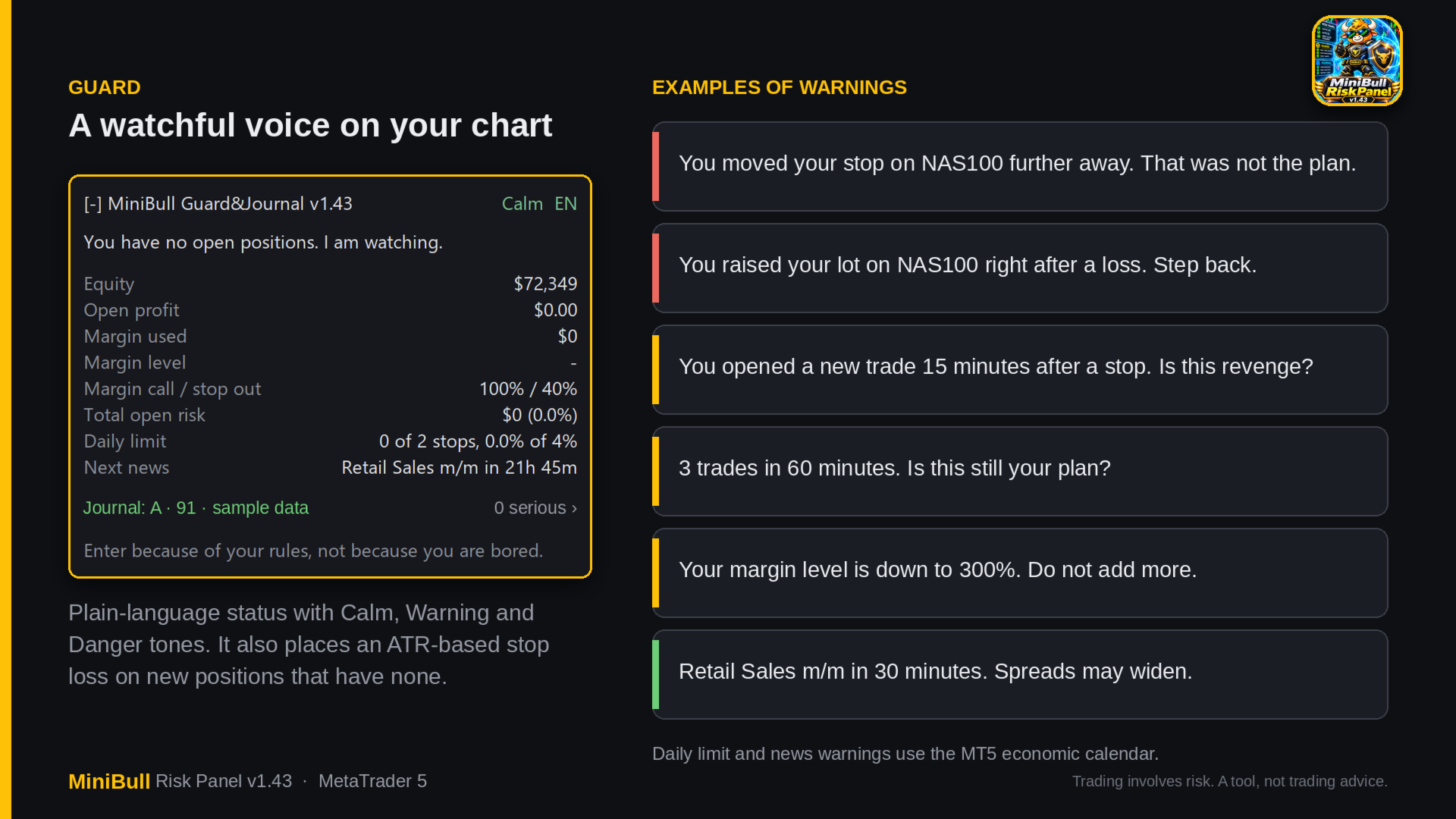
- **Live summary.** Equity, open profit, margin used, margin level, margin call and stop-out levels, total open risk, daily limit status and the next news event.
- **Warnings** (sound, optional push notification):
- margin level warning and danger (defaults 300% and 150%), and margin call reached before your stops are hit
- one trade risking more than your limit (default 3% of equity)
- daily limit: maximum stops per day (default 2) and maximum daily loss (default 4% of start-of-day equity)
- a new trade shortly after a stop (default 15 minutes)
- lot size raised right after a loss
- too many trades in a short time (default 3 in 60 minutes)
- a stop moved further away or removed
- high-impact news from the MT5 economic calendar (default 30 minutes before, 15 after, USD plus extra currencies you choose)
- **Tone and language.** Calm or stern tone, automatic or fixed. The Guard supports 11 languages.
- The Guard warns, it does not block your trading.
**Journal**
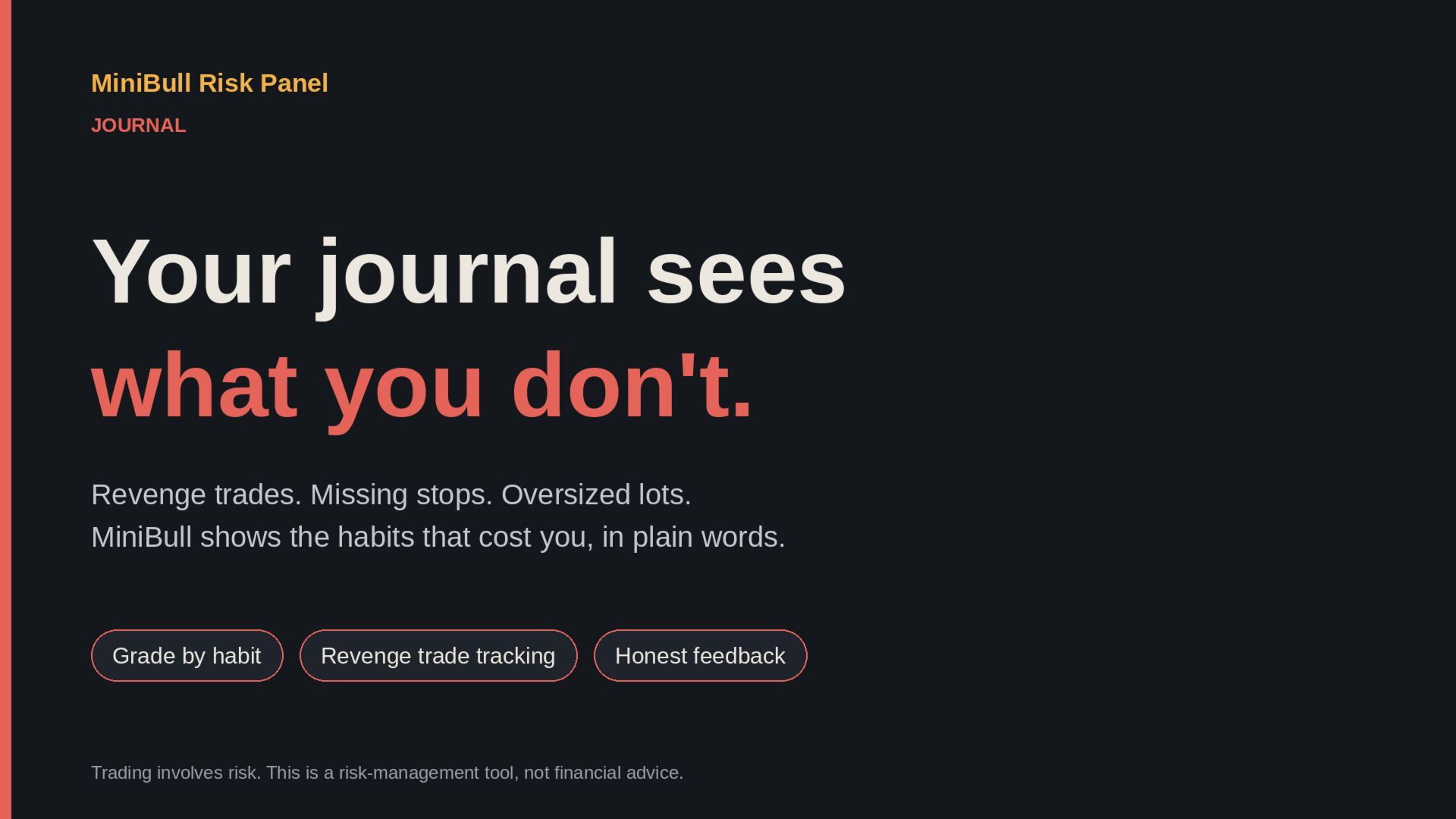
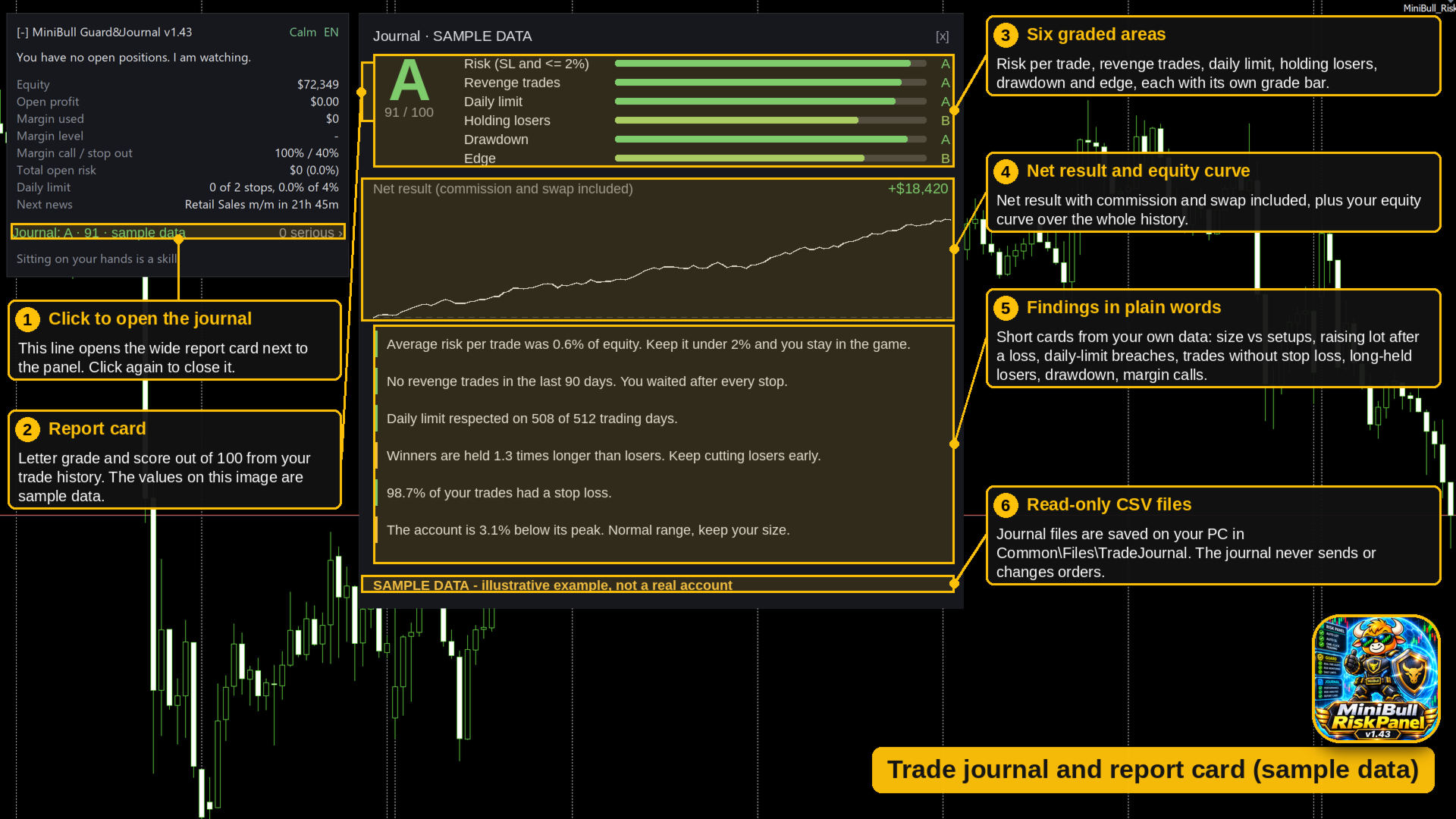
- Analyzes your closed trade history and grades your habits from A to F, with a score out of 100, in six areas: risk and stops, revenge trades, daily limit, holding losers, drawdown and edge.
- Wide report card with the equity curve and finding cards that name the behaviors pulling your grade down and what to do about them.
- Writes dated CSV files (trade journal, stop-out history and a live margin call log) to `Common\Files\TradeJournal\<login>`. The journal only reads your history and never changes your account.
- The report card is available in English and Turkish.
- The grade reflects how you trade, not what the tool promises. The same panel can show an A or an F, depending on discipline.
**Requirements and notes**
- MetaTrader 5, one instance per chart. Allow Algo Trading so the panel can send orders and the Guard can place stops.
- News warnings and the journal do not run in the Strategy Tester.
- Nothing leaves your computer: the EA makes no web requests. Push notifications are off by default and use the standard MetaTrader push service if you turn them on.
- Your account and symbol conditions (spread, swap, commission, leverage) apply to all calculations. Numbers shown are estimates.
**Risk warning**
Trading leveraged products involves a high risk of loss. MiniBull Risk Panel is a risk-management and journaling tool. It does not generate trade signals, does not guarantee results and is not financial advice. Screenshots and sample images use demo data.