Trading View Toolkit
- インディケータ
- バージョン: 1.72
- アップデート済み: 25 10月 2026
- アクティベーション: 5

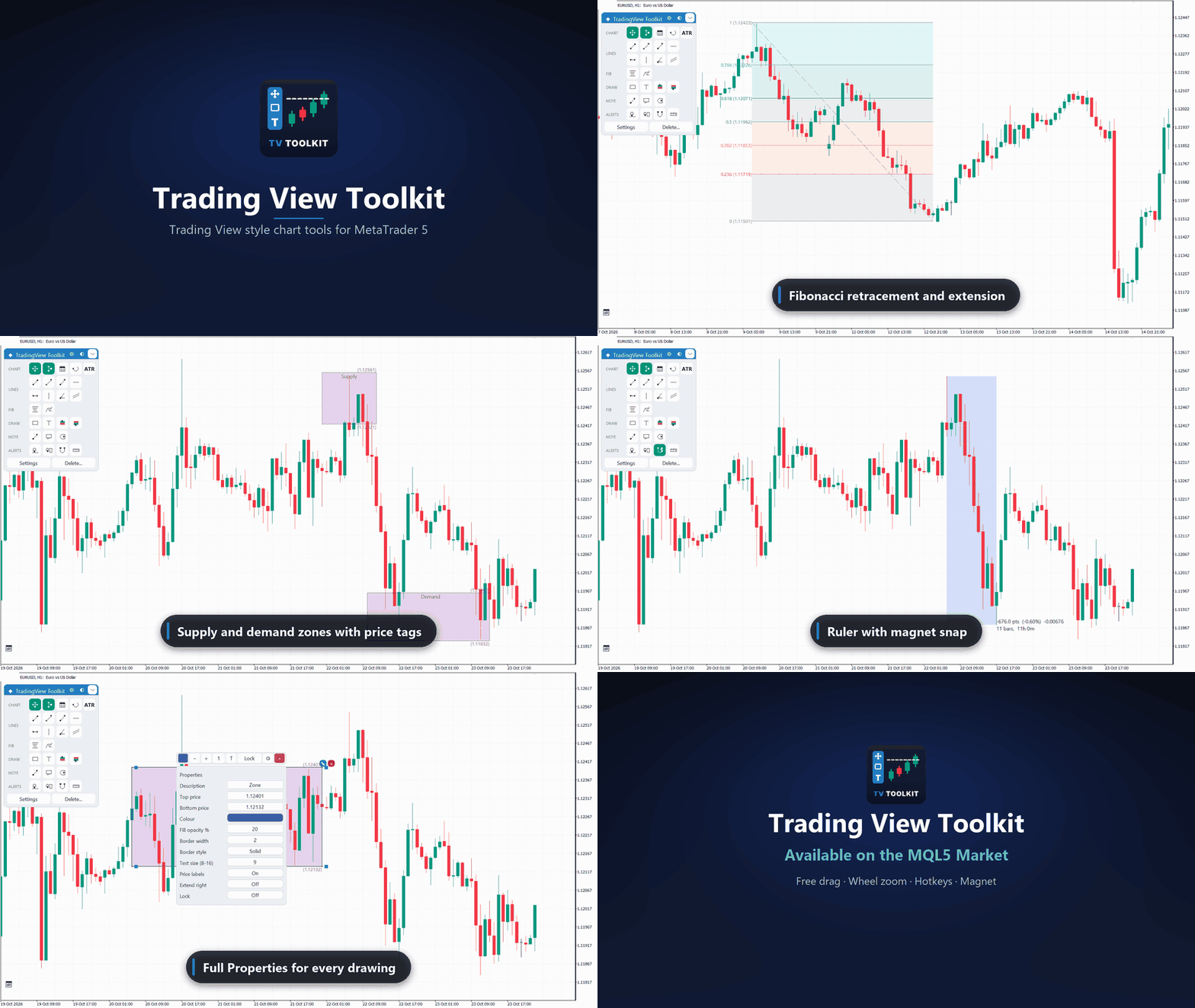
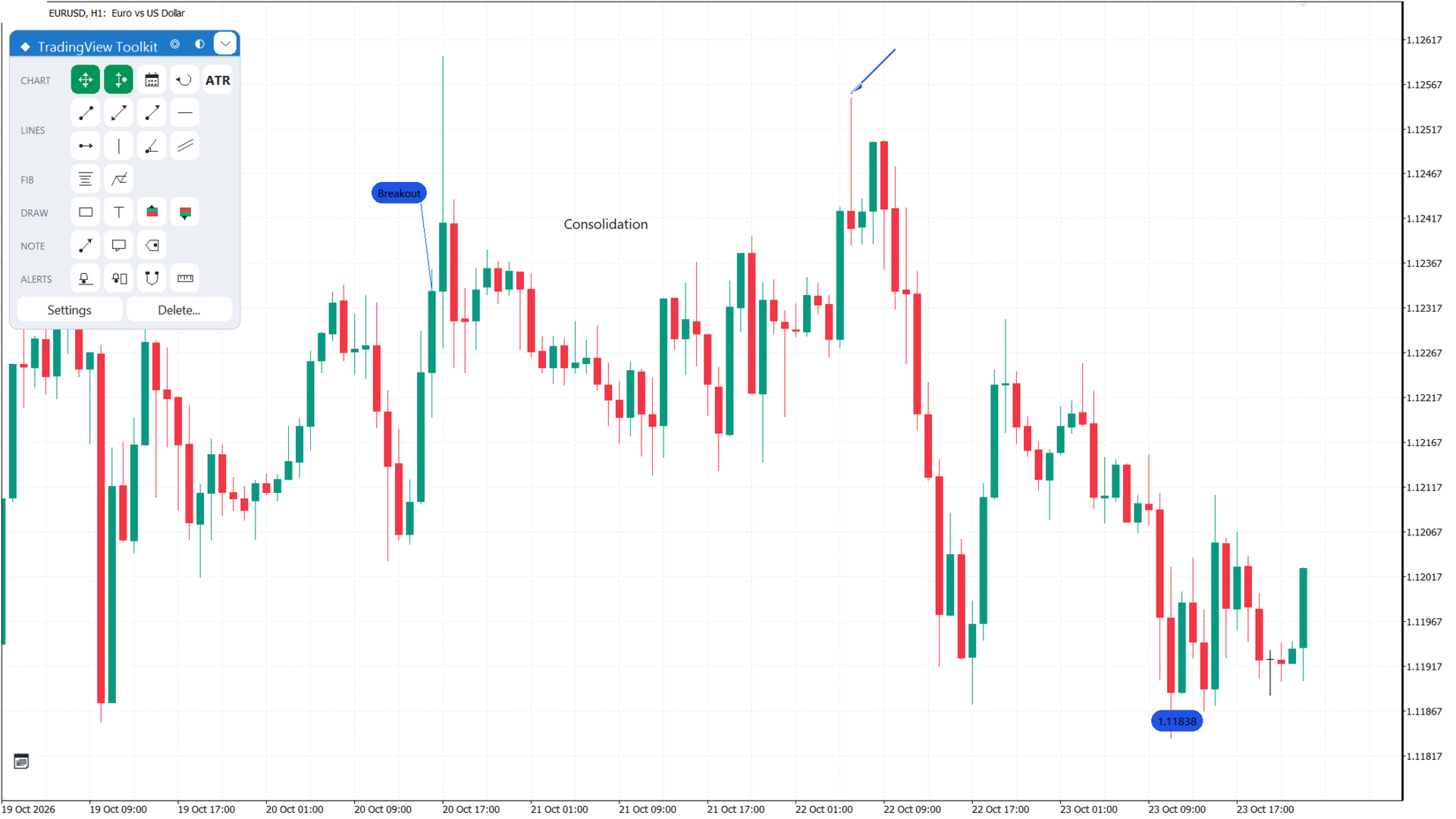
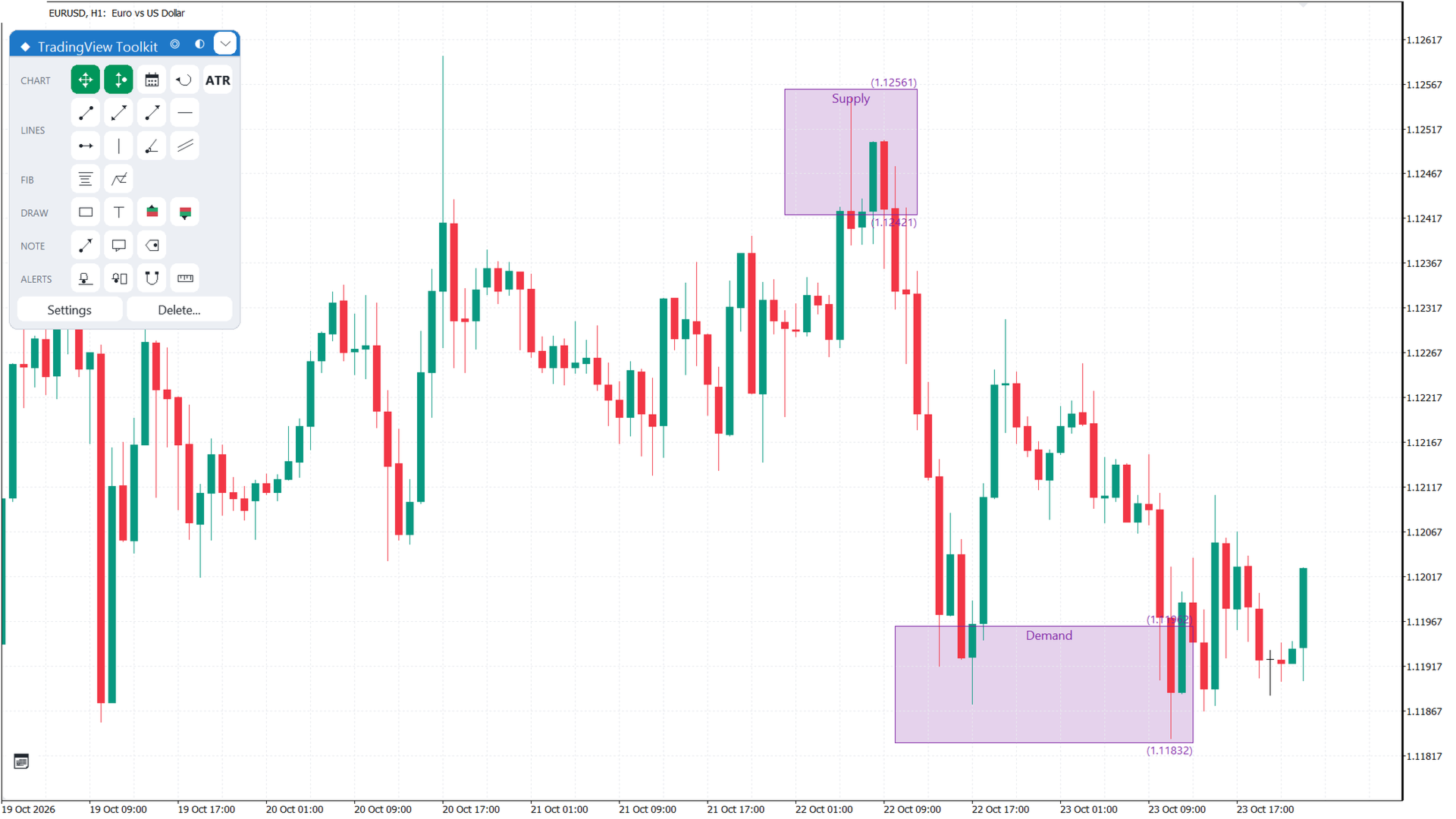
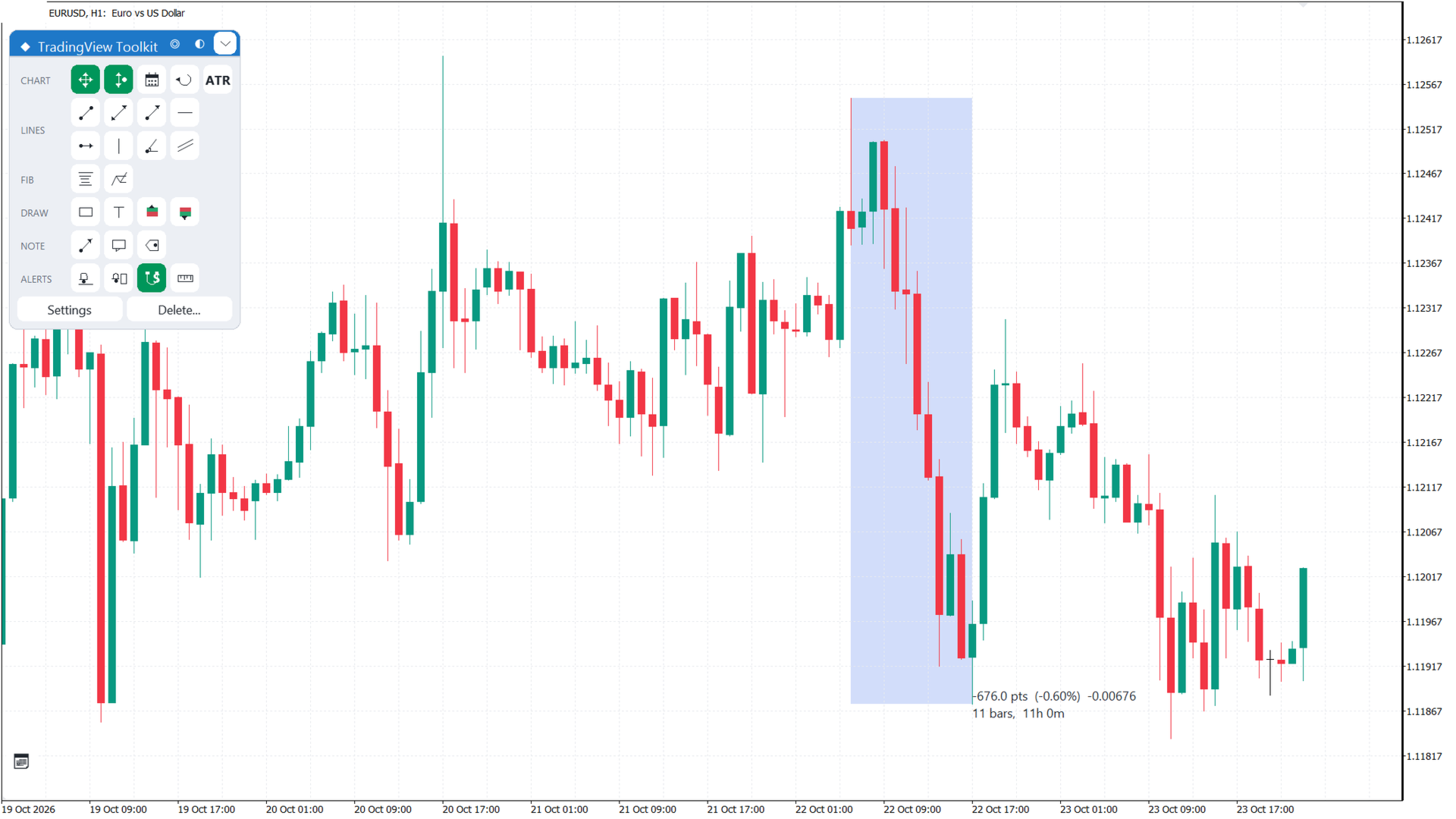
Trading View Toolkit is a chart tools indicator for MetaTrader 5. It brings Trading View style chart handling and drawing tools to MT5: free chart drag, go to date, line tools, Fibonacci, annotations, rectangles, text, alerts, a ruler, a magnet and Long and Short positions with a risk-reward ratio.
User guide: MQL5 blog. Support is available through the product comments or mql5.com messages.
Floating menu
All tools sit in one compact icon grid with six groups: Chart, Lines, Fibonacci, Draw, Notes and Alerts. Hover an icon for its name, state and hotkey. The footer has Settings and Delete. The title bar has Center, the theme button and a minimize button.
Chart movement
Free drag moves the chart in time and price. The wheel zooms time, Ctrl with the wheel zooms price, Shift with the wheel scrolls. Dragging the price or time scale does not pan the chart. Keep price in view shifts the window when the live price nears the edge. Center jumps to the live bar and follows the price.
Line tools
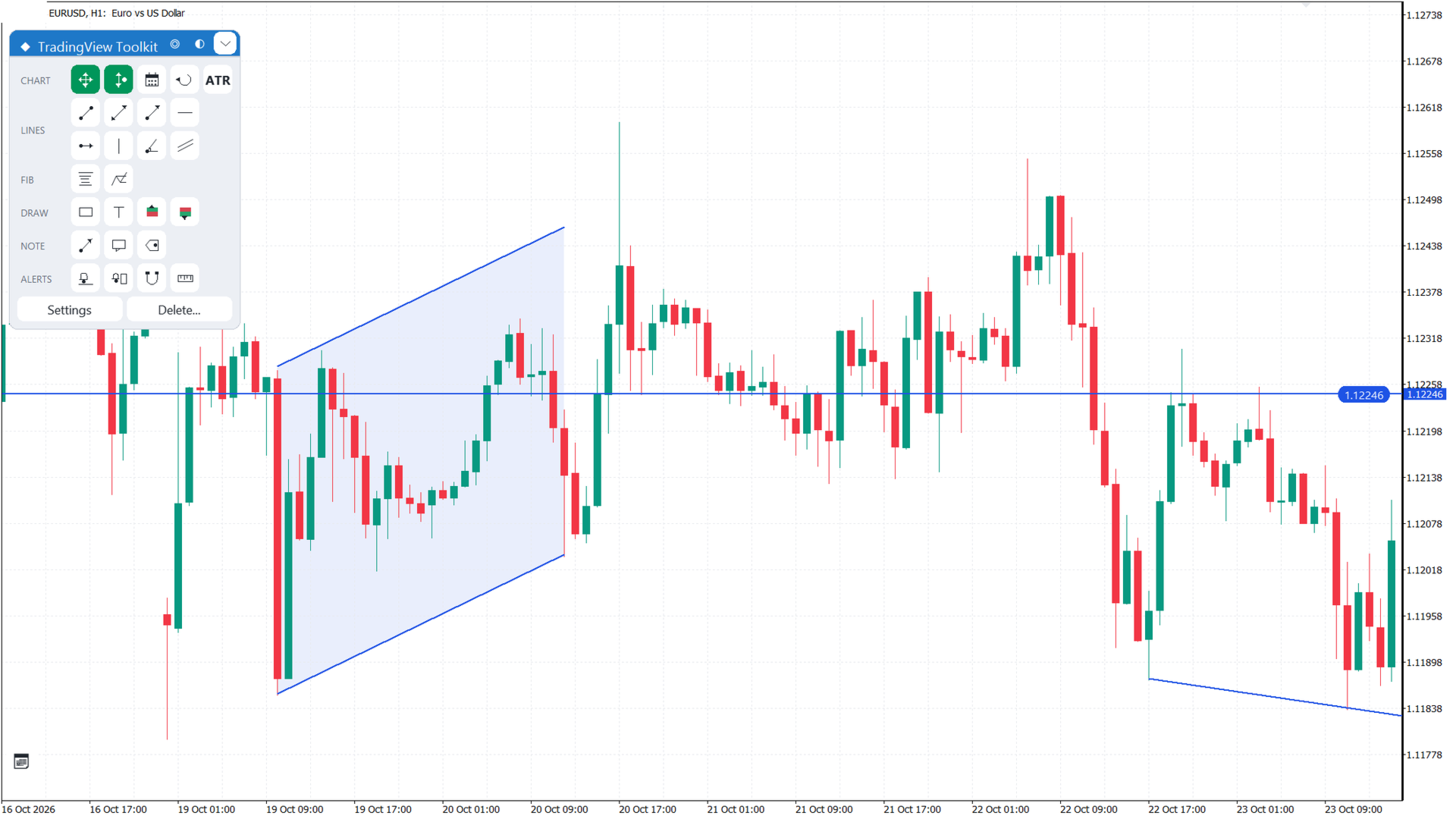
Trend line, extended line, ray, horizontal line, horizontal ray, vertical line, angle line and parallel channel. Horizontal and vertical lines take one click. Most line types can carry a bid cross alert.
Fibonacci
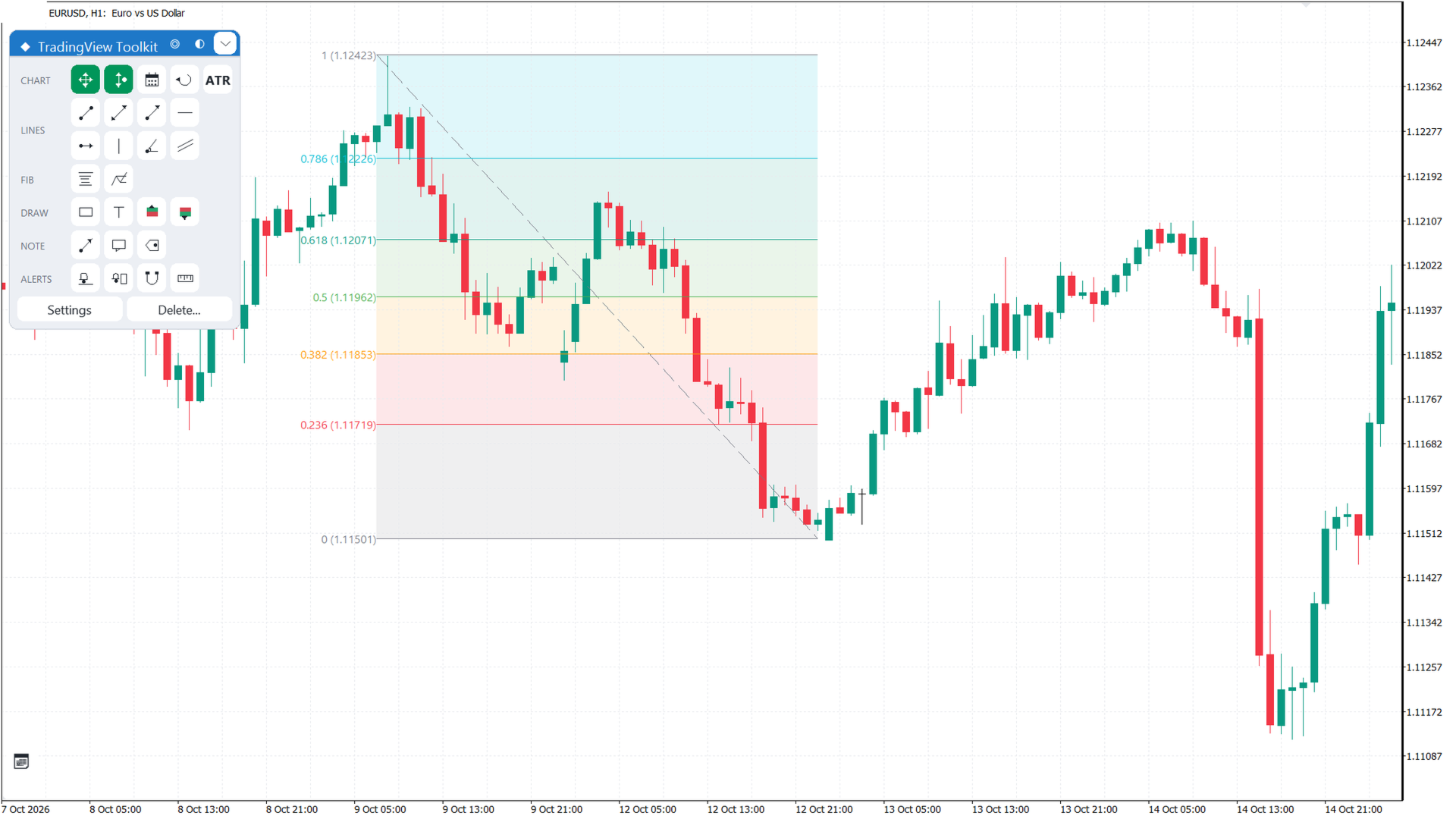
Retracement and extension, with level colours, shaded bands, an extend-to-right option and an editable level list.
Annotations
Arrow, callout with a text box and leader, and price label shown as a price pill at the point.
Rectangles, text, ruler and alerts
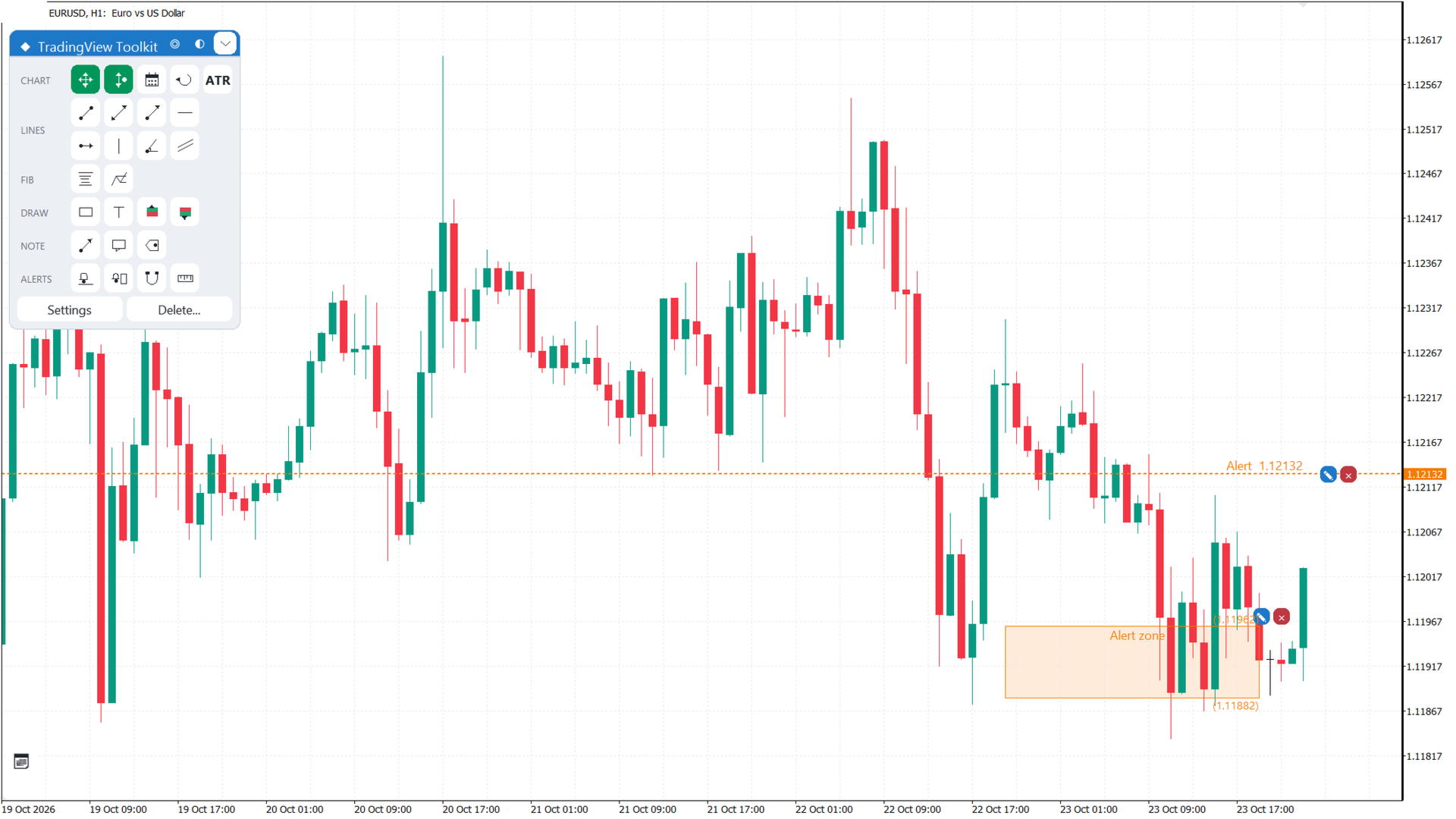
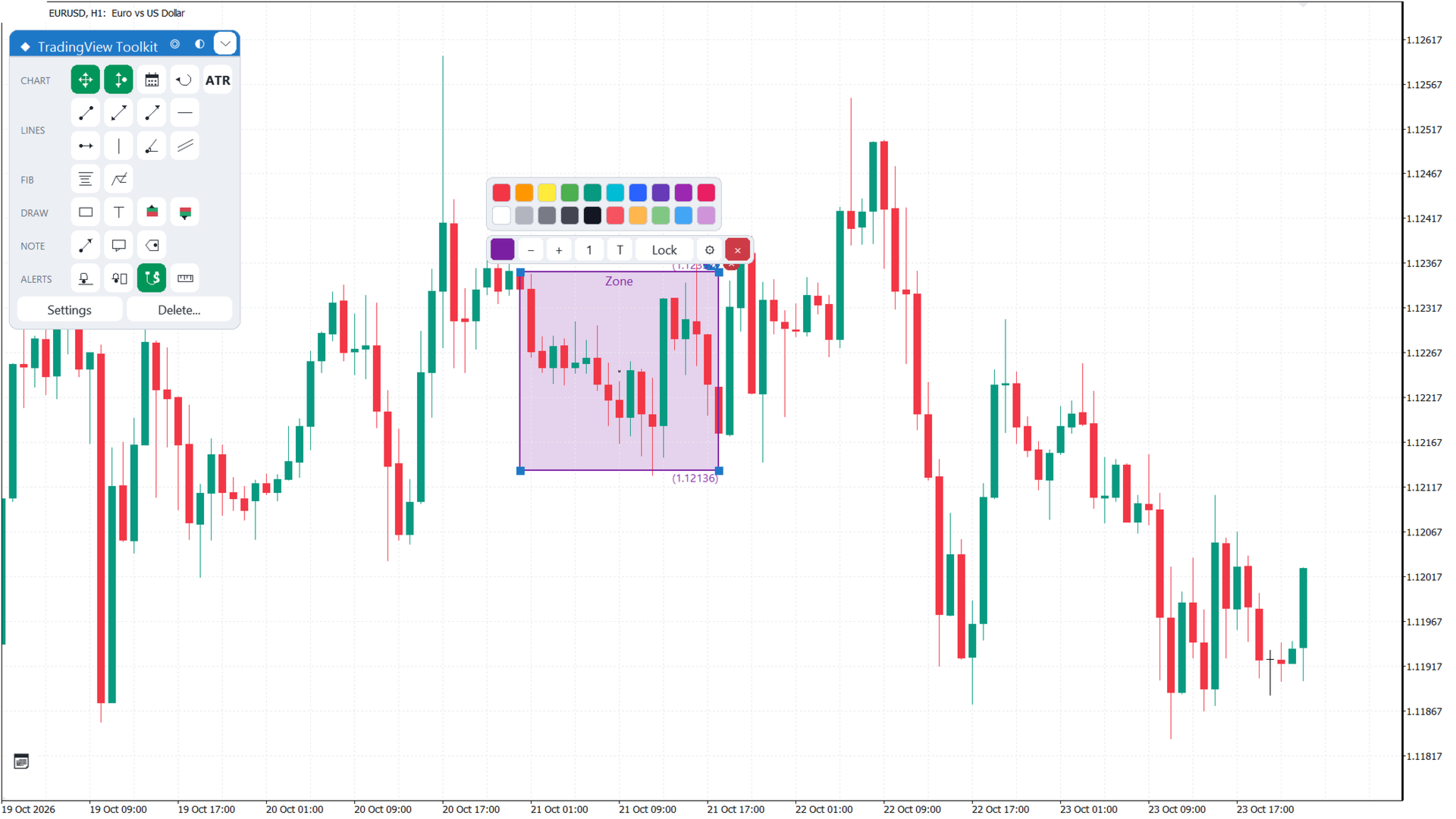
Rectangle has a translucent fill, a description label and price tags. Text is placed with one click and edited with a double-click. Ruler measures two points; Lock keeps it on the chart. Alert lines fire on a cross, alert zones on entry, with popup, sound or push.
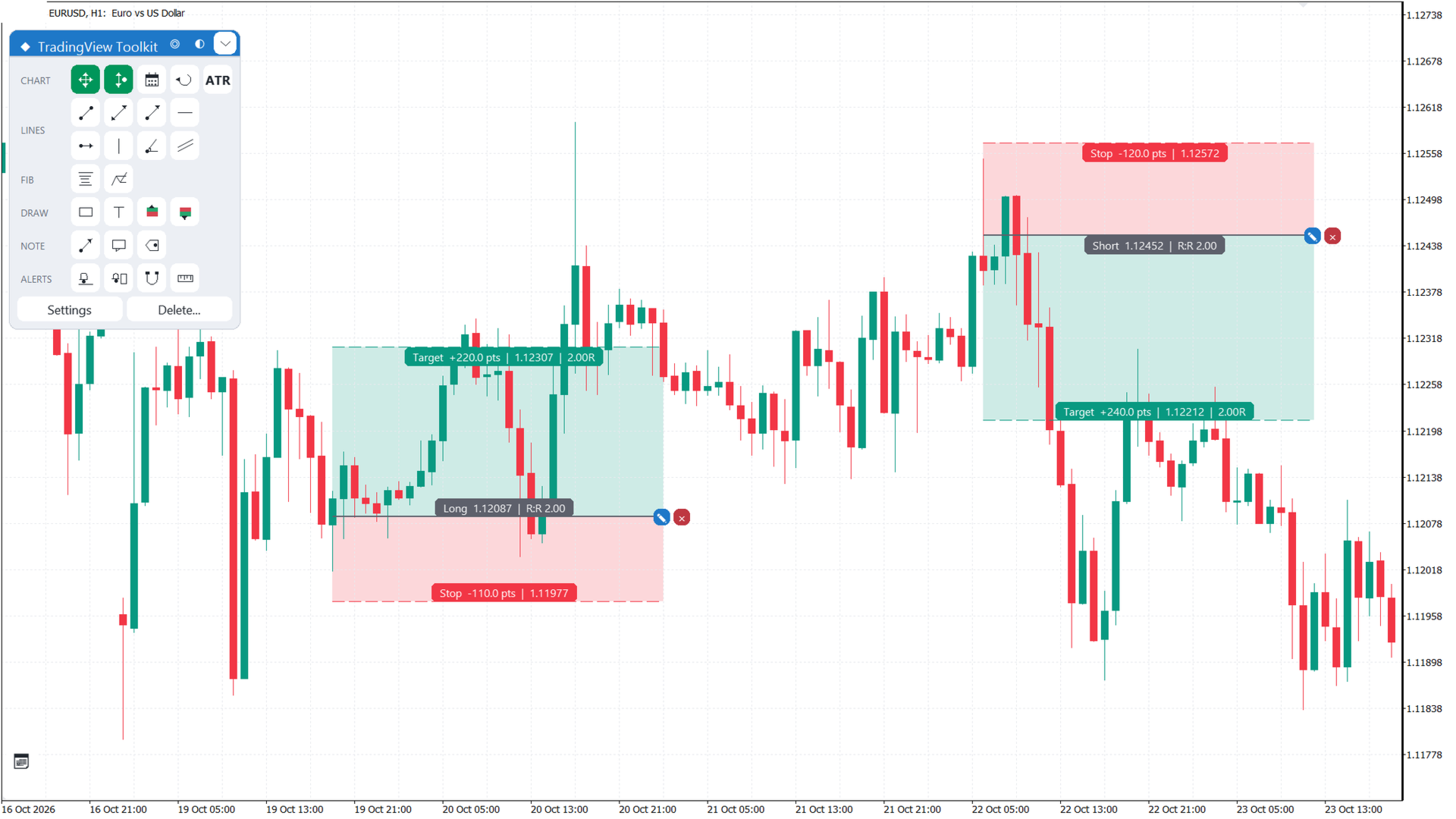
Long and Short position
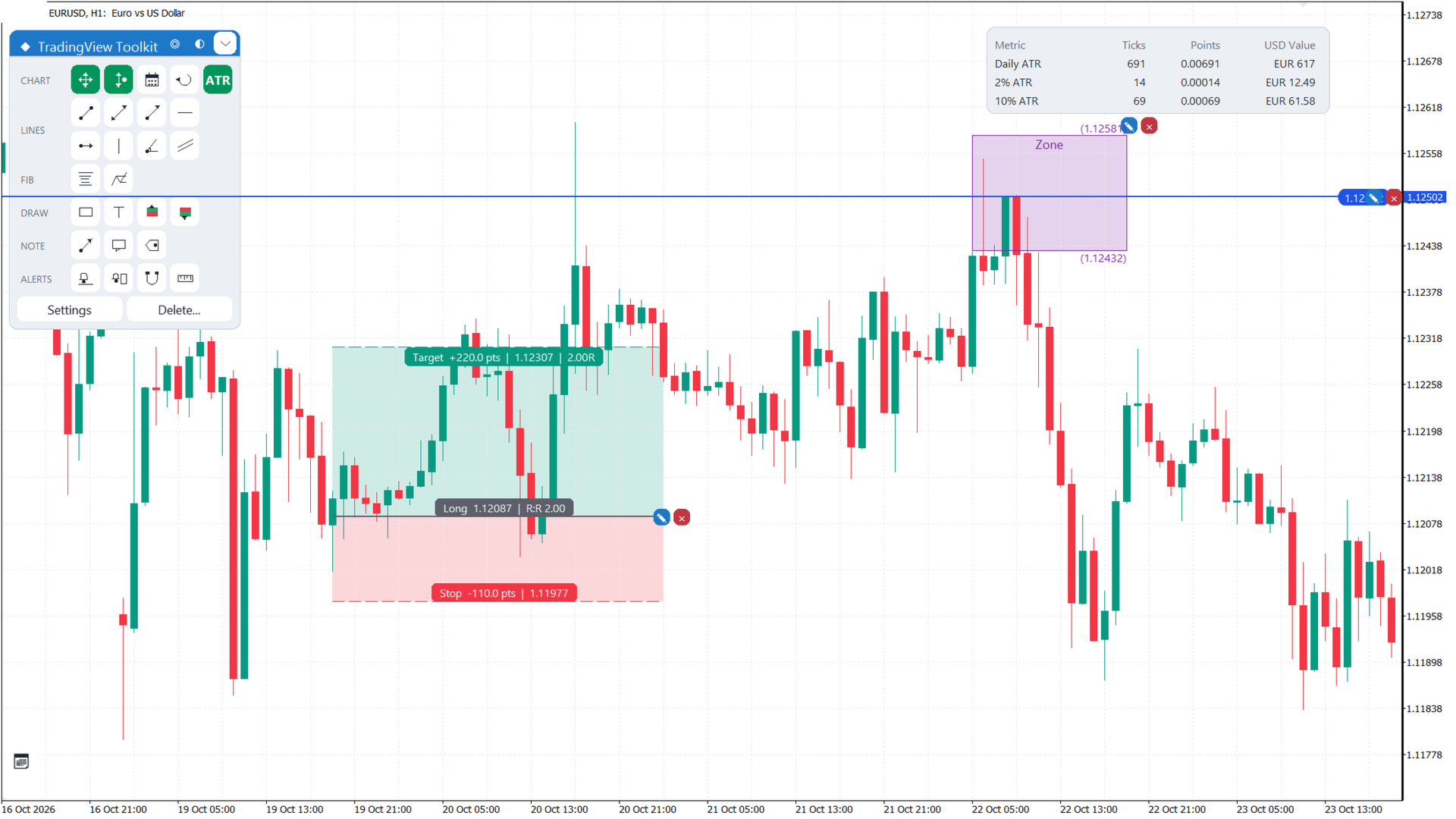
Sets an entry, a stop and a target, and shows the risk-reward ratio in Target, Stop and Entry info bars. Drag the stop, target or entry line to change them, or the entry bar to move the whole position. It does not send orders.
Magnet
Off, Weak (snaps within 12 px) or Strong (always) to the Open, High, Low or Close of the bar under the cursor. Applies to the drawing tools.
Select and edit
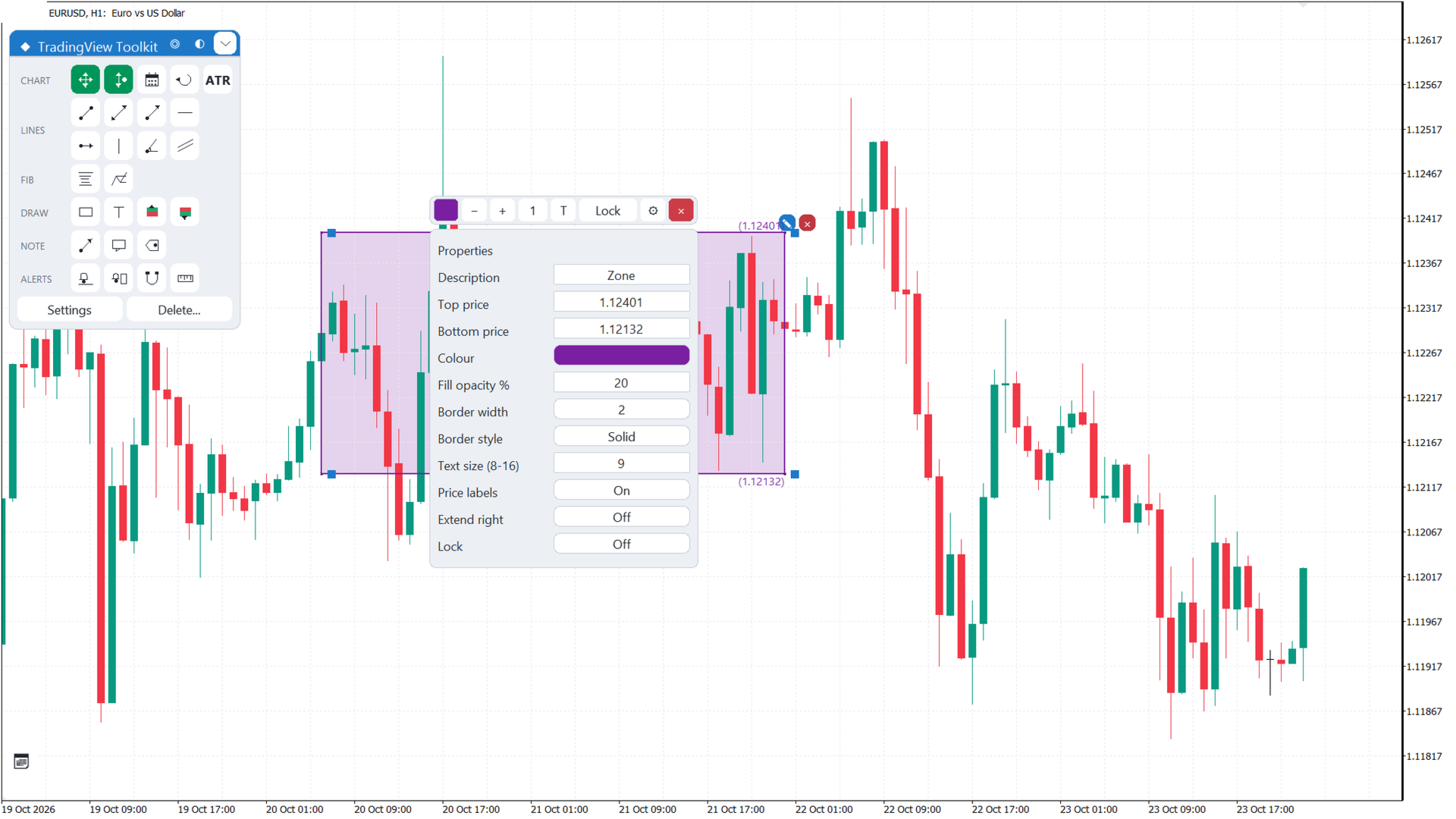
A click selects a drawing or position and opens a toolbar: colour, width or opacity, text, lock, Properties and delete. Properties edits exact values. Every drawing has an X button.
Hotkeys and undo
Delete or Backspace deletes the selected drawing. Ctrl+Z undoes the last delete step, up to 10 steps, kept in memory and lost on restart. Alt+H horizontal line, Alt+V vertical line, Alt+T trend line, Alt+F Fibonacci, Alt+R rectangle, Alt+J ruler, Alt+L long, Alt+S short, Alt+A alert line, Alt+X text.
Deleting drawings
The Delete popup lists one row per kind with live counts. Each row needs a second click; Delete ALL removes every drawing after a confirm.
Colours
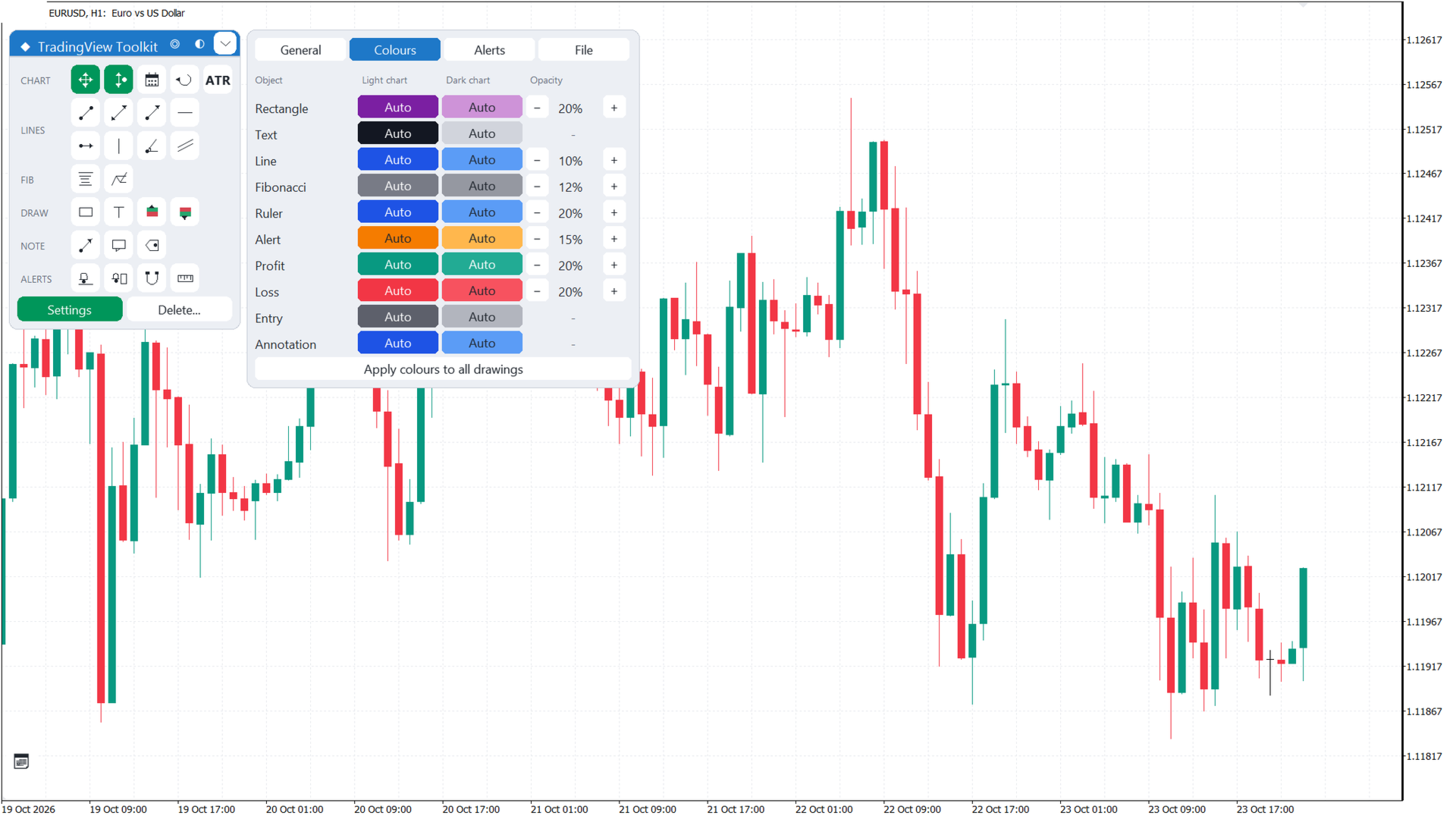
Separate light and dark palettes, chosen from the chart background, with different defaults. Fill opacity is set per kind: rectangles and rulers 20 percent, alert zones 15, profit and loss zones 20, Fibonacci bands 12, channels 10.
Settings
Four tabs. General: theme, UI size, free drag, keep price in view, ATR table, default R:R, magnet. Colours: light and dark colour and opacity per kind. Alerts: popup, sound, push. File: save, load and reset the .set file.
Input parameters
Chart movement: free drag, keep price in view, edge (20 percent). Tools: default reward:risk (2.0), default text ("Text"). Colours: ten light and ten dark, all Auto. Opacity: one percentage per kind. Alerts: popup (on), sound (on), push (off). Menu: start X (10), start Y (40), theme (Auto), UI size (100 percent), When the indicator is removed (Keep drawings). ATR table: on (on), period (14), percentages (2.0 and 10.0).
Notes
The indicator does not trade and works next to Expert Advisors and panels. Drawings stay on the chart when the timeframe changes. The Strategy Tester delivers no mouse events; use a live or demo chart.
Seller page: https://www.mql5.com/en/users/edl2/seller.