Seconds Chart Generator
- エキスパート
- バージョン: 1.0
- アクティベーション: 5

Seconds Chart
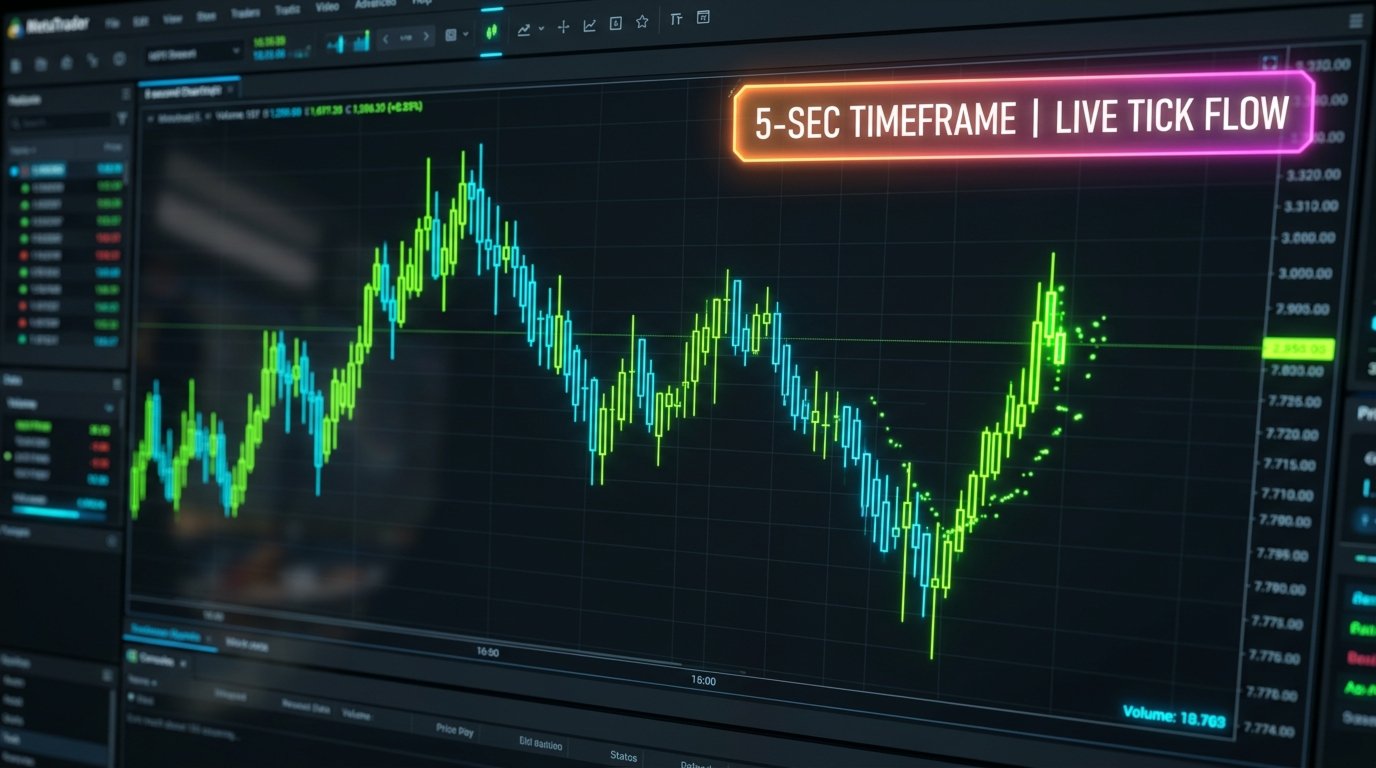
Seconds Chart is an MT5 utility built for fast scalping and precision trade management. It generates live, sub-minute candlestick charts (like 5s, 10s, or 30s bars) while keeping your Stop Loss and Take Profit levels 100% hidden from your broker.
Core Highlights
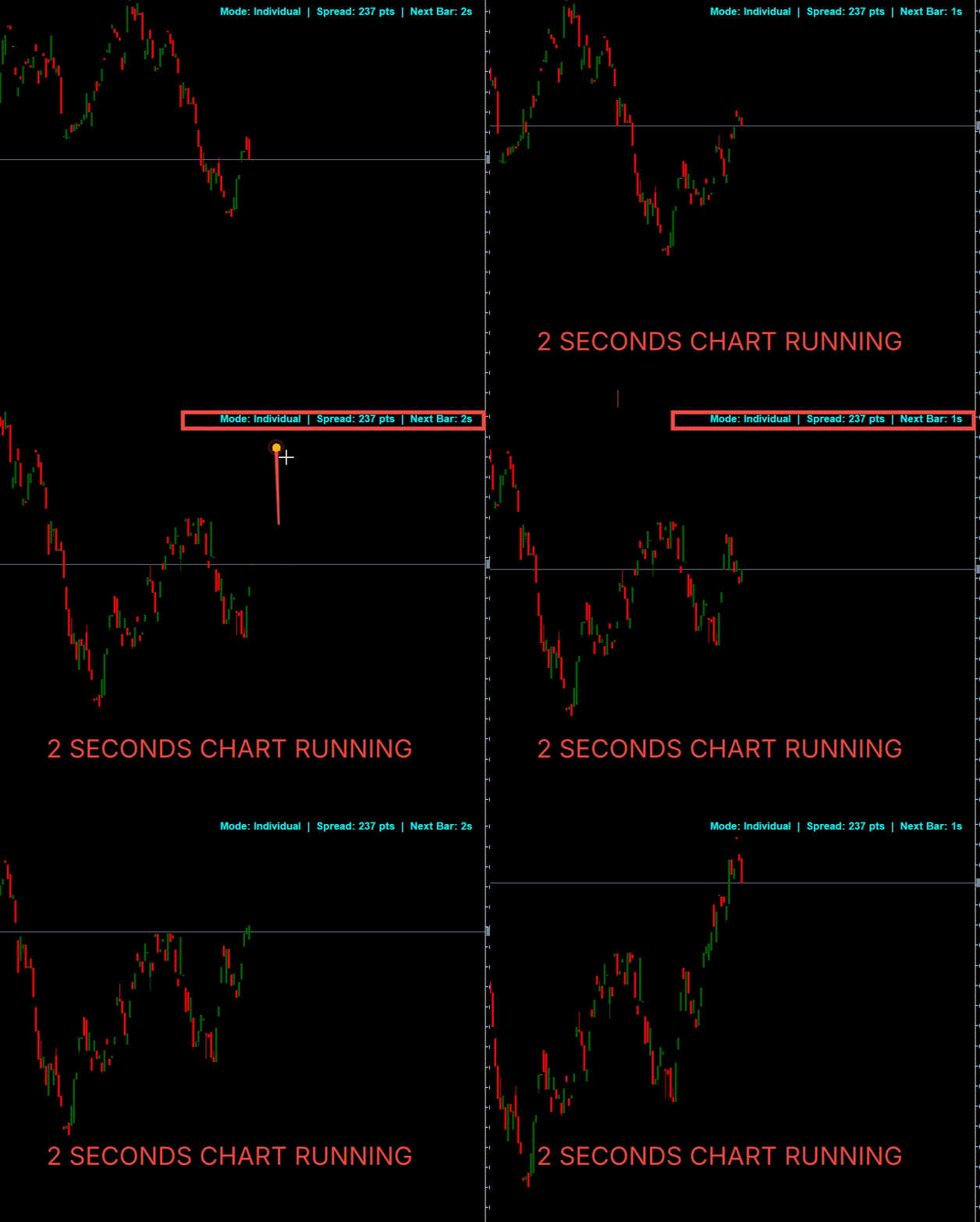
- Real-Time Seconds Charts: Build native custom seconds symbols (e.g., 5-second candles) directly inside MT5 with instant tick-by-tick bar formation.
- Invisible Stealth Stops: SL and TP orders are never sent to the broker's book ( 0.0 ). The EA tracks prices locally and closes trades via market order the millisecond a level is hit.
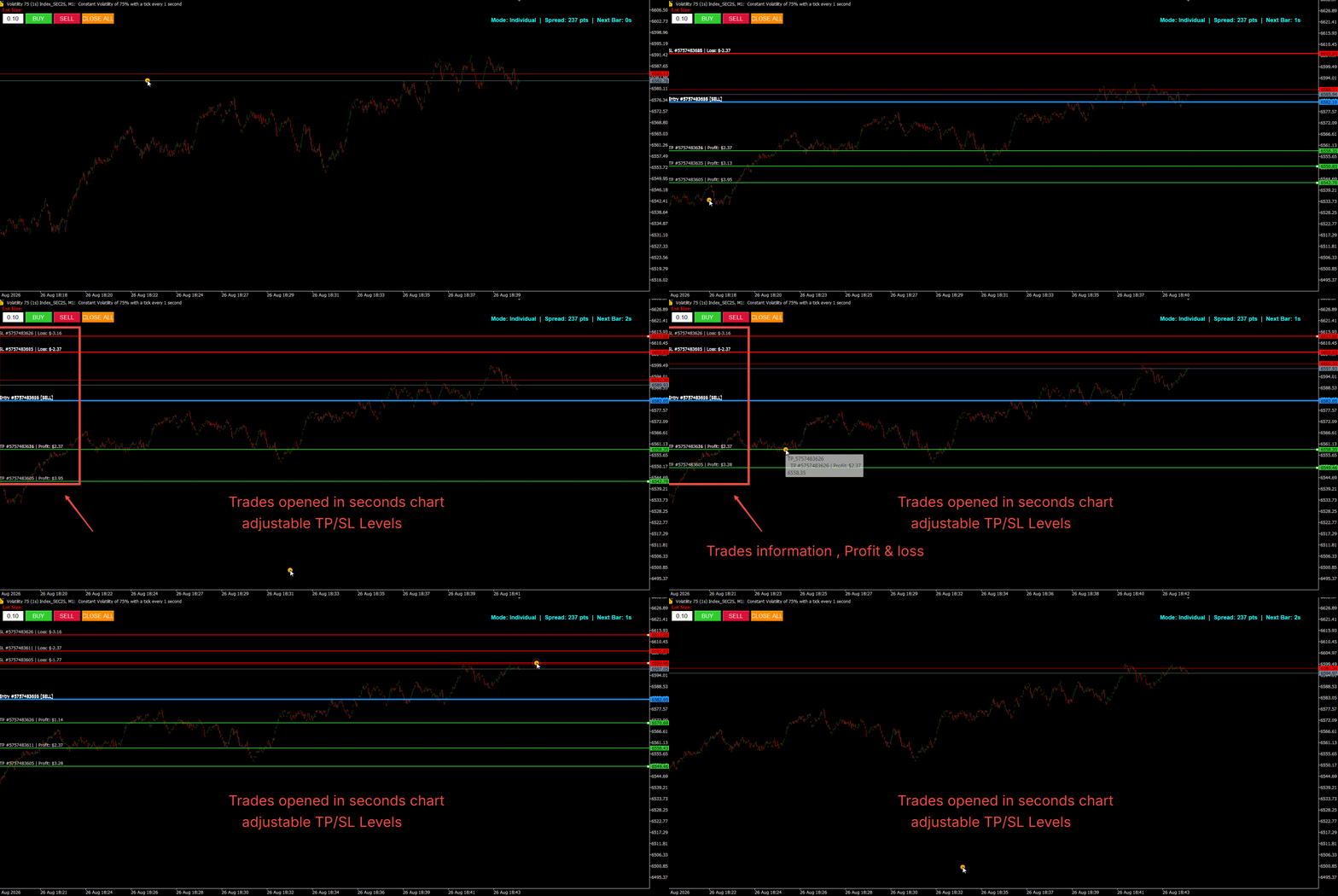
- Interactive Drag-and-Drop Levels: Drag risk lines visually across the chart. Line labels dynamically calculate and display your exact projected dollar gain or loss in real time.
- Two Stop Modes:
- Individual Mode: Assigns independent draggable SL/TP lines to each open position.
- Global Basket Mode: Combines all open trades into unified CLOSE ALL STOP and CLOSE ALL PROFIT levels that close the entire basket together.
- Instant Parallel Liquidation: Hitting a global stop or clicking the CLOSE ALL button fires parallel asynchronous orders so every trade closes simultaneously with zero execution delay.
- On-Chart Fast Trading HUD: Trade directly from your seconds chart using BUY, SELL, and CLOSE ALL buttons, an editable lot size box, a live spread monitor, and a bar countdown timer.
Settings Breakdown
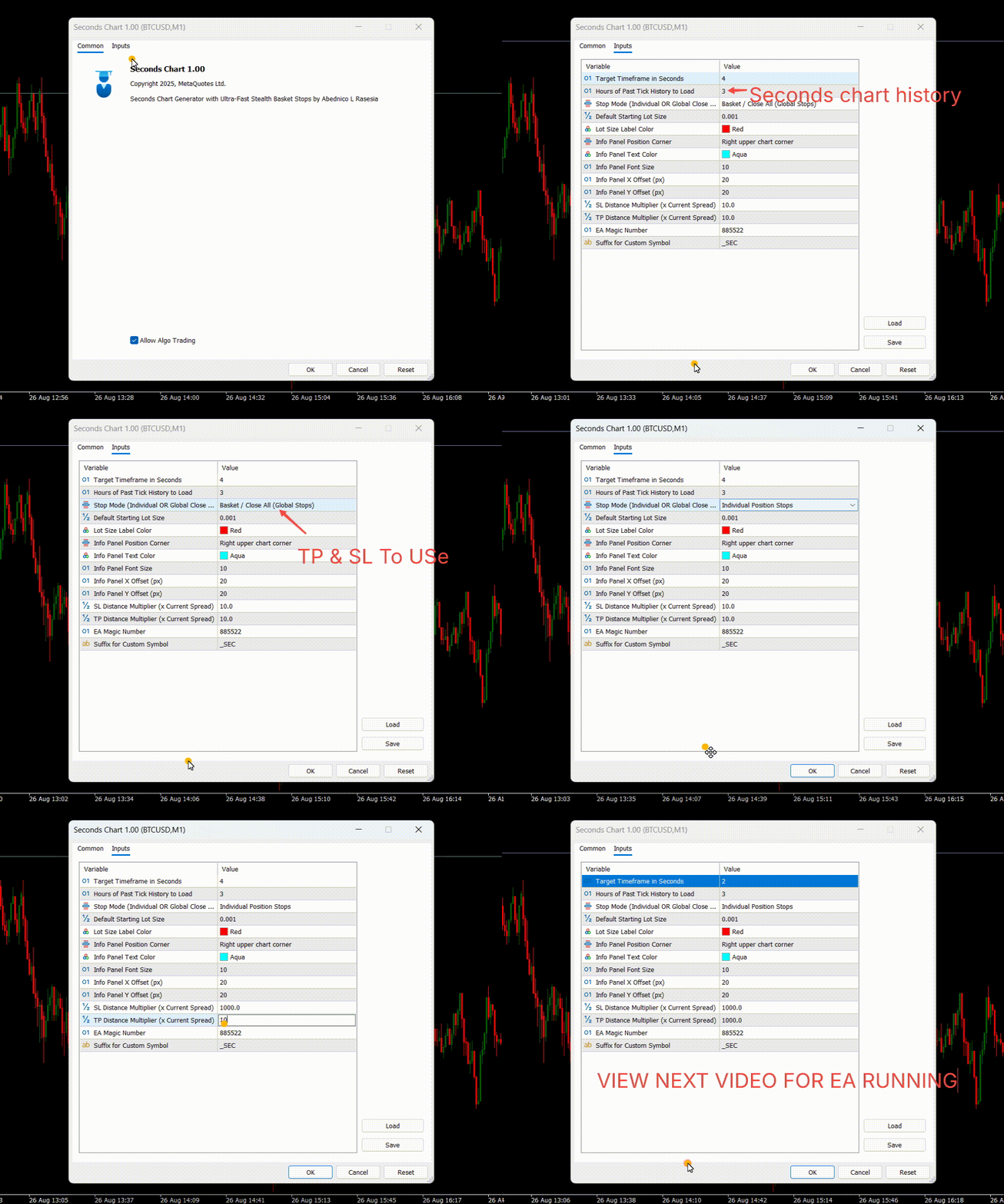
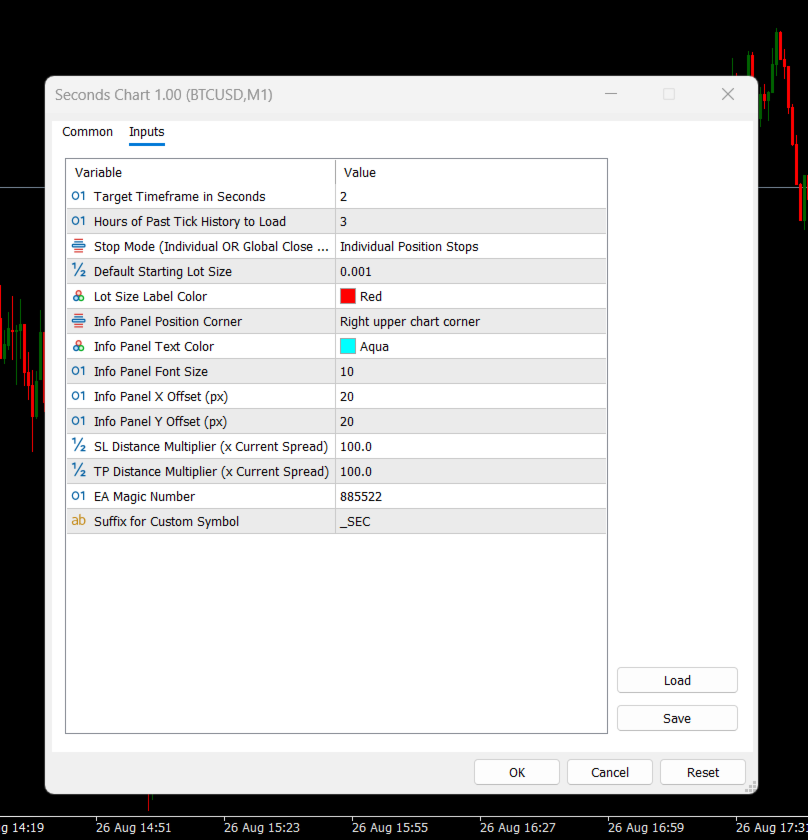
- Seconds Timeframe ( 5 ): Candle speed in seconds (e.g.,1,2,3,10,15,20,22, 5 for 5-second bars).
- Past History Hours ( 2 ): Hours of past tick data loaded on startup to backfill the chart.
- Stop Mode ( Individual ): Choose between individual position stops or a combined basket stop.
- Default Lot Size ( 0.10 ): Starting trade volume pre-filled in the on-chart edit box.
- SL Distance Multiplier ( 10.0 ): Initial SL distance calculated based on current broker spread.
- TP Distance Multiplier ( 10.0 ): Initial TP distance calculated based on current broker spread.
- EA Magic Number ( 885522 ): Unique tracking ID to manage EA-specific trades.
- Custom Symbol Suffix ( _SEC ): Suffix tag added to the new custom symbol name (e.g., EURUSD_SEC5S ).
- Info Corner ( Top Right ): Corner where live spread and bar countdown HUD are displayed.
Quick Start Guide
- Attach Seconds Chart to any standard chart (e.g., EURUSD, M1 ).
- Set your desired candle speed (e.g., 5 seconds) and click OK.
- The EA generates the custom symbol, applies your active template, and opens the new seconds chart with the trading panel.
- Execute trades with the on-chart BUY / SELL buttons and drag the visual lines to adjust your targets.