Timeframe Confirmation Indicator
- Indicatori
-
Anderson Queto
 I’m Anderson Queto, an experienced Forex trader and MetaTrader 5 (MT5) Expert Advisor developer with over 12 years of trading experience in the financial markets.
 - Versione: 2.10
- Attivazioni: 5
Multi-Timeframe Direction • Liquidity Sweep • Break of Structure • Momentum Confirmation
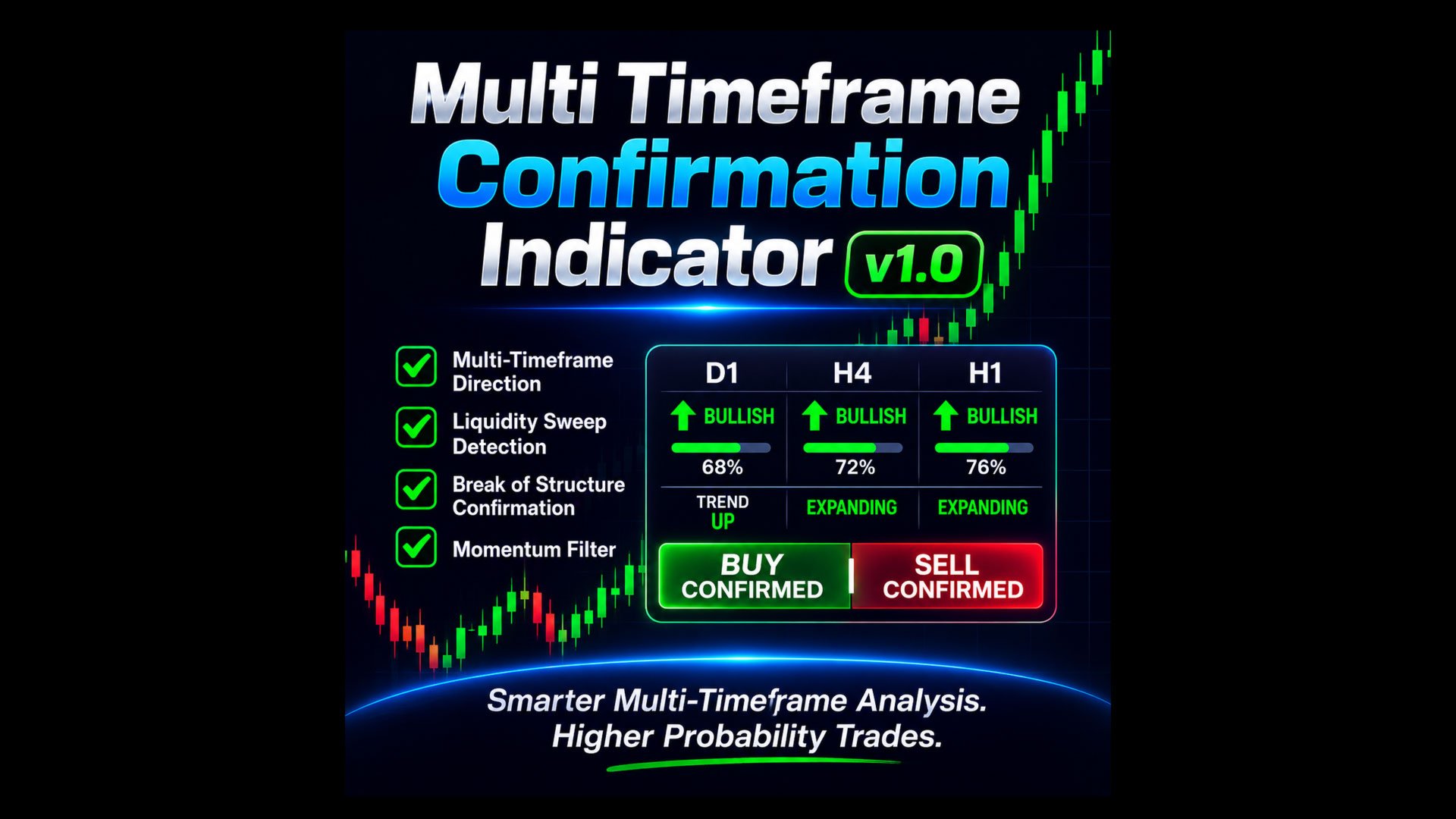
MTF Entry Confirmation HUD is a professional MetaTrader 5 market-analysis indicator designed to help traders identify higher-quality BUY and SELL opportunities by combining multi-timeframe directional alignment with lower-timeframe price-action confirmation.
Instead of relying on a single indicator or timeframe, the HUD brings several important elements of technical analysis together in one clean, easy-to-read dashboard.
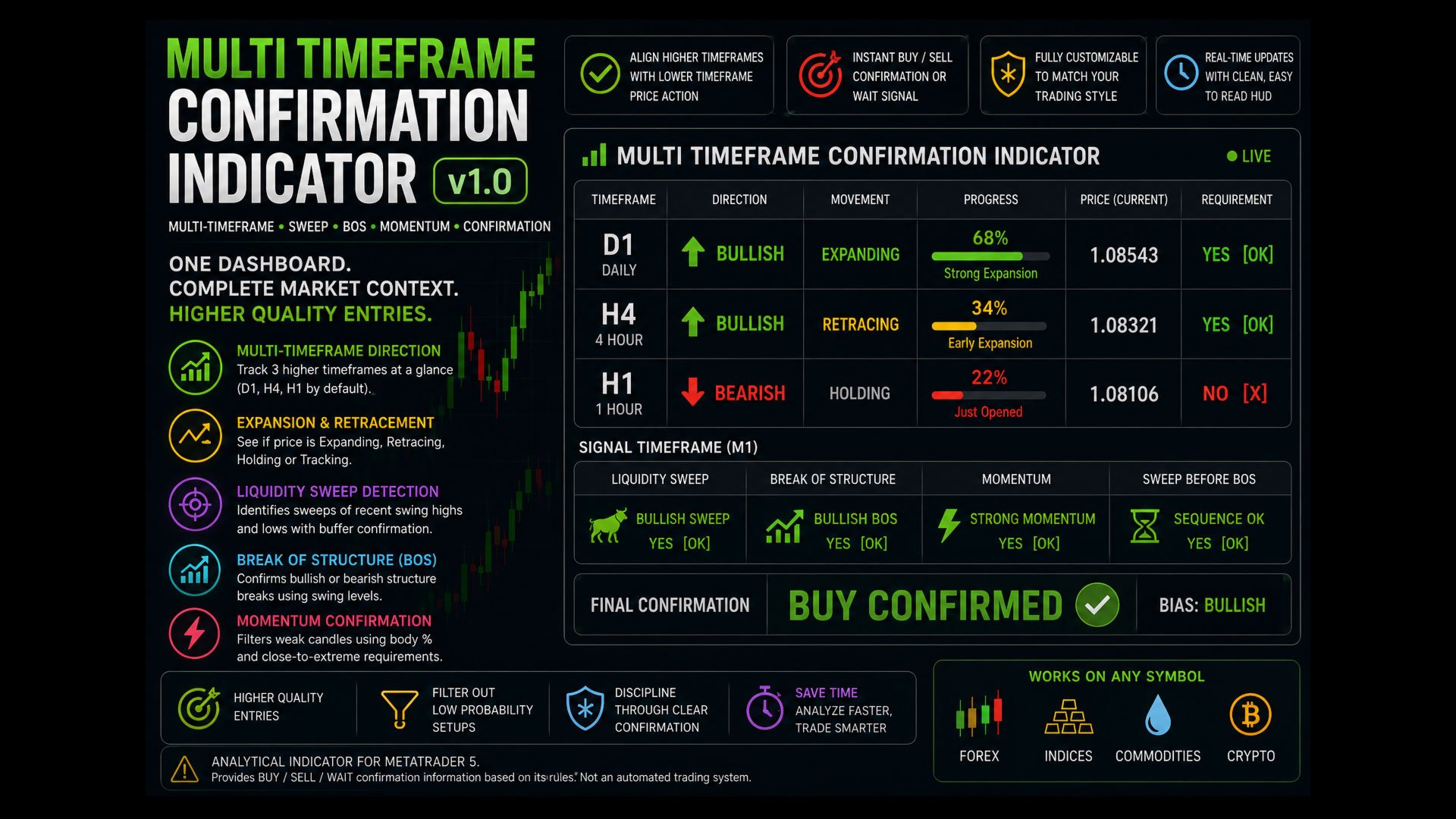
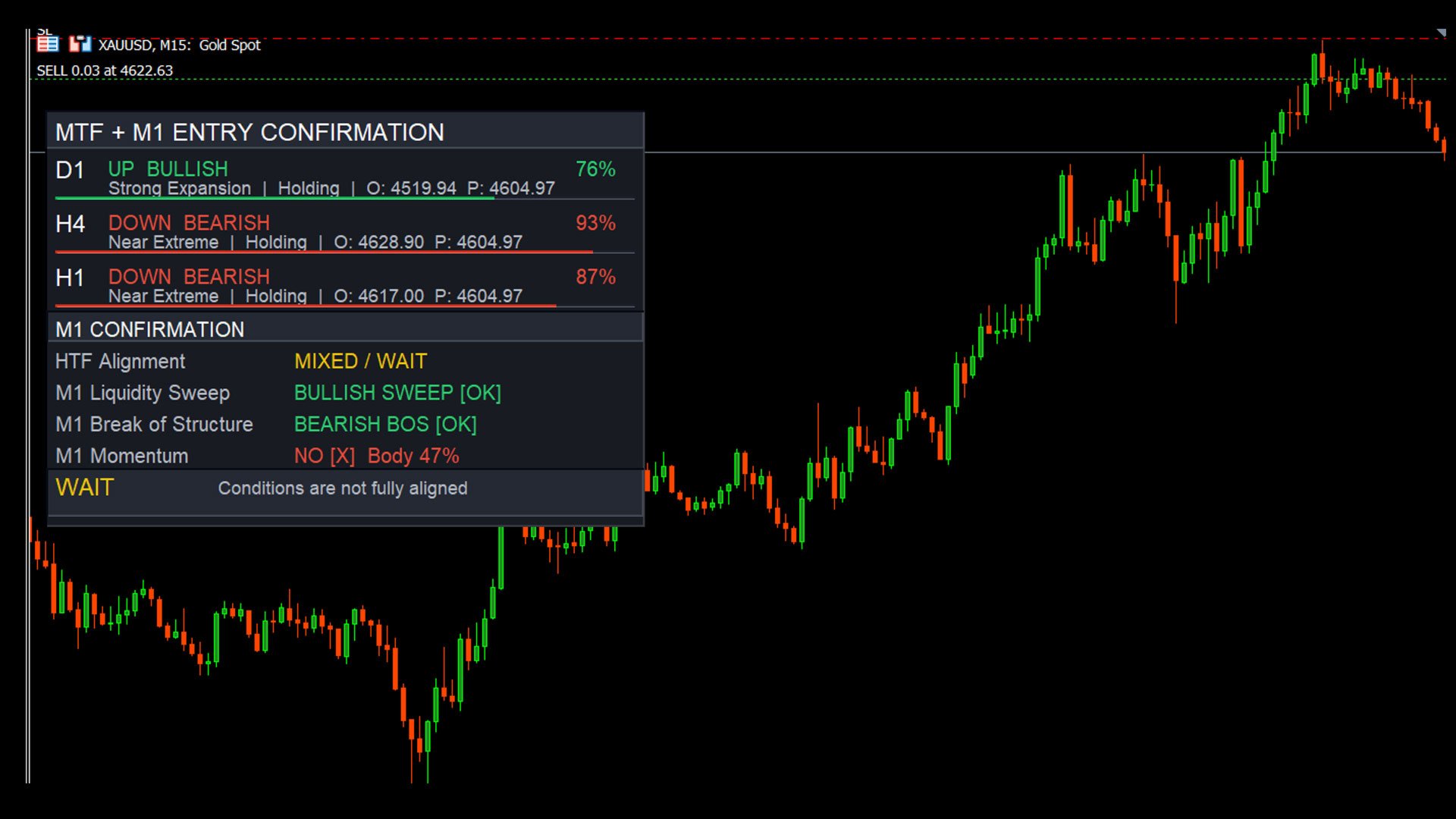
The indicator monitors three user-selectable higher timeframes together with a configurable signal timeframe. By default, it analyzes D1, H4 and H1 for directional context while using M1 for entry confirmation.
KEY FEATURES
Multi-Timeframe Direction Analysis
Monitor three higher timeframes simultaneously and instantly see whether each timeframe is:
-
BULLISH
-
BEARISH
-
NEUTRAL
The HUD also measures the current price's progress away from each timeframe's opening price and classifies the move as Just Opened, Early Expansion, Mid Expansion, Strong Expansion, or Near Extreme.
Expansion & Retracement Tracking
The indicator dynamically evaluates whether price movement on each selected timeframe is:
-
Expanding
-
Retracing
-
Holding
-
Tracking
This gives traders additional context beyond simple bullish or bearish direction.
Liquidity Sweep Detection
The signal engine searches recent price action for bullish and bearish liquidity sweeps around prior swing highs and lows.
A bullish sweep looks for price moving below a prior swing low and closing back above it, while a bearish sweep looks for price moving above a prior swing high and closing back below it.
Break of Structure (BOS) Confirmation
The indicator automatically detects bullish and bearish Breaks of Structure using prior swing levels.
This helps confirm that price has moved beyond an important structural level before a final trading signal is displayed.
Momentum Confirmation
Not every candle represents meaningful momentum.
The indicator evaluates the candle's body as a percentage of its total range and can require the candle to close near its directional extreme. This helps filter weaker price movements.
Intelligent Event Sequencing
When both Liquidity Sweep and BOS confirmation are enabled, the indicator verifies that the Sweep occurred before the Break of Structure, helping maintain the intended sequence of the setup.
CLEAR BUY & SELL CONFIRMATION
The final confirmation engine combines:
Higher-Timeframe Alignment + Liquidity Sweep + Break of Structure + Momentum
When all required bullish conditions align, the HUD displays:
BUY CONFIRMED
When all required bearish conditions align, it displays:
SELL CONFIRMED
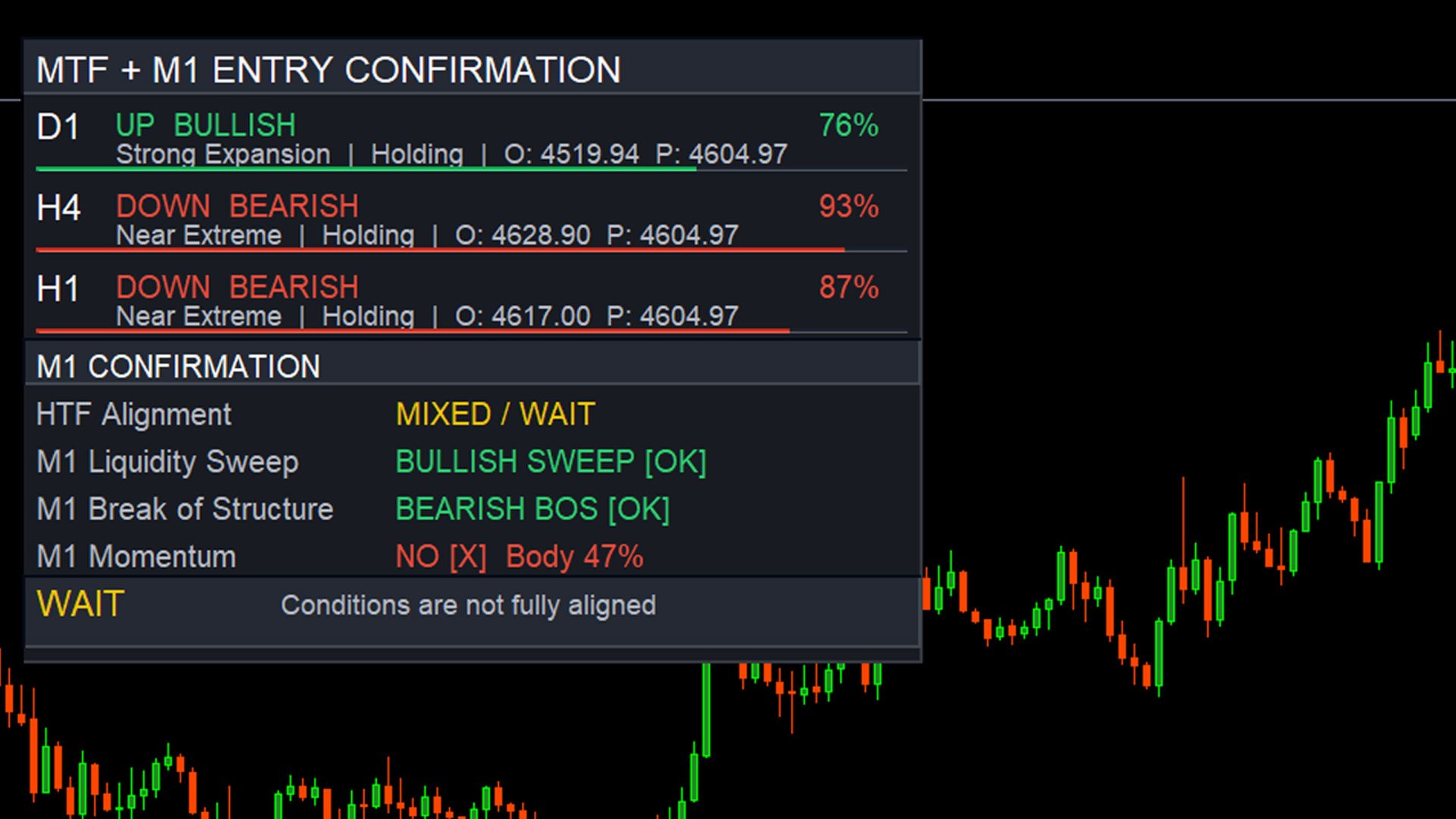
When the required conditions are not fully aligned, the indicator displays:
WAIT
This makes it easy to see whether the market currently meets the configured confirmation rules without manually checking every condition across multiple charts.
FULLY CUSTOMIZABLE
Traders can configure:
-
Three Higher Timeframes
-
Signal Timeframe
-
Swing Left/Right Bars
-
Swing Search Range
-
Event Lookback
-
Liquidity Sweep Buffer
-
BOS Buffer
-
Minimum Momentum Body %
-
Close-Extreme Requirement
-
Liquidity Sweep Requirement
-
BOS Requirement
-
Momentum Requirement
-
Higher-Timeframe Direction Requirements
-
Retracement/Expansion Requirements
-
HUD position, dimensions, fonts and appearance
The Sweep, BOS and Momentum confirmations can each be enabled or disabled, allowing the confirmation model to be adapted to different trading approaches.
DESIGNED FOR PRICE-ACTION TRADERS
MTF Entry Confirmation HUD is especially useful for traders who incorporate:
Multi-Timeframe Analysis • Market Structure • Liquidity • Swing Highs & Lows • BOS • Momentum • Trend Alignment
into their trading decisions.
Instead of cluttering the chart with multiple separate indicators, the HUD organizes the most important confirmation information into a single visual panel.
IMPORTANT
MTF Entry Confirmation HUD is an analytical indicator, not an automated trading Expert Advisor. It provides BUY, SELL and WAIT confirmation information based on its configured rules. The source is implemented as an MT5 chart-window indicator and does not contain trade-execution logic.
No indicator can guarantee profitable trades. Signals should be combined with appropriate risk management, trading discipline and independent analysis.