Gold Smart Structure Assistant MT5
- Indicatori
- Versione: 2.53
- Aggiornato: 5 luglio 2026
- Attivazioni: 5

Gold Smart Structure Assistant MT5 is a multi-timeframe market structure indicator for MetaTrader 5.
The indicator helps traders analyze price structure using higher-timeframe zones, lower-timeframe confirmation labels, ZigZag swings, BOS/CHoCH labels, continuation lines and retest alerts.
Main features:
- Multi-timeframe HTF zone detection
- LTF entry confirmation labels
- ZigZag swing visualization
- HH, HL, LH and LL structure labels
- BOS and CHoCH display
- Continuation line logic
- Buy and sell zone retest alerts
- Popup, sound and push notification options
- Professional dashboard with manual placement controls
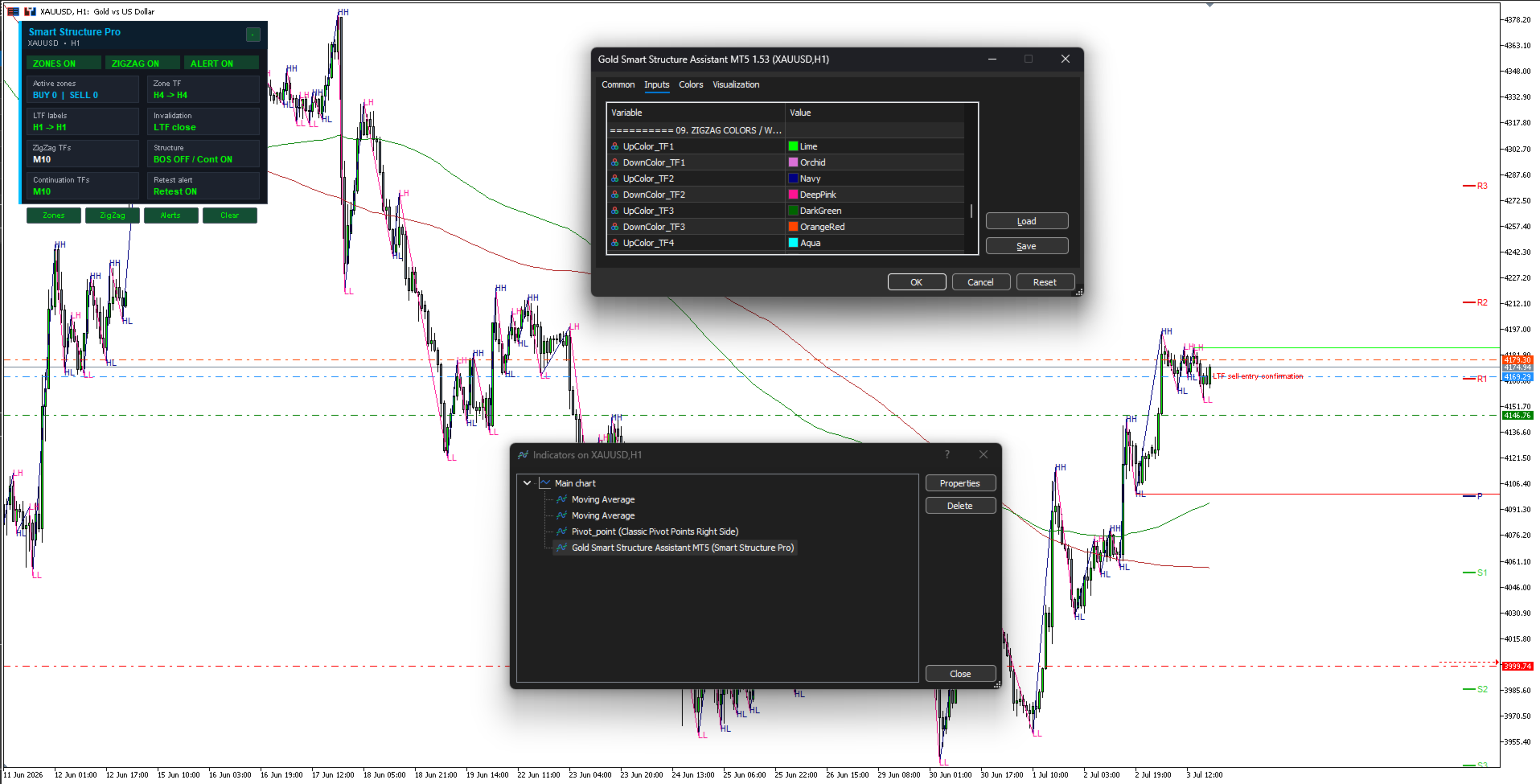
- Customizable colors, timeframes and visibility options
How to Use
For best first experience, it is strongly recommended to use the default input settings and test the indicator on a demo chart before changing parameters.
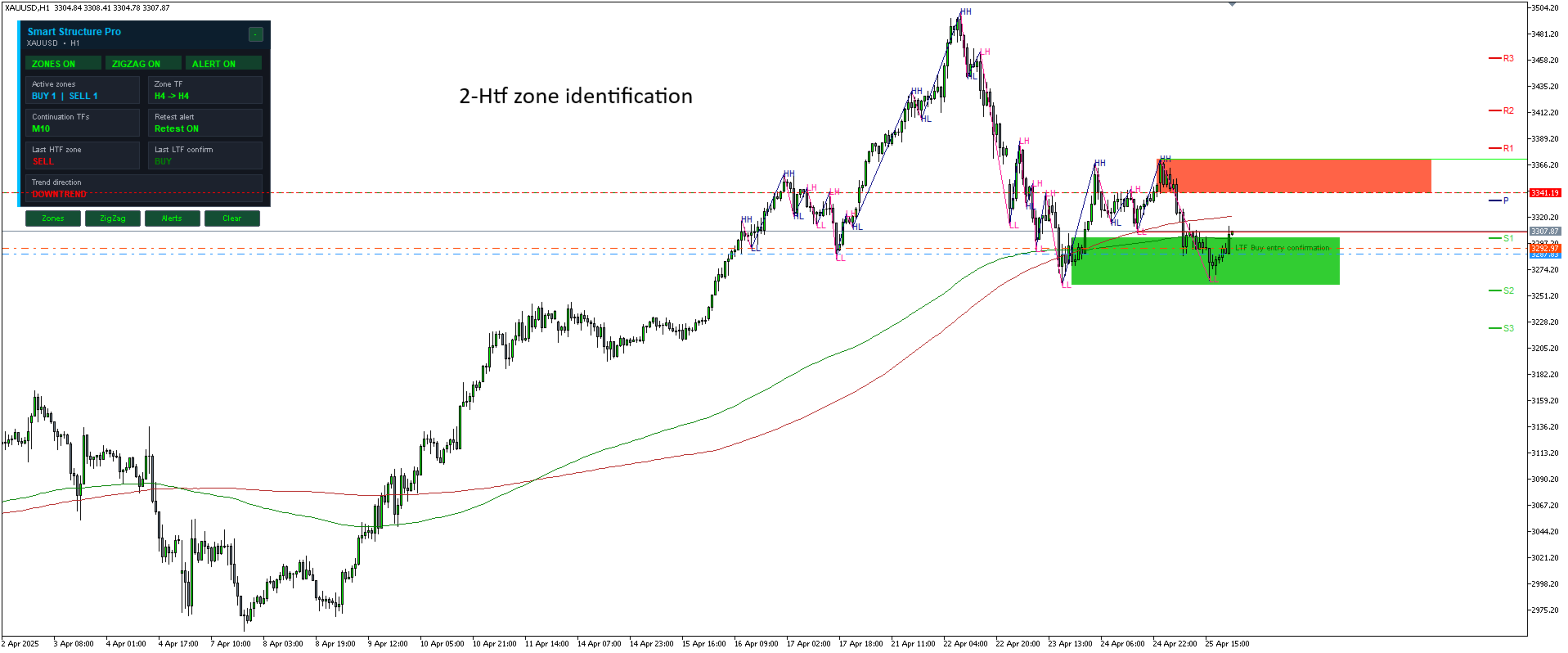
1. Wait for HTF Zone Identification
First, wait until the indicator identifies a higher-timeframe buy or sell zone. The HTF zone represents the main area of interest based on the selected higher-timeframe market structure.
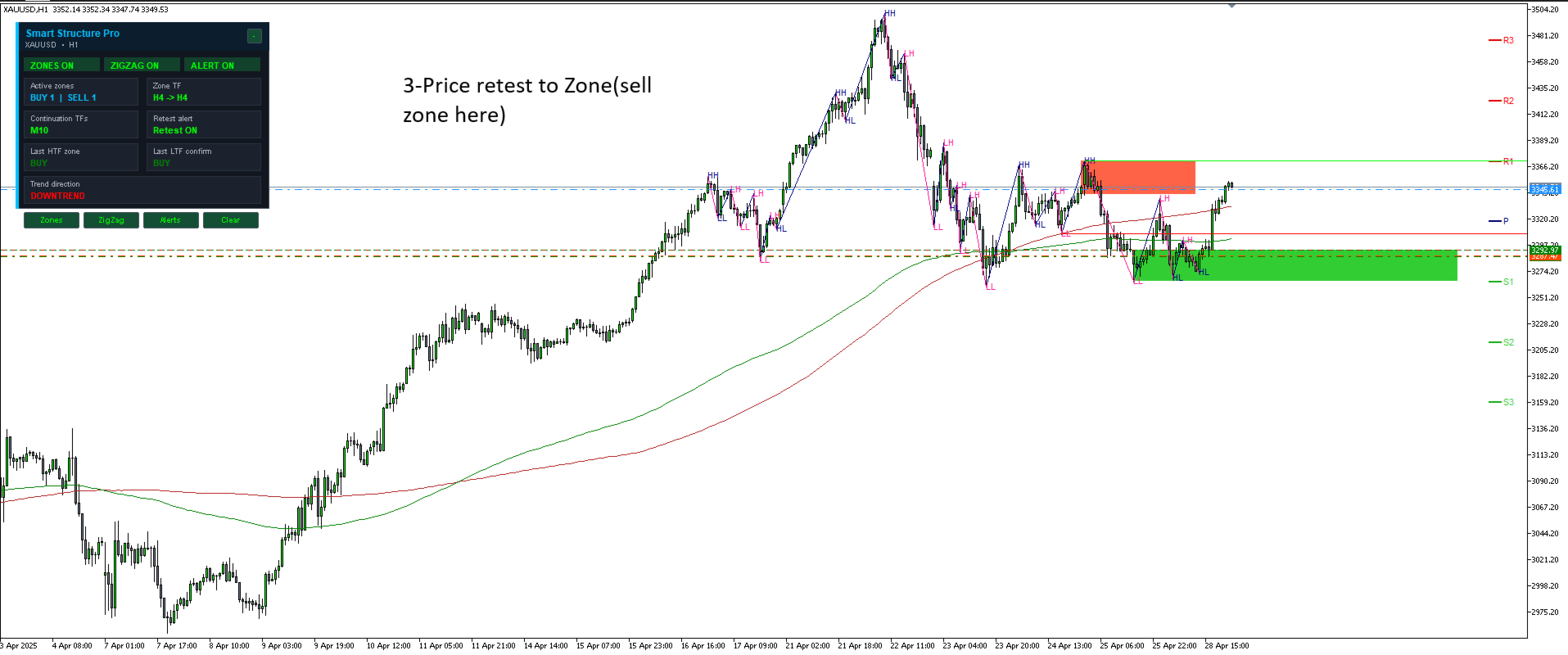
2. Wait for Price Retest
After the HTF zone is created, wait for price to return and retest the zone. The retest shows that price has come back to the important structure area.
3. Risk Entry Method
The trader may choose an aggressive/risk entry directly from the HTF zone.
For a Buy zone:
- Entry area: near the high of the buy zone
- Stop Loss: below the low of the buy zone
For a Sell zone:
- Entry area: near the low of the sell zone
- Stop Loss: above the high of the sell zone
This method gives an earlier entry but has higher risk because it does not wait for lower-timeframe confirmation.
4. Confirmation Entry Method
For a more conservative approach, wait for price to retest the HTF zone, then look for a same-direction LTF entry confirmation.
For a Buy setup:
- HTF Buy zone must be active
- Price must retest the Buy zone
- Wait for LTF Buy entry confirmation
- Enter after the LTF Buy confirmation appears
For a Sell setup:
- HTF Sell zone must be active
- Price must retest the Sell zone
- Wait for LTF Sell entry confirmation
- Enter after the LTF Sell confirmation appears
The confirmation entry method may reduce false entries because it waits for lower-timeframe structure confirmation after the zone retest.
Recommended Workflow
HTF zone → Price retest → Risk entry or LTF confirmation entry → Manual risk management
Important Note
This indicator does not open or close trades automatically. It is a visual and analytical tool designed to help traders identify market structure zones, retests and confirmation signals. Trading decisions, risk management and position sizing remain fully under the user’s control.
The indicator does not open or close trades. It is a visual and analytical tool designed to support manual trading decisions.
No trading result is guaranteed. Users should test the indicator in the Strategy Tester and on demo accounts before using it in live trading.