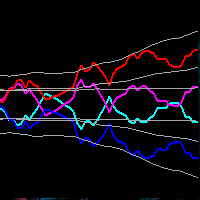
FX Compas
- Indicateurs
-
Ravshan Chuliev
 Hello! I’m an MQL5 developer with over 5 years of experience, specializing in automated trading robots (EAs), custom indicators, and scripts. My goal is to create efficient and reliable tools tailored to traders’ needs. I offer fast delivery, high-quality solutions, and a personalized approach to
 - Version: 10.18
- Activations: 10
FX Compass — read the market through currencies, not just pairs.
Why currency strength?
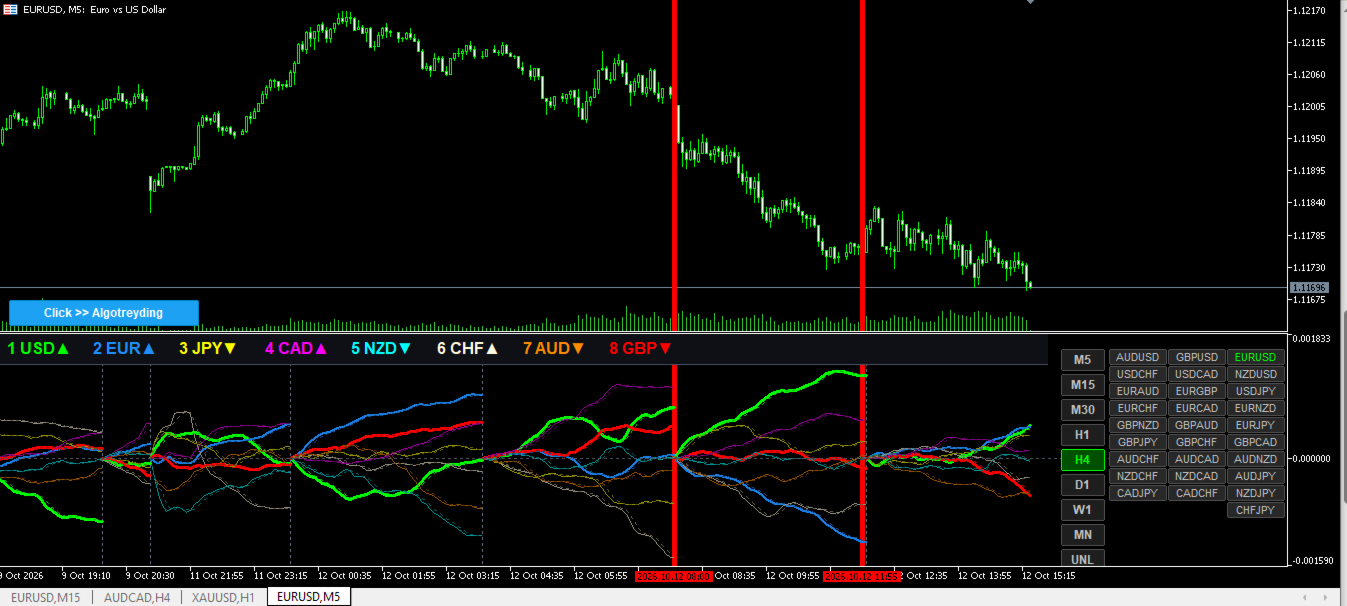
Every pair is two currencies pulling against each other. FX Compass calculates USD, EUR, GBP, CHF, JPY, AUD, CAD and NZD separately, so you can see which one is gaining strength and which one is fading. Strongest versus weakest: that is where a trade idea starts.
What you get
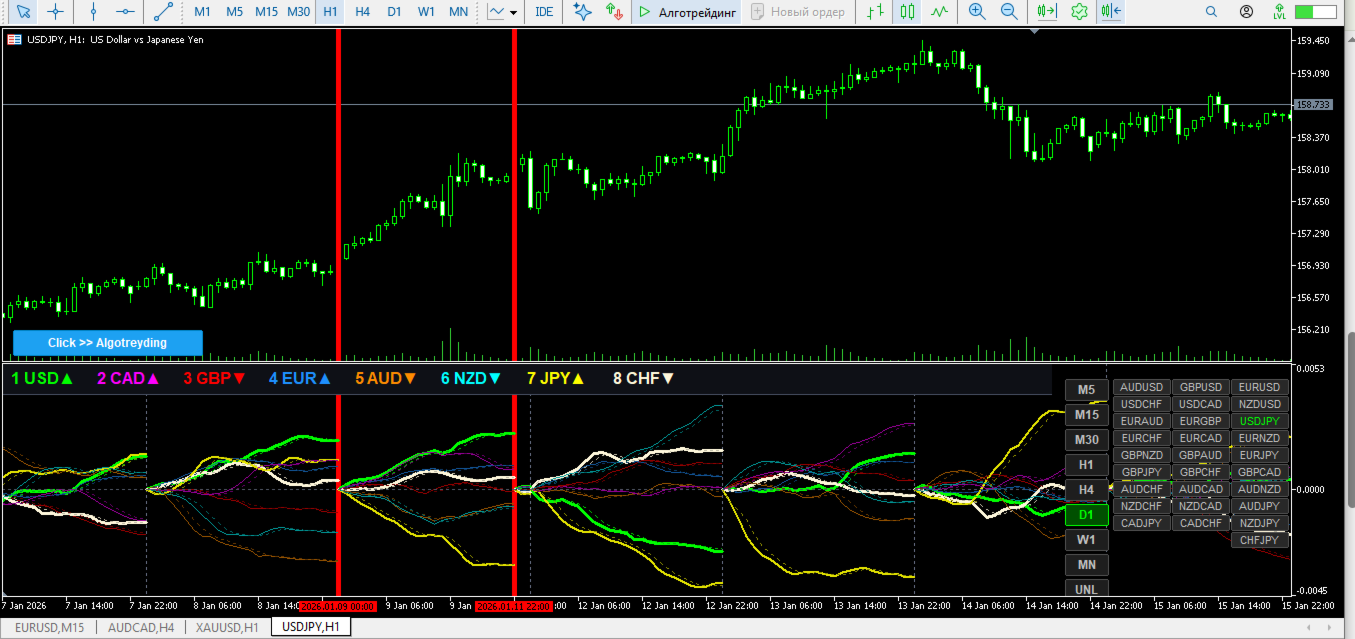
- Strength ranking: a compact top bar lists the currencies from strongest to weakest (1, 2, 3...), with an arrow showing direction.
- 8 colour-coded lines plus signal lines: each currency keeps its own colour; the strongest and the weakest are drawn thicker and brighter.
- Reset buttons (M5 ... MN, UNL): restart the calculation from any period with one click.
- Symbol Changer: 28 major and cross pair buttons, switch the chart in one click.
- MTF mode: view higher-timeframe strength on a lower-timeframe chart.
- Live update: the current bar is recalculated in real time.
- Auto scale: lines and labels never overlap, and the window adapts to its size.
- Dark, calm colour scheme: easy on the eyes during long sessions.
How to use
1. Attach the indicator to a chart.
2. Find the strongest (1) and the weakest (8) currency in the top bar.
3. Consider the strong currency against the weak one as a pair idea, then confirm with your own strategy.
Requirements
- The major pairs (EURUSD, GBPUSD, AUDUSD, NZDUSD, USDCAD, USDCHF, USDJPY) must be available at your broker.
- Timeframes: M1 to MN.
- On first load, pair history may need a few seconds to download; the top bar shows the progress.
FX Compass is an analysis tool, not a trading signal. Trading involves risk, and every decision is yours.
Questions and feedback: t.me/Algotreyding