Breakline Indicator
- Indicateurs
-
Yasumuro Ayaka
 Welcome to ForexFanclub (FFC)! 🚀
We develop high-quality, practical, and lightweight trading tools designed to optimize your MetaTrader experience. Our goal is to provide traders with reliable utilities that enhance market analysis and streamline daily trading routines. - Version: 1.1
ForexFanclub(FFC) : For detailed instructions and our official website, please visit my profile!
BreakLine - Advanced Breakout Alert Tool
BreakLine is a powerful and intuitive indicator designed to elevate your technical analysis. It automates the process of identifying key market levels and instantly notifies you when the price breaks through them, ensuring you never miss a critical trading opportunity.
Key Features
-
Automatic Line Drawing: Instantly detects swing highs and lows to plot objective support and resistance levels.
-
Manual Customization: Easily select and drag any auto-drawn line to fine-tune its position based on your strategy.
-
Flexible Display Options: Toggle horizontal or trend lines on and off independently to keep your charts clean.
-
High-Precision Alerts: Choose whether to trigger alerts the exact moment the price touches a line, or only after a definitive candle close breakout.
-
3-Way Notifications: Stay informed anywhere with standard desktop alerts, email notifications, and mobile push notifications.
-
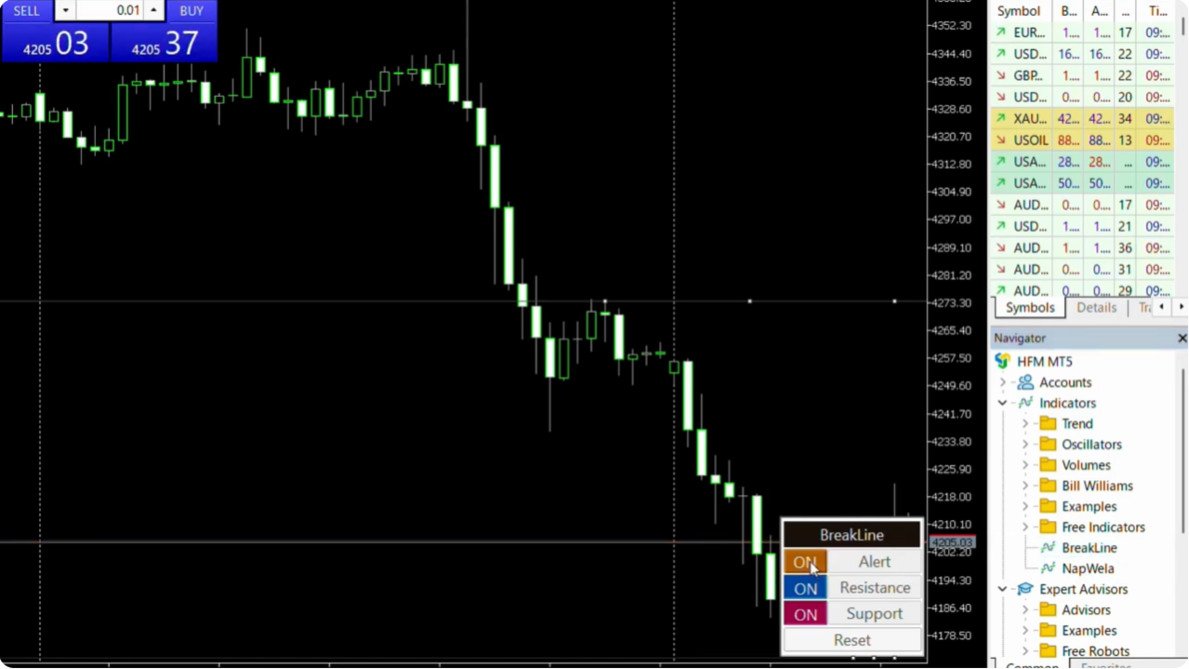
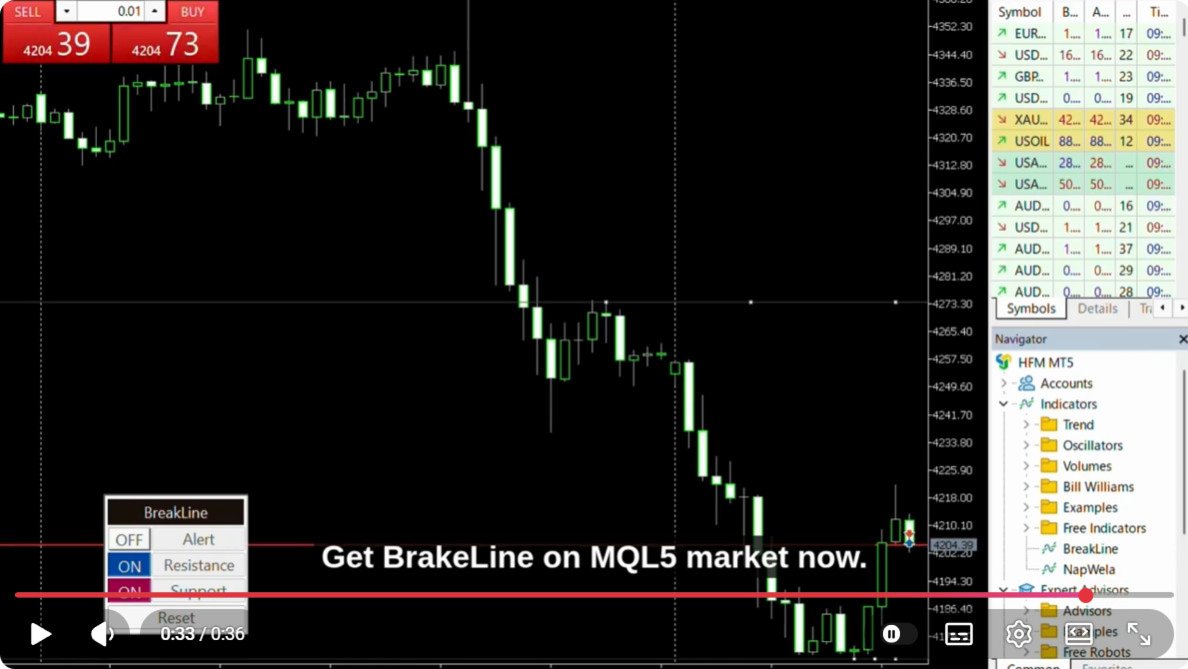
Intuitive Control Panel: Change settings, switch line views, and manage alerts with a single click directly on the chart.
Parameters
[ Line Settings ]
-
Line Mode: Select between "Horizontal Lines" or "Trend Lines" to match your market analysis style.
-
Line Color: Customize the colors of your support and resistance lines for better visibility.
-
Line Thickness: Adjust the line width to match your preferred chart layout.
[ Alert Settings ]
-
Alert Timing: * Touch - Triggers the alert immediately when the price touches the line.
-
Candle Close Break - Triggers the alert only after a candle closes beyond the line to confirm a breakout.
-
-
Desktop Alert: Enable or disable standard audio and pop-up notifications on your platform.
-
Email Notification: Enable to receive real-time breakout alerts in your mailbox.
-
Push Notification: Enable to send instant alerts directly to your MetaTrader mobile app on your smartphone.
[ Display Settings ]
-
Font Size: Adjust the control panel font size (Recommended: 6-7 for High-DPI or 150%+ scaled displays).
- Panel Position: Change the default starting corner of the on-screen control panel.
This tool is developed by ForexFanClub.