Aleh Sasonka / Profile
- Information
|
10+ years
experience
|
15
products
|
220
demo versions
|
|
6
jobs
|
0
signals
|
0
subscribers
|
https://www.mql5.com/en/market/product/35321
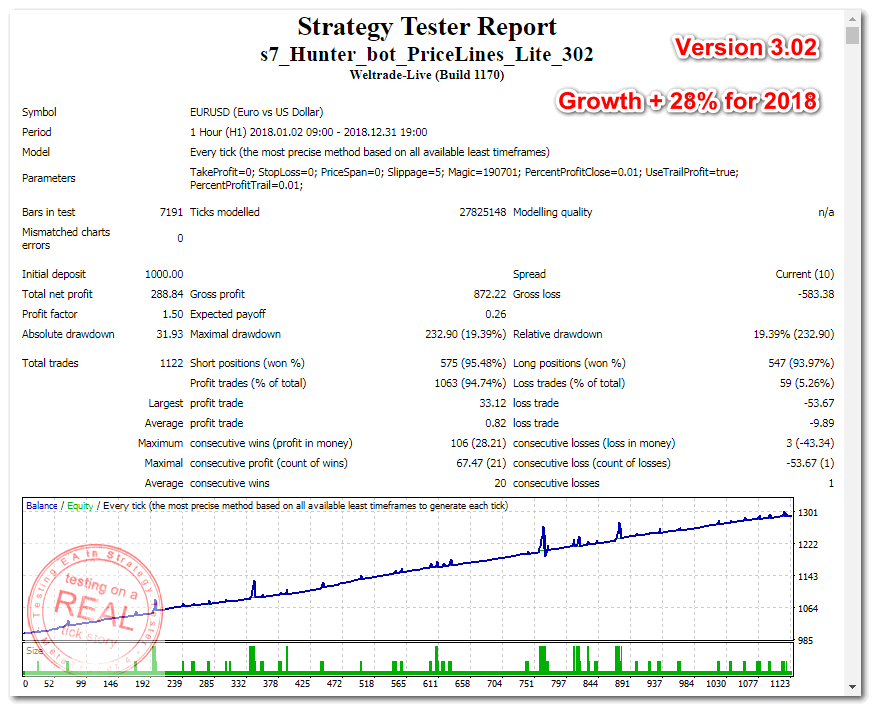
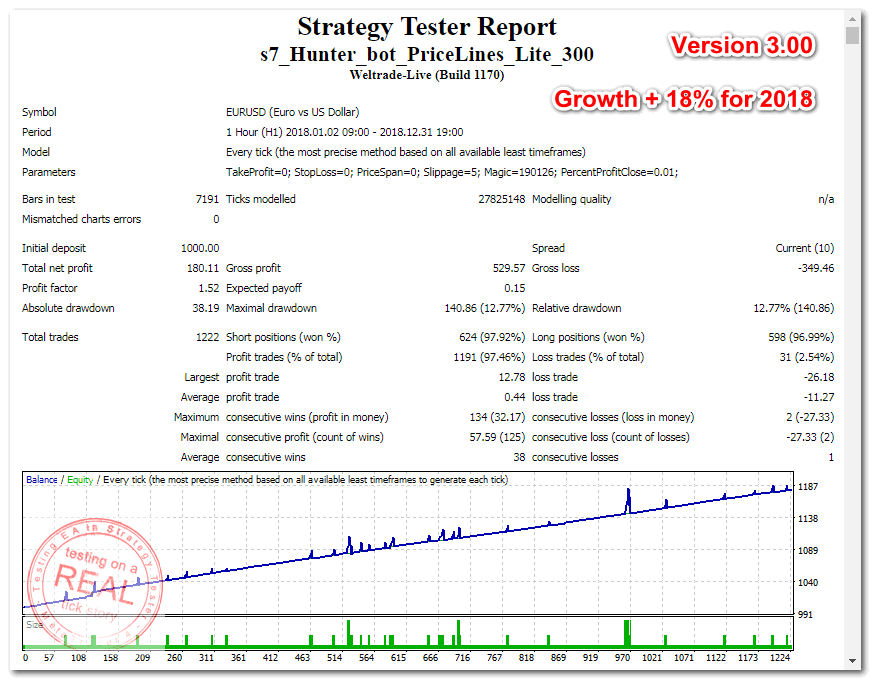
Its free version of Hunter_bot_PriceLines_Lite works with the minimum lot and the minimum settings.
https://www.mql5.com/en/market/product/35275
For receiving additional profit (up to 80% of spread for each transaction) I use rebeyt-service
https://asstarttrade.blogspot.com/p/blog-page.html
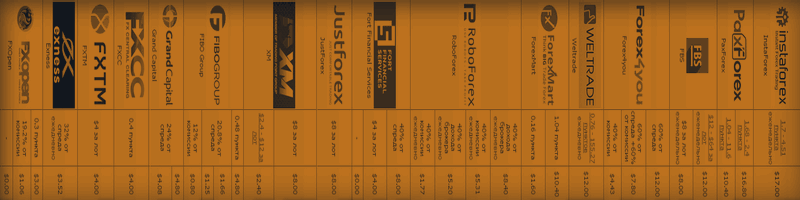
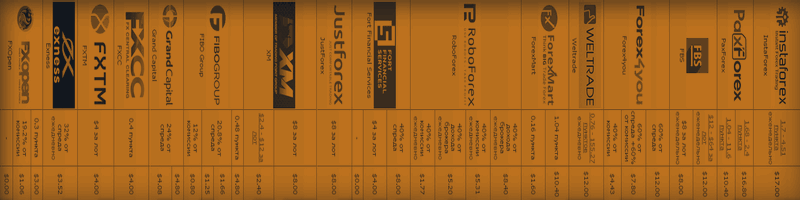
You watch comparison of Forex brokers on
https://asstarttrade.blogspot.com/p/top-forex-brokers-comparison-from.html
This adviser can be used without optimization. To get started, you only need to install the desired risk (or the size of the lot) and regularly withdraw profit. For a start, you can install the trial version of the Expert Advisor Hunter bot PriceLines Lite , which will work on a real account with a minimum lot (and therefore with minimal risk). In this, the main version, all settings are available. EA is designed for fully automated trading. It spelled out the function of protection against most
Start with $100.
EA Scalping News Profit no loss strategy V.1.0 - TESTING ON A REAL TICK STORY EURUSD!
Profit for the year 8370%
Profit for the year 1540%
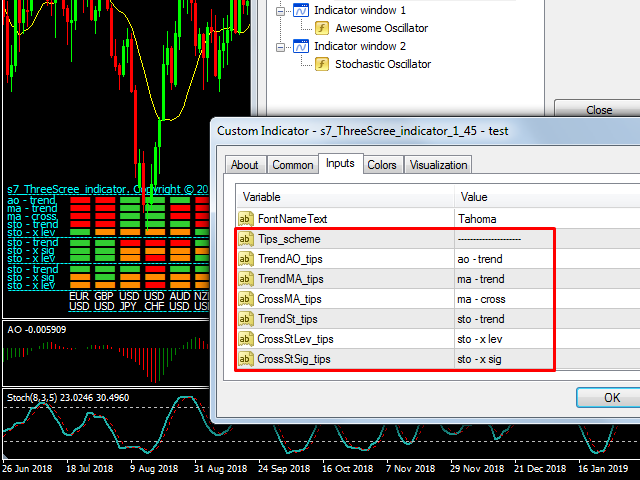
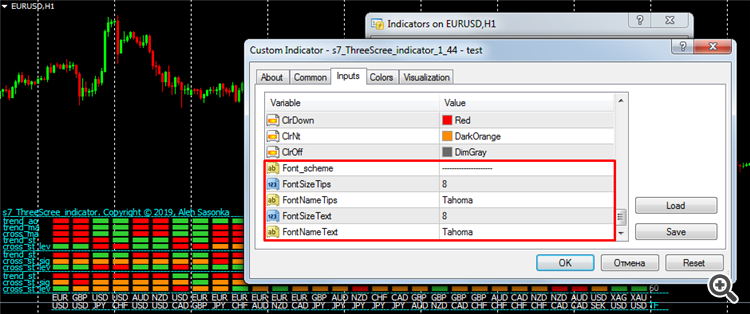
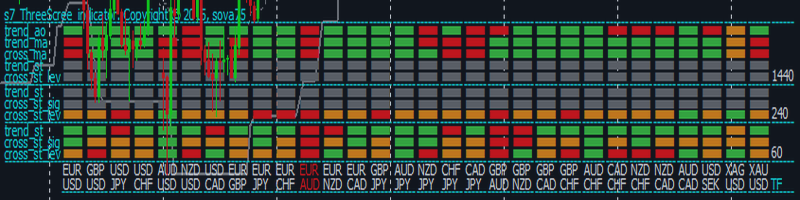
Purpose The indicator is intended for manual multi-currency trading based on the Triple Screen Strategy. It works with any symbols located in the Market Watch window of the MT5: currencies, metals, indexes, etc. The number of instruments can be limited by capacity of the МТ5's parameters. But if desired, you can create several windows with various set of instruments and parameters. Operation Principle The indicator uses the modified Triple Screen Strategy for determining trend direction in the
This expert Advisor is a more developed version of News Hunter Bot OneTime . The EA places pending orders BuyStop and SellStop before the news release at a specified distance from the current price. The date and time of the news release is set in the EA parameters for a few days in advance. In total, you can set the time for 20 news. Also, the EA indicates how many minutes before the news you need to place pending orders and after how many minutes you should remove pending orders that have
This utility displays the name of the current symbol and the current period in the chart background in a large font. It is very convenient, e.g. when you use multiple charts with different symbols, period or when saving a chart screenshot. The information is displayed in two lines. In the first line, the chart symbol and current timeframe are shown in a larger font (e.g. AUDUSD,h1 ). In the second line, the full name of the current symbol is displayed in a smaller font (e.g. for GPBJPY it shows