Rustamzhan Salidzhanov
5 (5)
  • Information
14+ years
experience
8
products
0
demo versions
31
jobs
0
signals
0
subscribers
Память о прошлом - это дозорная вышка, с которой хорошо видно будущее
Rustamzhan Salidzhanov
Rustamzhan Salidzhanov Published product

Dual Fibo Auto Pro is a professional technical and Elliott wave analysis tool that automatically detects price extremes using an enhanced ZigZag indicator and maps two independent Fibonacci grids utilizing an intelligent algorithm. The first grid displays the current direction of price action relative to the latest completed ZigZag swing. The second grid automatically searches historical data to select the swing exerting the greatest influence on current market conditions (impulses, sharp price

Rustamzhan Salidzhanov
Rustamzhan Salidzhanov Published product

Dual Fibo Auto Pro is a professional technical and Elliott wave analysis tool that automatically detects price extremes using an enhanced ZigZag indicator and maps two independent Fibonacci grids utilizing an intelligent algorithm. The first grid displays the current direction of price action relative to the latest completed ZigZag swing. The second grid automatically searches historical data to select the swing exerting the greatest influence on current market conditions (impulses, sharp price

Rustamzhan Salidzhanov
Rustamzhan Salidzhanov Published product

Auto Round Levels MT4 marks round prices on your chart automatically — levels like 1.1000 on EURUSD, 2700 on gold or 100,000 on bitcoin that most market participants keep an eye on. Install the indicator once, and every chart gets a neat grid of key prices that adapts to the scale on its own. Why round prices matter People think in round numbers. Traders place pending orders at 1.1000 rather than 1.0997, take profits at 2700, and stop losses just beyond a round mark. Many trading algorithms work

Rustamzhan Salidzhanov
Rustamzhan Salidzhanov Published product

Auto Round Levels MT5 marks round prices on your chart automatically — levels like 1.1000 on EURUSD, 2700 on gold or 100,000 on bitcoin that most market participants keep an eye on. Install the indicator once, and every chart gets a neat grid of key prices that adapts to the scale on its own. Why round prices matter People think in round numbers. Traders place pending orders at 1.1000 rather than 1.0997, take profits at 2700, and stop losses just beyond a round mark. Many trading algorithms work

Rustamzhan Salidzhanov
Rustamzhan Salidzhanov Published product

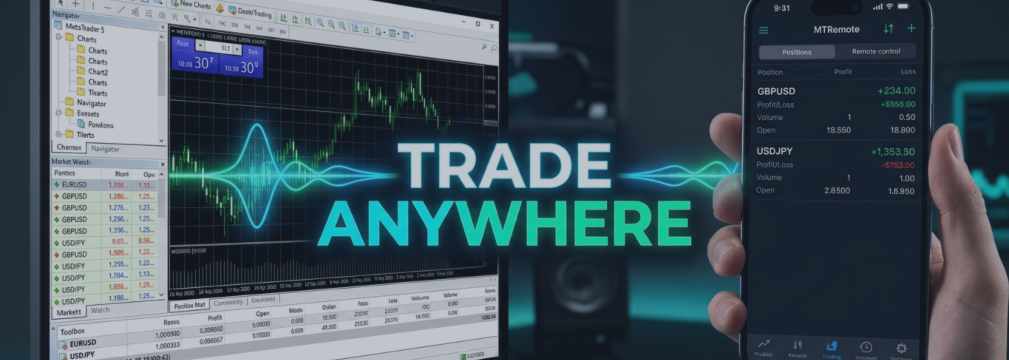
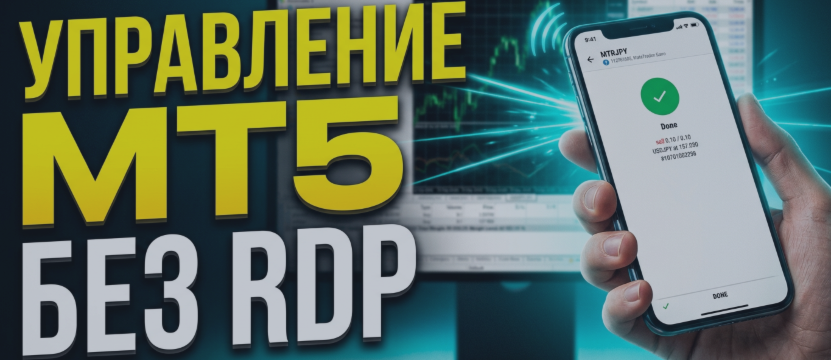
MT-Remote — is a multi-terminal web panel for managing MetaTrader 4 and 5 remotely from your phone or PC—no RDP required. Bring terminals from multiple VPS into a single window: manage Expert Advisors, trade and handle positions, view charts, history, logs, Market Watch, and monitor your VPS. What's included?* MT-Remote Expert Advisor — is attached to a MetaTrader 4/5 chart and connects the terminal to MTAgent through a local channel MTAgent for Windows — a free Windows application that passes

Rustamzhan Salidzhanov
Rustamzhan Salidzhanov Published product

MT-Remote — is a multi-terminal web panel for managing MetaTrader 4 and 5 remotely from your phone or PC—no RDP required. Bring terminals from multiple VPS into a single window: manage Expert Advisors, trade and handle positions, view charts, history, logs, Market Watch, and monitor your VPS. What's included?* MT-Remote Expert Advisor — is attached to a MetaTrader 4/5 chart and connects the terminal to MTAgent through a local channel MTAgent for Windows — a free Windows application that passes

Rustamzhan Salidzhanov
Short answer: use RDP to look after the VPS itself, and something lighter for the daily "is my Expert Advisor alive?" check. RDP and AnyDesk show you the whole Windows desktop. That is exactly what you need to install software and exactly what you do not need to read a log from a phone...
Rustamzhan Salidzhanov
Коротко: RDP нужен, чтобы обслуживать сам VPS, а для ежедневной проверки «жив ли мой советник?» лучше что-то полегче. RDP и AnyDesk показывают весь рабочий стол Windows. Это именно то, что нужно, чтобы поставить программу, и именно то, что не нужно, чтобы прочитать журнал с телефона...
Rustamzhan Salidzhanov
How to Run MT Radar on Your Computer Download MT Radar from the MQL5 Market. Open your terminal and log in to your MQL5.community account. In the Navigator window, open the Market folder and find the MT Radar for MT4 or MT Radar for MT5 Expert Advisor, depending on your terminal version...
Rustamzhan Salidzhanov
Как запустить MT Radar на вашем компьютере Скачайте MT Radar из MQL5 Маркета. Откройте терминал и войдите в свой аккаунт MQL5.community. В окне «Навигатор» откройте папку «Маркет» и найдите советник MT Radar for MT4 или MT Radar for MT5 , в зависимости от версии вашего терминала...
Rustamzhan Salidzhanov
Rustamzhan Salidzhanov Published product

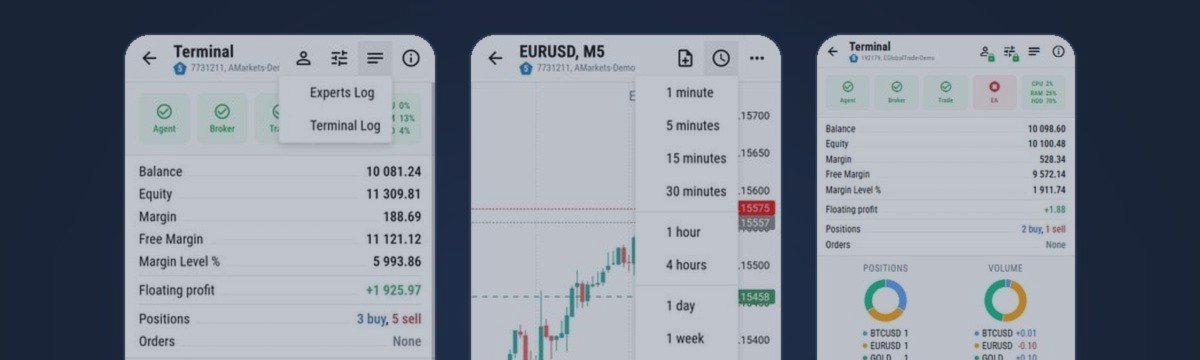
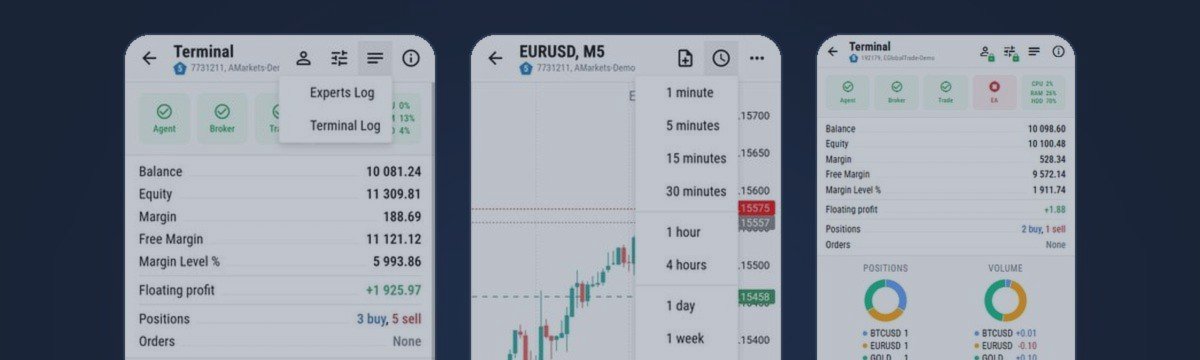
MT-Radar — free MetaTrader terminal monitoring from your phone Want to know your Expert Advisor is running and your terminal is connected, without logging into your VPS over RDP every time? MT-Radar shows the status of all your MT4/MT5 terminals in one secure web panel. Open it on your phone, tablet or any computer and see in seconds that everything is working as it should. What MT-Radar shows: Account and terminal — account information and general terminal details Journals — terminal log and

Rustamzhan Salidzhanov
Rustamzhan Salidzhanov Published product

MT-Radar — free MetaTrader terminal monitoring from your phone Want to know your Expert Advisor is running and your terminal is connected, without logging into your VPS over RDP every time? MT-Radar shows the status of all your MT4/MT5 terminals in one secure web panel. Open it on your phone, tablet or any computer and see in seconds that everything is working as it should. What MT-Radar shows: Account and terminal — account information and general terminal details Journals — terminal log and

Rustamzhan Salidzhanov
The best way to understand remote control is to use it. That is why MTRemote has a free live demo: a real control panel connected to a real MetaTrader terminal, open in your browser, with nothing to install on your computer or your phone...
Rustamzhan Salidzhanov
Лучший способ понять, что такое удалённое управление, - попробовать его самому. Поэтому у MTRemote есть бесплатное живое демо: настоящая панель управления, подключённая к настоящему терминалу MetaTrader...
Rustamzhan Salidzhanov
MTRemote — установка MTAgent >> СКАЧАТЬ MTAgent << 📋 ТРЕБОВАНИЯ • Windows [10 / 11] на компьютере или VPS, где работают ваши терминалы • MetaTrader 4 и/или MetaTrader 5 с советником MTRemote • Обычное подключение к интернету — не нужно открывать входящие порты, настраивать роутер или...
Rustamzhan Salidzhanov
MTRemote — ваши терминалы в одной панели MetaTrader работает на домашнем ПК или VPS — и время от времени нужно проверить его с телефона: посмотреть, как дела у советника, взглянуть на позиции, переключить аккаунт. Обычный способ — RDP с телефона...
Rustamzhan Salidzhanov

MTRemote — Installation guide

5 September 2026, 13:03
MTRemote — MTAgent installation guide >> DOWNLOAD MTAgent << 📋 REQUIREMENTS • Windows [10 / 11] on the computer or VPS where your terminals run • MetaTrader 4 and/or MetaTrader 5 with the MTRemote Expert Advisor • A regular internet connection — no inbound ports, no router setup, no...