Trading Session Clocks and Countdown MT5
- Indicadores
- Versão: 1.0

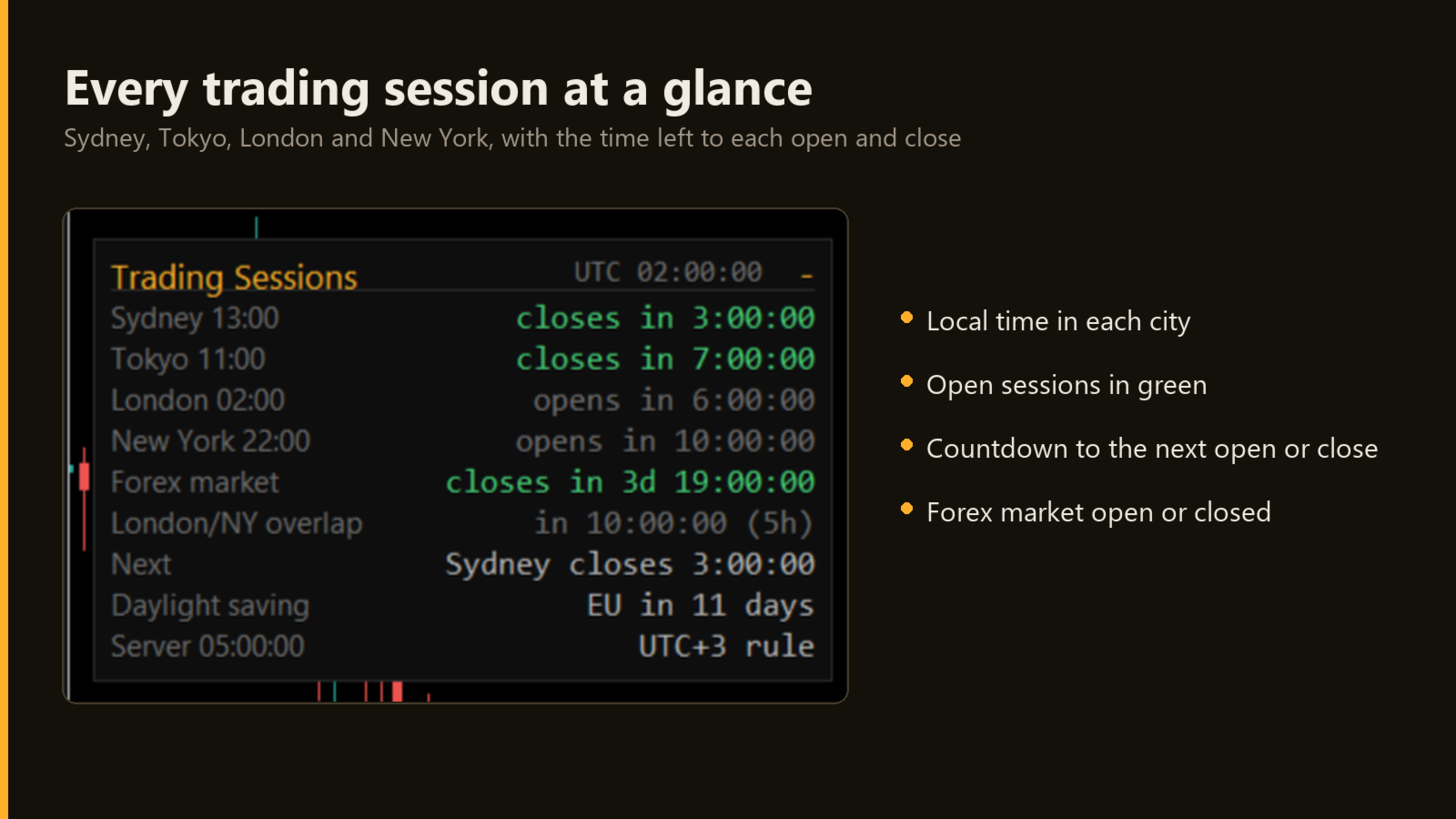
The time in Sydney, Tokyo, London and New York, which sessions are open, and the countdown to the next open or close, in a small panel you can minimize.
Trading Session Clocks and Countdown puts a small, tidy panel in a corner of the chart. It does not trade and gives no signals.
What it shows
- The local time in Sydney, Tokyo, London and New York.
- For each session, the time left until it opens or closes. Open sessions are shown in green.
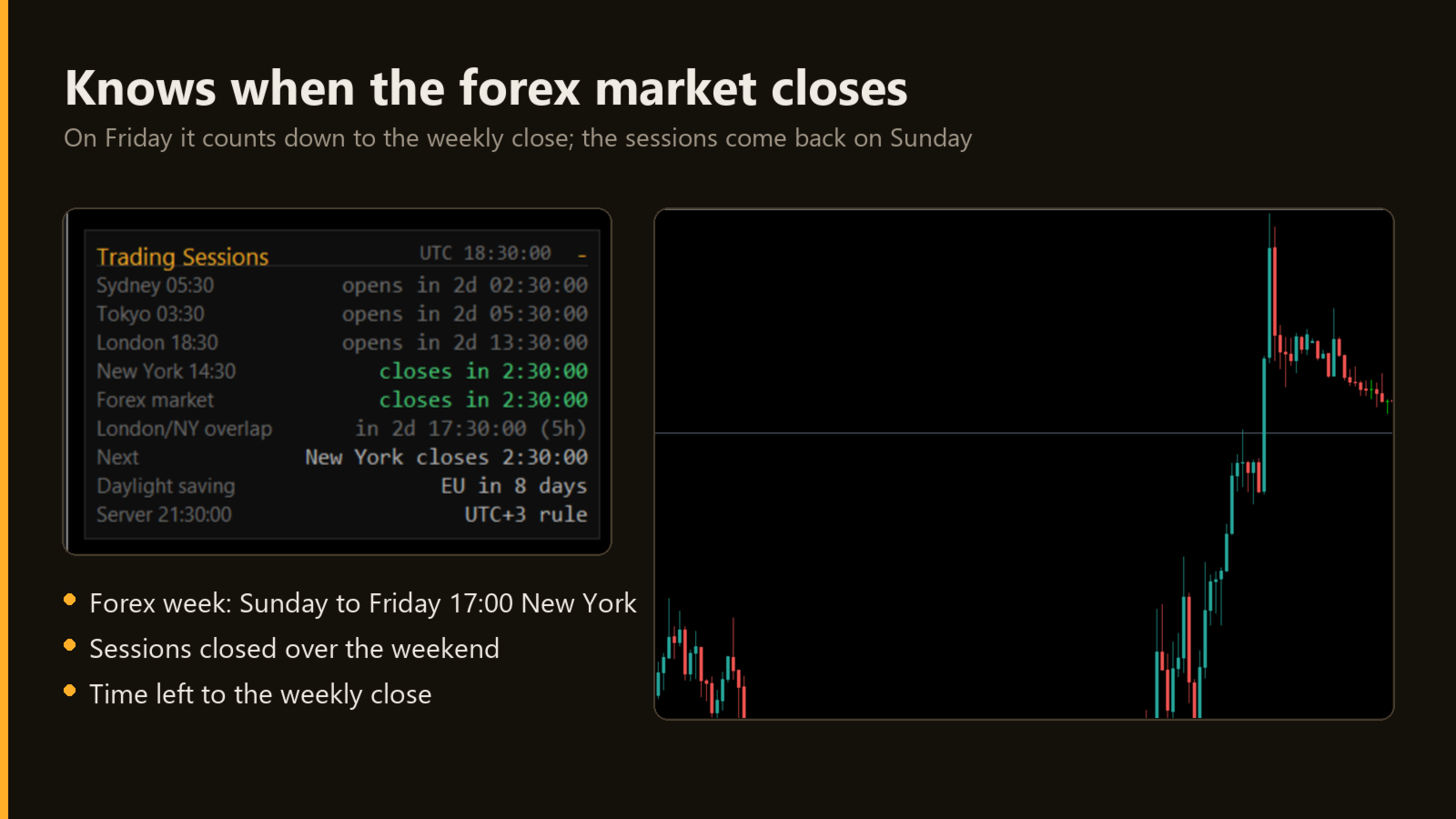
- The forex market: open or closed, and the time left to the weekly close or open.
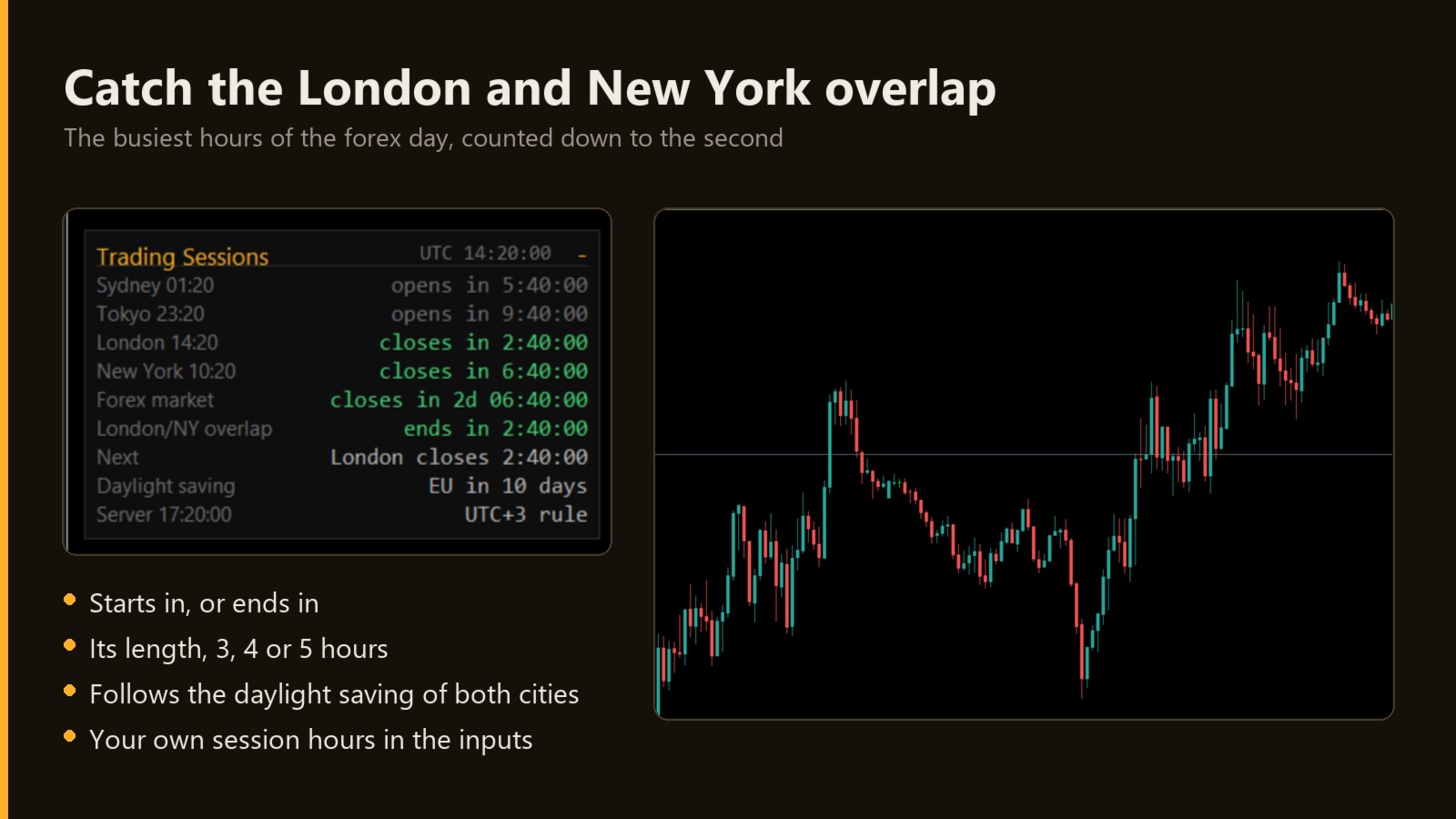
- The London and New York overlap: when it starts or ends and how long it lasts (3, 4 or 5 hours, as the daylight saving of each city changes).
- The next open or close of any session.
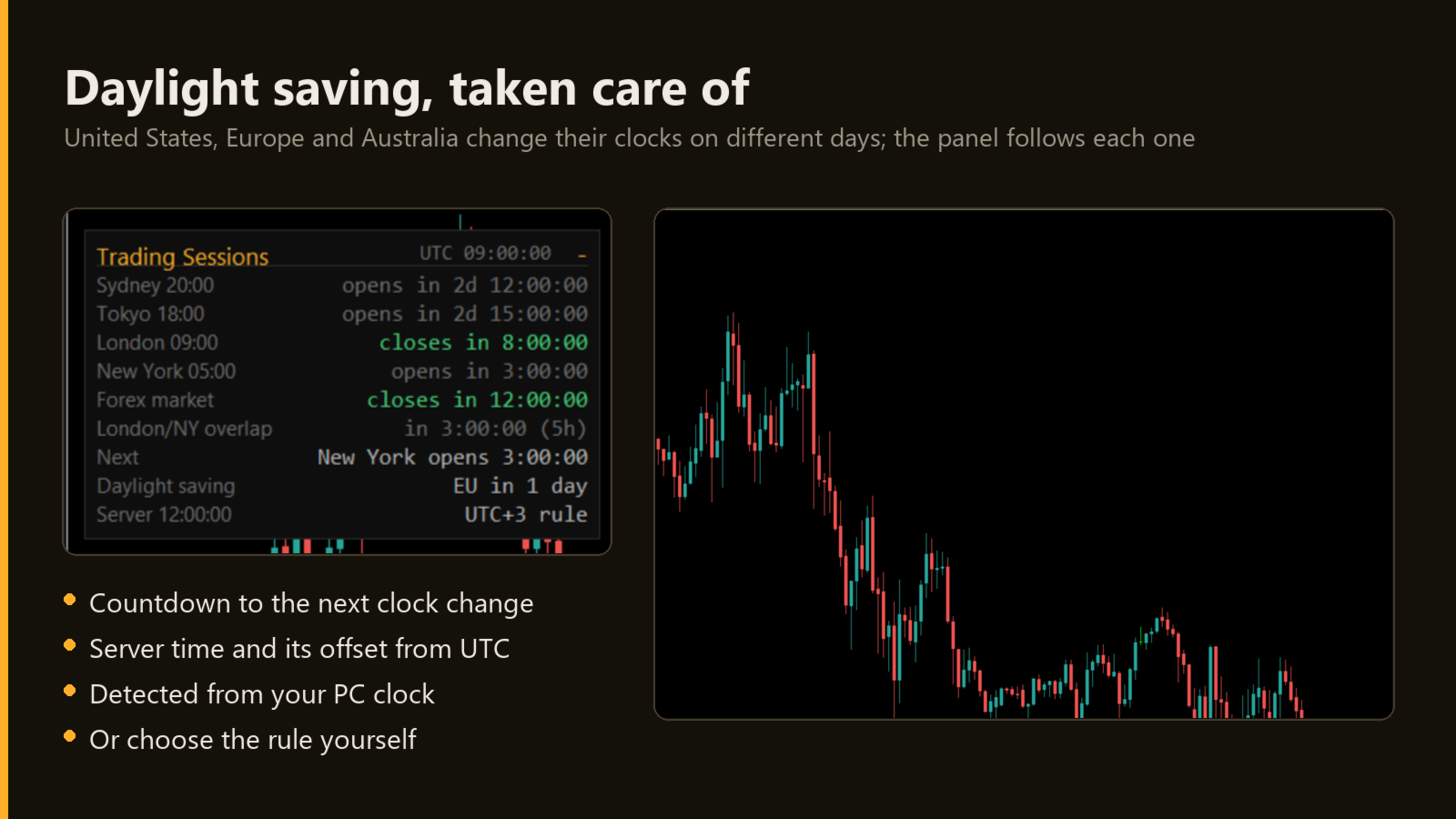
- The time left to the next daylight saving change in the United States, Europe or Australia.
- The server time and its difference from UTC.
- Optional: the time of your PC; 24-hour or AM / PM clock; an alert a number of minutes before a session opens.
Minimize it
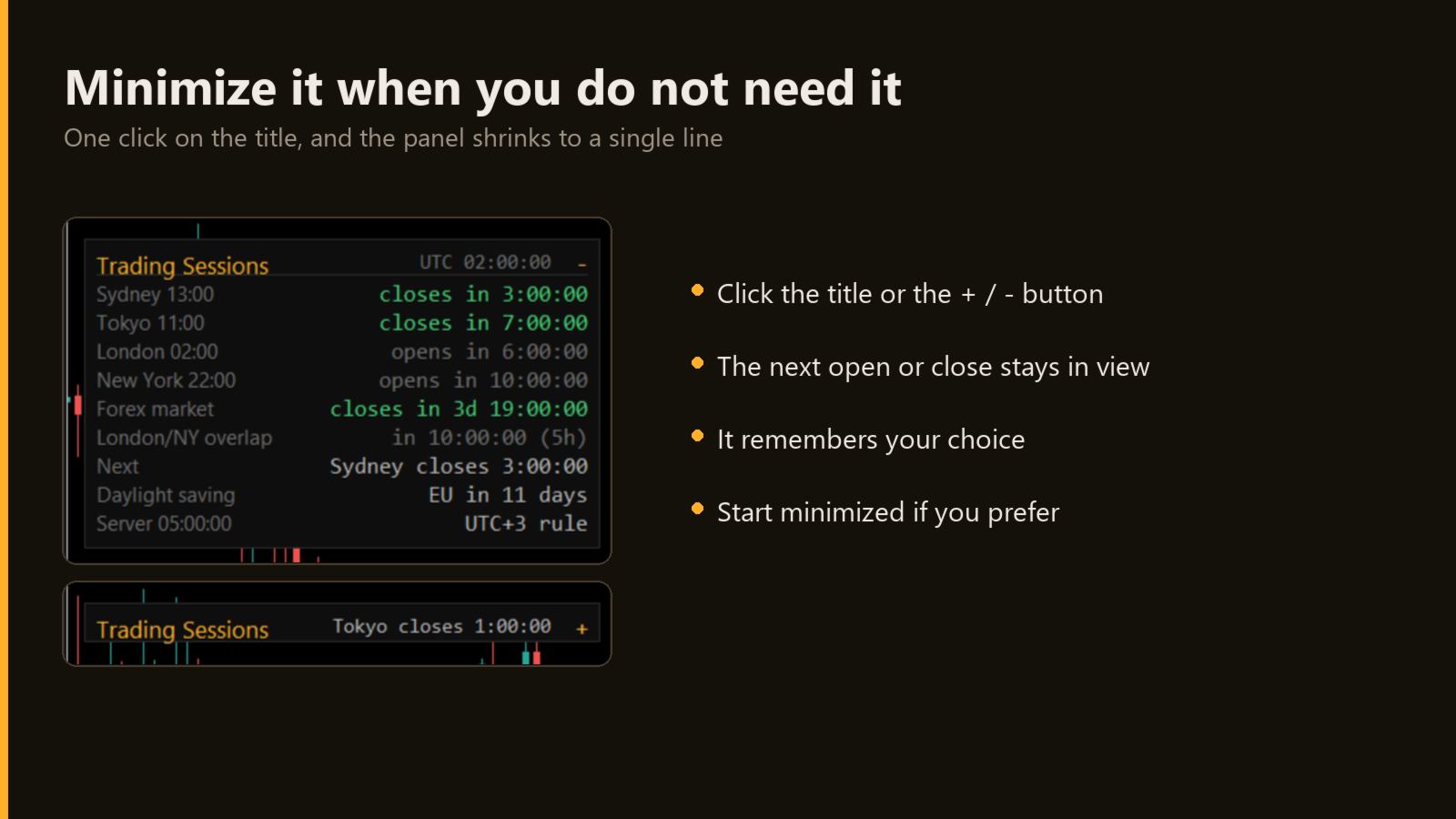
You check the sessions when you start trading and now and then during the day. One click on the title shrinks the panel to a single line with the next open or close; another click opens it. The platform remembers your choice.
Daylight saving, handled
Session hours are set in each city's local time, and follow the daylight saving of the United States, the European Union and Australia on their own dates. The server's difference from UTC is read from your PC clock, or you can choose the rule or a fixed offset.
Look
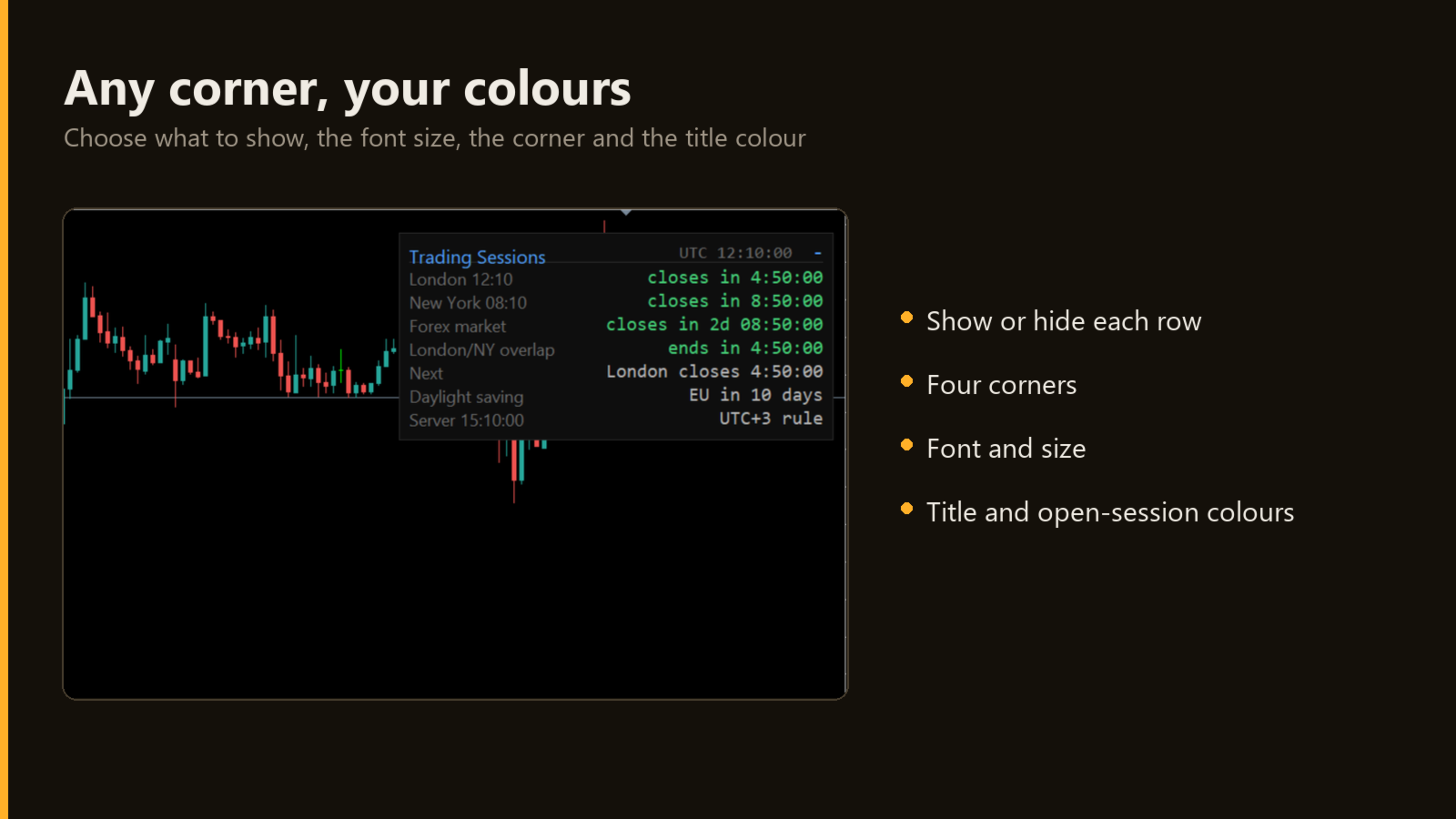
- Any corner of the chart, with its distances, font, size and title colour.
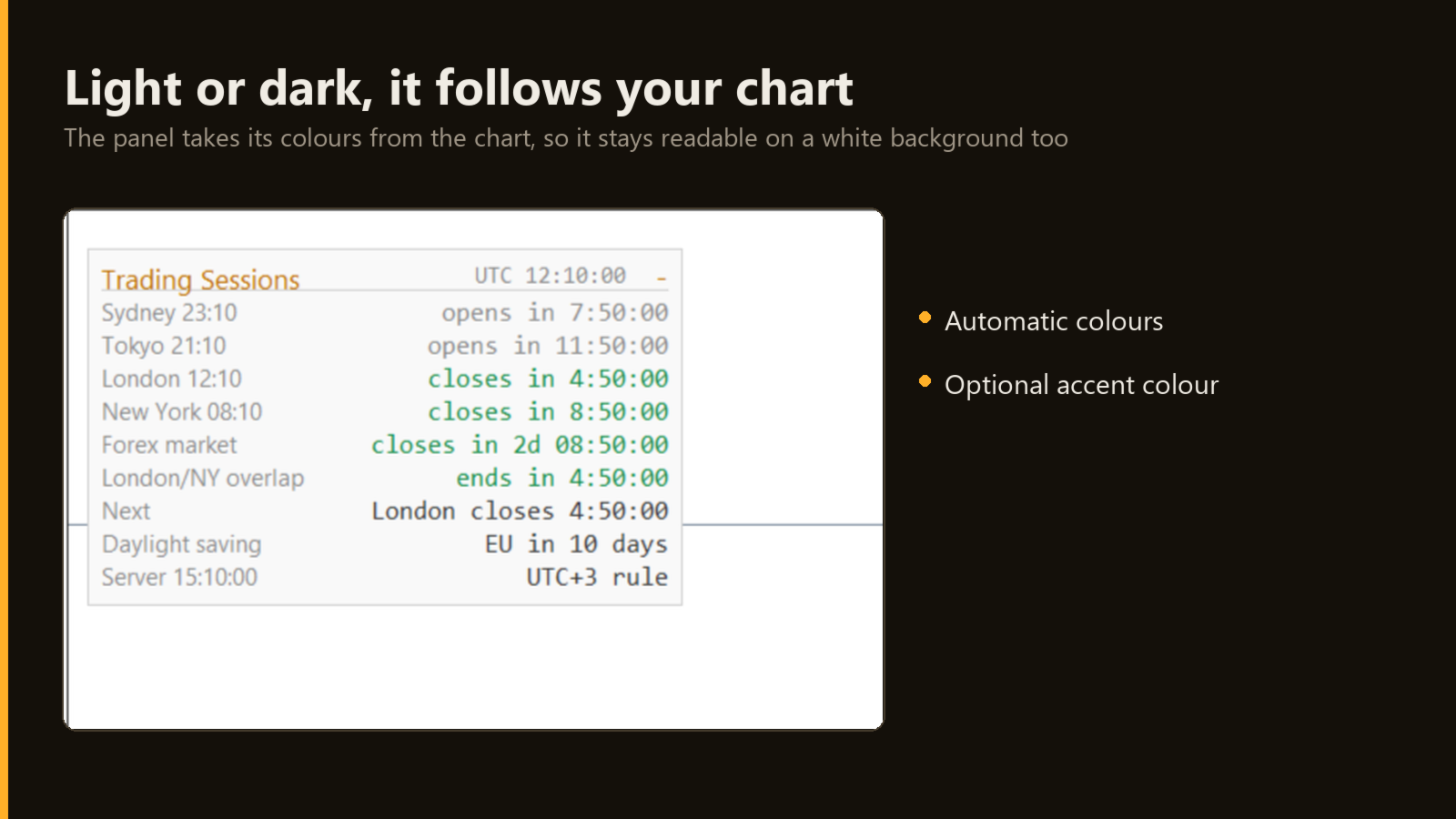
- The panel takes its colours from the chart, so it is readable on light and dark charts.
- Each row can be turned on or off, and every session hour can be changed.
Notes
- The hours are the usual ones of the forex sessions (Sydney 07-16, Tokyo 09-18, London 08-17, New York 08-17 local, Monday to Friday), not an official schedule of any exchange. Change them in the inputs.
- The times come from the clock of your PC: keep it synchronized.
- Works on any symbol and timeframe; the panel follows the forex week.
- Tested on MetaTrader 5 and MetaTrader 4. No DLL, no web requests, no files written.
- No holidays: on Christmas or New Year a session can show as open. Use one copy per chart.
User guide (inputs one by one, troubleshooting): https://www.mql5.com/en/blogs/post/781271