Panoptic Indicator Auditor
- Utilitários
- Versão: 1.13
- Ativações: 5

Panoptic Indicator Auditor
Universal Buffer & Chart-Object Indicator Backtester + Closed-Bar Repaint Monitor.
Many technical indicators look profitable on static historical charts because they recalculate past candles, erase losing arrows, or peek at future bars. Panoptic Indicator Auditor MT5 measures an indicator's real closed-bar performance and monitors closed candles for historical repainting — without writing a single line of MQL5 code.
What It Does
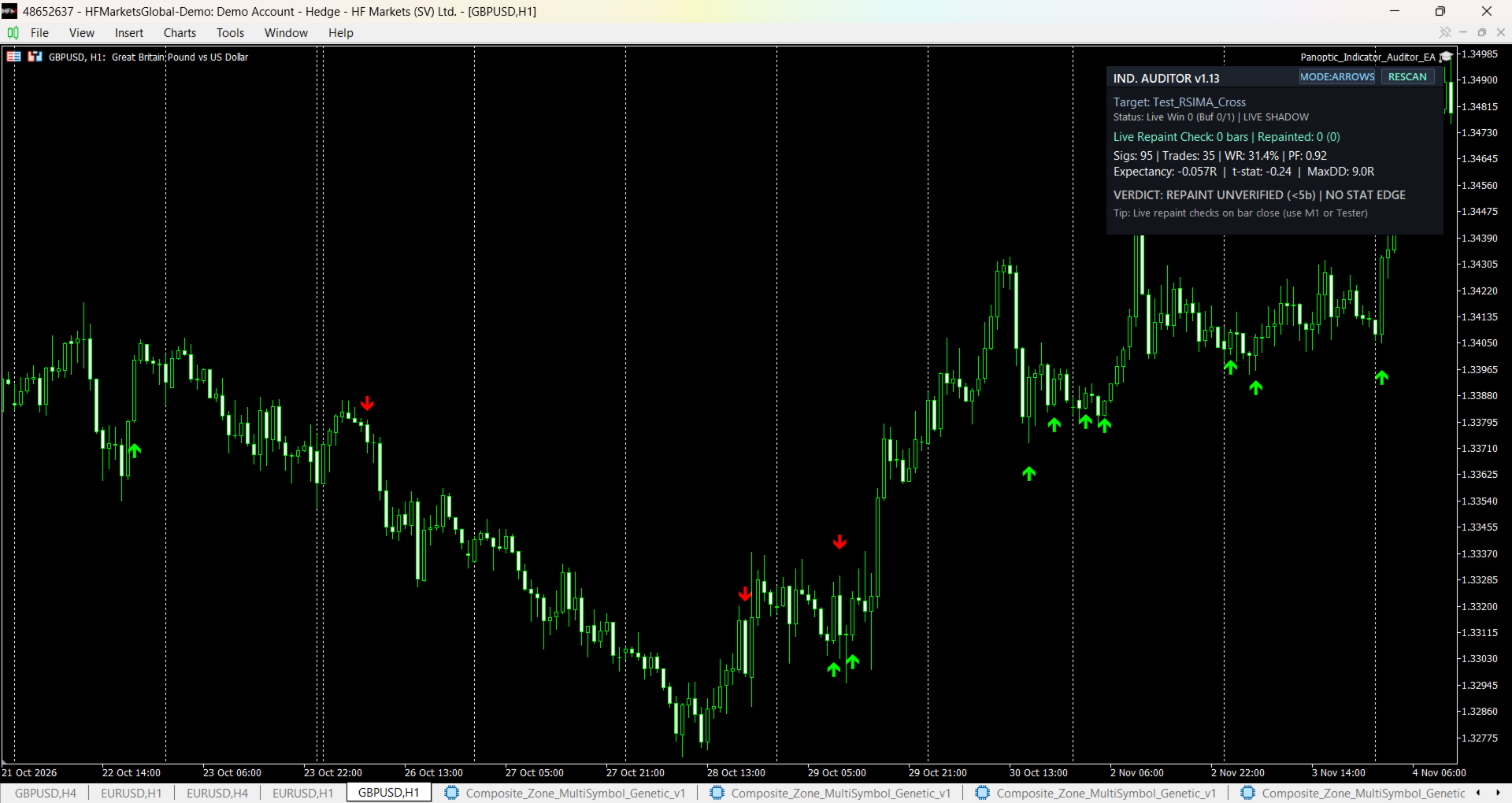
- Real-Time Repaint Detector: Snapshots closed-bar buffer values and chart arrow objects ( shift 1..N ) at every bar close and re-verifies them on subsequent bars. Flags VANISHED , LATE_APPEAR , and SHIFTED_VALUE mutations in the Journal, HUD, chart markers, and CSV log.
- Honest Closed-Bar Backtesting: Executes strict closed-bar signals ( bar 1 close -> next bar open ) with configurable Stop Loss ( ATR(14) multiplier or fixed points), Take Profit ( R-multiple , fixed points, or opposite signal), and 1-trade-at-a-time or overlapping-signal evaluation.
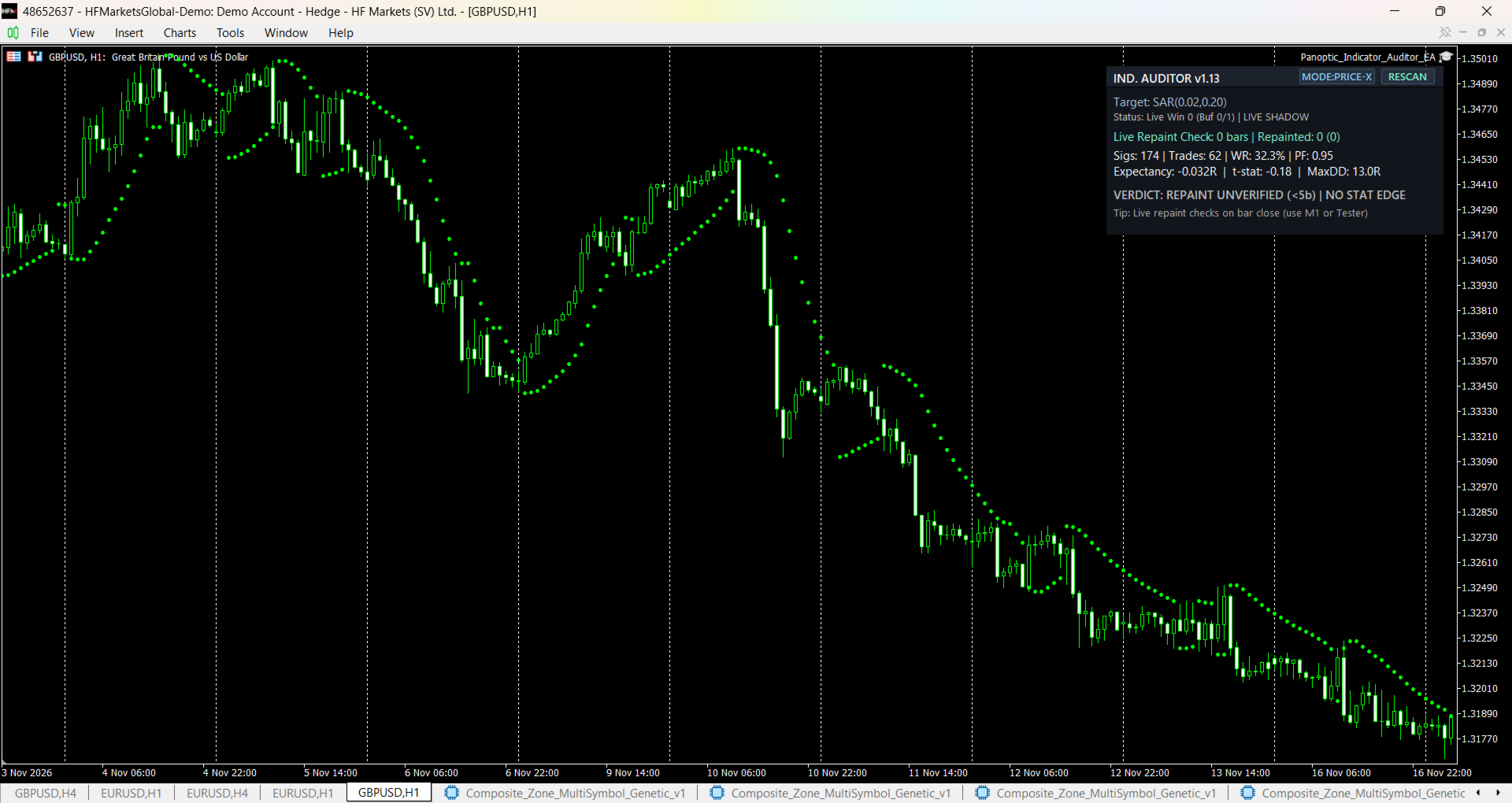
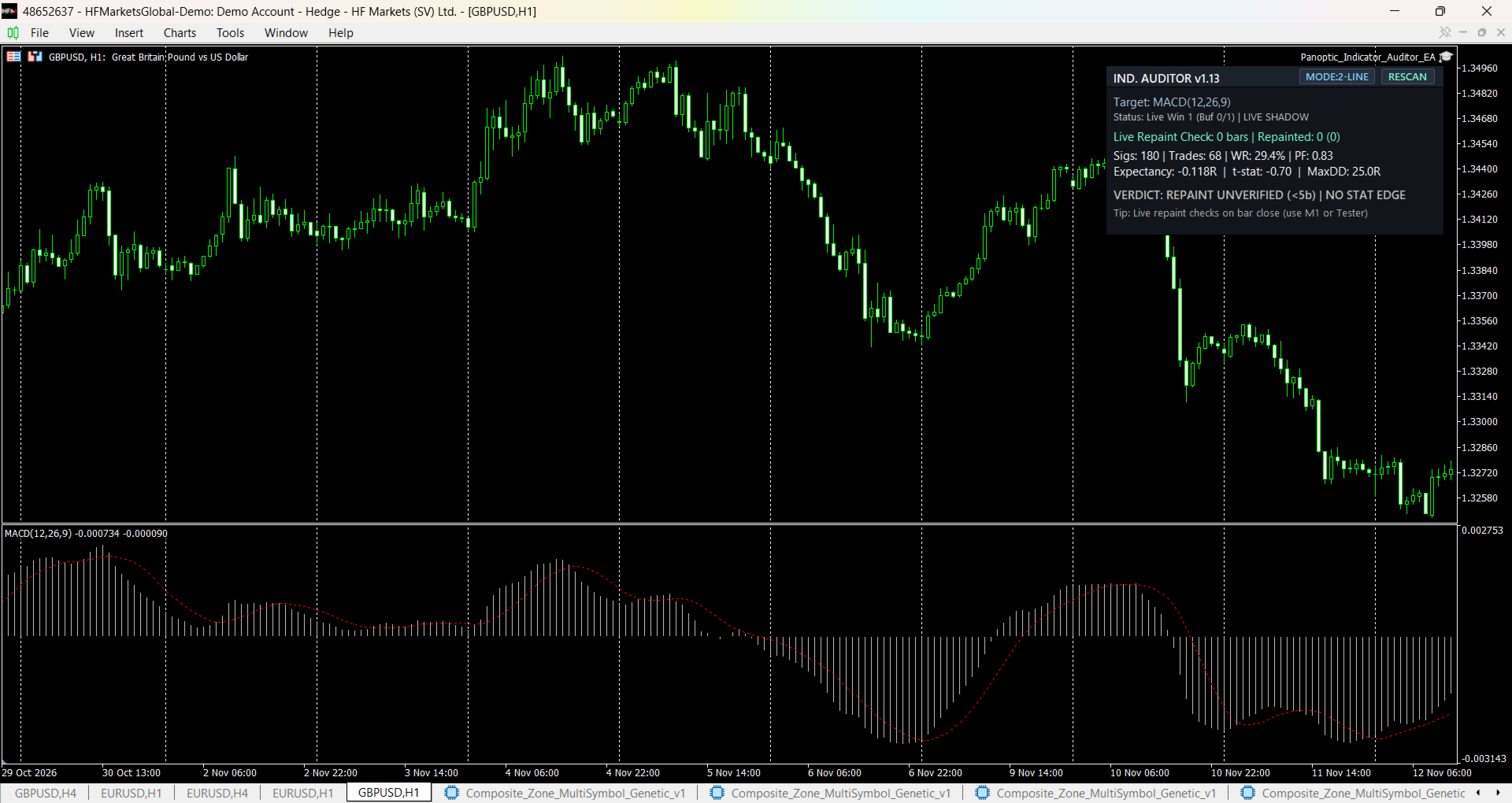
- Statistical Telemetry HUD: Displays live Signals , Trades , Win Rate % , Profit Factor , Expectancy (R) , t-statistic , Max Drawdown (R) , and an honest audit verdict.
- Instant Live-Chart Shadow Audit: On live charts, automatically runs a closed-bar shadow backtest over the last 2000 bars (without placing real orders) while monitoring incoming bar closes for repainting.
- CSV Audit Export: Logs every signal trade outcome and every detected repaint event to MQL5\Files\Panoptic\Audit_<Symbol>_<Timeframe>.csv .
3 Attachment Modes & 4 Signal Modes
- Auto-Detect Chart Indicator ( ATTACH_AUTO_CHART ): Drop the EA and any indicator onto the same chart. Automatically detects buffer-based indicators (probing sparse arrow buffers 0..7 ) or switches to OBJECTS mode for 0-buffer arrow-object indicators. Includes clickable [MODE] and [RESCAN] HUD buttons.
- Explicit iCustom Path ( ATTACH_ICUSTOM ): Enter any custom indicator path (e.g. Examples\MACD or MyFolder\MyIndicator ) for high-speed non-visual Strategy Tester backtesting and repaint auditing.
- Chart Objects Only ( ATTACH_OBJECTS_ONLY ): Monitors OBJ_ARROW , OBJ_ARROW_BUY , OBJ_ARROW_SELL , OBJ_ARROW_UP , and OBJ_ARROW_DOWN objects (with optional name-prefix and color filters).
- Supported Signal Logic: ARROWS (non-empty/non-zero Buy & Sell buffers), 2-LINE (Buy buffer crosses Sell buffer), THRESH (single buffer crosses Upper/Lower threshold), and OBJECTS .
How to Use
- Quick Live-Chart Audit (Safe Shadow Mode): Attach Panoptic Indicator Auditor MT5 to any chart, then drag your custom indicator onto the same chart. The top-right HUD auto-attaches and audits the last 2000 closed bars immediately without risking account funds.
- Full Repaint & Backtest Audit (Strategy Tester): Open Strategy Tester ( Ctrl+R ), select Panoptic Indicator Auditor MT5, set Attachment Mode = Explicit iCustom Indicator Path , enter your indicator's path relative to MQL5\Indicators\ , choose your Signal Mode and Buffer indices, and run on 1 minute OHLC or Every tick . Check the HUD, Graph, and Journal for any REPAINT DETECTED alerts.
Important Technical Limitations (Read Before Purchasing)
- MQL5 Market Demo / Trial .ex5 Restrictions: Some third-party MQL5 Market demo/trial indicators enforce DRM locks that block iCustom() or historical buffer access in Strategy Tester ( Error 4802 / 557 ). This utility is designed for custom .mq5 / .ex5 indicators, CodeBase indicators, and indicators that permit buffer/chart access. If an indicator blocks iCustom() , the Auditor reports the error clearly instead of crashing.
- 0-Buffer Object-Only Indicators in Strategy Tester: By MetaTrader 5 platform design, non-visual Strategy Tester agents do not execute ObjectCreate() on indicators that declare 0 buffers. To audit 0-buffer chart-object indicators in Strategy Tester, enable Visual Mode (or use the Live-Chart Instant Shadow Audit).
- Repaint Verification Requires Closed Bars: On a live chart before at least 5 new bars have closed since attachment, the verdict intentionally displays REPAINT UNVERIFIED (<5b) . Static historical charts alone cannot prove an indicator does not repaint; run Strategy Tester or wait for live bar closes to verify repainting.
- Research & Validation Utility Only: This EA is an analytical and backtesting tool, not an automated profit guarantee or signal service.
Key Input Parameters
- InpAttachMode — Auto-Detect Chart Indicator / Explicit iCustom Path / Chart Objects Only.
- InpIndicatorPath — Relative path inside MQL5\Indicators\ for Strategy Tester iCustom runs.
- InpSignalMode & InpAutoDetectBuffers — Choose ARROWS , 2-LINE , THRESH , or OBJECTS ; auto-probes sparse arrow buffers 0..7 .
- InpRepaintLookback — Number of closed bars ( 1..N ) snapshotted and re-verified at every bar close (default 30 ).
- InpHistoryAuditBars — Closed bars scanned on live-chart attachment (default 2000 ).
- InpOneTradeAtATime & InpSkipEntryBarSLTP — Evaluate one trade at a time or every signal independently; optionally skip SL/TP checks on the entry candle's own OHLC bar in Shadow Mode.
- InpSLMode / InpTPMode — ATR(14) multiplier or Fixed Points SL; R-Multiple , Fixed Points, or Opposite Signal TP.