Quantum Volatility Engine
- Experts
-
Lee Teik Hong
 THE FOREX CUES
AN EFFECTIVE PLAN WITH A HIGH-QUALITY STRATEGY
A lucrative trade is frequently generated by the "Repeat and Repeat" pattern. Many expert traders that I believe, would agree with this assertion. - 버전: 1.0
- 활성화: 5
QUANTUM VOLATILITY ENGINE
--------------------------------------------------------------------------------
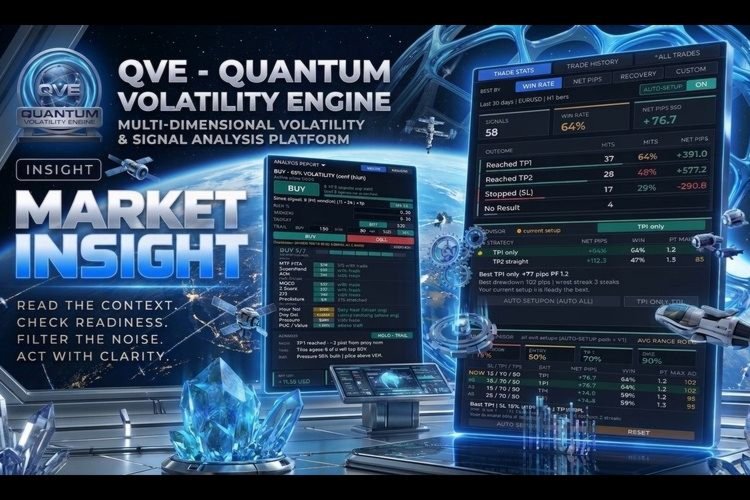
Analysis Report Panel: Volatility Signals, Trade Stats and Level Advisor
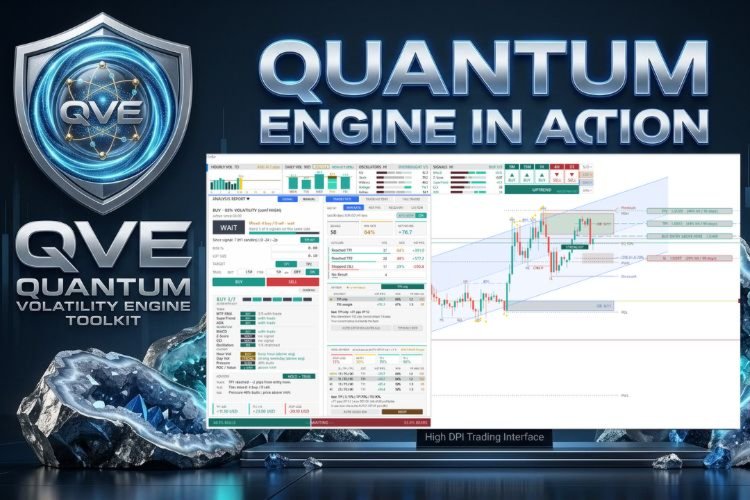
An on-chart analysis panel for MetaTrader 5. It combines a weekday-average volatility signal, multi-timeframe EMA trend, a volume profile, SMC concept, LRC channel and supply/demand zones, with optional trade management.
Overview
This Expert Advisor draws an analysis report on the chart and can optionally manage trades from its signals. It is a decision-support tool.
Special launch discount price: NEXT 20 COPIES ONLY!
Get instant access now for just $139 — once the next 20 copies are sold, the price will increase to $239 . The final planned price is $____
***Buy Quantum Volatility Engine and you could get Equity Protector(EA) for free !***
Ask in private for more details!
What it shows
-
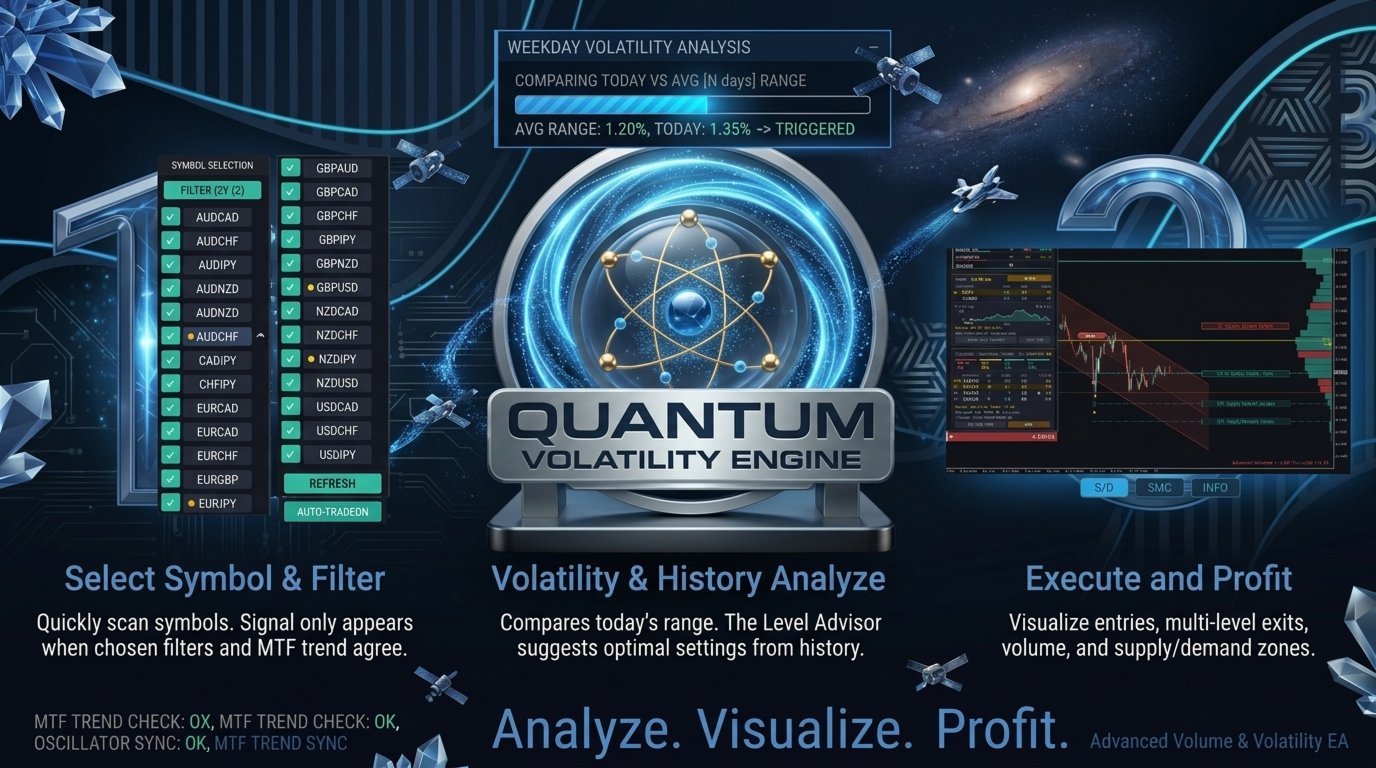
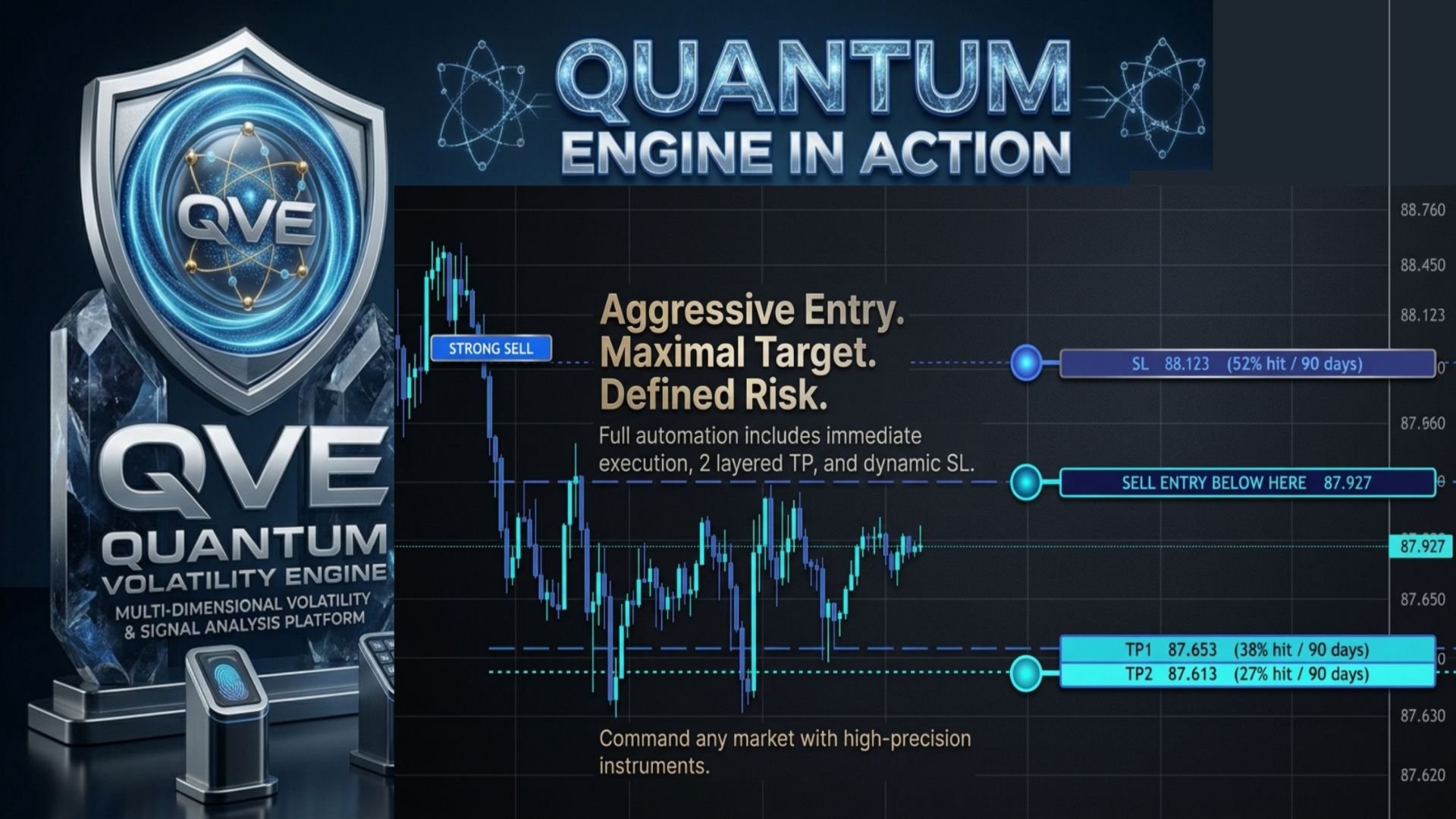
Volatility signal: compares today’s range with the average range of the same weekday over the last N days, and shows entry, stop loss, TP1 and TP2 levels as a percentage of that average range.
-
Signal filters: up to 6 conditions (oscillators, EMA trend and others). The signal appears only when the chosen number of conditions agree. An optional filter requires the MTF trend banner to match.
-
MTF EMA trend tiles: fast and slow EMA direction on several timeframes.
-
Hourly and daily volatility chart.
-
Volume profile: POC, VAH and VAL levels, plus supply/demand zones.
-
SYMBOL SELECT panel: switch symbols quickly and scan them for active signals.
-
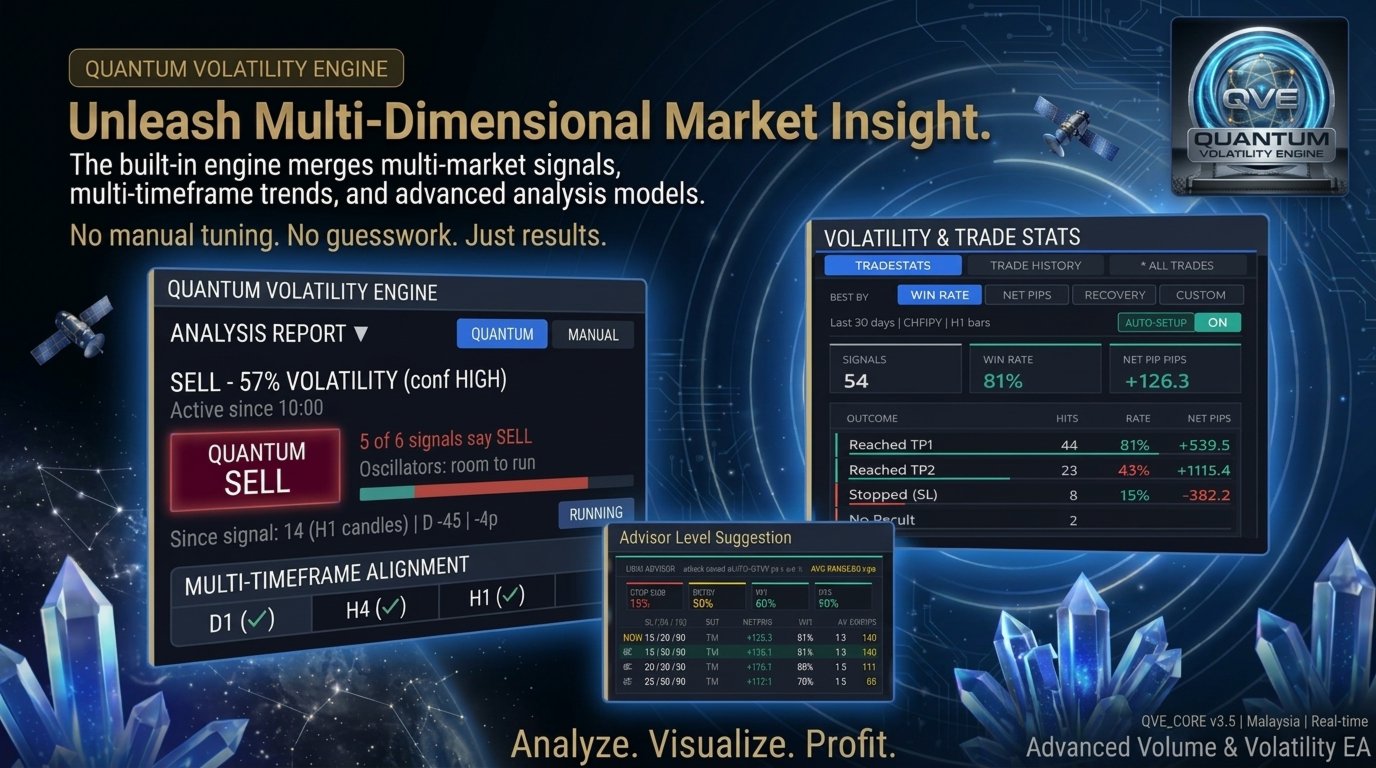
TRADE STATS panel and Level Advisor: shows how the signal levels performed over the last N calendar days, and suggests levels based on that history.
-
S/D and SMC buttons: toggle the zone layers on and off. The info button opens a short guide to the terms used.
Main input parameters
-
InpMagic: magic number
-
InpDefaultLot / InpDefaultRisk: fixed lot, or risk % of balance
-
InpTrailDist / InpTrailStep: trailing stop distance and step, in points
-
InpLvlSL, InpLvlEntry, InpLvlTP1, InpLvlTP2: signal levels as % of the weekday-average range
-
InpVolPct: today’s range, as % of the average, that triggers a signal
-
InpDailyPeriod: days of D1 history used for the average
-
InpMinAgree: number of the 6 conditions that must agree
-
InpRequireMtfTrend: also require the trend banner to match
-
InpSignalTF: signal timeframe
-
InpStatsDays: look-back for the stats panel
-
InpAlerts / InpPushNotify: alerts and push notifications
More features to list
-
Yellow signal dot: in SYMBOL SELECT, a symbol gets a yellow dot only when a BUY/SELL signal is active on that symbol.
-
REFRESH scan: rescans all the listed symbols for signals.
-
AUTO-SETUP: tick which exit styles are allowed (TP1 only, TP2 straight). The Advisor then picks the best setting for each ticked symbol from its history.
-
Advisor ranking: choose the ranking by high win rate, high profit pips, best recovery (net pips divided by max drawdown), or custom.
-
Win-rate colours: rates are shown green, amber or red using thresholds you set.
-
NET PROFIT card: the stats panel includes a net profit card for the chosen number of days.
-
Trade history marks: entry and exit arrows with a dotted line are drawn behind the panels.
-
Signal controls: a session time window, a maximum of 1 or 2 signals per symbol per day, and an entry gate (BUY at or above the level, SELL at or below).
-
Zone-only mode: a signal appears only while price is inside the ENTRY to TP1 zone and SL/TP1 are untouched. Once shown, it stays frozen until the next trading day. (Check this description against your code before you claim “no repaint”.)
-
Volume profile settings: lookback, bins and value-area % are adjustable.
-
Colours and layout: colours, panel position and chart grid are adjustable.