LZ Session Boxes
- 지표
- 버전: 1.48

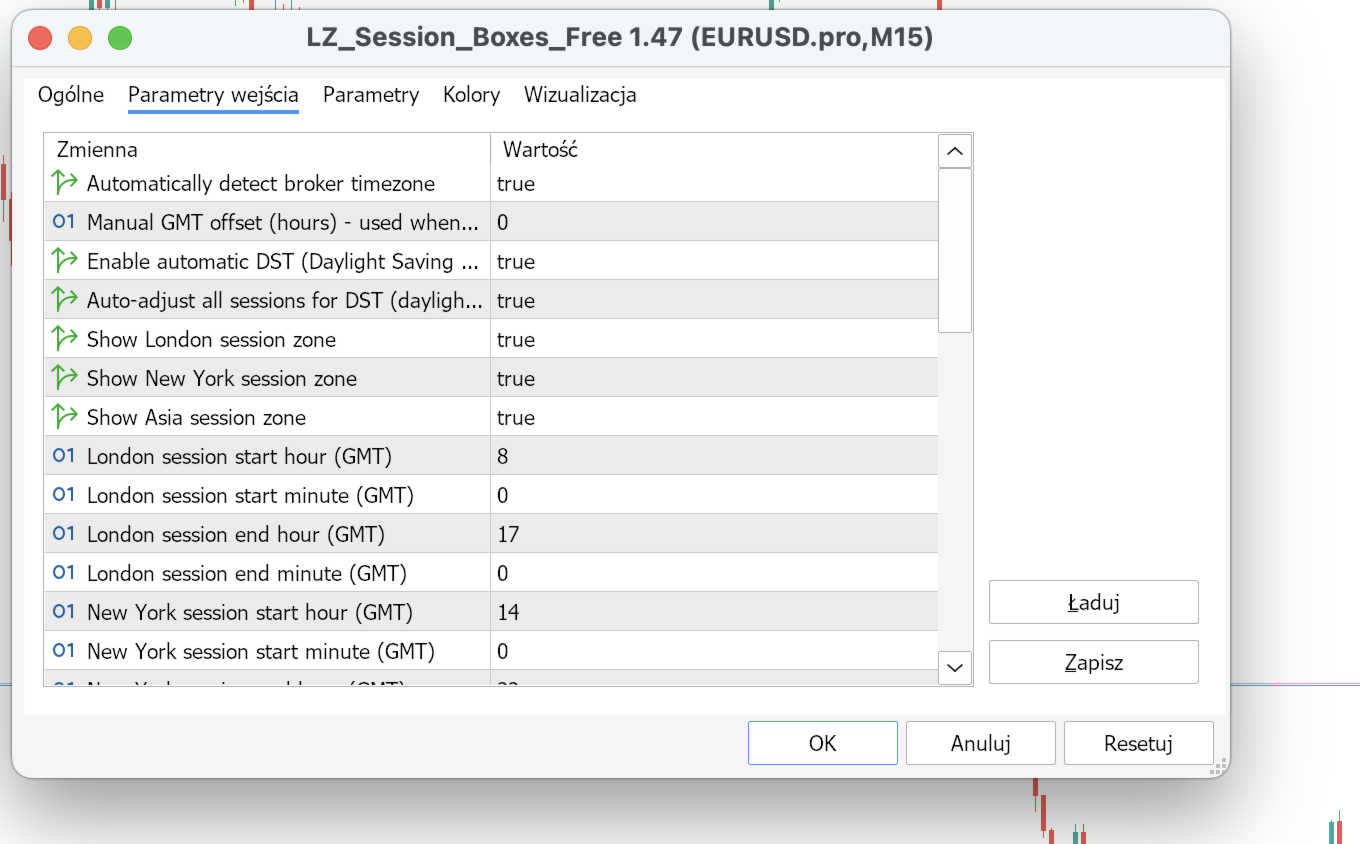
*** IMPORTANT NOTE: The indicator dynamically adapts to your chart background. Try switching between Light and Dark themes for the best visual experience. ***
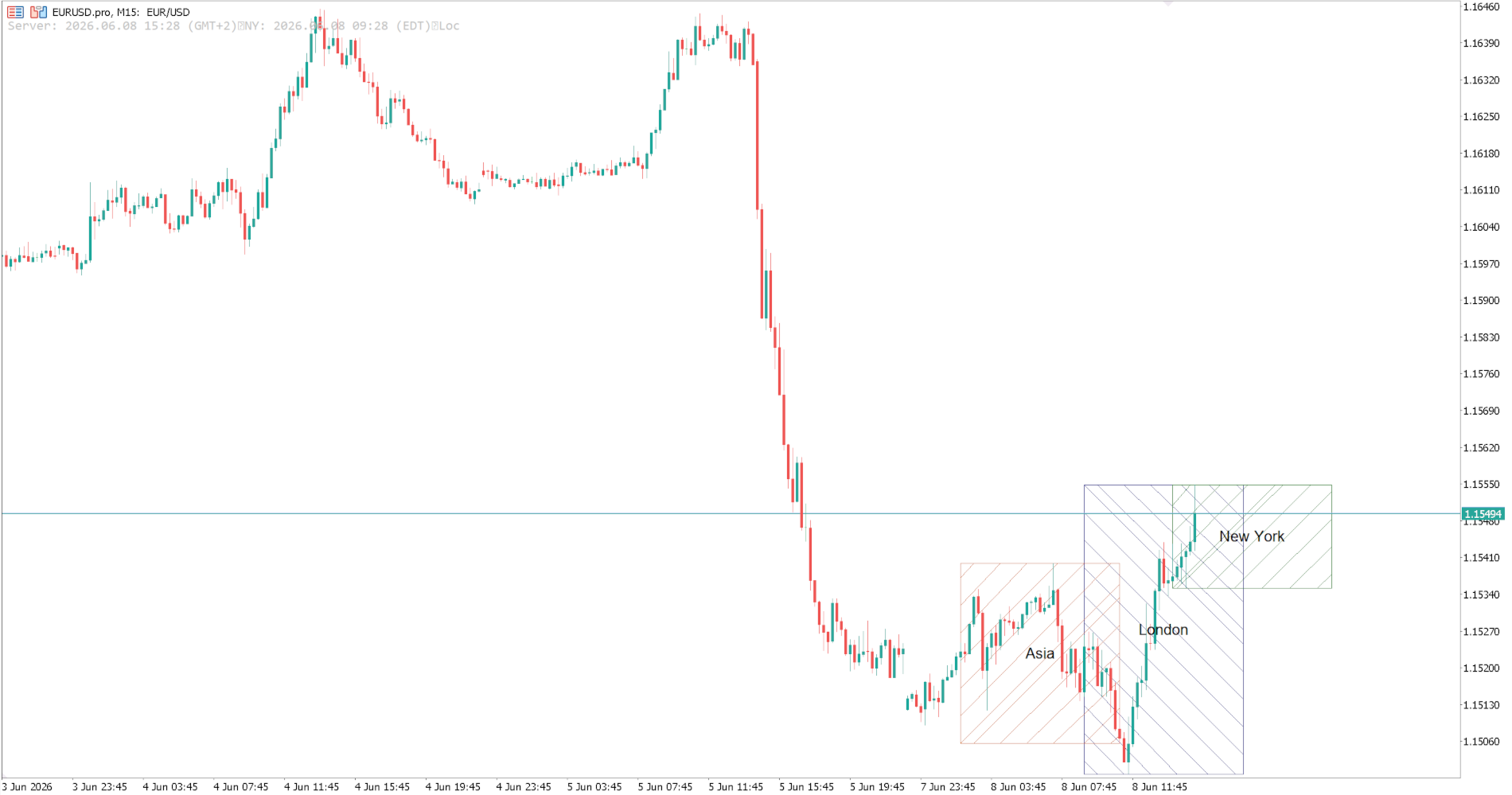
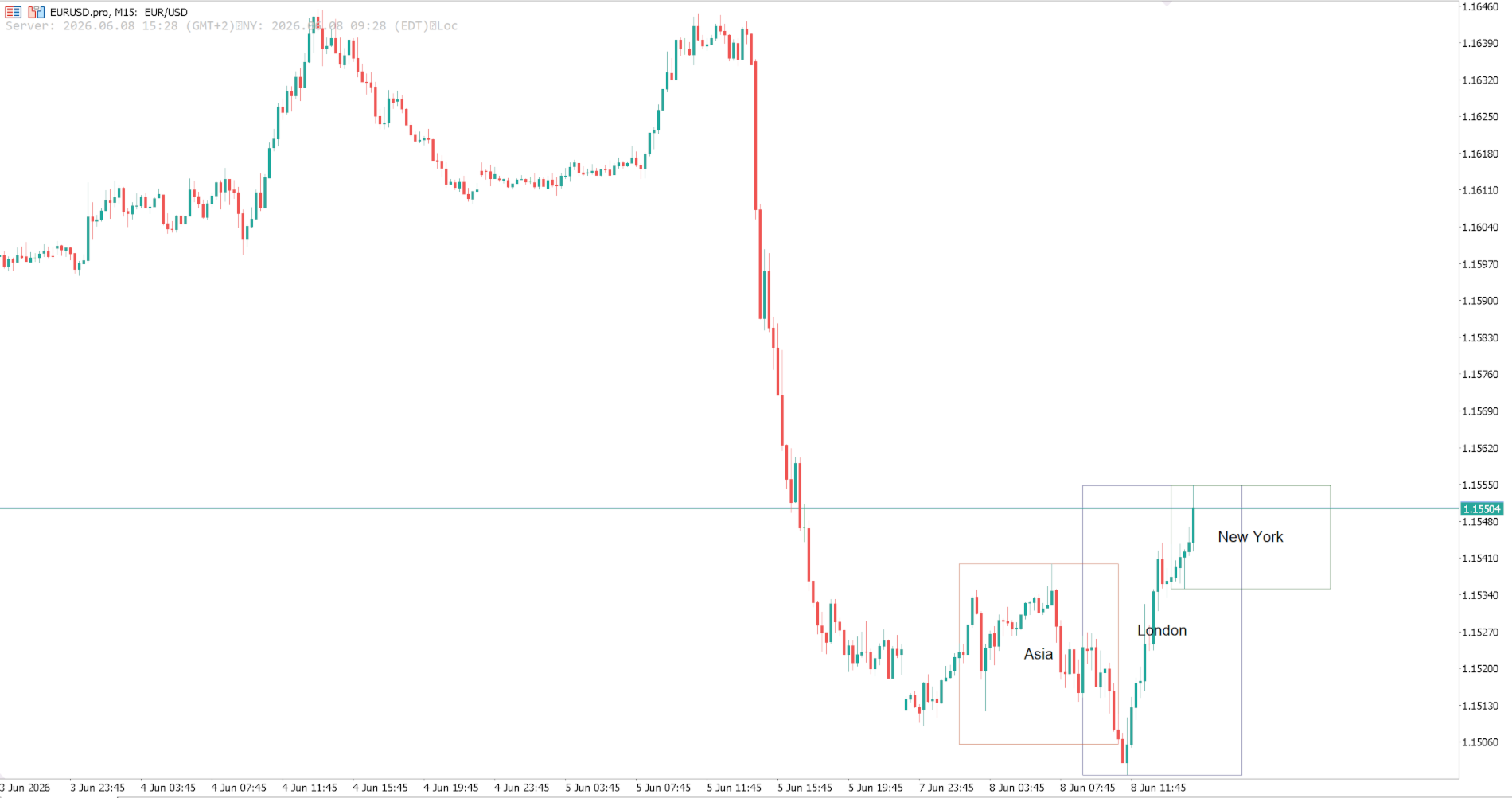
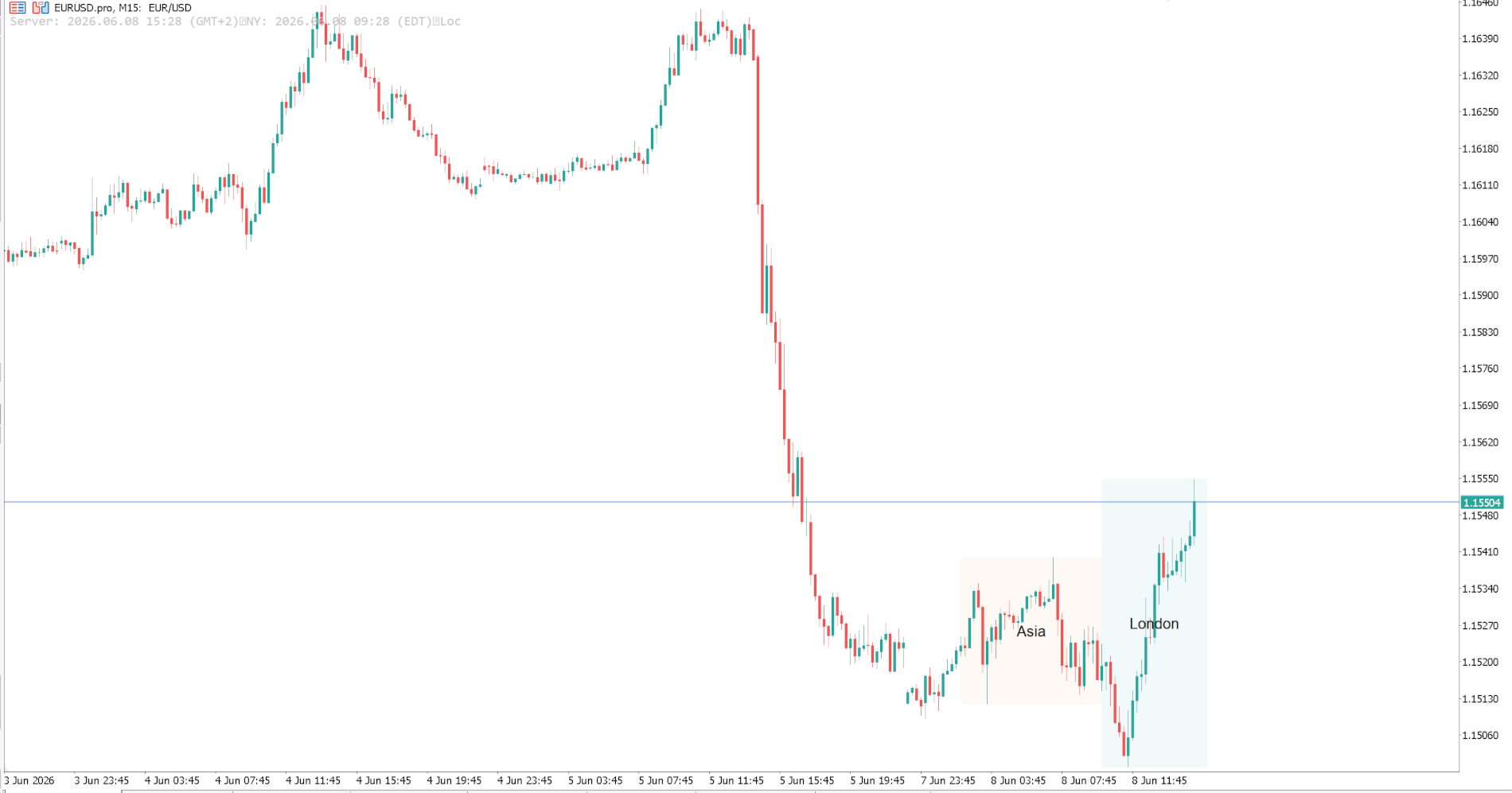
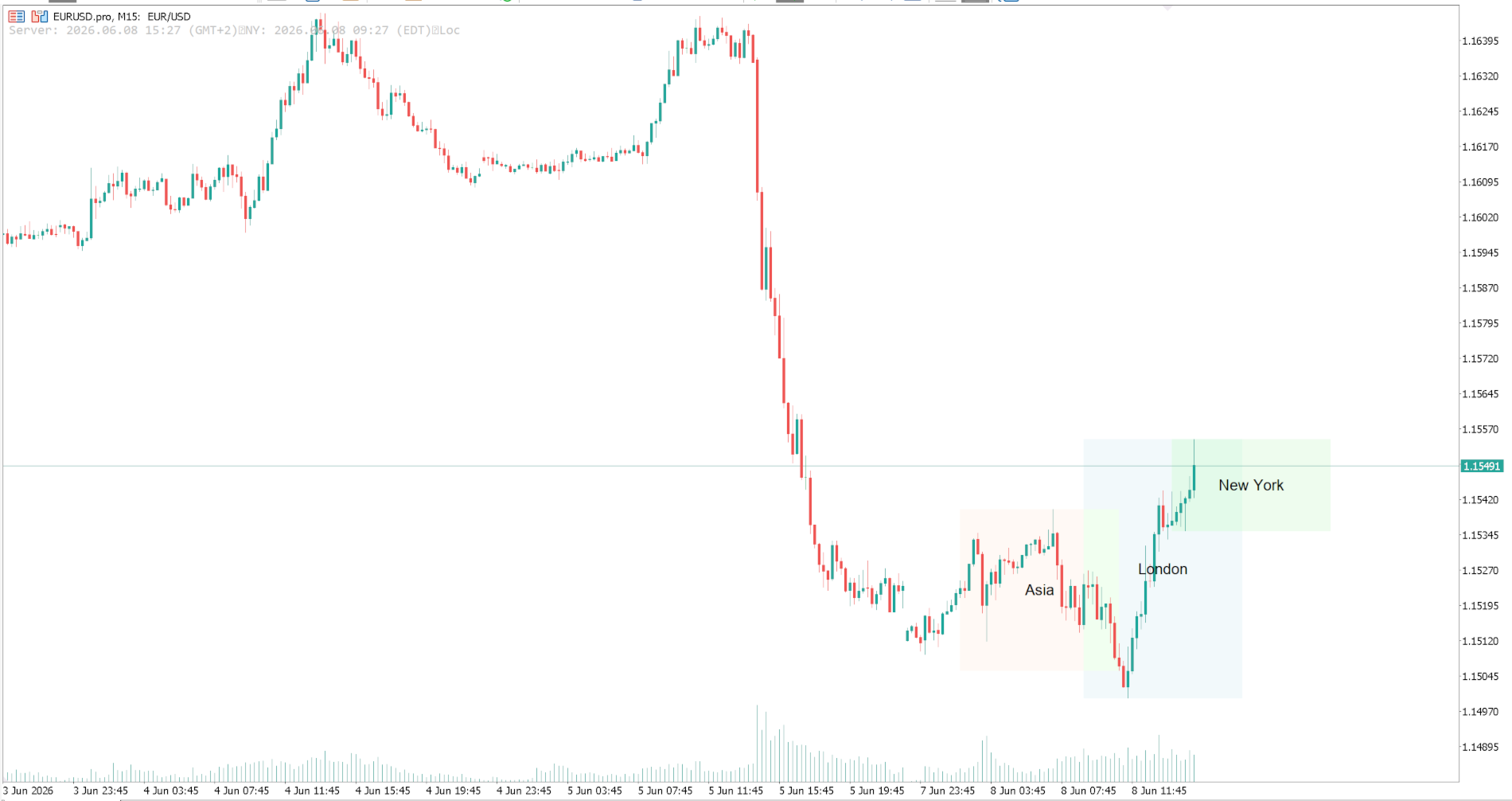
LZ Session Boxes Indicator is a streamlined, automated session time indicator designed to simplify your daily market analysis. It accurately draws the three major trading sessions (London, New York, and Asia) directly on your chart for the current trading day.
Powered by an intelligent Auto-DST (Daylight Saving Time) detection engine, this tool eliminates the need for manual GMT offset calculations, ensuring your session boxes are always perfectly aligned with real market hours.
Feature highlights
- 3 Major Sessions: Displays London, New York, and Asia trading sessions.
- Auto-Timezone & DST Engine: Automatically detects your broker's timezone and adjusts for Daylight Saving Time shifts seamlessly.
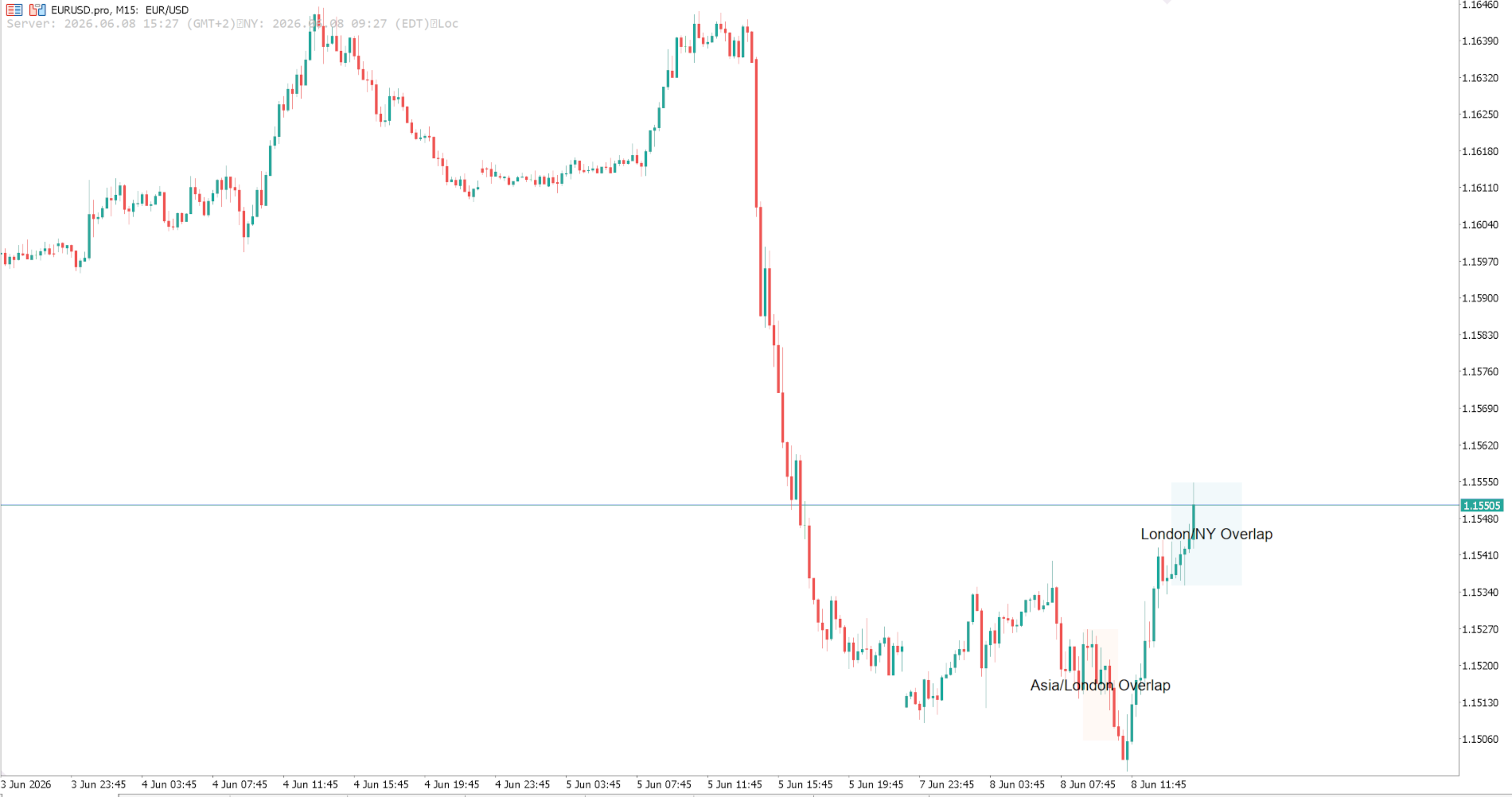
- Smart Overlap Handling: Choose how to display overlapping sessions (e.g. London & NY overlap) – show all, show only intersections, or split at the exact midpoint.
- Advanced Zone Styling: Customize zones with solid pastel fills, minimalist borders, or professional diagonal hatch lines.
- Dynamic Vertical Range: Draw zones across the full chart height or strictly bound them to the session's high/low price range.
- Built-in Time Panel: Displays a sleek on-chart panel showing current server time, broker timezone, and status.
- Smart Theming: Automatically adapts colors for Light or Dark chart backgrounds.
Input parameters
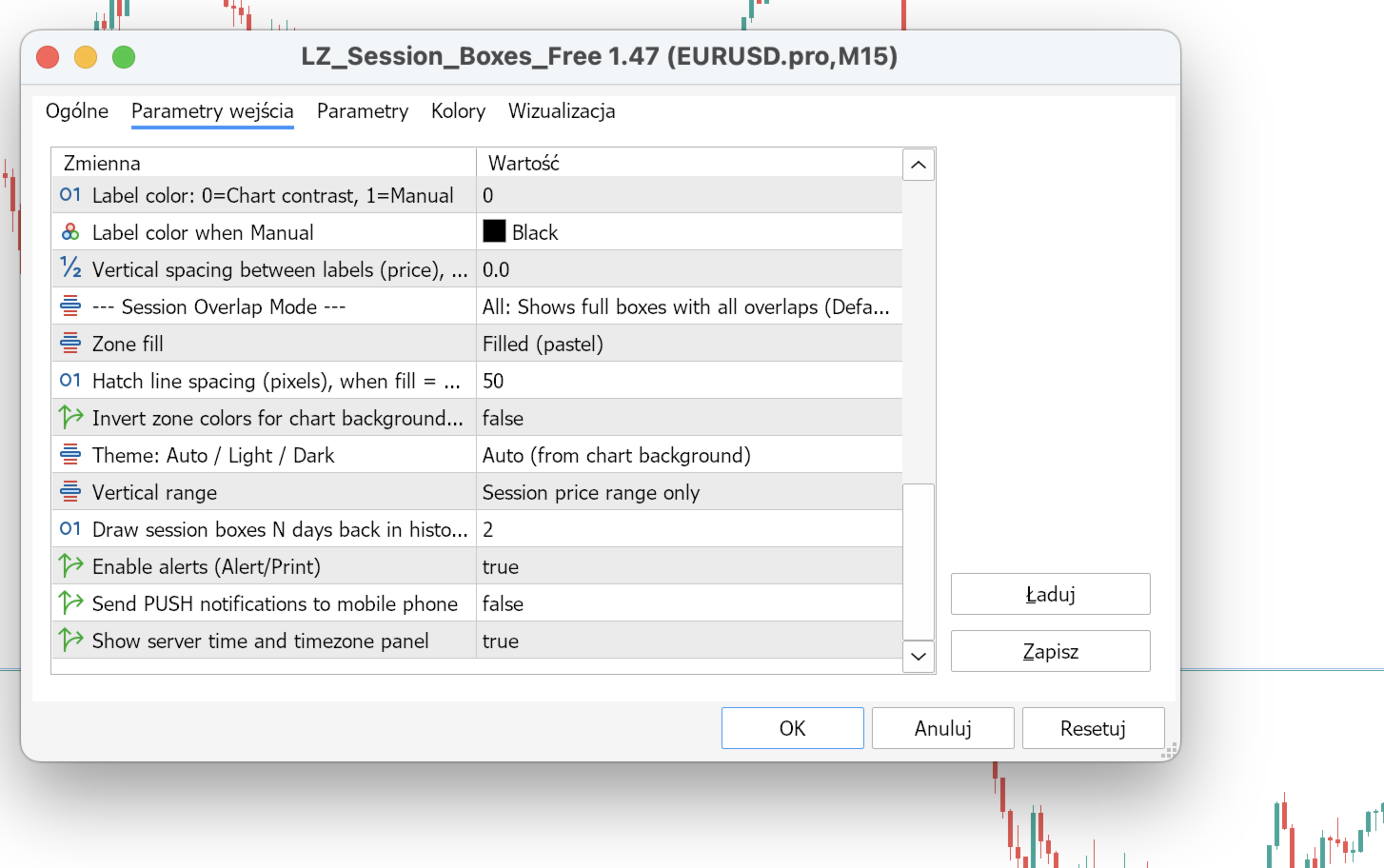
- Timezone Settings: AutoDetectTimezone, ManualTimezoneOffset, AutoDST.
- Session Toggles: Individually enable/disable London, NY, and Asia zones.
- Visual Settings: ZoneFillStyle (Solid/Border/Hatch), ThemeMode (Auto/Light/Dark), ZoneVerticalRange.
- Overlap Mode: AvoidOverlapsMode (All / Midpoint / Intersections).
- Notifications: EnableNotifications.
Installation
Copy the .ex5 file to MQL5/Indicators/. Restart MetaTrader 5 or refresh the Navigator, then drag the indicator onto a chart.
Compatibility
MetaTrader 5. All symbols. Works best on lower timeframes (M1 to H1).