
Grid Trading
- 유틸리티
- 버전: 3.0
- 업데이트됨: 23 5월 2026
- 활성화: 5

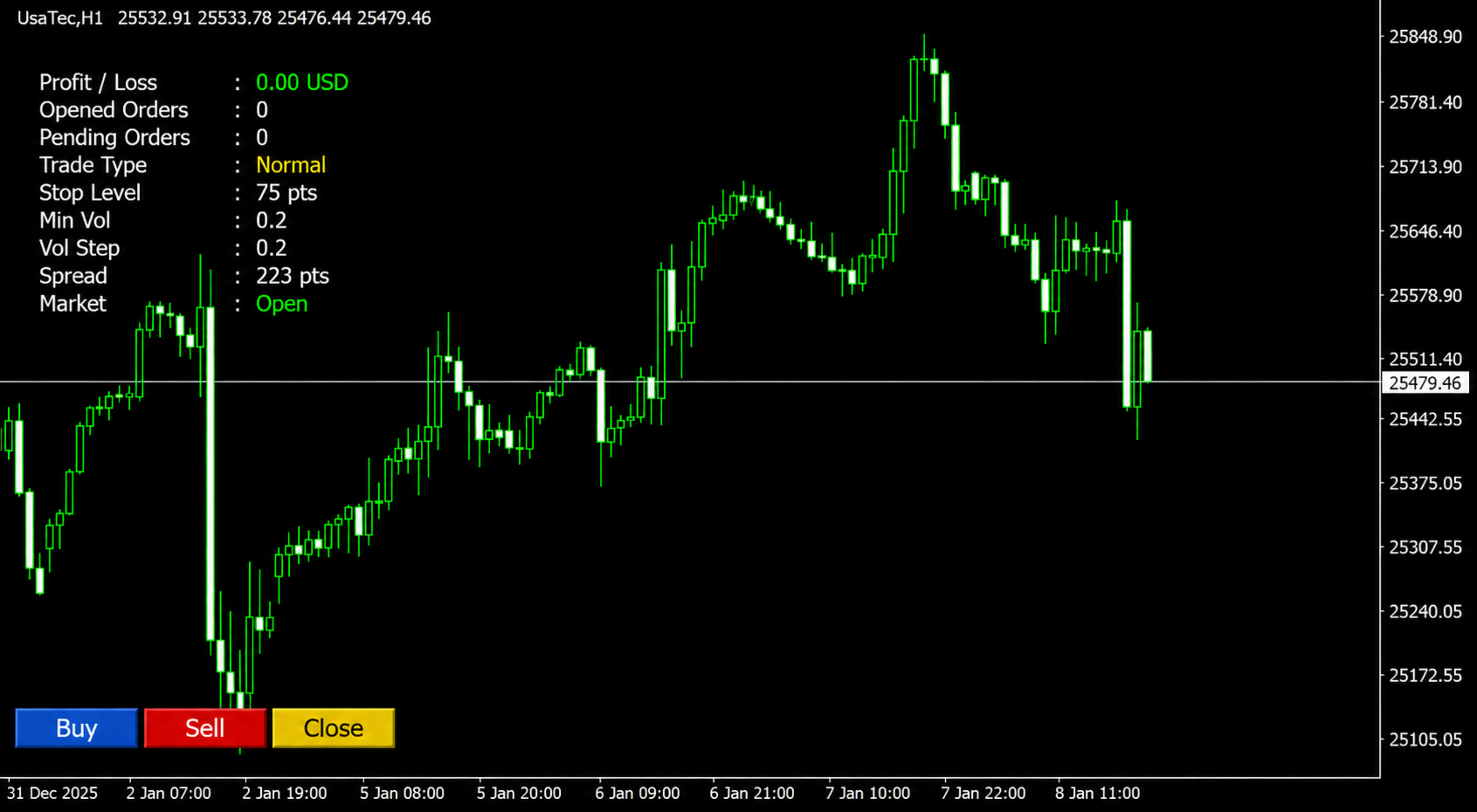
Grid Trading EA is a semi-automated one-click trading EA for both Normal Trading and Grid/Martingale Trading.
Normal Trading
Simply click Buy or Sell directly from the chart.
The EA will automatically manage trades by:
- Setting Stop Loss and Take Profit
- Managing Trailing Stop
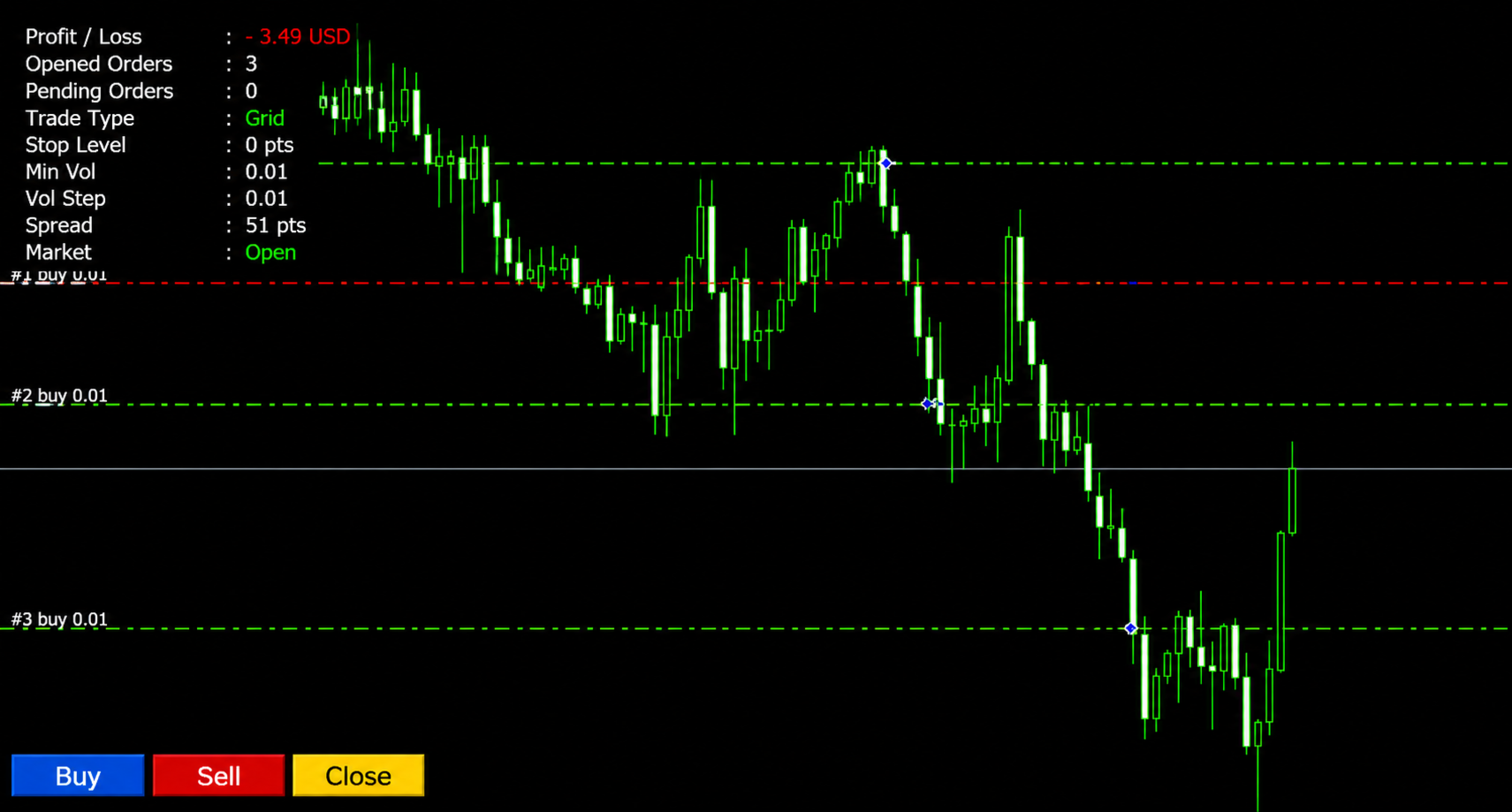
Grid / Martingale Trading
When Grid Trading mode is enabled, the EA will automatically open additional grid orders at specified distances while increasing the lot size based on your settings.
Inputs & Settings- Lots — Initial lot size
- Take Profit — Take profit in pips
- Stop Loss — Stop loss in pips
Trailing Settings
- Trailing — Enable/Disable trailing stop
- Trailing Start — Profit level where trailing starts (pips)
- Trailing Step — Trailing movement step size (pips)
Close Conditions in A/C Currencies
- Close @ Loss (Account Currency) — Enable/Disable closing all trades at a specified loss
- Close @ Loss Amount — Maximum allowed loss in account currency
- Close @ Profit (Account Currency) — Enable/Disable closing all trades at a specified profit
- Close Profit — Closes all open trades when total profit reaches the specified amount
Trading Mode
- Type Trade — Select trading mode:
- Normal Trading
- Grid Trading
Grid Trading Settings
- Grid TP Level (Pips) — Average take profit level for all grid trades
- Grid Orders Volume Increaser % — Multiplier for increasing lot size of new grid orders
- Grid Orders Distance (Pip) — Distance between grid orders
Other Settings
- Magic No. — Unique identifier for EA orders
- Alert Balance — Sends an alert if the EA cannot open orders because of insufficient balance






























































Good work