
LL Gold Scalper EA MT5
- Experts
- 버전: 4.0
- 업데이트됨: 27 7월 2026
- 활성화: 5

Please read the guide carefully before you start using EA, so you can know all the features and my suggestions to use it at its best.
Trader's Guide, FAQs and Set Files here (Updated on February26)
You can also find updated Set Files and my advices on Telegram channel or PM.
LL Gold Scalper EA is a structured grid-based Expert Advisor developed for XAUUSD (H1), combining trend filtering, progressive position management, and controlled basket closure logic.
The system is designed for traders seeking disciplined automated execution rather than aggressive speculative exposure.
Strategy Overview
The EA operates using a two-stage logic:
-
Trend Filter Entry
The first position is opened only when short-term and medium-term trend conditions align. -
Structured Grid Expansion
If price moves against the initial position, additional orders are opened at predefined distance intervals.
Lot size progression follows a configurable multiplier, creating a controlled recovery structure.
All open positions are managed as a basket and closed at a global take-profit level.
The system is designed to maintain execution consistency and broker compliance.
Core Logic Features
-
Trend-filtered initial entry
-
Configurable grid distance and lot multiplier
-
Progressive recovery logic
-
Global basket take-profit
-
Free margin validation before order execution
-
Broker volume-limit compliance
-
Optimized execution flow (reduced duplicate loops)
-
Cached tick value and symbol data for performance efficiency
-
Dashboard updated once per second (resource optimized)
Recommended Market & Settings
-
Symbol: XAUUSD
-
Timeframe: H1
-
Default parameters are optimized for gold market volatility.
The EA can be tested on other symbols, but optimization is recommended before live use.
Risk & Exposure Considerations
This is a structured grid strategy. As with any grid-based system:
-
Drawdown can expand during strong directional markets.
-
Proper capital allocation is essential.
-
Lower lot sizes significantly reduce exposure risk.
-
Users are responsible for selecting appropriate risk parameters.
The EA includes internal checks to prevent insufficient margin execution and respects broker volume limitations.
Example Backtest Configuration
Example visual test setup:
-
Symbol: XAUUSD
-
Timeframe: H1
-
Initial deposit: $10,000
-
Modeling: Every tick
-
Period: Multi-year historical data
(Users are encouraged to perform their own forward and historical testing.)
Who This EA Is For
This product is intended for:
-
Traders familiar with grid-based logic
-
Users who understand margin dynamics
-
Investors seeking structured automated recovery systems
-
Those who prioritize controlled execution over unrealistic promises
Important Notice
Automated trading involves risk.
Past performance in backtests does not guarantee future results.
Always test on demo before deploying live capital.

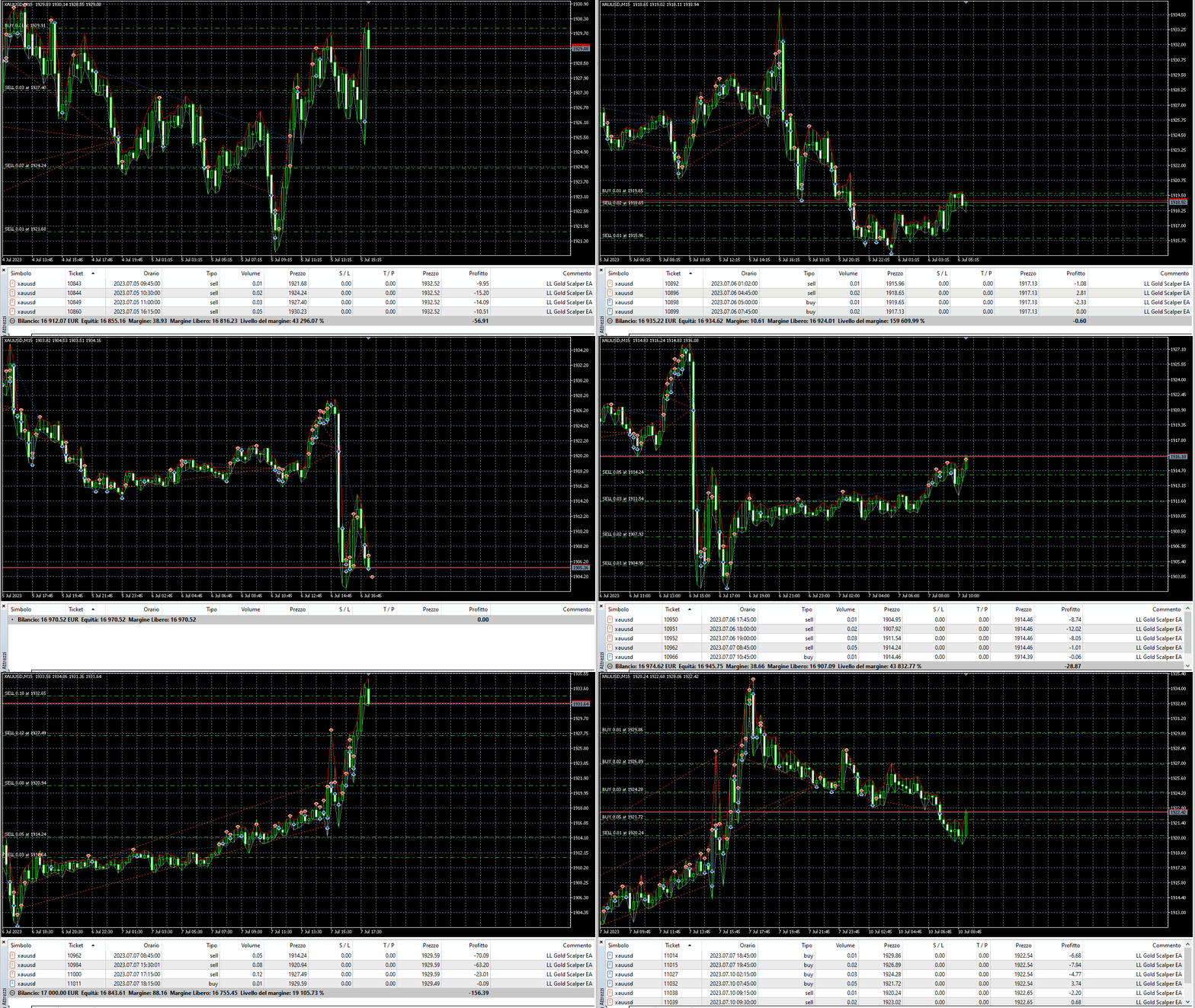



























Edit: after update 1.3 and tunnig of settings is EA reliable. Equity and margin level SL are connected and author should have to better described this SL logic how to set correctly to provent