Yurii Shvechikov / プロファイル
- 情報
|
1 年
経験
|
14
製品
|
0
デモバージョン
|
|
0
ジョブ
|
0
シグナル
|
0
購読者
|
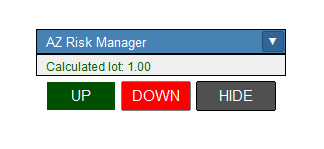
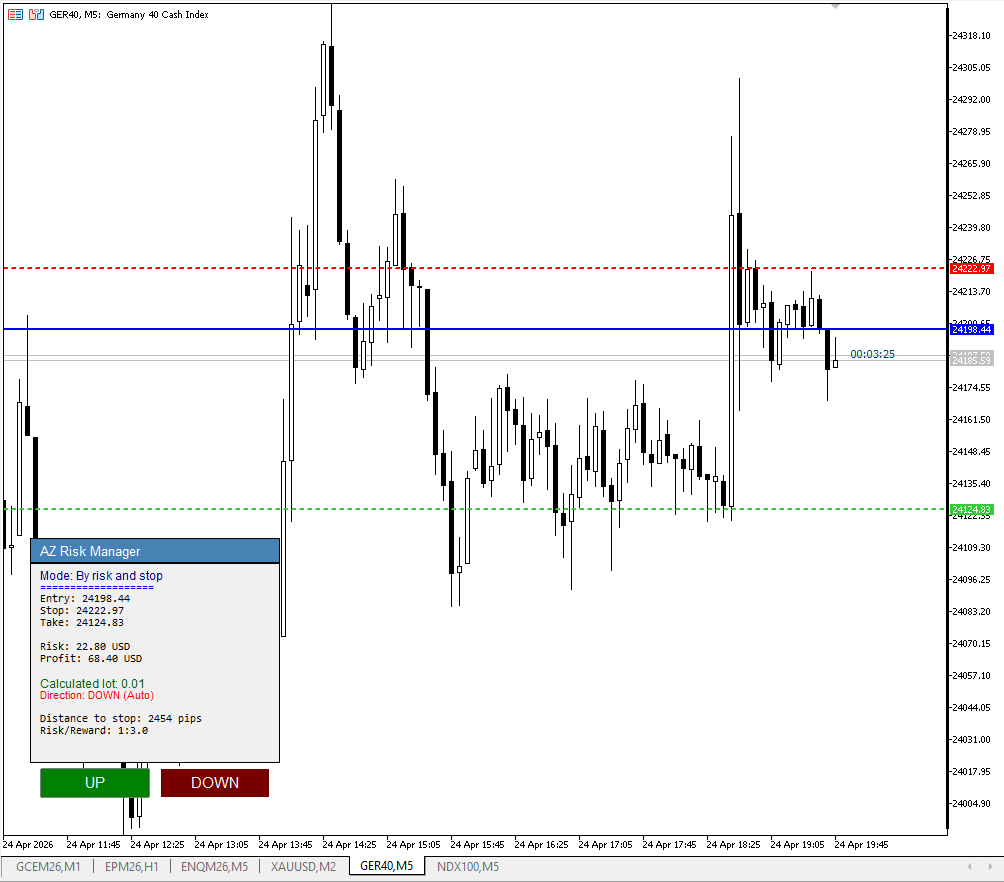
Fixed: When pressing the BUY/SELL button, the entry level moves to the current price, rather than remaining at its initial value. The same applies to the automatic stop-loss line calculation. It only worked in one mode.
Several minor bugs have been fixed: when changing the time frame, trade entry and stop-loss positions were reset. Also, when changing the timeframe, the panel keeps moving to the upper-left corner
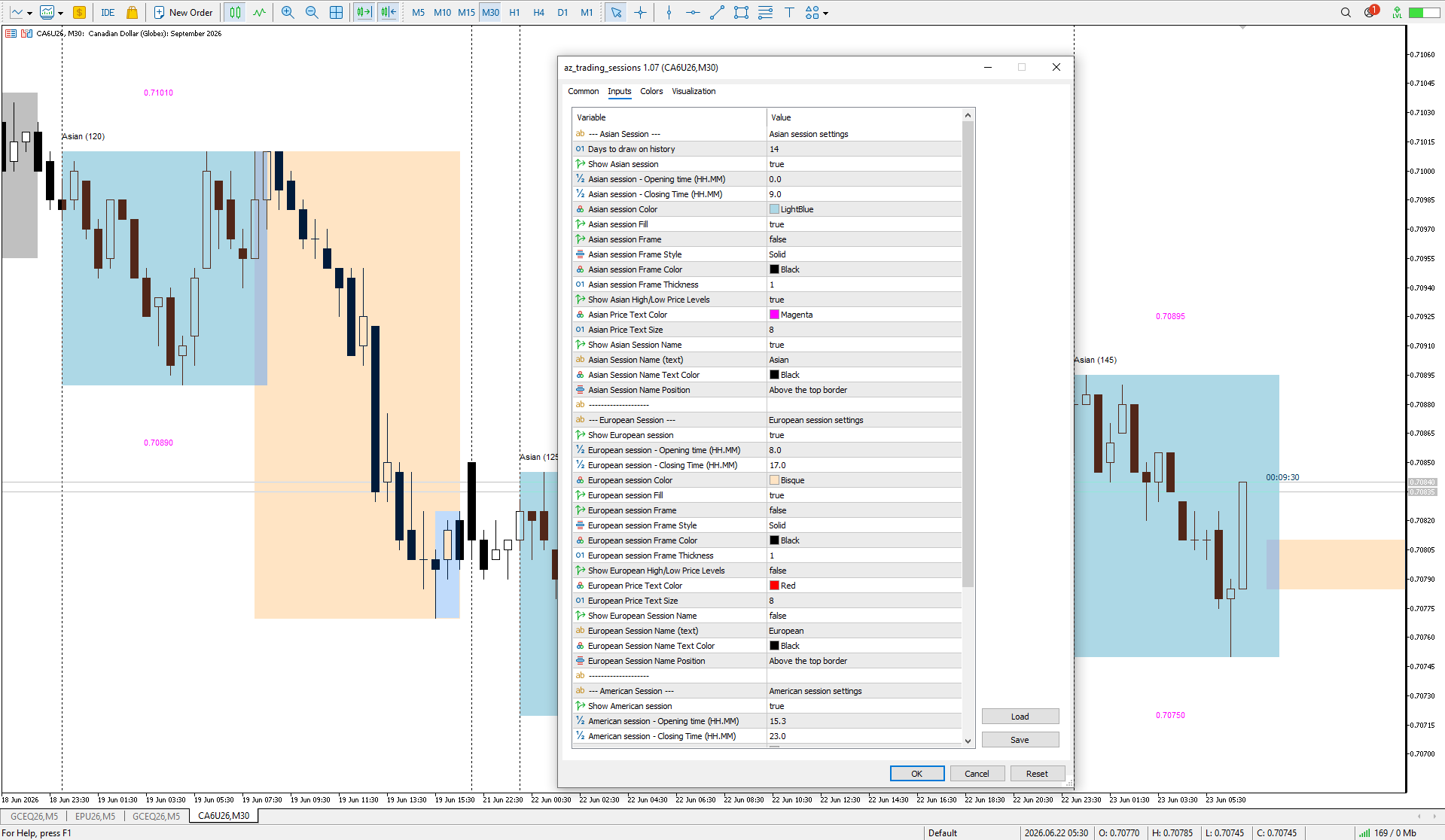
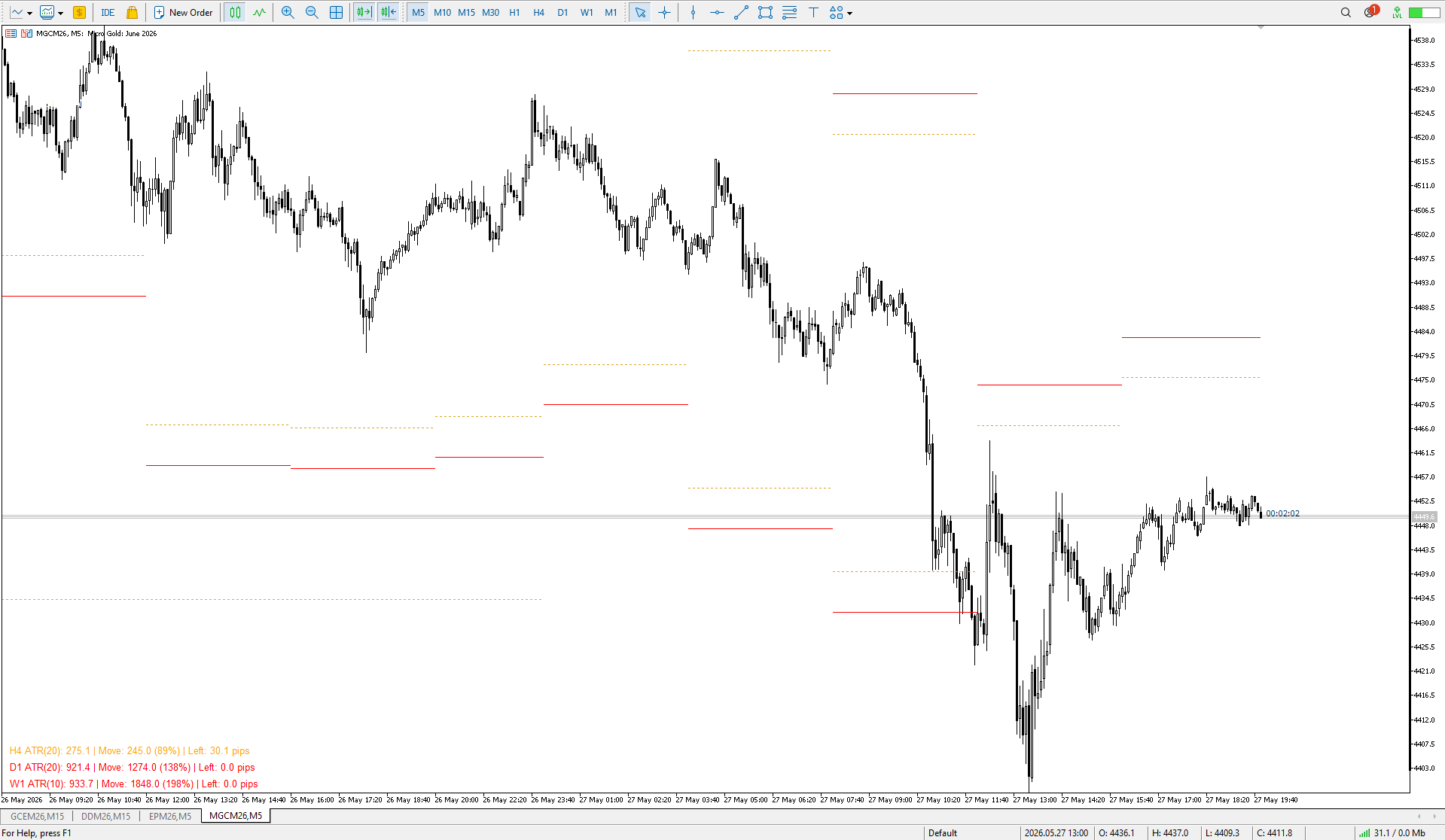
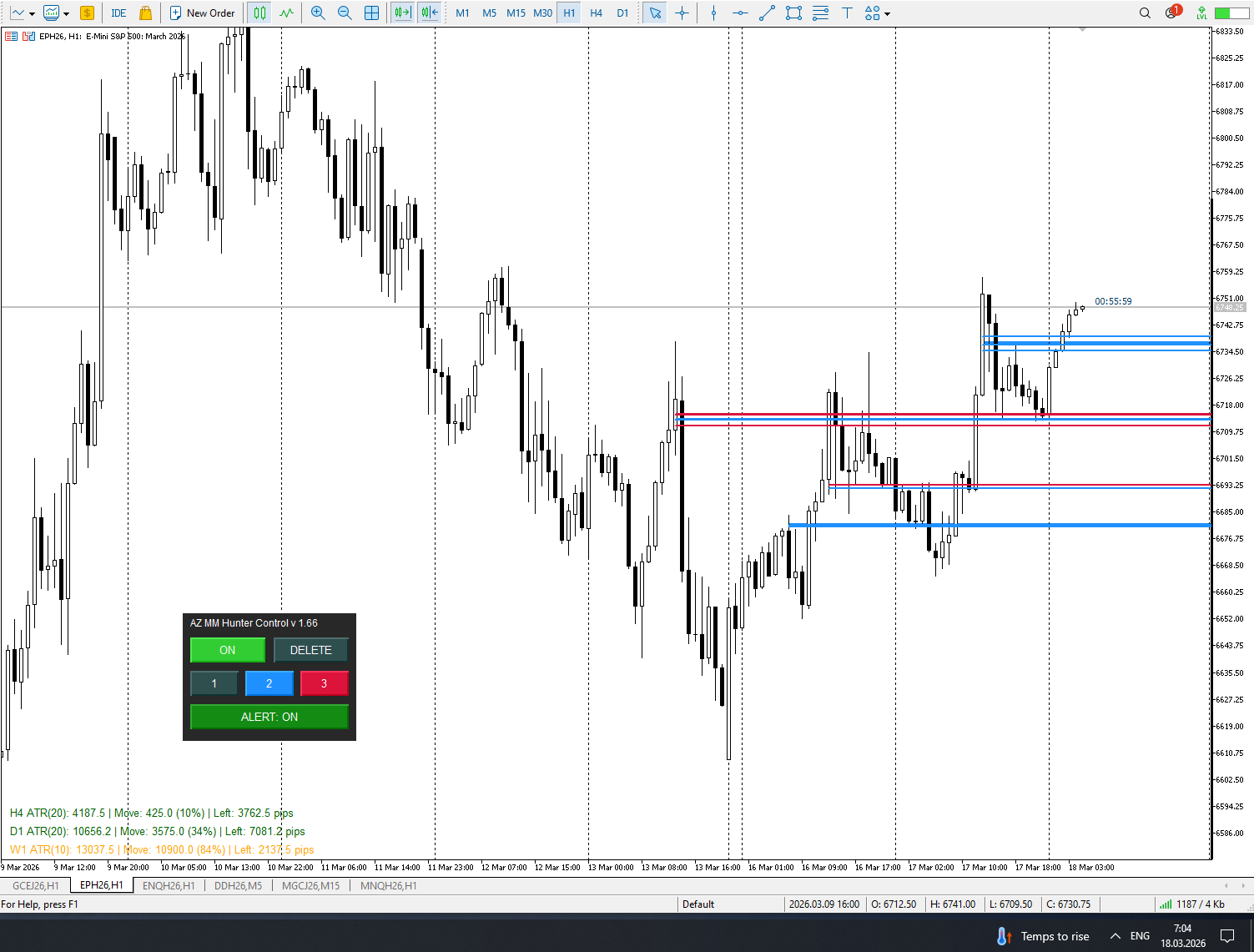
# az_session_atr — Инструкция по настройкам ## Что показывает индикатор Индикатор показывает ATR для каждой сессии по отдельности. Если вы торгуете исключительно Европу - то иногда нет смысла смотреть на обычный дневной ATR Для каждой из трёх торговых сессий (Азия, Европа, Америка) отображается строка вида: ``` Asia ATR(20): 42.3 | Move: 18.7 (44%) | Left: 23.6 ● ``` | Поле | Значение | |---|---| | `ATR(20)` | Медианный ATR за 20 торговых дней | | `Move: 18.7 (44%)` | Сколько пипсов прошла цена
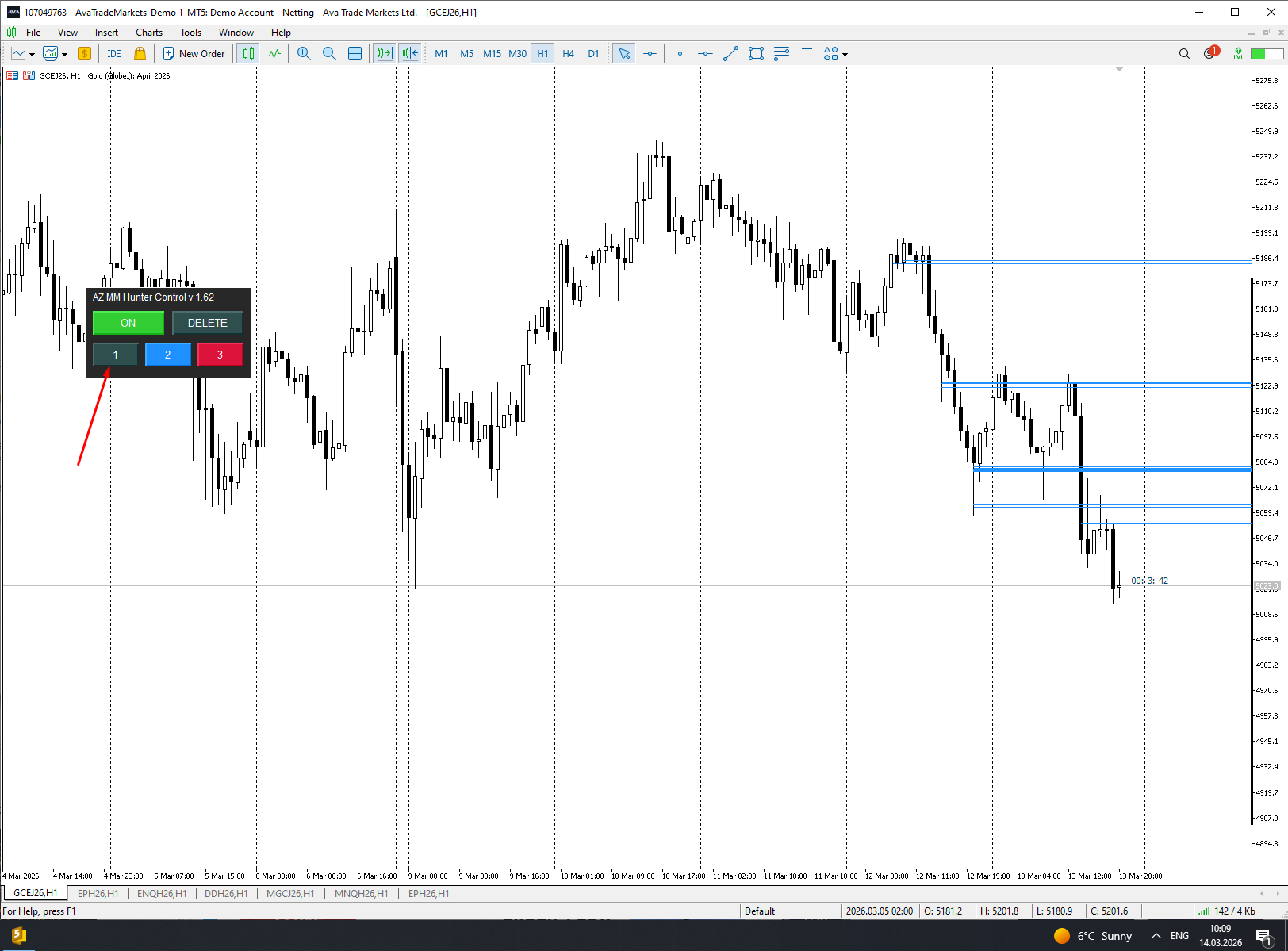
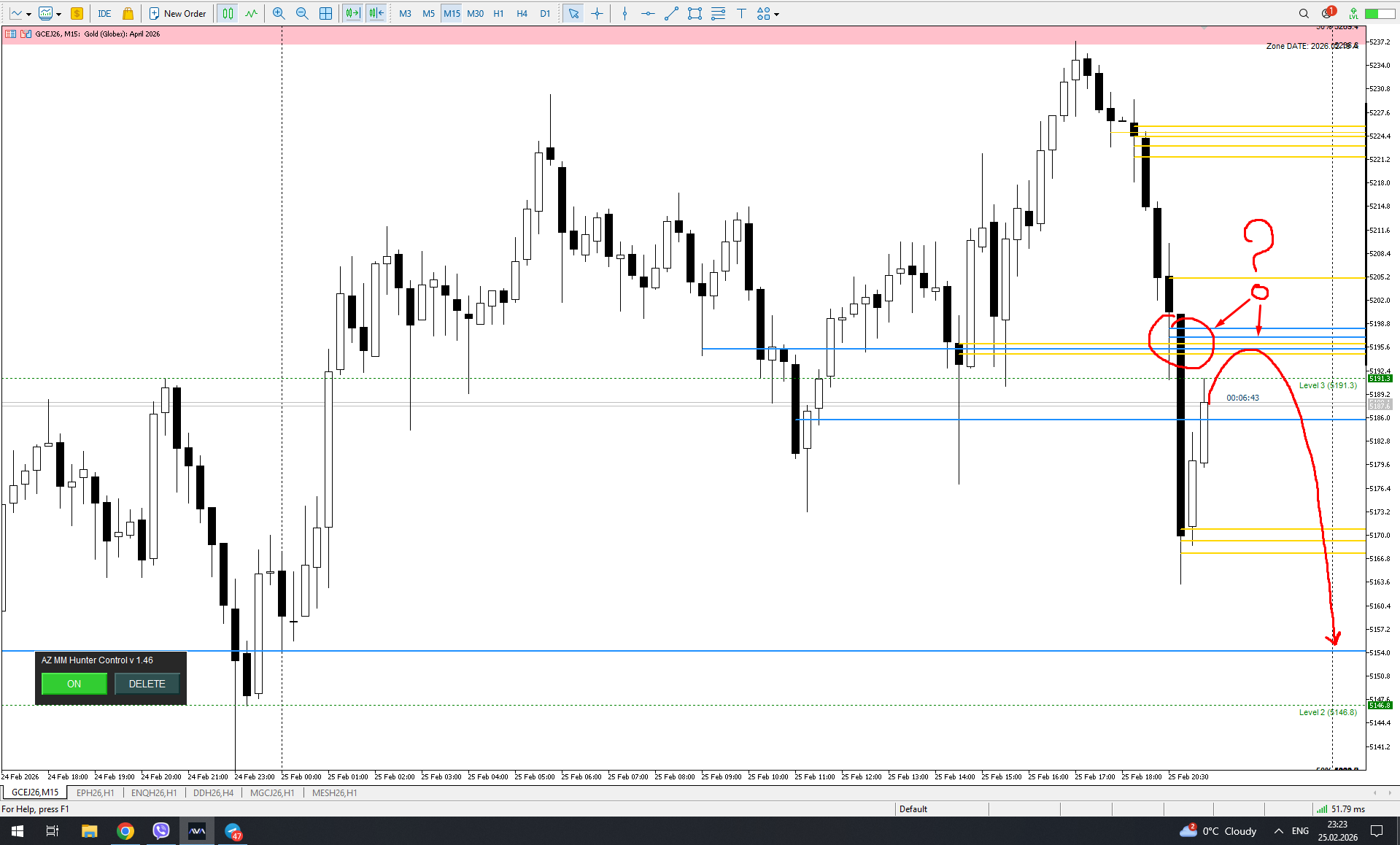
Fixed a bug: When a signal level is disabled, deleting the currently visible level also deletes the disabled (hidden) levels. This was especially critical when trying to clear level 1 signals, and levels 2 and 3, which were intentionally disabled to avoid getting lost, were also deleted.
Fixed a bug: if you turn off unnecessary levels, MM Zones (grouped from a large number of signals in one place within the zone) remained on the screen.
Over the weekend, I implemented the data export feature. After testing it in the live market, the next step will be to develop a utility to import this data and plot it on a chart for subsequent analysis and algorithm improvement. Just to remind you, the data must be obtained from the live market, as the indicator, unfortunately, does not work historically. If the data is not extracted immediately, it can be considered lost.
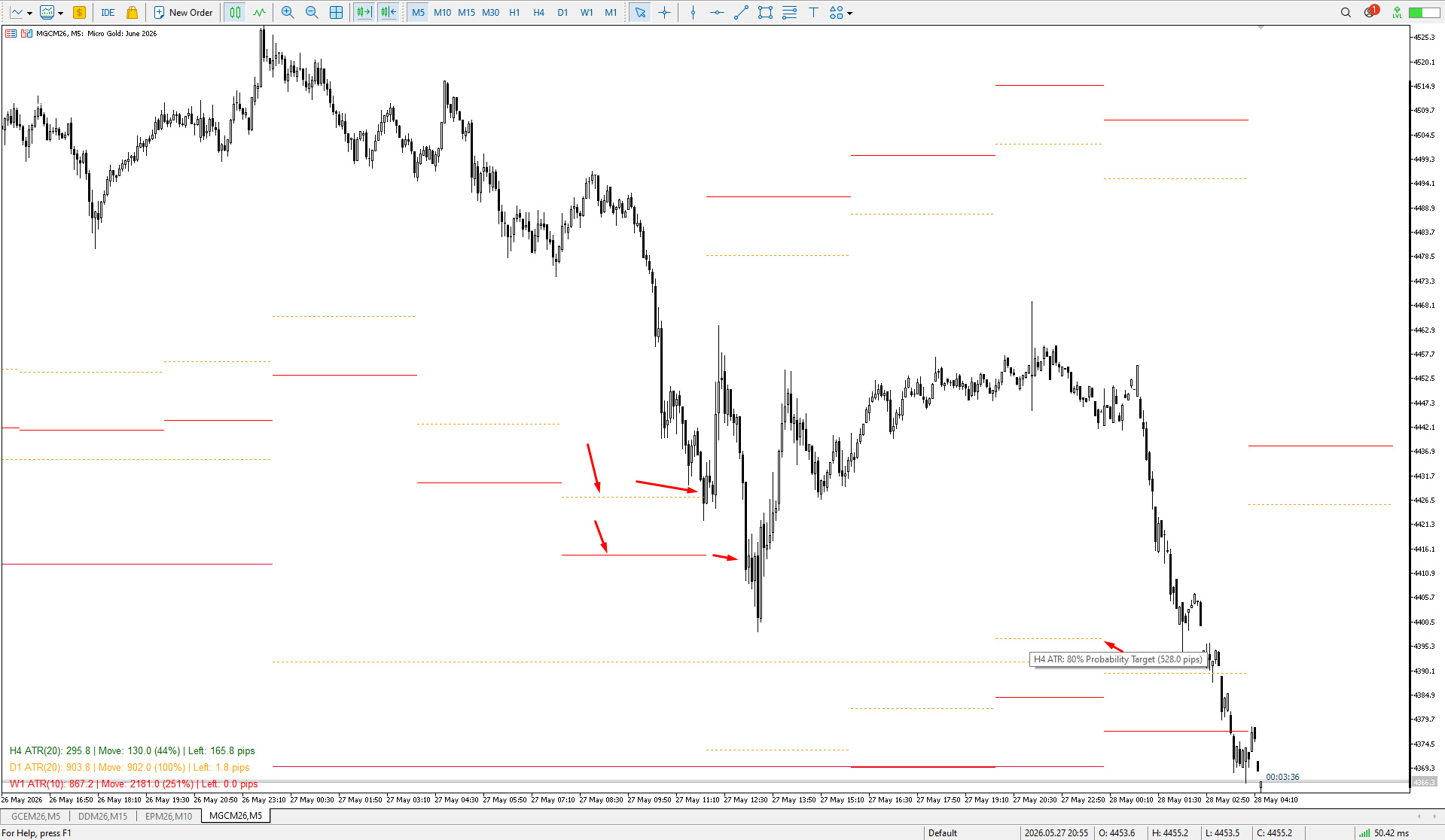
We all know that the start of an H4 candle can be 'shifted' depending on the broker. I wrote an indicator that draws candles "shifted" to the desired value. Plus, it draws H4 candles on smaller timeframes too. Works on timeframes up to H4, allowing for a clear comparison with the broker's results. There's a separate option to customize the candlestick body and outline fill. You can also customize the drawing for a specific period on history
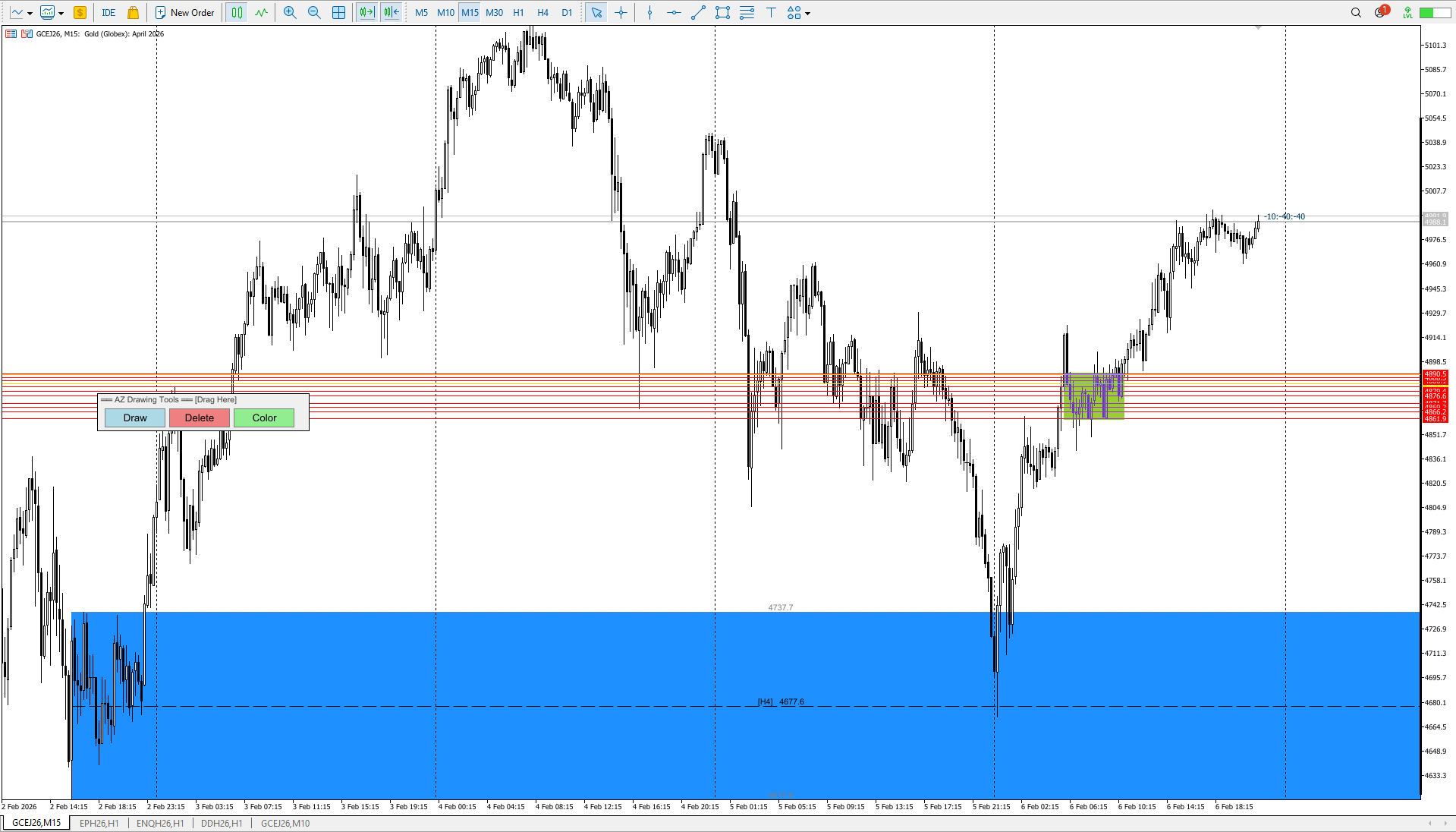
If you want a zone based on a single candlestick, press Draw -> Click the candlestick (as before).
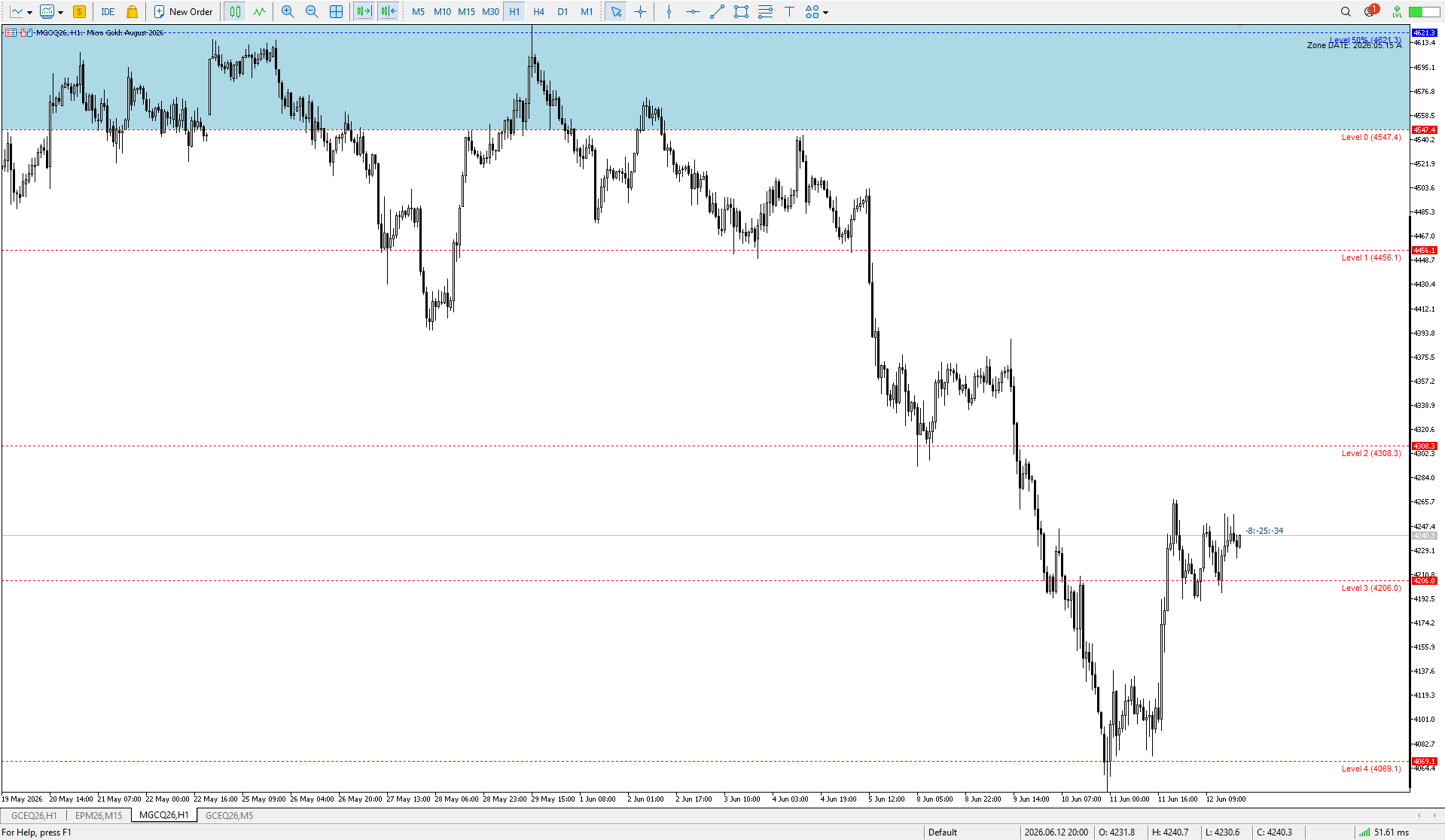
If you want a zone based on a range: Draw a line using the MT5 "Trend Line" tool -> Press Draw -> Click on your line. It will disappear and turn into a zone — a range of several candlesticks. The Trend Line should be selected before creating. This idea works in SHADOW_MODE only! If you want to make a zone of several candles, select SHADOW_MODE in the settings.
Minor code refactoring + added the ability to see the timeframe on which the level was originally created. By default, the drawing position is set to the top center of the level lines. Remember, the location can be changed in the indicator settings.
Minor bug fixes. The default settings have been slightly changed.
Fixed a bug where the fill area was not drawn to the visible area of the screen. Added border lines to the fill area.
ShowBorderLines - enable/disable border lines
BorderLineColor - border line color (gray by default)
BorderLineStyle - line style (dotted)
BorderLineWidth - line thickness
ShowBorderPrices - show prices on border lines
Added the ability to enable alerts when the price reaches a level boundary or 50% of a range. Flexible alert configuration for the desired boundary. Ability to turn the pop-up alert on and off. Unfortunately, I can't implement manual sound file selection; I couldn't find this option in the MQL5 language.
Fixed a lot size calculation error for the XAUUSD (CFD Gold) instrument, fixed an error in the information window header, set a reduced risk for the initial calculation to 0.5% and increased the RR to 1 to 3. You can set your preferred risk and profit parameters in the settings.