Yurii Shvechikov
Yurii Shvechikov
5 (4)
  • Information
nein
Erfahrung
12
Produkte
0
Demoversionen
0
Jobs
0
Signale
0
Abonnenten
Open to work in
Yurii Shvechikov
Yurii Shvechikov
AZ_risovalka updated to 1.21

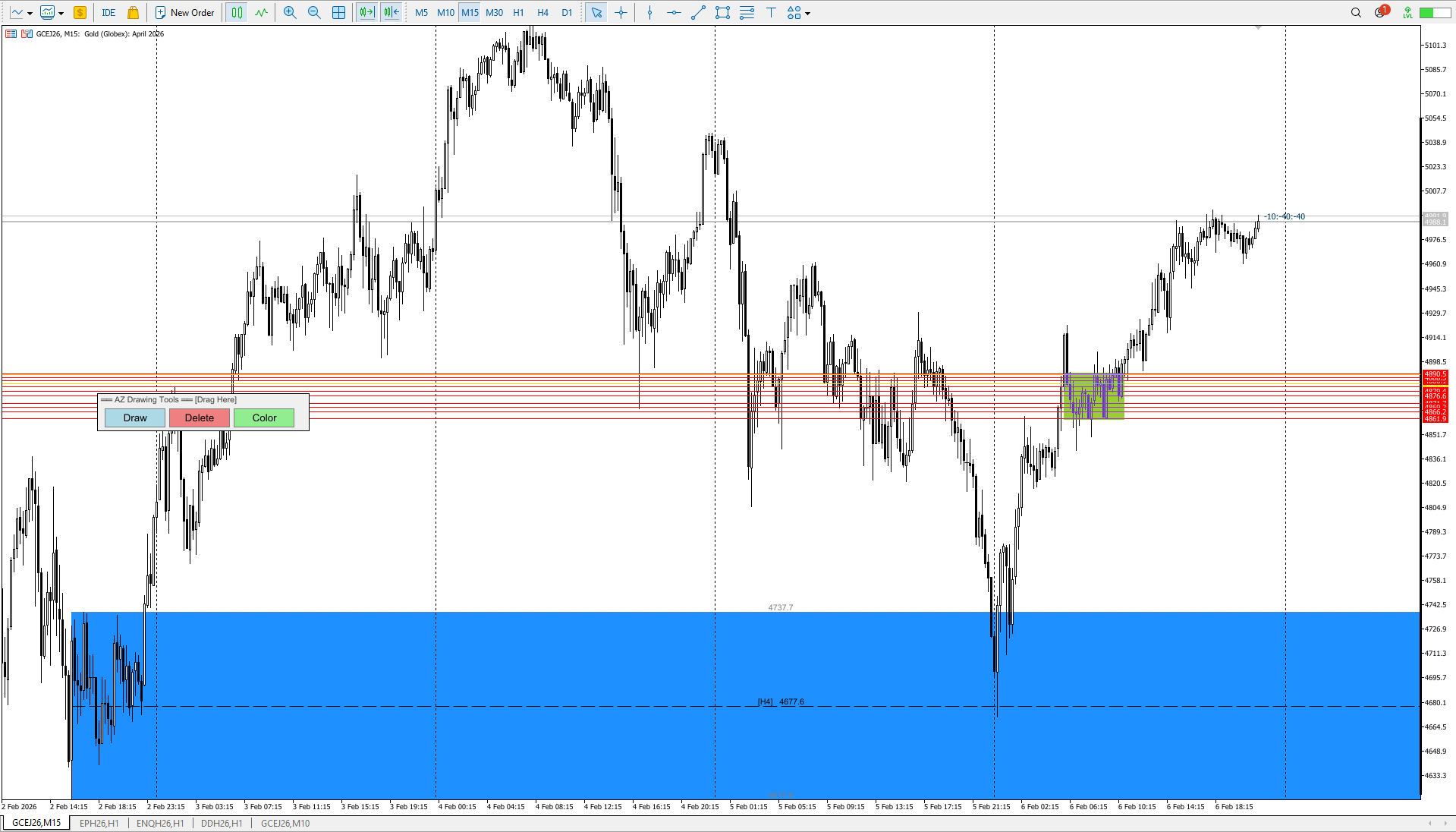
If you want a zone based on a single candlestick, press Draw -> Click the candlestick (as before).

If you want a zone based on a range: Draw a line using the MT5 "Trend Line" tool -> Press Draw -> Click on your line. It will disappear and turn into a zone — a range of several candlesticks. The Trend Line should be selected before creating. This idea works in SHADOW_MODE only! If you want to make a zone of several candles, select SHADOW_MODE in the settings.
Yurii Shvechikov
Yurii Shvechikov
AZ_risovalka updated to v 1.20

Minor code refactoring + added the ability to see the timeframe on which the level was originally created. By default, the drawing position is set to the top center of the level lines. Remember, the location can be changed in the indicator settings.
Yurii Shvechikov
Yurii Shvechikov
AZ_risovalka updated to v 1.19

Minor bug fixes. The default settings have been slightly changed.
Yurii Shvechikov
Yurii Shvechikov
AZ_risovalka updated to v 1.18
Fixed a bug where the fill area was not drawn to the visible area of ​​the screen. Added border lines to the fill area.

ShowBorderLines - enable/disable border lines
BorderLineColor - border line color (gray by default)
BorderLineStyle - line style (dotted)
BorderLineWidth - line thickness
ShowBorderPrices - show prices on border lines
Yurii Shvechikov
Yurii Shvechikov
AZ_risovalka updated to v 1.17
Added the ability to enable alerts when the price reaches a level boundary or 50% of a range. Flexible alert configuration for the desired boundary. Ability to turn the pop-up alert on and off. Unfortunately, I can't implement manual sound file selection; I couldn't find this option in the MQL5 language.
Yurii Shvechikov
Yurii Shvechikov
AZ Risk Manager updated to v 1.13
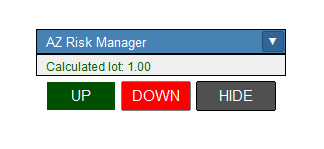
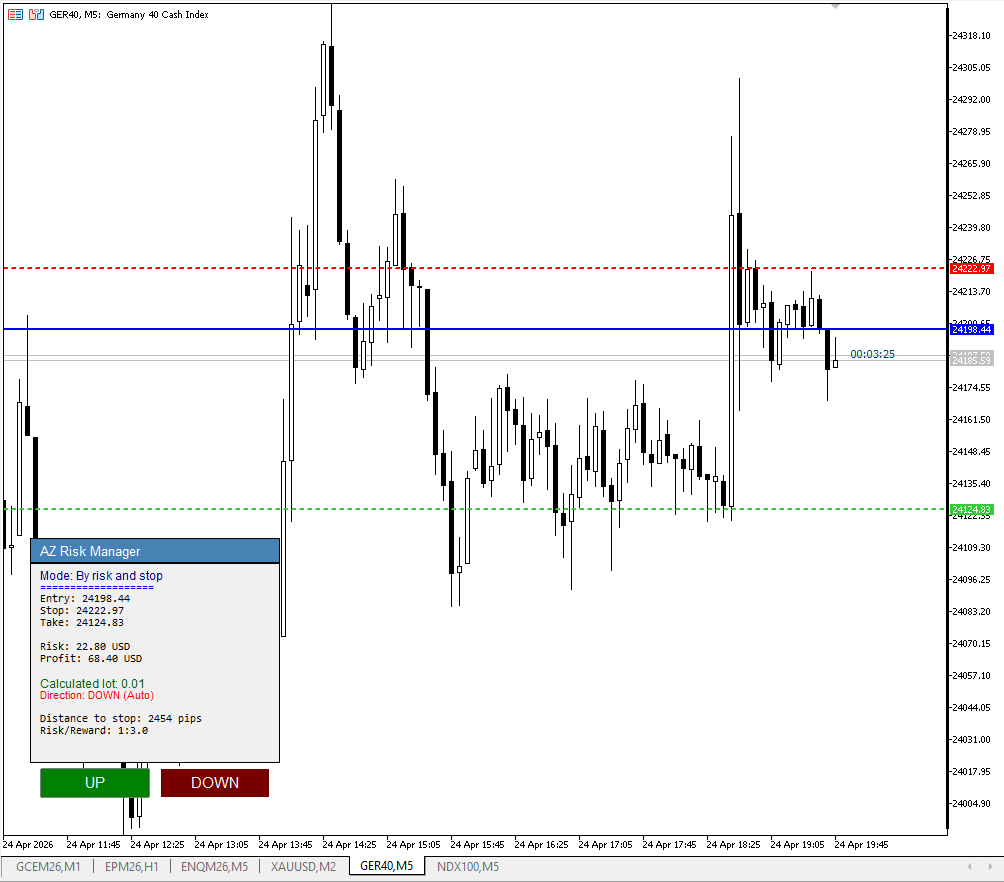
Fixed a lot size calculation error for the XAUUSD (CFD Gold) instrument, fixed an error in the information window header, set a reduced risk for the initial calculation to 0.5% and increased the RR to 1 to 3. You can set your preferred risk and profit parameters in the settings.
Yurii Shvechikov
Yurii Shvechikov
AZ Risovalka levels drawing tool indicator has been updated to version 1.16. Added the ability to display the level frame without filling, added the ability to turn on/off the 50% line, and added a price mark on the 50% line.
Yurii Shvechikov
Yurii Shvechikov
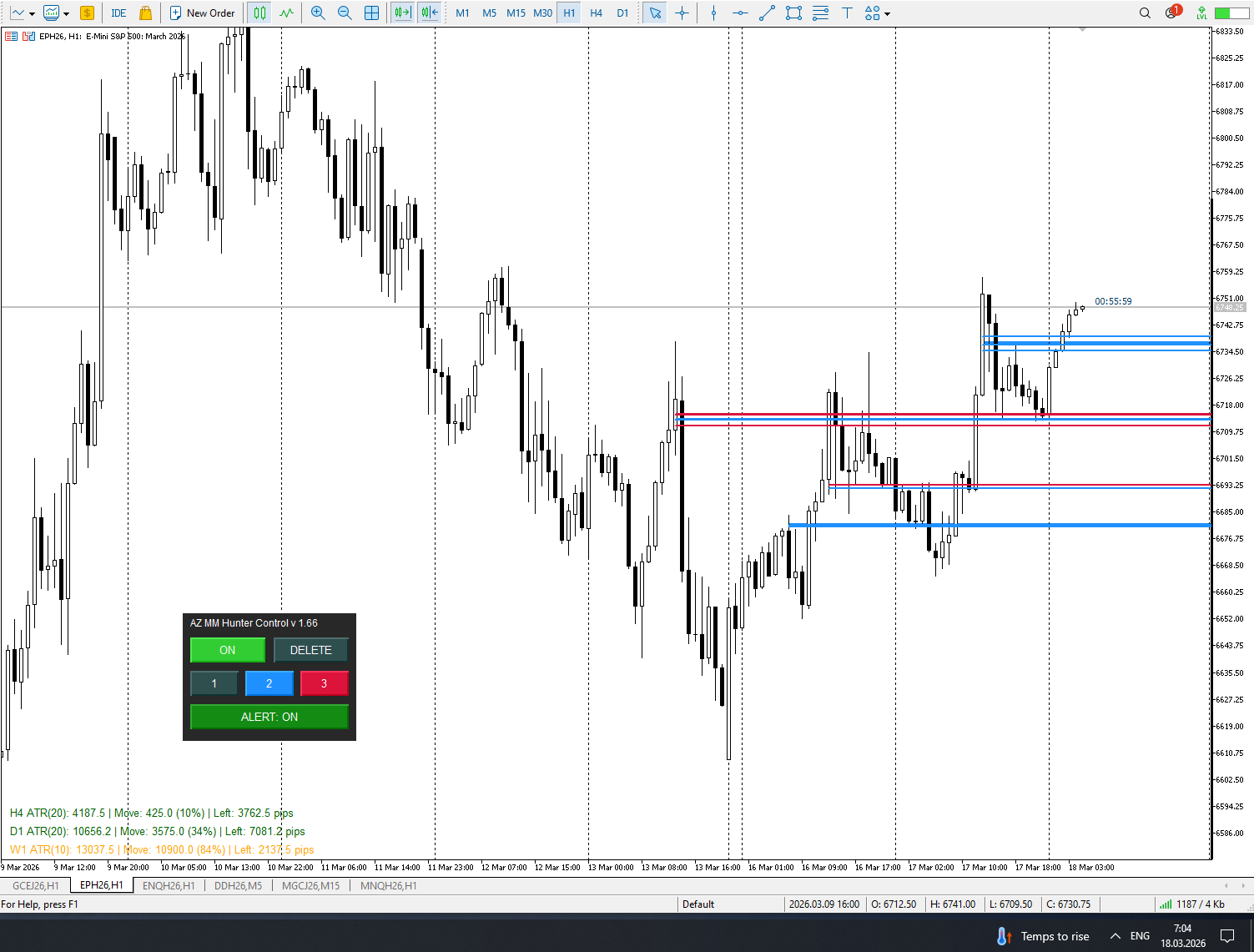
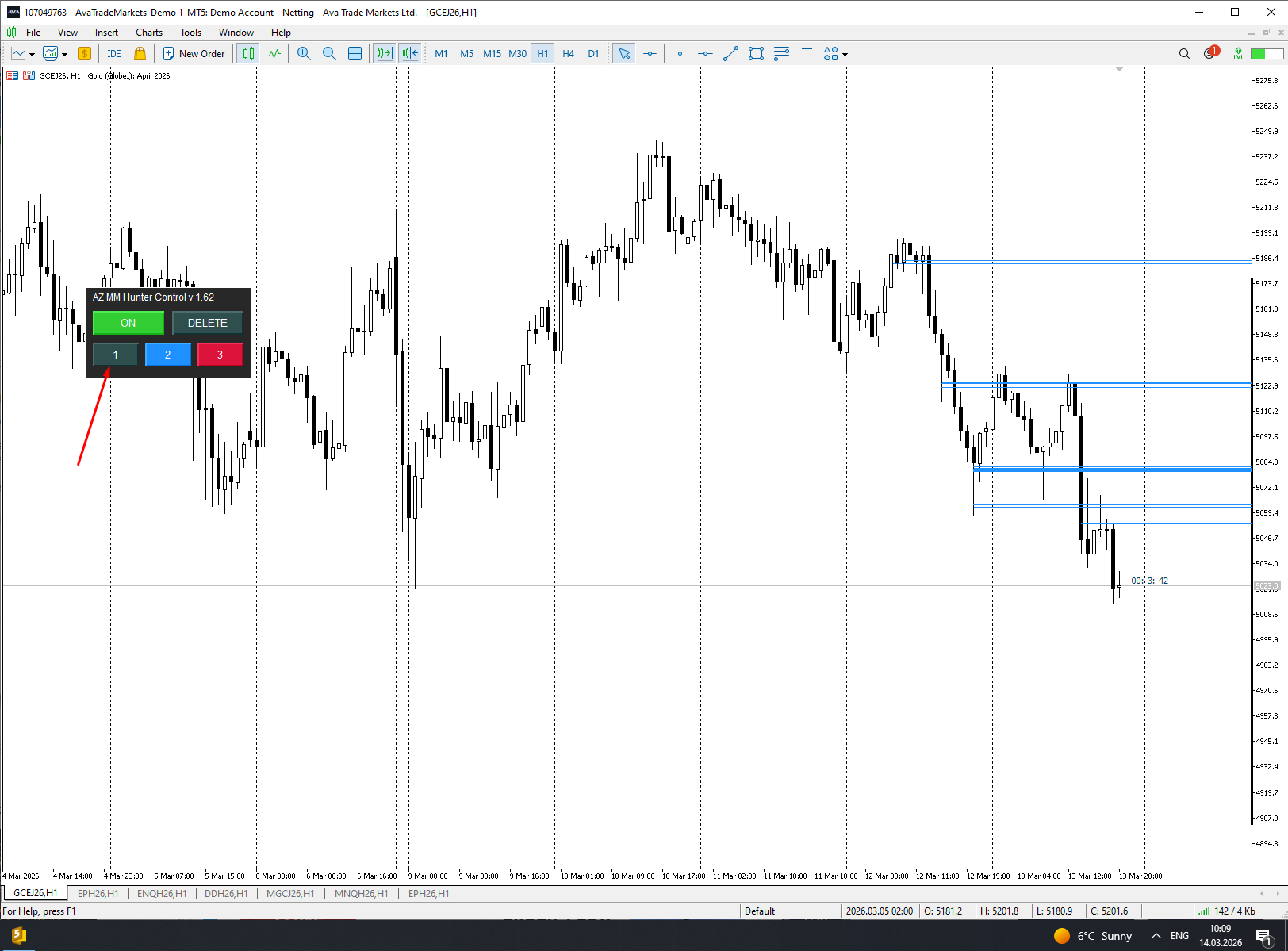
AZ Auto Levels builder ATR edition updated to v 1.09 Added the ability to change the color of the border lines of found levels in the settings, the ability to turn these borders on/off, and the ability to change the line style
Yurii Shvechikov Hat ein Produkt angeboten

AZ Mini-ATR-Indikator Auf vielfachen Wunsch habe ich eine Miniaturversion des ATR-Indikators erstellt. Zusätzlich zu den grundlegenden Funktionen, wie der Berechnung der durchschnittlichen ATR auf der Grundlage bestimmter Parameter, kann er die Farbe eines Textbalkens ändern, je nachdem, wie weit sich der Kurs bereits bewegt hat. Hat sich der Kurs um mehr als 110 % seiner durchschnittlichen ATR bewegt, färbt sich der Balken rot; hat er sich um weniger als 80 % bewegt, ist der Balken grün. Die

Yurii Shvechikov Hat ein Produkt angeboten

AZ Session Scalper Ein kleiner, aber nützlicher Session-Indikator, der in erster Linie für das Scalping entwickelt wurde. Aktivieren Sie die Sitzung, in der Sie handeln möchten, beobachten Sie die Reaktion der M5/M15-Kerzen auf das Niveau der vorherigen Handelssitzung und steigen Sie ein. Wir achten immer auf die Reaktion der aktuellen Sitzung auf die vorherige. Wenn Sie zum Beispiel in Amerika handeln, aktivieren Sie die europäische Sitzung und beobachten Sie, wie eine Sitzung der anderen

Yurii Shvechikov
Yurii Shvechikov
AZ volzone SYSTEM updated to v 2.46

Finally! Looks like I did it! In this implementation, factors such as holidays and contract rollovers have been taken into account when searching for locked positions (unfortunately, there is still a minor bug on the British Pound futures, and I haven’t yet found a solution to this issue). Overall, I attempted to cover as much as possible through testing. The people who were helping with testing throughout the week were busy making profits — they felt like they’d stumbled upon a Grail :) All in all, I’m delighted with the current progress of development

And still, I’m glad that I managed to get a few people involved in learning my trading system. It gave me a fresh perspective on the nuances I hadn’t noticed before. Thanks, everybody!
Yurii Shvechikov
Yurii Shvechikov
AZ daily scalper updated to v 1.04
After watching the trading style of some YouTubers, such as Tom Hougaard (whose psychology videos I have watched many times), I decided to improve the AZ daily scalping indicator slightly. So, the 30% and 70% correction lines inside the previous day's candle have been removed. Now you can choose which time frame to use to determine the beginning of the candle's shadow and body (D1 by default). The information text about the previous candle can now be moved to the 4 corners of the screen.
Yurii Shvechikov
Yurii Shvechikov
AZ Volzone SYSTEM locked in range finder updated to v 2.42

I have improved the mathematical logic of pattern search, taking into account the indicator control zones. Each instrument needs to have its own mode. Remember that when forming a new blocked control zone, you need to double-check which of the algorithms is now working. I may add a fifth mode, which is currently under development. The market will not give you money for free!
Yurii Shvechikov
Yurii Shvechikov
AZ Volzone SYSTEM locked in range finder UPDATED to v 2.39! The quick setup panel for switching pattern searches is displayed on the chart screen. Now you don't have to constantly go through the menu to select the optimal settings for each instrument.
Yurii Shvechikov
Yurii Shvechikov
It's finally here! I'm pleased to introduce a new version (2.36) of my primary indicator (AZ_volzone_SYSTEM), which I use daily for market analysis on the MetaTrader 5 platform. I made 3 MODES of operation: automatic pattern search to help find the best place and direction to open a trade. The first two modes are more conservative. The third mode is for fast intraday trading. But for each instrument, you need to find the best settings. I will record a video instruction on how to use it a little later. Yes, alerts will now be available when a new pattern has been found!
Yurii Shvechikov
Yurii Shvechikov
So, I finally added two different algorithms that will suggest where you can consider entering a position. The only thing that connects their work is that they both pay attention to the date that will be selected as the starting point for the indicator. Next, it is advisable to adjust the work for the traded instrument. For some instruments, MODE_1 works better, for others, MODE_2. In MODE_1, the search on the H4 timeframe showed the best results; for MODE_2, the search for a pattern on the H1 timeframe showed very good results. But always pay attention to the levels that the indicator has built, and do not forget to check the data on the CME website! The NEW v 2.33 will be available soon!
Yurii Shvechikov
Yurii Shvechikov
AZ Custom Daily Candle updated to v 1.7
Fixed a bug where, when selecting the construction of H4 candles and selecting the H1 timeframe, nothing was displayed.
Yurii Shvechikov Hat ein Produkt angeboten

AZ Risovalka Werkzeug zum Zeichnen von Ebenen Ein Indikator zur Vereinfachung des Zeichnens von Niveaus. Wählen Sie in den Einstellungen den Indikatormodus für den Körper, den Schatten oder die ganze Kerze. Klicken Sie auf die Schaltfläche 'Zeichnen' auf dem Zeichenfeld, um eine Ebene zu erstellen, klicken Sie dann auf den Körper oder den Schatten der Kerze und wählen Sie die Farbe der Ebene im Farbmenü, das erscheint. Mit der Schaltfläche "Löschen" können Sie die gewählte Ebene löschen, mit

Yurii Shvechikov Hat ein Produkt angeboten

Ein einfacher Indikator zur Berechnung des Risikos und zur automatischen Berechnung der Take-Profit-Linie. In den Einstellungen geben Sie das gewünschte Verhältnis zwischen Risiko und Gewinn ein. Der Indikator berechnet automatisch das Volumen für den Einstieg und zeigt an, wo die Take-Profit-Linie gesetzt werden muss, um das Verhältnis beizubehalten. Das Risiko wird auf der Grundlage Ihrer Bilanzdaten berechnet. Das Informationsfeld kann auf dem Bildschirm verschoben werden. Die Stop-Loss-Linie

Yurii Shvechikov
Yurii Shvechikov
Updated yesterday's indicator a bit. Now it is possible to specify how many weeks in a row to draw the level of a specific day of the week. By default, the nearest level will be marked in light green, levels of past weeks - in gray.
12