Yurii Shvechikov / Perfil
- Información
|
no
experiencia
|
14
productos
|
0
versiones demo
|
|
0
trabajos
|
0
señales
|
0
suscriptores
|
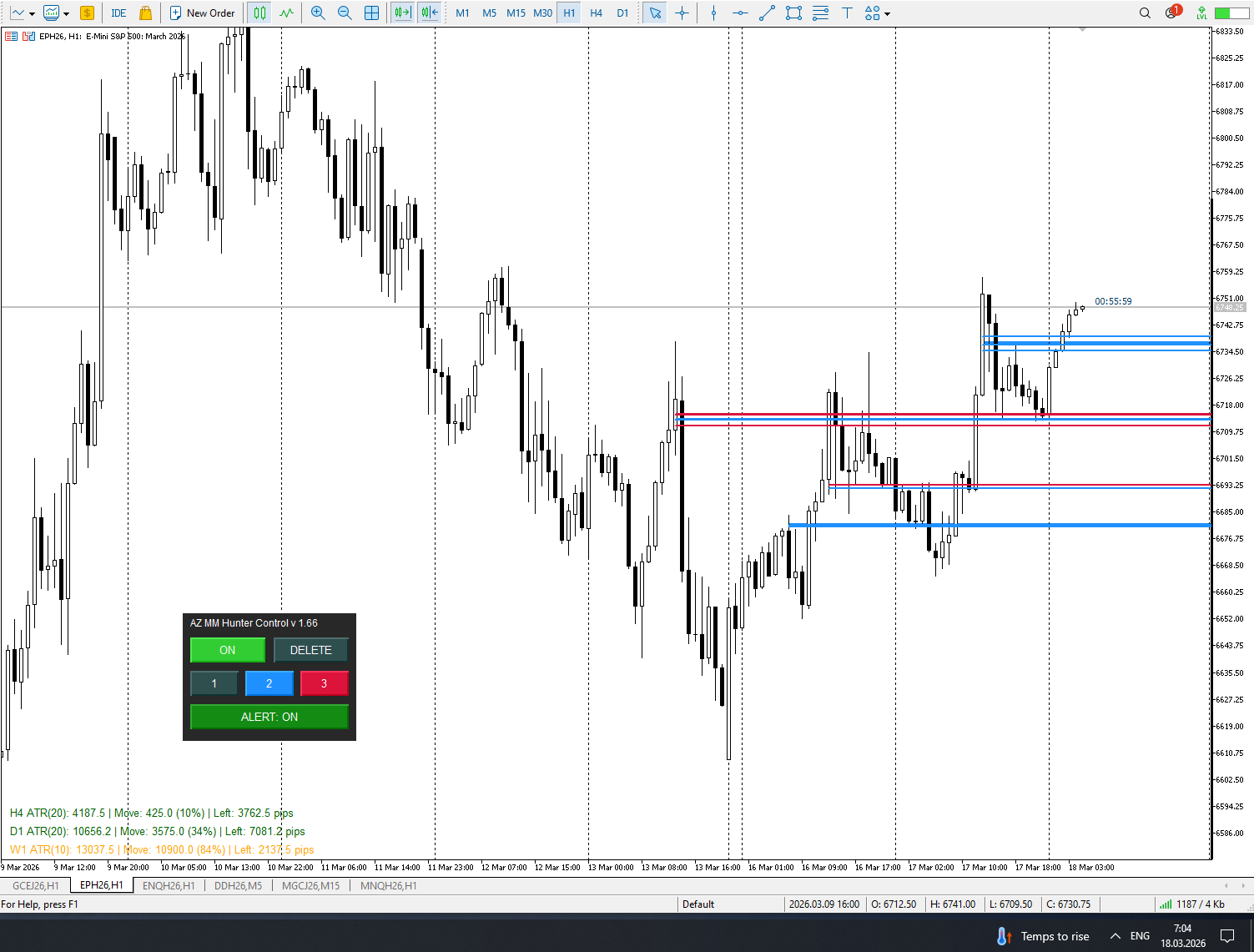
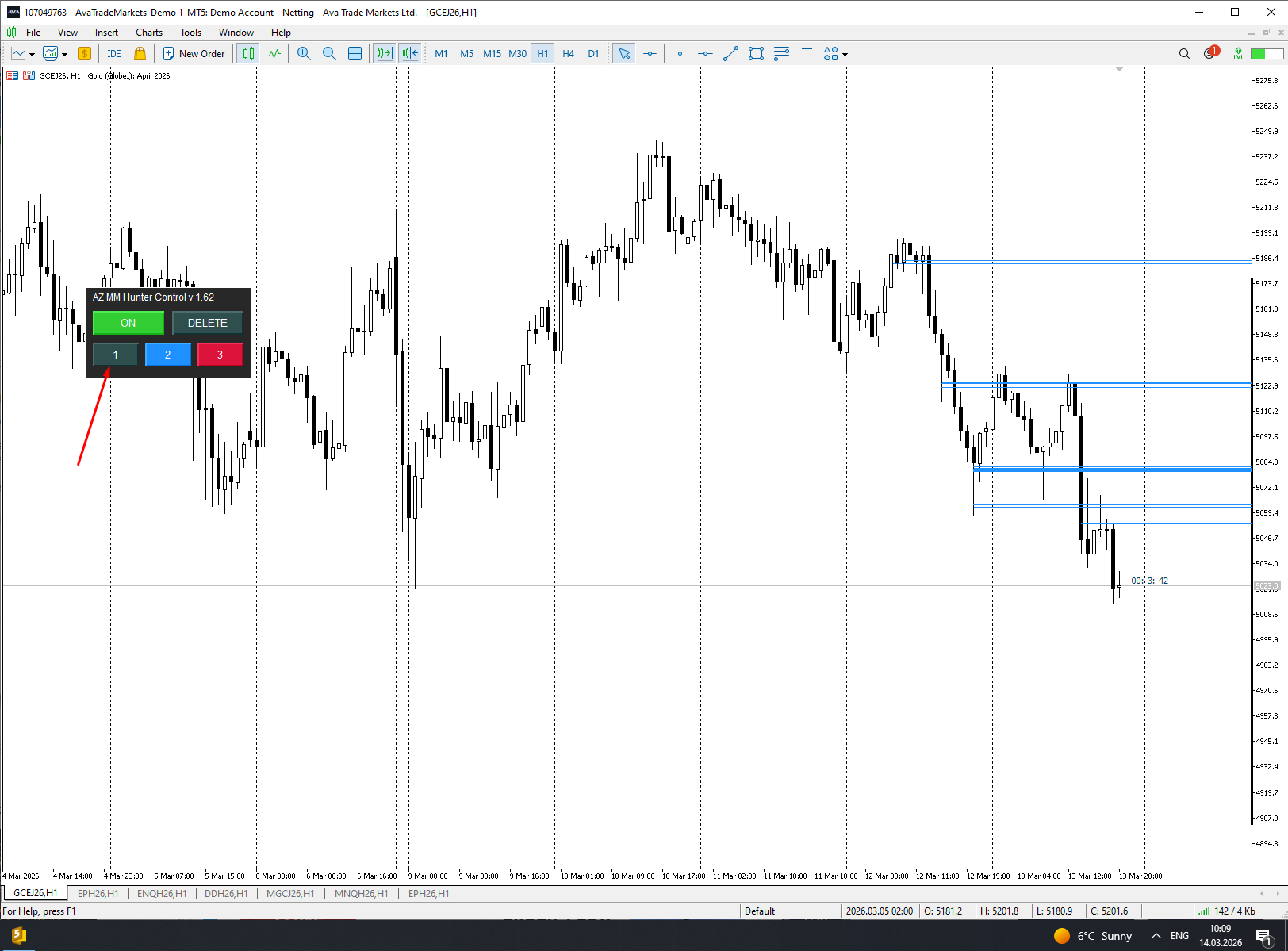
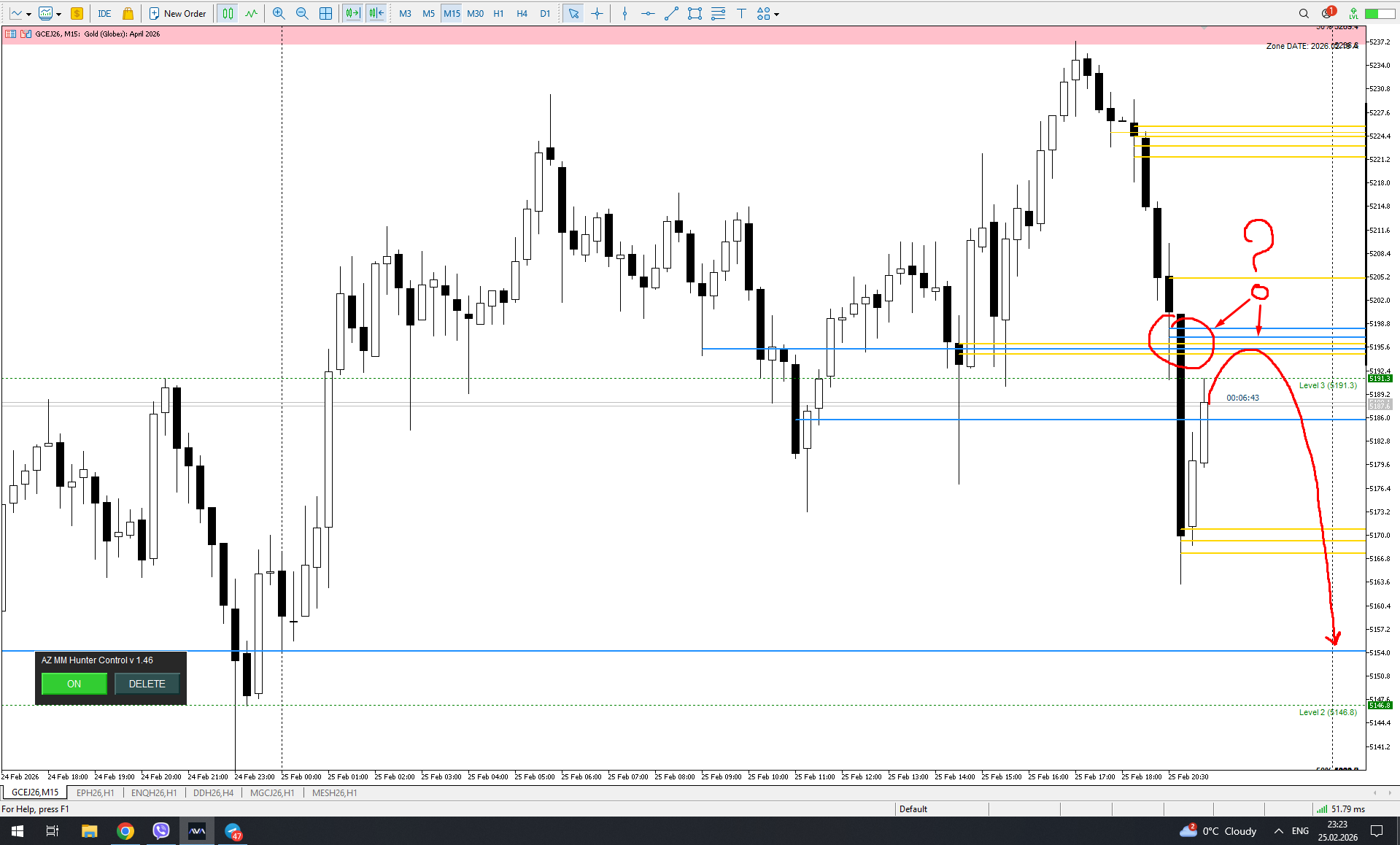
Fixed a bug: When a signal level is disabled, deleting the currently visible level also deletes the disabled (hidden) levels. This was especially critical when trying to clear level 1 signals, and levels 2 and 3, which were intentionally disabled to avoid getting lost, were also deleted.
Fixed a bug: if you turn off unnecessary levels, MM Zones (grouped from a large number of signals in one place within the zone) remained on the screen.
¡LEA ATENTAMENTE! Una pequeña explicación sobre cómo funciona "AZ Marketmaker hunter": puede parecerse a hacer trampas en un juego de ordenador, en el que sabes dónde está tu oponente, pero el resultado de tu lucha es desconocido. Es decir, incluso con información visual, no sabes cómo reaccionará el otro bando en cada momento. 1. El indicador sólo funciona correctamente con un broker de FUTUROS. 2. Actualmente sólo están disponibles 4 instrumentos: Oro, S&P500, NASDAQ-100, Índice DAX Es un
Over the weekend, I implemented the data export feature. After testing it in the live market, the next step will be to develop a utility to import this data and plot it on a chart for subsequent analysis and algorithm improvement. Just to remind you, the data must be obtained from the live market, as the indicator, unfortunately, does not work historically. If the data is not extracted immediately, it can be considered lost.
Todos sabemos que el inicio de una vela H4 puede ser "desplazado" dependiendo del broker. Escribí un indicador que dibuja velas "desplazadas" al valor deseado. Además, dibuja velas H4 en marcos de tiempo más pequeños también. Funciona en timeframes hasta H4, permitiendo una clara comparación con los resultados del broker. Hay una opción separada para personalizar el cuerpo de la vela y el relleno del contorno. También puede personalizar el dibujo para un periodo específico en el historial
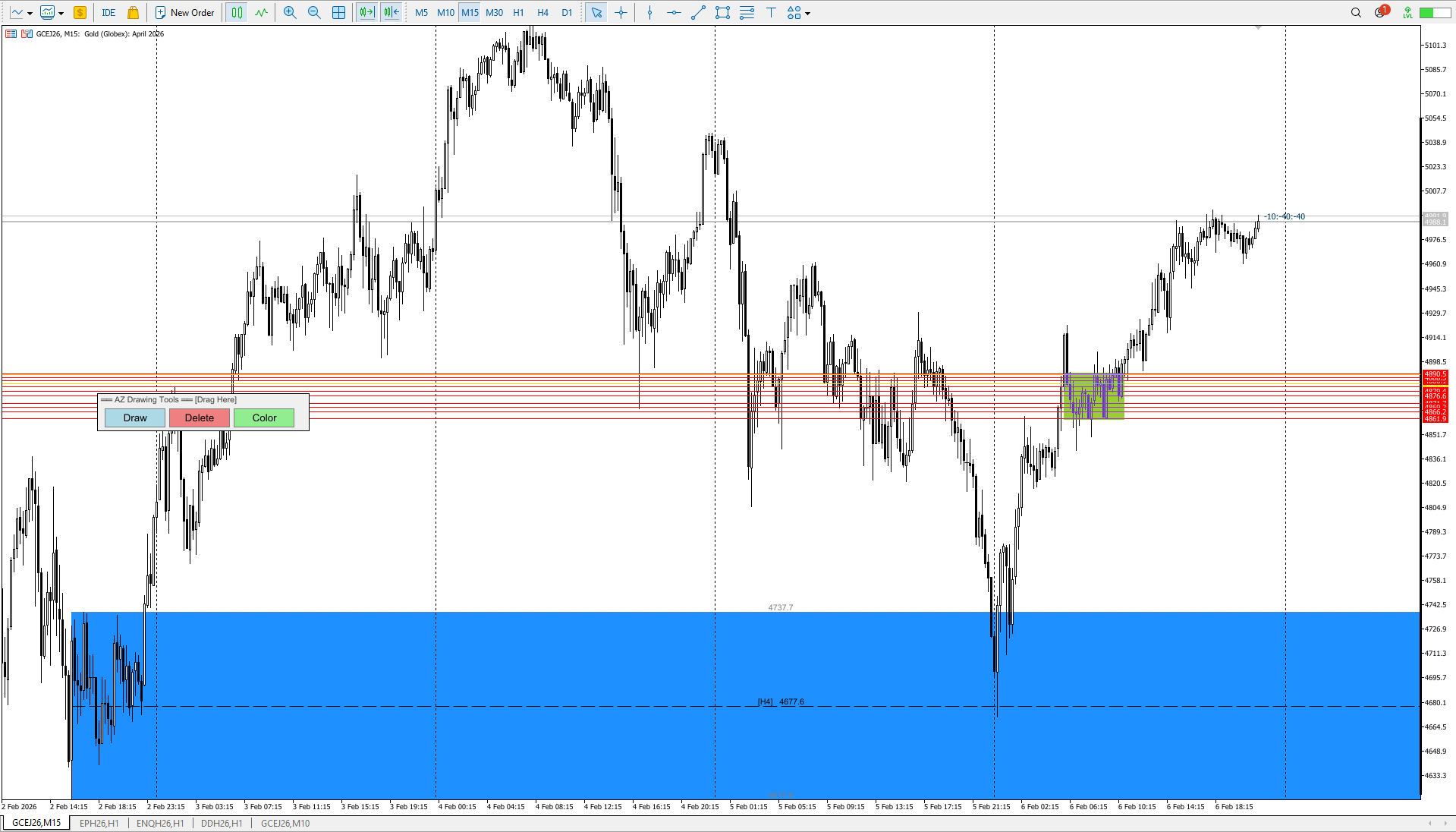
If you want a zone based on a single candlestick, press Draw -> Click the candlestick (as before).
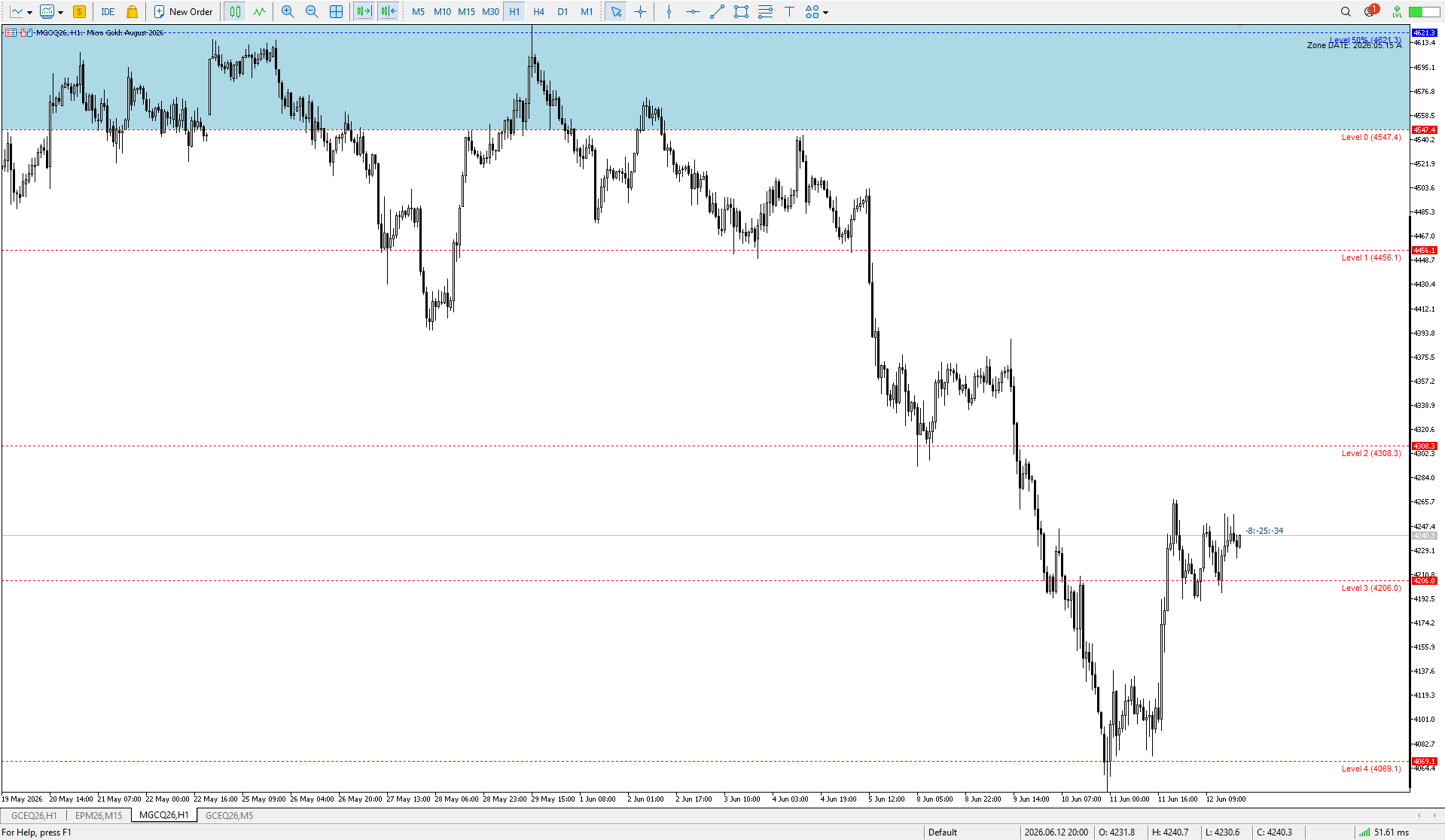
If you want a zone based on a range: Draw a line using the MT5 "Trend Line" tool -> Press Draw -> Click on your line. It will disappear and turn into a zone — a range of several candlesticks. The Trend Line should be selected before creating. This idea works in SHADOW_MODE only! If you want to make a zone of several candles, select SHADOW_MODE in the settings.
Minor code refactoring + added the ability to see the timeframe on which the level was originally created. By default, the drawing position is set to the top center of the level lines. Remember, the location can be changed in the indicator settings.
Minor bug fixes. The default settings have been slightly changed.
Fixed a bug where the fill area was not drawn to the visible area of the screen. Added border lines to the fill area.
ShowBorderLines - enable/disable border lines
BorderLineColor - border line color (gray by default)
BorderLineStyle - line style (dotted)
BorderLineWidth - line thickness
ShowBorderPrices - show prices on border lines
Added the ability to enable alerts when the price reaches a level boundary or 50% of a range. Flexible alert configuration for the desired boundary. Ability to turn the pop-up alert on and off. Unfortunately, I can't implement manual sound file selection; I couldn't find this option in the MQL5 language.
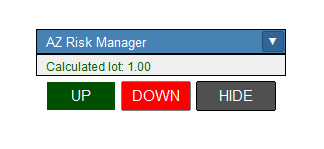
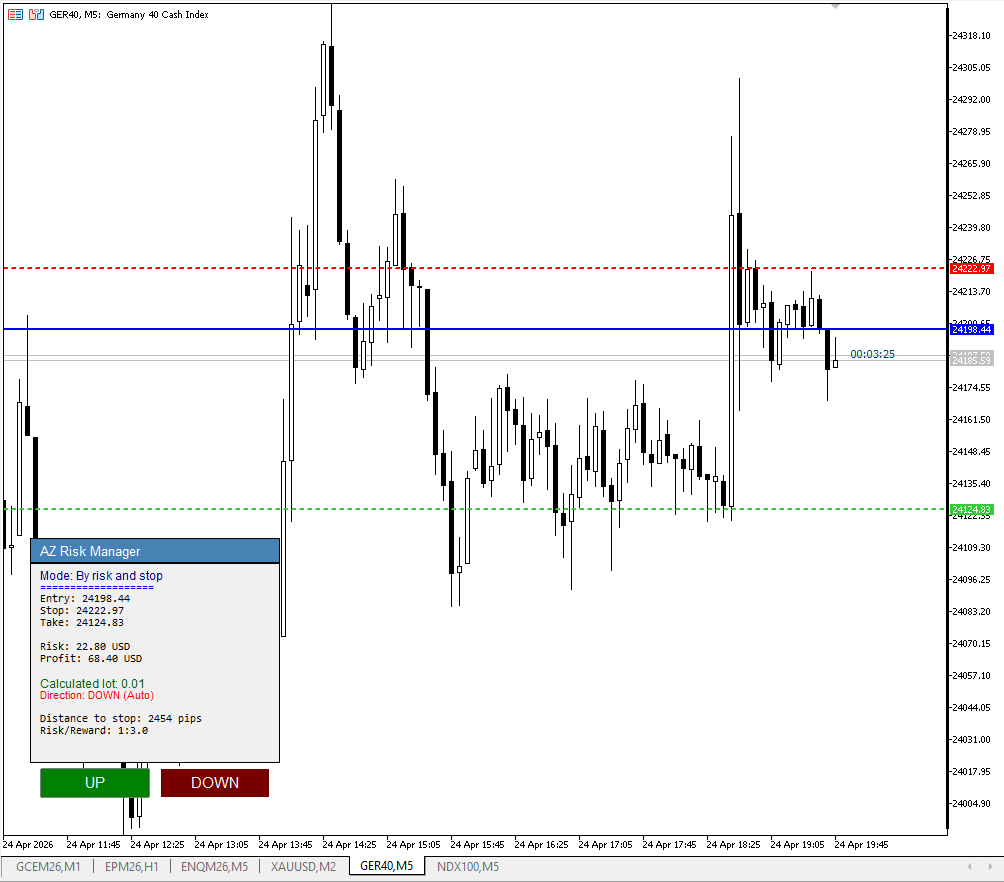
Fixed a lot size calculation error for the XAUUSD (CFD Gold) instrument, fixed an error in the information window header, set a reduced risk for the initial calculation to 0.5% and increased the RR to 1 to 3. You can set your preferred risk and profit parameters in the settings.
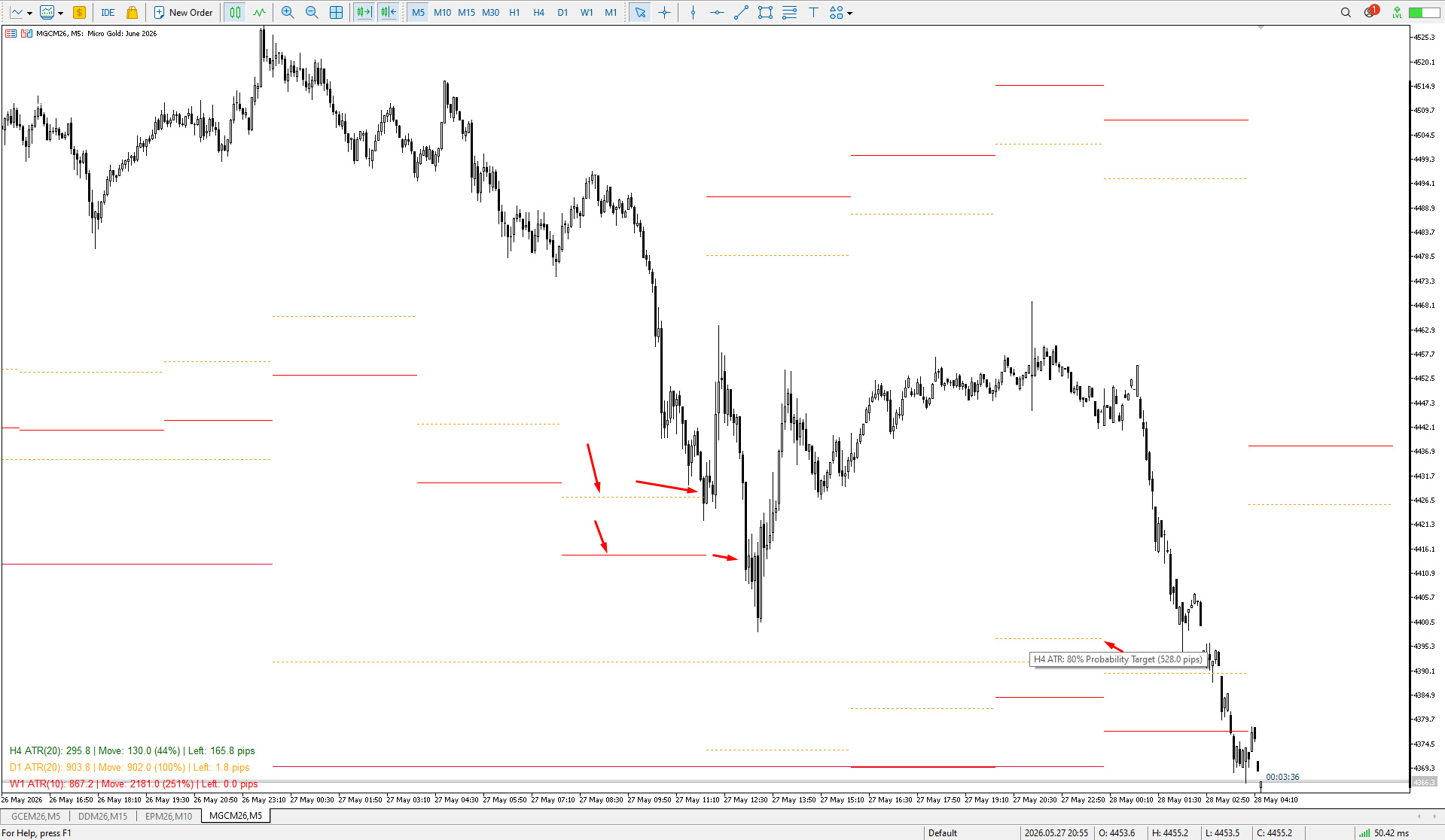
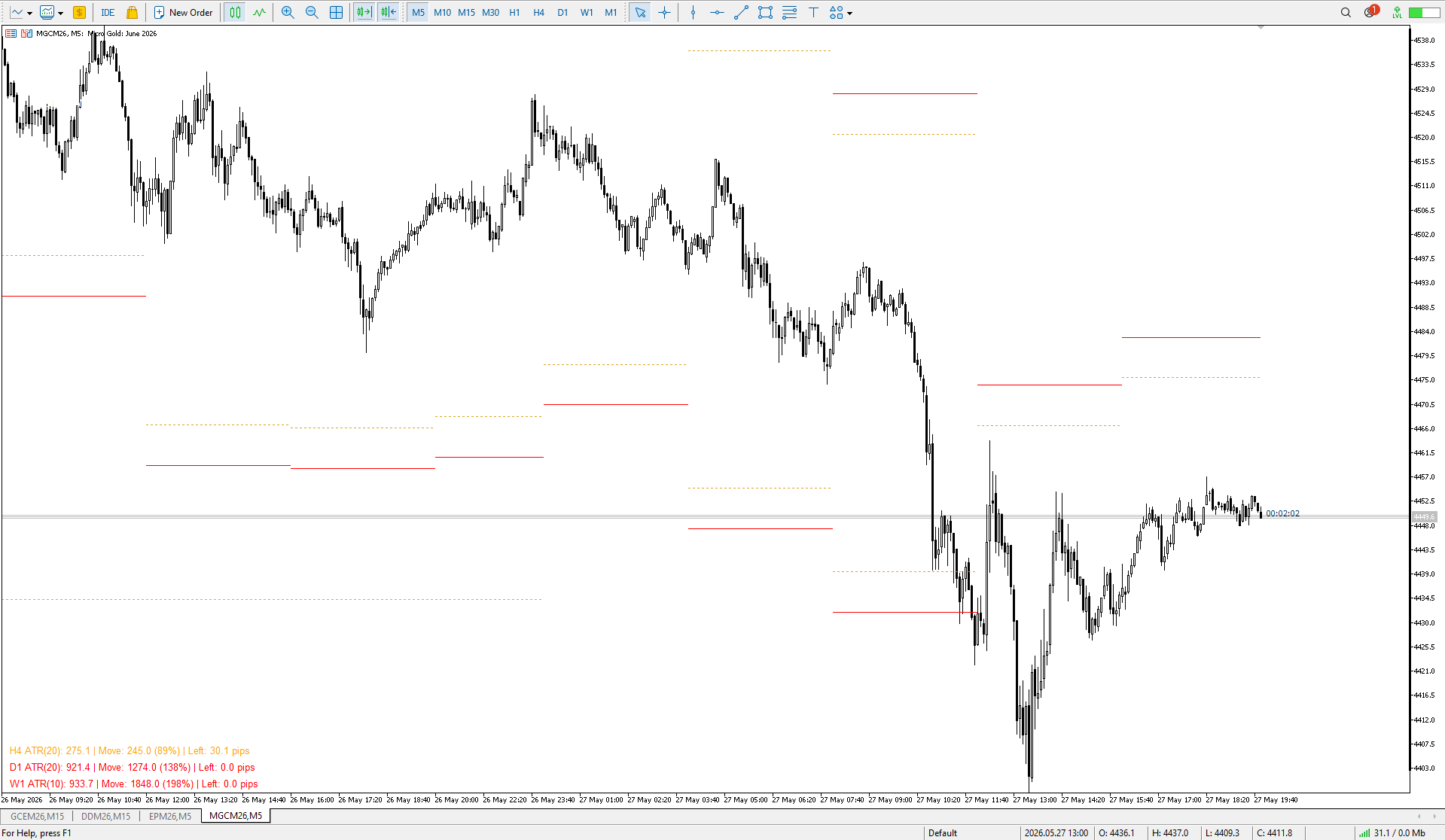
AZ Mini Indicador ATR Por demanda popular, he creado una versión en miniatura del indicador ATR. Además de sus funciones básicas, como calcular el ATR medio en función de los parámetros especificados, puede cambiar el color de una barra de texto en función de lo lejos que se haya movido el precio. Si el precio se ha movido más del 110% de su ATR medio, la barra se vuelve roja; si se ha movido menos del 80%, la barra es verde. Los colores y parámetros que influyen en el cambio de color son
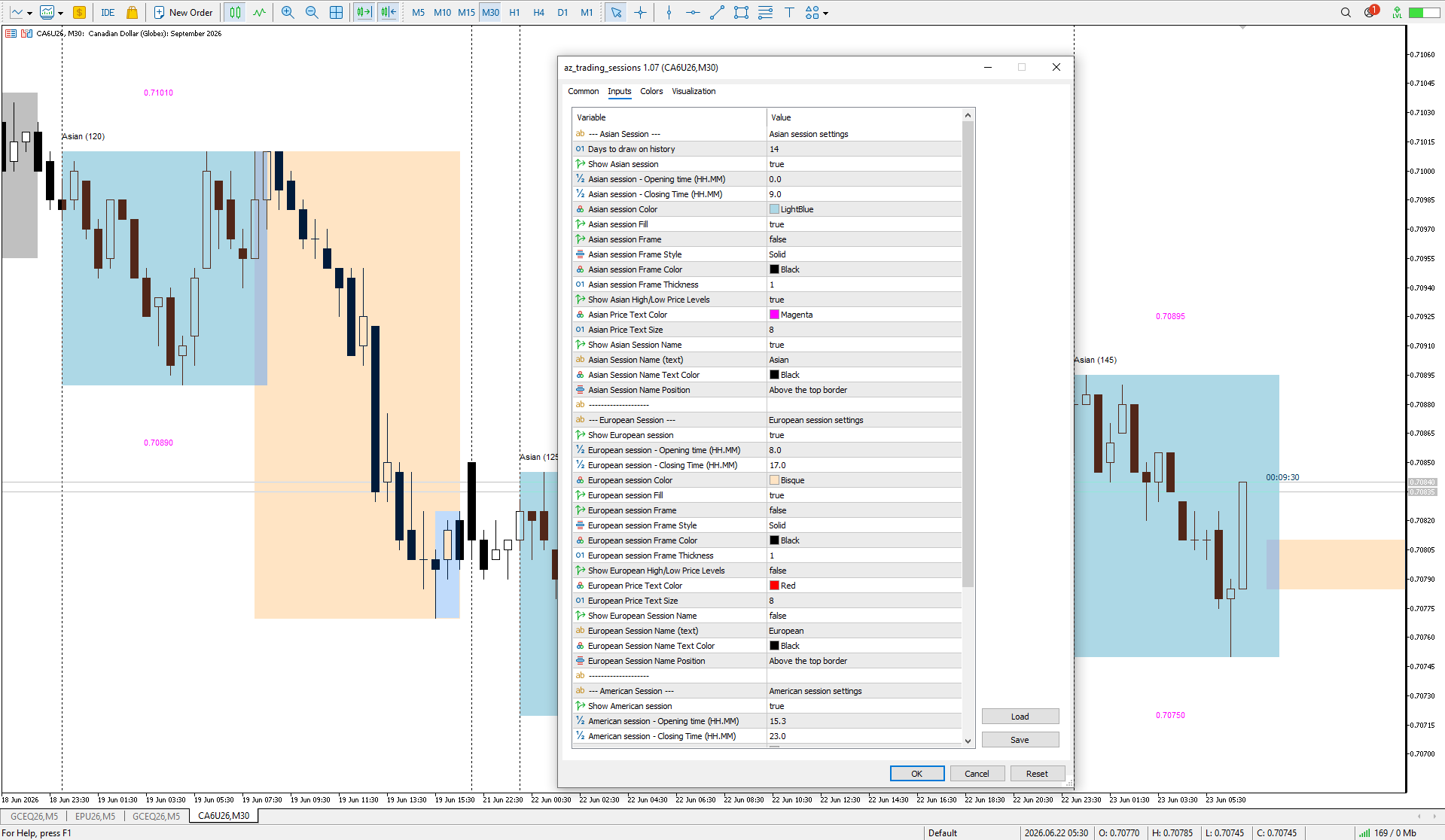
Indicador de sesión AZ Un pequeño pero útil indicador de sesión, diseñado principalmente para scalping. Active la sesión en la que planea operar, observe la reacción de las velas M5/M15 al nivel de la sesión anterior y entre. Siempre nos fijamos en la reacción de la sesión actual con respecto a la anterior. Por ejemplo, si opera en América, active la sesión europea, y observe cómo una sesión quita liquidez a la otra. Importante: ajuste la hora a la zona horaria de su broker en los ajustes del
Finally! Looks like I did it! In this implementation, factors such as holidays and contract rollovers have been taken into account when searching for locked positions (unfortunately, there is still a minor bug on the British Pound futures, and I haven’t yet found a solution to this issue). Overall, I attempted to cover as much as possible through testing. The people who were helping with testing throughout the week were busy making profits — they felt like they’d stumbled upon a Grail :) All in all, I’m delighted with the current progress of development
And still, I’m glad that I managed to get a few people involved in learning my trading system. It gave me a fresh perspective on the nuances I hadn’t noticed before. Thanks, everybody!
After watching the trading style of some YouTubers, such as Tom Hougaard (whose psychology videos I have watched many times), I decided to improve the AZ daily scalping indicator slightly. So, the 30% and 70% correction lines inside the previous day's candle have been removed. Now you can choose which time frame to use to determine the beginning of the candle's shadow and body (D1 by default). The information text about the previous candle can now be moved to the 4 corners of the screen.