Yurii Shvechikov
Yurii Shvechikov
5 (4)
  • Information
no
experience
12
products
0
demo versions
0
jobs
0
signals
0
subscribers
Open to work at
Yurii Shvechikov
Yurii Shvechikov
AZ_risovalka updated to 1.21

If you want a zone based on a single candlestick, press Draw -> Click the candlestick (as before).

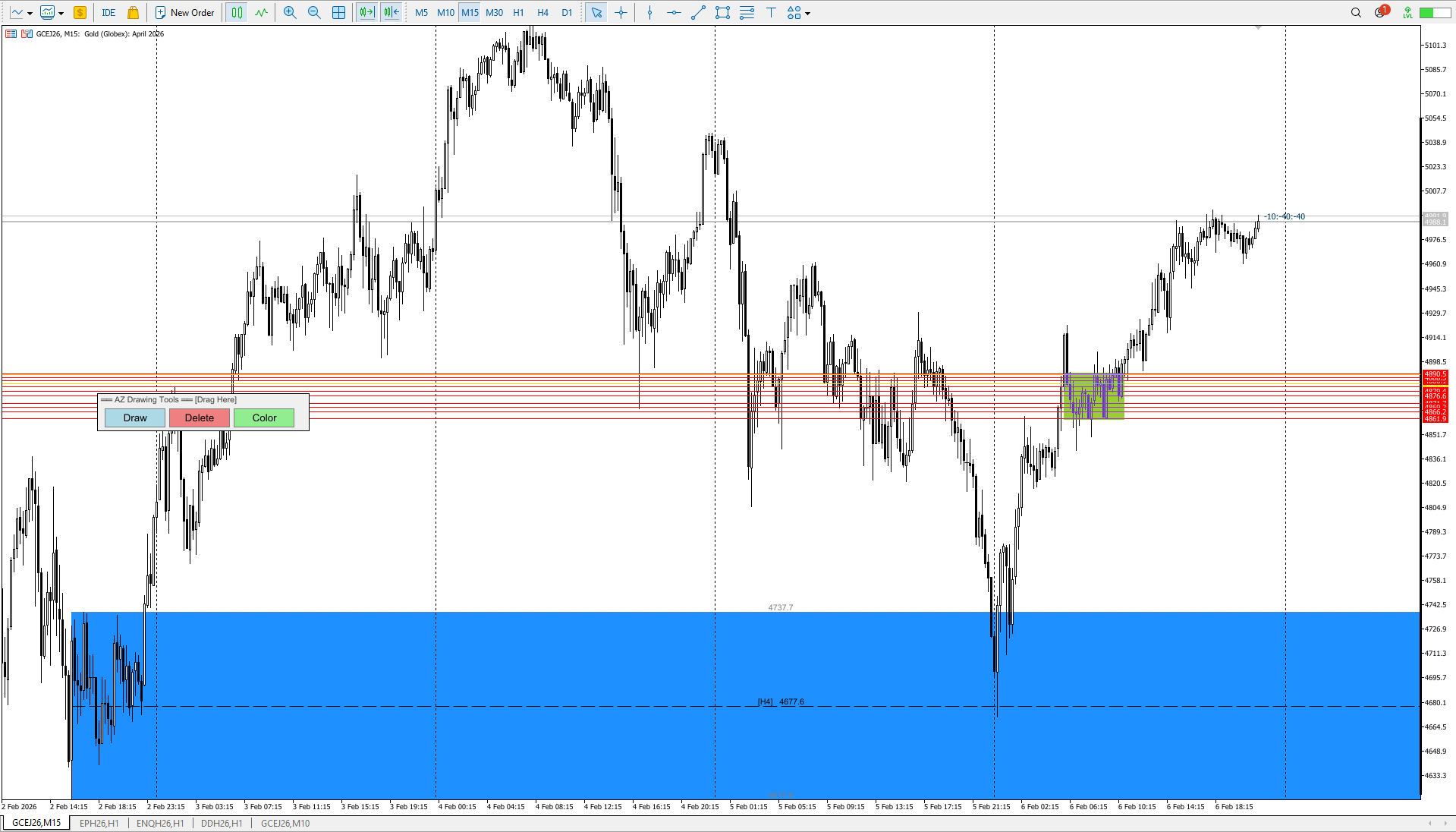
If you want a zone based on a range: Draw a line using the MT5 "Trend Line" tool -> Press Draw -> Click on your line. It will disappear and turn into a zone — a range of several candlesticks. The Trend Line should be selected before creating. This idea works in SHADOW_MODE only! If you want to make a zone of several candles, select SHADOW_MODE in the settings.
Yurii Shvechikov
Yurii Shvechikov
AZ_risovalka updated to v 1.20

Minor code refactoring + added the ability to see the timeframe on which the level was originally created. By default, the drawing position is set to the top center of the level lines. Remember, the location can be changed in the indicator settings.
Yurii Shvechikov
Yurii Shvechikov
AZ_risovalka updated to v 1.19

Minor bug fixes. The default settings have been slightly changed.
Yurii Shvechikov
Yurii Shvechikov
AZ_risovalka updated to v 1.18
Fixed a bug where the fill area was not drawn to the visible area of ​​the screen. Added border lines to the fill area.

ShowBorderLines - enable/disable border lines
BorderLineColor - border line color (gray by default)
BorderLineStyle - line style (dotted)
BorderLineWidth - line thickness
ShowBorderPrices - show prices on border lines
Yurii Shvechikov
Yurii Shvechikov
AZ_risovalka updated to v 1.17
Added the ability to enable alerts when the price reaches a level boundary or 50% of a range. Flexible alert configuration for the desired boundary. Ability to turn the pop-up alert on and off. Unfortunately, I can't implement manual sound file selection; I couldn't find this option in the MQL5 language.
Yurii Shvechikov
Yurii Shvechikov
AZ Risk Manager updated to v 1.13
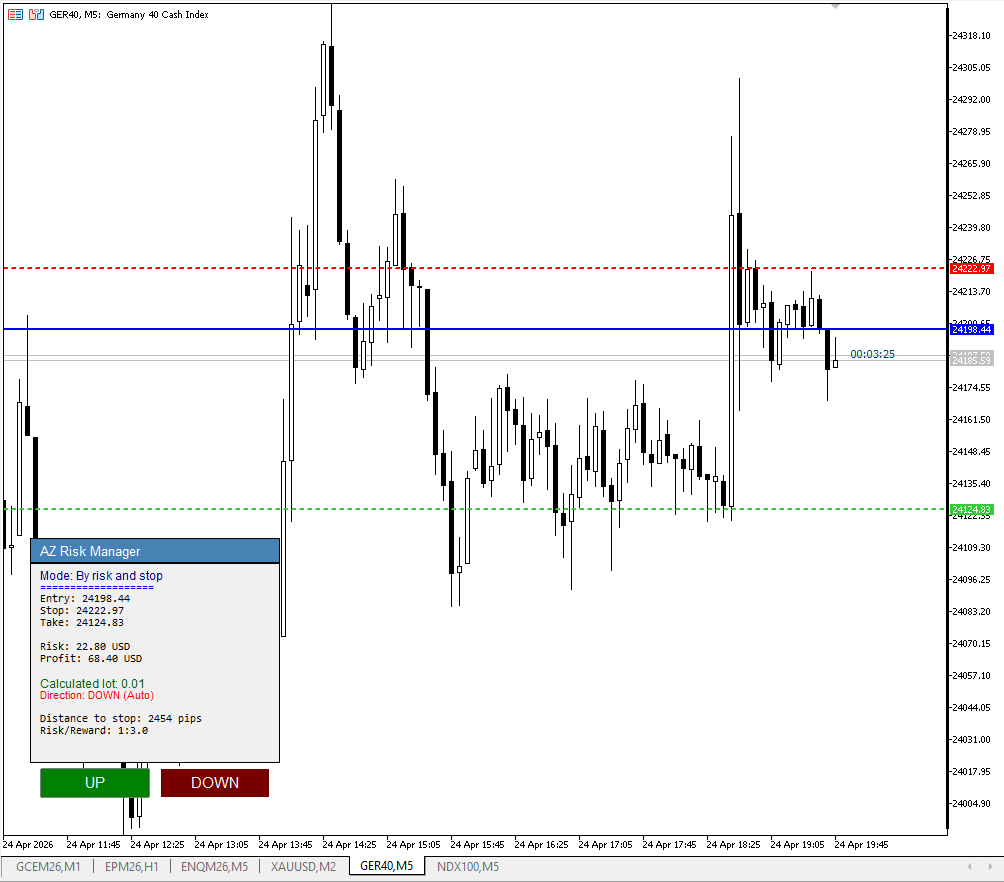
Fixed a lot size calculation error for the XAUUSD (CFD Gold) instrument, fixed an error in the information window header, set a reduced risk for the initial calculation to 0.5% and increased the RR to 1 to 3. You can set your preferred risk and profit parameters in the settings.
Yurii Shvechikov
Yurii Shvechikov
AZ Risovalka levels drawing tool indicator has been updated to version 1.16. Added the ability to display the level frame without filling, added the ability to turn on/off the 50% line, and added a price mark on the 50% line.
Yurii Shvechikov
Yurii Shvechikov
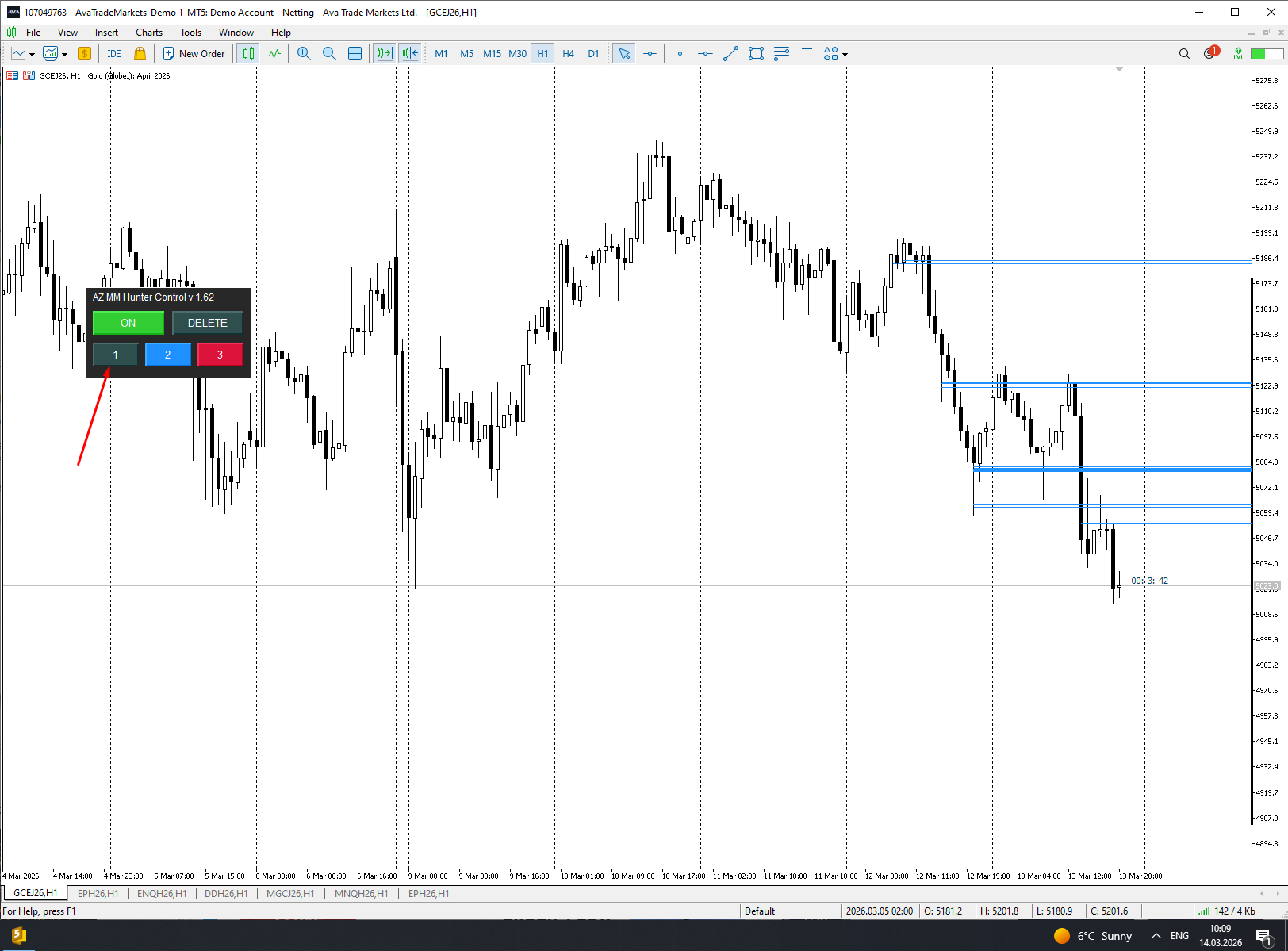
AZ Auto Levels builder ATR edition updated to v 1.09 Added the ability to change the color of the border lines of found levels in the settings, the ability to turn these borders on/off, and the ability to change the line style
Yurii Shvechikov Published product

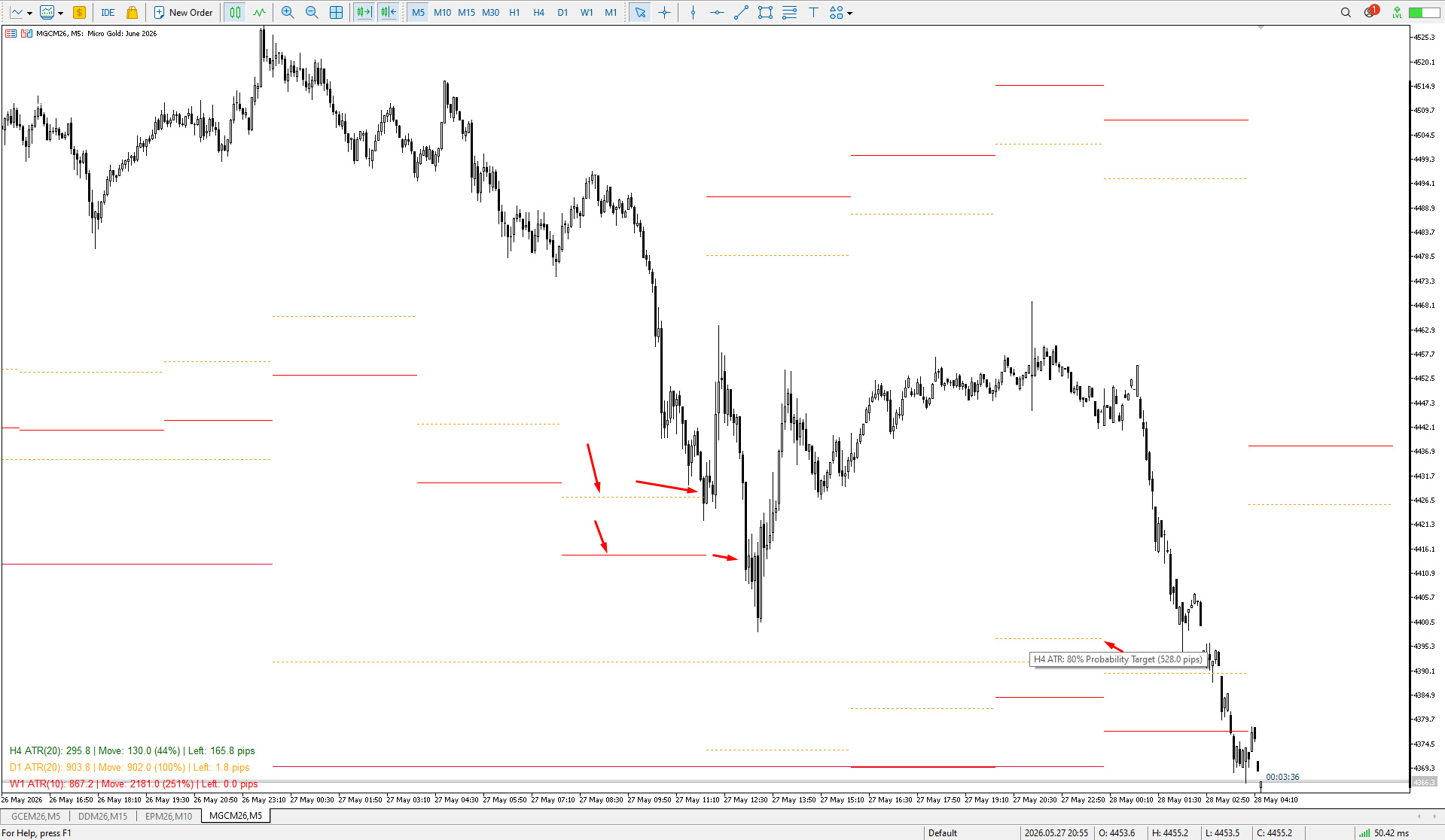
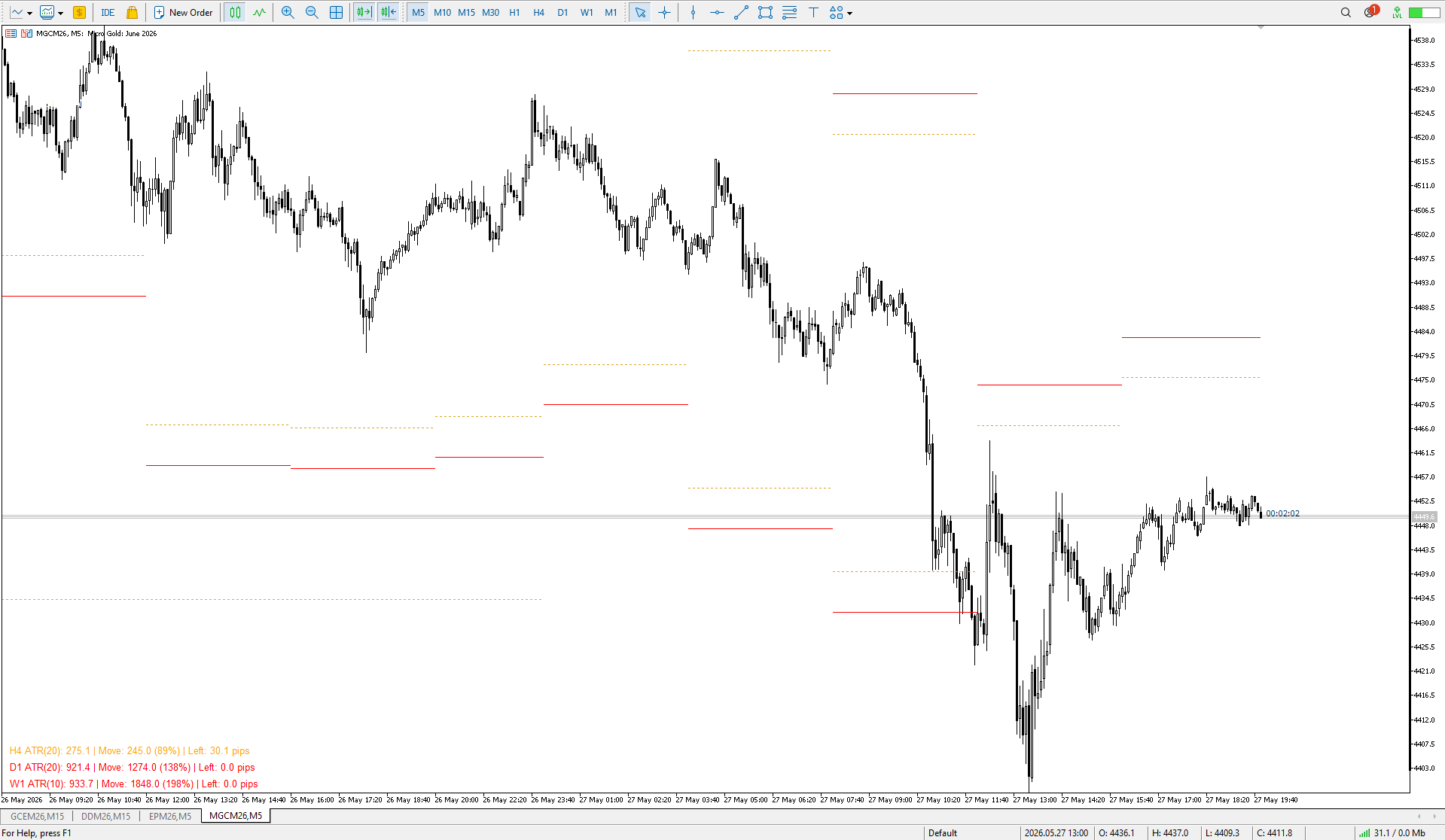
AZ Mini ATR Indicator By popular demand, I've created a miniature version of the ATR indicator. In addition to its basic functions, such as calculating the average ATR based on specified parameters, it can change the color of a text bar depending on how far the price has already moved. If the price has moved more than 110% of its average ATR, the bar turns red; if it has moved less than 80%, the bar is green. The colors and parameters that influence the color change are configurable. This

Yurii Shvechikov Published product

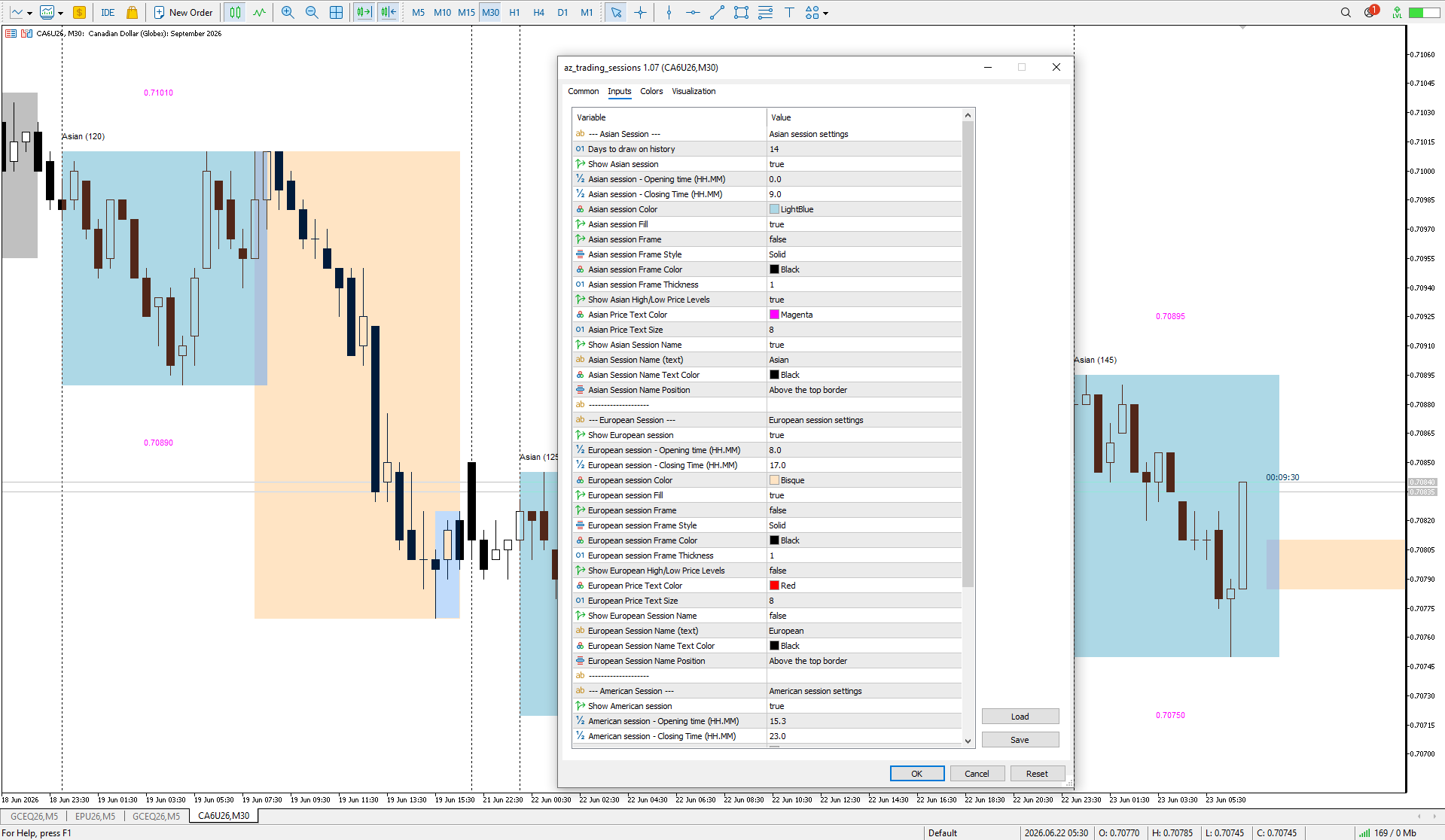
AZ session scalper A small but useful session indicator, designed primarily for scalping. Enable the session you plan to trade, watch the reaction of the M5/M15 candlesticks to the level of the previous trading session, and enter. We always look at the reaction of the current session to the previous one. For example, if you trade the Americas, enable the European session, and watch how one session takes away liquidity from another. Important: adjust the time to your broker's time zone in the

Yurii Shvechikov
Yurii Shvechikov
AZ volzone SYSTEM updated to v 2.46

Finally! Looks like I did it! In this implementation, factors such as holidays and contract rollovers have been taken into account when searching for locked positions (unfortunately, there is still a minor bug on the British Pound futures, and I haven’t yet found a solution to this issue). Overall, I attempted to cover as much as possible through testing. The people who were helping with testing throughout the week were busy making profits — they felt like they’d stumbled upon a Grail :) All in all, I’m delighted with the current progress of development

And still, I’m glad that I managed to get a few people involved in learning my trading system. It gave me a fresh perspective on the nuances I hadn’t noticed before. Thanks, everybody!
Yurii Shvechikov
Yurii Shvechikov
AZ daily scalper updated to v 1.04
After watching the trading style of some YouTubers, such as Tom Hougaard (whose psychology videos I have watched many times), I decided to improve the AZ daily scalping indicator slightly. So, the 30% and 70% correction lines inside the previous day's candle have been removed. Now you can choose which time frame to use to determine the beginning of the candle's shadow and body (D1 by default). The information text about the previous candle can now be moved to the 4 corners of the screen.
Yurii Shvechikov
Yurii Shvechikov
AZ Volzone SYSTEM locked in range finder updated to v 2.42

I have improved the mathematical logic of pattern search, taking into account the indicator control zones. Each instrument needs to have its own mode. Remember that when forming a new blocked control zone, you need to double-check which of the algorithms is now working. I may add a fifth mode, which is currently under development. The market will not give you money for free!
Yurii Shvechikov
Yurii Shvechikov
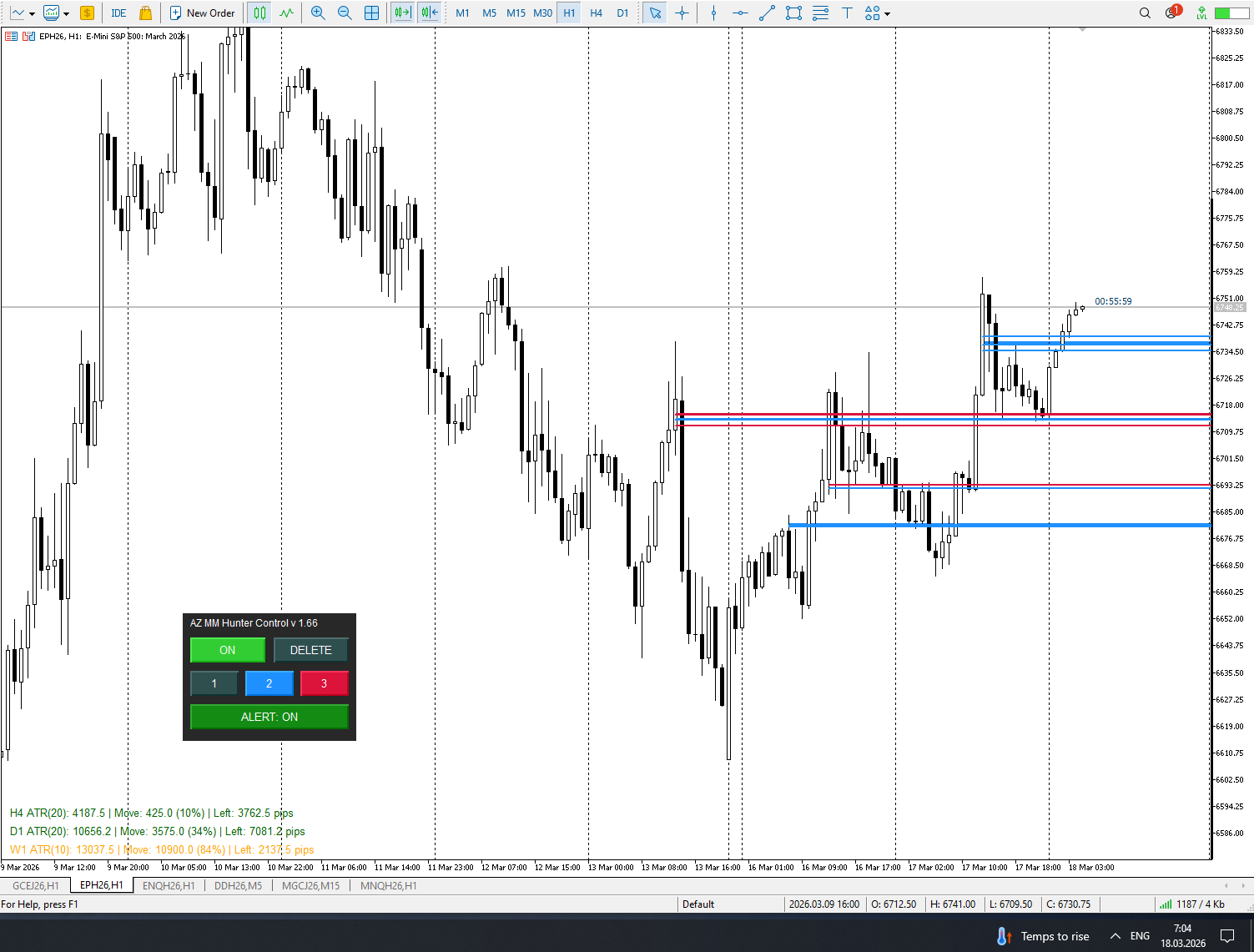
AZ Volzone SYSTEM locked in range finder UPDATED to v 2.39! The quick setup panel for switching pattern searches is displayed on the chart screen. Now you don't have to constantly go through the menu to select the optimal settings for each instrument.
Yurii Shvechikov
Yurii Shvechikov
It's finally here! I'm pleased to introduce a new version (2.36) of my primary indicator (AZ_volzone_SYSTEM), which I use daily for market analysis on the MetaTrader 5 platform. I made 3 MODES of operation: automatic pattern search to help find the best place and direction to open a trade. The first two modes are more conservative. The third mode is for fast intraday trading. But for each instrument, you need to find the best settings. I will record a video instruction on how to use it a little later. Yes, alerts will now be available when a new pattern has been found!
Yurii Shvechikov
Yurii Shvechikov
So, I finally added two different algorithms that will suggest where you can consider entering a position. The only thing that connects their work is that they both pay attention to the date that will be selected as the starting point for the indicator. Next, it is advisable to adjust the work for the traded instrument. For some instruments, MODE_1 works better, for others, MODE_2. In MODE_1, the search on the H4 timeframe showed the best results; for MODE_2, the search for a pattern on the H1 timeframe showed very good results. But always pay attention to the levels that the indicator has built, and do not forget to check the data on the CME website! The NEW v 2.33 will be available soon!
Yurii Shvechikov
Yurii Shvechikov
AZ Custom Daily Candle updated to v 1.7
Fixed a bug where, when selecting the construction of H4 candles and selecting the H1 timeframe, nothing was displayed.
Yurii Shvechikov Published product

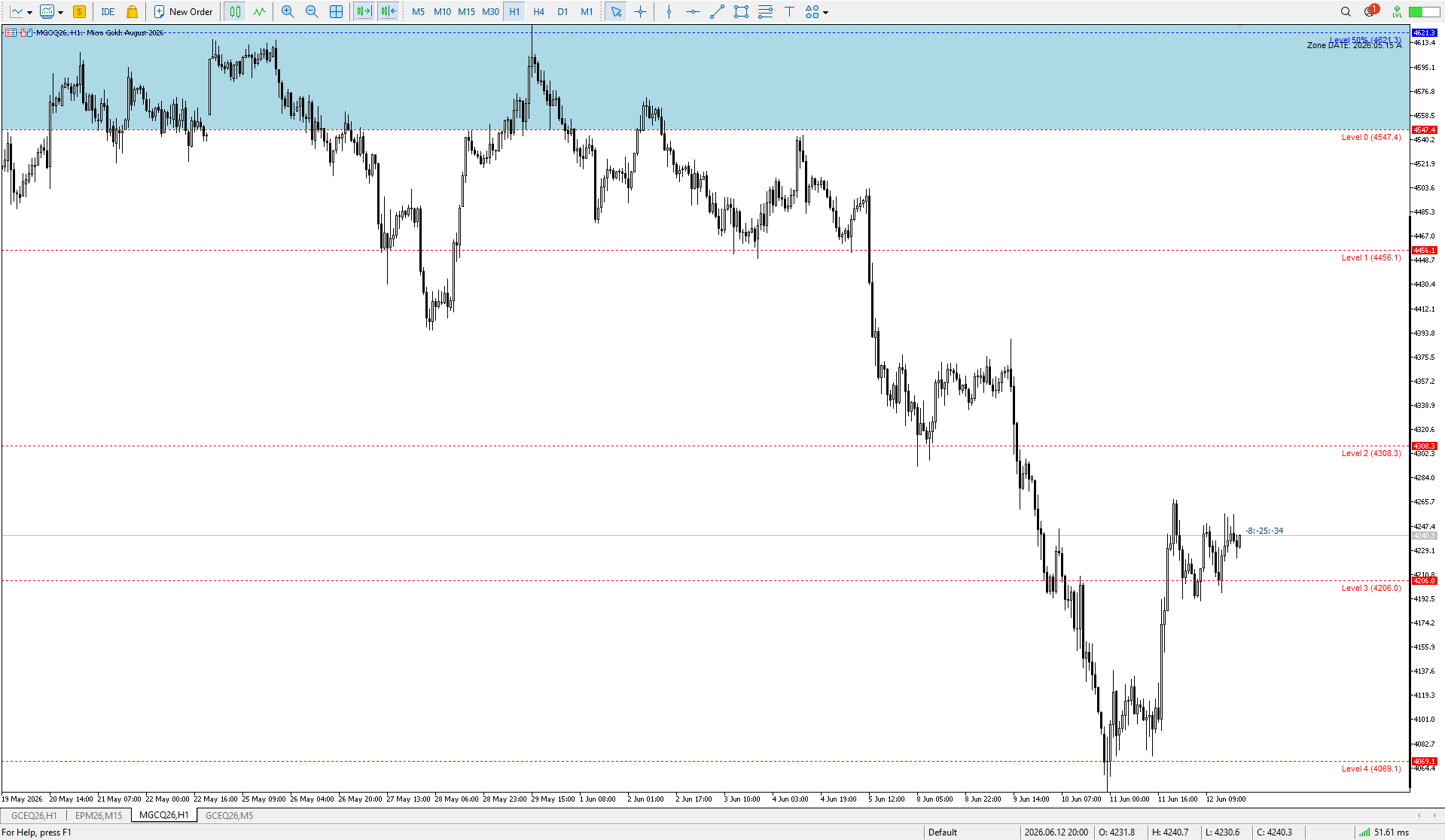
AZ Risovalka levels drawing tool An indicator for simplifying the drawing of levels. Select the indicator mode for the body, shadow, or the whole candle in the settings. Click the 'Draw' button on the drawing panel to create a level, then click on the body or shadow of the candle and select the level color in the color menu that appears. The 'Delete' button to delete level you select, 'Color' to select the color of an already created level. You can set your own colors in the indicator menu (6

Yurii Shvechikov Published product

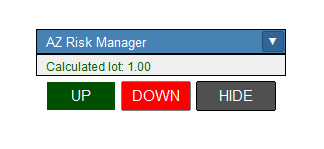
A simple indicator for calculating risk and automatically calculating the take profit line. In the settings, you enter the desired risk to profit ratio, the indicator will automatically calculate the volume for entry and show where to set the take-profit line to maintain the proportion. The risk is calculated based on your balance data. The information panel can be moved around the screen. The stop-loss line can also be moved, this will recalculate the entry volume and the take-profit position

Yurii Shvechikov
Yurii Shvechikov
Updated yesterday's indicator a bit. Now it is possible to specify how many weeks in a row to draw the level of a specific day of the week. By default, the nearest level will be marked in light green, levels of past weeks - in gray.
12