Forecast MT5

Forecast MT5
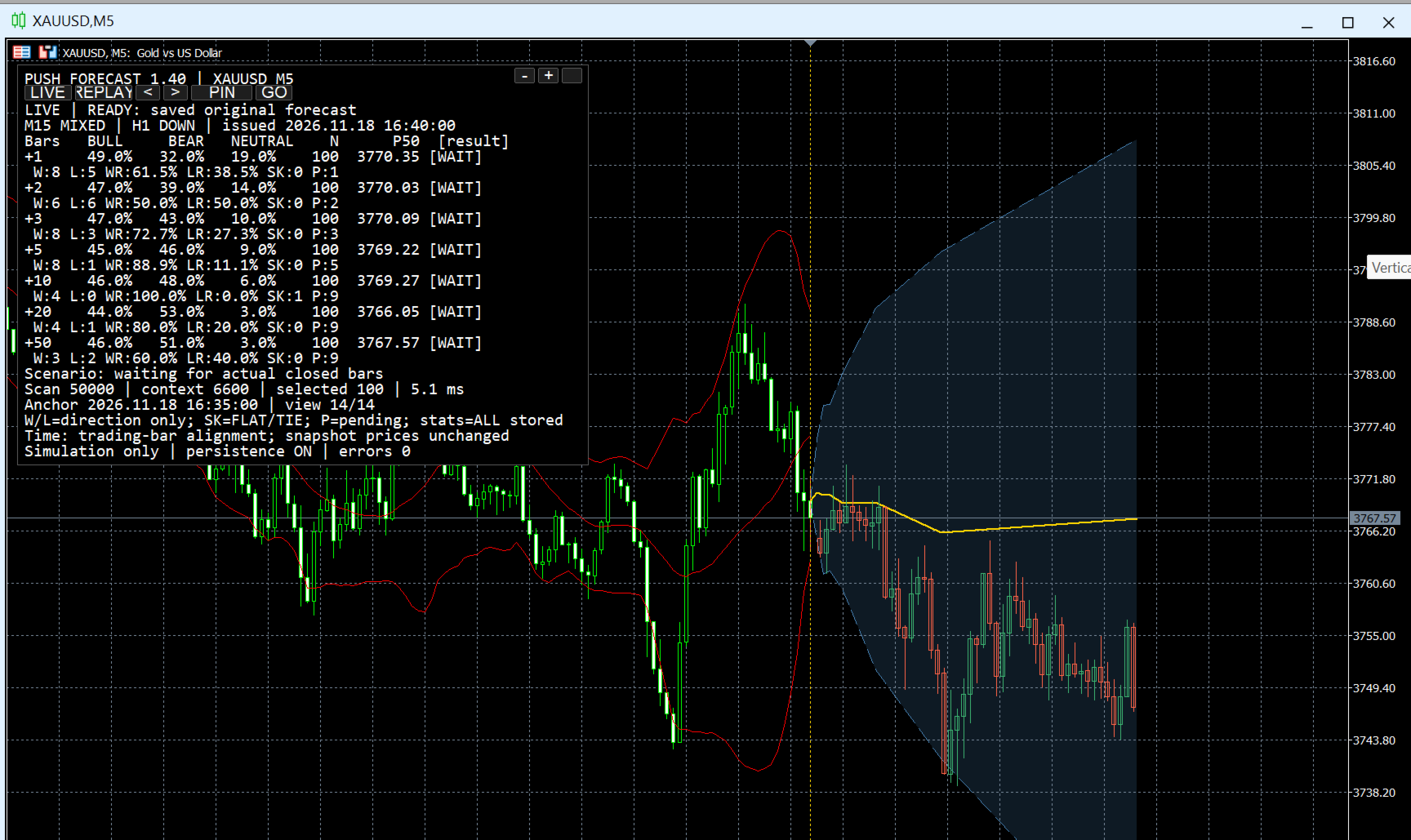
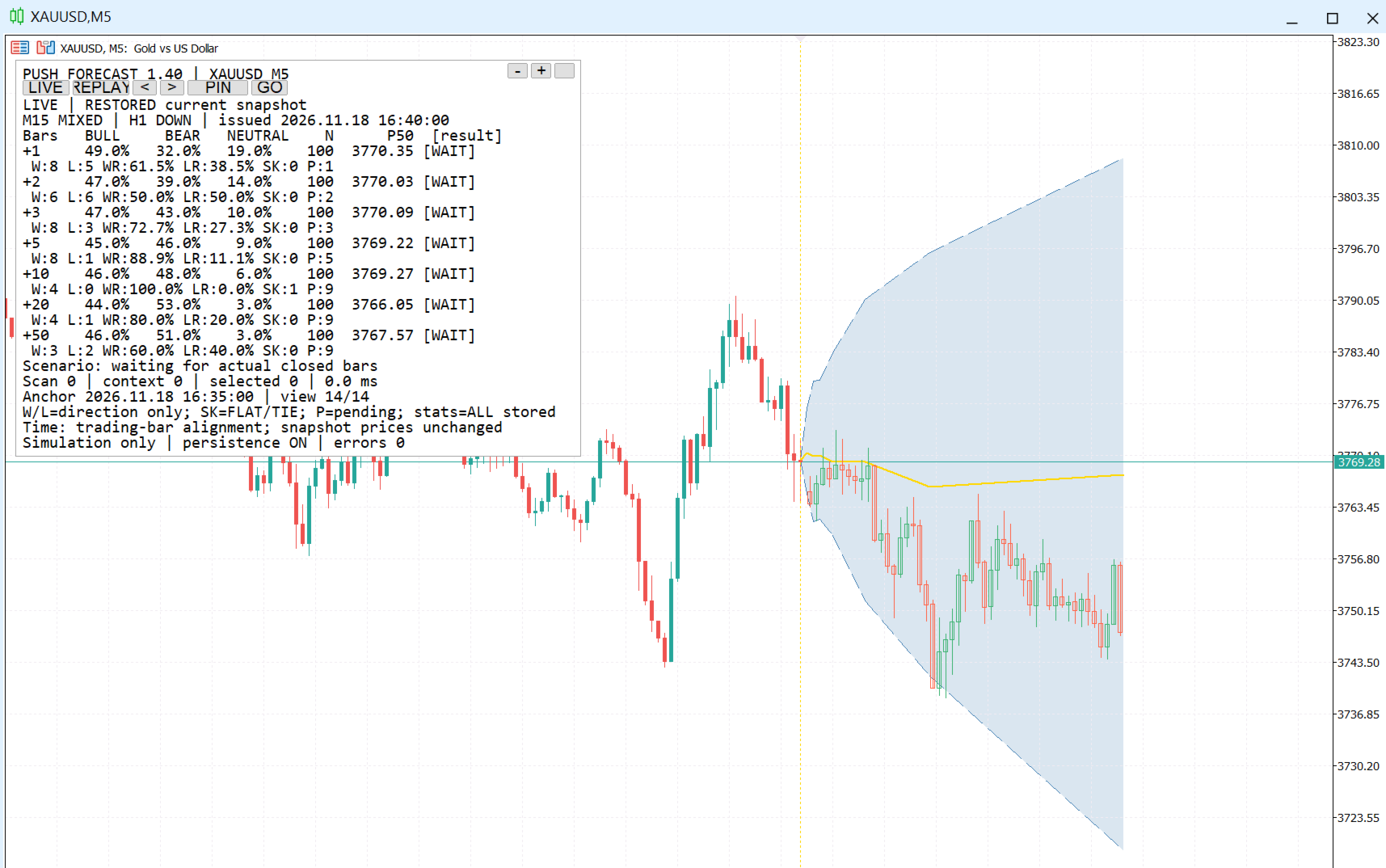
A key feature of Forecast MT5 is its ability to save forecasts and review them via a "LIVE/REPLAY" mode. This allows users to compare the indicator’s past projections against actual market developments, rather than simply observing a chart display that is constantly shifting.
M15/H1 Filter Context classification indicator for each higher timeframe, based on the EMA20, EMA50, and the slope of the EMA20:
UP >>> EMA20 is above the EMA50 and rising
DOWN >>> EMA20 is below the EMA50 and falling
MIXED >>> All other cases
LIVE and REPLAY
LIVE Mode
Displays the latest forecast for the current M5 (5-minute) candle.
Once an M5 candle closes, the indicator evaluates the data, filters, and sample size to generate a new forecast. If the criteria are not met, the panel displays the corresponding status.
REPLAY Mode
Allows you to select a previously saved forecast and compare it against the actual candle.
The simulated OHLC prices, probabilities, and percentile levels for that specific instance remain unchanged; they are not recalculated based on subsequent market developments.
This is a crucial feature for verifying: "What exactly did the indicator forecast at that specific moment in time?"
Scope of Use and Disclaimers
Push Forecast is an analytical support tool; it is not a system that guarantees profit. Future candlestick projections are scenarios simulated based on historical data, not foreknowledge of future events.