AMD Position Tool
- インディケータ
- バージョン: 1.0
- アクティベーション: 5

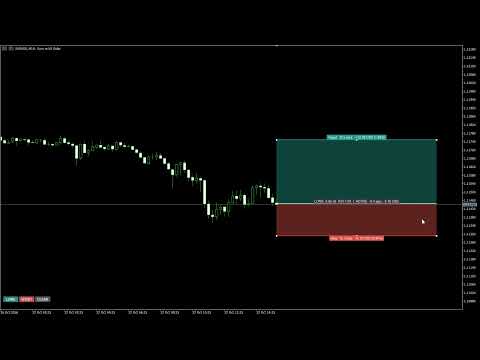
The Long / Short position tool you know from TradingView, now on MetaTrader 5.
Click LONG or SHORT and a position box appears on your chart. Drag the entry, stop and target lines, and the lot size
for your risk, the reward, the R:R and the % of your account update as you drag. The box follows the trade live,
alerts you when the entry, the target or the stop is hit, and works on past candles too, so you can test a setup by hand
in seconds.
WHAT YOU SEE ON THE CHART
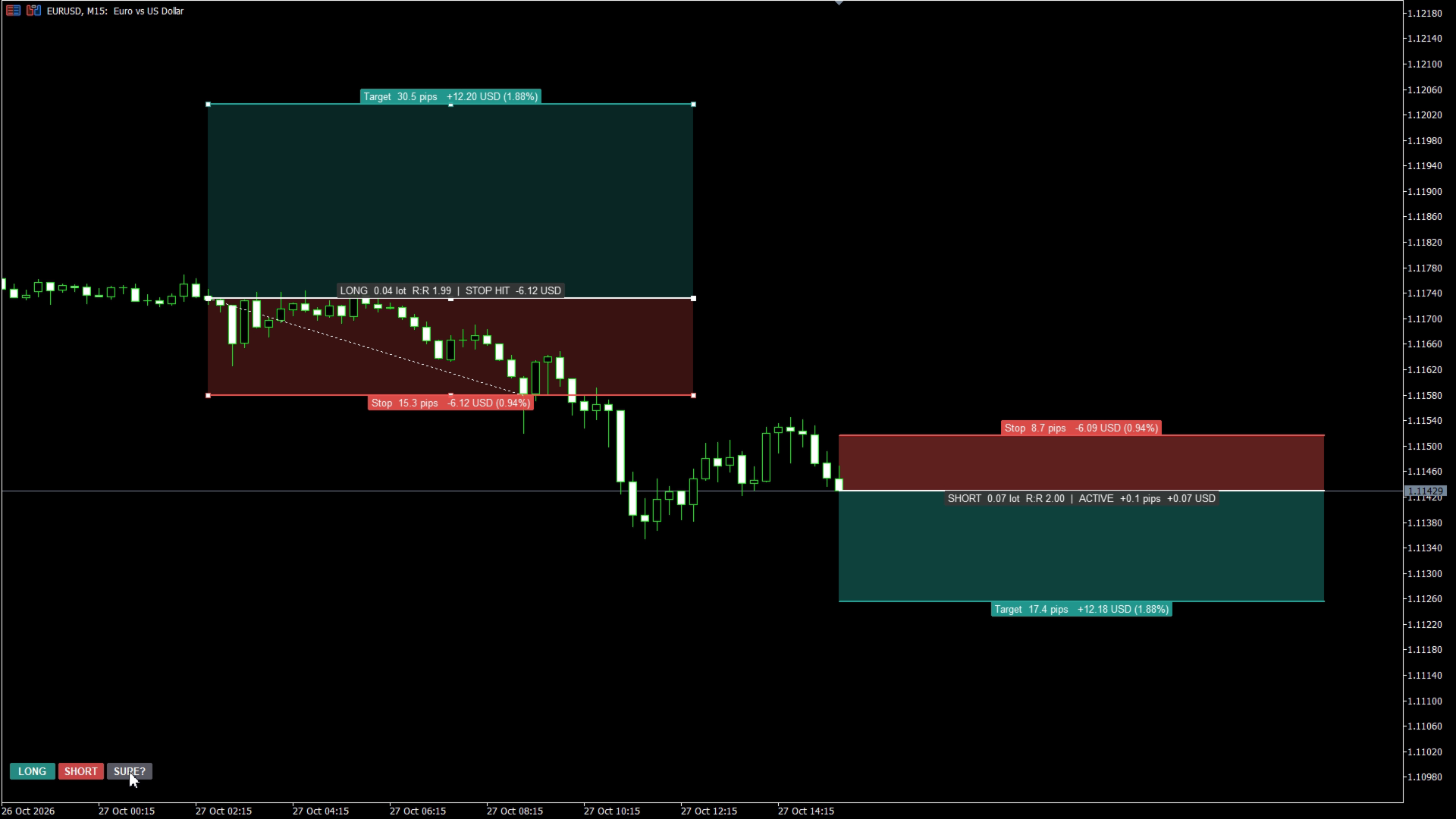
- LONG / SHORT / CLEAR buttons in a chart corner (CLEAR asks "SURE?" first)
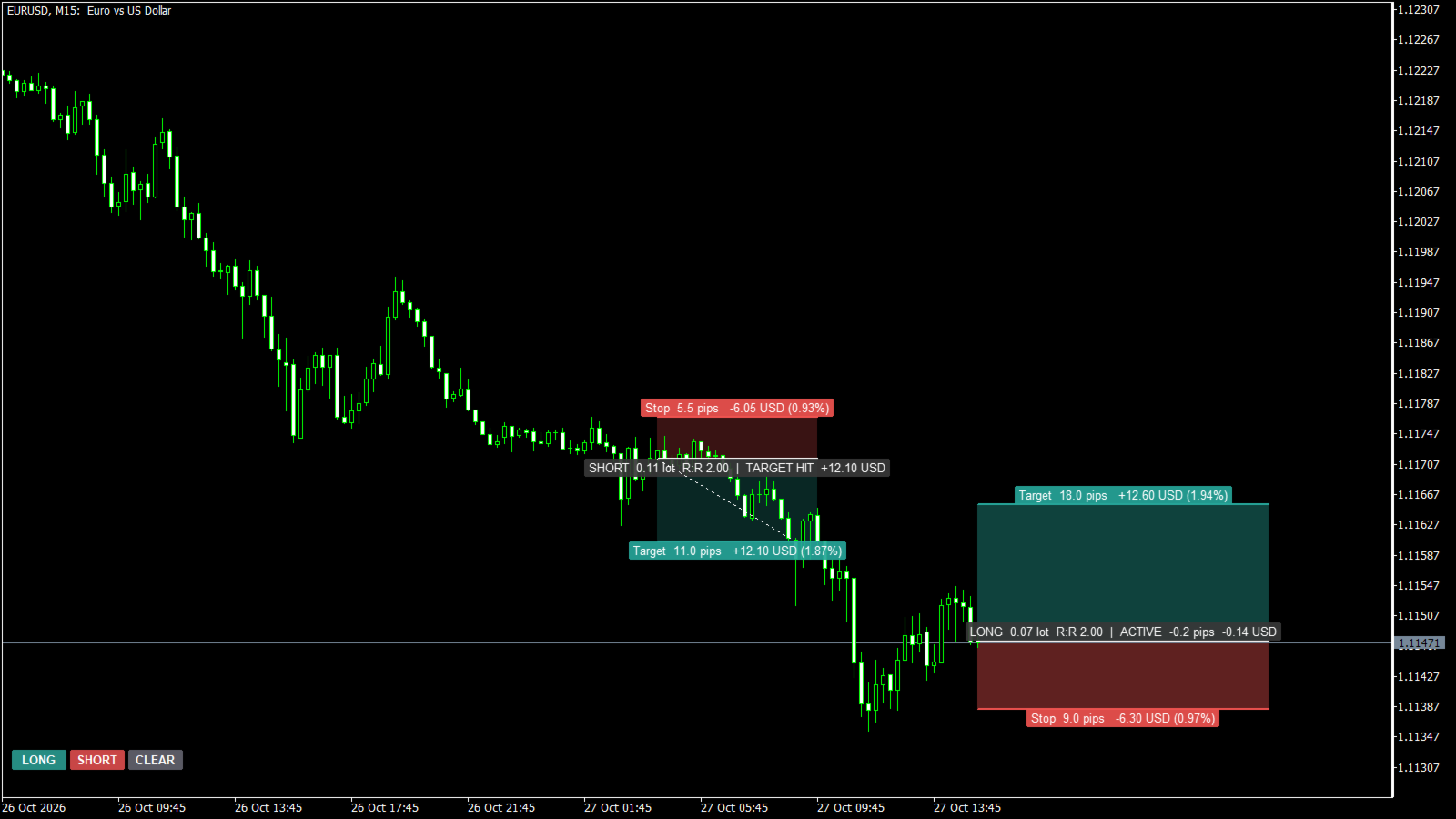
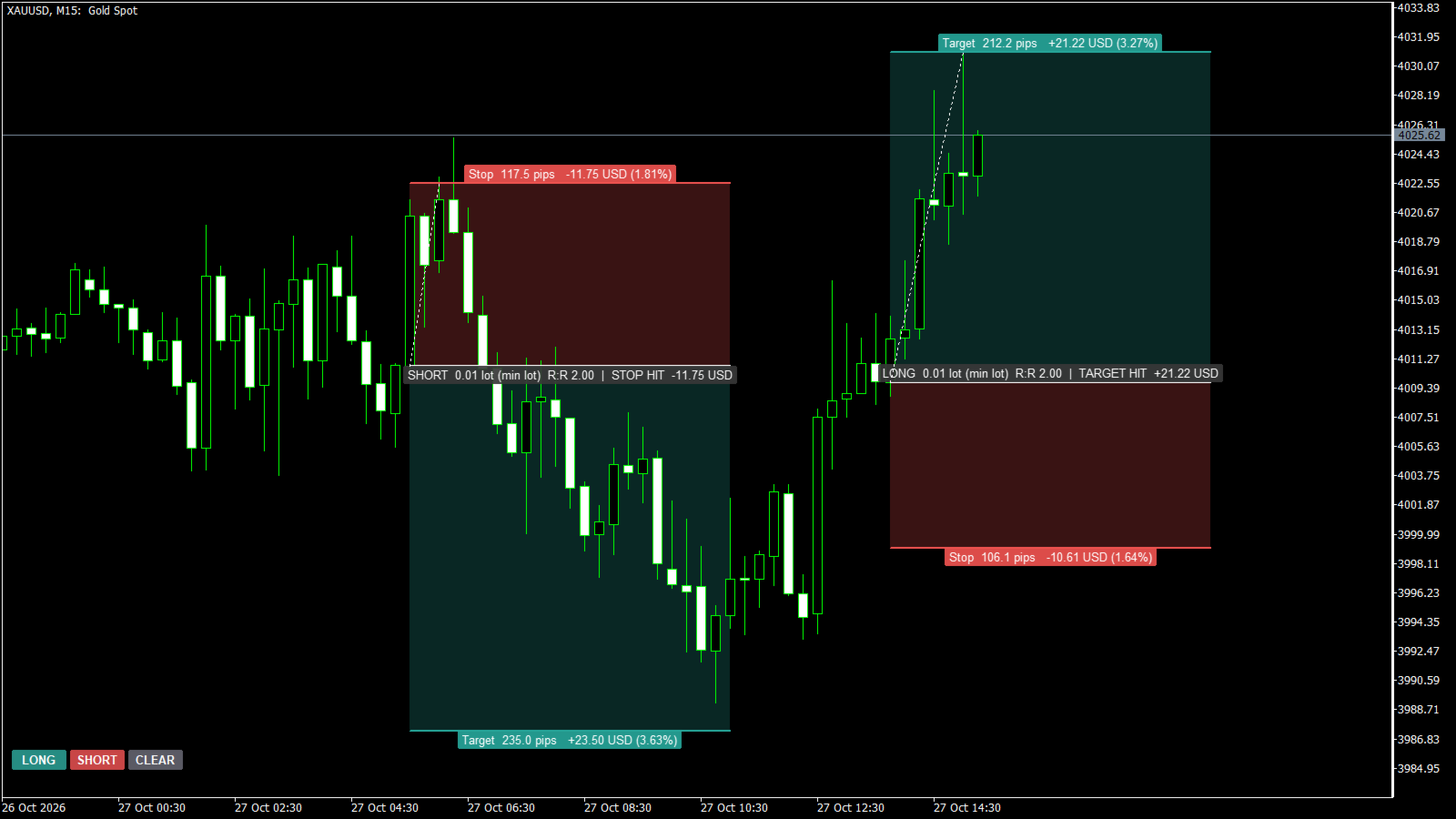
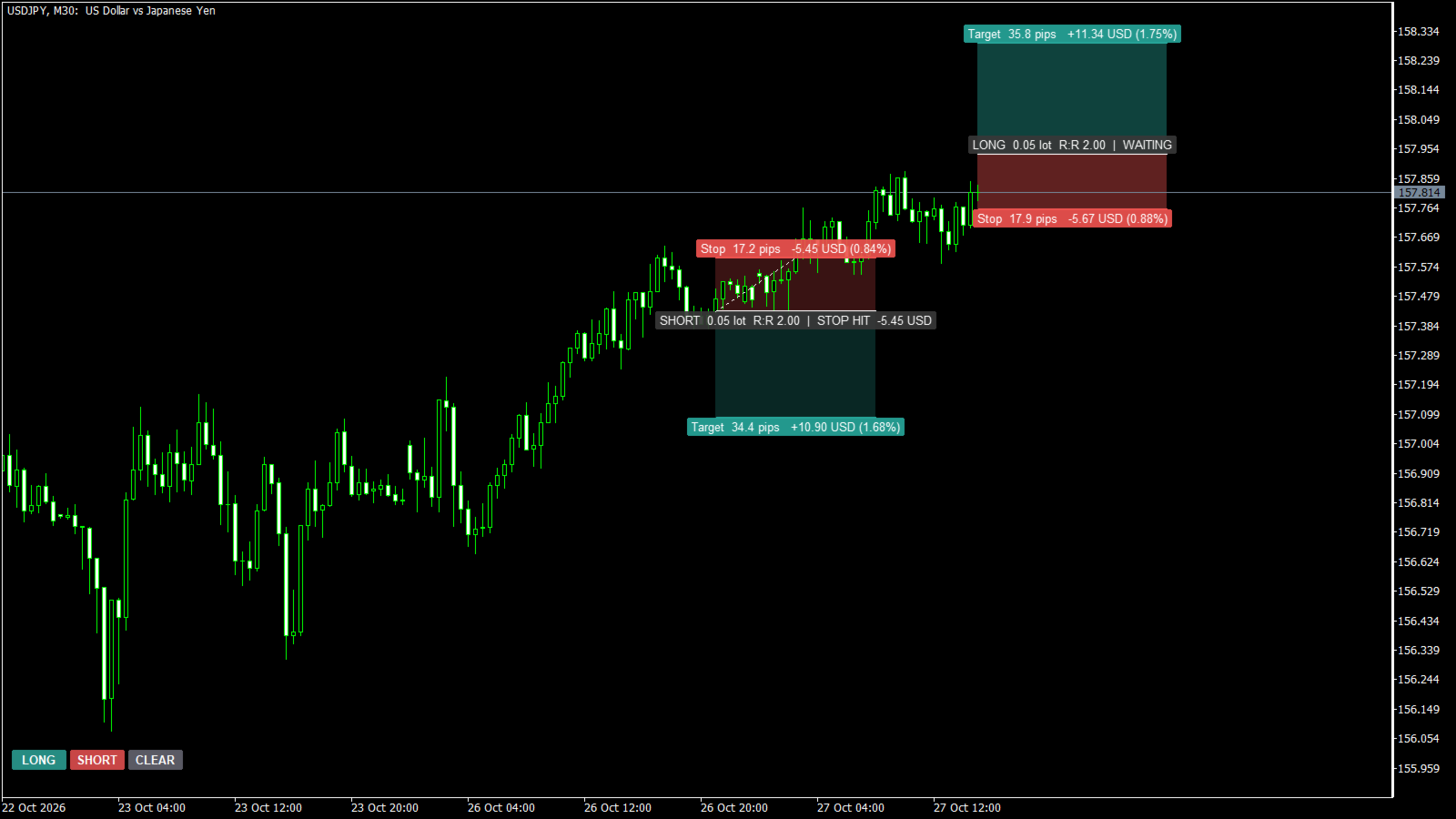
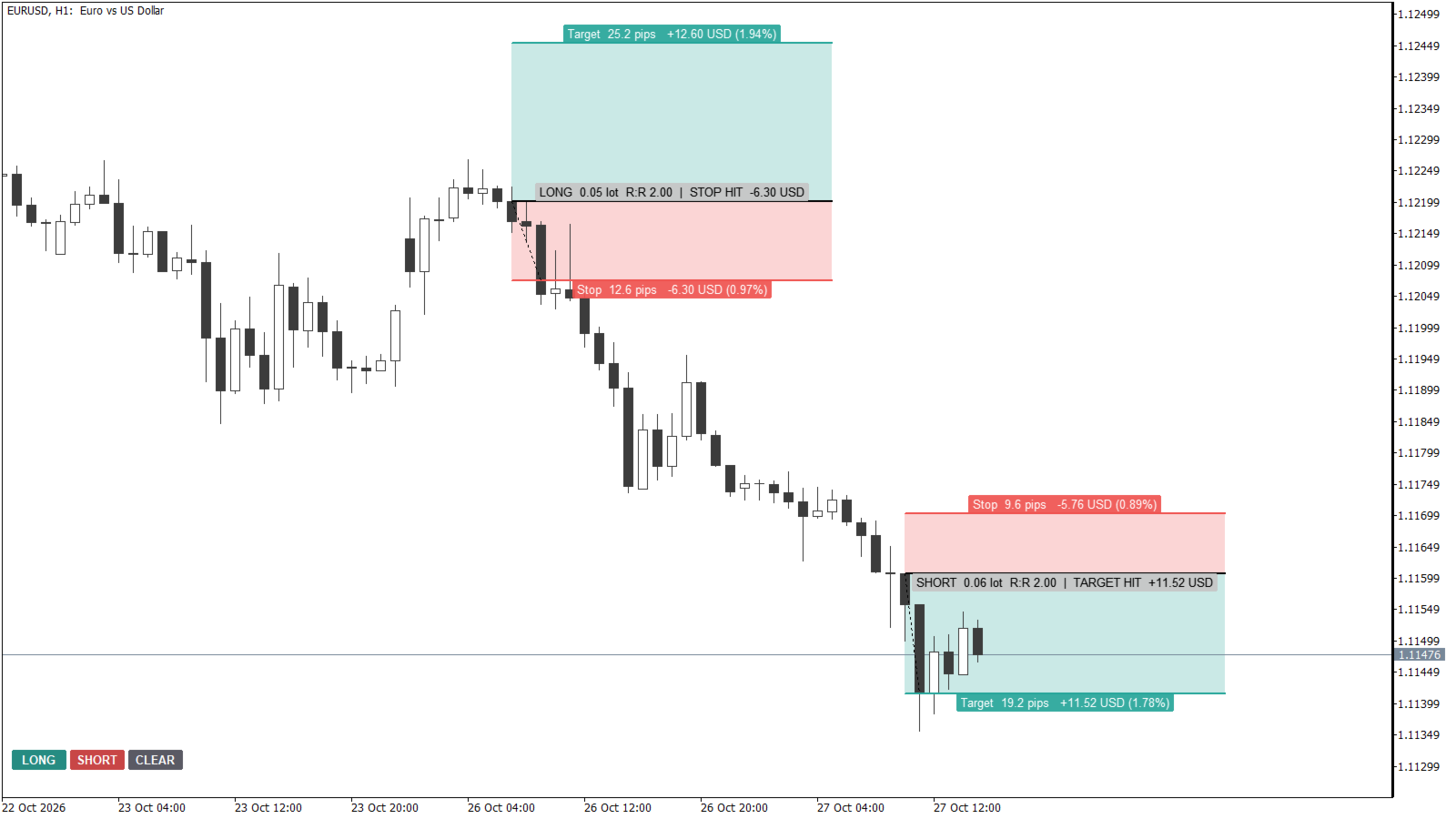
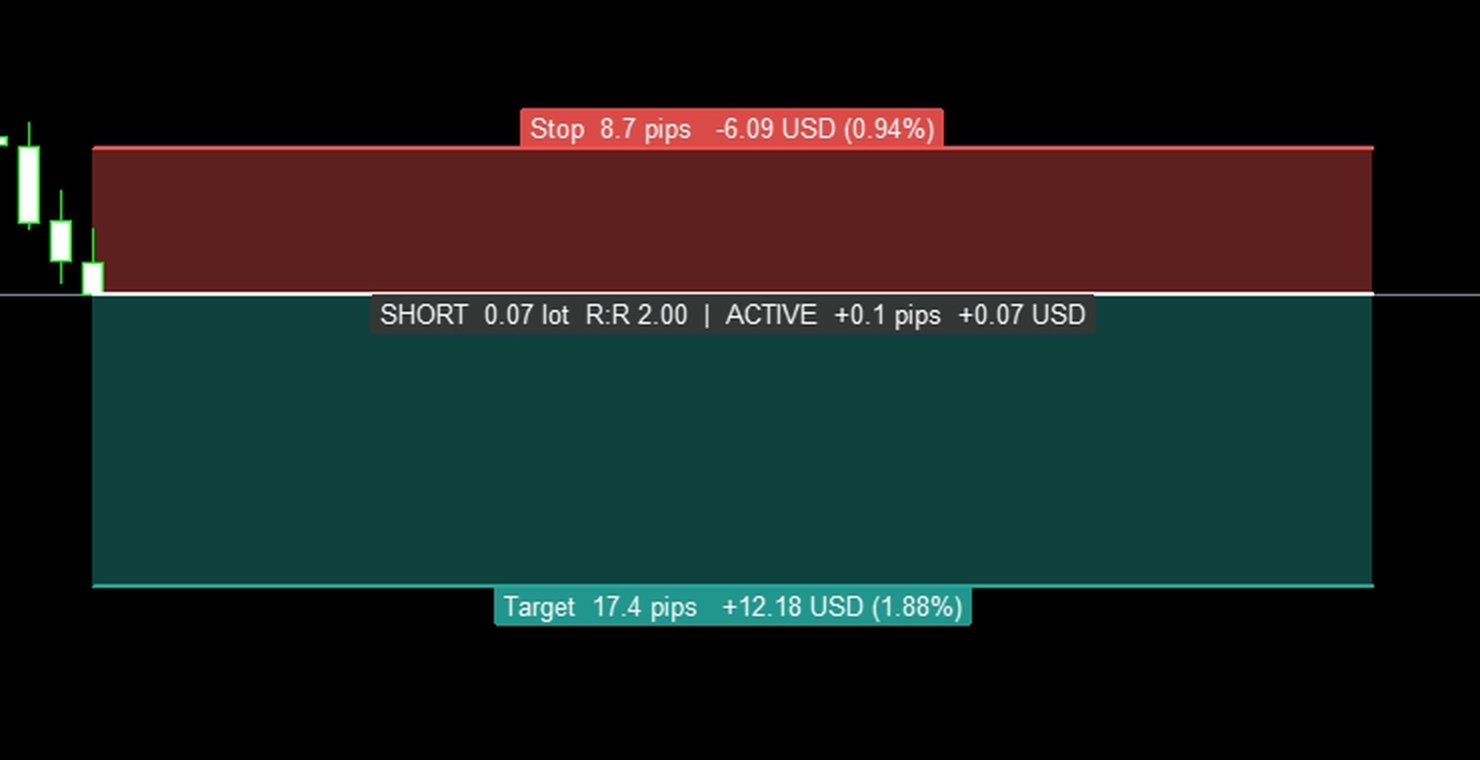
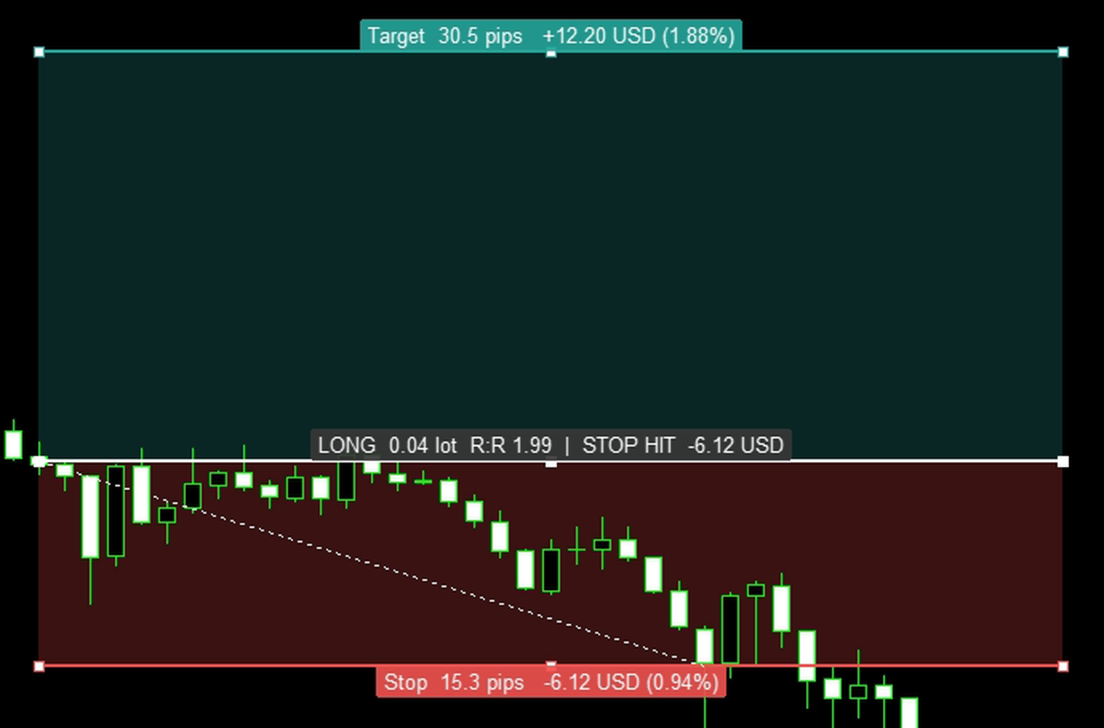
- A green reward zone and a red risk zone between the entry, target and stop lines
- Target label: distance in pips, profit in money and in % of the account
- Stop label: distance in pips, loss in money and in % of the account (= your risk)
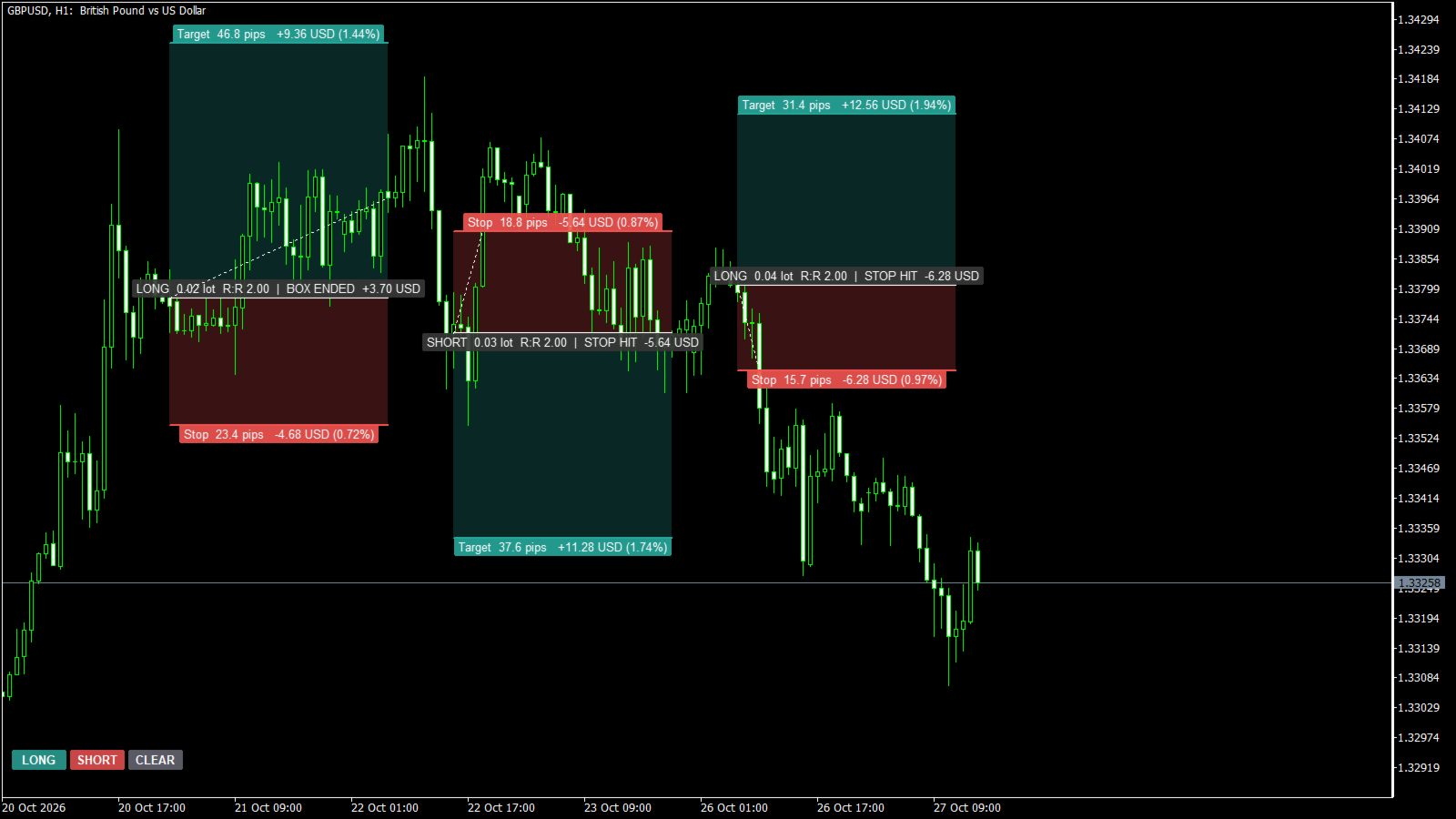
- Entry label: LONG / SHORT, lot size, R:R and the status of the trade
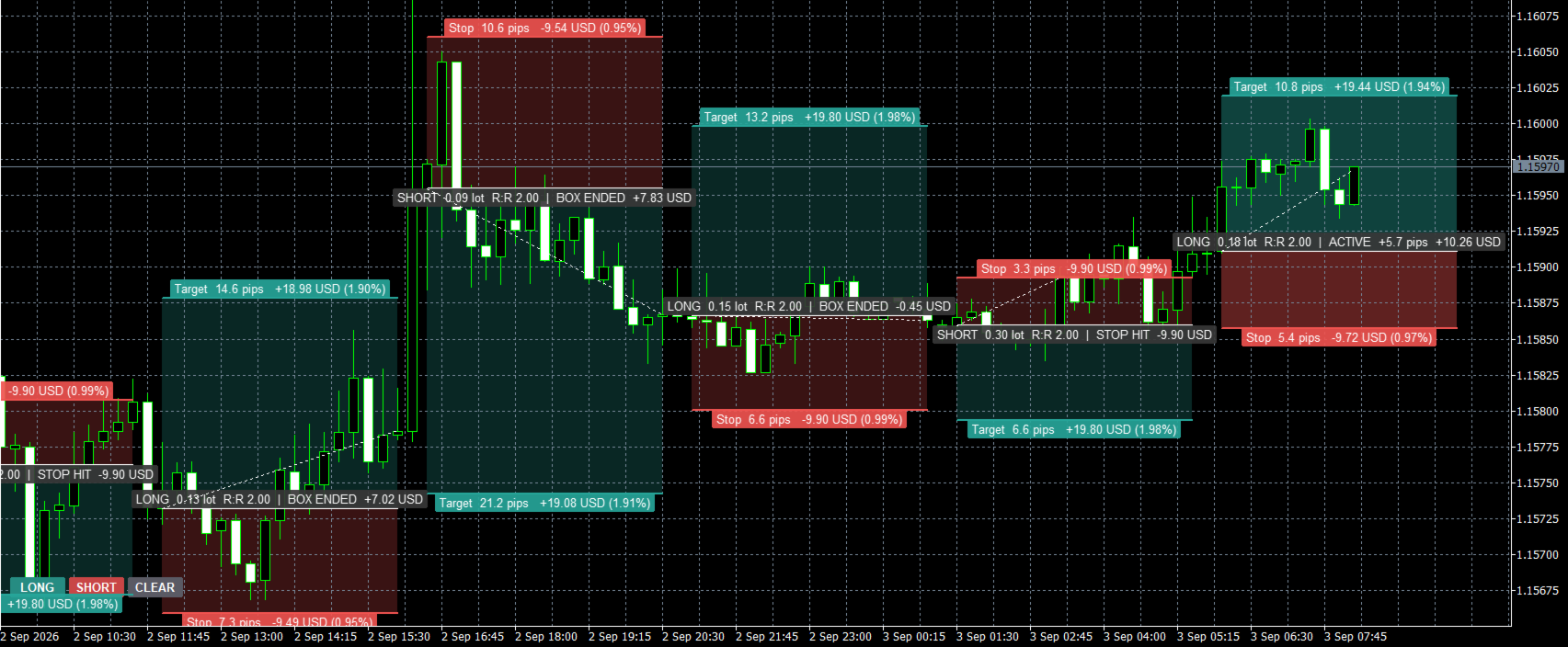
- Status: WAITING, ACTIVE with live pips and money, TARGET HIT, STOP HIT, NOT FILLED or BOX ENDED
- A dotted trade path from the fill to the exit
- Labels with a solid background: readable on top of candles, on dark and on light charts
HOW IT WORKS
1. New box. Click LONG or SHORT. The box is placed at the current price with a stop of 1.5 x ATR(14) and a target of 2R.
All three defaults can be changed in the inputs.
2. Edit with the mouse. Double-click a line to select it, then drag:
- the target line: new target, the lot size stays the same
- the stop line: new stop, the lot size is recalculated so the risk stays at your setting
- the middle of the entry line: moves the whole box (to another price, or to past candles)
- an end of the entry line: changes the entry, or the width of the box Press Delete on a selected line to remove the box.
3. Lot size. The largest lot that keeps the loss at the stop within your risk, rounded down to the lot step.
It uses MetaTrader's own profit calculation, so it is right for forex, gold, indices and crypto, in any account currency.
4. Status. The candles in the box are checked: the entry fills on the first candle that trades through it, then the first
candle that reaches the target or the stop decides the result. If one candle reaches both, the stop is counted.
FEATURES
- Risk as % of balance, % of equity, a fixed amount of money, or a fixed lot size
- Account size for % (for prop firm challenges: 1% of 100,000 stays 1,000 whatever your balance is)
- Pips, points or price; gold uses 1 pip = 0.10 automatically, pip size can be set by hand
- Live P/L in pips and money while the trade is active
- Popup, push notification and email alerts: entry filled, target hit, stop hit
- Manual backtest: drop boxes on past candles and see TARGET HIT / STOP HIT / NOT FILLED with the money result
- As many boxes as you like; boxes stay after a timeframe change or a terminal restart
- Follows your chart colours (dark and light themes); target / stop colours and zone opacity can be changed
- Strategy Tester (free demo): the buttons work, and demo boxes are placed automatically so you can watch it work
- EAs and scripts can add a box with a chart event (described in the user guide)
- Light: a box is redrawn only when something changed
- No DLL, no web requests, no file access
NOTES
- AMD POSITION is a planning tool. It never places, changes or closes orders. You place the order yourself.
- The money values are the price move from entry to the level. Spread, commission and swap are not included.
- Because the lot is rounded down, the shown risk is usually a little below your setting (for example 0.94% instead of 1%).
- A full PDF user guide with real chart examples is available - send me a private message after purchase.
- Trading carries a high level of risk. Test on a demo account first.
INPUT PARAMETERS
================
=== Risk & lot size ===
Risk mode ..................... % of balance, % of equity, fixed money or fixed lot size (default % of balance)
Risk value .................... % / money / lots (default 1.0)
Account size for % ............ 0 = real balance / equity (default 0)
=== New position ===
Target (R multiple) ........... Default 2.0
Stop distance (x ATR 14) ...... Default 1.5
Box width (bars) .............. Default 40
=== Display ===
Distance unit ................. Pips, points or price (default pips)
Pip size in price ............. 0 = automatic (default 0)
Font size ..................... Default 8
Button corner / X / Y offset .. Default left lower corner, 10, 30
Delete boxes when removed ..... Default true
=== Colors ===
Target zone, stop zone, zone opacity (default 40%)
=== Alerts ===
Popup alert (default true) / Push notification / Email (default false)