Expert Actions
- ユーティリティ
- バージョン: 2.50
- アクティベーション: 10

ExpertActions: manage all Expert Advisors of your terminal from one chart
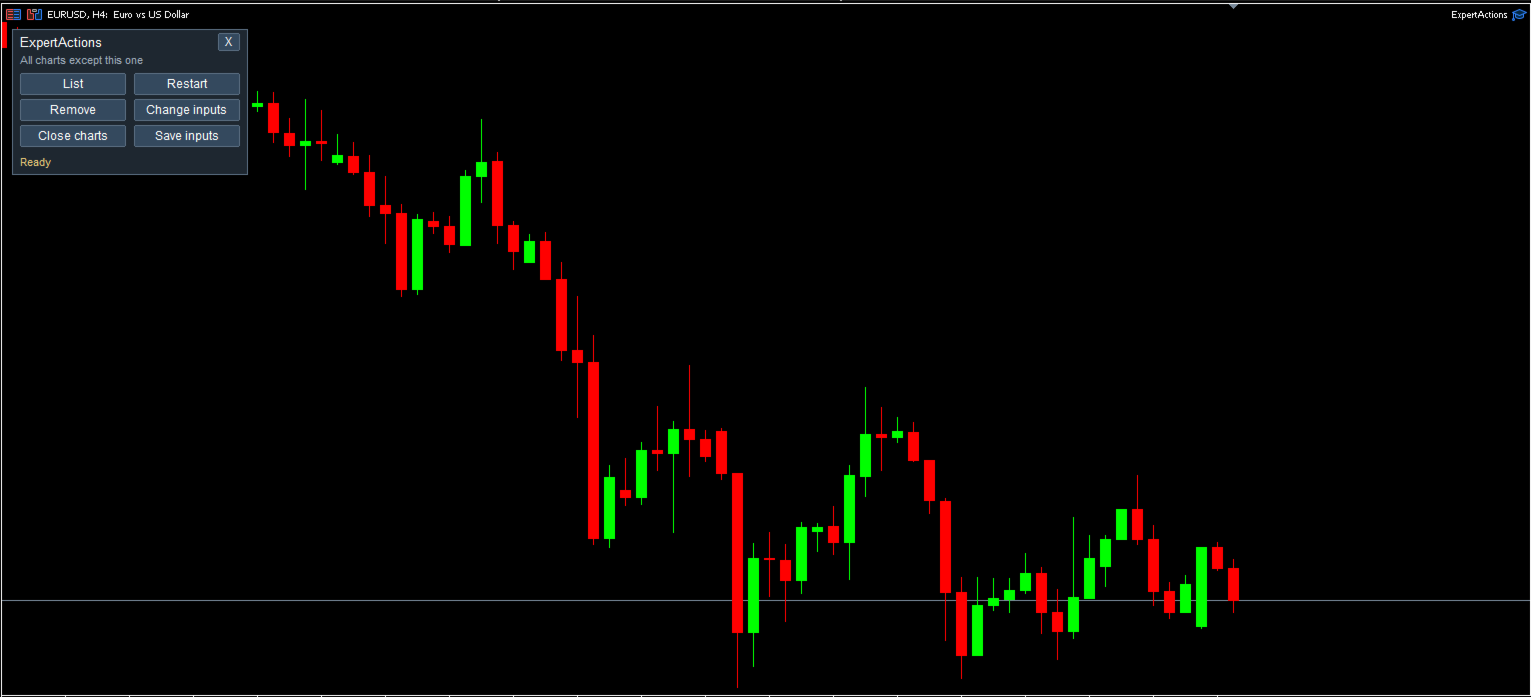
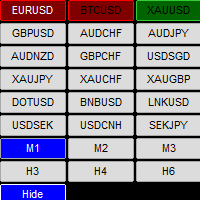
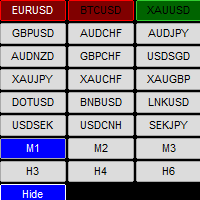
Running many EAs on many charts? ExpertActions lets you list, restart and remove them, load and save their inputs and close charts, all from one small panel, without opening each chart and each input dialog. You can also do it from your phone with your own Telegram bot.
User guide and free demo: Guideline
The demo (demo accounts only) can be downloaded from the guide or directly here: download
Free add-on for buyers: after your purchase you also receive the add-on build ExpertActionsDLL at no extra cost. It adds Load EA (open a new chart with any EA, preset, symbol and timeframe) and Algo Trading on/off from Telegram. The add-on requires "Allow DLL imports".
Functions
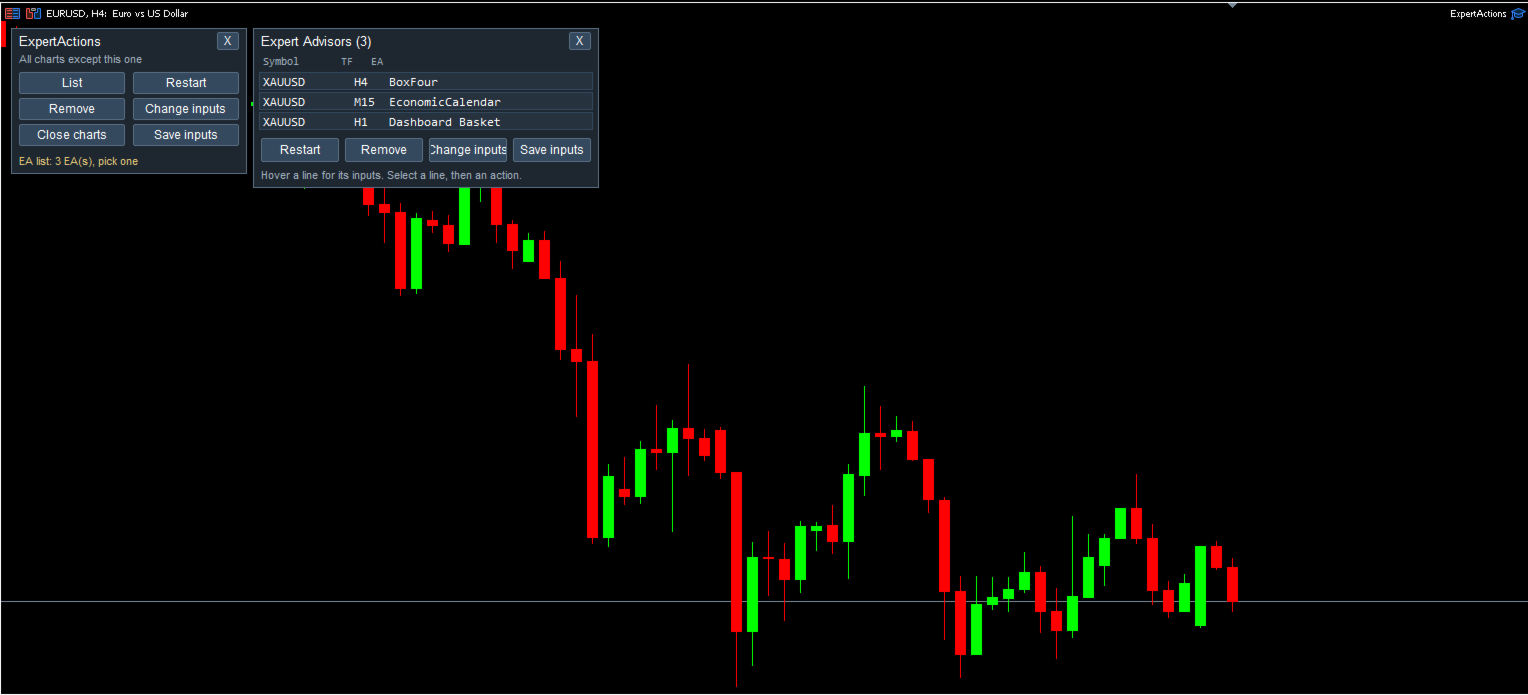
- List — every EA on the other charts with its symbol, timeframe, path and all input values.
- Restart — restart an EA with the same inputs (OnDeinit + OnInit), for example after you recompiled it.
- Remove — remove an EA; the chart stays open with its indicators and objects.
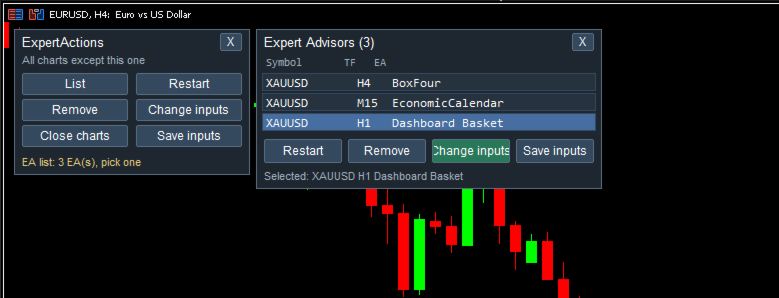
- Change inputs — load a .set preset into a running EA, with a preview of every change ( name: old -> new ) before it is applied.
- Save inputs — save the current inputs of an EA to a .set file (never overwrites an existing file).
- Close charts — close one chart, all charts except the control chart, or all charts.
- X button — remove ExpertActions itself from its chart in one click.
Telegram control
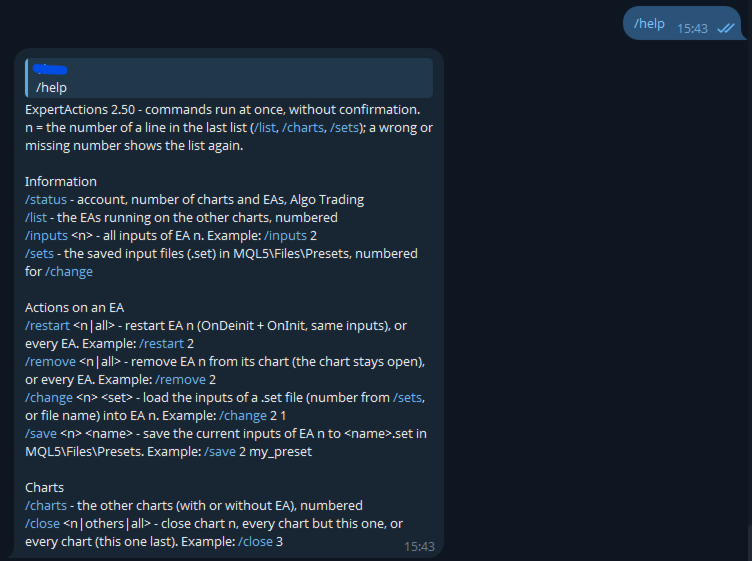
- Commands: /list , /inputs , /restart , /remove , /sets , /change , /save , /charts , /close , /status , /help .
- Numbered lists: send /list , then /restart 2 . A wrong or missing number runs nothing; the bot replies with the usage and a fresh list.
- Only one chat (your chat ID) can send commands. Old messages are skipped when the terminal starts.
- Optional reports when ExpertActions starts or stops, and after the automatic run.
- Uses the standard MQL5 WebRequest function: add https://api.telegram.org in Tools → Options → Expert Advisors.
Automatic run for VPS
Run List, Restart, Remove or "Close charts without an EA" once, a few seconds after the terminal starts, on every EA or chart, without dialogs. Optionally ExpertActions removes itself afterwards.
Safe by design
- The chart that runs ExpertActions is never changed (only "Close ALL" closes it, last, after you confirm).
- Every action in the panel works on the one EA or chart you selected and always asks for confirmation, with the list of charts or a preview of the changes.
- Every wait has a time limit: a busy terminal never freezes ExpertActions.
- Files are read and written only in MQL5\Files . The Market version uses no DLL.
- In the Strategy Tester ExpertActions does nothing.
How it works
MQL5 has no function to attach or remove an EA on another chart. ExpertActions saves the chart template, edits only the EA part (remove it, keep it, or change input values) and applies the template again, then checks that the change really happened.
Inputs
- InpApplyTimeoutMs (5000) — max wait for one chart, ms.
- InpSetFolder (Presets) — folder of the .set files inside MQL5\Files .
- InpAutoAction (None), InpAutoDelaySec (10), InpAutoRemoveSelf (false) — automatic run.
- InpTgToken, InpTgChatId, InpTgNotify — Telegram bot token, your chat ID, reports on/off.
- InpShowPanel, InpPanelX, InpPanelY — panel.
Notes
- Attach ExpertActions to a separate chart and tick Allow Algo Trading for it: EAs restarted by another program can trade only if that program may trade.
- Restart and Change inputs apply the chart template again, so the indicators of that chart are recreated too.
- Telegram commands run at once, without confirmation: check the number before you send it.
Full user guide, setup steps and troubleshooting: