Backtest Model Compare
- Utilità
- Versione: 1.0
- Attivazioni: 5

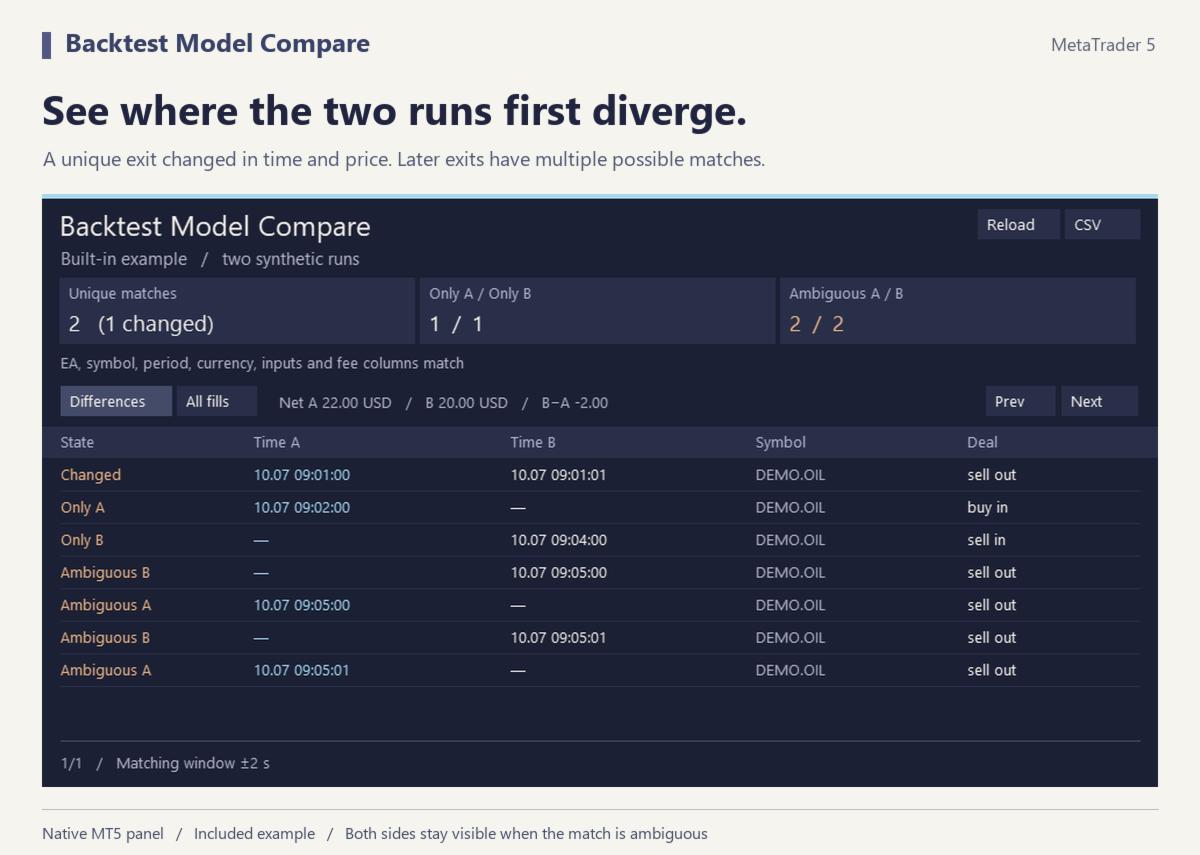
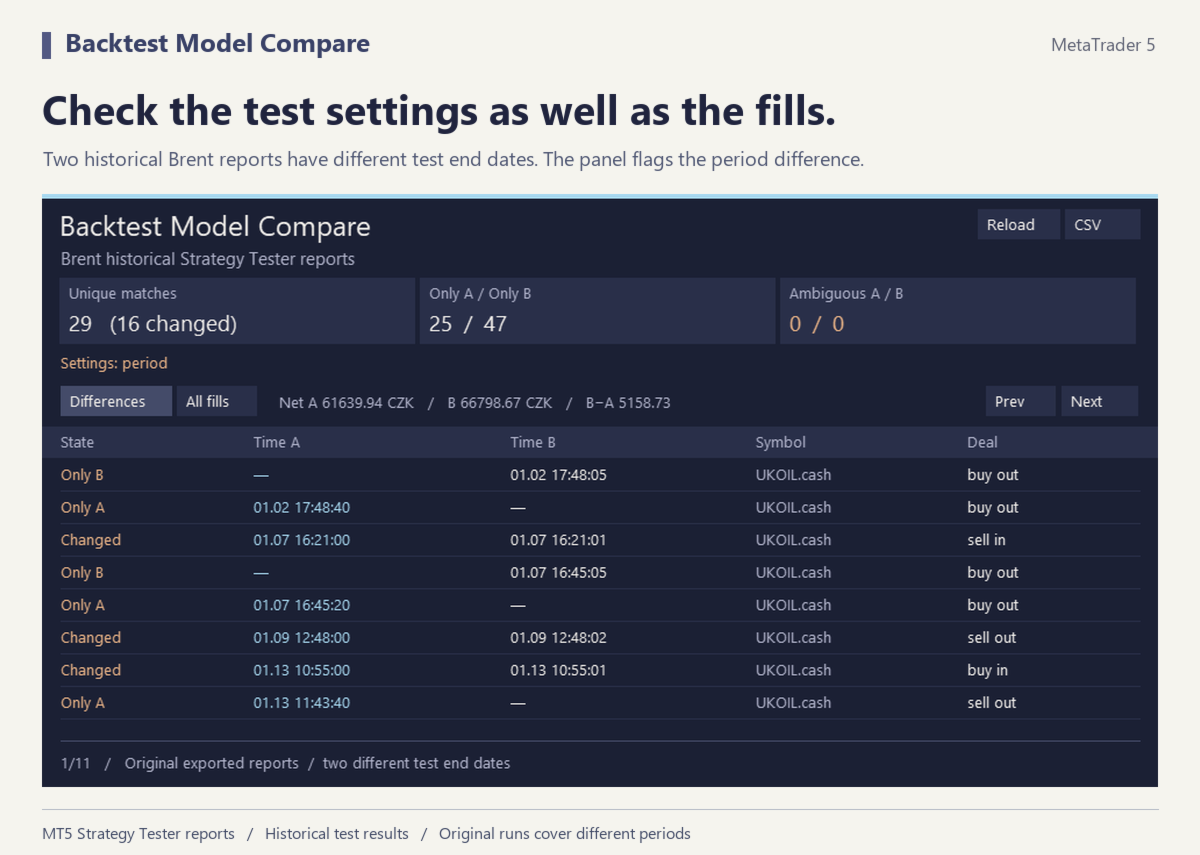
Find the first fill where two completed MT5 tests differ. Backtest Model Compare reads the Deals tables from two standard Strategy Tester HTML reports. The chart shows matching fills, changed fills, fills found on one side only and fills with several possible matches.
Load two runs
1. Save the Strategy Tester report for each completed single test in HTML format. Copy the two .htm or .html files into the terminal’s MQL5/Files folder. A subfolder is fine.
2. Attach the utility to a separate desktop MetaTrader 5 chart. Enter the two relative filenames in the inputs. Leave both filenames empty to explore the built-in example first.
3. Choose the time tolerance and select Differences or All fills. Read the table in time order and click a row to inspect its deal tickets and prices. After replacing a report file, click Reload.
How matching works
A candidate must have the same symbol, buy or sell side and entry or exit direction. Its timestamp must fall inside your matching window. A match is accepted when each fill has exactly one candidate in the other report. Deal ticket numbers can change between runs. Multiple candidates stay marked as ambiguous, and zero tolerance requires the reported timestamps to match.
The tool compares fill time, price, volume, profit, commission, swap and the fee column when both reports supply it. The header flags differences in the reported expert, symbol, period, inputs, currency or fee coverage. The CSV export contains both sides of every row, including unpaired and ambiguous fills.
Supports standard English and Czech MT5 single-test HTML reports in UTF-16 LE or UTF-8, up to 32 MB each. The totals cover reported buy and sell deals. A report records fills and its timestamp precision limits matching. A missing fill alone cannot identify a missing strategy signal or establish why two modelling methods diverged. All processing takes place in your desktop terminal.