Session Range Map
- Indicatori
- Versione: 1.1
- Aggiornato: 22 novembre 2026
- Attivazioni: 5

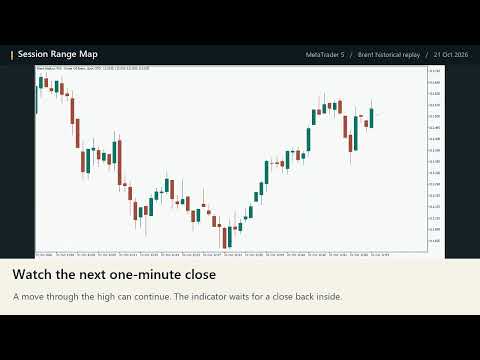
Where are the high and low of your chosen session, and when did price first trade beyond a level and close back inside? Session Range Map draws the completed range on your desktop MetaTrader 5 chart. It can send a text alert to your phone when a new return is confirmed.
Set a session by broker time
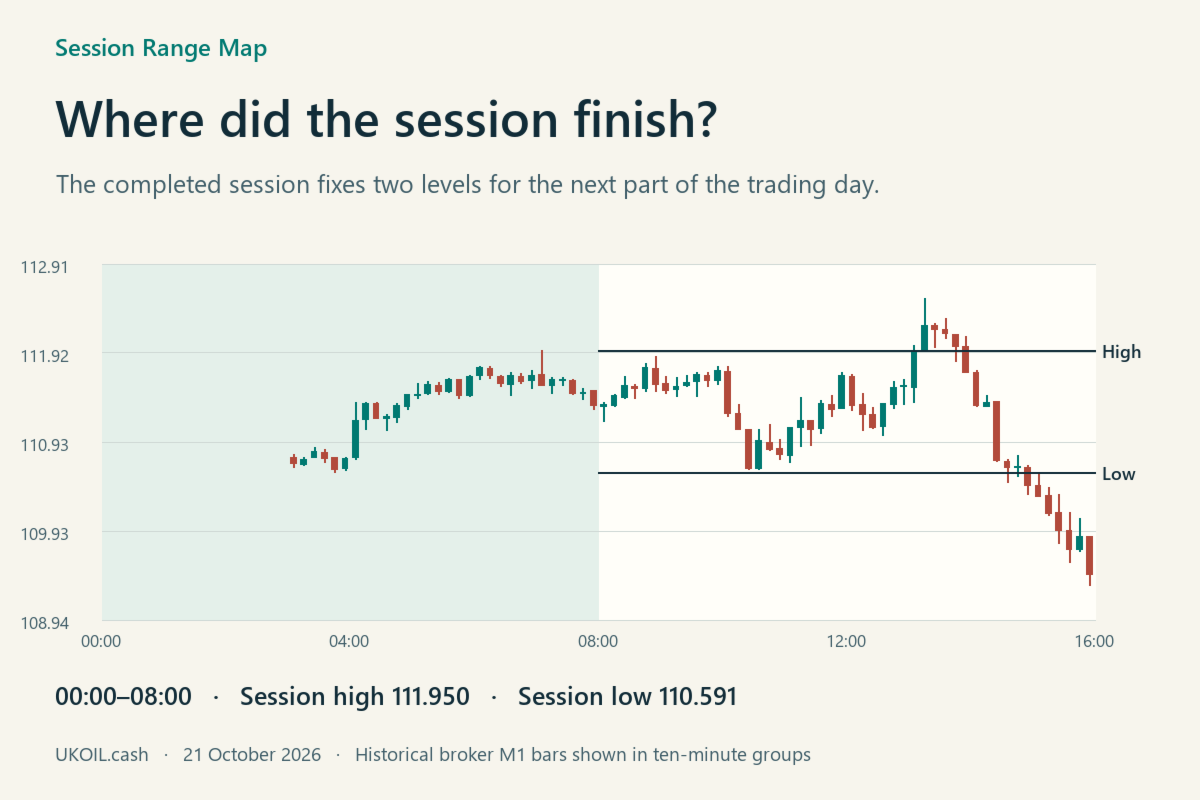
Enter the opening and closing times as HH:MM. The default window runs from 00:00 to 08:00 on the broker clock. A start later than the end defines an overnight window. Choose between 1 and 30 calendar days of history. If your broker changes its offset, adjust the inputs to follow a session defined in another time zone.
The indicator builds each range from available one-minute bars. The two horizontal lines begin when the window closes and extend up to the next scheduled start. The high and low stay fixed after the close. Optional daily lines show the current trading day's opening price and the previous trading day's high and low.
Read a return marker
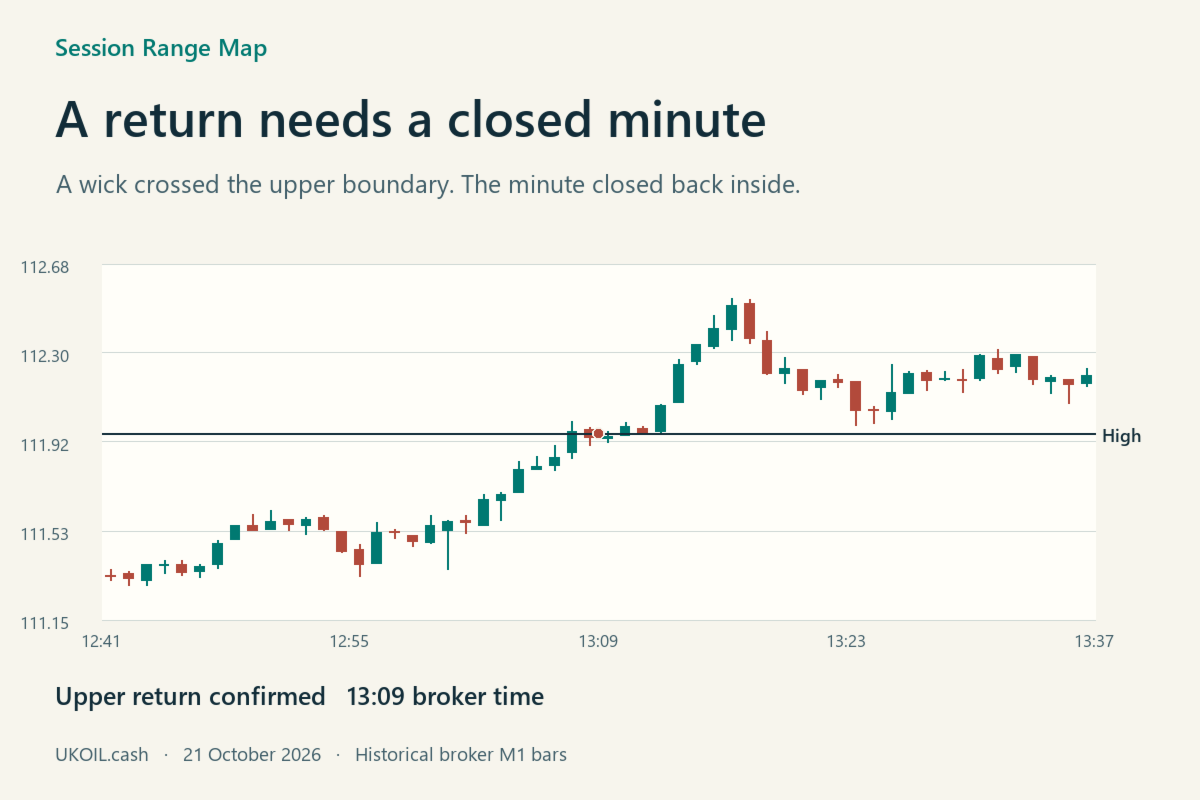
An upper return requires a completed M1 bar with a high strictly above the session high and a close back inside the range. A lower return uses the same rule at the session low. A touch alone is insufficient. The marker sits at the minute's closing time. Each side can be marked once per window, including both sides on one wide bar.
The lower-left chart label identifies the most recently completed range. Hover over a level to read its price. The result depends on the M1 bars available from your broker. A session with no observed bars has no range. On higher chart timeframes the calculation still uses M1 data.
Mobile push is off by default. To receive text alerts, set up Notifications in desktop MT5 and leave the terminal running. Historical markers are drawn silently when you attach the indicator. The chart overlay runs on desktop MT5.