Live Chart Notes MT5
- Indicatori
-
George Kamwanga
 Hello, I'm George, a trading algorithms developer here on MQL5.com Market. I build professional expert advisors, indicators and other trading utilities for MT4 and MT5.
I aim to offer products that have good trading value, support and user experience for my customers. - Versione: 1.0
- Attivazioni: 10
Think on the chart, not beside it.
Your trading decisions happen on the chart. Your observations, ideas, setups and mistakes should be there too.
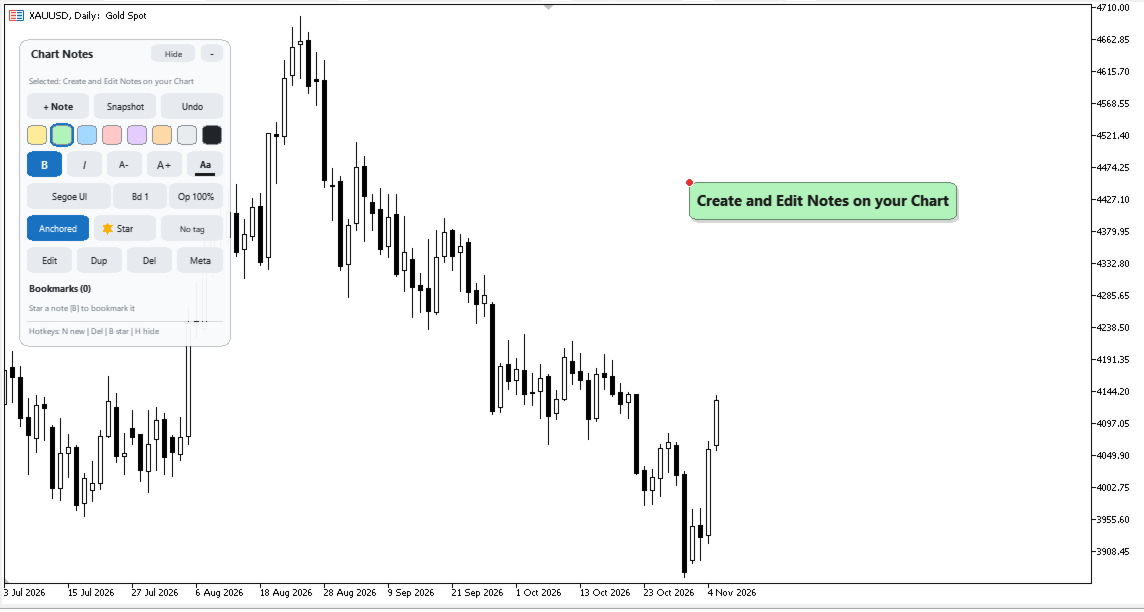
Live Chart Notes is a chart-annotation utility for MetaTrader 5 that lets you create, organize and manage notes directly on your trading charts.
Pin a thought to a specific candle, mark an important price level, record a trading idea or document a mistake. Your notes remain associated with their original chart locations, even when you scroll, zoom, change timeframes or restart the terminal.
No more scattered sticky notes, disconnected text files or trying to remember why you took a trade.
THE PROBLEM
It's Friday afternoon. You're reviewing the week's trading activity.
You remember watching an important price level on Tuesday. You remember having a reason for entering a particular trade. But where did you write it down?
A sticky note says "watch this level."
A text file says "retest = entry?"
Neither tells you which candle, which day or which instrument you were referring to.
The context behind your decisions gradually disappears.
MetaTrader is built around charts, but keeping your trading observations organized directly on those charts shouldn't require external applications.
THE SOLUTION
Live Chart Notes turns your chart into a workspace for your trading thoughts.
Press N, type your observation and place a note exactly where it belongs.
Notes can be anchored to price and time or fixed to the screen as conventional sticky notes.
They remain saved per symbol and persist across timeframe changes and terminal restarts.
When it's time to review your trading, you don't have to reconstruct your thinking.
You simply read it.
KEY FEATURES
1. Candle-Anchored & Fixed Notes
-
Anchor notes to specific price and time coordinates.
-
Alternatively, keep notes fixed on the chart screen.
-
Easily distinguish anchored and fixed notes using visual indicators.
-
Notes remain in their original positions when scrolling, zooming or changing timeframes.
-
Notes are saved per symbol and persist after restarting MetaTrader 5.
2. Precise Note Placement
-
Preview note placement using a ghost indicator before committing.
-
Magnet snapping to the candle's Open, High, Low or Close.
-
Live price and time information while positioning notes.
-
Place annotations precisely where your observations belong.
3. Customizable Note Styling
Make your notes visually meaningful and easy to distinguish.
-
Eight highlight colours.
-
Bold and italic formatting.
-
Four font options.
-
Adjustable font size and text colour.
-
Customizable border width and opacity.
-
Your last-used style is retained for faster note creation.
4. Tags, Bookmarks & Organization
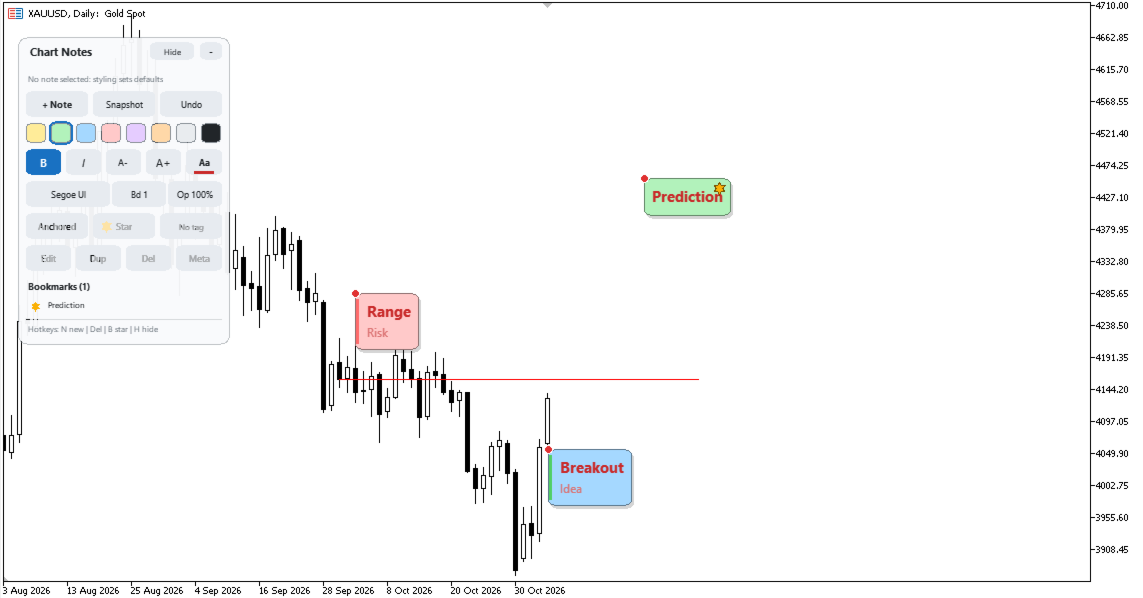
Organize your trading observations using built-in categories:
-
Setup – Potential or confirmed trading opportunities.
-
Idea – Strategies, observations and hypotheses.
-
News – Market events and fundamental observations.
-
Risk – Risk-related warnings and considerations.
-
Mistake – Errors and lessons worth remembering.
Star important notes and use bookmarks to navigate directly to their locations on the chart.
5. Chart Snapshots & Review
Preserve your trading analysis for later reference.
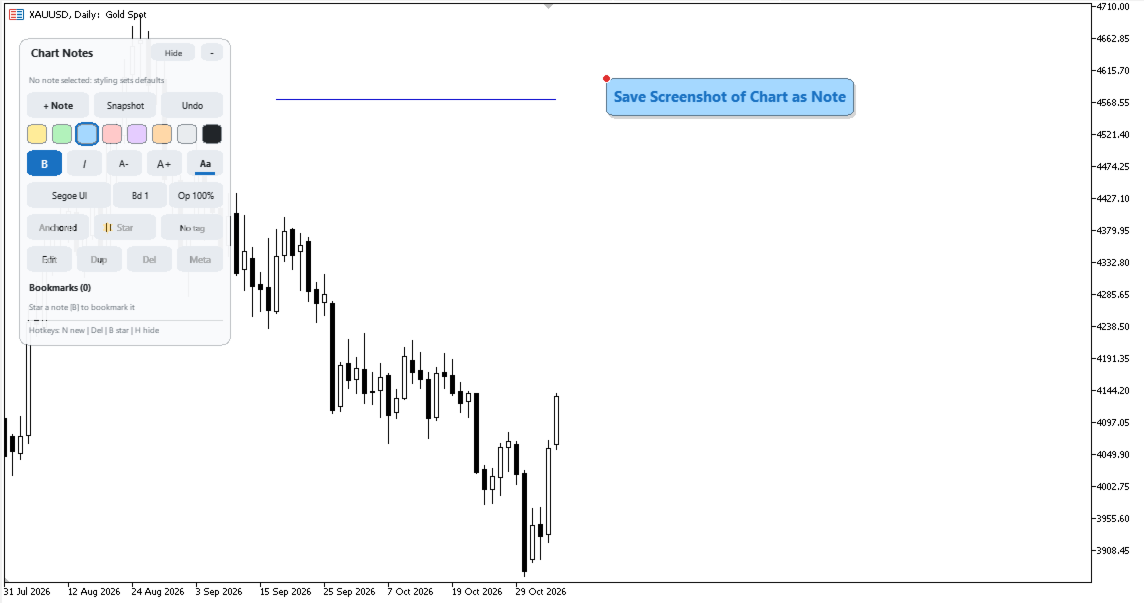
With one click, export:
-
A PNG image of your chart.
-
A Markdown file containing your notes.
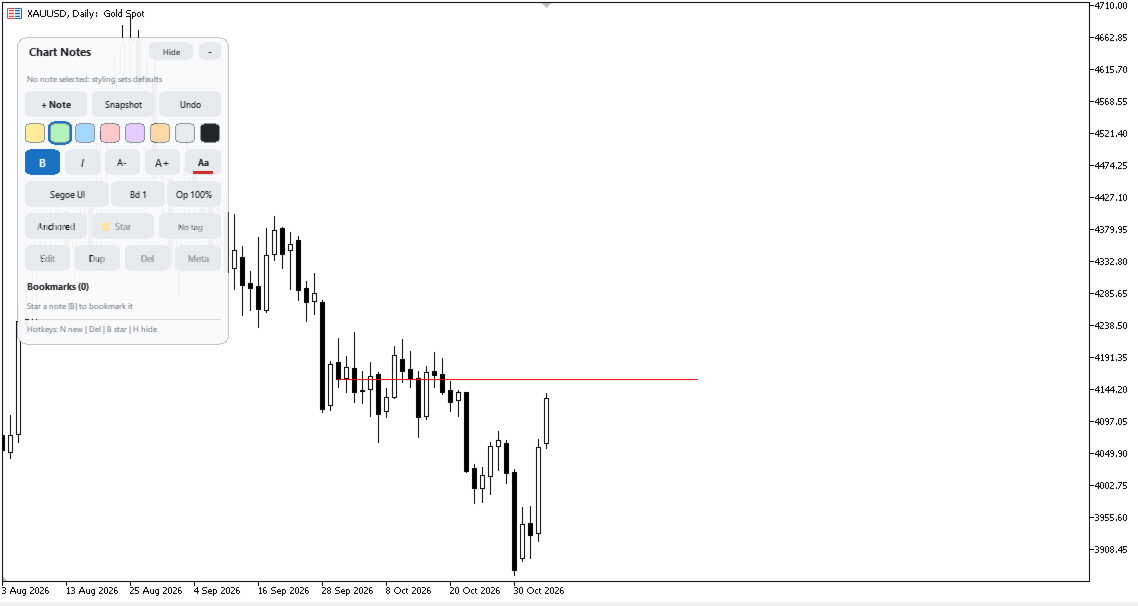
The notes panel automatically hides during the snapshot process, keeping your exported chart clean.
6. Lightweight Chart Interface
-
Compact, draggable and collapsible control panel.
-
Lightweight note rendering.
-
Designed to keep chart interaction smooth while dragging, scrolling and navigating.
KEYBOARD SHORTCUTS
| Shortcut | Action |
|---|---|
| N | Create new note |
| Enter | Edit selected note |
| Del | Delete selected note |
| B | Bookmark note |
| H | Hide/show all notes |
| P | Take chart snapshot |
| 1–8 | Select highlight colour |
| Ctrl + Z | Undo |
| Ctrl + D | Duplicate note |
| Ctrl + E | Open paste-friendly editor |
YOUR NEXT FRIDAY REVIEW
Open your charts.
Your observations are exactly where you left them. Your notes are tagged, your important ideas are bookmarked, and your trading history has context.
The Mistake notes remind you what to avoid.
The Setup notes show you what worked.
The Idea notes preserve what you want to investigate next.
Instead of relying on memory, you have a record of your thinking, attached to the market conditions that inspired it.
Live Chart Notes
Think on the chart, not beside it