Glisten Bars
- Experts
- Versione: 1.0
- Attivazioni: 5

#Designed for XAUUSD only
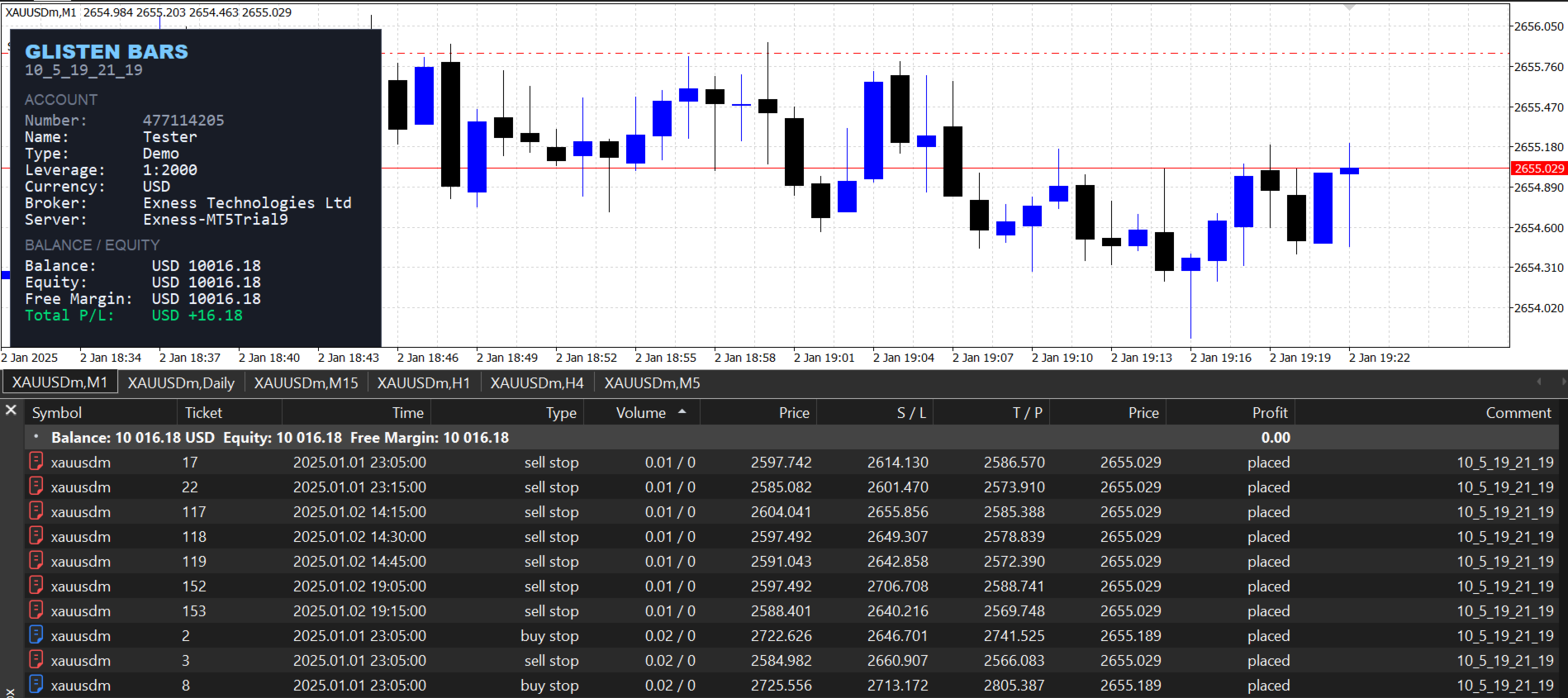
#Attach to 1 Minute timeframe only
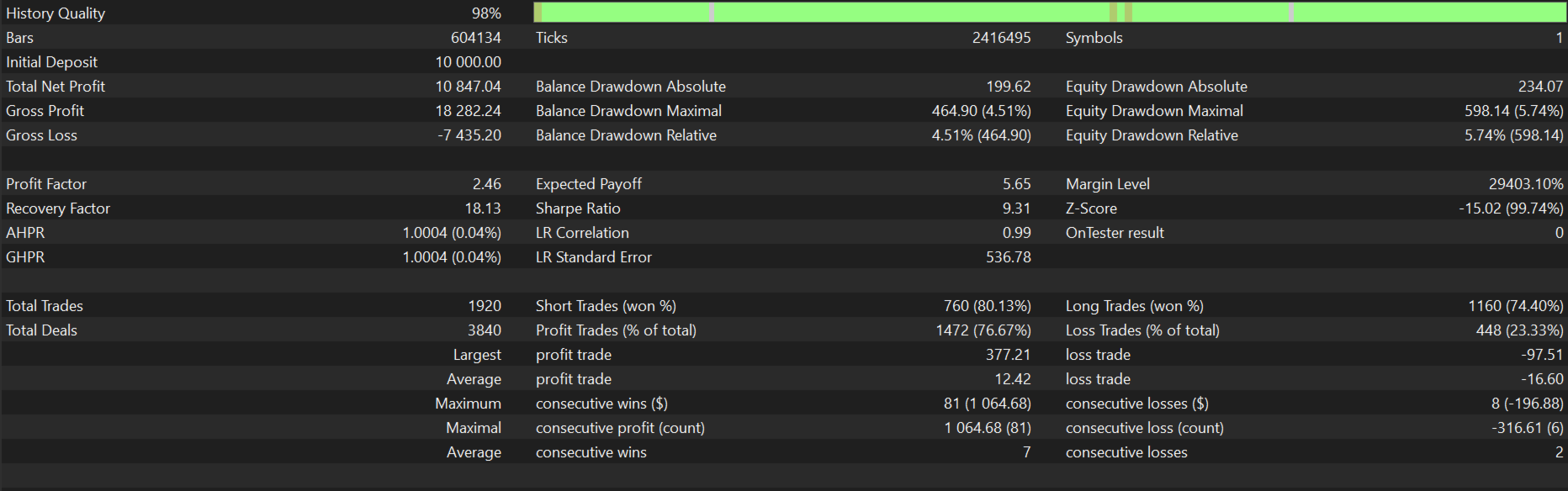
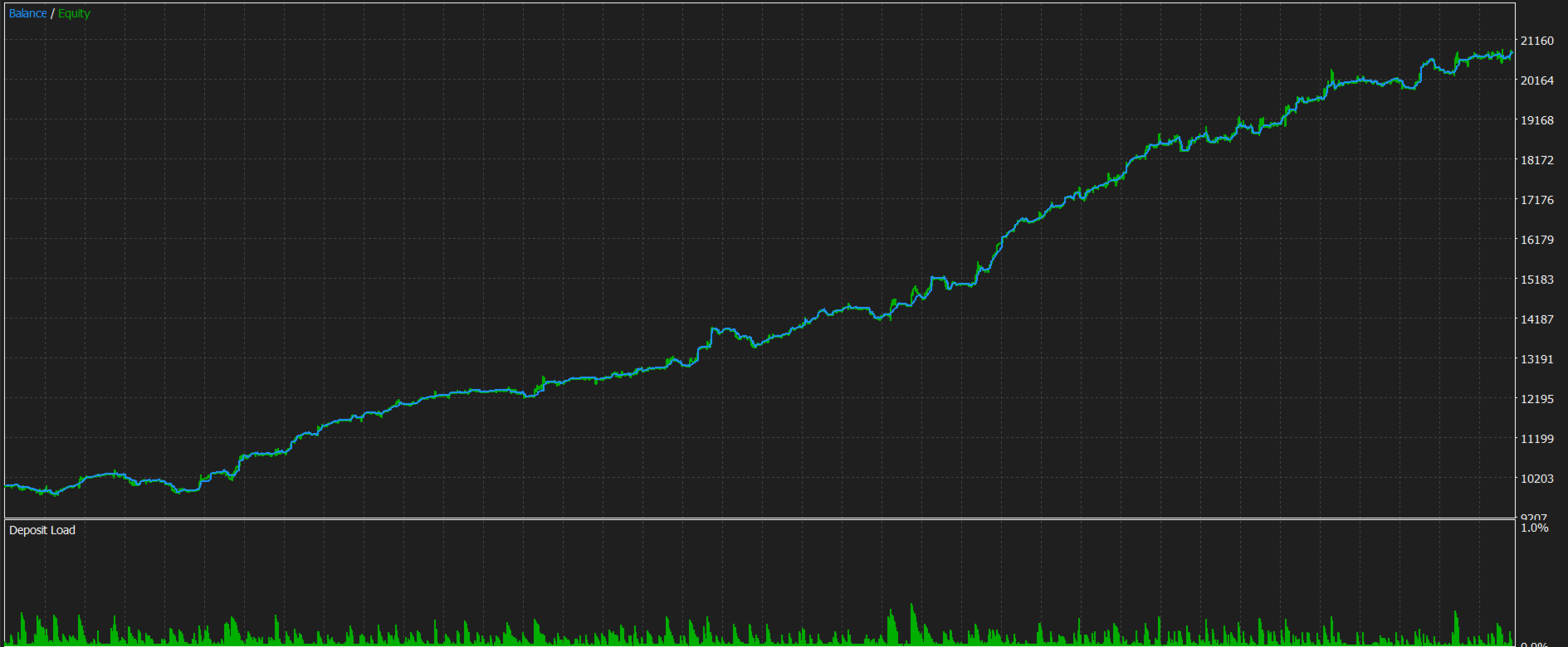
Glisten Bars is a breakout Expert Advisor that identifies Swing Highs and Swing Lows across multiple timeframes such as Daily, 4-Hour and 1-Hour and confirms those zones with trend validation from a higher timeframe such as the Weekly. It uses a combination of indicators to validate these zones, then places pending orders near these levels at lower timeframes. Once a trade is open, entries are followed through by serious risk management designed to lower drawdown .
The Reality
Trade Modes
- Normal Mode: Places fewer trades and applies a higher breakout filter, so only the highest-quality setups are taken.
- Measured Mode: Places more trades and uses a lower breakout filter, capturing more opportunities. Despite the difference in trade frequency, the drawdown and profit profiles of both modes remain close, making either mode suitable depending on how active you want the EA to be.
- No Risky recovery systems employed
- Minimum deposit 600 $
- Friday Purge all trades filter: A Friday Stop Hour input that closes all open trades and pending orders at the chosen broker hour on Friday, so you are not holding positions over the weekend gap. (Set to 25 to disable.). This uses broker time.
- NFP Friday Filter: Automatically detects the Non-Farm Payrolls release each month provided its on Friday. With the NFP Minutes Before and NFP Minutes After window you control exactly how far around the event the EA pauses. The NFP Close Pending Orders option cancels pending orders during that window so the EA is not exposed to extreme NFP volatility. So
- Manual News Filter: Lets you enter custom events such as FOMC, CPI or PPI in GMT using up to five news date slots (format: "DD HH:MM") . The EA converts broker time to GMT using its own GMT offset inputs (with automatic winter/summer switching if enabled) and pauses entries and pending orders during the window you specify. Open positions are never touched by this filter. It is only enabled for the current month
- So the NFP and Manual news filters uses the actual GMT time for the news as the input while the Friday purge filter uses broker time as the input. These filters are completely optional.
- Variable Lotsize: Where you choose the Maximum or Mean lot and trades will have lots that vary around the chosen lot.
- Fixed Lotsize: One fixed lot size on every trade.
- Max DD based Lotsize: Sizes each trade according to a Maximum Total Drawdown permitted input, keeping risk consistent as the account grows and protecting the equity curve when markets become difficult. This doesnt cap trades but only deals with lotsize
- Note: You can also cap risk further with the Maximum Total Drawdown permitted input when using the Max DD method.
Max Daily Drawdown
A Daily max Drawdown permitted protection is built in. If the account reaches the daily loss threshold you configure, the EA closes all open trades and pending orders for that day and stops trading until the next day — protecting you from cascading losses during abnormal market events.
Before attaching Glisten Bars to any chart, please make sure to do the following:
The EA should be attached to the one minute timeframe.- Turn Algo Trading ON in the MT5 toolbar — the button must be green.
- Tick "Allow Algo Trading" in the Expert Advisors settings.
- Crucial: If Algo Trading is off when the EA is attached, orders will not be placed. Turning it on afterwards will only release trades on the next bar cycle. So set it up first, then attach.