SMC Panel Pro
- Indicatori
- Versione: 1.42
- Aggiornato: 20 settembre 2026
- Attivazioni: 20

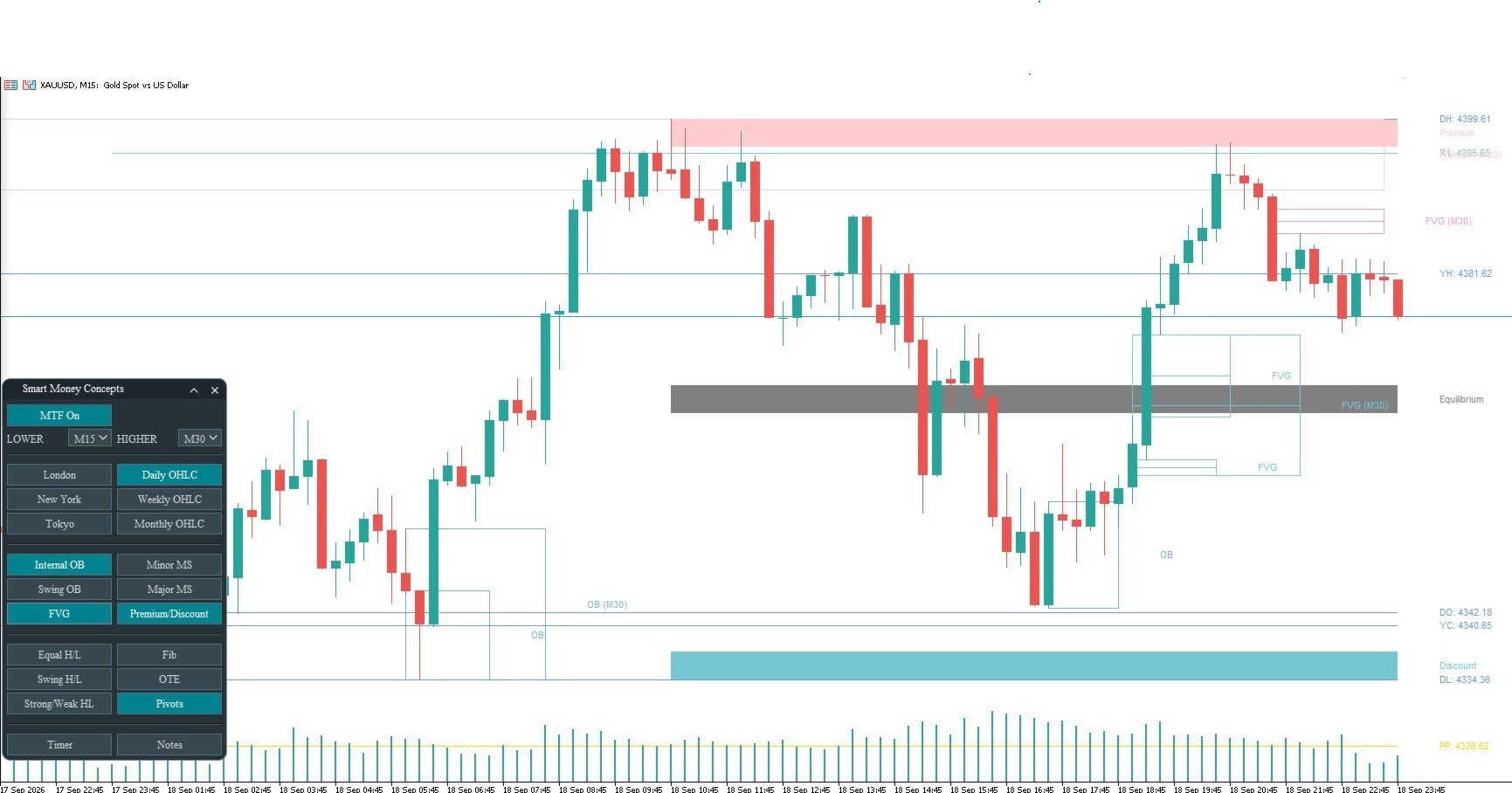
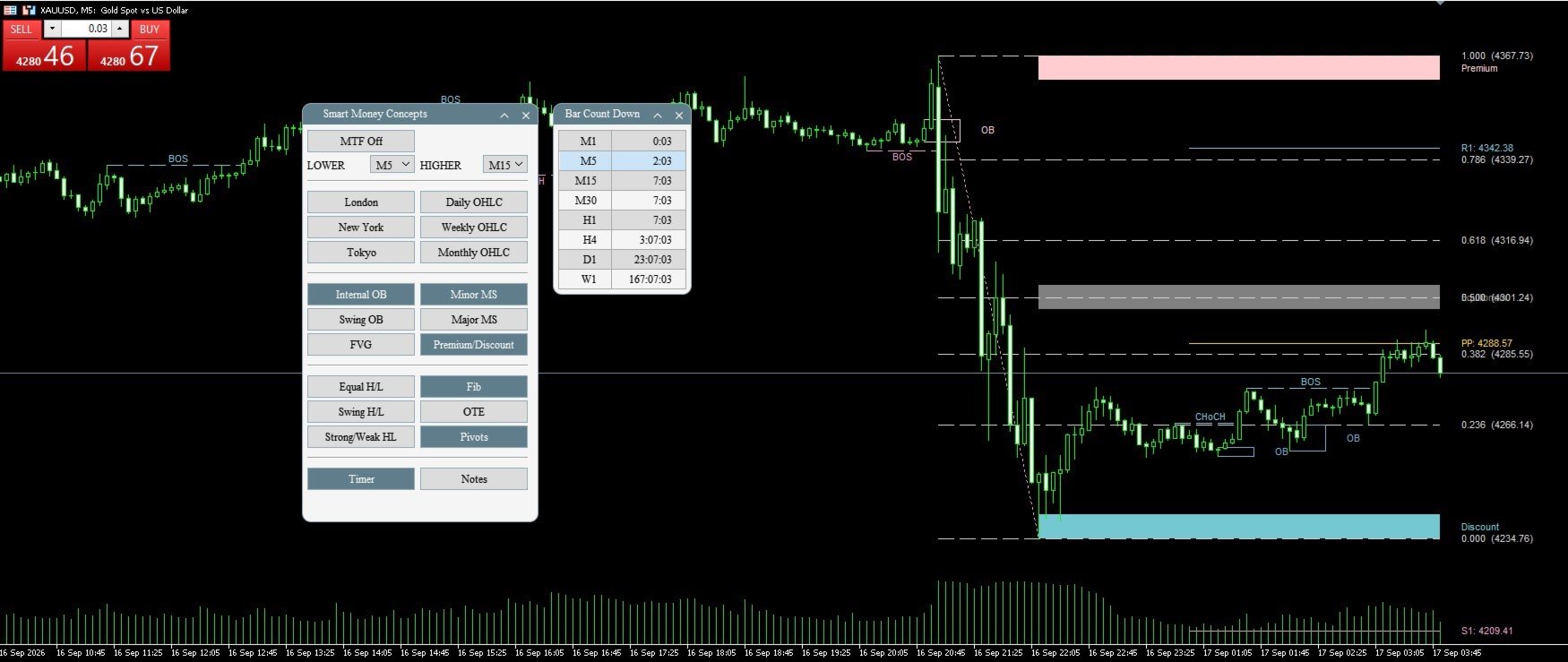
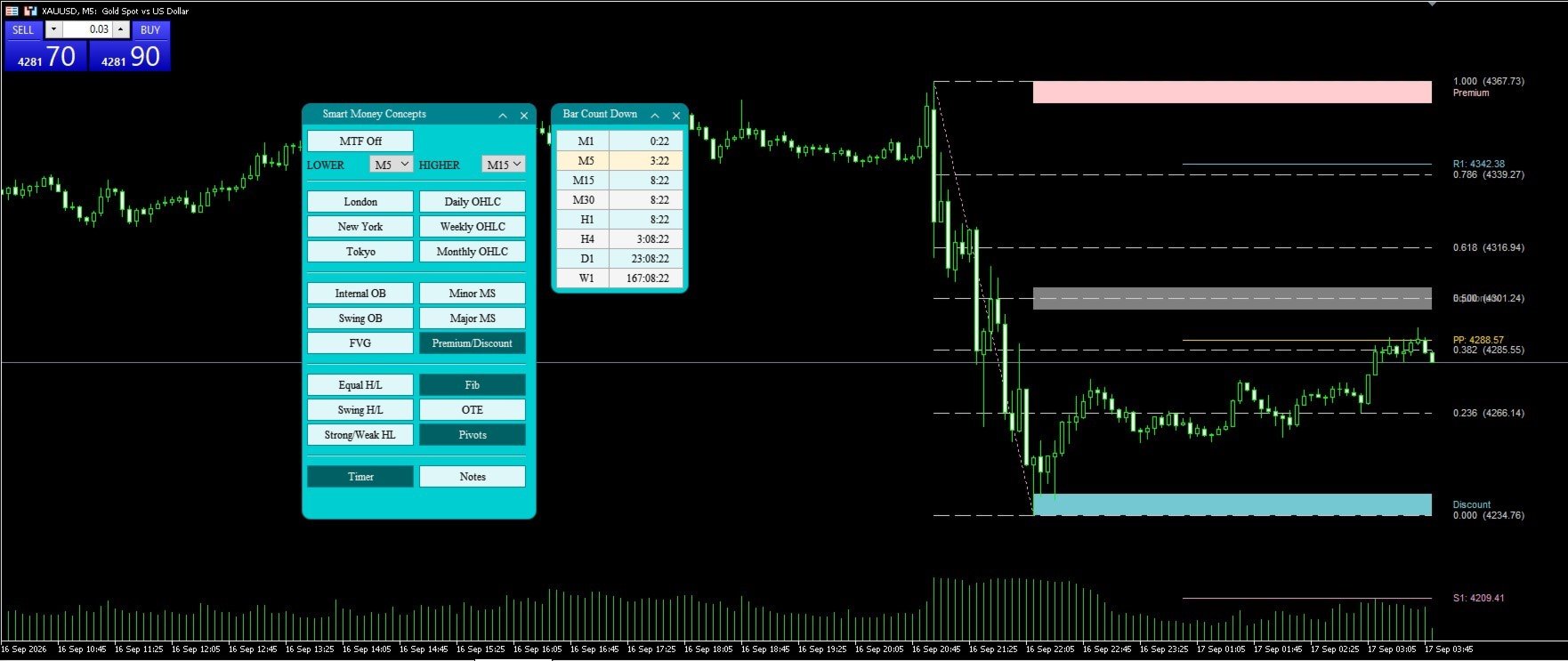
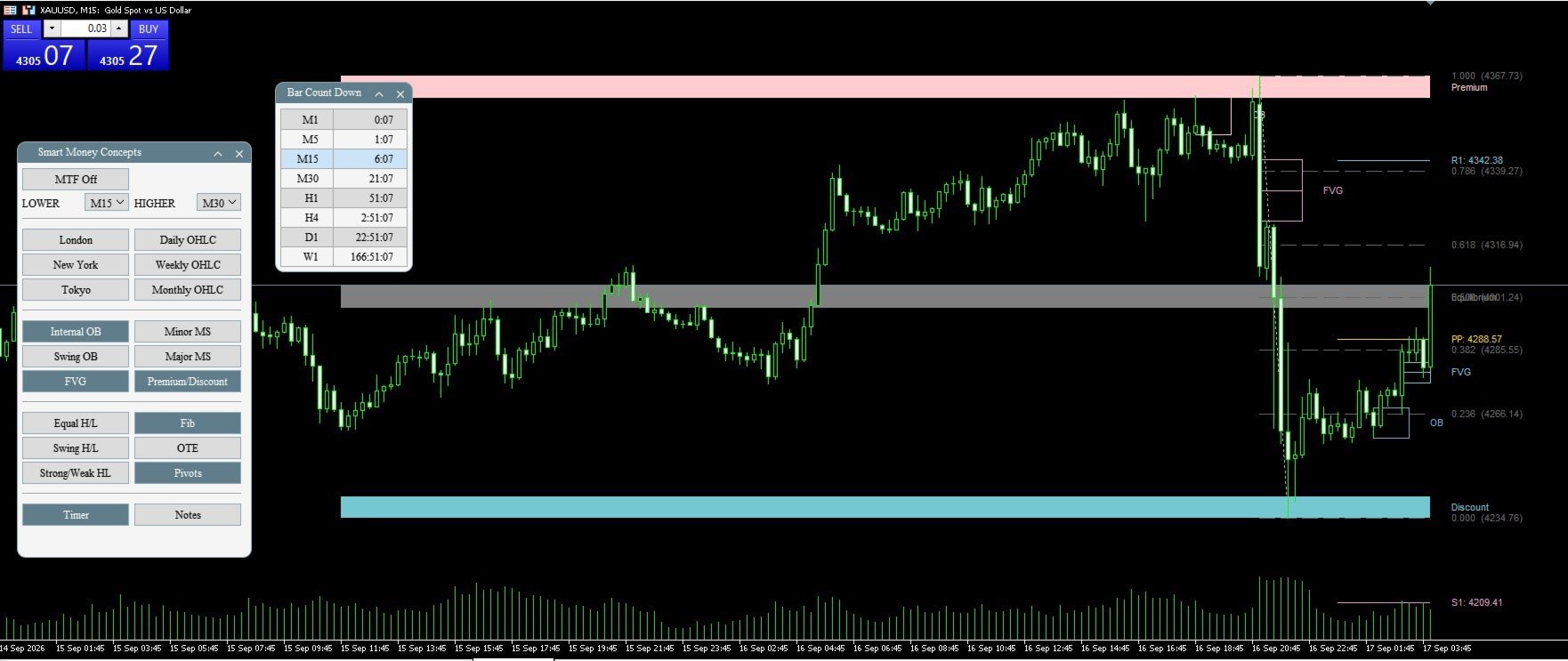
SMC Panell Pro draws the whole smart money concepts on one chart — market structure, order blocks, fair-value gaps, liquidity, premium and discount, the daily/weekly/monthly levels, Fibonacci and the Optimal Trade Entry area, kill zone sessions and classic pivots, the bar countdown in many timeframes, and a separate Notes panel that let you record your thoughts and analysis for each symbol. Each feature sits behind its own button on a compact panel, with one click to turn any feature on or off, so you only show what you want to see on the chart. It also has MTF (multiple timeframe settings available) capabilities, and you can choose any timeframe, and it will show that timeframe's feature list you selected too. It works on any symbol and any timeframe.
SMC Panel Pro - Analytics & Forecasts - 19 September 2026 - Traders' Blogs
Feature List:
- A movable, minimizable on-chart panel with one button per feature — turn anything on or off without opening the inputs.
- Three panel themes — Teal, Dark slate and Light neutral — so the panel reads cleanly on a light or a dark chart.
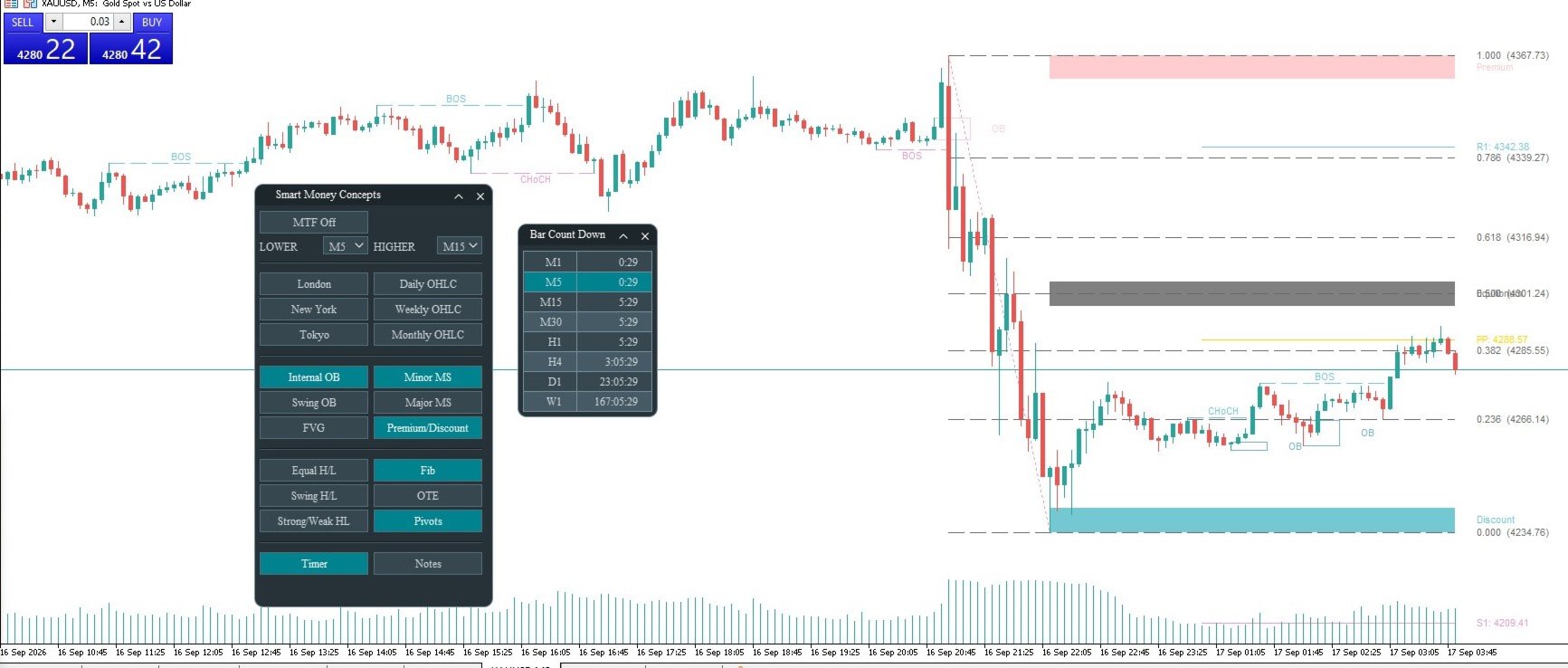
- Internal and swing market structure: BOS and CHoCH, clearly labeled
- Swing point labels plus Strong / Weak high-low tagging
- Internal and swing Order Blocks, and Fair-Value Gaps
- Equal highs and lows (liquidity), ATR-scaled (user input to allow scale level) so it works on any symbol
- Premium and discount zones and equilibrium areas
- Daily / Weekly / Monthly O-H-L-C levels with auto-merged labels if some levels are close in price
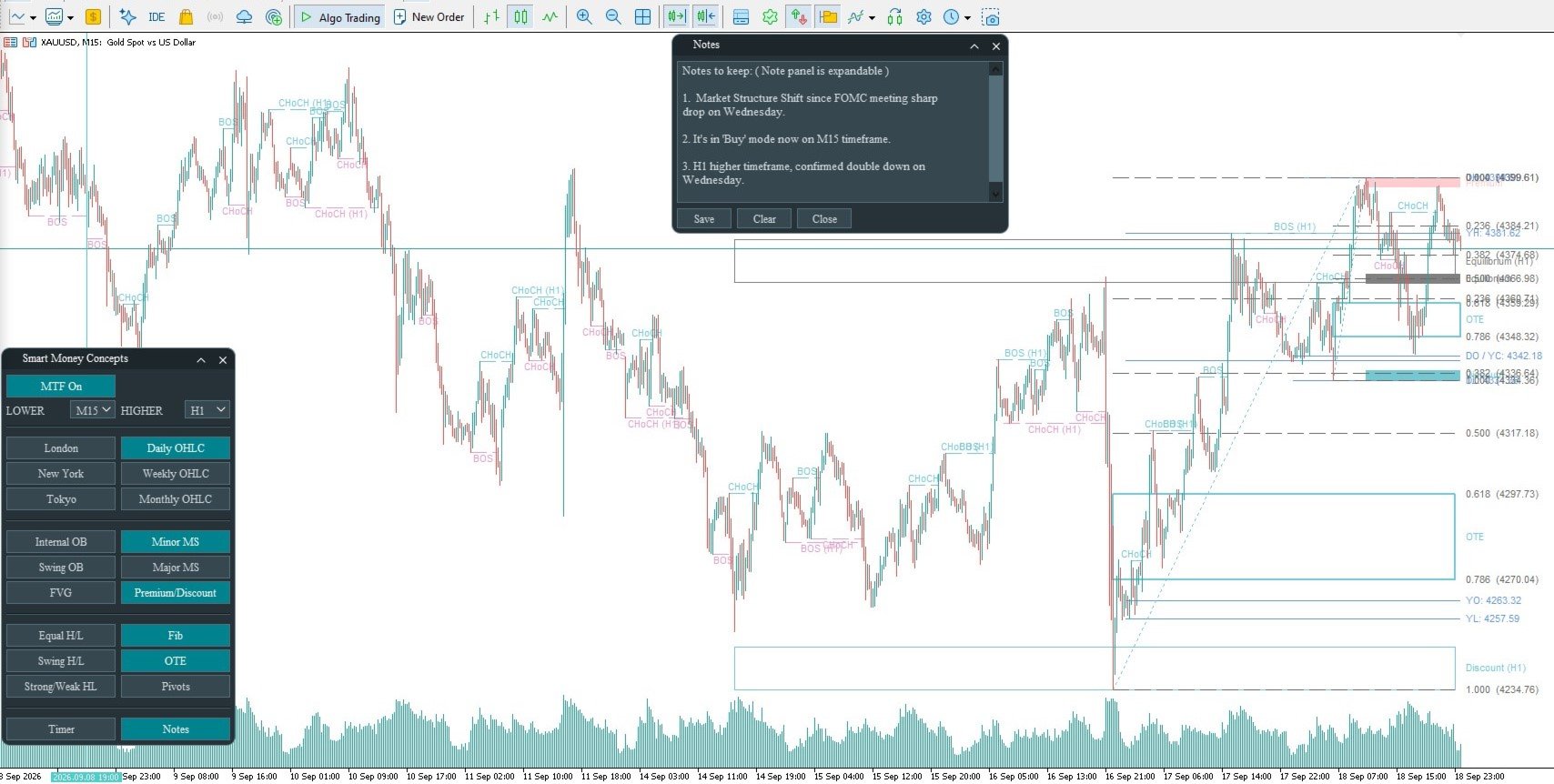
- Fibonacci retracement and Optimal Trade Entry (OTE). and added 10 user inputs to allow extensions and custom levels
- Classic daily pivots (PP, R1–R3, S1–S3; Camarilla option adds R4 / S4)
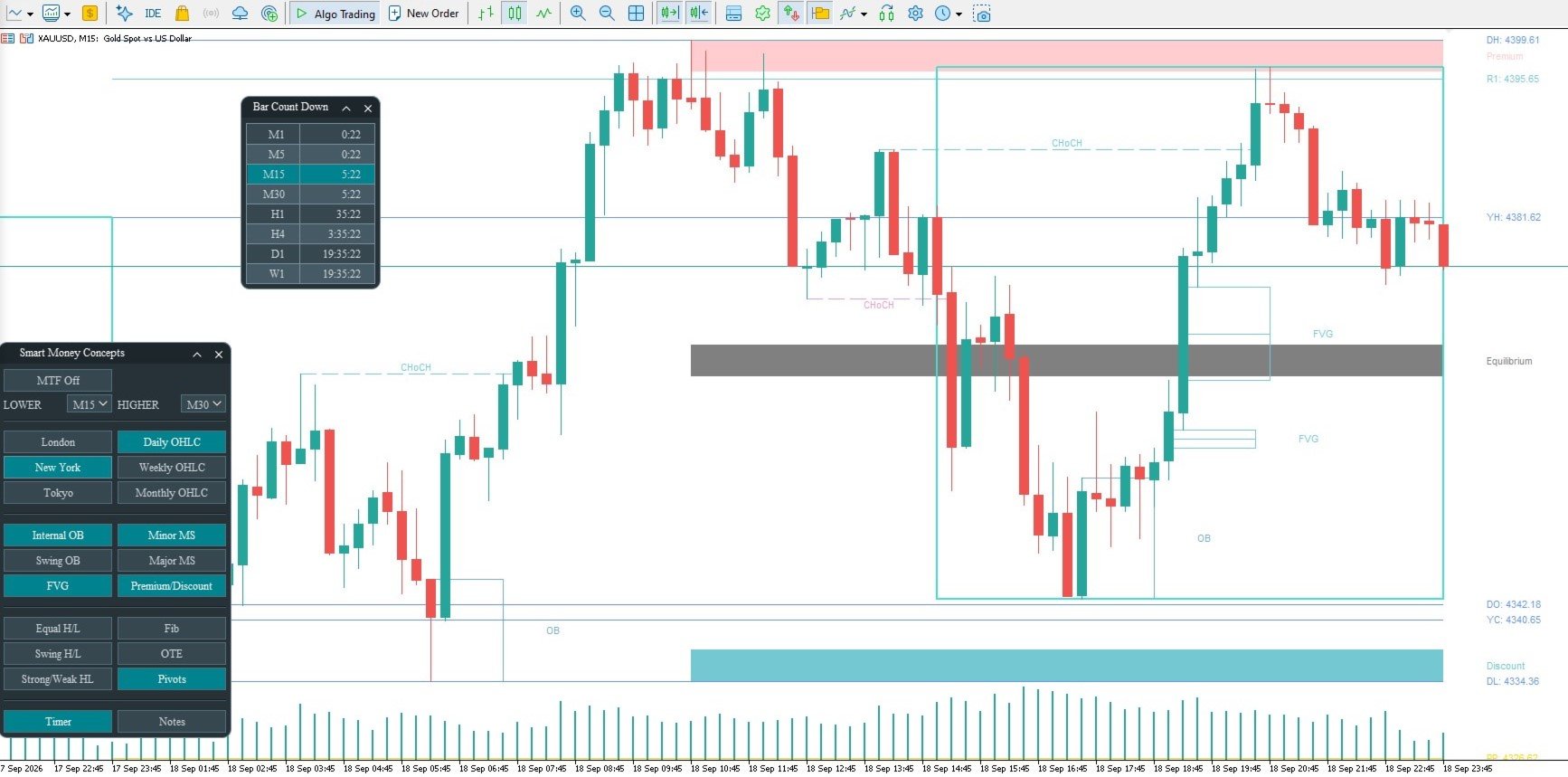
- Tokyo / London / New York session boxes with their own hours and colors, choose the box line width, and whether boxes are filled or outlined.
- Bar Count Down popup panel: bar-close countdowns for eight timeframes, your current chart's row highlighted
- Multi-timeframe overlay (Lower and Higher selectors), so you can select any feature and display both timeframes
- On-chart control panel, per-feature toggles, three panel themes
- Per-symbol Notes. The unique note panel is movable and resizable, let you record your own analysis and thoughts, and saved automatically
- No repaint of settled objects; optimized code, so it's very light on the terminal; works on any symbol and any timeframe