NICETRADE SMC INDICATOR
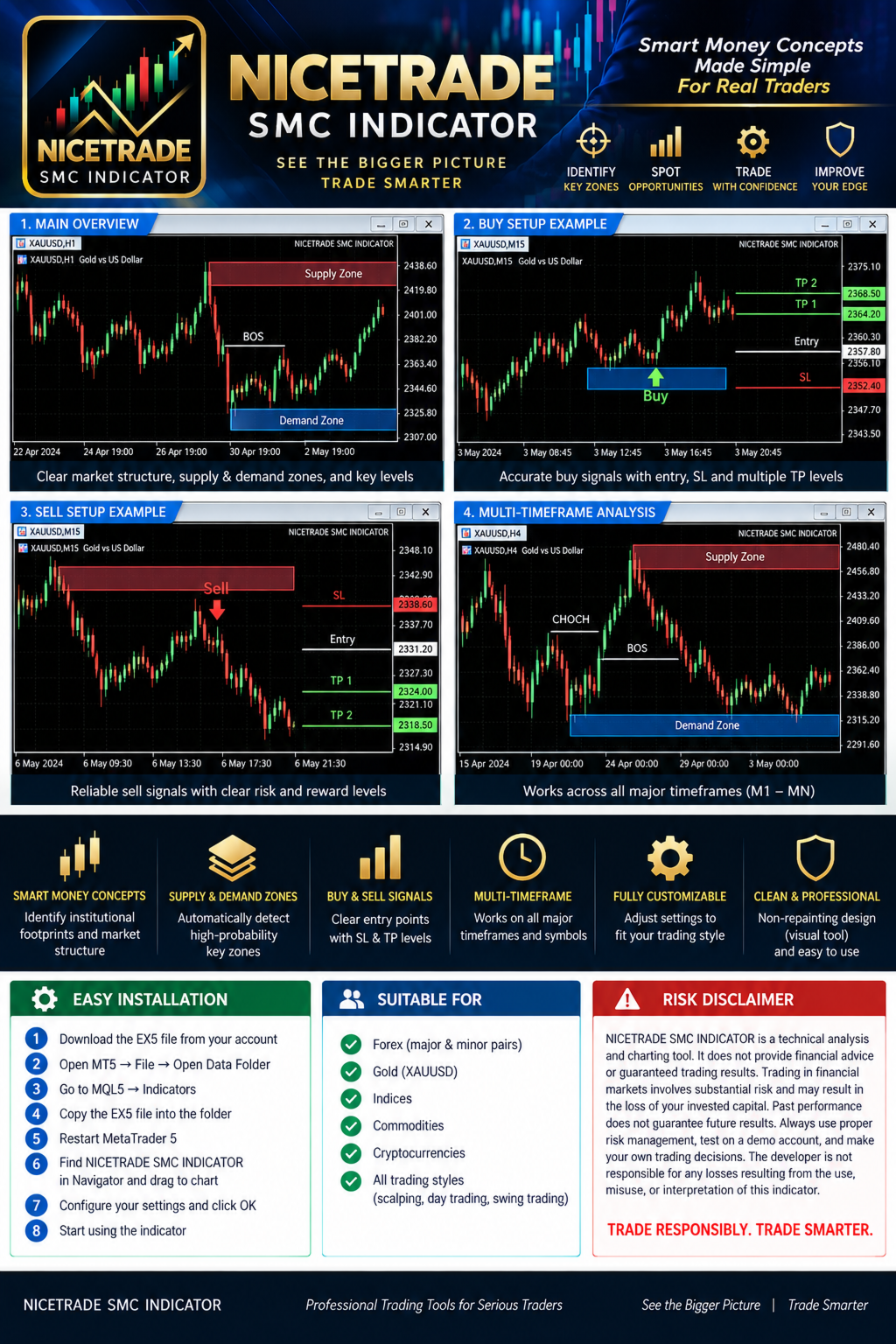
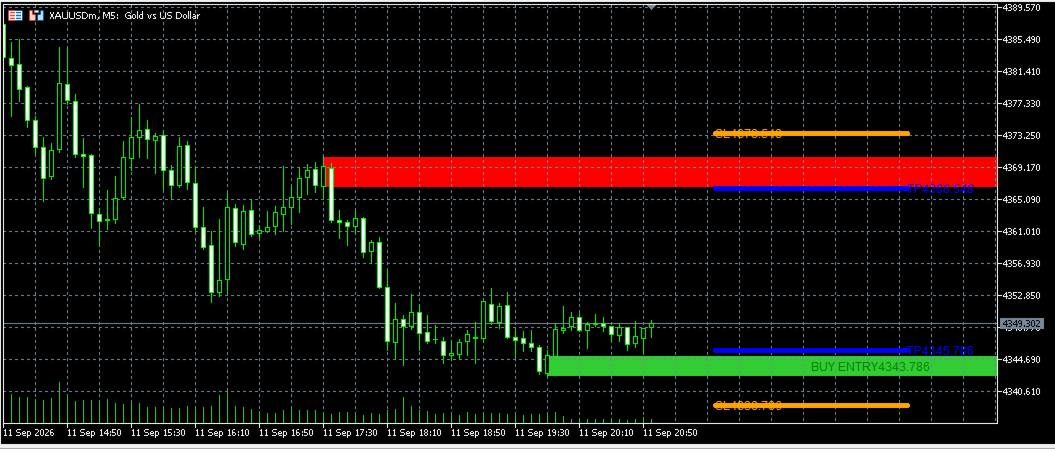
NICETRADE SMC INDICATOR is a MetaTrader 5 technical-analysis indicator designed to help traders study market structure and Smart Money Concepts directly on the chart.
The indicator is intended to assist with identifying:
• Market-structure behavior
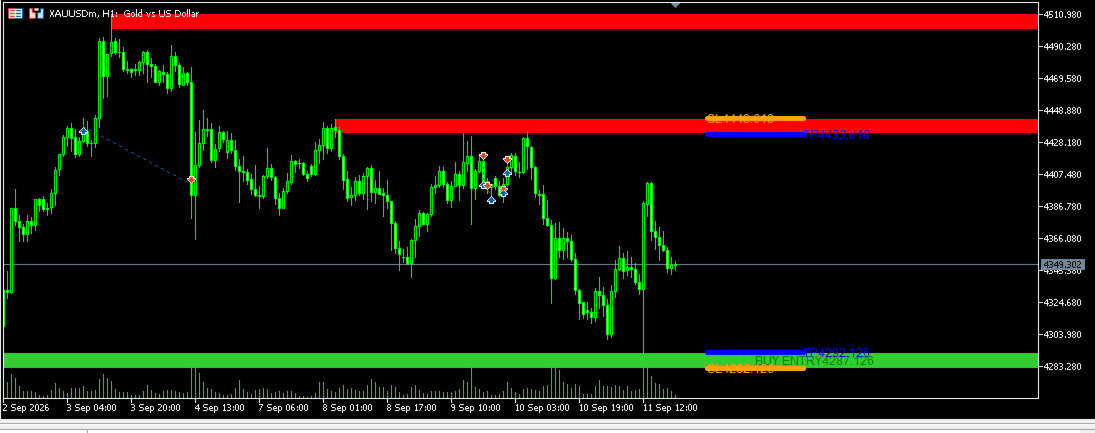
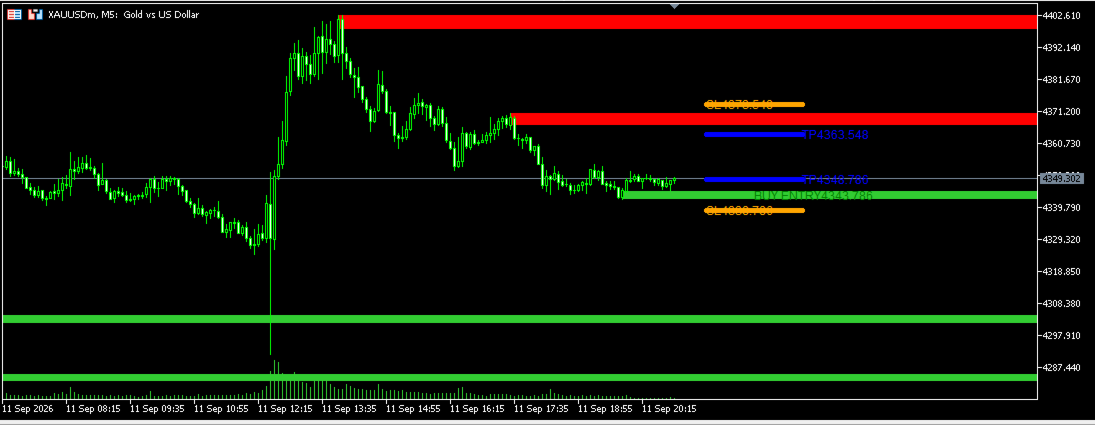
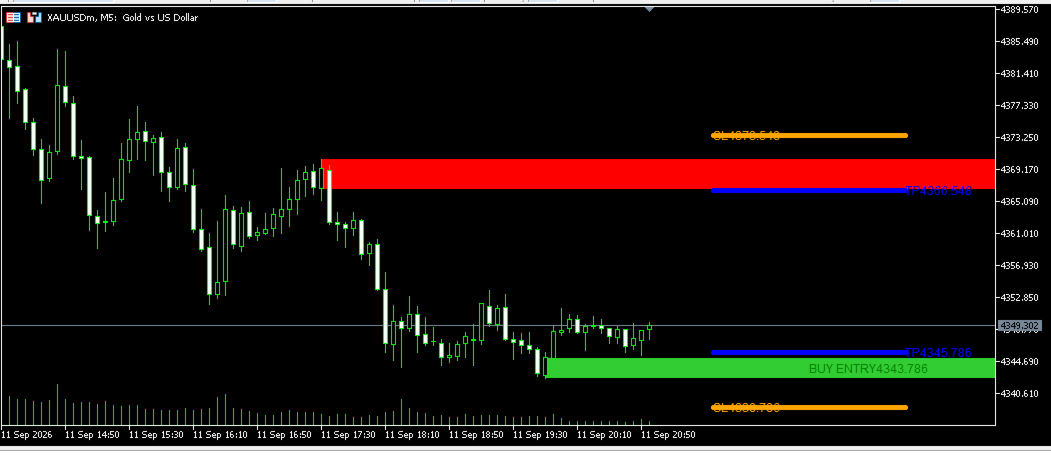
• Supply and demand areas
• Potential points of interest
• Bullish and bearish trading opportunities
• Visual entry, stop-loss and take-profit reference levels
• Multi-timeframe chart analysis
KEY FEATURES
• Smart Money Concepts-inspired chart analysis
• Visual market-structure markings
• Supply and demand zone visualization
• Buy and sell signal markers
• Entry, stop-loss and take-profit reference lines where supported by the selected setup
• Adjustable indicator settings
• Suitable for discretionary chart analysis
• Designed for use inside MetaTrader 5
HOW TO USE
Apply the indicator to a chart, select the preferred symbol and timeframe, and configure the available inputs. Use the markings as analytical references together with your own market knowledge, risk-management rules and trading plan.
IMPORTANT
NICETRADE SMC INDICATOR is an analytical tool. It does not execute trades automatically and does not guarantee profitable results. Signals and chart markings should be independently evaluated before any trading decision.
NICETRADE SMC INDICATOR — INSTALLATION INSTRUCTIONS
1. Download the EX5 file from your MQL5 account.
2. Open MetaTrader 5.
3. Click File → Open Data Folder.
4. Open the MQL5 folder.
5. Open the Indicators folder.
6. Copy NICETRADE_SMC_INDICATOR_V1_09.ex5 into the Indicators folder.
7. Close and restart MetaTrader 5.
8. Open the Navigator panel with Ctrl+N.
9. Expand Indicators.
10. Find NICETRADE SMC INDICATOR.
11. Drag the indicator onto the desired chart.
12. Configure the available inputs.
13. Click OK.
TROUBLESHOOTING
• If the indicator is not visible, restart MetaTrader 5 and check the Indicators folder.
• Confirm that the file has the .ex5 extension.
• Make sure the indicator is attached to a normal chart window.
• Check the Experts and Journal tabs for error messages.
• If markings are not visible, try another symbol or timeframe and review the indicator inputs.
• Use a demo account for testing before using the indicator on a live account.
NICETRADE SMC INDICATOR — RISK DISCLAIMER
NICETRADE SMC INDICATOR is a technical-analysis and charting tool. It does not provide financial advice, guaranteed trading results or guaranteed profitable signals.
Trading foreign exchange, gold, CFDs, cryptocurrencies and other financial instruments involves substantial risk and may result in the loss of invested capital. Past performance does not guarantee future results.
All signals, zones, levels and chart markings are analytical references only. Users are responsible for evaluating every setup, applying appropriate risk management, testing the indicator on a demo account and deciding whether the product is suitable for their objectives and risk tolerance.
Never risk money you cannot afford to lose. The developer is not responsible for losses resulting from the use, misuse or interpretation of this indicator.
By using this product, you acknowledge that trading decisions and their consequences remain your responsibility.

 I am the founder and developer of NiceTrade Integrated, focused on building practical MetaTrader 5 trading software.