
Simple Background MT5
- Indicatori
- Versione: 1.1
- Aggiornato: 29 luglio 2026

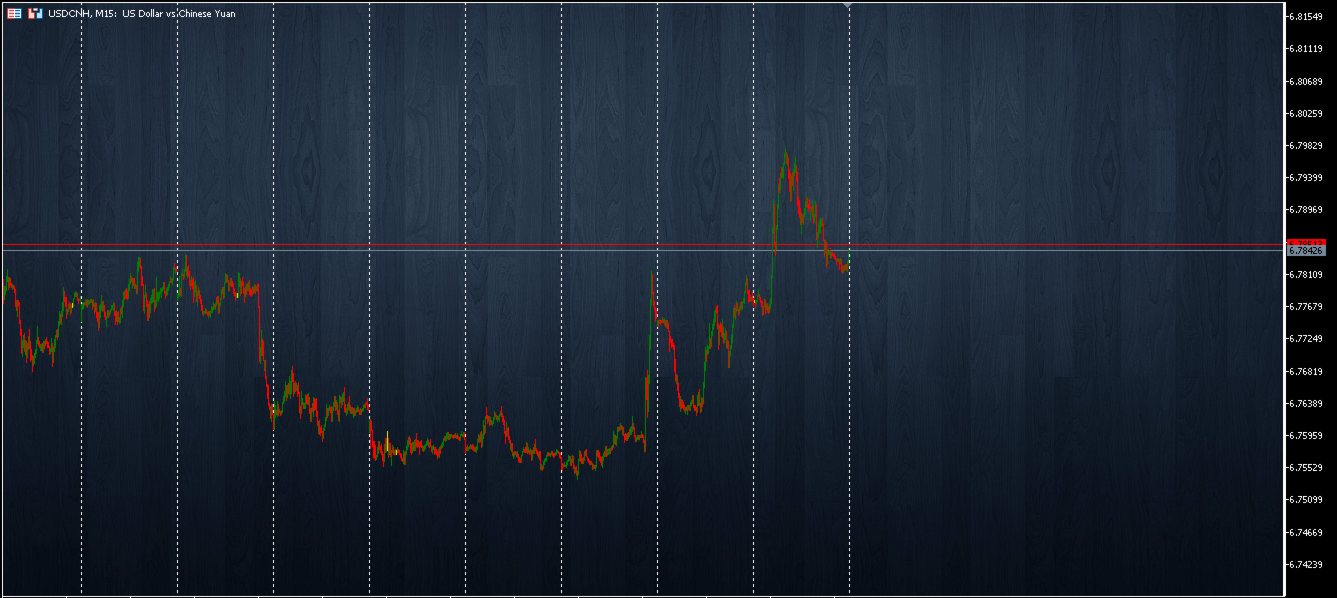
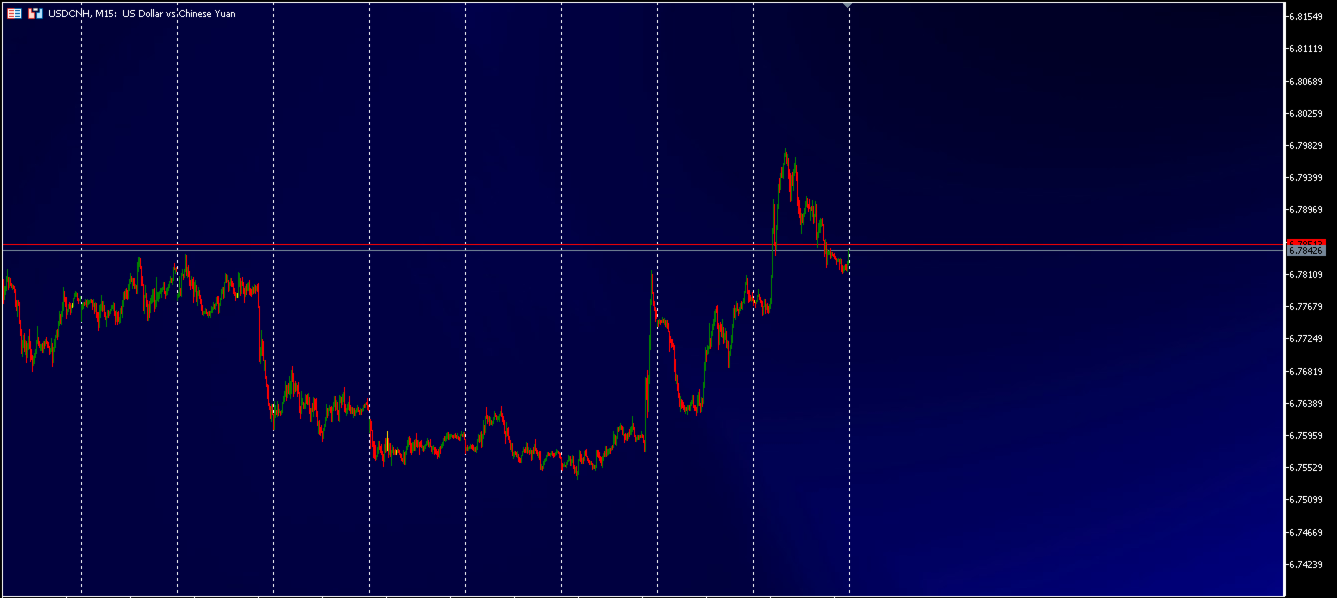
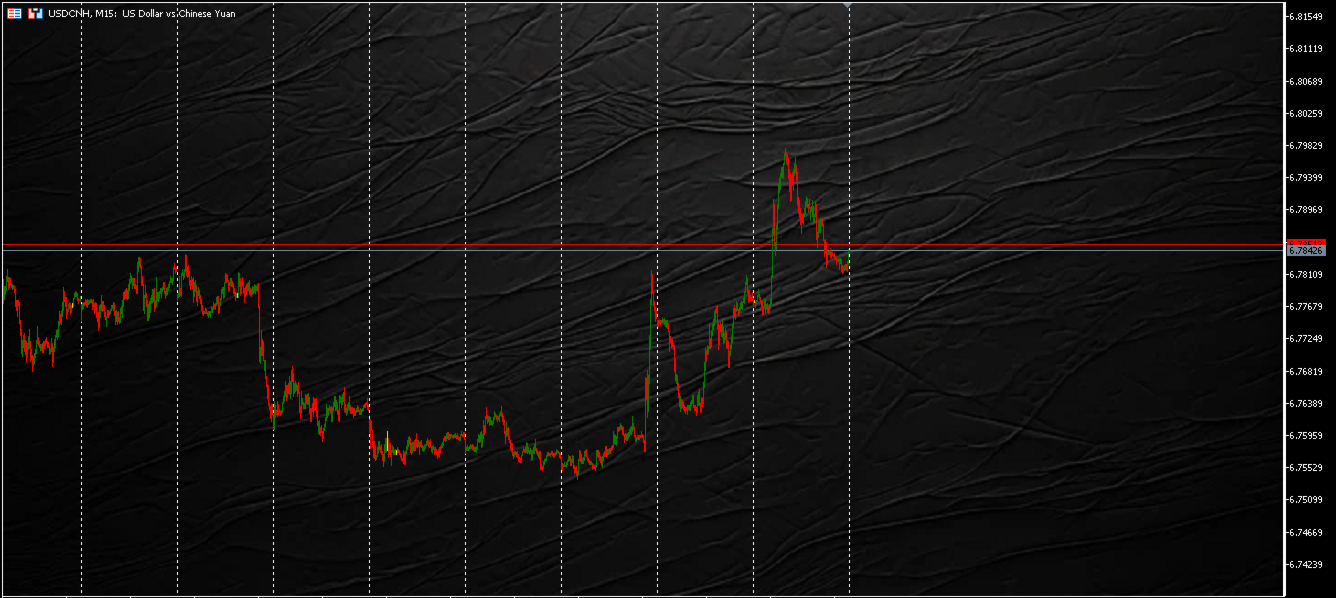
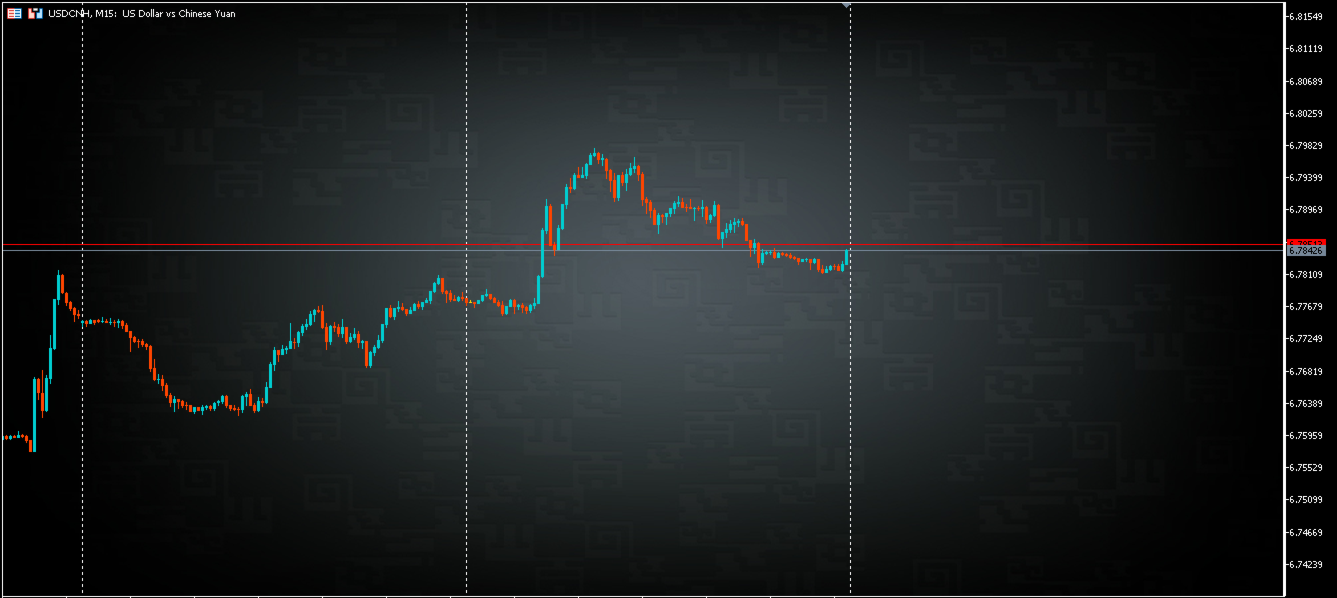
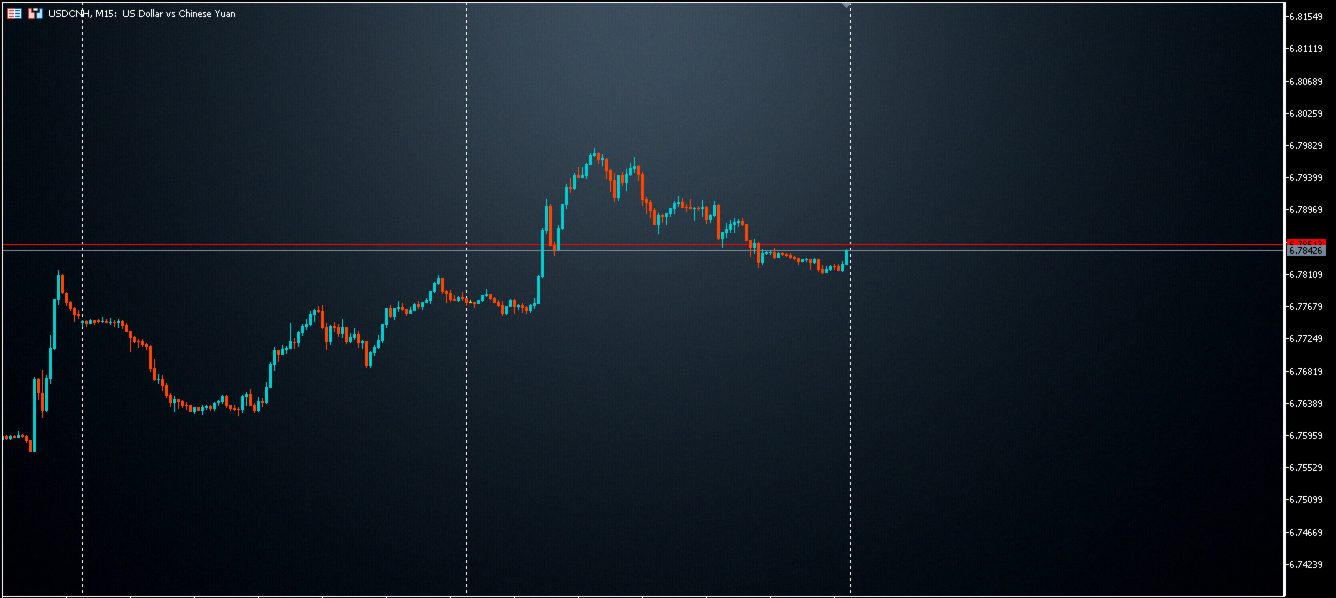
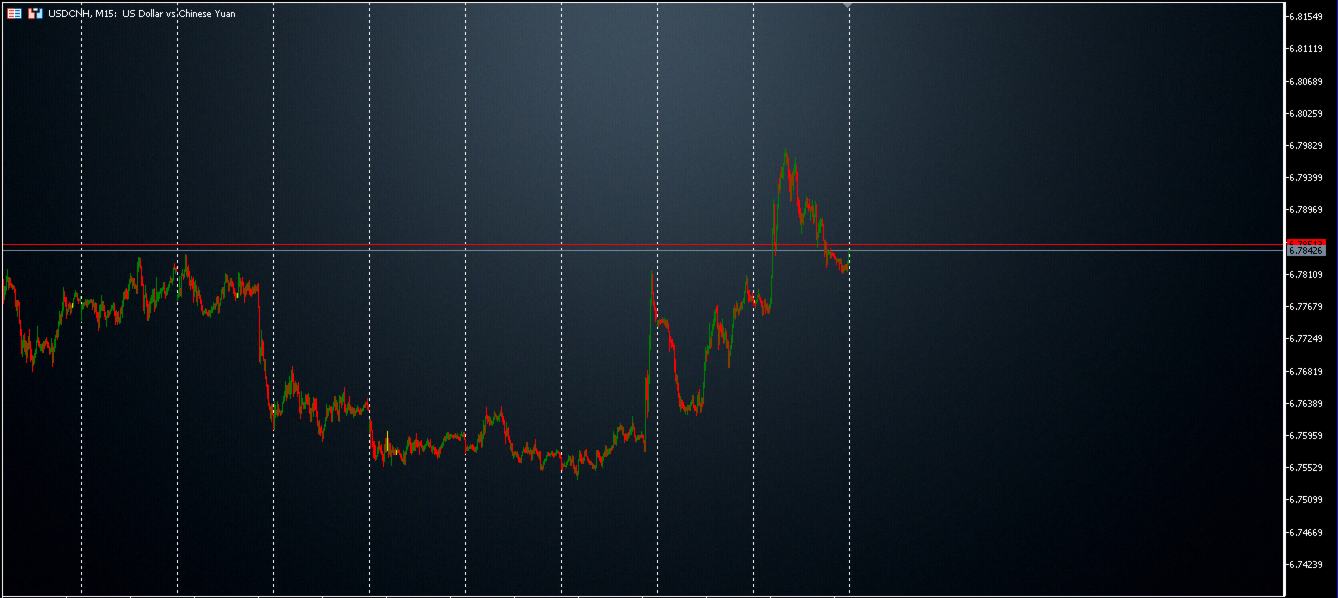
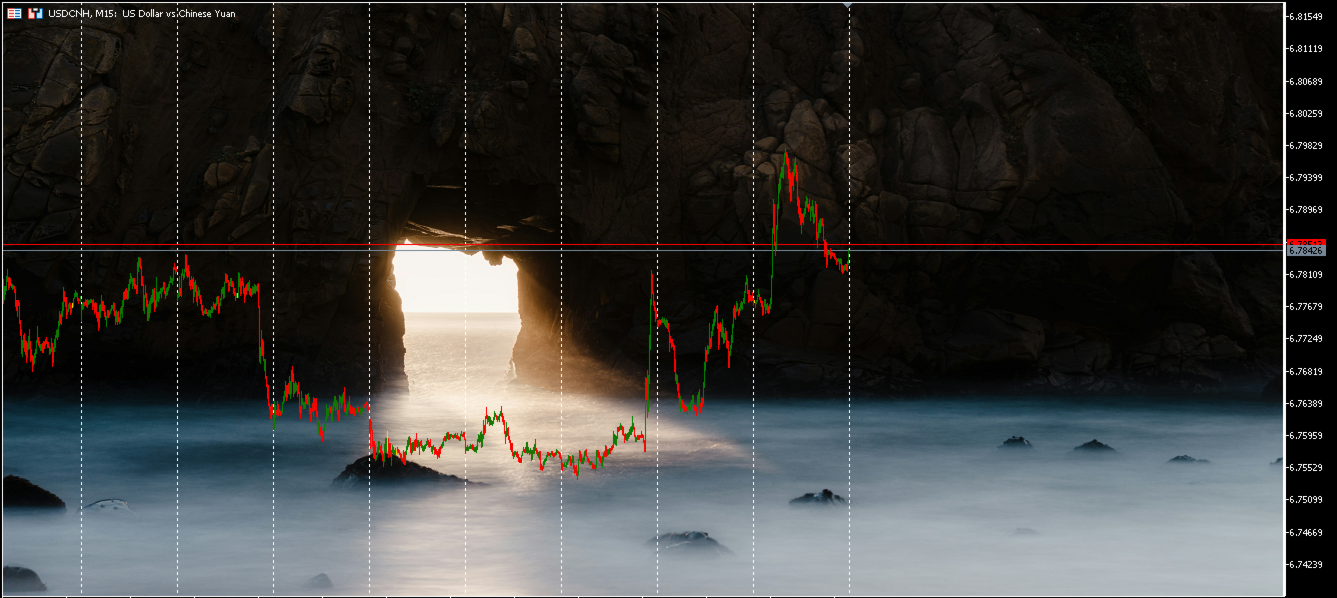
The Simple Background MT5 indicator was created to provide traders with the ease of customizing their MetaTrader interface with a preferred background/wallpaper image. It's very straightforward.
Let's get straight to the point:
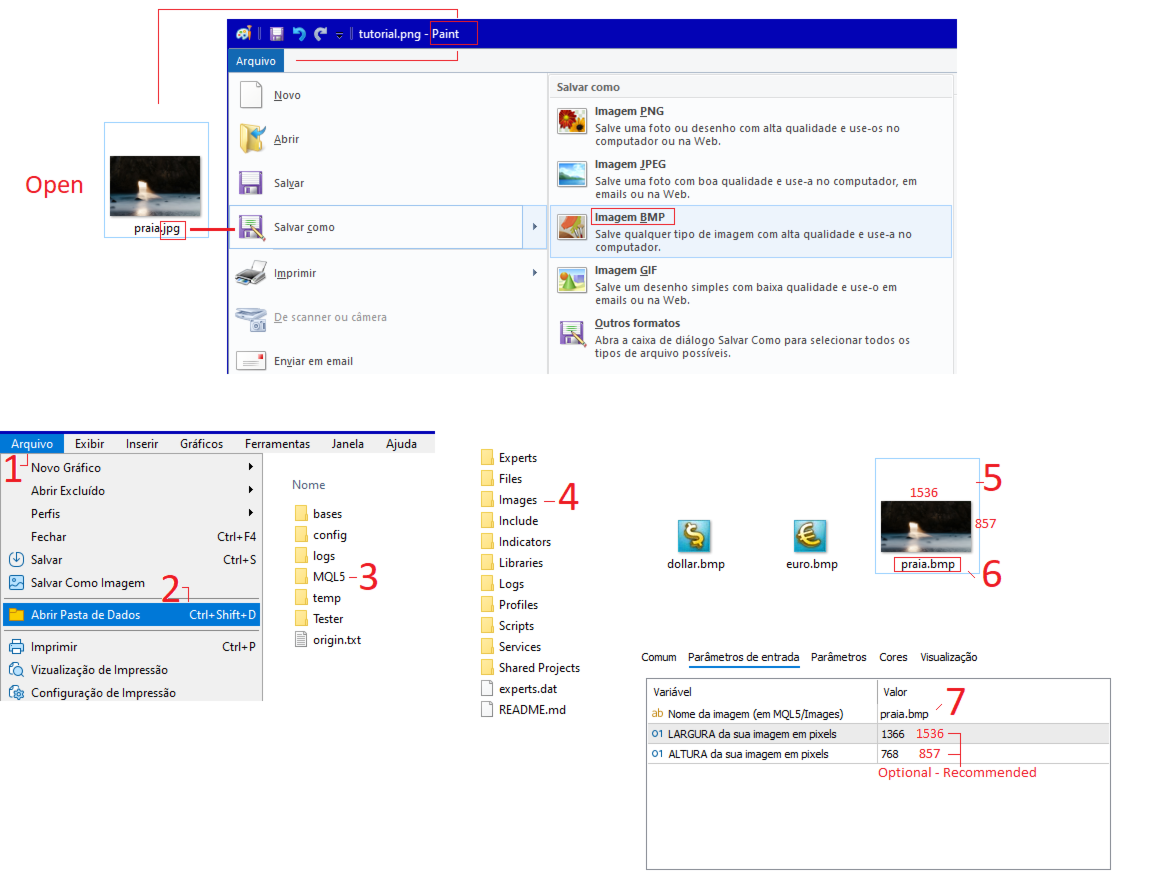
1. Install the indicator;
2. Choose your preferred image in formats such as jpg, png, etc. Open the image in Paint and save it as a .bmp file;
3. After saving the image as a .bmp file, place it in the images folder (following this path in the MQL5 terminal: \Images);
4. Insert the indicator into the chart and in the parameters, enter the name you saved the image with in the folder;
5. By default, the dimensions are 1366x768, but we recommend changing them to the original dimensions of your image for a better experience.
We hope you enjoy the application. Happy trading to all.
Note: Please consider rating our app with stars and leaving a comment so that more people can benefit from our free app. Thank you.






























L'utente non ha lasciato alcun commento sulla valutazione.