SmartGrid CentHunter
- Experts
-
Natthawut Ngamoiu
 HIGH SITE RADIO LIMITED PARTNERSHIP — Automated Trading Solutions
 - Versione: 1.0
- Attivazioni: 5
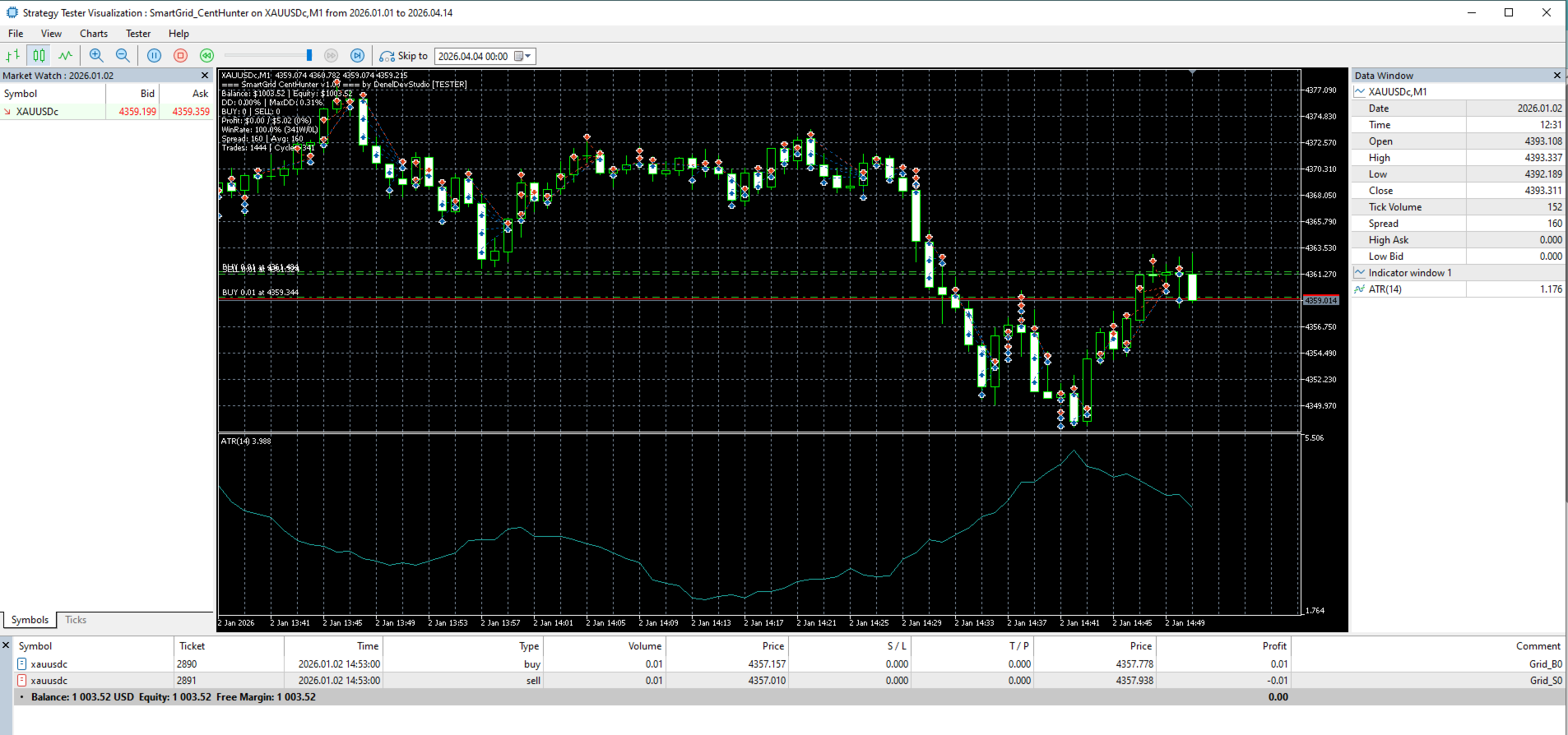
SmartGrid CentHunter is a fully automated dual-direction grid recovery EA designed specifically for Cent accounts.
HOW IT WORKS
The EA opens both BUY and SELL positions simultaneously. When price moves against one side, it adds recovery orders with increasing lot sizes. When net profit turns positive, it closes all positions and starts a new cycle. This creates a consistent cent-farming system that works in any market condition.
KEY FEATURES
- Dual-direction grid: Opens BUY and SELL at the same time — no wrong direction
- Smart basket close: 4 rules ensure positions are closed at profit
Rule 1: Total profit hits target — close all
Rule 2: Both BUY and SELL sides are in profit — close all
Rule 3: Net profit is positive — close all immediately
Rule 4: One side hits target — close that side, let the other recover
- ATR-based grid spacing: Adapts to market volatility automatically
- Martingale recovery: Lot multiplier per grid level for faster recovery
- Risk protection: Max drawdown limit, daily loss limit, Friday close
- Live-safe: Connection check, stale tick detection, margin verification
- Works on any symbol: Optimized for XAUUSD Cent (Gold) on M1
RECOMMENDED SETTINGS
- Account: Cent account, minimum $500 (recommended $1000)
- Leverage: 1:100 or higher
- Symbol: XAUUSDc (Gold Cent) or any Gold pair
- Timeframe: M1
- VPS recommended for 24/5 operation
DEFAULT PARAMETERS
- Starting Lot: 0.01
- Lot Multiplier: 1.4x per grid level
- Max Grid Levels: 12
- Take Profit: 0.20% of balance per cycle
- Max Drawdown: 30%
- Max Daily Loss: 5%
IMPORTANT
- Use on Cent accounts only
- Always test on demo first
- Past performance does not guarantee future results
- The EA uses martingale — understand the risks before using
- If the EA does not open any orders during backtesting or demo, please check the "Max Spread" input parameter. The default value is 500 points, which works for most Gold (XAUUSD) brokers. If you previously loaded a different EA or changed settings, MetaTrader may remember old input values. Go to Inputs tab → right-click → Reset to defaults to restore the correct settings. Gold typically has a spread of 100-200 points, so setting Max Spread below your broker's actual spread will prevent the EA from trading.
- If the EA does not open any orders during backtesting or demo, please check the "Max Spread" input parameter. The default value is 500 points, which works for most Gold (XAUUSD) brokers. If you previously loaded a different EA or changed settings, MetaTrader may remember old input values. Go to Inputs tab → right-click → Reset to defaults to restore the correct settings. Gold typically has a spread of 100-200 points, so setting Max Spread below your broker's actual spread will prevent the EA from trading.