Four B Expert
- Experts
- Versione: 1.0
- Attivazioni: 5

Four B Grid Martingale is an advanced automated trading system designed for the MetaTrader 5 platform. This Expert Advisor combines a sophisticated grid trading strategy with martingale money management and intelligent news filtering to capitalize on market movements.
The EA is specifically optimized for Gold (XAUUSD) trading on the M1 (1-minute) timeframe, utilizing scalping techniques with built-in time and risk management controls.
Trading Strategy
Grid Trading System
- Opens positions at predetermined price intervals
- Creates a network of pending orders above and below current price
- Captures profit from market oscillations and reversals
Martingale Money Management
- Progressive lot sizing to recover from drawdown positions
- Calculated position scaling based on market conditions
- Customizable multiplier settings for risk control
News Filter Protection
- Automatically detects high-impact news events
- Stops trading during volatile news periods
- Resumes trading after specified time buffer
- Protects your account from unpredictable news spikes
Time Management
- Configurable trading hours to match optimal market conditions
- Day-of-week filtering options
- Session-based trading control
Key Features
- Fully Automated Trading - Set and forget operation
- News Filter Integration - Built-in economic calendar monitoring
- Grid & Martingale Combined - Dual strategy approach
- Scalping Capabilities - Quick profit-taking on small moves
- Customizable Parameters - Extensive settings for different trading styles
- Time & Session Controls - Trade only during preferred hours
- Risk Management Tools - Stop loss, take profit, and trailing stop options
- Multi-Cycle Trading - Handles multiple grid cycles simultaneously
- Comprehensive Display - On-chart information panel showing EA status
Recommended Settings
- Timeframe: M1 (1-minute chart)
- Symbol: XAUUSD (Gold vs USD)
- Minimum Balance: $1000+ recommended
- Account Type: Any (Hedge, Netting)
- Leverage: 1:100 or higher recommended
Input Parameters
Basic Settings - Lot Size Management
- StartLot - Initial lot size for first order
- LotMultiplier - Multiplier for subsequent orders in grid
- MaxLot - Maximum lot size limit
Grid Settings
- GridDistance - Distance between grid levels (in points)
- MaxOrders - Maximum number of open positions allowed
- MaxCycles - Maximum number of grid cycles
Profit & Risk
- TakeProfit - Target profit in pips for closing positions
- StopLoss - Maximum loss per trade (0 = disabled)
- TrailingStop - Enable/disable trailing stop feature
- BreakEven - Activate break-even protection
News Filter Settings
- SetNews - Enable/disable news filter (true/false)
- NewsImportance - Filter by news impact level (High/Medium/Low)
- MinutesBeforeNews - Stop trading X minutes before news
- MinutesAfterNews - Resume trading X minutes after news
- SetTimeOffset - Adjust for your broker's timezone
Time Management
- StartHour - Begin trading at this hour
- EndHour - Stop trading at this hour
- TradeSunday - Enable/disable Sunday trading
- TradeMonday - Enable/disable Monday trading
- TradeTuesday - Enable/disable Tuesday trading
- TradeWednesday - Enable/disable Wednesday trading
- TradeThursday - Enable/disable Thursday trading
- TradeFriday - Enable/disable Friday trading
Advanced Settings
- MagicNumber - Unique identifier for EA orders
- Slippage - Maximum allowed slippage in points
- MaxSpread - Maximum spread filter (stops trading if exceeded)
- Comment - Custom comment for orders
How It Works
- Initialization: EA analyzes market conditions and checks news calendar
- Entry Logic: Opens initial position based on trend detection
- Grid Formation: Places additional orders at calculated intervals
- Position Management: Monitors all positions for profit targets
- Risk Control: Applies stop loss, take profit, and trailing stop rules
- News Detection: Pauses trading during high-impact news events
- Profit Taking: Closes positions when target profit is reached
- Cycle Restart: Begins new cycle after successful closure
⚠️ IMPORTANT RISK WARNING
This Expert Advisor uses Martingale and Grid trading strategies, which inherently carry higher risk levels:
- Martingale Strategy increases position sizes after losses, which can lead to substantial drawdowns during extended losing streaks
- Grid Trading may open multiple simultaneous positions, increasing margin requirements
- Past performance does not guarantee future results
- Always test on a demo account before using real money
- Never risk more than you can afford to lose
- Use appropriate lot sizes relative to your account balance
- Monitor your account regularly, especially during high volatility
- Consider using VPS hosting for uninterrupted operation
Recommended Risk Management
- Start with minimum lot sizes
- Use proper leverage (1:100 or lower)
- Maintain adequate account balance ($1000+ minimum)
- Set MaxOrders limit to control exposure
- Enable news filter to avoid volatile periods
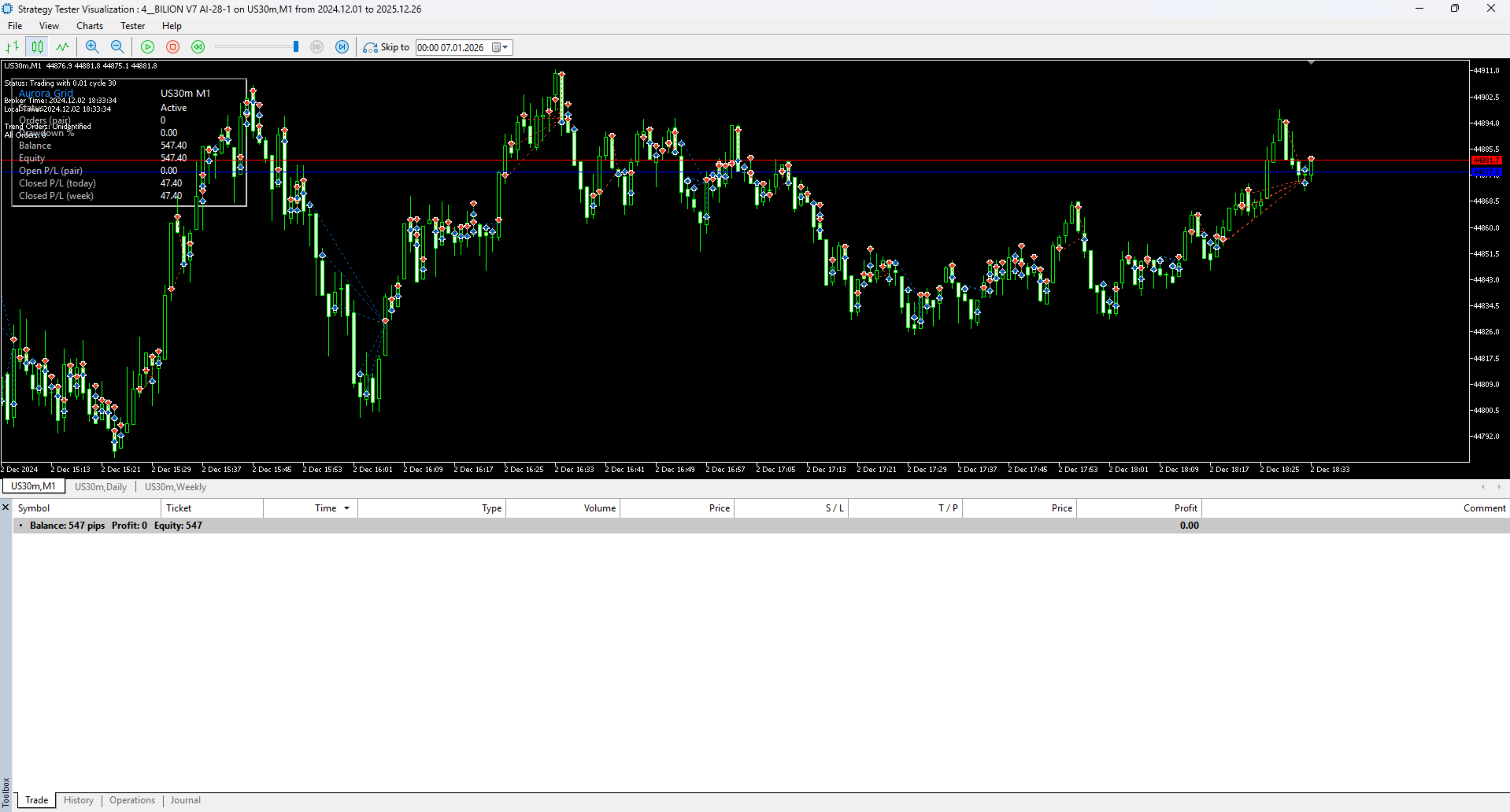
- Test all settings in Strategy Tester first
Installation & Setup
- Purchase and download the EA from MQL5 Market
- Open MetaTrader 5 terminal
- Navigate to File → Open Data Folder → MQL5 → Experts
- Copy the EA file to the Experts folder
- Restart MT5 or refresh the Navigator window
- Drag EA onto XAUUSD M1 chart
- Configure input parameters according to your risk tolerance
- Enable AutoTrading button in MT5 toolbar
- Verify EA is running (smiley face icon in top-right corner)
Strategy Tester
Before using on a live account, always conduct thorough backtesting:
- Open Strategy Tester (Ctrl+R)
- Select the EA and XAUUSD symbol
- Set timeframe to M1
- Choose date range (at least 6-12 months)
- Run optimization to find best parameters for your risk profile
- Analyze results: profit factor, drawdown, win rate
- Forward test on demo account for at least 1-2 weeks
Optimization Tips
- Conservative Setup: Lower lot sizes, wider grid distance, strict news filter
- Moderate Setup: Medium lots, moderate grid spacing, high-impact news only
- Aggressive Setup: Higher lots, tighter grids, minimal news filtering (NOT recommended for beginners)
Test different combinations of:
- Grid distance vs. volatility levels
- Lot multipliers vs. account size
- News buffer times vs. typical market recovery
- Trading hours vs. liquidity periods
Support & Updates
- Regular updates and improvements
- Bug fixes and optimization
- Compatible with latest MT5 builds
- Works on Windows, Mac (via Wine), and Linux
- VPS compatible
For questions or support, please contact via MQL5 profile messages.
Disclaimer
Trading forex, gold, and other leveraged products involves substantial risk of loss and is not suitable for all investors. The high degree of leverage can work against you as well as for you. Before deciding to trade, you should carefully consider your investment objectives, level of experience, and risk appetite. No representation is being made that any account will or is likely to achieve profits or losses similar to those shown in any backtests or live results. This EA is a tool to assist in trading and does not guarantee profits.
Version: 1.0
Developer: 4BILLION
Category: Expert Advisors
Strategy Type: Grid, Martingale, Scalping, News Filter
Always remember: Successful trading requires discipline, proper risk management, and realistic expectations. Start small, learn the system, and scale up gradually.