Fibonacci Pullback EA
- Experts
- Versione: 1.1
- Attivazioni: 5

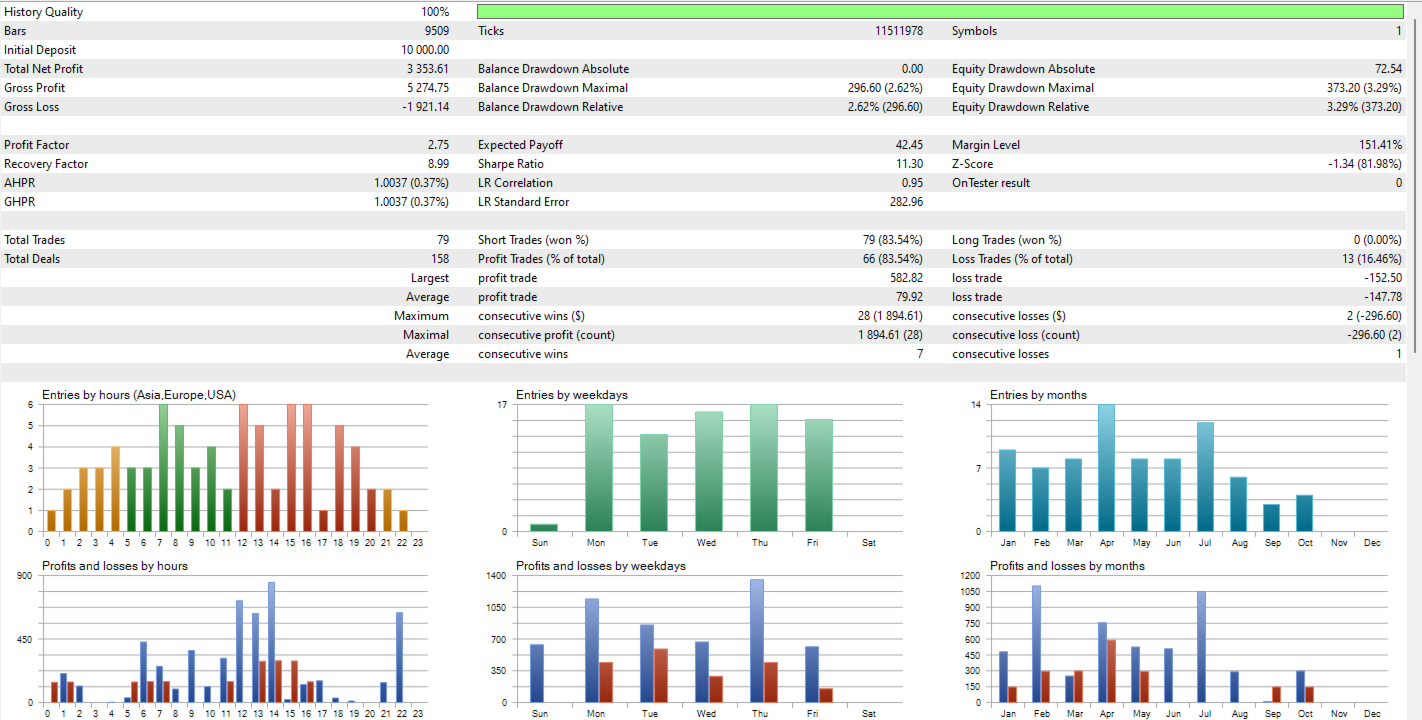
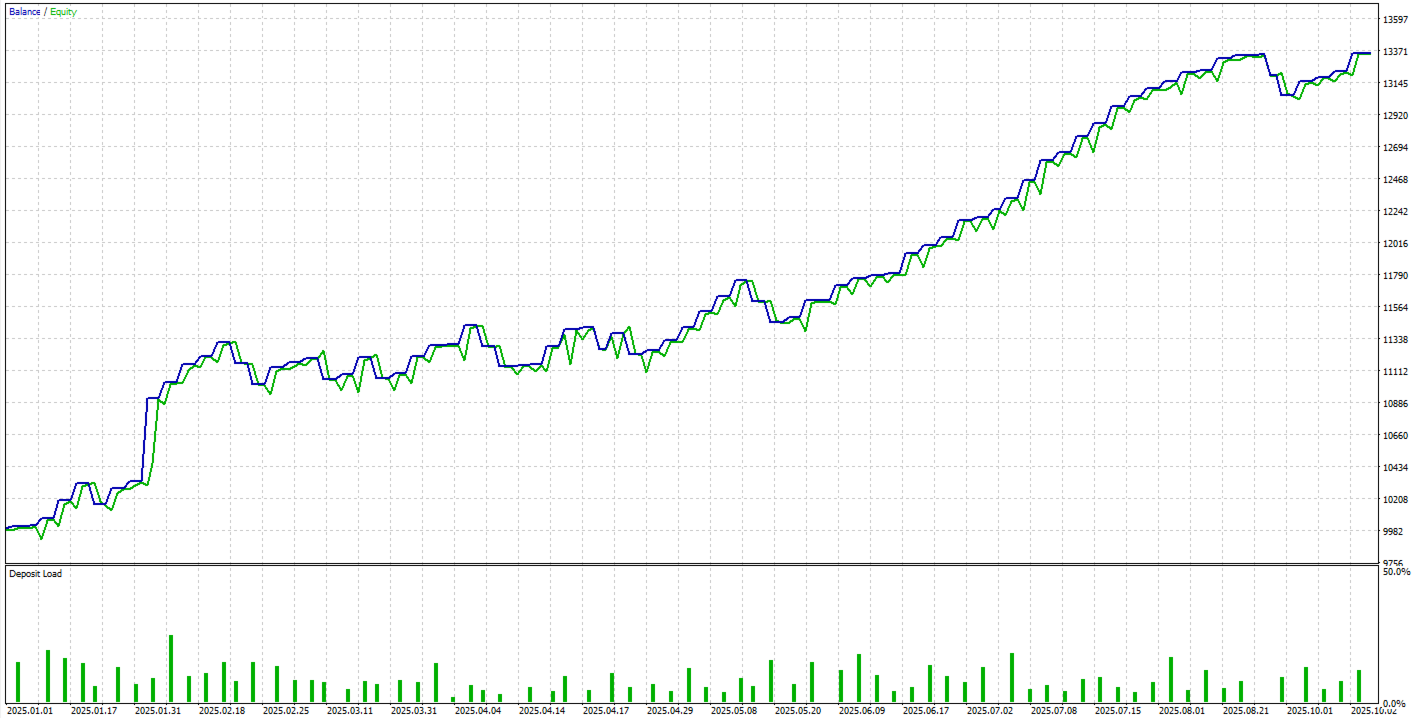
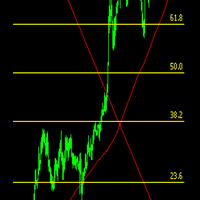
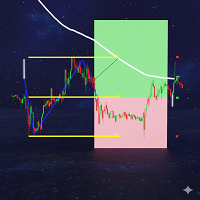
Fibonacci Pullback EA detects the latest valid swing via symmetric pivots and projects a configurable Fibonacci level across that range. When the previous closed candle wicks into that level and confirms on close, the EA places an order with SL at the swing extreme plus a points buffer, and TP at the opposite swing extreme. Designed originally for EURUSD M30 and USDJPY M30, yet fully configurable.
Signal logic
-
Determines the latest bearish or bullish swing using symmetric pivots.
-
Computes a Fibonacci level on that swing (default 0.50).
-
Requires wick interaction on the previous closed candle and a confirming close to the trade side:
-
Short: wick touch + close below the level.
-
Long (optional): wick touch + close above the level.
-
Work Better only Short
-
-
SL = swing extreme (high for short / low for long) + buffer (points).
-
TP = opposite swing extreme.
-
Optional filters:
-
EMA trend: bearish condition and close below EMA required to enable trades. (Note: by design this bearish EMA condition also restricts longs if enabled.)
-
ATR volatility: ATR must be above a points threshold.
-
-
Execution discipline: one trade per bar (if enabled) and no stacking while an EA position is open on the same symbol.
Money management
-
Fixed lots or risk-based sizing in USD, deriving volume from actual entry–SL distance and symbol tick value.
-
Volume is normalized to symbol’s min/max/step.
Visual & debug
-
Draws swing extremes and Fibonacci line; optional signal arrows.
-
Debug mode prints exact rejection reasons to the Journal.
Inputs
====== Money Management ======
-
InpLots – Fixed lot size.
-
InpRiskUSD – Risk per trade in USD. If >0 , the EA calculates volume from risk; if 0 , uses fixed lots.
-
InpMagic – Magic number.
-
InpOneTradePerBar – If true, only one trade per closed bar.
====== Strategy Parameters ======
-
InpFibLevel – Fibonacci level for pullback (e.g., 0.382 / 0.500 / 0.618). (0.5 Works the best)
-
InpSLBufferPoints – Extra points added to SL beyond the swing extreme.
-
InpTouchTolerancePoints – Touch tolerance around the Fib level to validate wick contact.
-
InpPivotRange – Pivot window
-
InpAllowShorts – Enable short entries.
-
InpAllowLongs – Enable long entries
====== Optional Filters ======
-
InpUseEMAFilter , InpEMAPeriod – EMA trend filter (bearish condition + close below EMA to allow trading).
-
InpUseATRFilter , InpATRMinPoints – ATR must be above this points threshold.
====== Visuals & Debug ======
-
InpDrawLevels – Draw swing/Fib lines.
-
InpPaintSignalArrow – Plot signal arrows.
-
InpDebugMode – Print detailed reasons for skipping trades.
I recommend testing the EA on a demo account first to observe how it behaves and verify the results. After that, you can try it on a real account with very low risk (for example, around 5 USD per trade). Once you feel confident and understand how it works, you may gradually increase to a conservative risk, such as 1–2% of the account balance per trade.
** Leave a review if you like it — more updates and new EAs will come based on your feedback! **






















L'utente non ha lasciato alcun commento sulla valutazione.