Rolux Session Trading
- Indicateurs
- Version: 2.4

Rolux Session Trading
2.04
Free
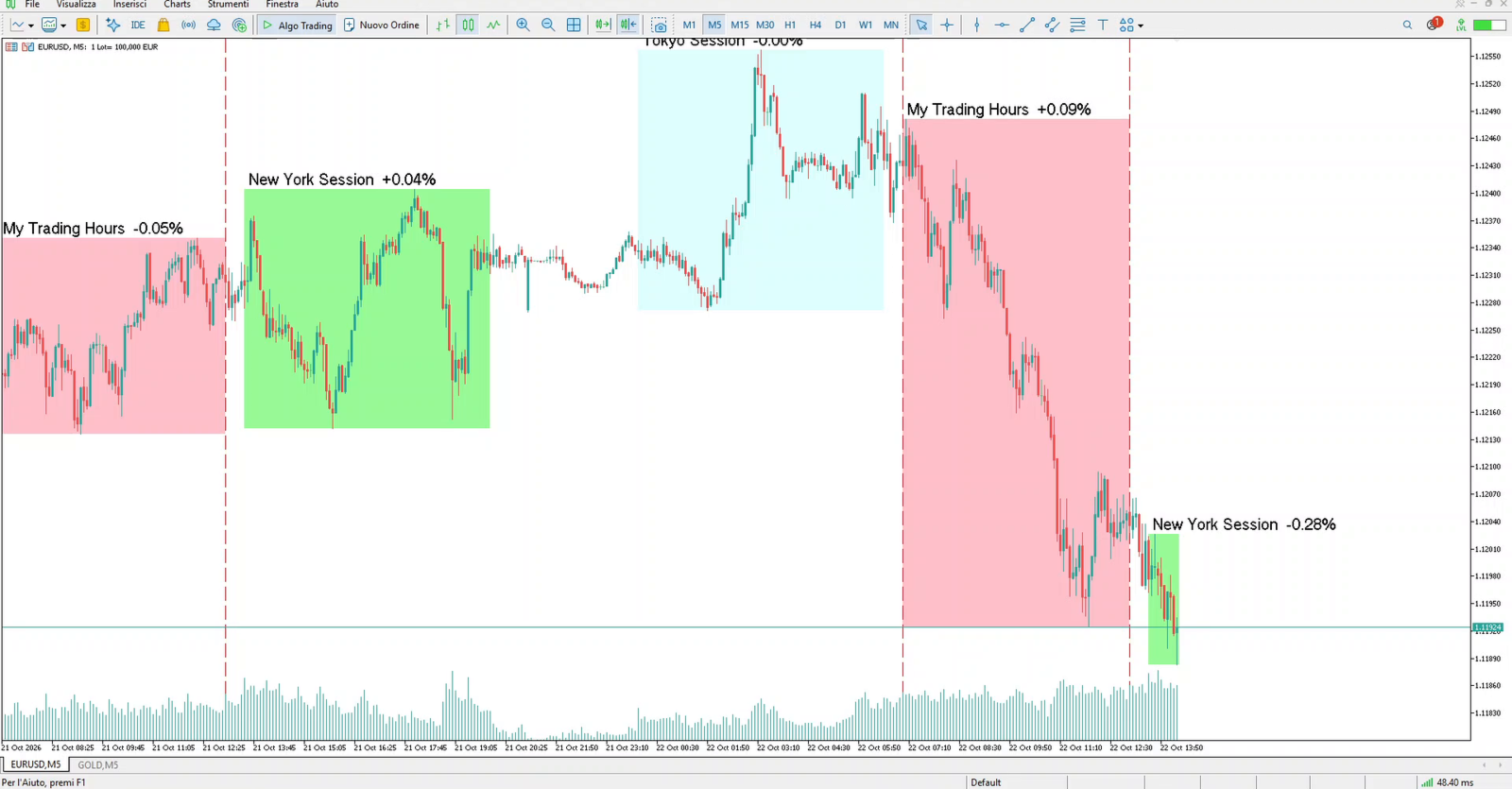
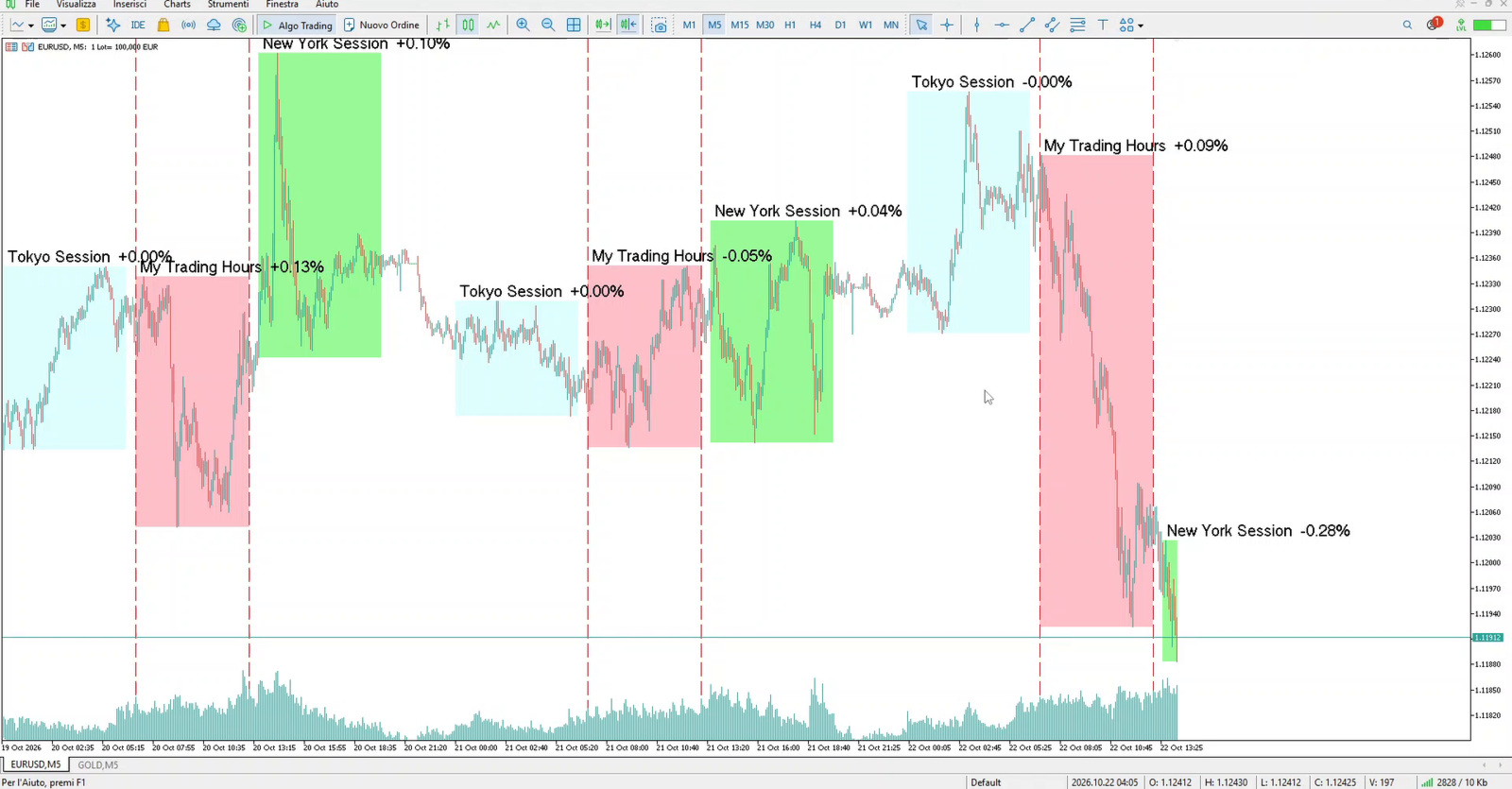
Shows the Tokyo, London and New York trading sessions on your chart, with high, low and % change.
DESCRIPTION
Rolux Session Trading is a free indicator that shows the market sessions on your chart. You always see in which part of the day you are trading.
What you see
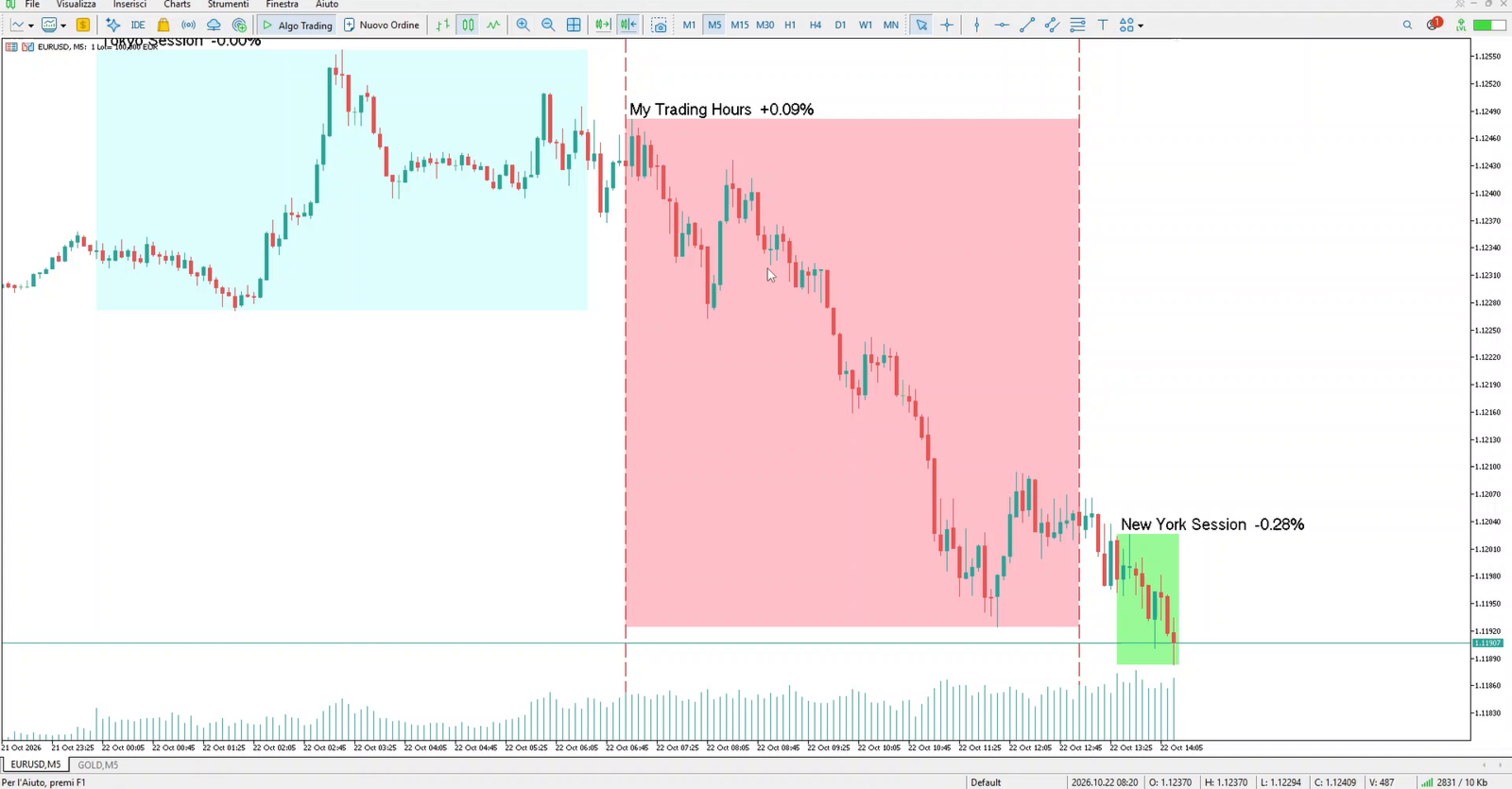
- Up to five session boxes drawn on the chart. Tokyo, London and New York are ready to use.
- Each box shows the high and the low of the session.
- The session name and the % change of the symbol, measured at the session start against the previous daily close, are written above the box.
Settings
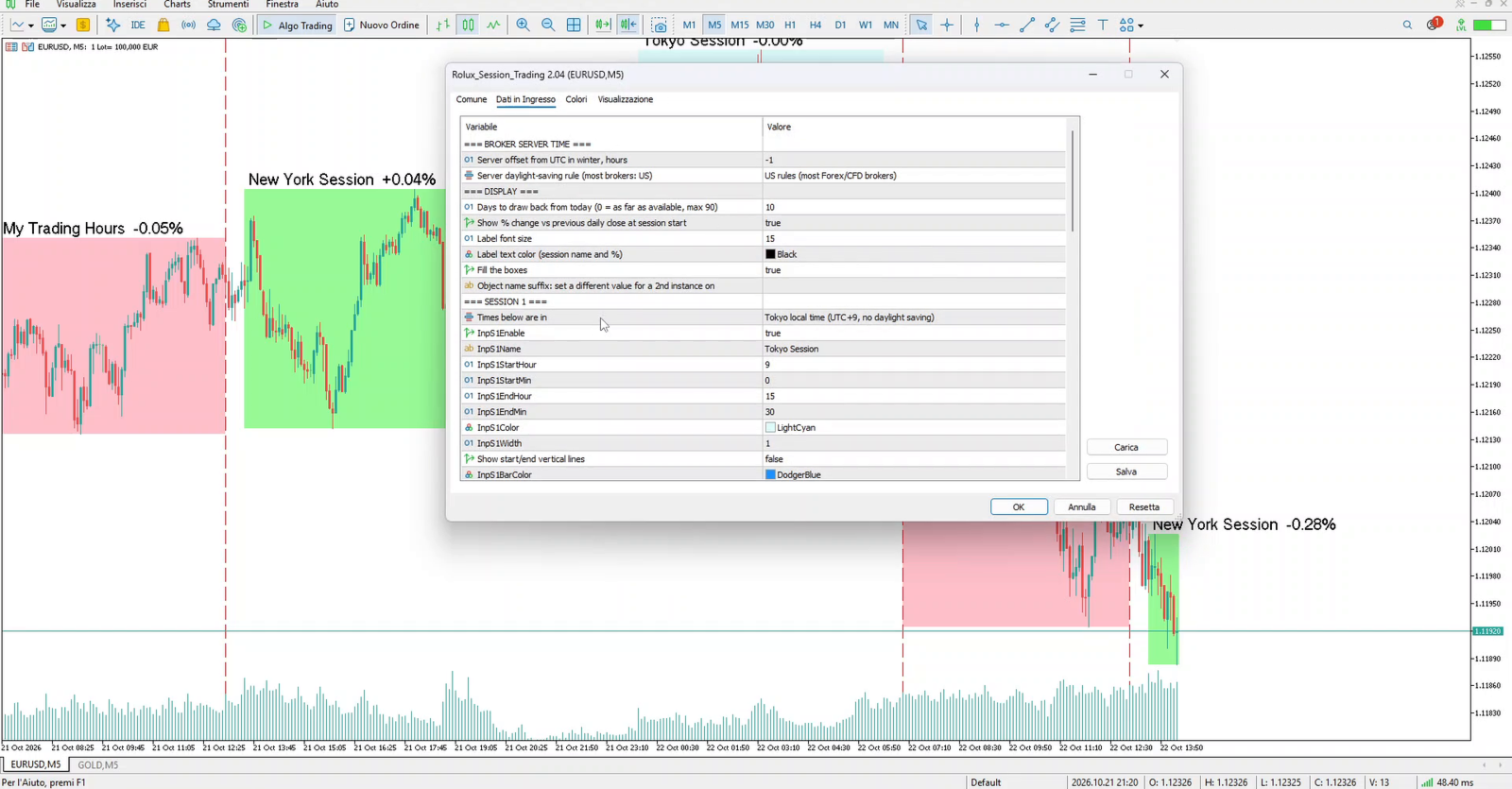
- The default sessions use the real local market hours of Tokyo, London and New York, and follow daylight saving time automatically.
- Set your broker's server UTC offset once in the inputs. Every session then falls in the right place on your chart.
- Every session has its own start time, end time and colour. You can also choose the colour of the session name and % text, so it stays readable with any box colour.
- Sessions 4 and 5 are free: use them for your own trading hours, for example "My Trading Hours". Enter them in any time base.
- Session boxes are drawn on charts from M1 to H12, not on D1 and above.
Important
This is a visual tool. It does not open or close trades and does not generate signals or guarantee results. Trading leveraged products involves a high risk of loss.