NovaTac Fixed Volume Profile
- Indicateurs
- Version: 2.0
- Activations: 5

NovaTac Fixed Volume Profile displays configurable volume-at-price profiles with POC, value area, nodes and closed-bar context alerts.
Overview
NovaTac Precision Volume Profile is an analytical chart indicator for MetaTrader 5. It organizes available volume across price rows and displays the areas where trading activity was concentrated within a selected range.
The indicator does not open, modify or close trades. It is intended to support chart analysis and discretionary decision-making.
Profile ranges
The profile can be calculated from a rolling number of bars, a fixed time range, the bars currently visible on the chart, the current session or the previous session.
This allows the same indicator to be used for intraday session analysis, event ranges, recent market structure or a manually defined period.
Displayed information
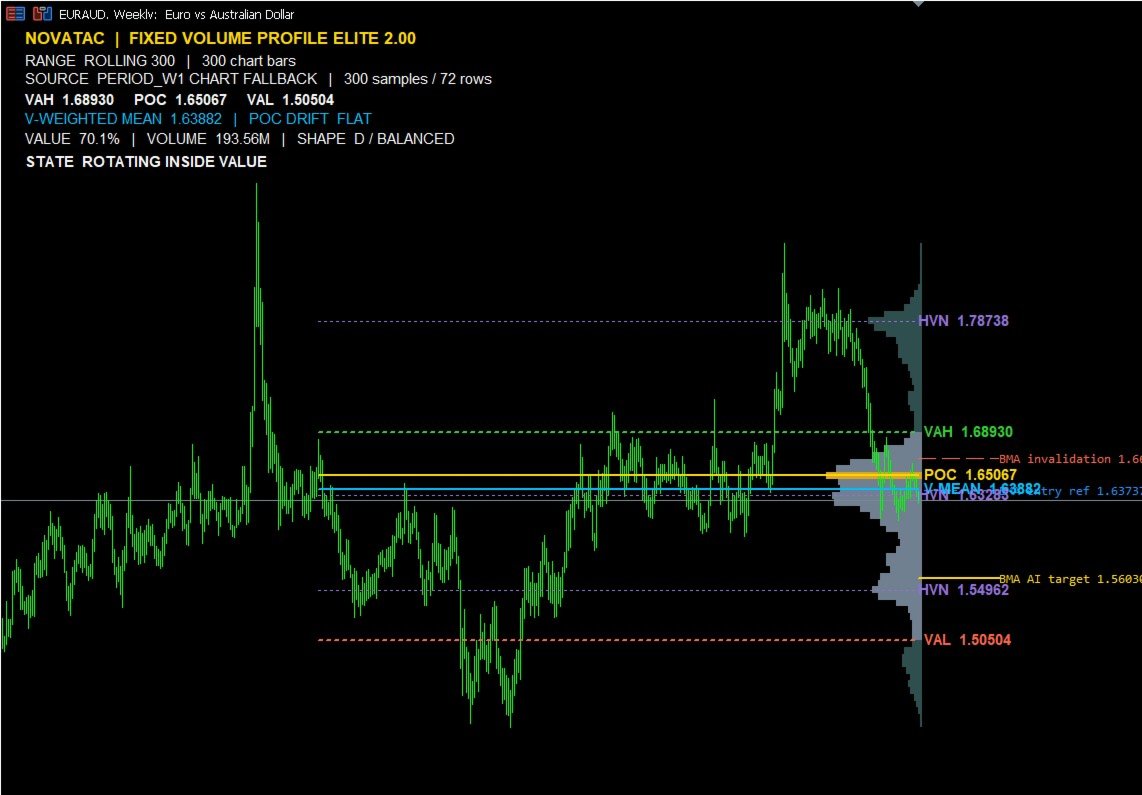
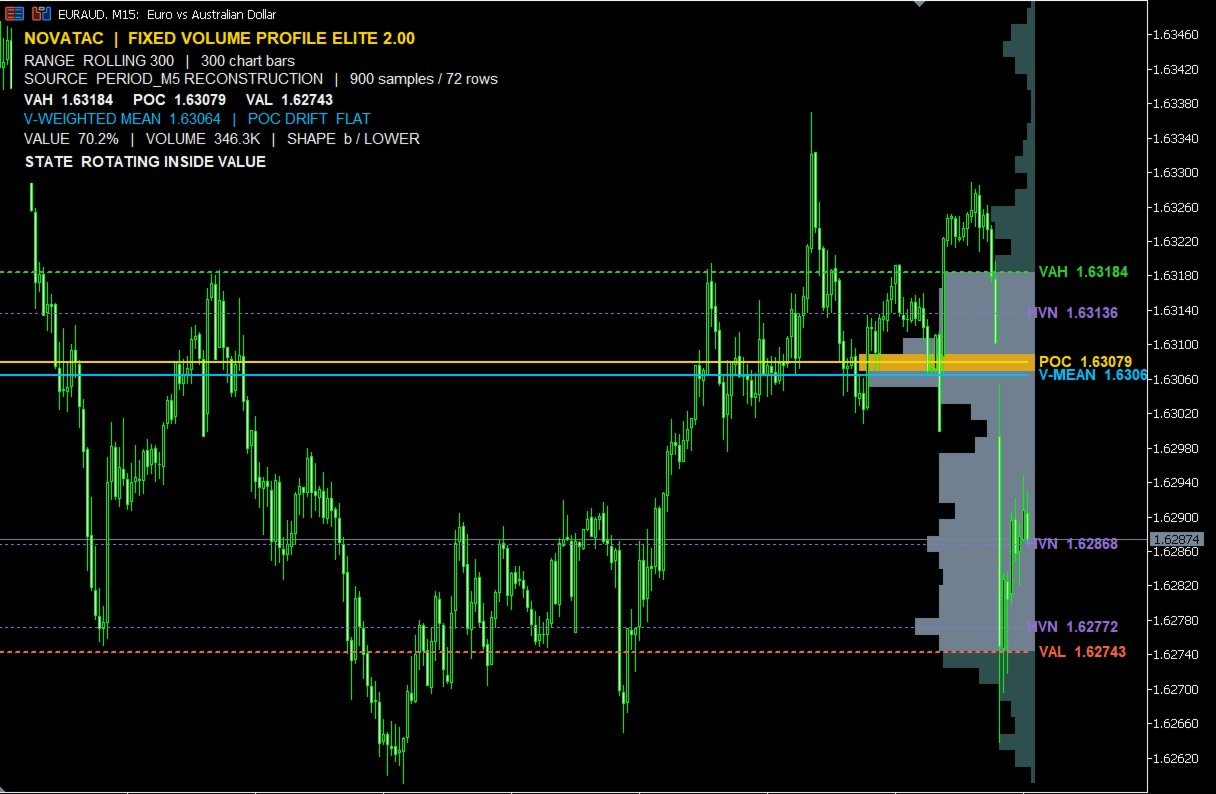
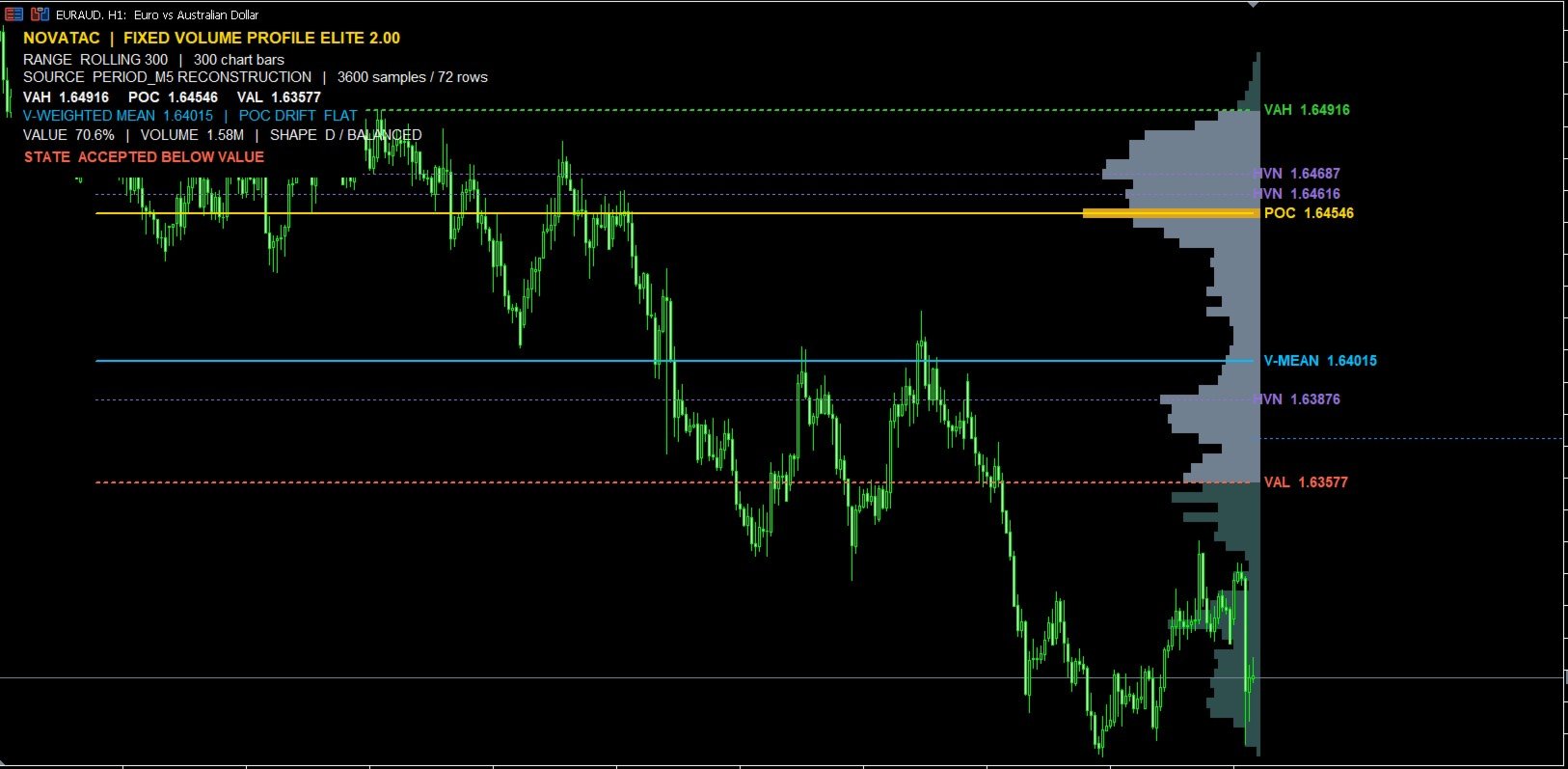
- Point of Control
- Value Area High and Value Area Low
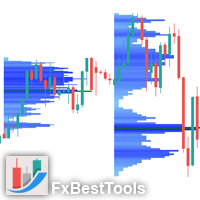
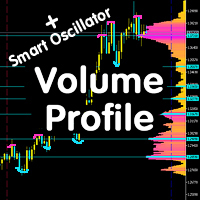
- Configurable volume histogram
- Volume-weighted mean price
- Optional high-volume and low-volume nodes
- Value-area percentage
- Profile shape classification
- Point of Control drift
- Current value-area context
Precision modes
The indicator can refine the profile with lower-timeframe data when the selected precision timeframe is below the chart timeframe. If suitable lower-timeframe history is not available, it uses the current chart data.
Three volume-distribution modes are available. Row count can be fixed or calculated automatically.
Context signals
Optional closed-bar signals identify:
- Bullish rejection from Value Area Low
- Bearish rejection from Value Area High
- Acceptance above the value area
- Acceptance below the value area
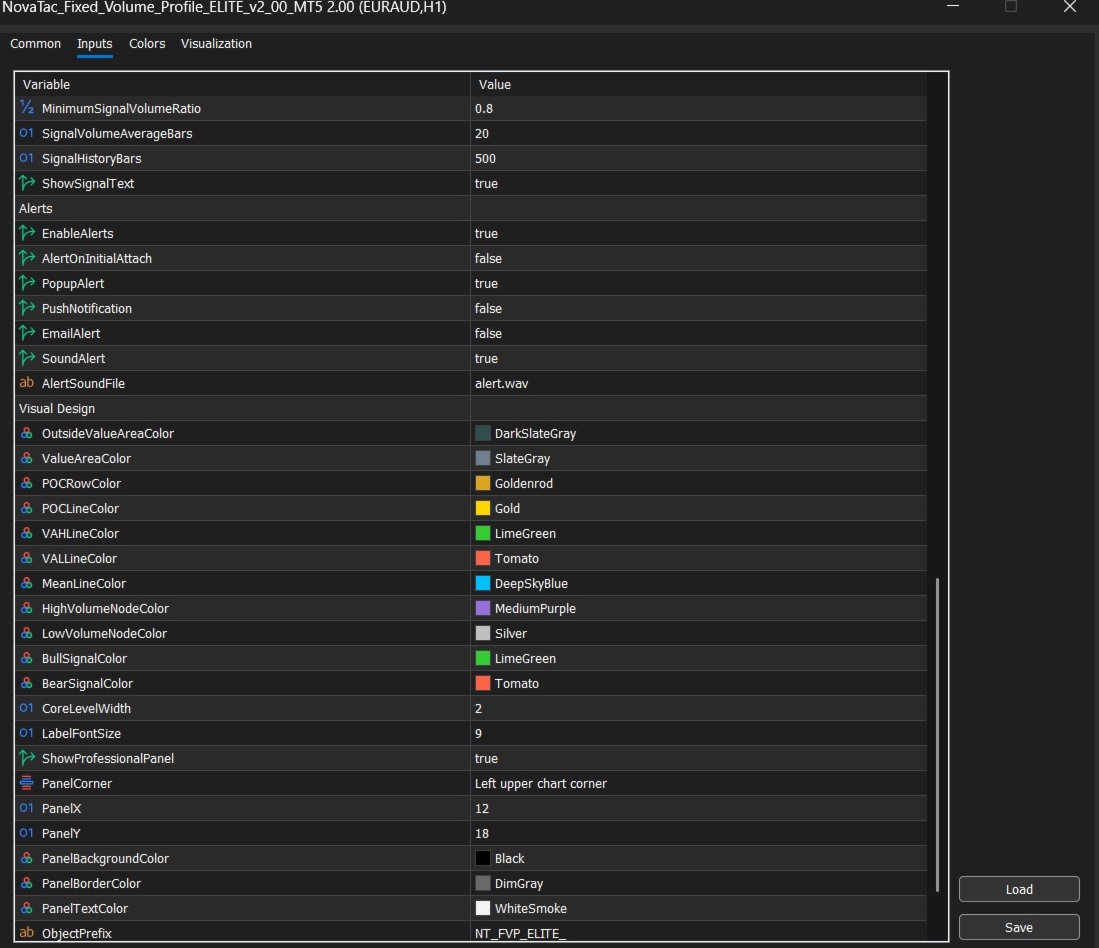
Signal filters include close location, relative volume and confirmation closes. Popup, sound, push and email alerts can be enabled separately.
Chart controls
The histogram can be placed at the selected range or at the right side of the chart. Core levels can be trimmed to the profile range or extended across the chart.
The information panel shows the active range, data source, profile levels, volume, profile shape, Point of Control drift and current context.
Data outputs
Six indicator buffers provide the current Point of Control, Value Area High, Value Area Low, volume-weighted mean, context state and locked signal value for integration or Data Window inspection.
Volume data note
For foreign exchange and CFD symbols, the default calculation uses the broker's tick volume. Real volume can be selected when the broker and symbol provide it. Volume values and resulting levels can differ between brokers and data feeds.
Recommended starting setup
The default settings are intended as a practical starting point. On chart timeframes above M5, the default M5 precision setting can provide a more detailed reconstruction when the required history is available.
Use Closed Bars Only and Update Only On New Bar are enabled by default for stable closed-bar analysis and lower processing demand.
Important
The indicator is an analytical tool. It does not predict future price movement and does not guarantee trading results. Traders remain responsible for their own analysis, execution and risk decisions.