Marco Montemari / Profile
- Information
|
7+ years
experience
|
6
products
|
107
demo versions
|
|
0
jobs
|
0
signals
|
0
subscribers
|
Timezone Custom Symbols automatically creates custom MetaTrader 5 symbols based on different market timezones. The EA reads the original broker data and generates new custom symbols using: • UTC Time • London Time • New York Time This allows traders to analyze charts using real market session time instead of the broker server time. Why is this important? Most brokers use different server timezones. Because of this, H1, H4 and Daily candles can look different from one broker to another. This
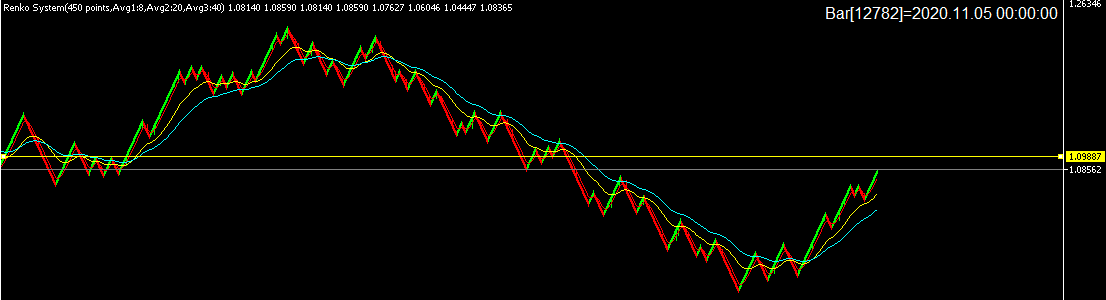
Thanks to Renko System (https://www.mql5.com/en/market/product/92772)
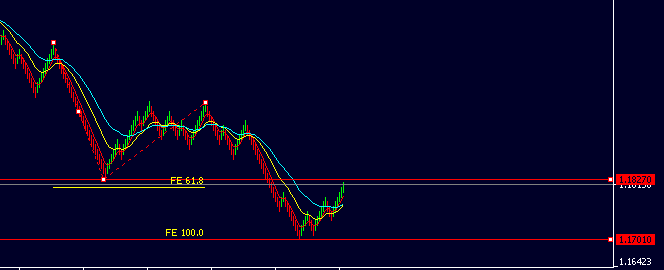
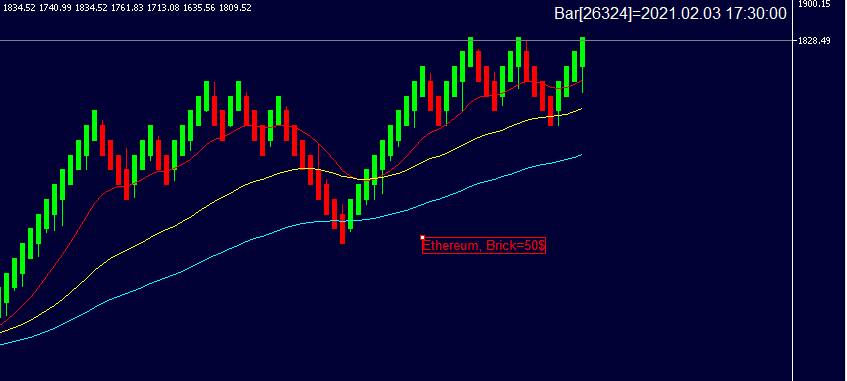
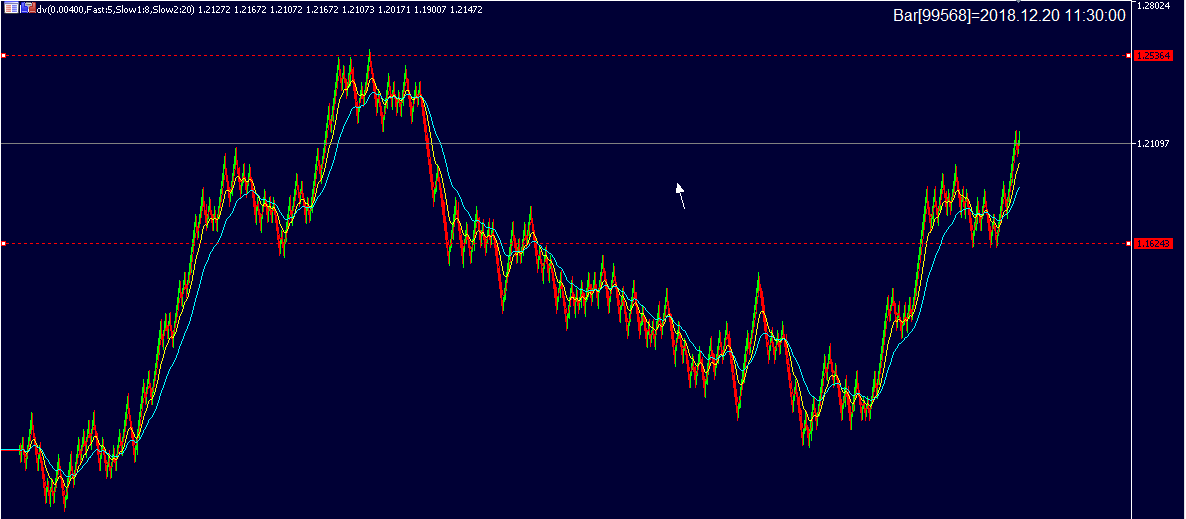
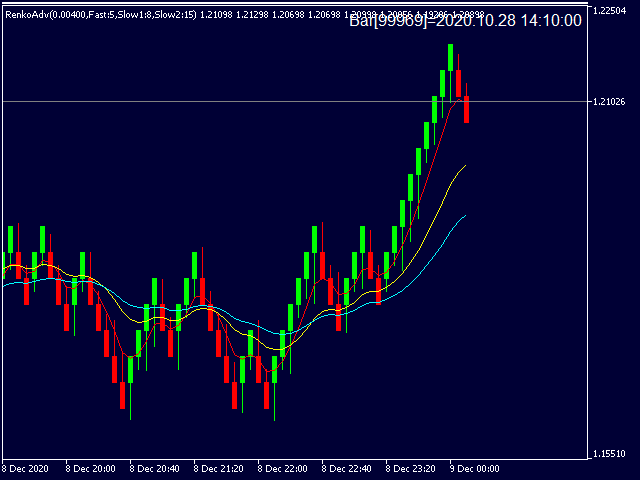
This indicator can be considered as a trading system. It offers a different view to see the currency pair: full timeless indicator, can be used for manual trading or for automatized trading with some expert advisor. When the price reaches a threshold a new block is created according to the set mode. The indicator beside the Renko bars, shows also 3 moving averages. Features renko mode median renko custom median renko 3 moving averages wicks datetime indicator for each block custom notifications
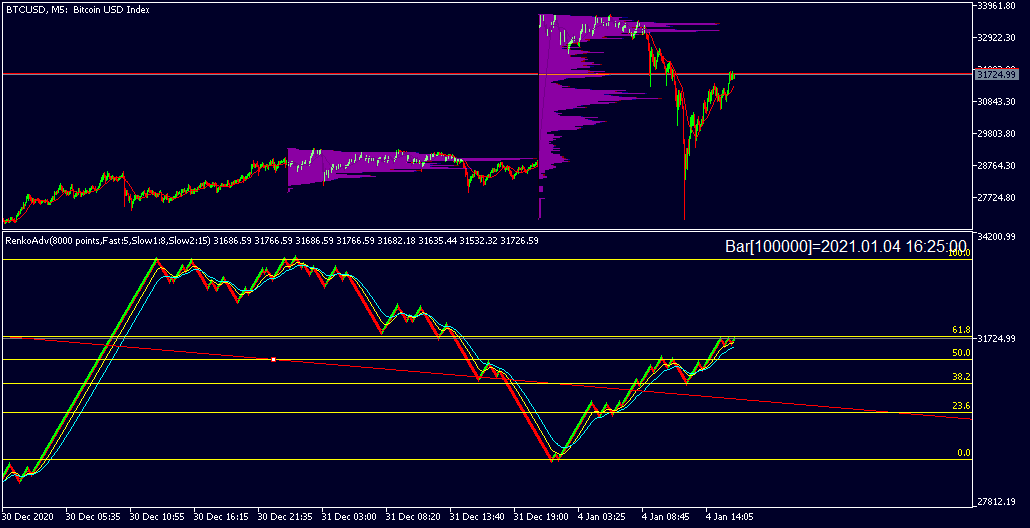
Reached same levels of april 2018 RenkoAdv(https://www.mql5.com/en/market/product/31606)
-datetime for each bar, to know when the bar was created
-possibility to activate wicks on renk bars
Have you tried the new version?
https://www.youtube.com/watch?v=uHblXRSWc-s&feature=youtu.be