|
5+ years
experience
|
81
products
|
135
demo versions
|
|
0
jobs
|
0
signals
|
0
subscribers
|
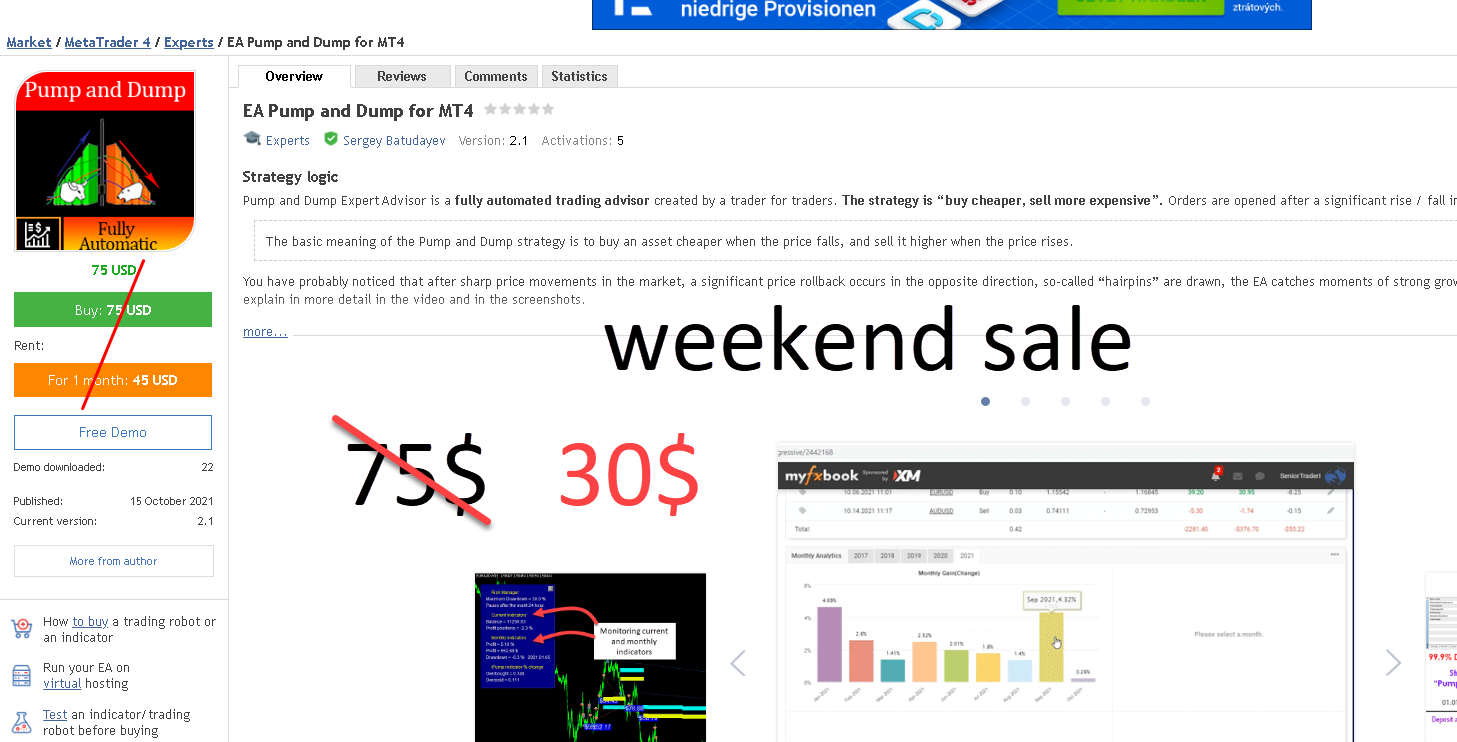
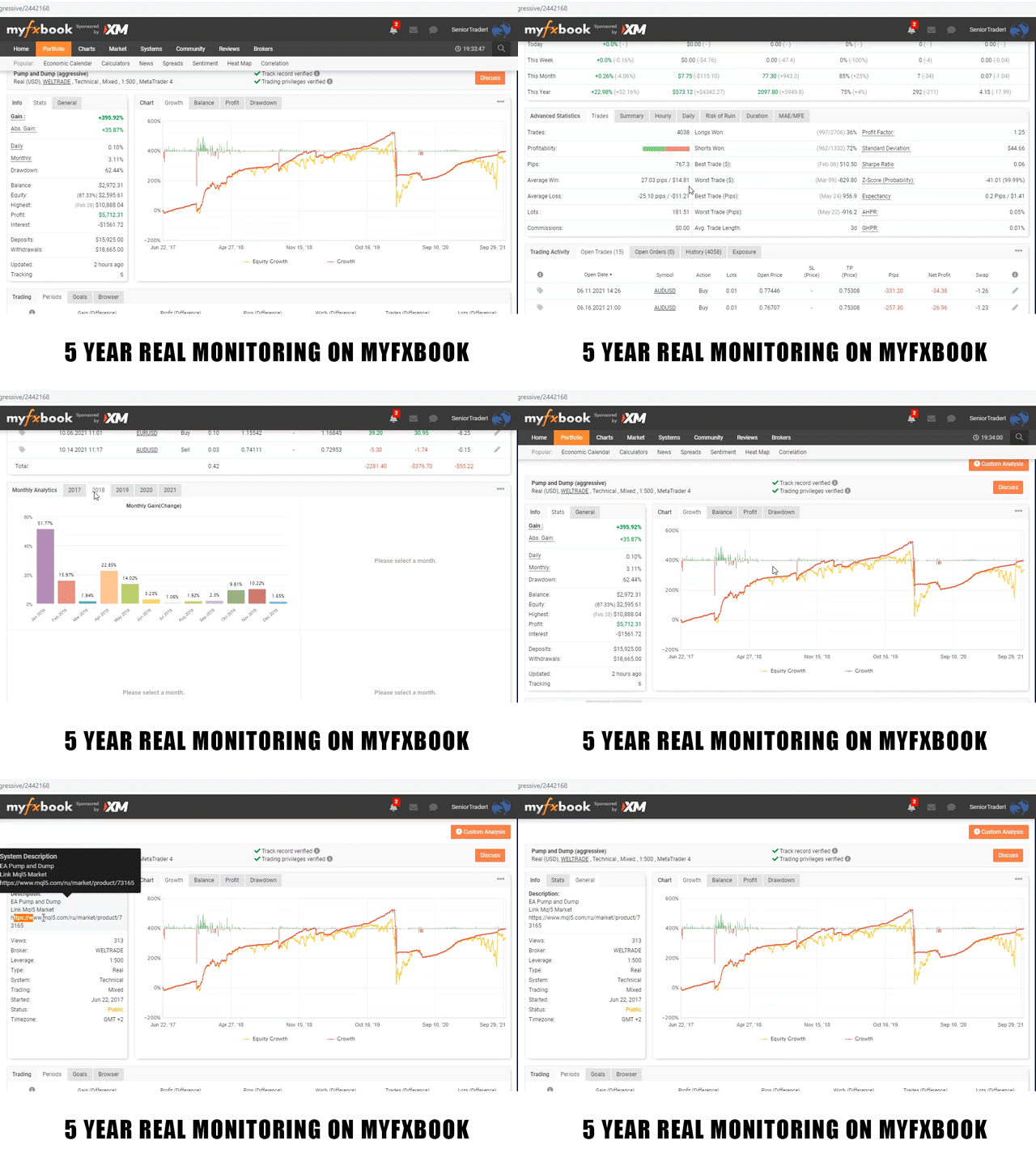
Strategy logic Pump and Dump Expert Advisor is a fully automated trading advisor created by a trader for traders. The strategy is “buy cheaper, sell more expensive”. Orders are opened after a significant rise / fall in price. The basic meaning of the Pump and Dump strategy is to buy an asset cheaper when the price falls, and sell it higher when the price rises. You have probably noticed that after sharp price movements in the market, a significant price rollback occurs in the opposite
Work logic Stop Out utility is a simple but very convenient indicator showing how many points are left to the Stop Out level / Its benefit lies in the fact that many traders deliberately overestimate the risk in trading in pursuit of profit, use the available margin at the maximum, and for this case it is very important to know where the broker can forcibly close your positions. Just place the indicator on the chart and depending on the open position in Buy or Sell, you will see the border mark
Logics EA Dow strategy is an Expert Advisor based on the Chalse Dow theory of “keeping trends”. The Expert Advisor uses the selected TF, if the previous bar was upward, it means it will open a buy and place a stop behind the Low of the previous candle (it is possible to set a filter of the indent from the previous candle), then after the current candle closes, the stop loss will again be moved beyond the Low, and so the trade will be held in the market until it will not be knocked out in the
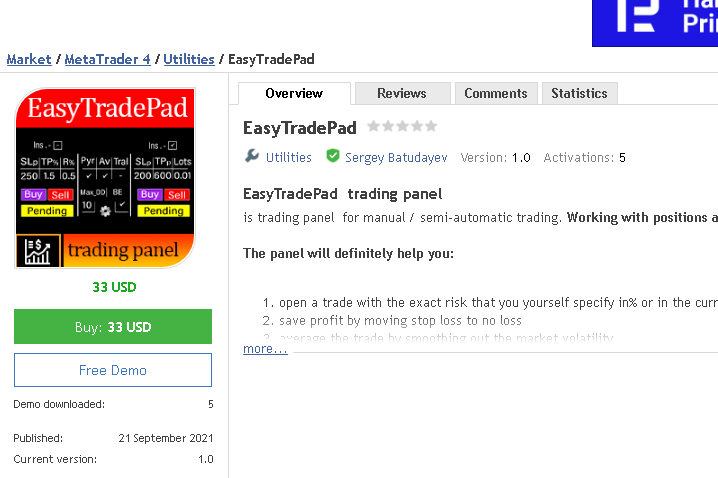
EasyTradePad – Trading Panel for MetaTrader 5 EasyTradePad is a tool for manual and semi-automated trading. The panel allows quick management of orders and positions, as well as risk management calculations in one click. [ DEMO and Instruction ] Panel Features: Open and close trades with predefined risk (% or deposit currency) Set SL and TP in points, percentages, or monetary values Calculate risk-to-reward ratio automatically Move stop loss to breakeven Partial position closing
The panel has the most intuitive interface that every beginner can handle. In the SLp column – you need to specify the SL size in pips. If the value turns gray and at the same time the Bay / Sell buttons are also inactive, then you have specified a SL value that is less than that allowed before it was set by your broker. In the TP% column – you indicate TP in% of the account balance. In the settings, you can choose on the basis of what this indicator will be calculated, by equity