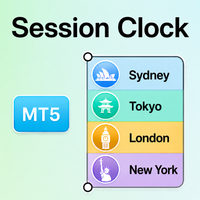
Session Clock MT5
- Indicators
- Version: 1.0
- Activations: 20

Session Clock MT5
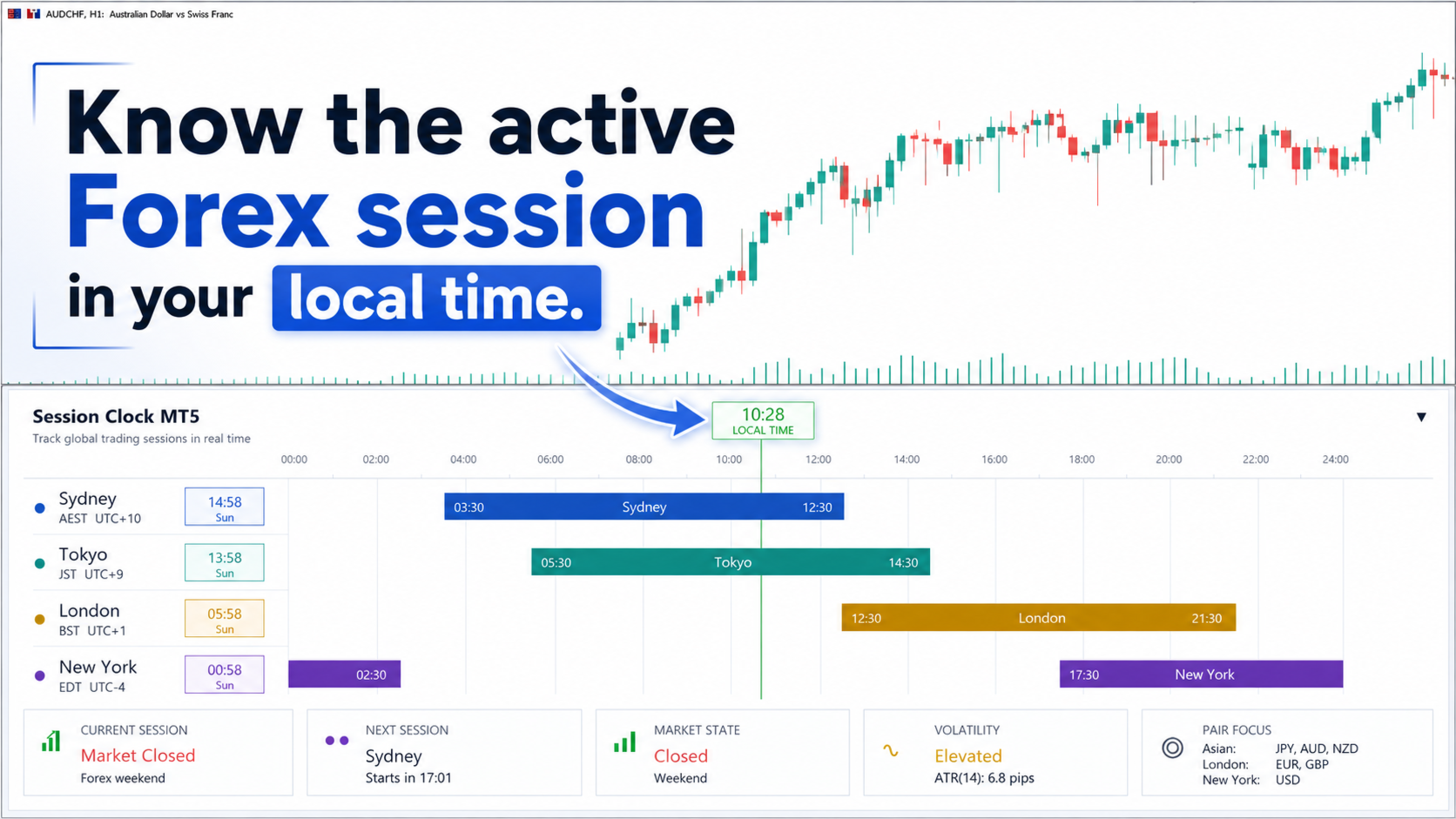
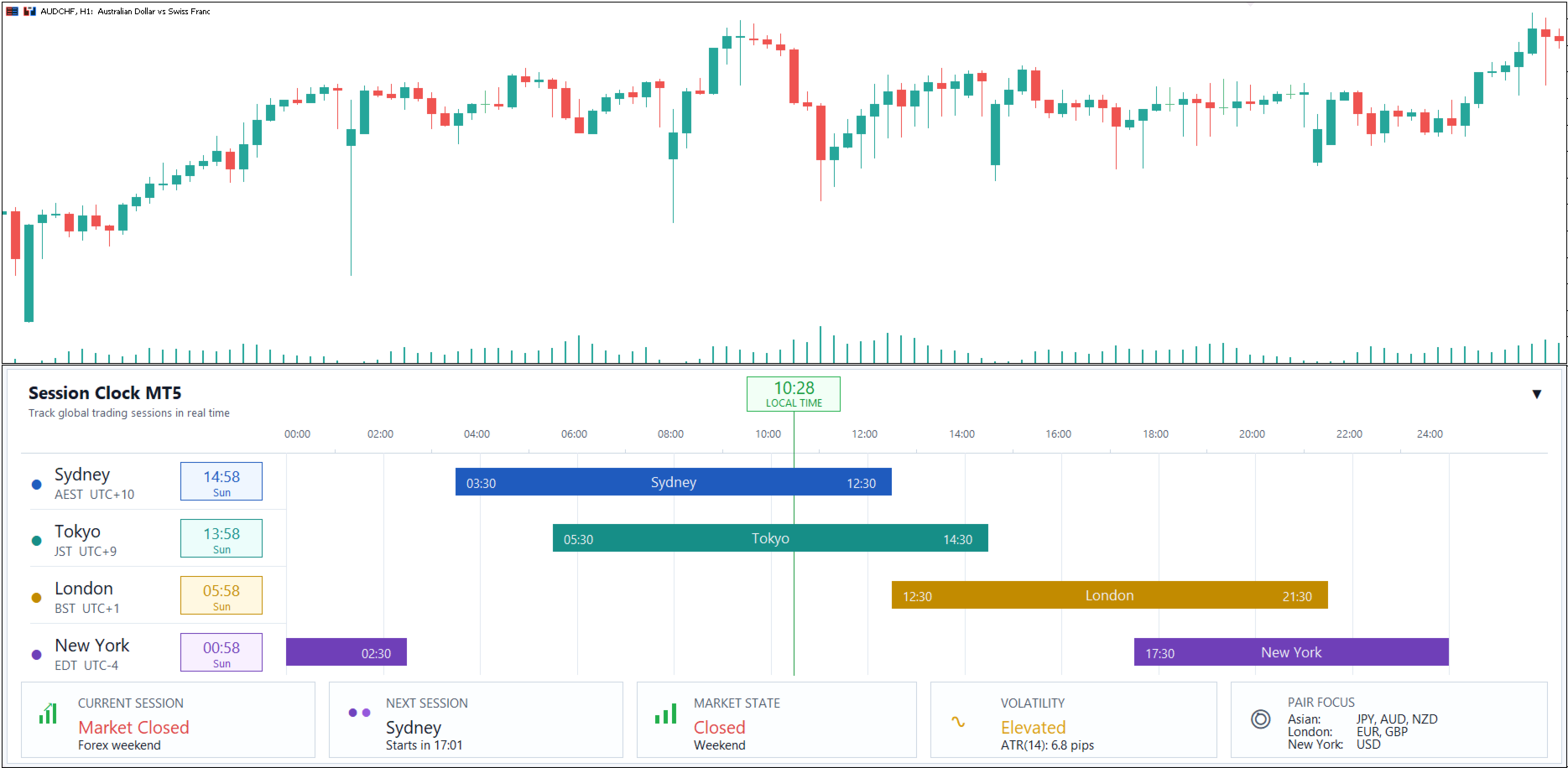
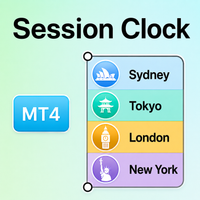
Session Clock MT5 is a clean trading-time dashboard for MetaTrader 5. It displays the four major Forex market sessions–Sydney, Tokyo, London, and New York – together with their opening times, closing times, live status, and the countdown to the next session.
Forex market activity changes throughout the day. Some periods are quiet, while others bring faster price movement and higher volatility. Session Clock MT5 helps traders understand the current market environment before entering a trade.
See the Trading Day at a Glance
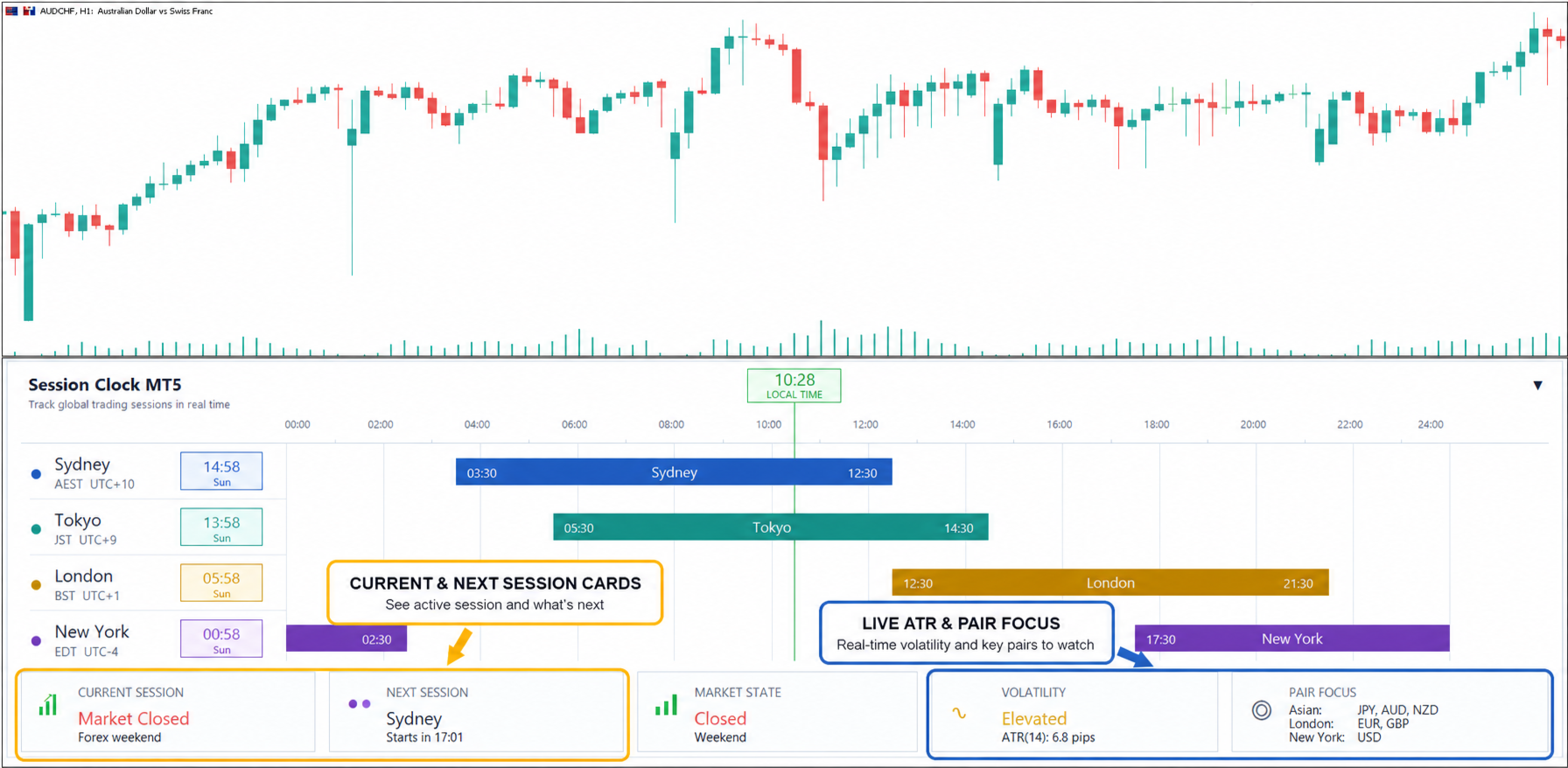
The dashboard clearly shows:
- Current local time
- Sydney, Tokyo, London, and New York sessions
- Session opening and closing times
- Live session progress bars
- Currently active session
- Next session and countdown
- Market open or closed status
- ATR-based volatility level
- Session-related currency-pair focus
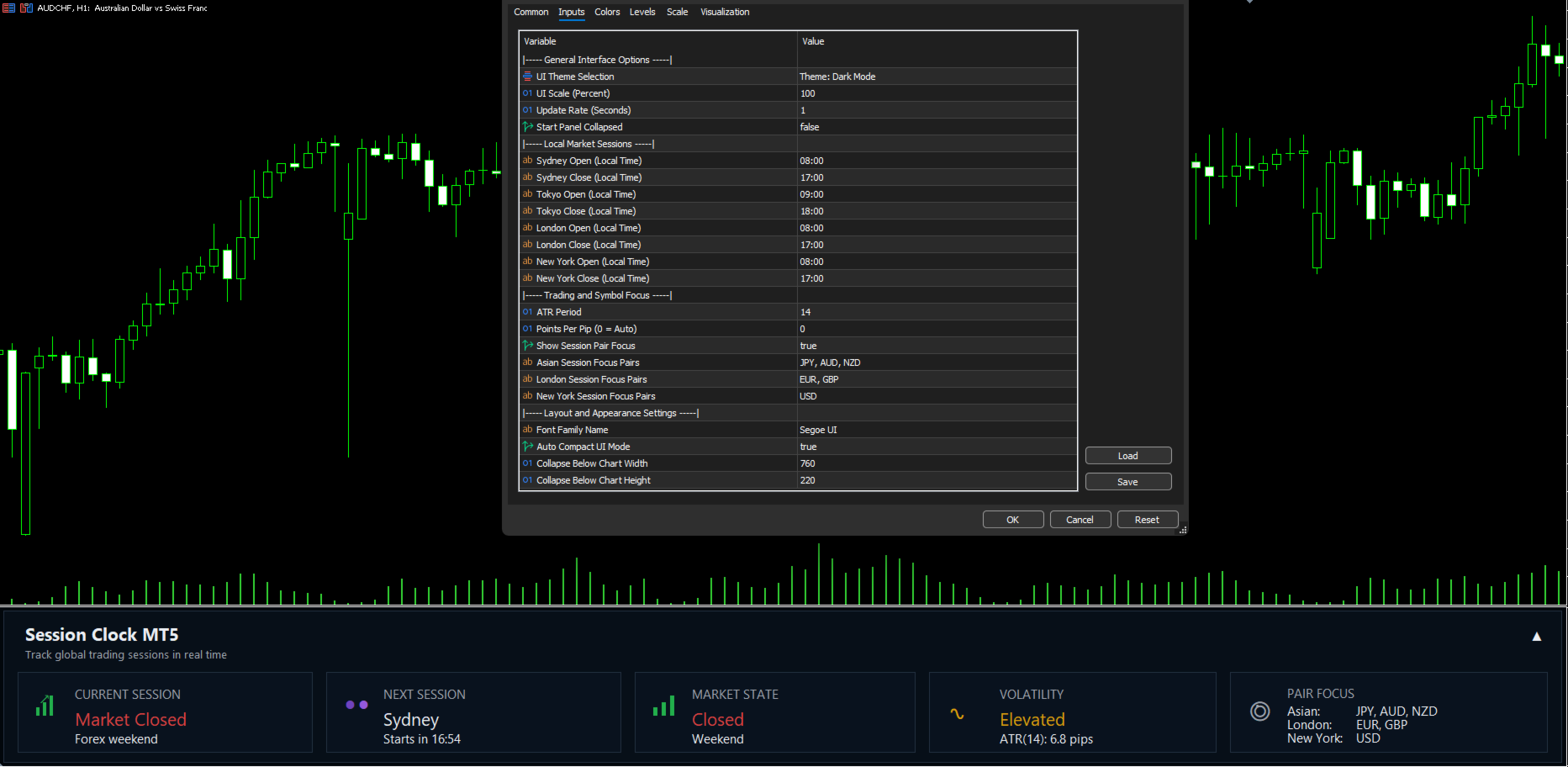
Session timing adjustments, including daylight-saving changes, are handled automatically.
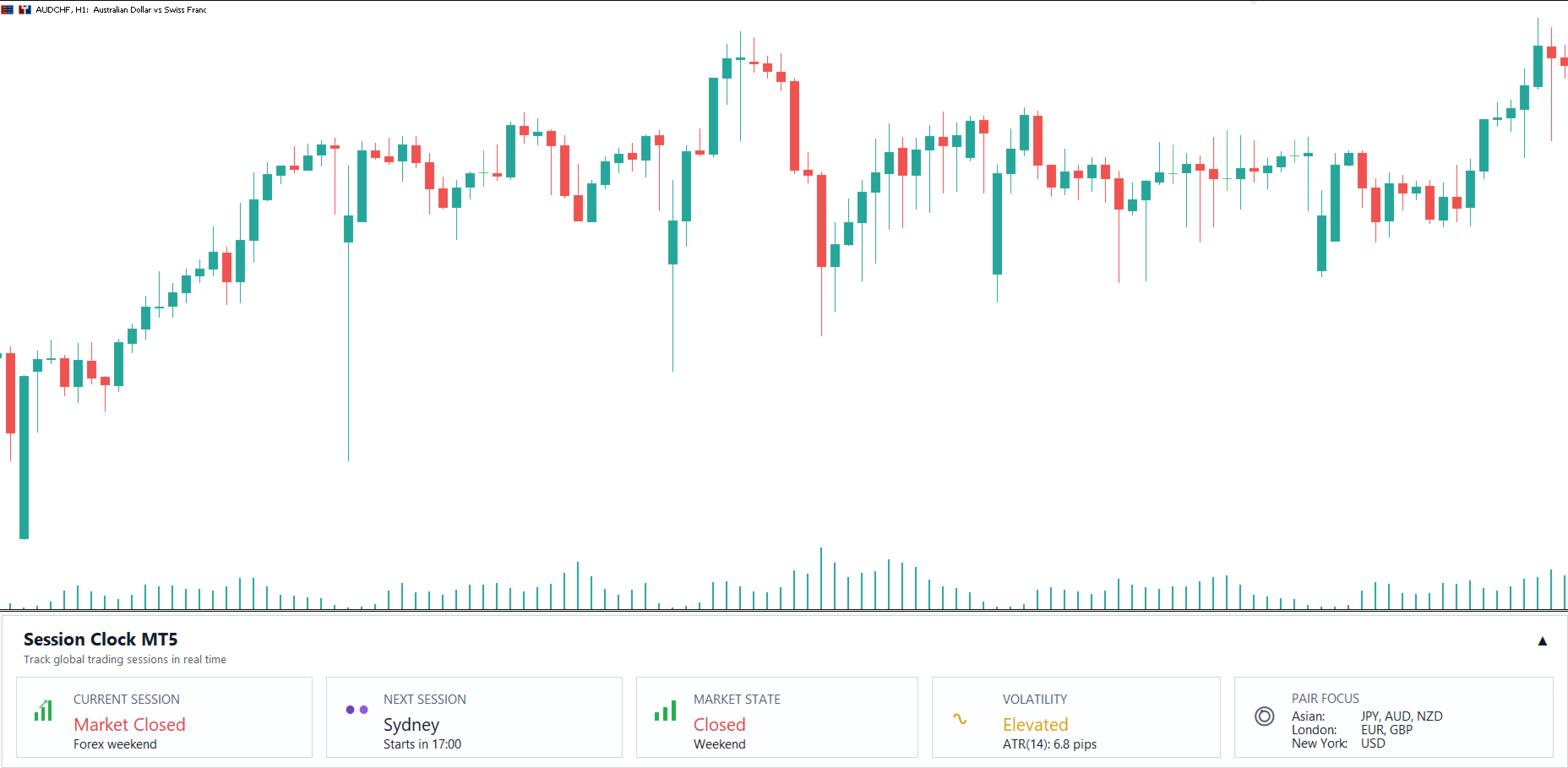
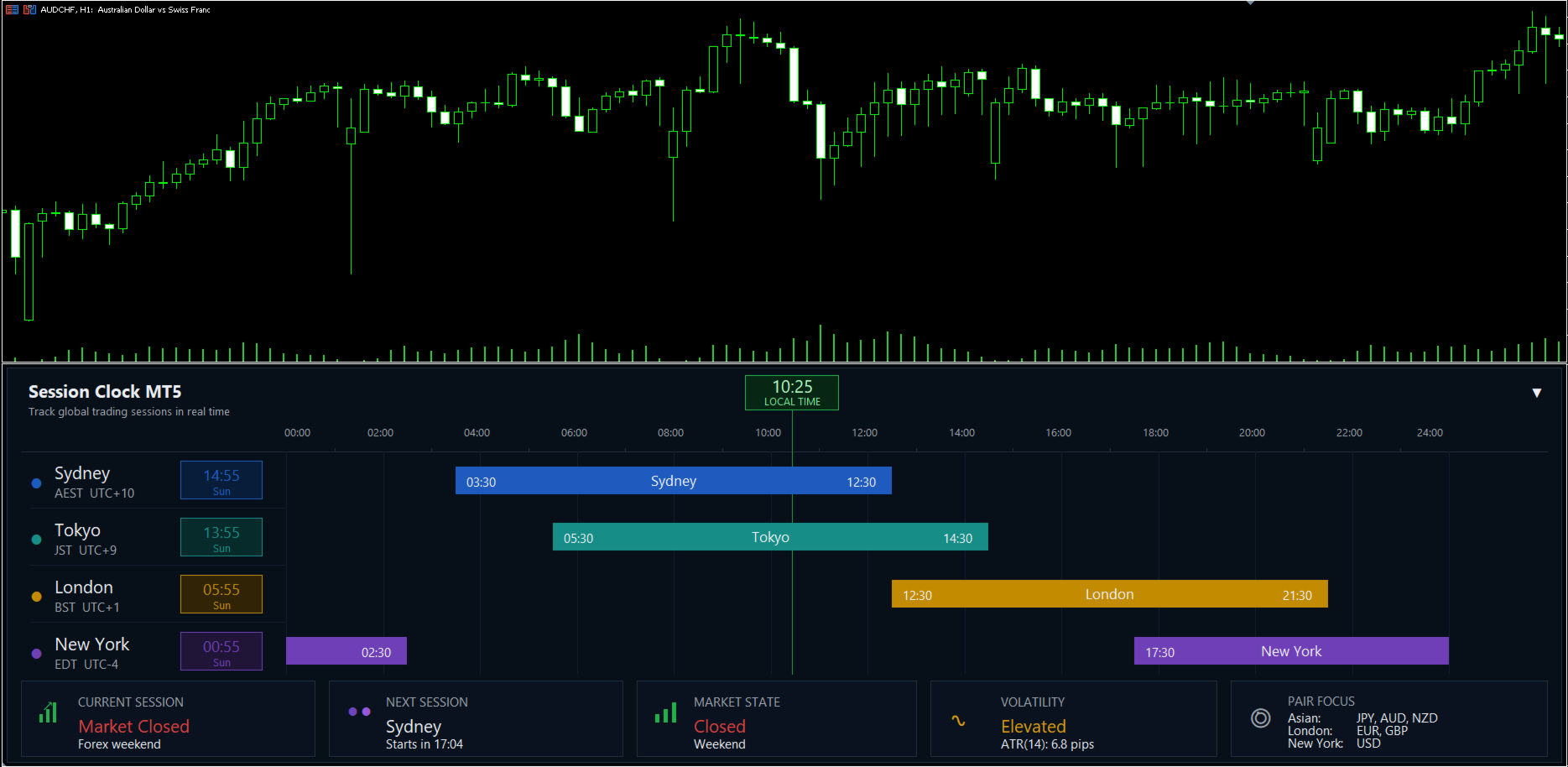
Light and Dark Themes
Choose the appearance that best matches your chart:
- Light theme
- Dark theme
- Automatic theme selection
The premium-style panel is designed to remain clear, compact, and easy to read during daily trading.
Understand When the Market May Be More Active
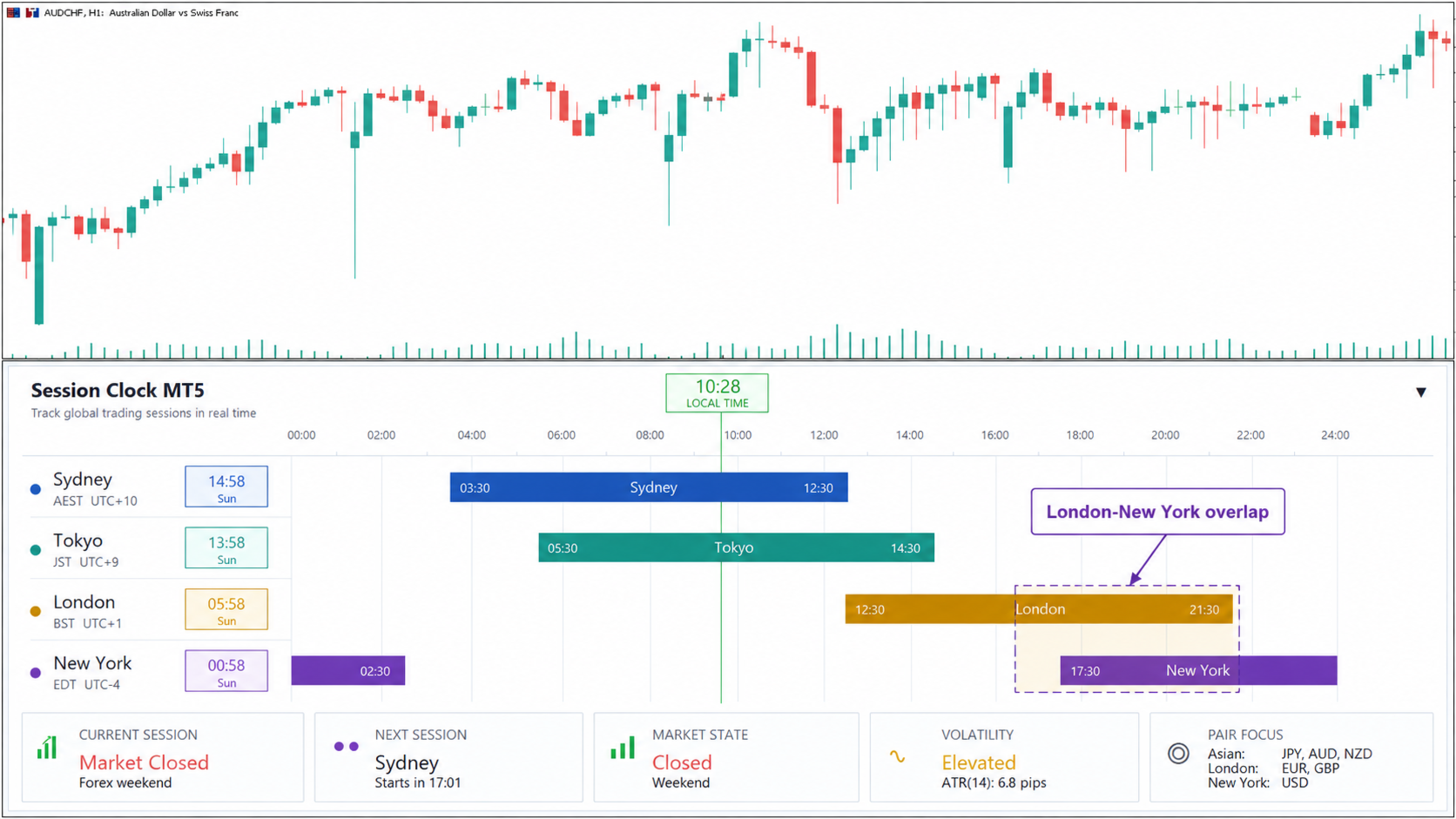
Different sessions often attract attention to different groups of currencies:
- Sydney and Tokyo: commonly relevant for AUD, NZD, and JPY pairs
- London: commonly important for EUR and GBP pairs
- New York: commonly important for USD pairs
- London-New York overlap: may produce stronger activity and increased volatility
Session Clock MT5 helps traders compare the active market period with the symbols they are monitoring.
Key Features
- Four major Forex sessions
- Live session timeline
- Current-session highlighting
- Next-session countdown
- Market open and closed status
- ATR volatility information
- Session-based pair focus
- Automatic daylight-saving adjustments
- Light, dark, and automatic themes
- Expand and collapse controls
- Clean premium dashboard
- No manual session-time calculations
Practical Trading Workflow
Before placing a trade:
- Check which session is active.
- Confirm whether the market is open.
- Review the countdown to the next session.
- Check the current volatility level.
- Compare your symbol with the active session.
- Use your own strategy to make the final trading decision.
This can help you avoid entering during unsuitable market hours and encourage more structured trade timing.
Useful For
- Forex traders
- Scalpers
- Intraday traders
- Session-based traders
- News and volatility traders
- Traders monitoring market overlaps
- Anyone trading across different time zones
Important Notice
Session Clock MT5 is a market-time and trading-session information indicator.
It does not generate BUY or SELL signals and does not predict market direction. Its purpose is to help traders understand when the market may be more active and whether the current session suits their trading strategy.
MT4 Version
Looking for MetaTrader 4? The MetaTrader 4 version of this indicator is available to download from here.
Stay Updated
Join the MQL5 Channel for product updates and discounts: