Mac User - Is there a way to change the text size in MT4 or MT5 using Wine ?
- MT5 indicator purchase using Wine/Mac
- problem about font size using wine
- No Market tab on MT5 running on Window 7 64bit.
Do you mean the text size of the toolbars and menus, or the textsize of objects added to the chart by custom indicators and EAs?
A screenshot would help
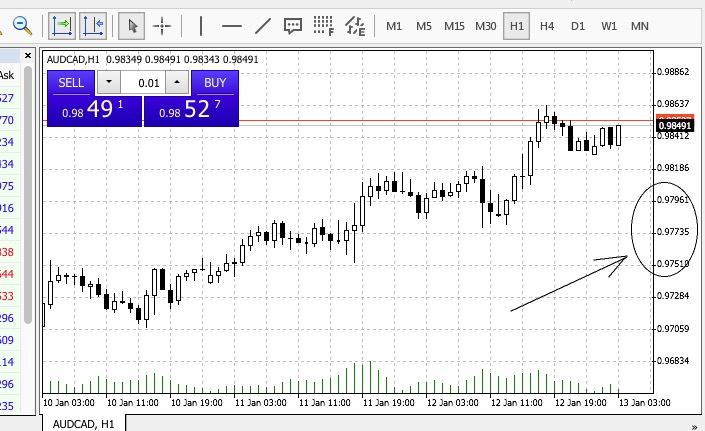
I mean these numbers besides the charts for example
It depends on which wine you use but you can see if you can find anything that looks like this:
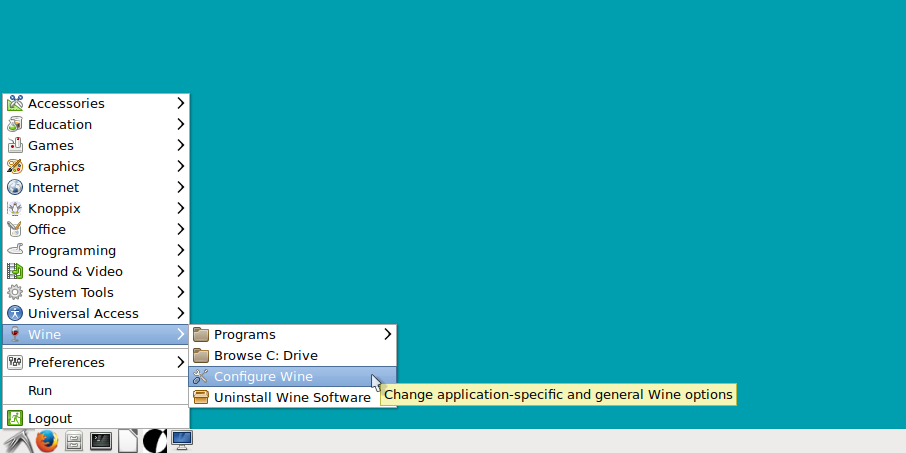
Configure wine settings
Then you get the control panel and look for the Graphics Tab:
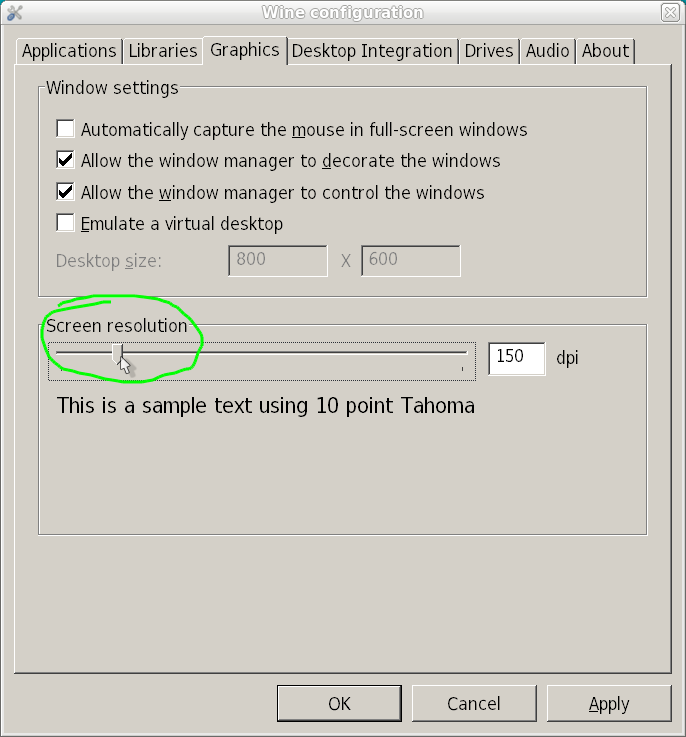
On the graphics tab is a slider that you can drag to the right to adjust your screen settings.
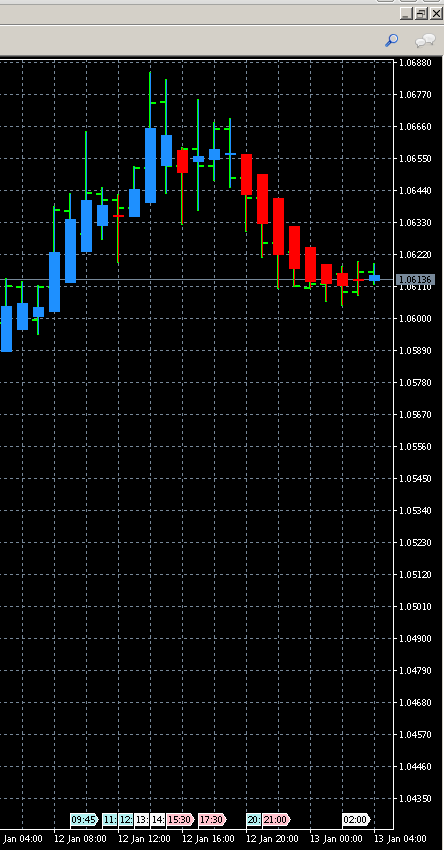
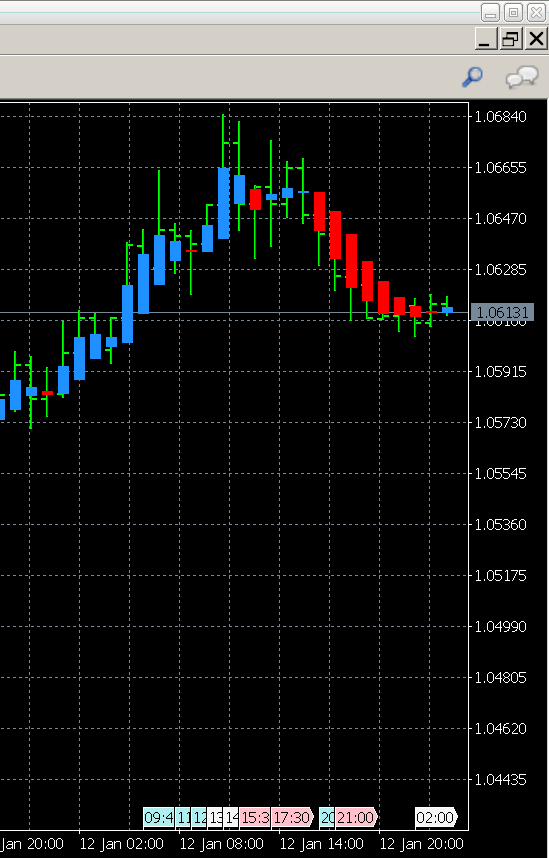
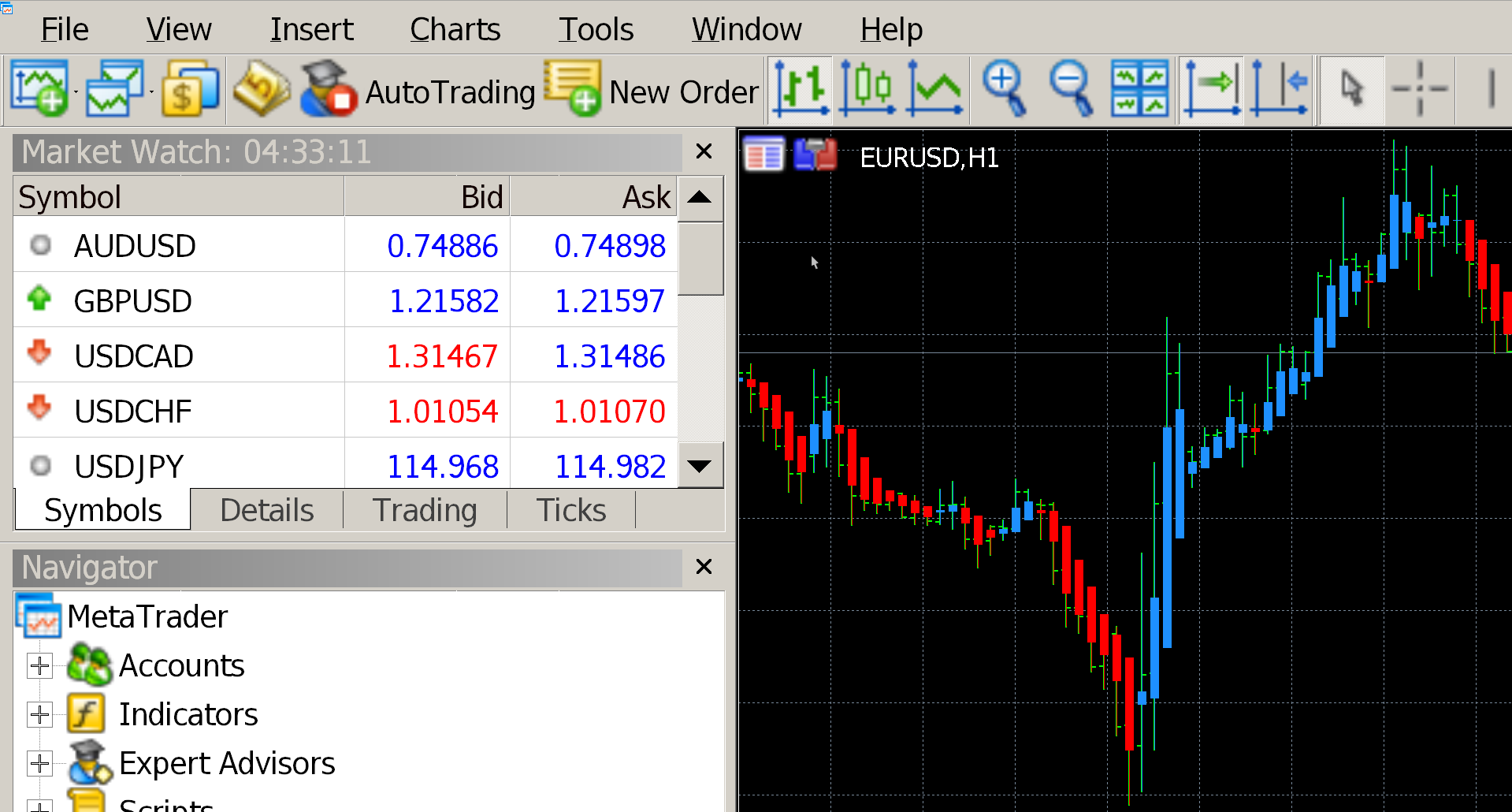
HOW ABOUT THIS? https://c.mql5.com/3/114/Screenshot_from_2017-01-13_02-33-12.png
Hi everyone!
I'm also suffering from the Mac 4K problem. All kinds of things are written on the internet, but where useful advice was given they always insisted you set it up with Wine desktop, winecfg, etc. — and when someone asked “but this is packaged in the Mac app,” there was no answer :( After several attempts I finally figured out what to do:
-
DO NOT RUN METATRADER5!
-
Open the file ~/Library/Application Support/net.metaquotes.wine.metatrader5/system.reg in a normal text editor (one that supports UTF-8).
-
Find this line: "LogPixels"=dword:
-
You can adjust it by changing the number after dword: .
Warning: make sure the number sequence is always 8 digits long!
Tip: the value that worked for me on a 1440p/4K monitor was: 00000090
- Free trading apps
- Over 8,000 signals for copying
- Economic news for exploring financial markets
You agree to website policy and terms of use