Target Clock Pro
- Göstergeler
-
Dario Cadeddu
 Quantitative Trading Systems Developer focused on risk management, market regime analysis and structured trading workflows for MetaTrader 5.
- Sürüm: 1.0
- Etkinleştirmeler: 10
Target Clock Pro answers a practical question: how long will price take to reach my target?
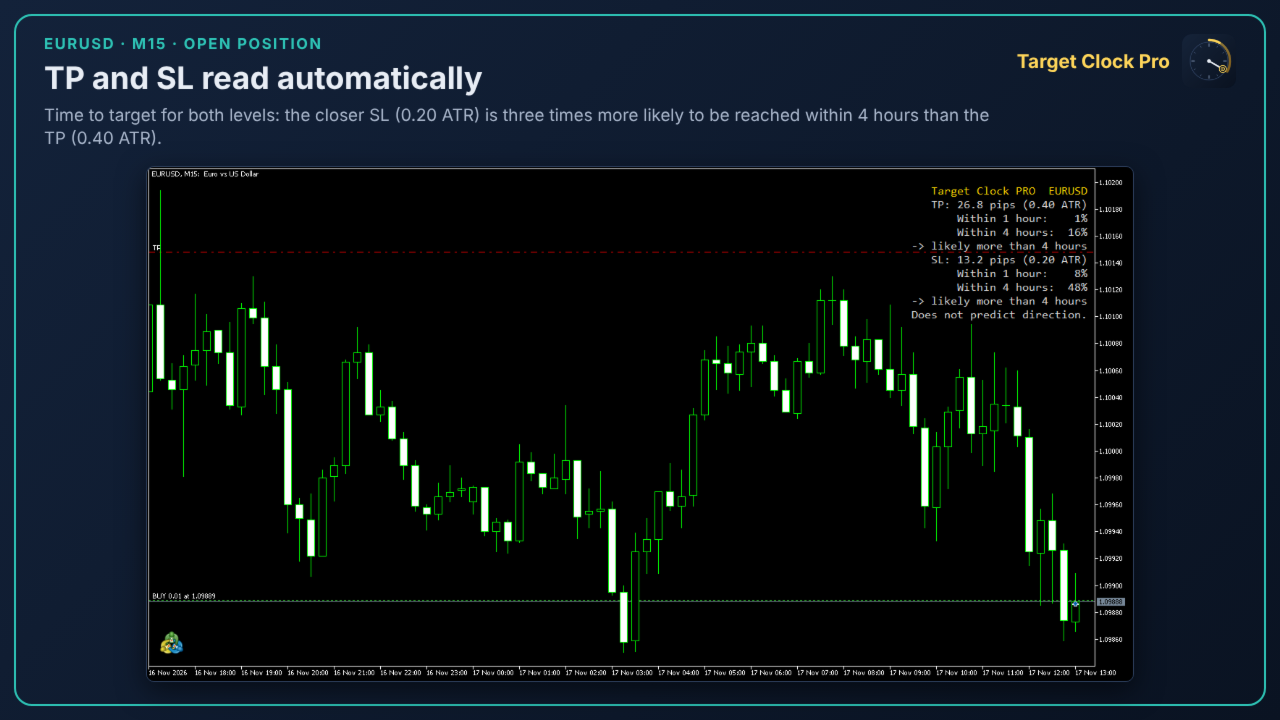
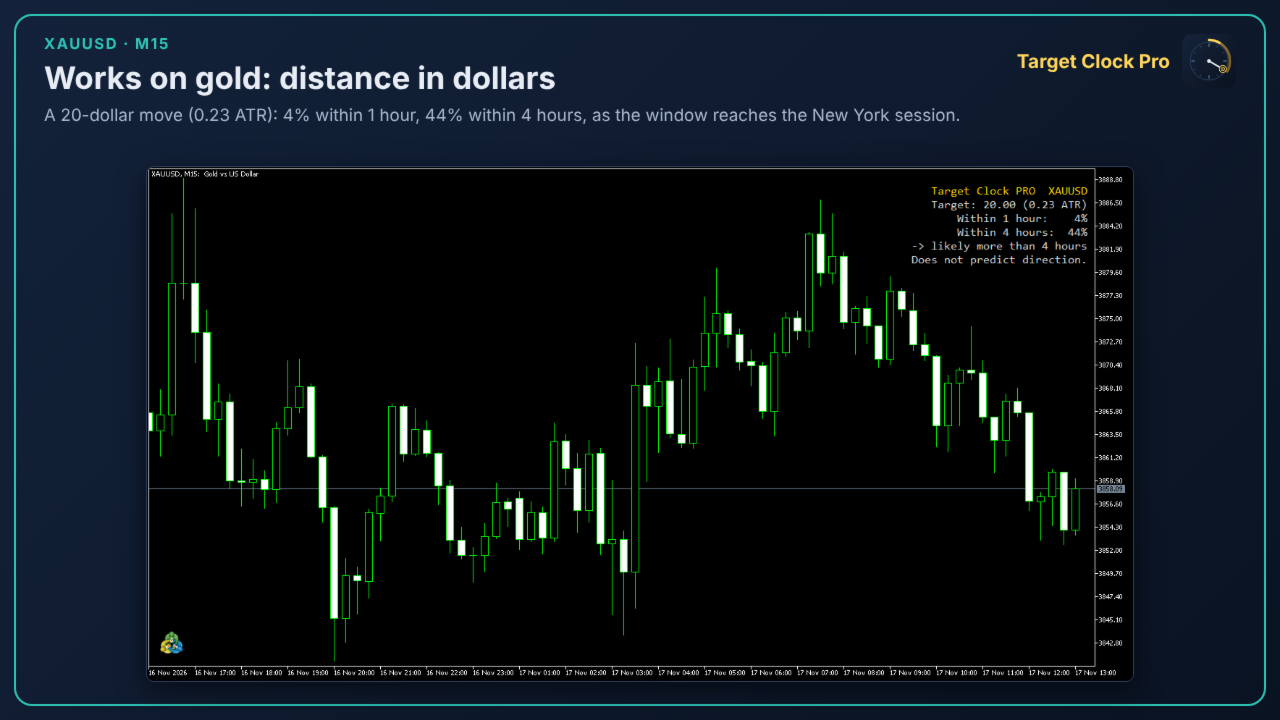
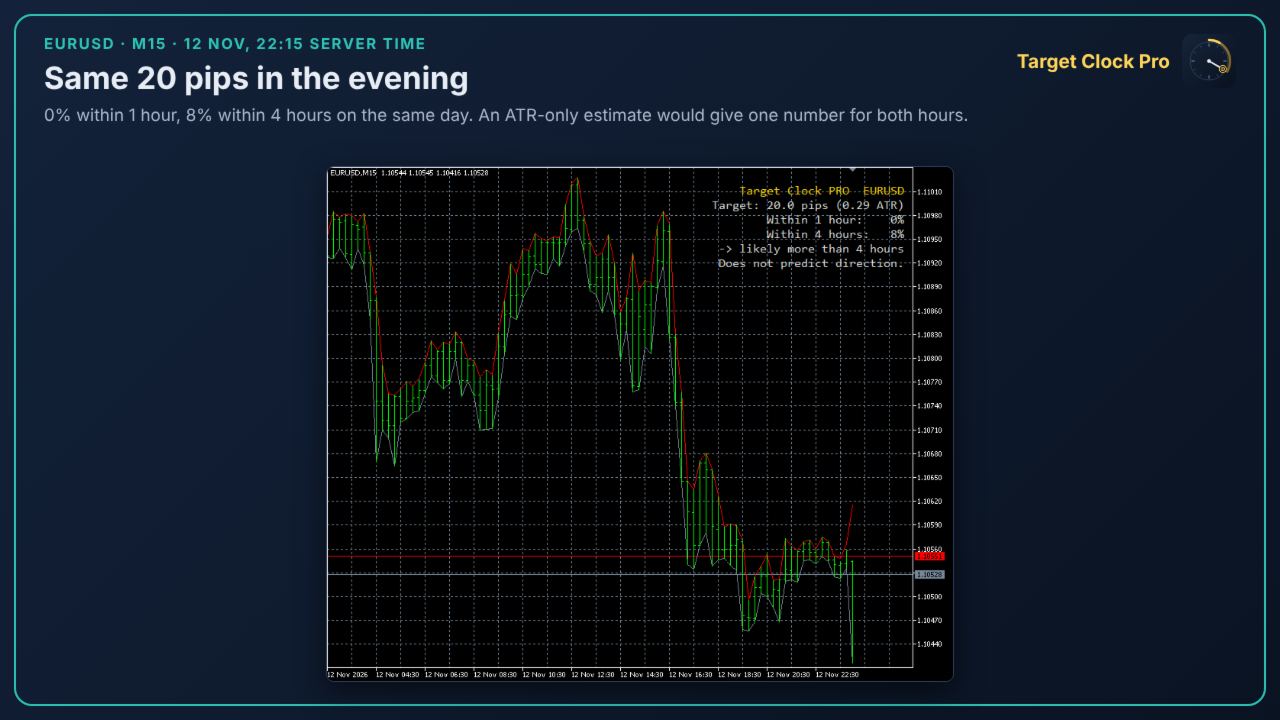
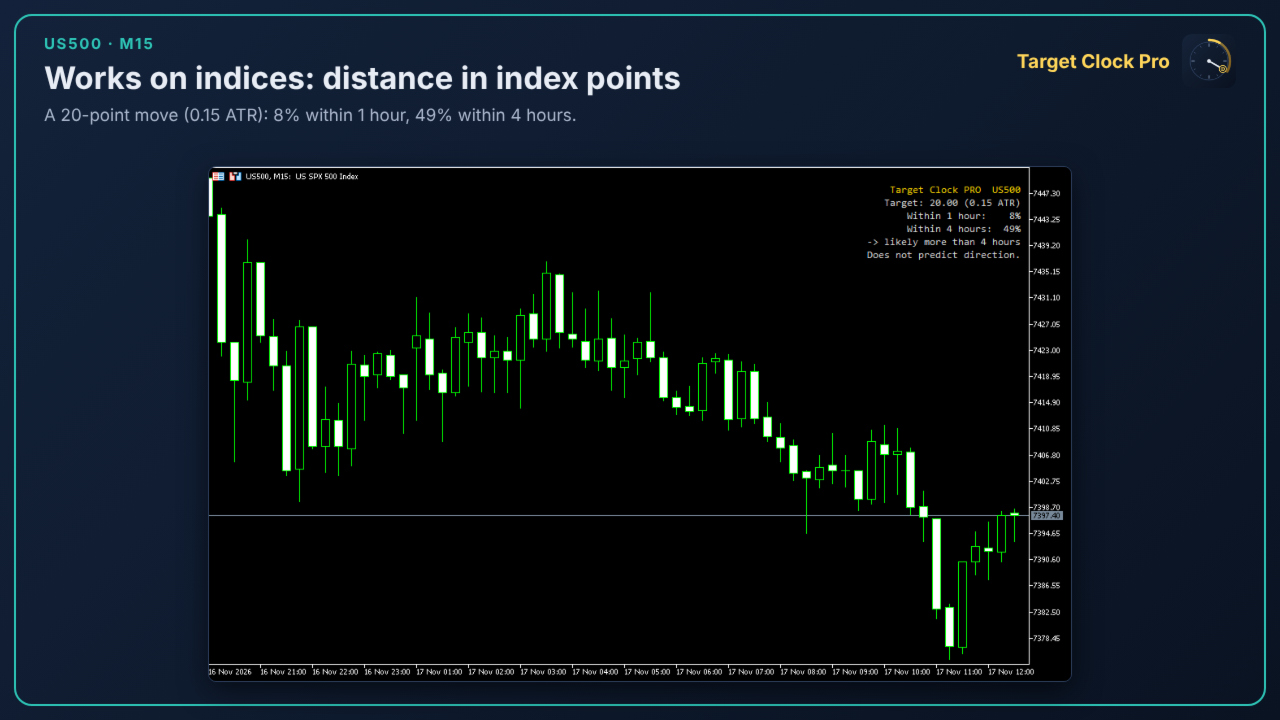
Enter a distance (pips on forex, index points or dollars on indices, metals and oil), or let the indicator read the TP and SL of your open position. The panel shows:
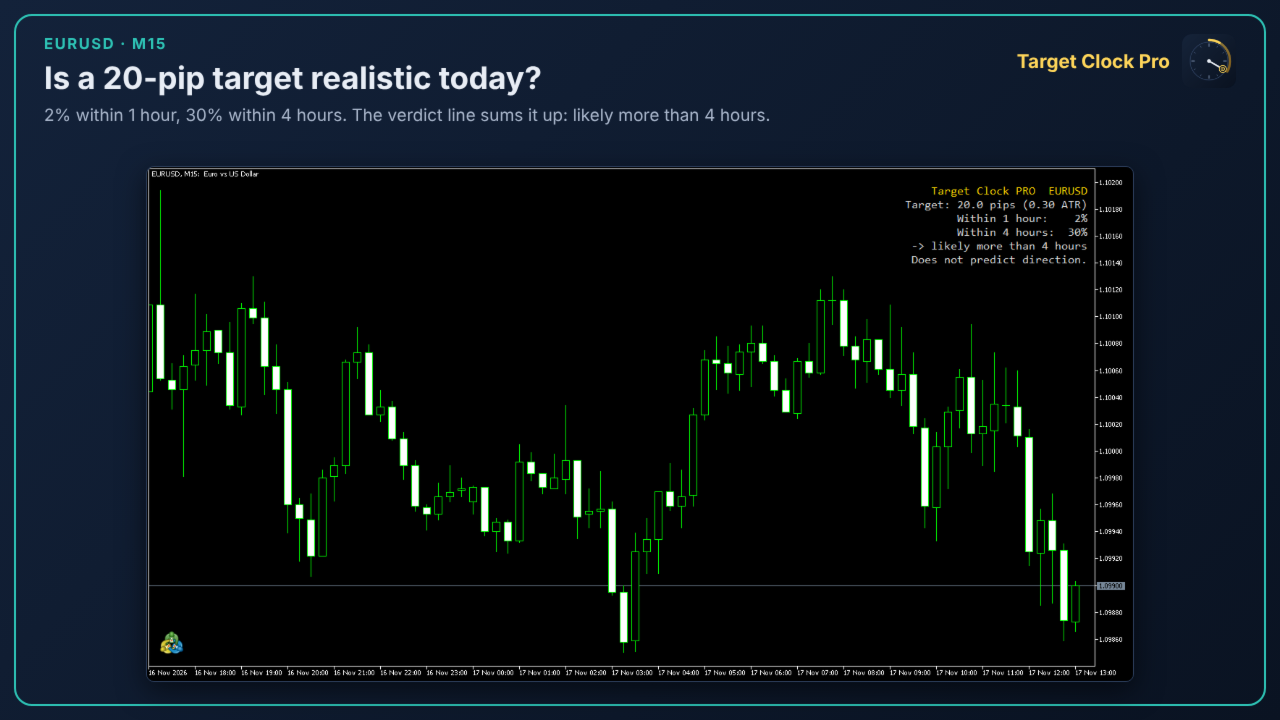
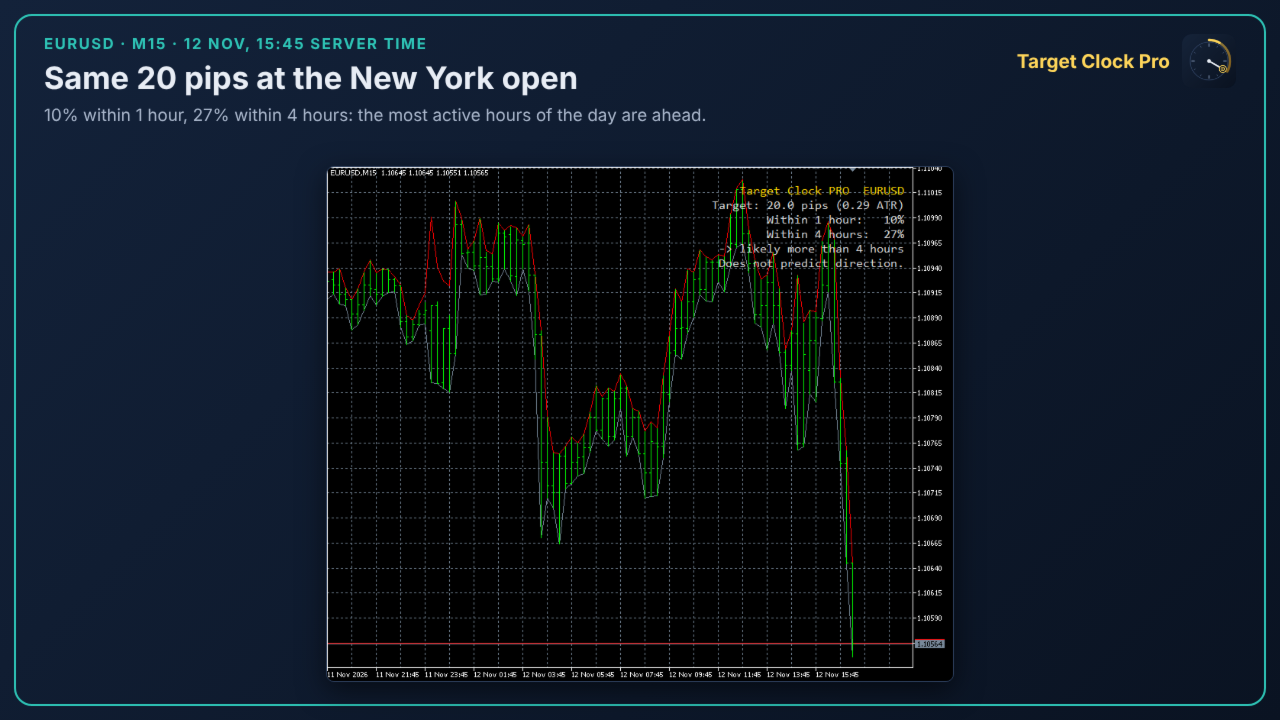
- the probability that price reaches that distance within 1 hour
- the probability that it reaches it within 4 hours
- a simple verdict: likely within 1 hour / between 1 and 4 hours / more than 4 hours
WHY IT IS DIFFERENT
An hour of the London or New York open is not worth the same as an hour of the Asian night. Target Clock Pro measures time in expected volatility: it combines the intraday profile of each instrument (96 quarter-hours of the day) with the current volatility level, then converts the result into probabilities through a calibration that was frozen before testing.
HOW IT WAS VERIFIED
The model was defined, frozen and tested following a written pre-registration, with thresholds fixed before looking at the results.
- 21 forex pairs, test period 2022-2026, never used to build the model: calibration error 0.004-0.007; better than an ATR-only estimate on 21 pairs out of 21 and in every year.
- 10 instruments never seen before (EURSEK, gold, silver, WTI oil, US500, US30, USTEC, DE40, UK100, JP225): calibration error 0.007 (1 hour) and 0.011 (4 hours); better than an ATR-only estimate on 10 instruments out of 10.
Calibrated means: when the panel says 30%, the event happened about 3 times out of 10 in the test data.
WHAT IT DOES NOT DO
- It does not predict direction. It tells you how fast price covers a distance, not which way it will go.
- Probabilities are verified for horizons of 1 and 4 hours and for distances between 0.10 and 1.00 times the daily ATR. Outside that range the panel says so instead of showing a number.
- When the window crosses a market close (weekend, daily break of indices and metals) the panel shows n/a.
PRACTICAL USES
- Check whether an intraday target is realistic before entering.
- Decide whether to keep a position open into the evening or close before a quiet session.
- Compare the time to TP and the time to SL of an open trade.
- Set time-based exits on a sound basis.
SETTINGS
- Target distance and unit (auto: pips on forex, price units on indices, metals and energy; or pips, points, price units)
- Use TP and SL of the open position (on/off)
- Years of M15 history for the intraday profile (default 3)
- Panel position, colors and font size
REQUIREMENTS
- At least 250 trading days of M15 history on the symbol (the indicator downloads it automatically).
- Works on any timeframe; calculations always use M15 data.
- Fully standalone: no other products required.
Results are based on historical data from one broker. Past calibration does not guarantee future results. This is an analysis tool, not a signal or a trading system.