Request Budget Trailer
- Yardımcı programlar
- Sürüm: 1.0

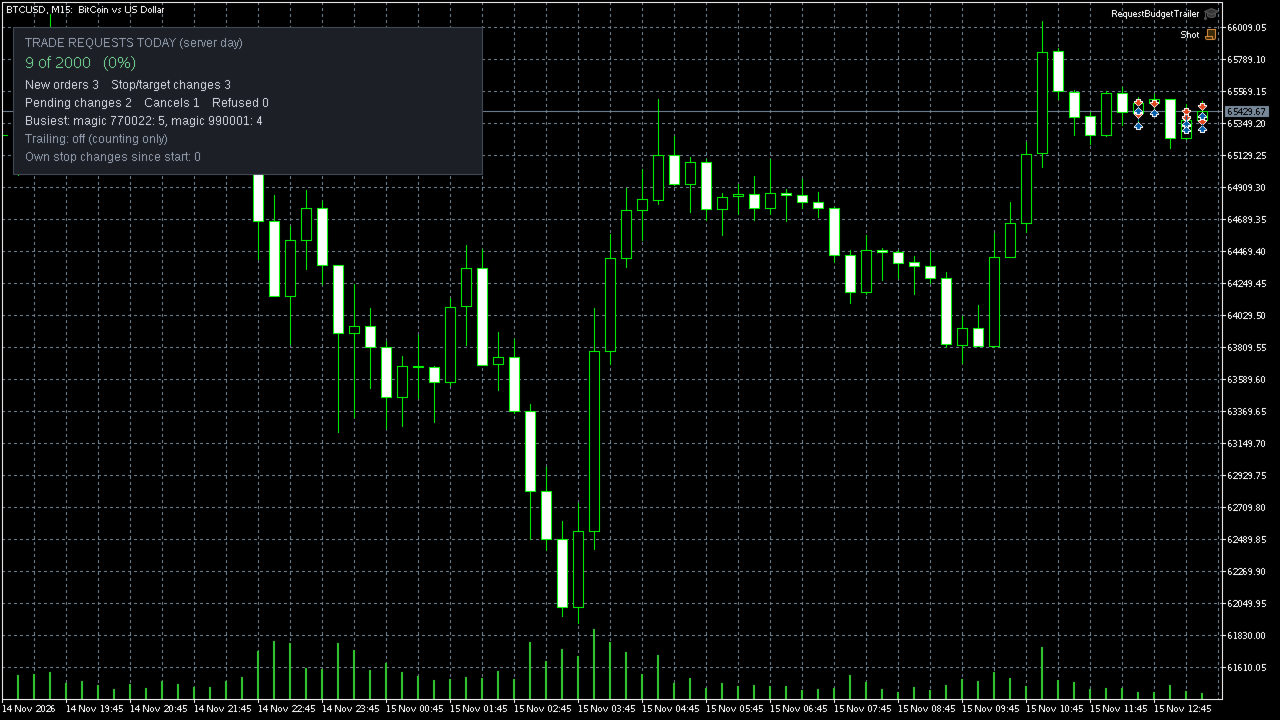
Some brokers and prop firms warn or restrict accounts that send too many trade requests per day. A common cause is a trailing stop that moves on every tick. This utility shows how many requests the Expert Advisors in your terminal have sent today and which of them sent the most. It can also trail stop losses in steps, which sends fewer requests.
What it does
- Counts the trade requests that the server accepted for the current server day: new orders, stop loss and take profit changes, changes of pending orders and cancellations.
- Counts the requests of the other Expert Advisors running in the terminal as well as its own.
- Shows which programs (by magic number) sent the most requests.
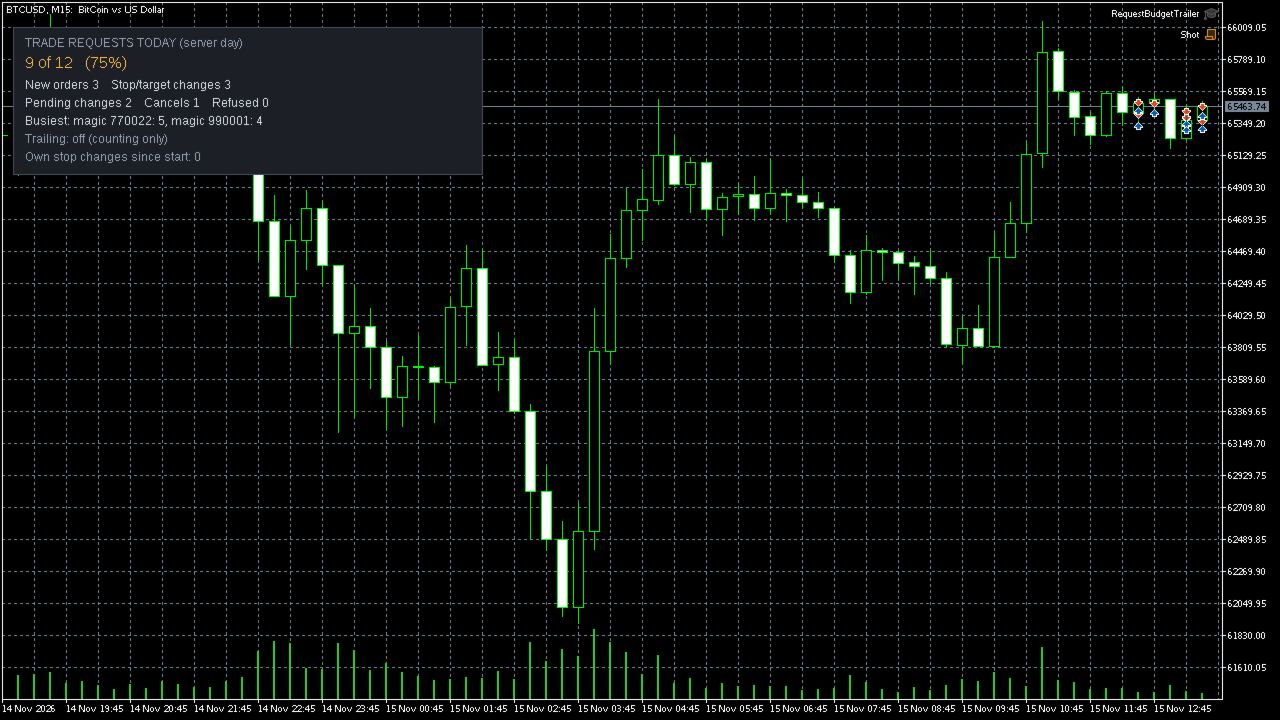
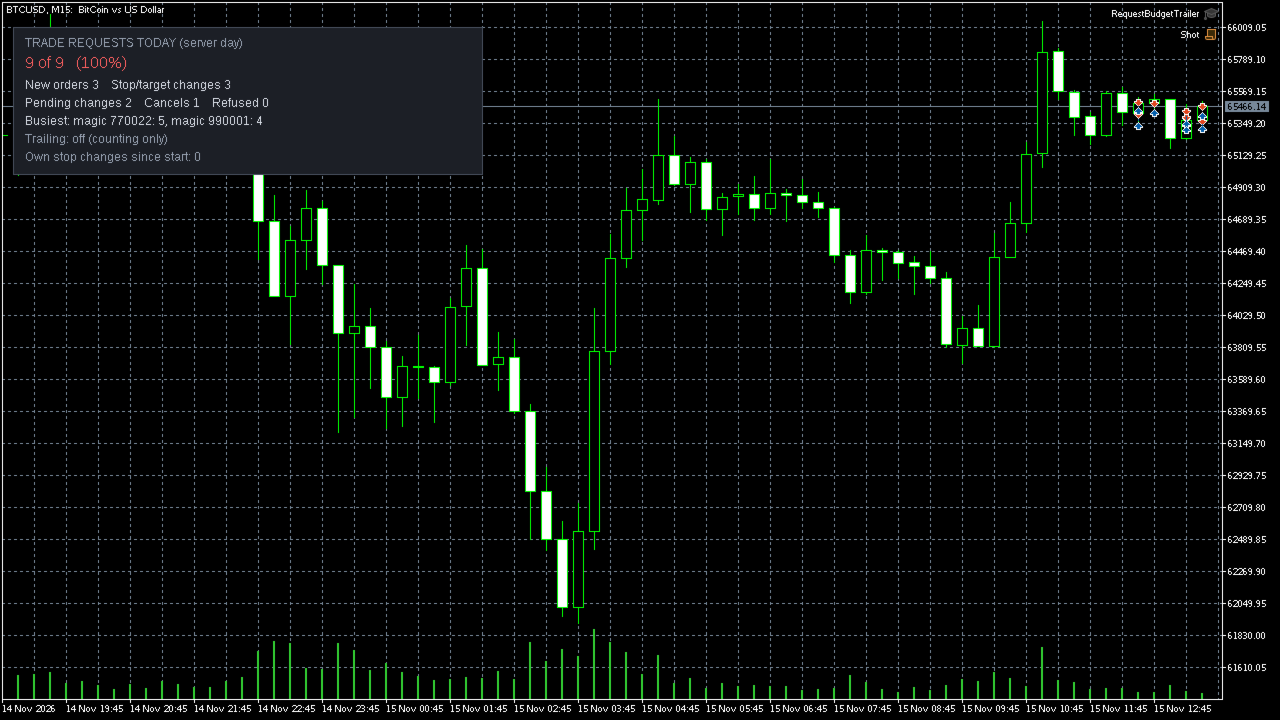
- Lets you set a daily budget and alerts you at a level you choose. Push notification is optional.
- Keeps today's counters when the program or the terminal restarts.
- Optional step trailing, off by default: the stop moves only when it can improve by at least the step you set, and not more often than the interval you set.
- After the alert it doubles its own step and interval. At the budget it pauses its own trailing until the next server day.
Step trailing, if you switch it on
- It only moves a stop towards the price, never away from it.
- A position without a stop gets its first stop at the entry price or better, never on the losing side.
- The take profit is left unchanged.
- With magic number -1 it manages all positions of the chart symbol, including positions opened by other Expert Advisors and by hand. Enter a magic number to limit it to one Expert Advisor.
- It can skip positions that share a take profit, so a grid basket stays with the Expert Advisor that owns it.
- After a refused change it leaves that position alone for 10 seconds.
What it does not do
- It does not open or close positions and gives no trading signals or advice.
- It cannot slow down or block other Expert Advisors. It measures them.
- It does not count requests of other programs that the server refused, and it does not count requests sent from another terminal or a mobile app on the same account. The real number can therefore be higher than the number shown.
- It does not know how your broker or prop firm counts. You enter the budget yourself. Staying below it does not guarantee that an account will not be warned or restricted.
- It does not work while the terminal is closed.
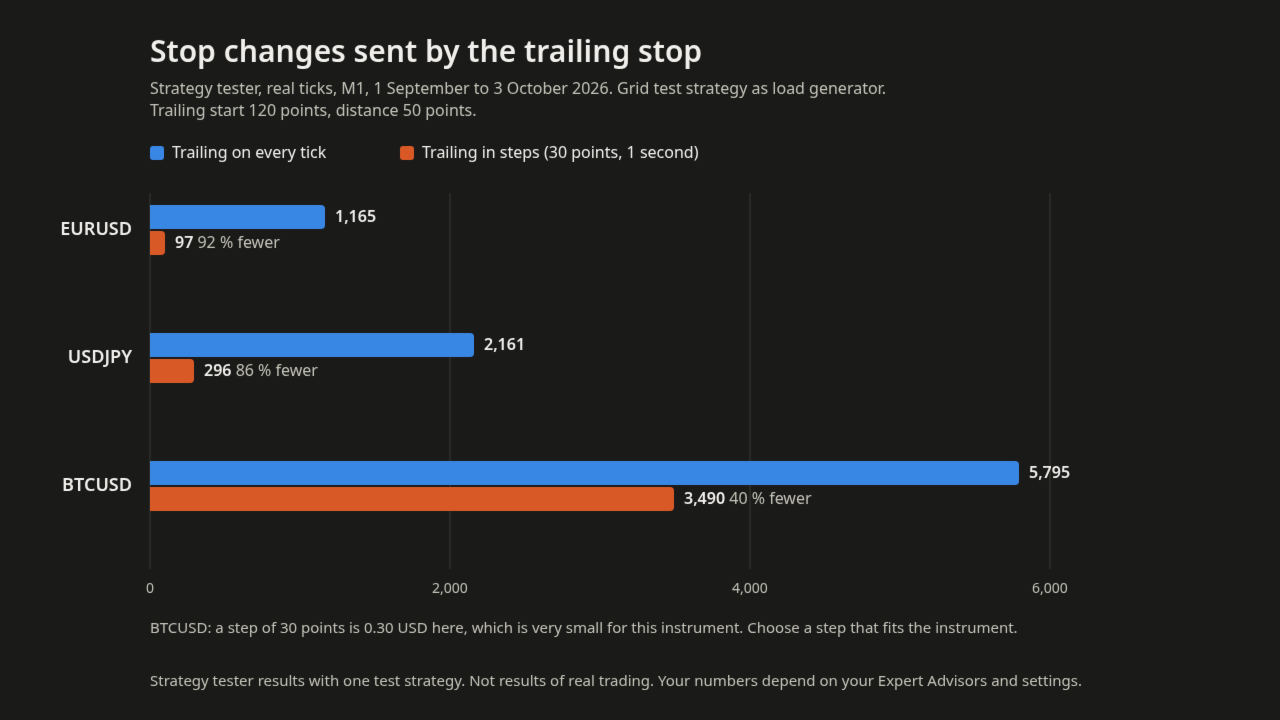
Test result. Strategy tester, real ticks, M1, 1 September to 3 October 2026, with a grid test strategy as load generator, trailing start 120 points, distance 50 points. Stop changes sent by the trailing stop:
- EURUSD: 1,165 on every tick, 97 with a step of 30 points and an interval of 1 second
- USDJPY: 2,161 on every tick, 296 with the same step and interval
- BTCUSD: 5,795 on every tick, 3,490 with the same step and interval. A step of 30 points is 0.30 USD here, which is very small for this instrument. Choose a step that fits the instrument.
These are tester results with one test strategy, not results of real trading. Your numbers depend on your Expert Advisors and settings.
Inputs
- Magic number: -1 manages all positions
- All symbols: off means chart symbol only
- Skip positions that share a take profit
- Trail stops: off means counting only
- Start, distance and step in points
- Shortest time between two changes of one position, 1 to 3600 seconds
- Daily budget of trade requests (0 means no budget) and alert level in percent
- After the alert: double step and interval
- At the budget: pause own trailing until the next day
- Push notifications
- Panel position, and how often a summary is written to the Experts log
How to start
1. Attach the utility to one chart. One instance counts the whole terminal; a second instance on another chart refuses to start.
2. Enter your daily budget.
3. Only if it should trail stops: switch "Trail stops" on and allow Algo Trading for it. Counting works without that permission.
4. If another Expert Advisor trails on every tick, switch its trailing off there and let this utility trail instead.
Trading involves risk of loss. Test on a demo account first.