AAS Trading Suite
- Göstergeler
- Sürüm: 1.12
- Etkinleştirmeler: 5

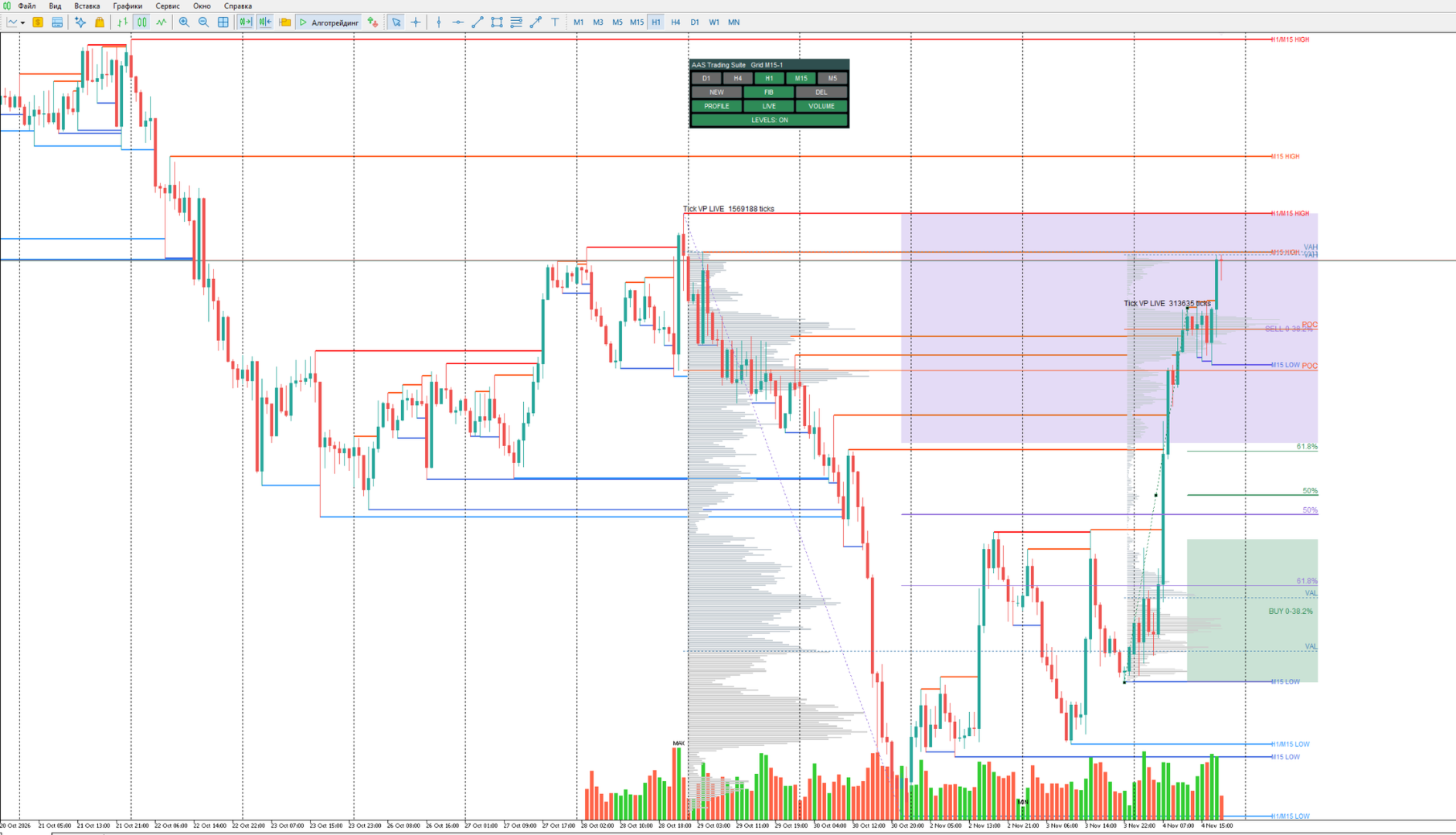
AAS Trading Suite is a multi-timeframe technical analysis indicator for MetaTrader 5 that combines structural price levels, manually positioned Fibonacci grids, reversal zones, Volume Profile and a volume histogram in one interactive chart workspace.
The indicator is designed to help traders analyze market structure, identify important price areas and organize their charts before entering and managing trades.
Key Features
Multi-Timeframe Market Structure
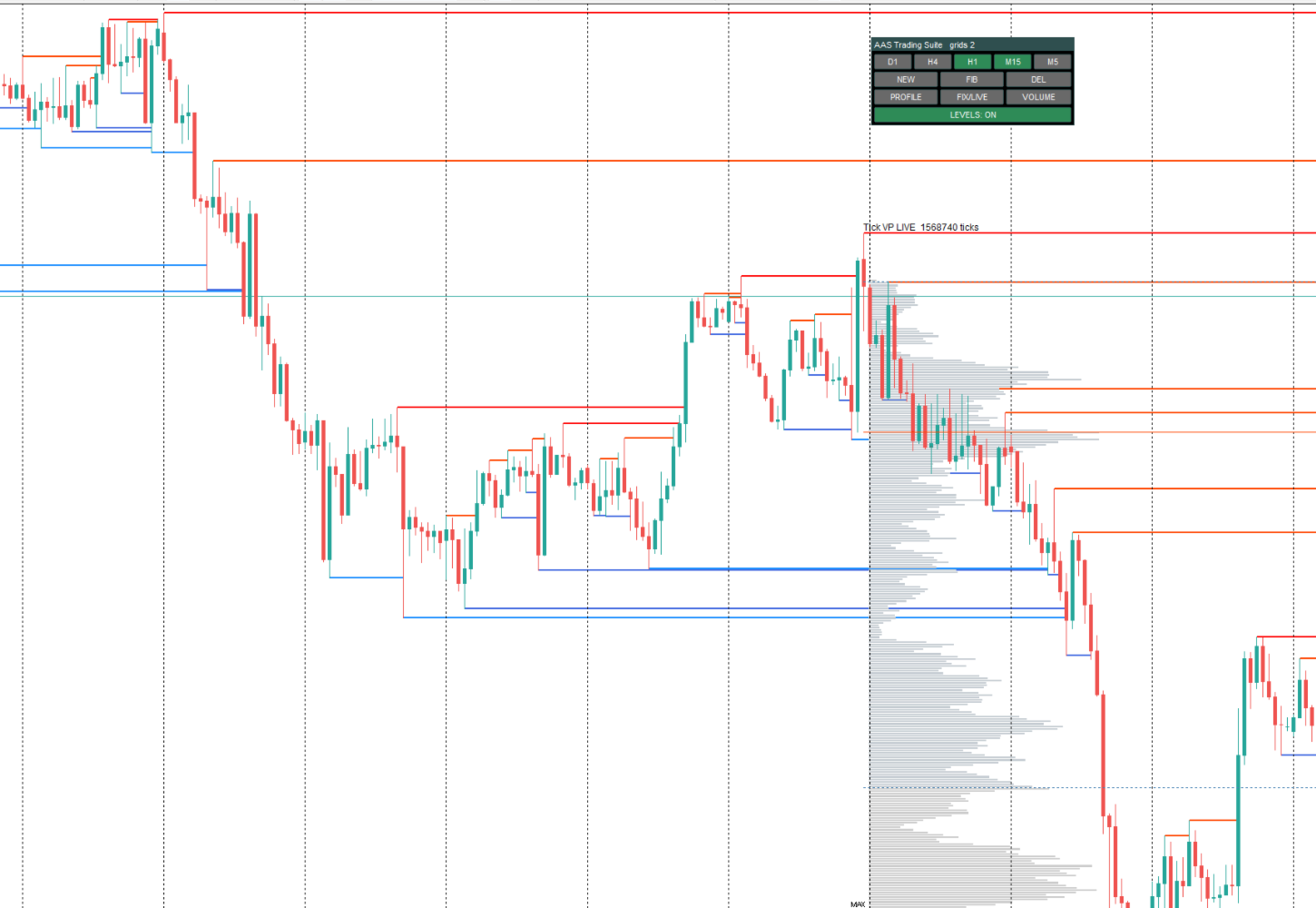
Automatically identifies and displays structural HIGH and LOW levels across five independent timeframes: D1, H4, H1, M15 and M5.
Each timeframe can be enabled or disabled independently. Multiple timeframe levels can be displayed together on the same chart.
Interactive Fibonacci Grids
Create Fibonacci grids manually by selecting two price points. Each grid remains associated with its original timeframe and can be selected, adjusted and managed independently.
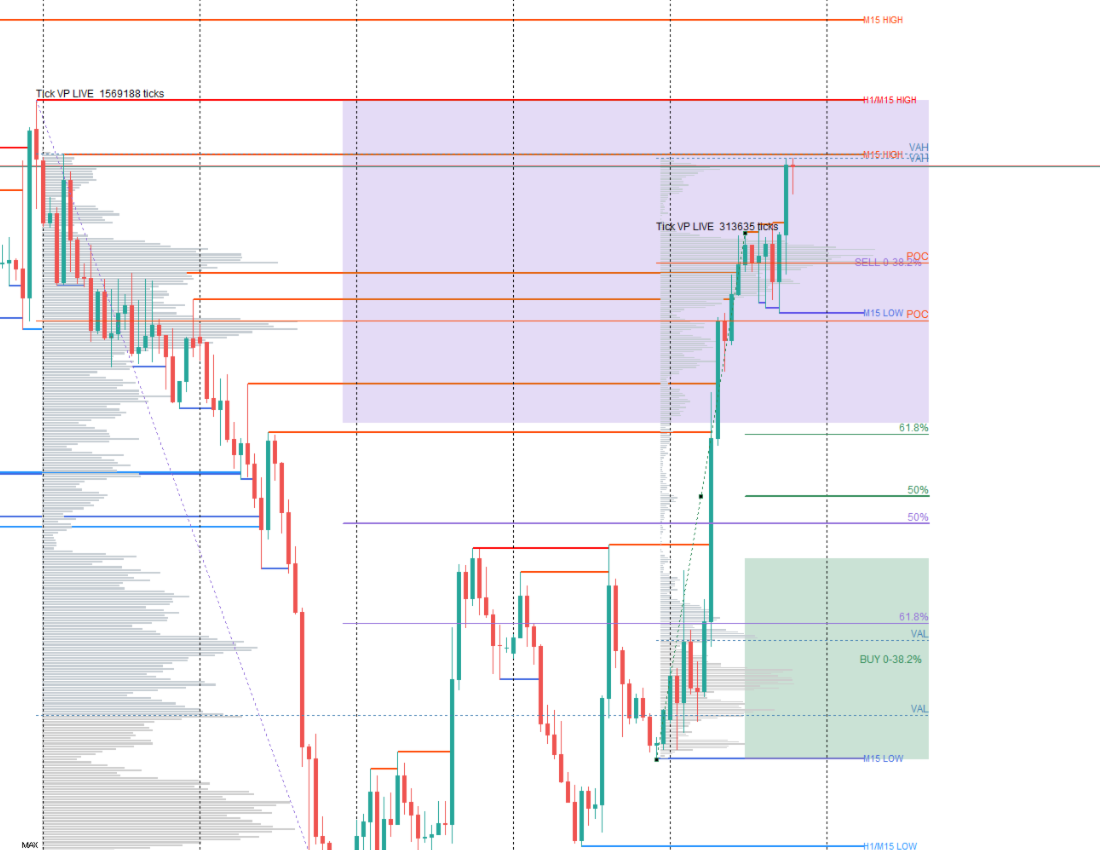
The indicator displays Fibonacci reversal zones, including BUY and SELL areas, together with the 50% and 61.8% reference levels.
Multiple grids can be used simultaneously for analyzing different market movements.
Volume Profile
Analyze the distribution of broker-provided tick volume across price levels within a selected range.
The profile displays:
-
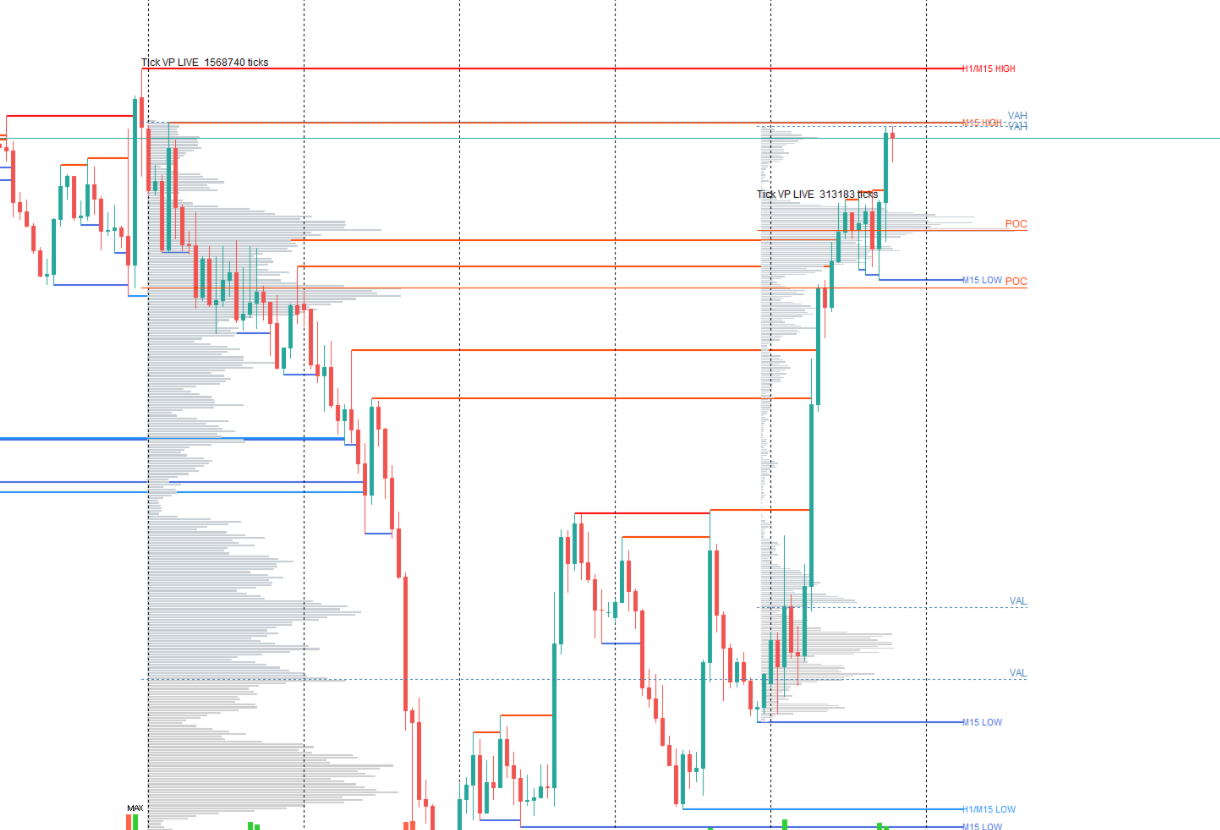
POC (Point of Control): the price level with the highest calculated volume.
-
VAH (Value Area High): the upper boundary of the Value Area.
-
VAL (Value Area Low): the lower boundary of the Value Area.
The Value Area percentage is configurable and defaults to 70%.
Two profile modes are available: FIXED, using a defined historical range, and LIVE, extending the analysis toward the latest available market data.
For longer historical intervals, the indicator can use M1 Approx, an approximate profile based on M1 candle tick-volume data rather than individual historical ticks.
Volume Histogram
A shared volume histogram displays candle tick volumes directly on the main price chart, with separate colors for bullish and bearish candles.
Flexible Chart Controls
The integrated control panel provides quick access to timeframe visibility, new Fibonacci grids, grid selection, profiles, volume display and structural levels.
The LEVELS ON/OFF control hides structural HIGH/LOW lines without removing Fibonacci grids or Volume Profiles.
Disabling a timeframe hides its associated objects while preserving their settings.
Save and Restore
Grid positions, visibility settings and other supported indicator states are saved and restored after restarting MetaTrader 5.
How to Use
Attach AAS Trading Suite to a MetaTrader 5 price chart and enable the required structural timeframes.
Use the NEW button to create a Fibonacci grid by selecting its start and end points. The Fibonacci display, Volume Profile and volume histogram are enabled for new grids by default.
Use the control panel to adjust individual grid visibility, switch between FIXED and LIVE profile modes, or hide structural levels when you want a cleaner chart for trade monitoring.
Important Information
AAS Trading Suite uses price history and volume data supplied by your broker. Volume Profile calculations are based on tick volume, not centralized exchange-traded volume.
The M1 Approx mode is an approximation derived from M1 candle data. Historical data availability and the MetaTrader 5 Max bars in chart setting can affect calculations.
Interactive functions that require mouse clicks may not be available during non-interactive Strategy Tester demonstrations.
AAS Trading Suite is a technical analysis tool. It does not automatically execute trades or guarantee trading results.