Session Ranges
- Göstergeler
-
Anna Makwana
 MetaTrader tools and indicators that measure the odds on your own chart: how often levels were reached, how far days and sessions usually run, and what followed past signals. Every figure comes from the symbol’s own price history and uses closed bars only, so nothing repaints. Questions are welcome
 - Sürüm: 1.0
How big is a normal Asia, London or New York session on this symbol, and how does today's compare? Session Ranges answers from the symbol's own history: the typical and big size of each session, today's size so far as a multiple of normal, and a box around every session of the last days, tinted quiet, normal or big. Free, clear, and checked against a separate implementation.
What it does
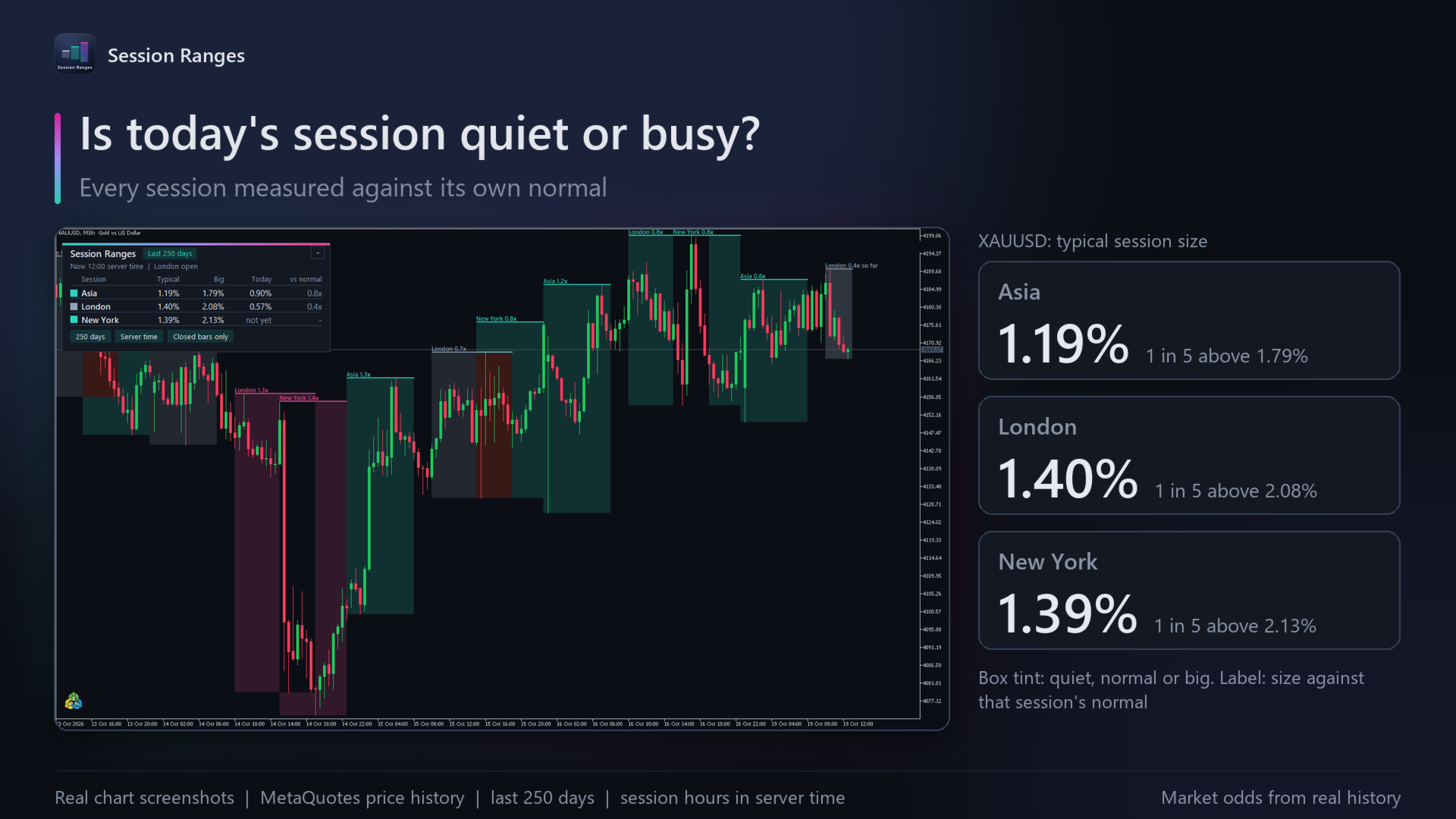
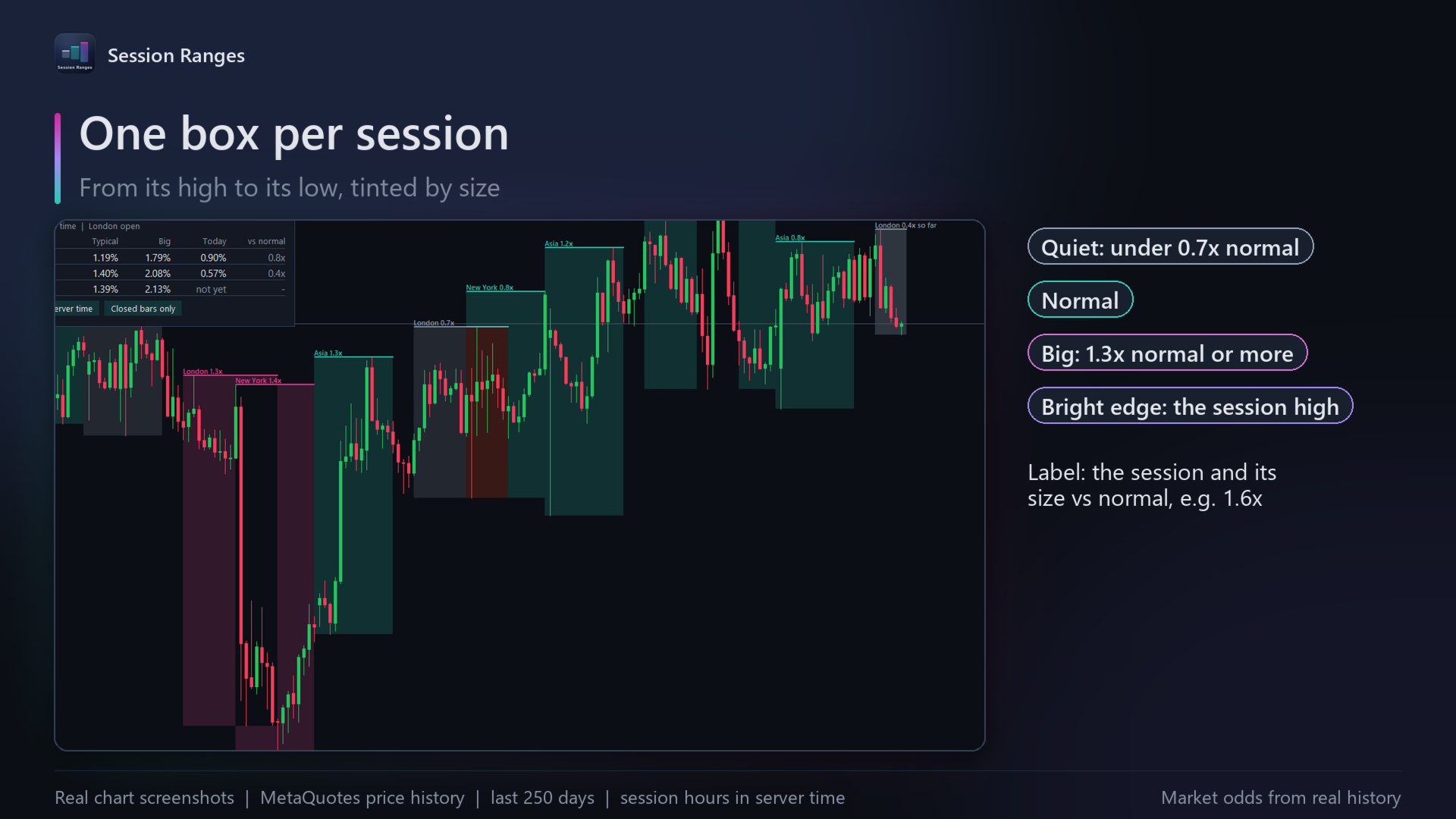
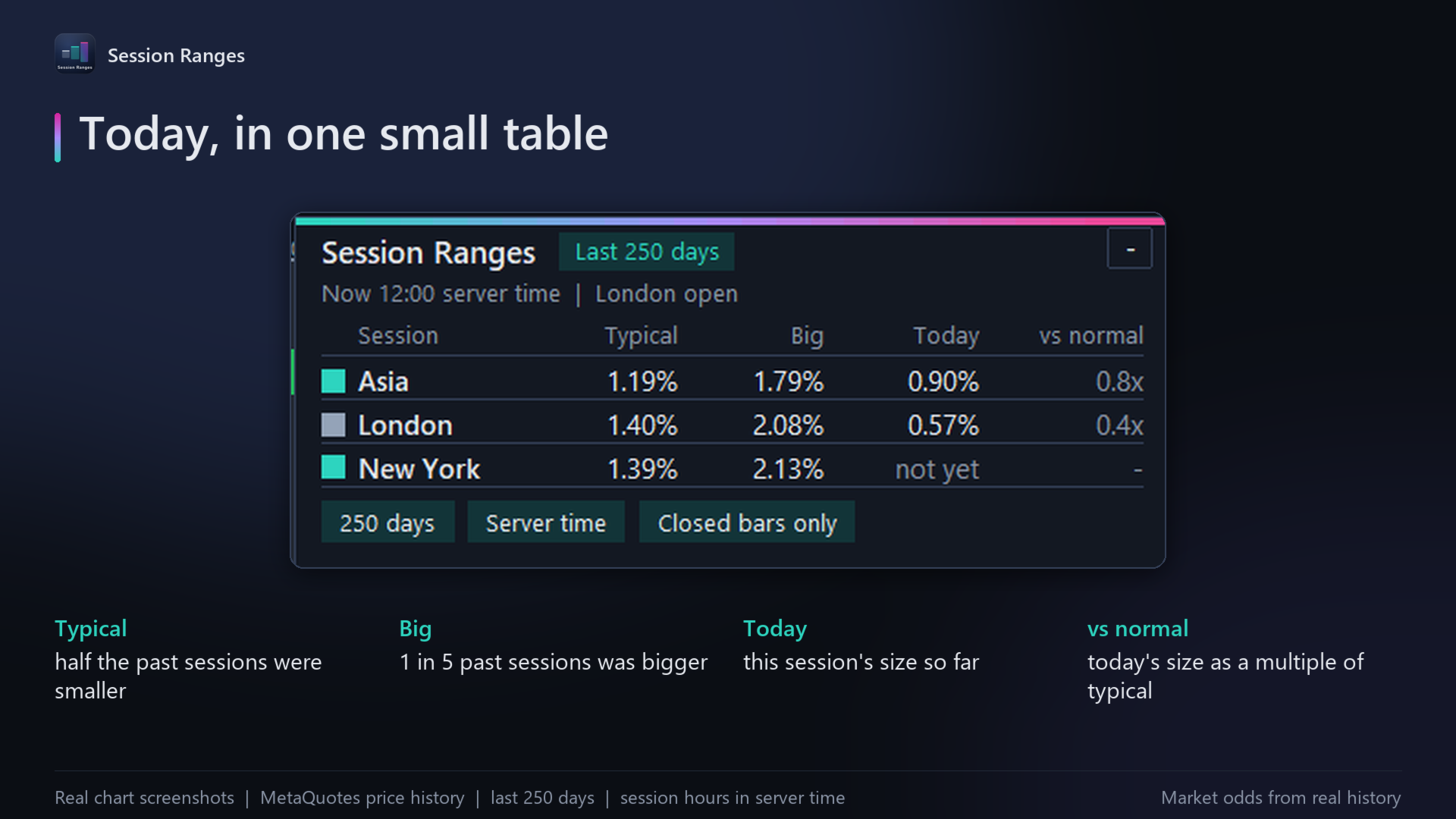
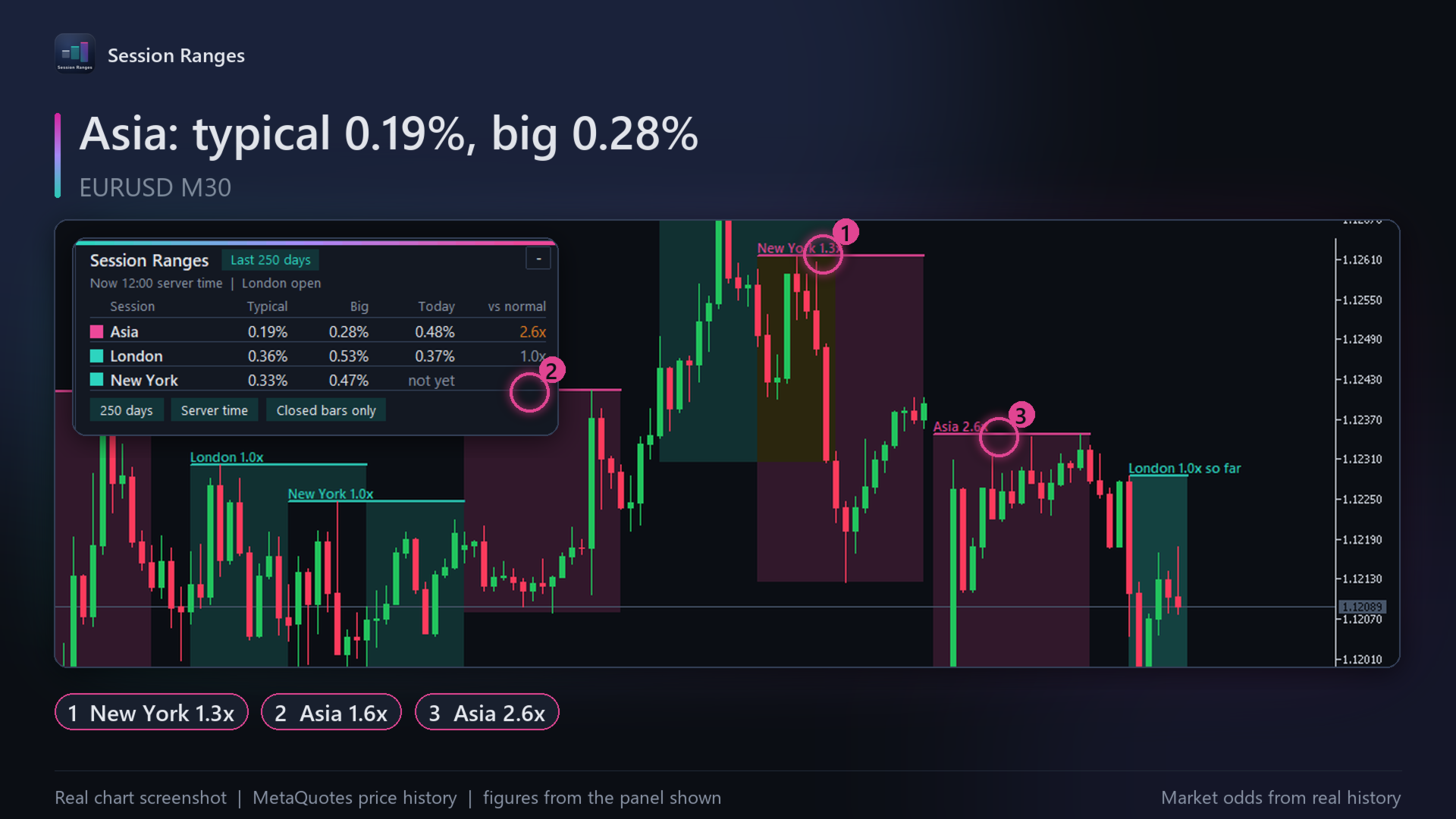
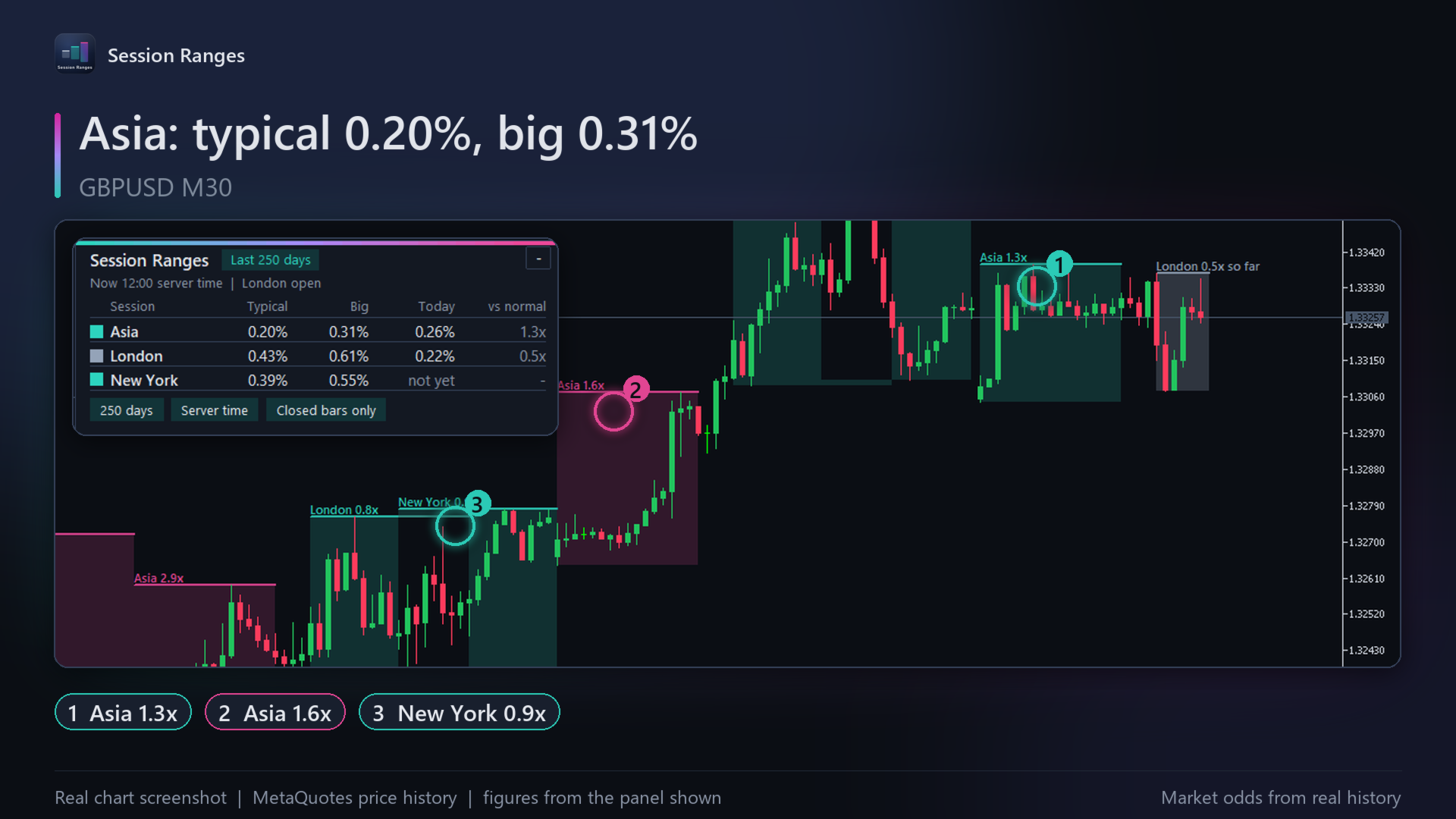
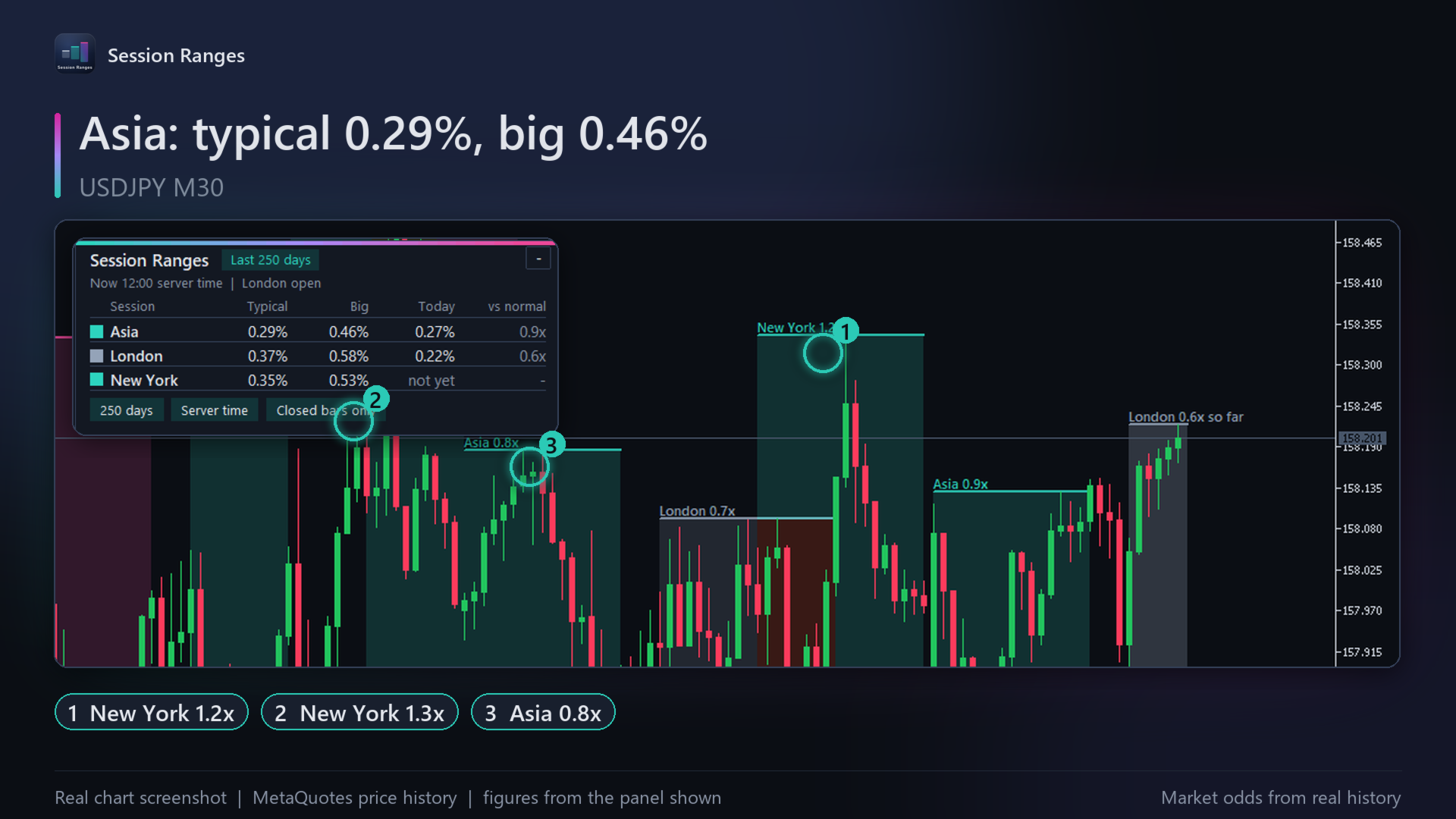
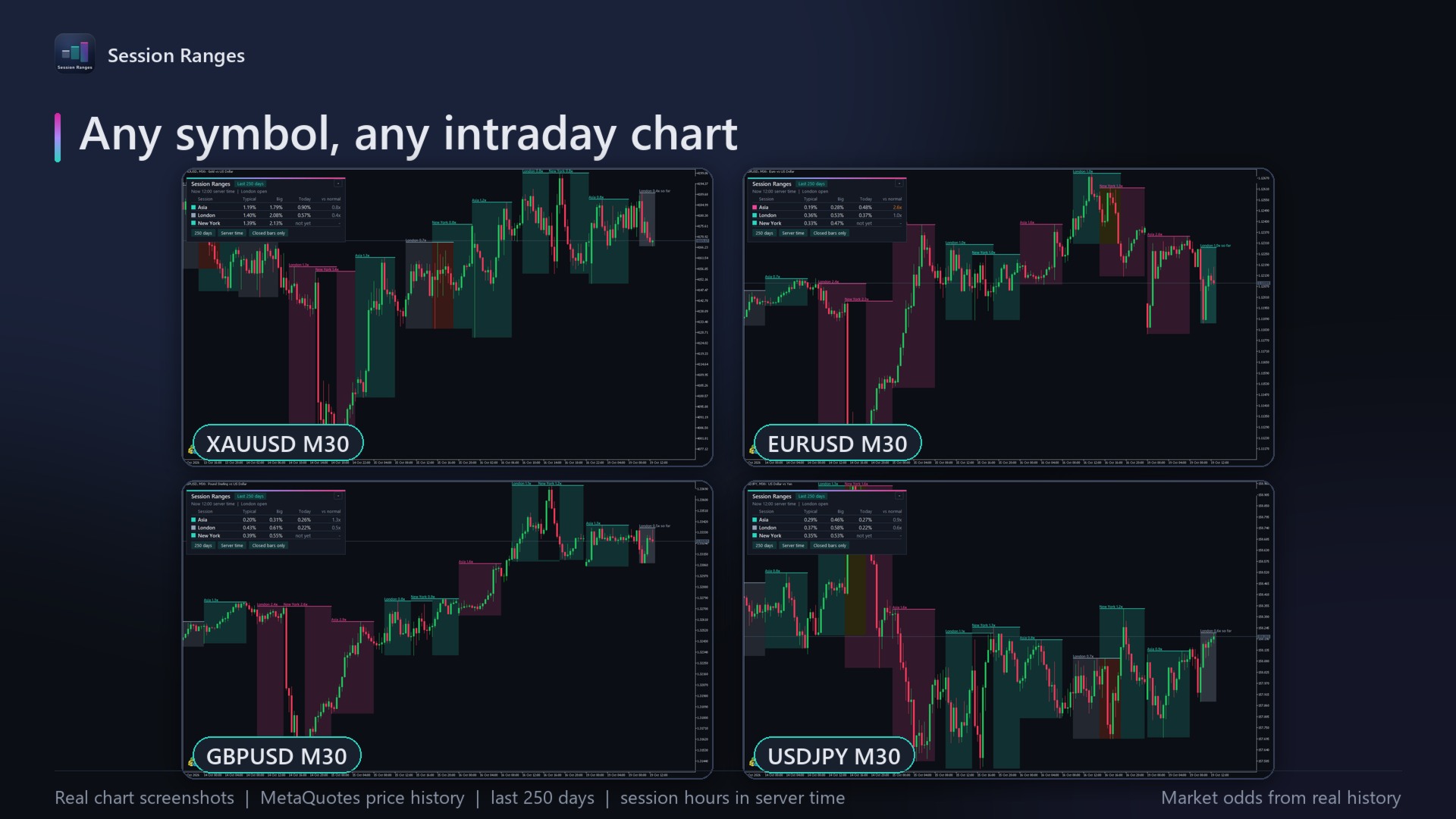
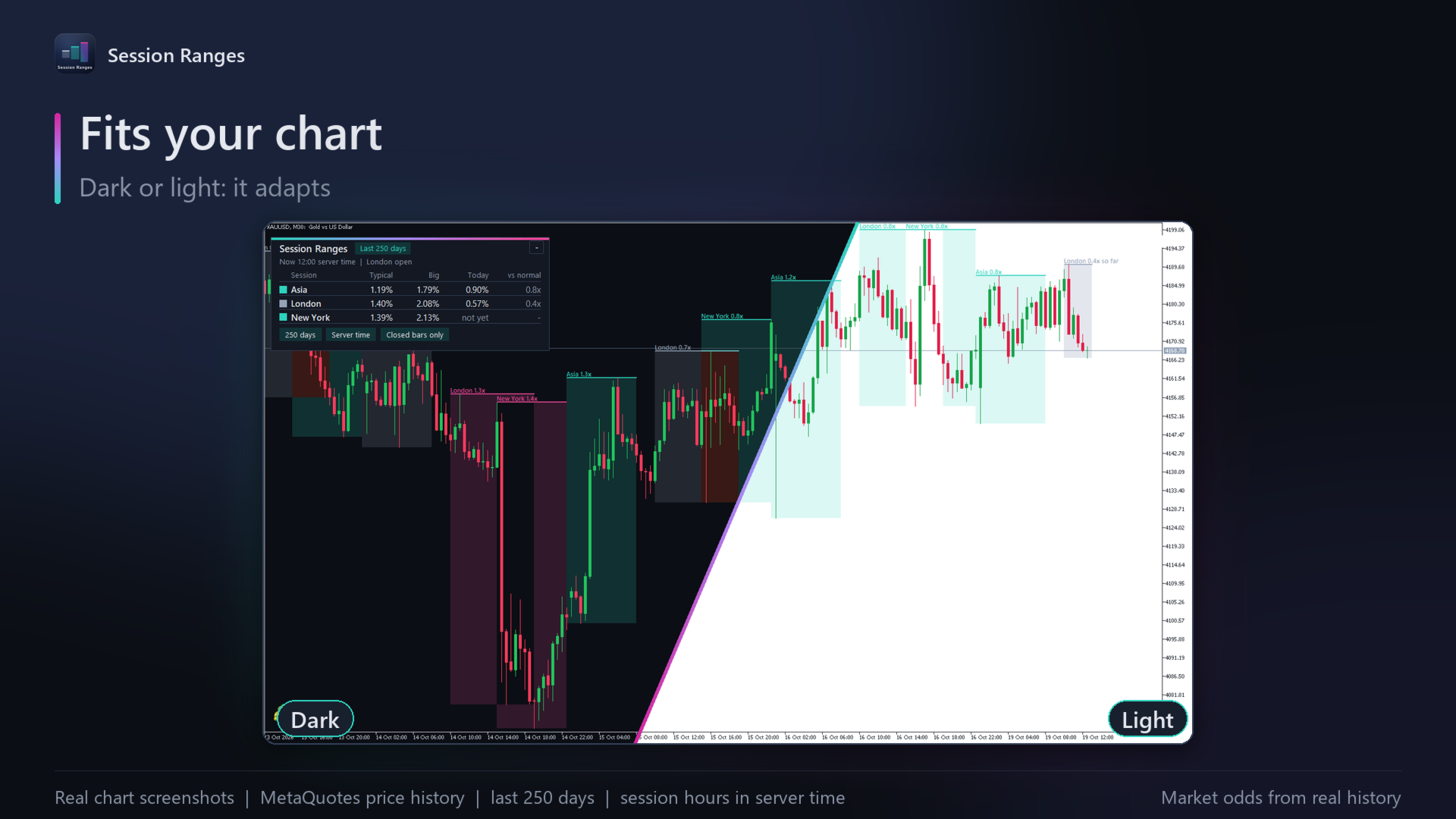
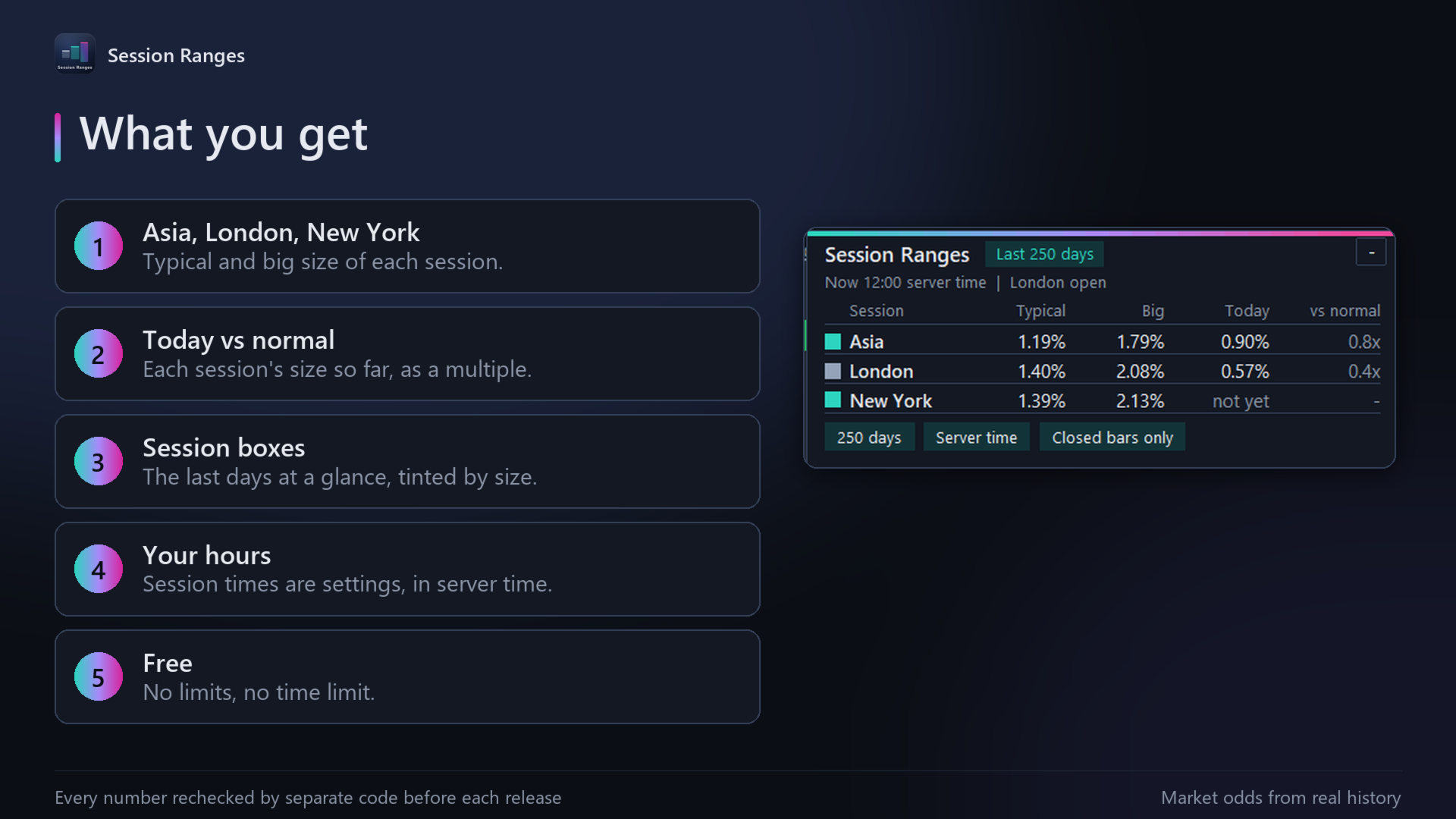
Session Ranges draws a box around each Asia, London and New York session on the recent days, from the session's high to its low. Each box is tinted by its size against that session's normal: quiet (under 0.7x), normal, or big (1.3x or more), and labelled with its multiple, for example "London 1.6x". The panel shows each session's typical size and big size (1 in 5 sessions is bigger), today's size so far, and how it compares with normal.
How it works
Session sizes come from this symbol's own hourly history, using only closed bars, and are measured as a percentage of price, so calm and busy years compare fairly. Session hours are settings, on your broker's server time by default or on New York, London, Tokyo or UTC time, each with its own daylight saving, so the sessions stay on the market's hours through the clock changes. It works on charts from M1 to H1. It is light on your computer: the history is processed once per closed hour, and each tick only updates today's figures.
How it was tested
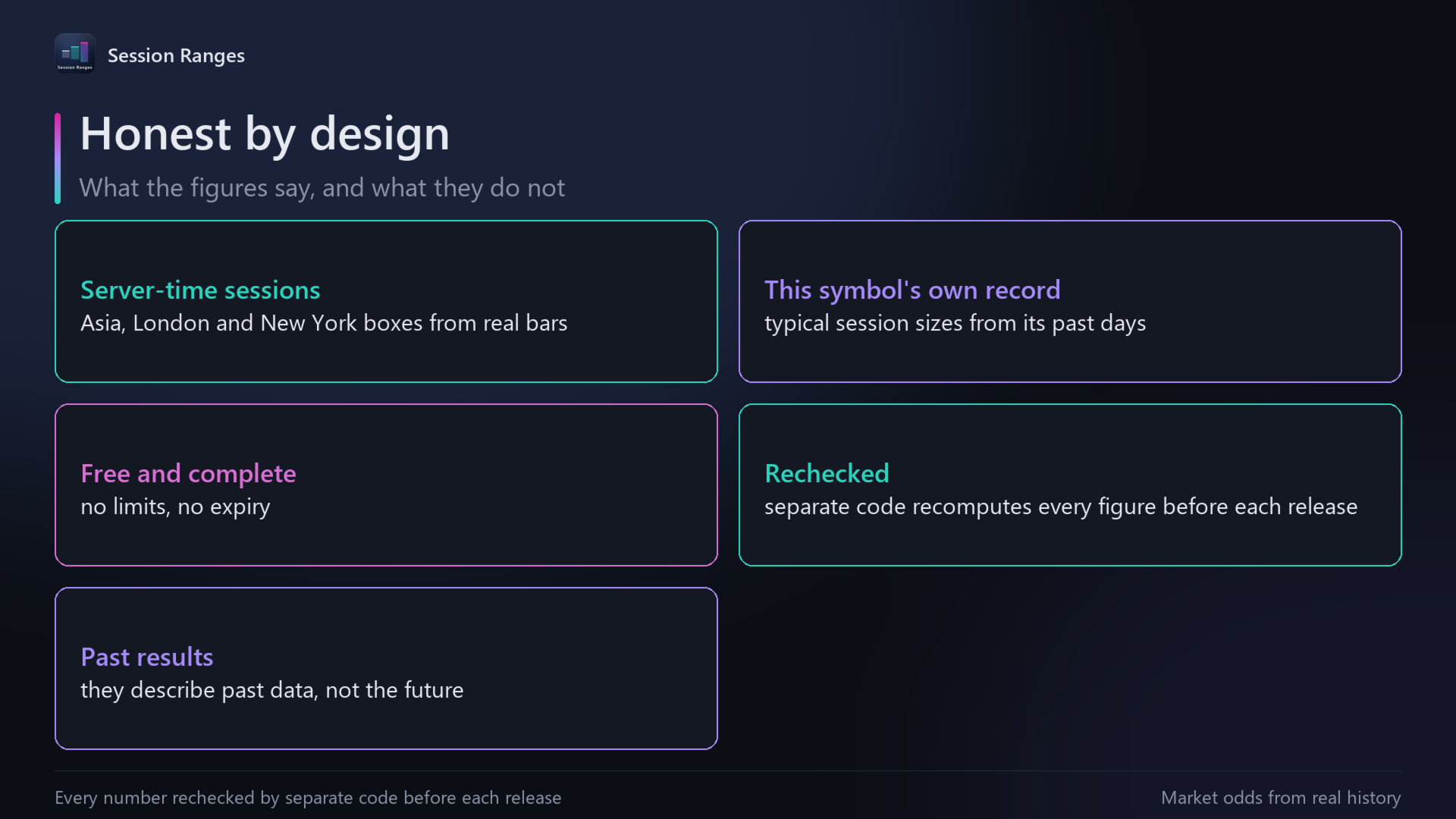
Every figure (typical and big size, sample size, today's size, high, low and multiple) is recomputed by a separate implementation from the same broker data, at many past hours on gold and EURUSD, and both agree to the last decimal.
Results and risks
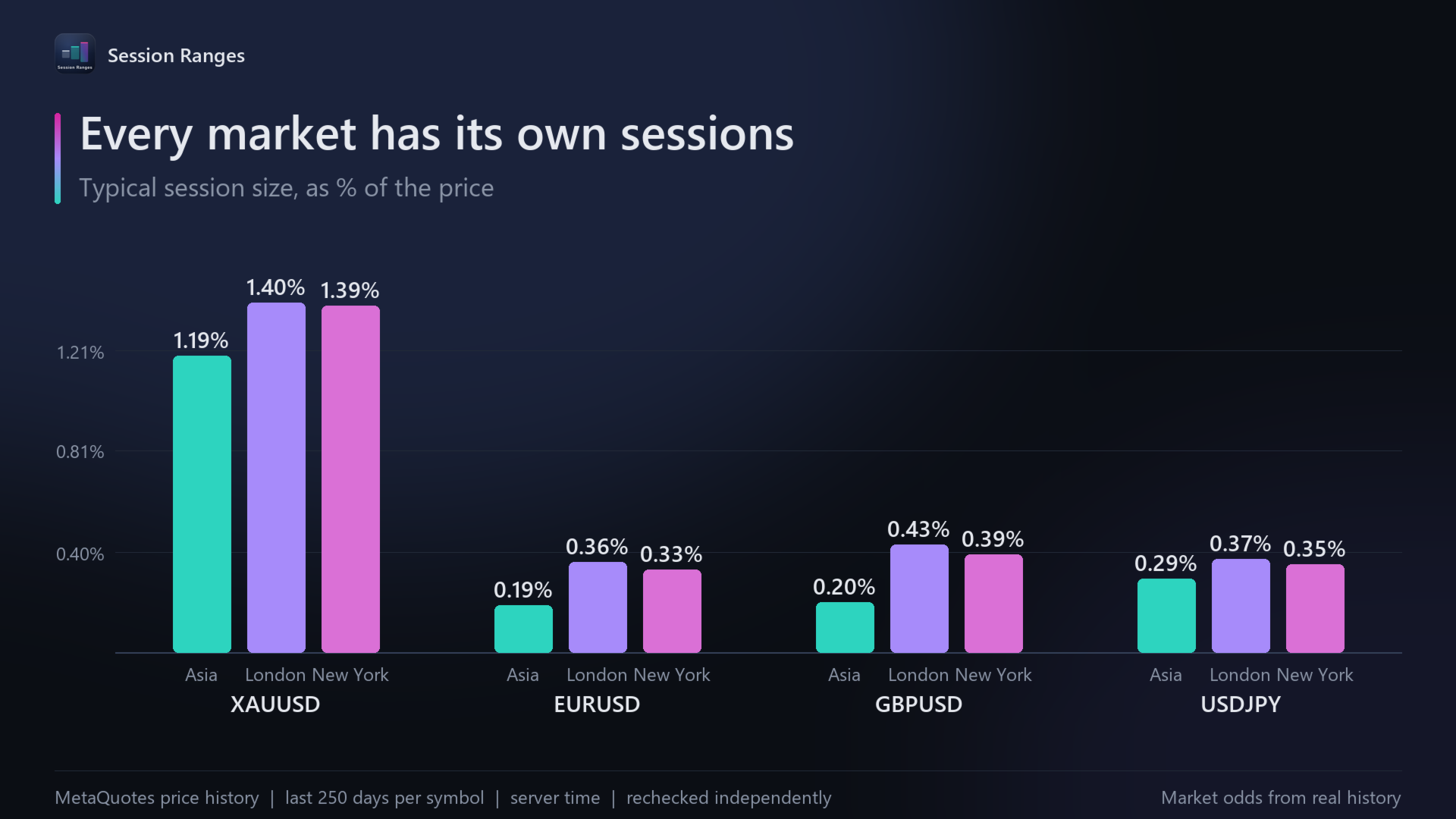
On gold (XAUUSD, MetaQuotes hourly price history, the last 250 days to October 2026), a typical Asia session (00:00 to 08:00 server time) covered 1.19% of the price, London (10:00 to 19:00) 1.40% and New York (15:00 to 24:00) 1.39%; 1 in 5 sessions was bigger than 1.79%, 2.08% and 2.13%. On EURUSD a typical London session (0.36%) was almost twice a typical Asia session (0.19%). These figures describe past sessions, not the future: any session can be bigger than usual, especially around important news.
Recommended use
Any symbol with at least a few months of hourly history: gold, indices, major currency pairs. Charts from M1 to H1; the boxes read clearly on M15 and M30. Typical uses: seeing at a glance whether today's session is quiet or busy for this market, and comparing sessions with each other.
Inputs
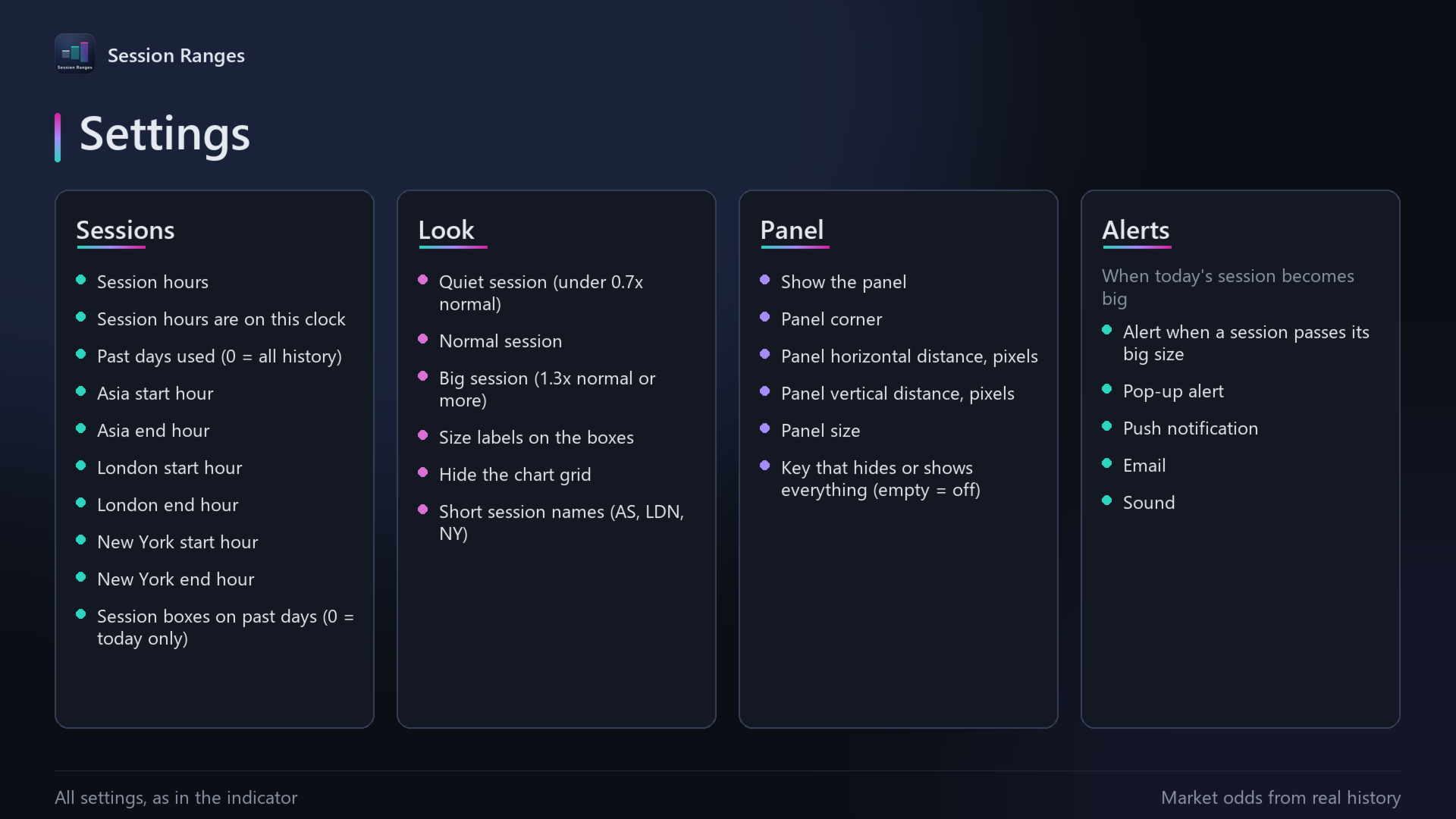
- Past days used: 250 by default; 0 uses all history.
- The clock for session hours: server time (default), New York, London, Tokyo or UTC; start and end hour of the Asia, London and New York sessions (default 0 to 8, 10 to 19, 15 to 24).
- Session hours: your own hours (default) or killzones: 20 to 24, 2 to 5 and 7 to 10 New York time, on days that start at 17:00 New York.
- Session boxes on past days: 5 by default; 0 shows today only.
- Colours of quiet, normal and big sessions; size labels on the boxes on or off; short session names (AS, LDN, NY).
- Panel: show or hide, any chart corner, distance from the edges in pixels, and size (small, normal, large). One key (H by default) hides or shows everything the indicator draws.
- Alerts: when today's session becomes big (1 in 5 sessions); pop-up, push notification, email and sound, each on or off. Off by default.
- Hide the chart grid: on by default.
Risk notice
Trading forex, metals, indices and other leveraged products carries a high risk of loss. Session Ranges is an analysis tool: it does not give investment advice or trading recommendations, and it does not guarantee any result. All figures describe past data, and past behaviour does not guarantee future behaviour. You are responsible for your own trading decisions.
Support
Questions? Message me through MQL5 chat.
A full guide with pictures: https://www.mql5.com/en/blogs/post/778034